 ZEG
ZEG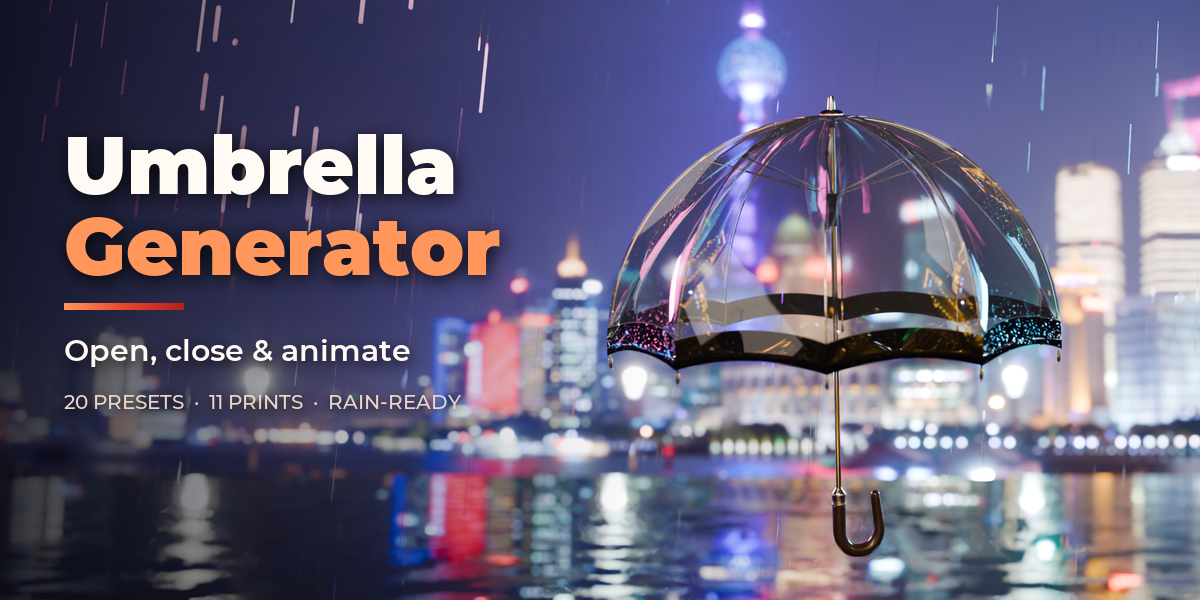

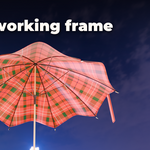
Installation
In Blender open Edit, Preferences, Get Extensions, then use Install from Disk and pick the umbrella_generator zip.
Usage
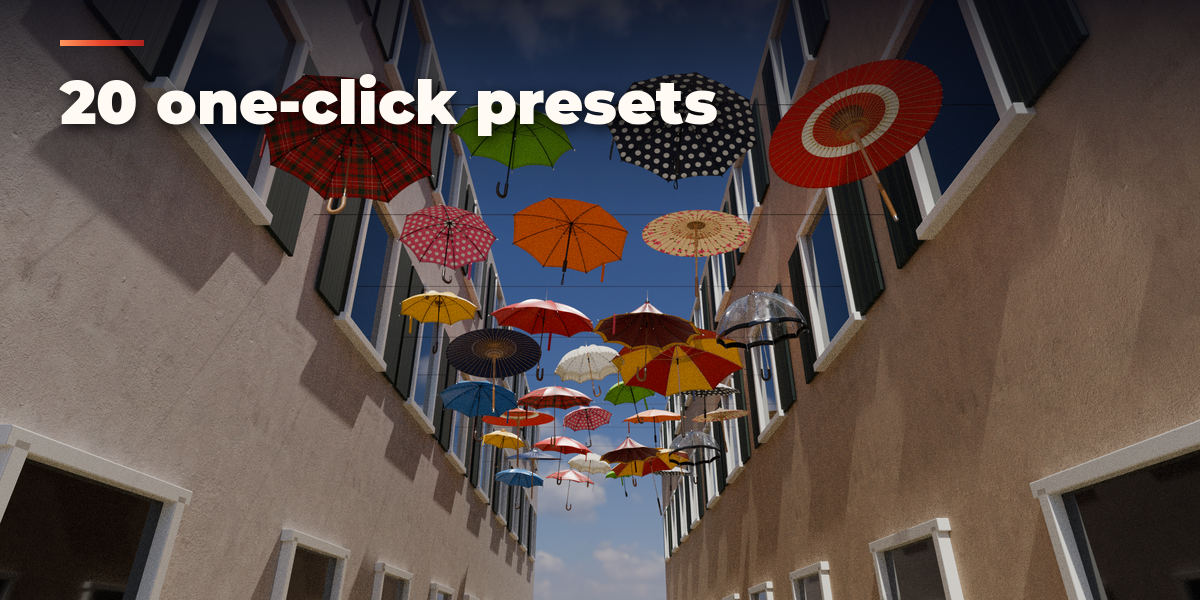
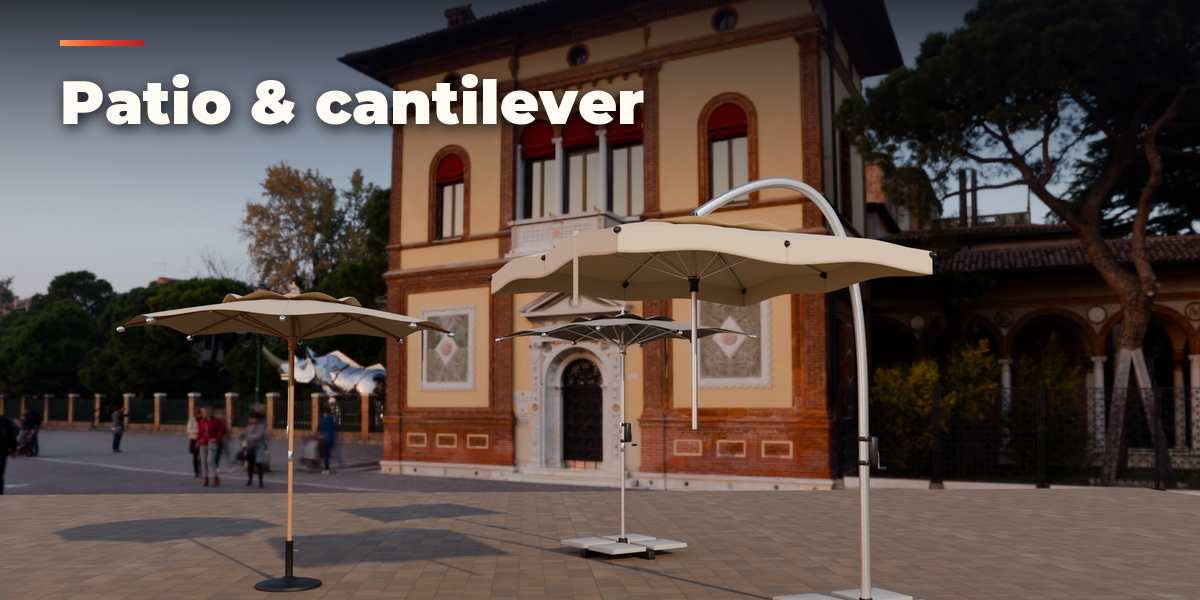
- Open the Umbrella tab in the 3D viewport sidebar (N). Click the picture to choose a preset and press Add to place the umbrella at the 3D cursor. You can also use Shift+A, Umbrella.
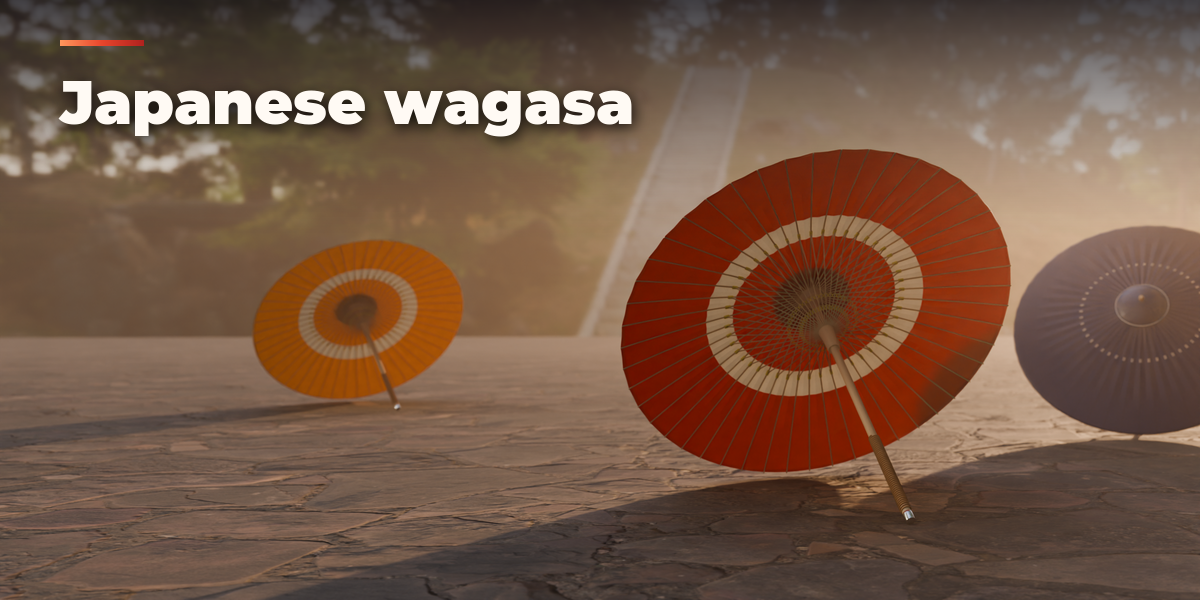
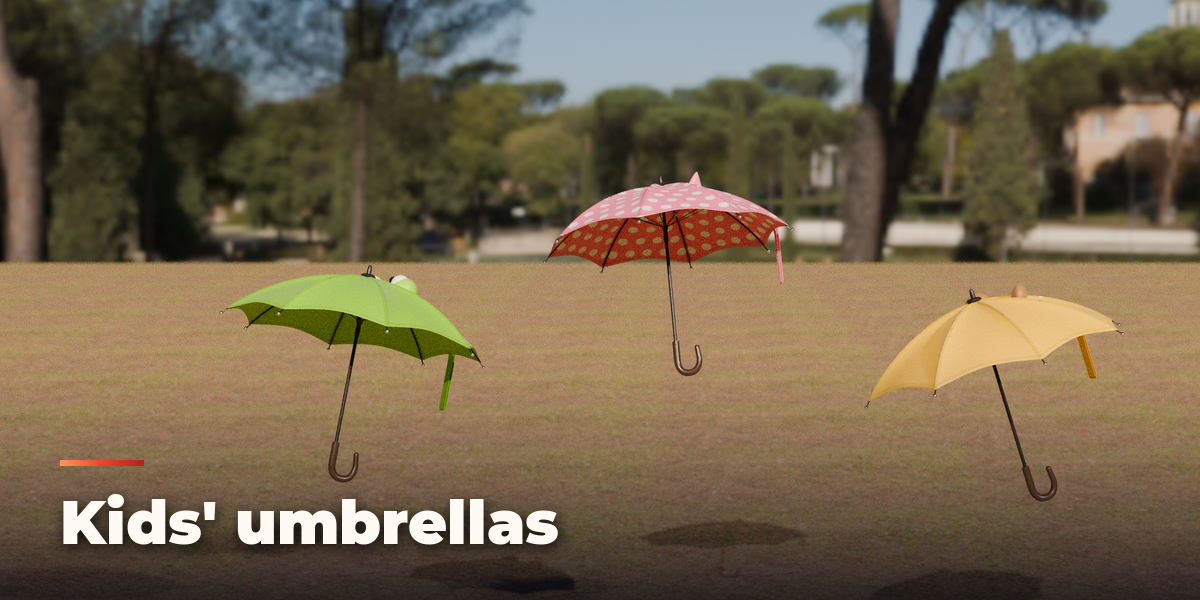
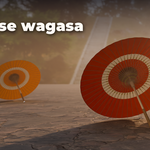
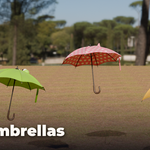
- With an umbrella selected, the picture applies another preset to it. Randomize makes a new umbrella of the same kind; Surprise Me picks any kind. The Kind menu switches between the twelve kinds of umbrella.
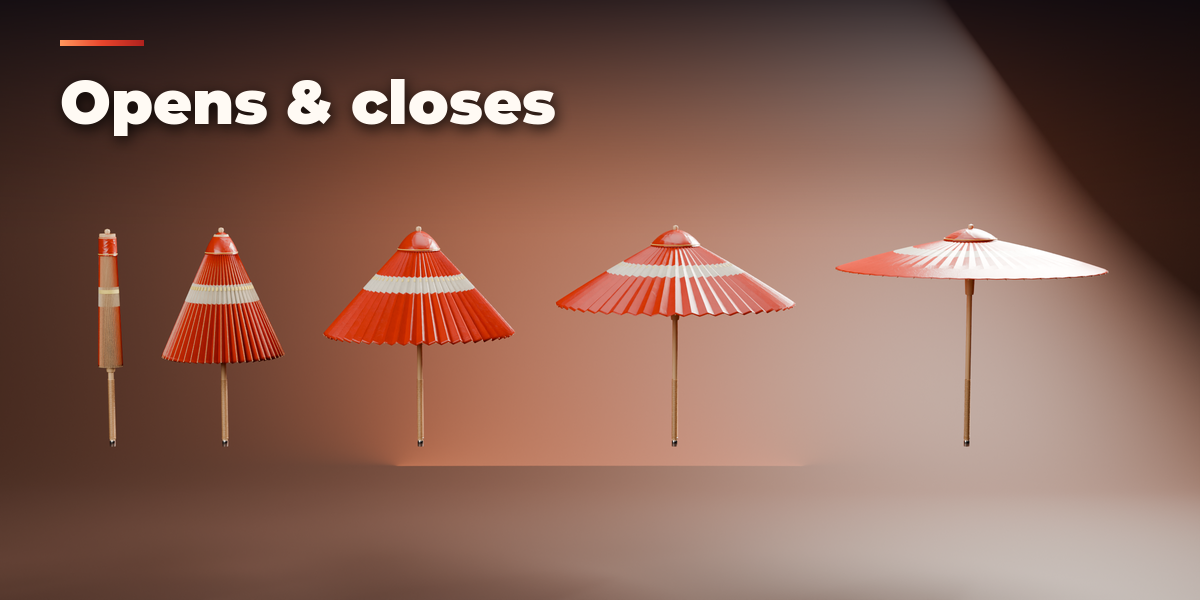
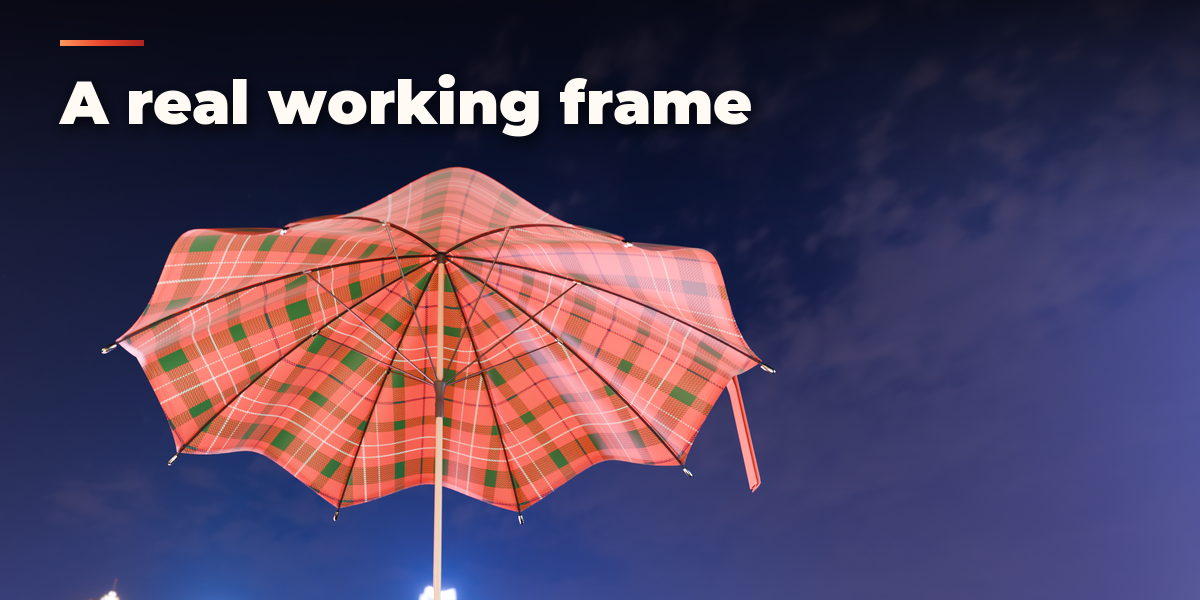
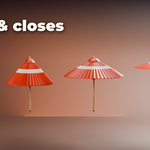
- Drag Openness, or press Closed, Half or Open, to open and close the umbrella. The frame moves like the real mechanism and the canopy folds and wraps round the closed bundle.
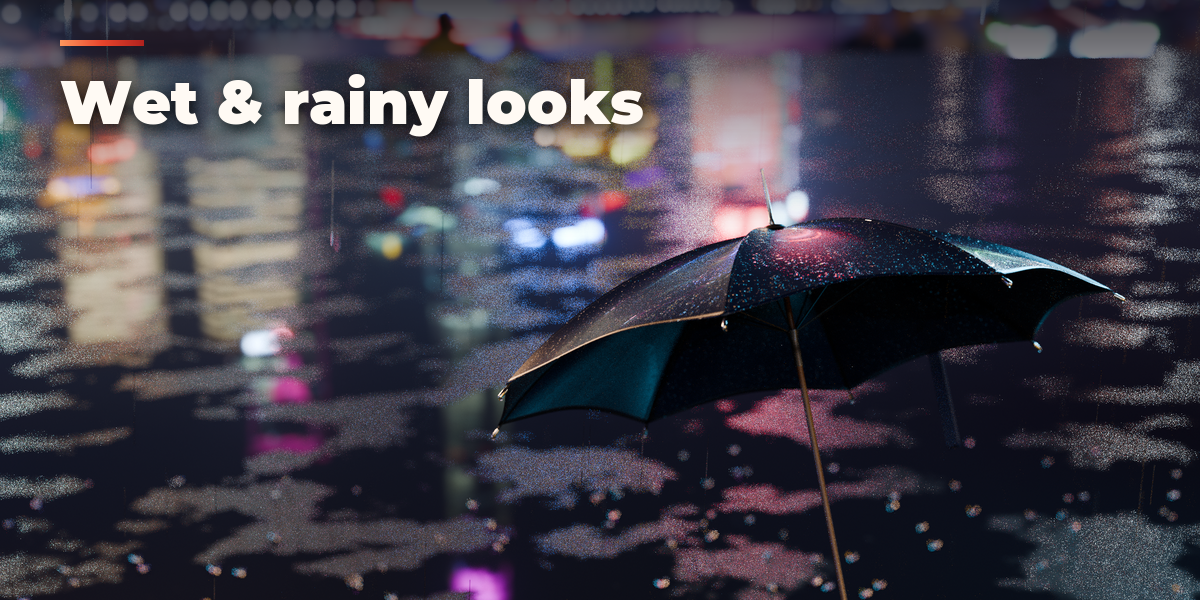
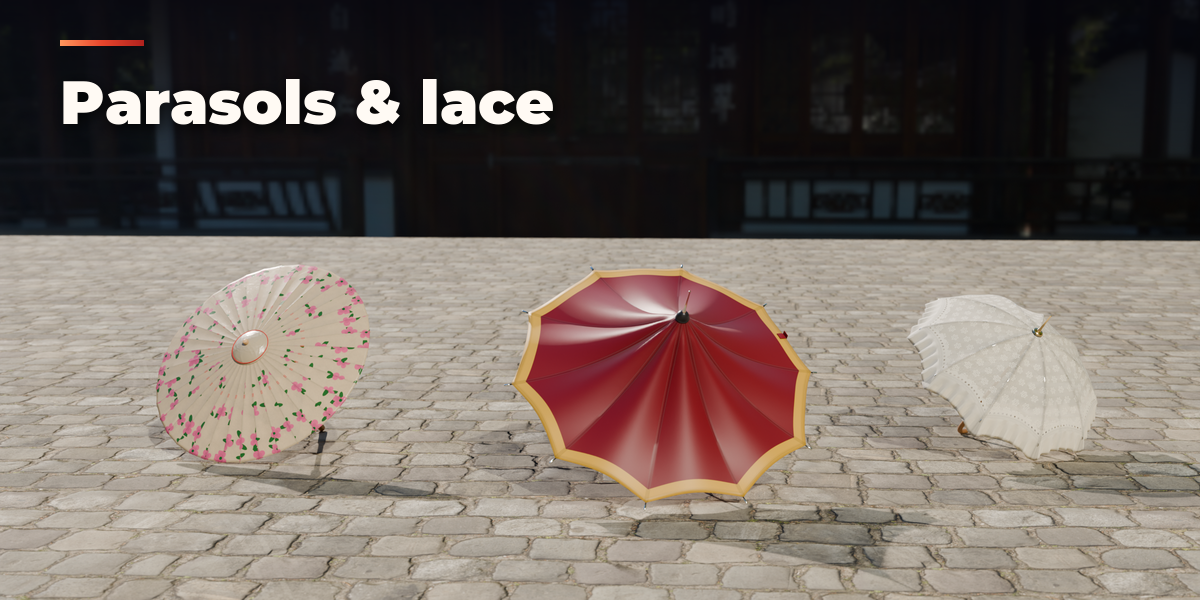
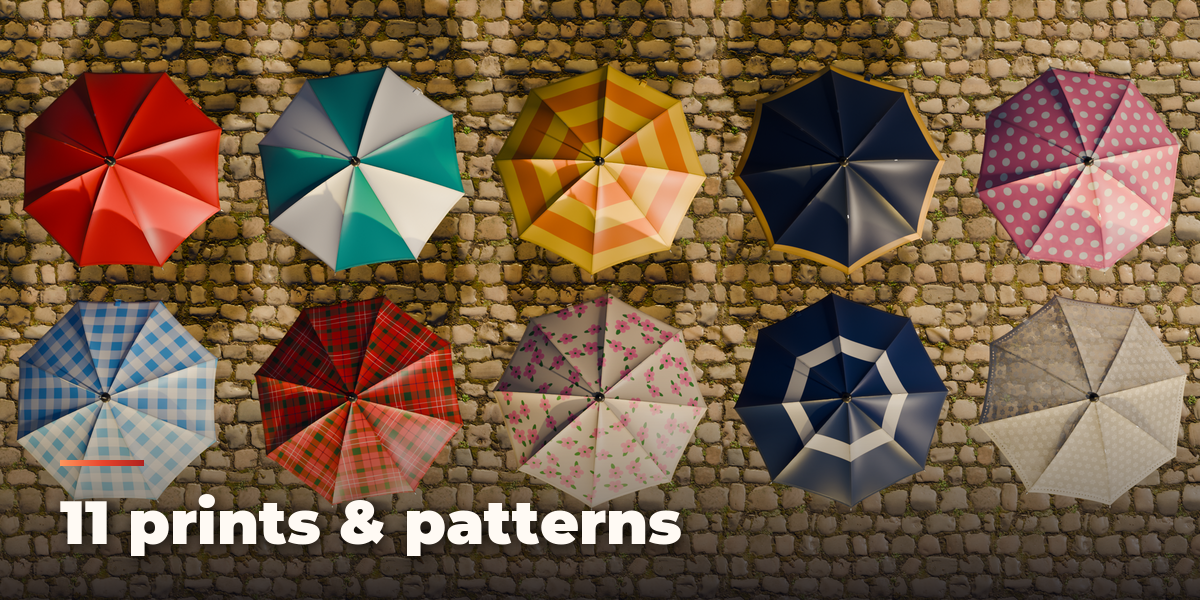
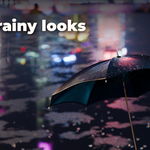
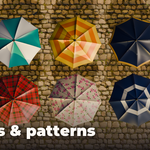
- Print & Fabric picks the print from thumbnails, its colors, the fabric and the rain wetness. The Image print maps any picture you load onto the canopy, tiled or once per panel.
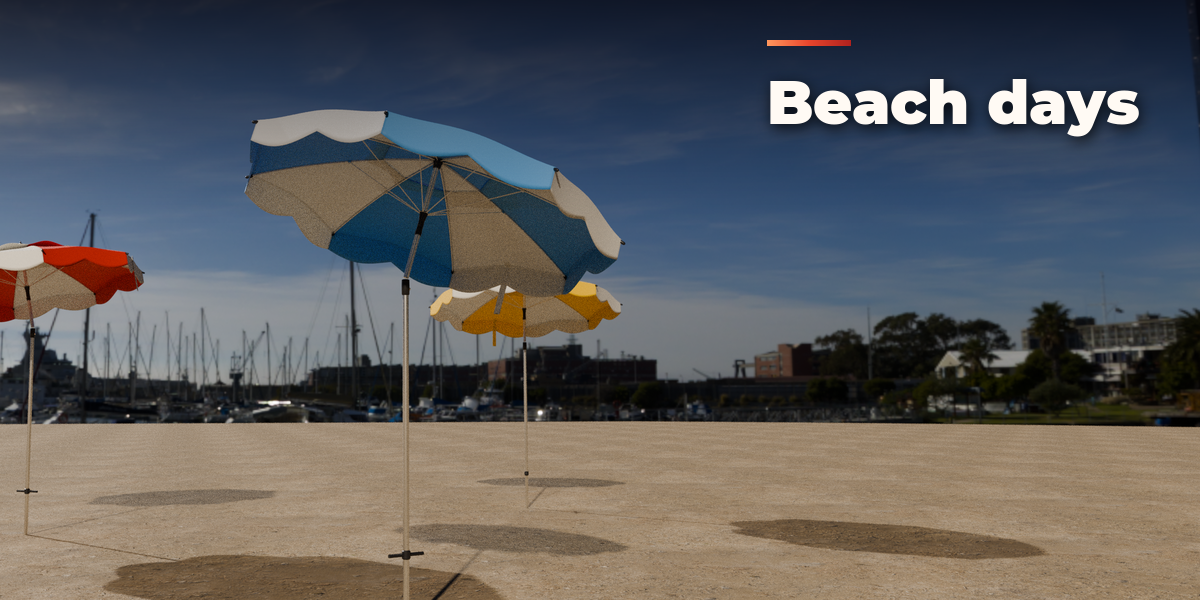
- Canopy Shape, Frame & Handle, Stand & Tilt, Animation and Seed & Output hold the finer settings: span, ribs, depth, dome, panel tension, hem curve, square canopy, vent, valance, ruffle, ears, handle style and material, shaft and rib finish, top, strap, height, tilt, base and crank.
- Animation: choose Open, Close or Open & Close, the start frame and length, and press Keyframe Open / Close. It turns on Animate, which stores every openness step as a shape key driven by Openness, so you can also keyframe Openness yourself.
Every umbrella is built in meters at real-world size. Materials are Principled BSDF with image textures, so the meshes export to game engines; Make Static turns an umbrella into plain objects for export or hand editing.
Have questions about this product?
Login to message
| Blender Extension Compatible | Yes |
| Published | about 20 hours ago |
| Blender Version | 4.2 - 5.2 |
| Extension Type | Add-on |
| Render Engine Used | Cycles, Eevee |
| License | GPL |

Discover more products like this
game ready beach-umbrella procedural animation parasol patio-umbrella Generator props PBR wagasa rain umbrella