Undo History
 alexdepario
in Interface

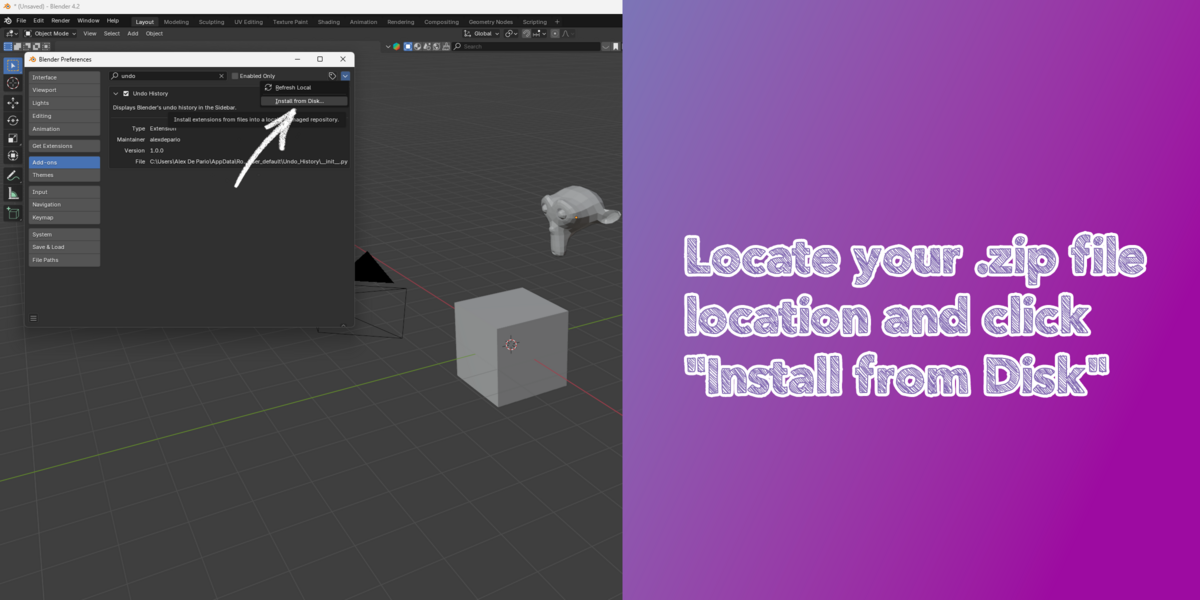
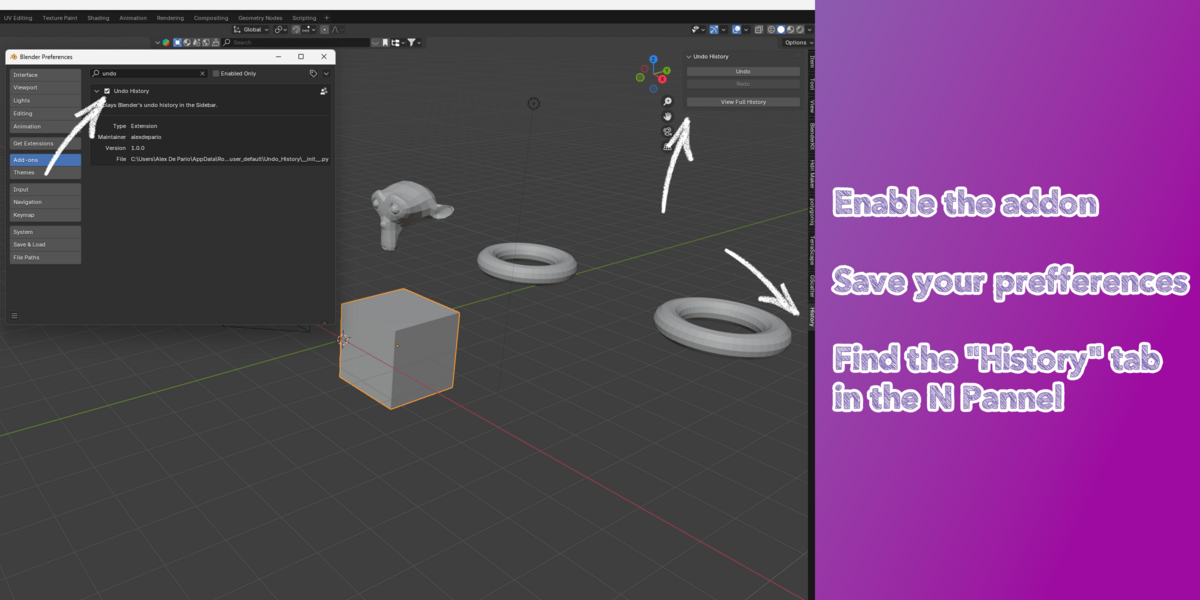
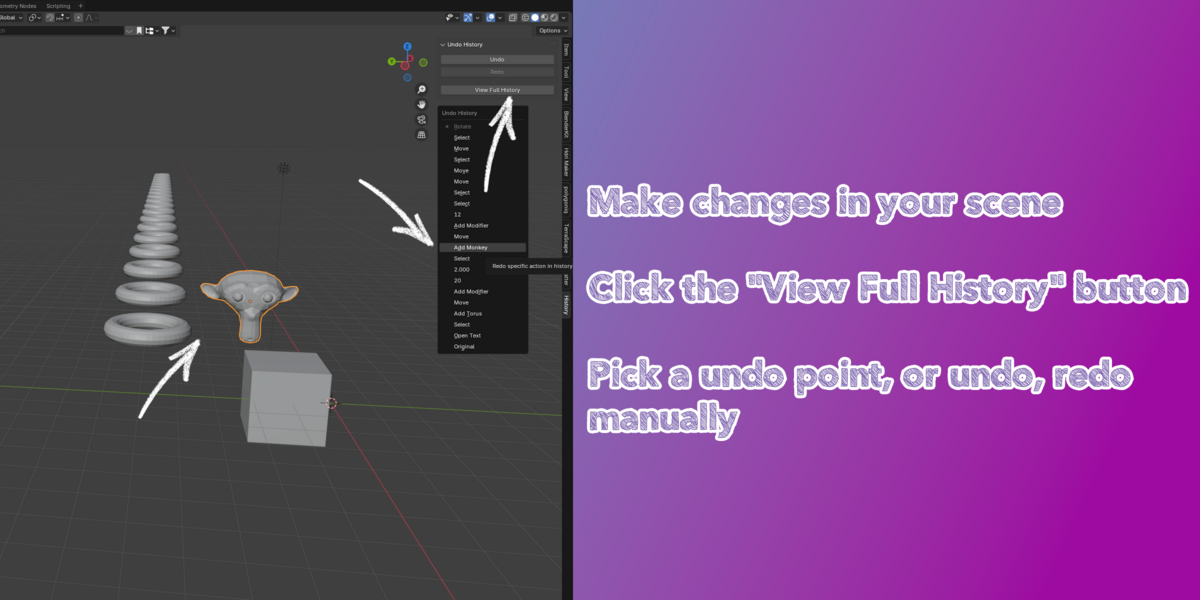



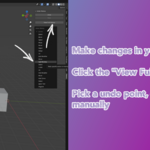

How does Undo History improve on Blender's default Undo (Ctrl + Z)?
Instead of pressing Ctrl + Z repeatedly and guessing where a change occurred, Undo History gives you visual clarity over your recorded actions so you can inspect your history stack and revert directly to the exact state you want.
Is Undo History compatible with Blender 4.2 and newer versions?
Yes. The package includes a blender_manifest.toml extension manifest, making it natively compatible with Blender 4.2+ extension workflows.
Do I need to extract Undo_History.zip before installing it?
No. Keep Undo_History.zip compressed—Blender installs directly from the .zip archive.
Where do I find the Undo History panel inside Blender?
Open the 3D Viewport, press N to open the Sidebar (N-Panel), and select the Undo History tab.
Have questions about this product?
Login to message
| Blender Extension Compatible | Yes |
| Sales | 20+ |
| Published | almost 2 years ago |
| Blender Version | 4.3, 4.2, 4.1, 4.0, 3.6, 3.5, 3.4, 3.3, 3.2, 3.1, 3.0 |
| Extension Type | Add-on |
| License | GPL |

alexdepario