 Bala
Bala



Undo Plus
Pan · Orbit · Zoom · Viewport Undo/Redo for Blender
Undo Plus lets you undo/redo viewport navigations while modeling. Instantly jump back to the exact position where you were working on specific faces, vertices, edges, or even different objects in complex scenes.
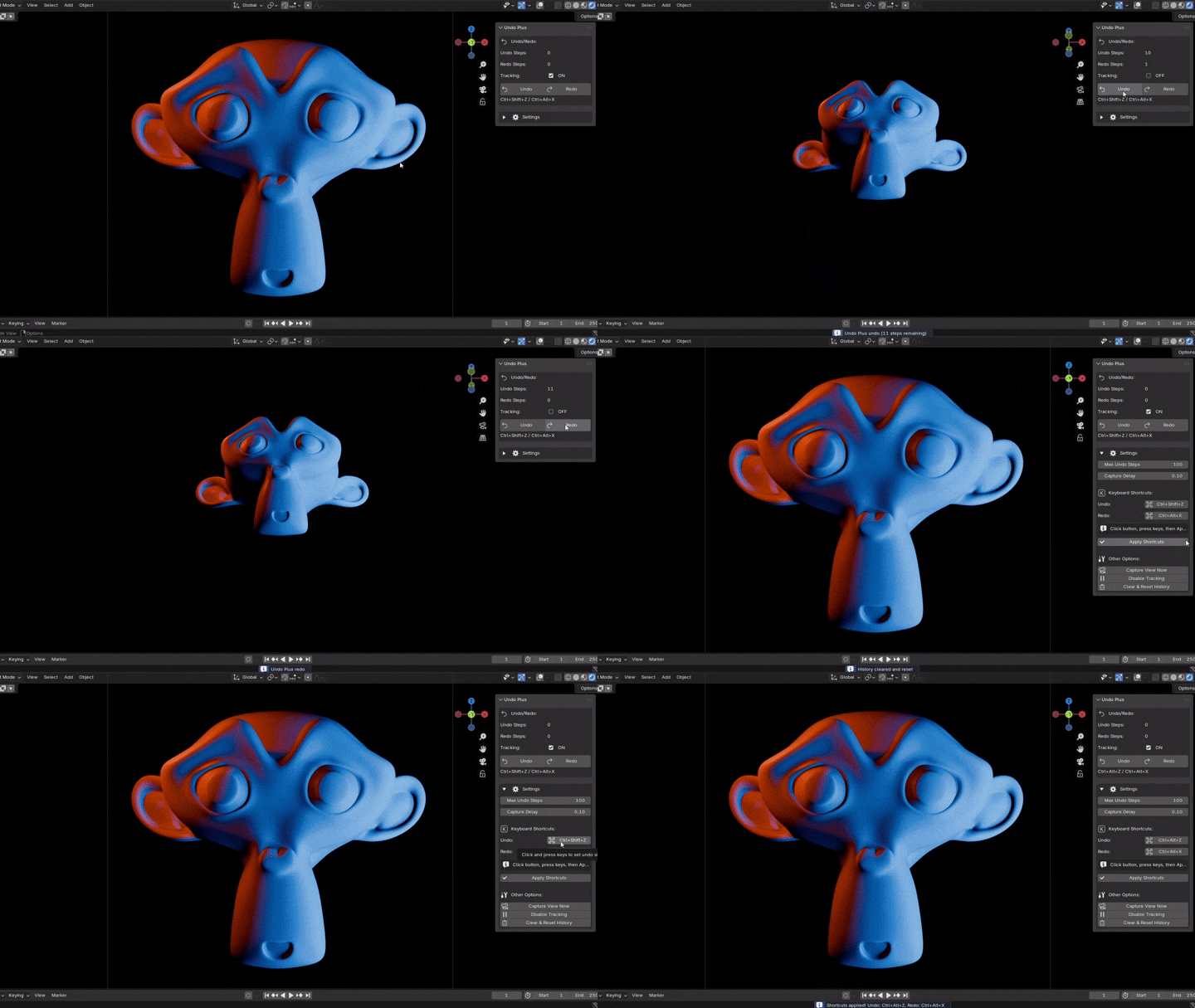
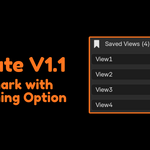
Update V1.1 now with Bookmark option
Features
1. Automatic Viewport Tracking
- Captures pan, rotate, and zoom movements
- Works completely in the background
- No manual bookmarking needed
2. Smart Capture Delay (0.4s)
- Waits until you STOP moving before saving position
- Prevents 100+ micro movements cluttering history
- One navigation gesture = one undo step
3. Instant Position Recovery
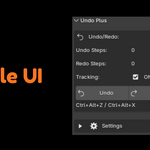
- Ctrl+Alt+Z → Jump to previous viewport position
- Ctrl+Alt+Shift+Z → Move forward through positions
- Get back to working angles instantly
4. Manual Capture
- Found perfect working angle? Hit "Capture View Now"
- Bookmark important viewport positions
- Return to them anytime during session
5. Configurable History
- Default: 100 undo steps
- Adjustable: 5 to 500 steps
- Enough for entire modeling sessions
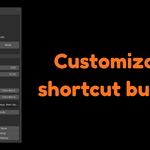
6. Customizable Shortcuts
- Default: Ctrl+Alt+Z / Ctrl+Alt+Shift+Z
- Set your own preferred key combinations
- Won't interfere with Blender's native shortcuts
Before vs After
| Without Undo Plus | With Undo Plus |
|---|---|
| Manually rotate back to position | Press Ctrl+Alt+Z |
| "Where was I working again?" | Instant position recovery |
| Hesitant to move viewport | Navigate freely |
| 30+ seconds repositioning | < 1 second return |
| Break in workflow | Seamless modeling flow |
Real World Use Cases
Scenario 1: Character Face Detail
- Modeling nose details in close up
- Rotate to check the profile view
- Press Ctrl+Alt+Z → Instantly back at nose detail angle
- Continue modeling without manual navigation
Scenario 2: Hard Surface Modeling
- Working on a specific edge loop
- Pan around to check topology flow
- Press Ctrl+Alt+Z → Back to exact edge loop position
- No time wasted repositioning
Scenario 3: Retopology Work
- Placing vertices on a specific face area
- Rotate to see reference from another angle
- Press Ctrl+Alt+Z → Return to working position
- Seamless workflow continuation
Scenario 4: UV Unwrapping
- Checking seams from specific viewport angle
- Move around to verify stretching
- Press Ctrl+Alt+Z → Back to seam editing position
- Efficient seam placement
Bottom Line
Stop wasting time trying to manually rotate back to your working position.
This addon is essential for anyone doing detailed modeling work in complex scenes. It's about workflow efficiency and maintaining your working position while navigating freely.
One keypress. Instant recovery. Keep modeling.