 Bala
Bala



Update V1.2.4: Cleaner Cutouts, All Quads
Updated October 2026. Cut & Wrap keeps getting better, and this update rebuilds how the cutout is made. Cut & Wrap Mini is updated too (V1.2.3).
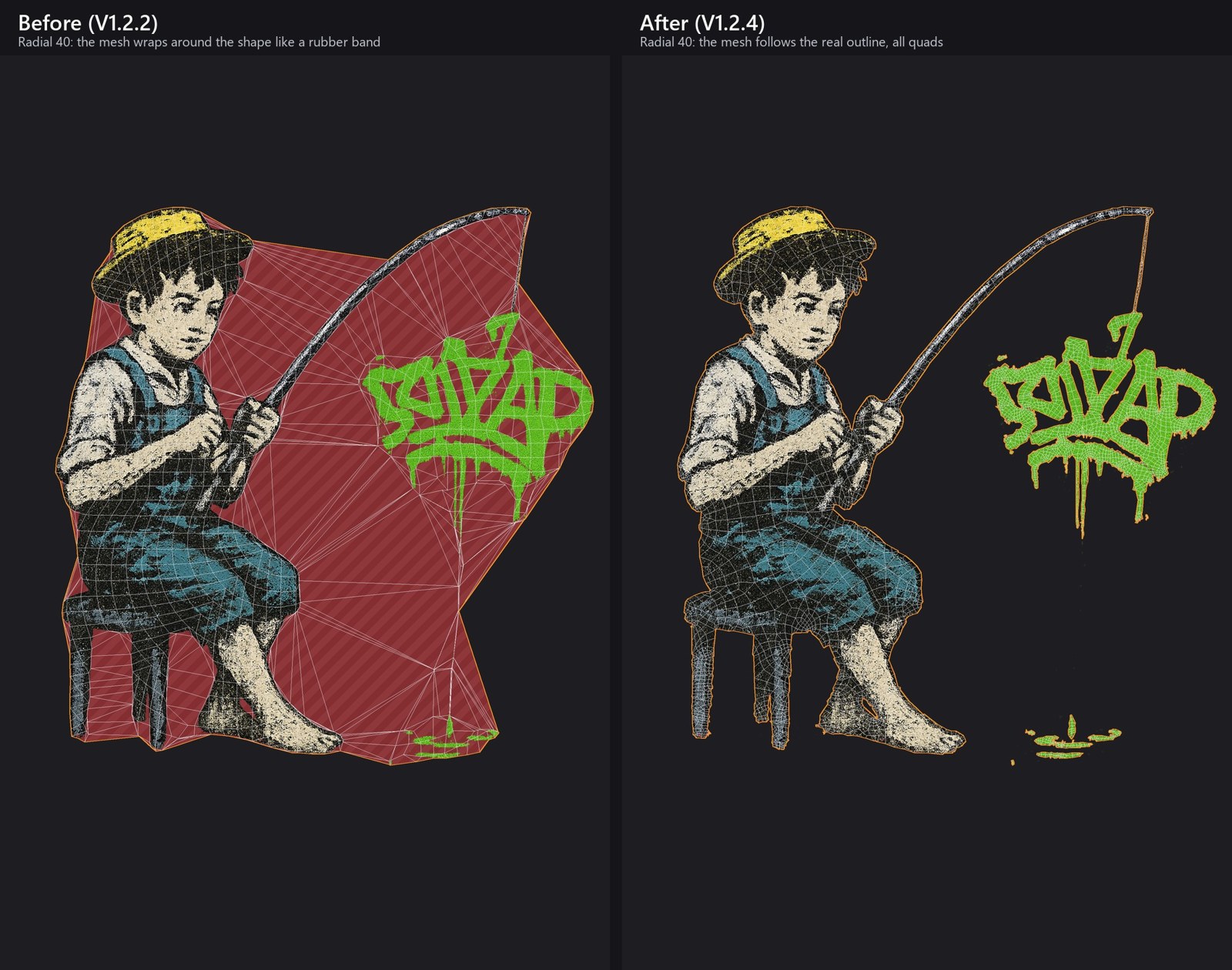
All Quads
Every face is a quad now, no triangles, so cutouts shrinkwrap and deform cleanly.
Outline Detail: Auto or High
A new option under Subdivisions. High keeps the edge exact even at low Subdivisions, so you get a light mesh with a perfect edge.
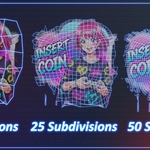
Subdivisions That Work
Low values give a light mesh and high values add detail, all the way up.
Clean Results on Busy Images
Spray dots and tiny specks no longer explode the mesh. Your real artwork is kept.
Much Faster
Most images now take well under a second.
Cut & Wrap and Mini Together
Both can be enabled at the same time without clashing.
Now a Blender Extension
Works on Blender 4.2 up to 5.2. Install and update it right inside Blender through Superhive.
Addon Review by Ryan King Art (YouTube)
Full Demo of the Addon V1.0
Cut & Wrap V1.1 Demo
Cut & Wrap v1.2 FeaturesThere is an Update to the Addon, V1.2 has now been Released, What's New
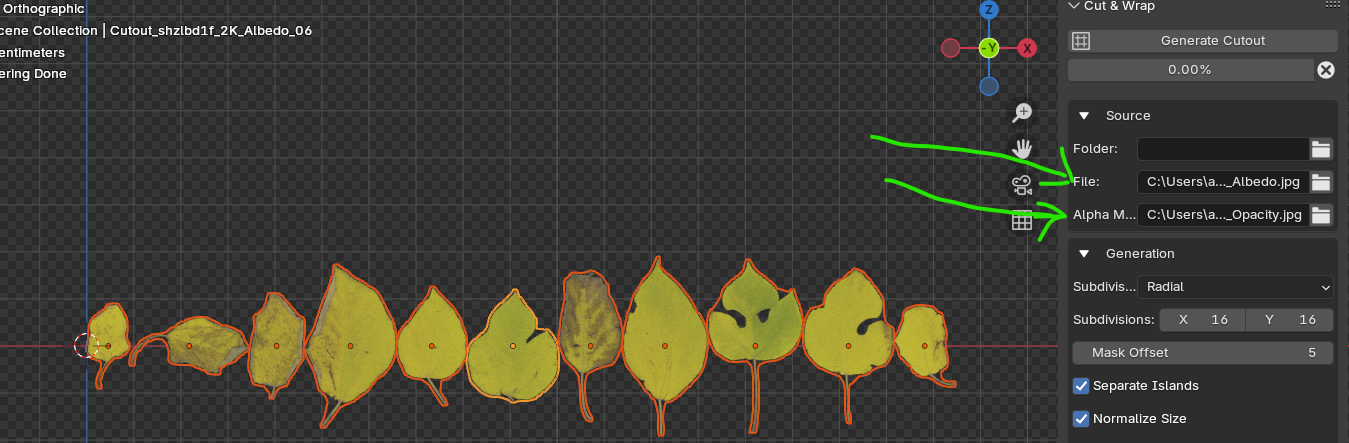
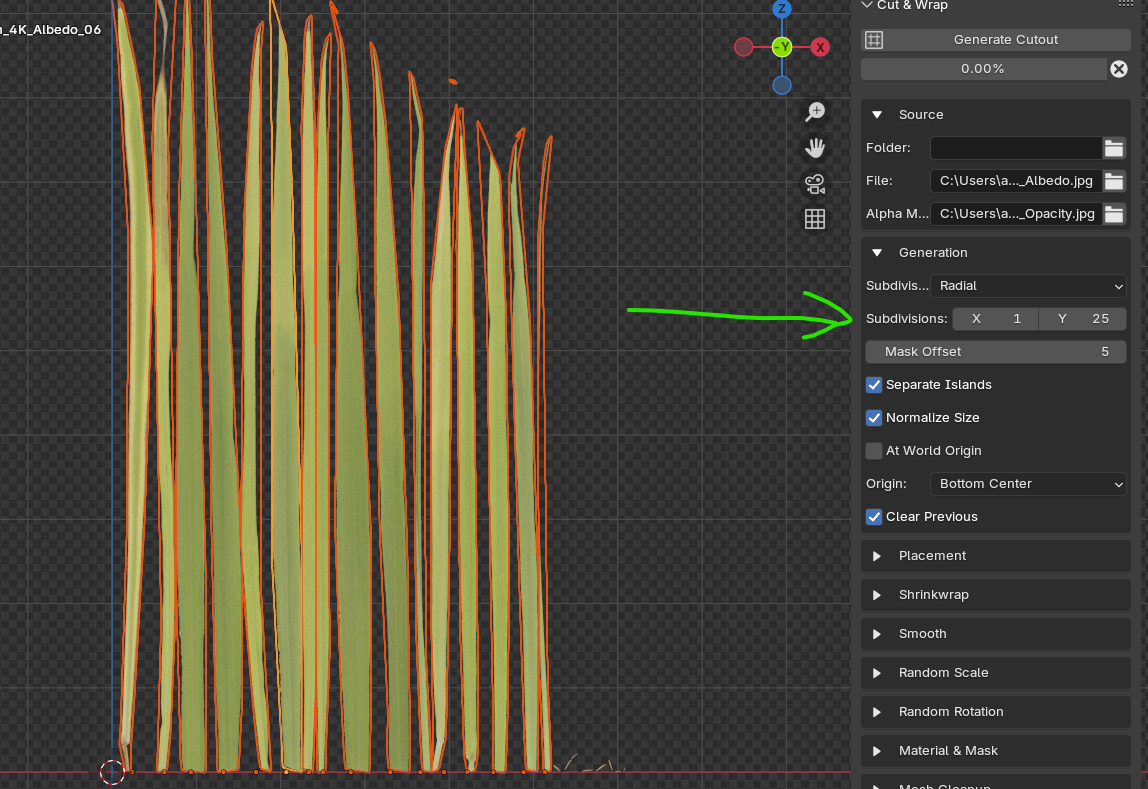
Cut & Wrap is an add-on I Created to turn any PNG—leaves, decals, logos, whatever—into a perfectly trimmed mesh with clean quad topology in just one click. What used to take hours of tedious hand-modeling can now be done instantly.
I was creating nature assets—plants, trees, and grasses—for the upcoming updates to Make Forest and Grovescape.
I felt frustrated by having to cut out leaves by hand—it took too much time and was boring
To make things easier, I created a tool that automates the entire cutout process, and make my life easier.
A single click and a few simple settings are all it takes.
I also added a shrink-wrap feature that conforms cutouts to almost any surface,
with more flexibility than Blender’s standard shrink-wrap.
Here’s the presentation of the addon.
Features
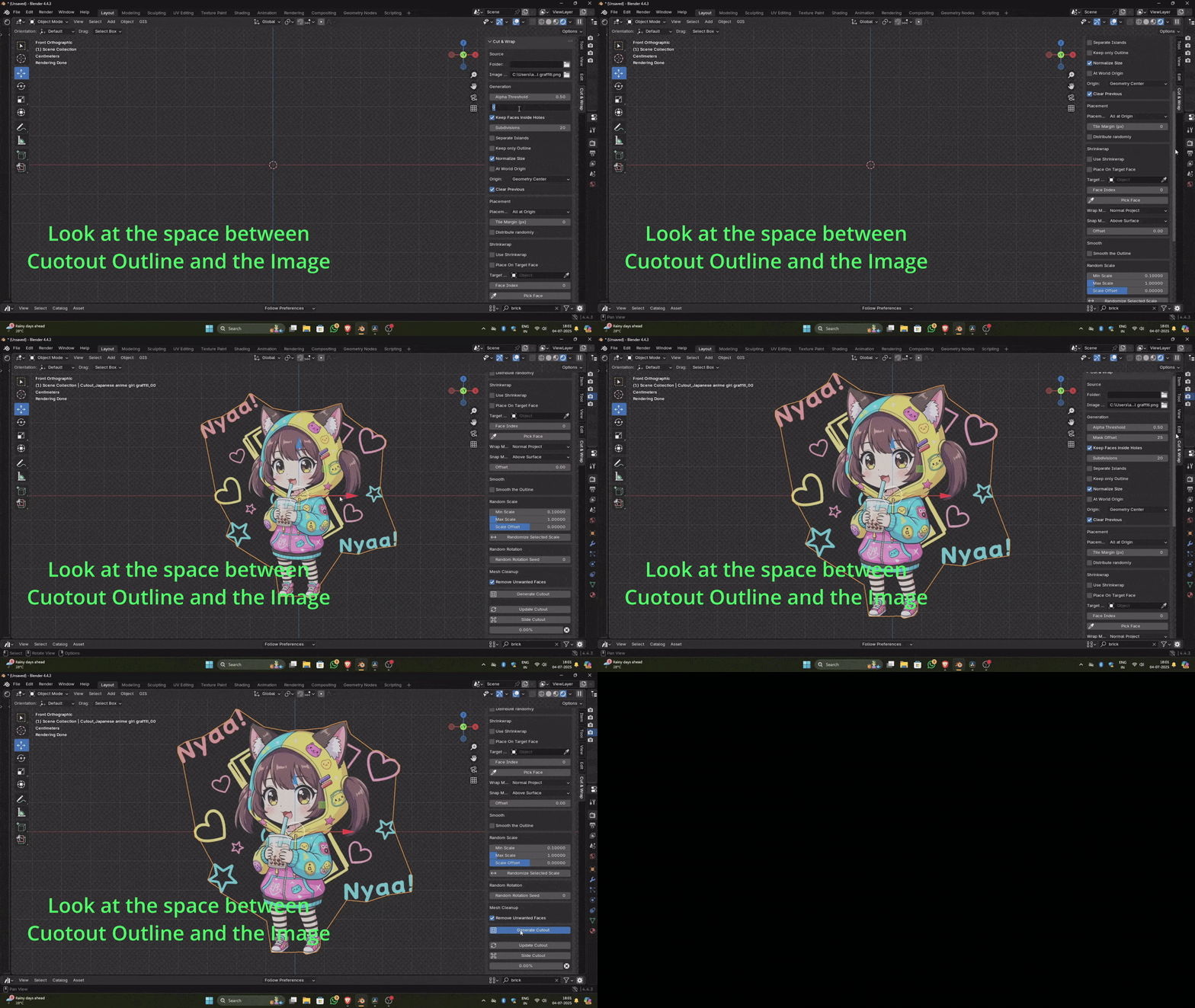
Mask Offset
You can adjust the space between the cutout outline and the image
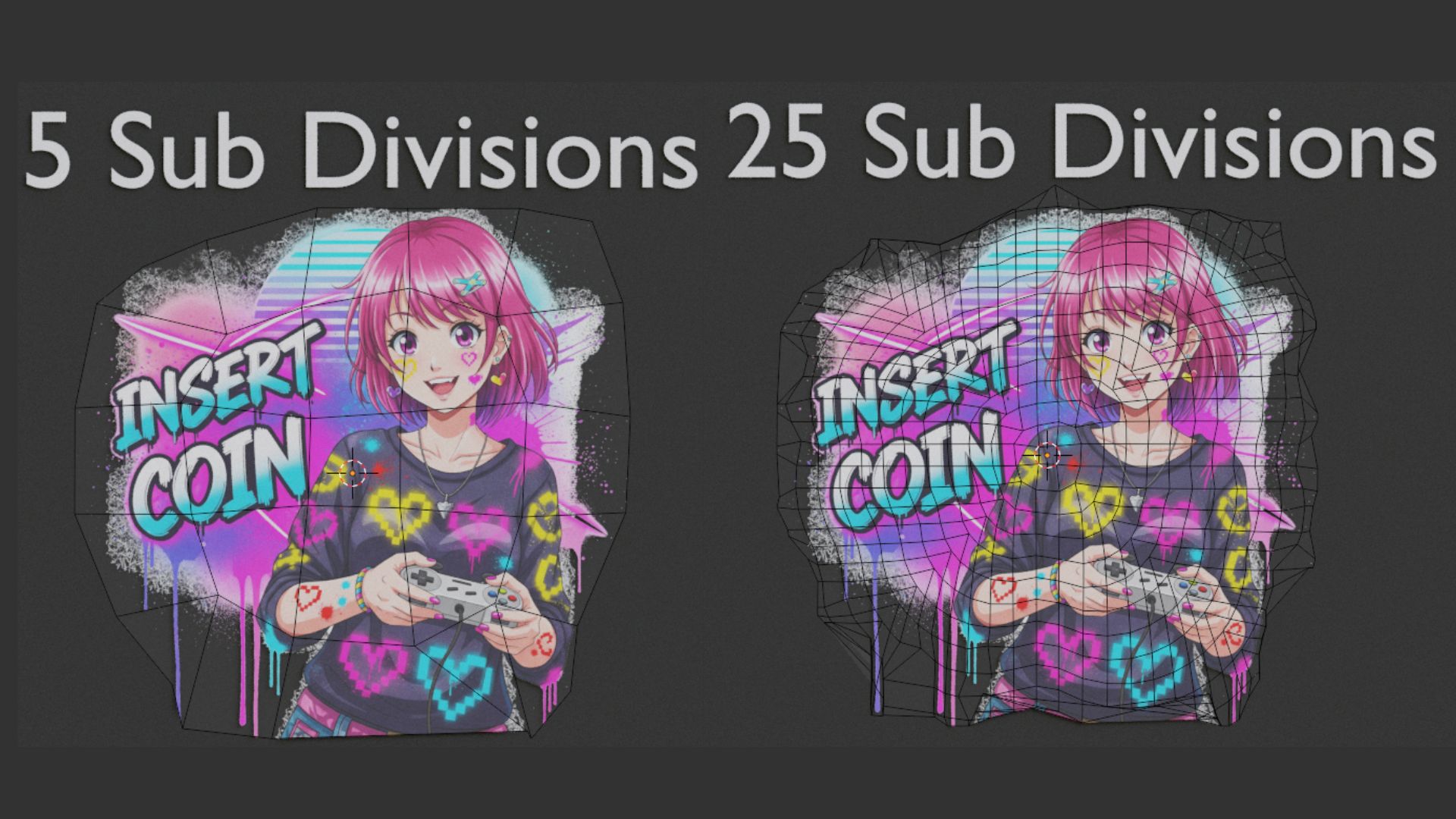
Subdivisions
You can increase on decrease the number of polygons that the cutout have based on you need.
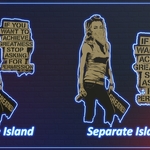
Separate Island
Treat each disconnected region in a PNG as its own object, Enabling this option creates a separate mesh for each island.
-
A single leaf - One island
- Two leaves - Two islands
Batch Processing
The Addon can Batch process the cutouts, you can select the folder with you PNGs and adjust the settings to your need, it will create separate coutouts for all the images that are inside that folder,
- Detect islands in every image
- Apply your settings
- Generate cutout meshes for all files—no limit on quantity
Topology Option
- Keep full quad meshes for easy editing
-
Or delete all faces and leave only the boundary edges
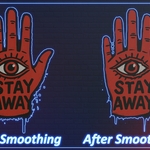
Smooth the Outer Edge
Because of the way the Addon work, you may get jagged edges at the Outline, you can smooth it by clickin on Smooth the Outline, there are two types of smoothing one Normal Smoothing and the other one use Laplacian Smoothing.
Origin Control
Set each cutout’s origin to its center or to its bottom edge.
Placement Modes
- All at Origin: stack every new cutout at the world origin
-
Next to each other: lay them out side by side with a uniform margin
Keep only Outline
Keep only outline option lets you delete all the quads inside the cutout and keep only the outline with its shape preserved.
Part 2 - Shrink Wrap
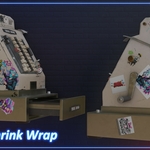
The add-on’s second part is the shrink-wrap feature: it generates the cutout and applies shrink-wrap to the selected mesh. This shrink-wrap offers more functionality than Blender’s default.
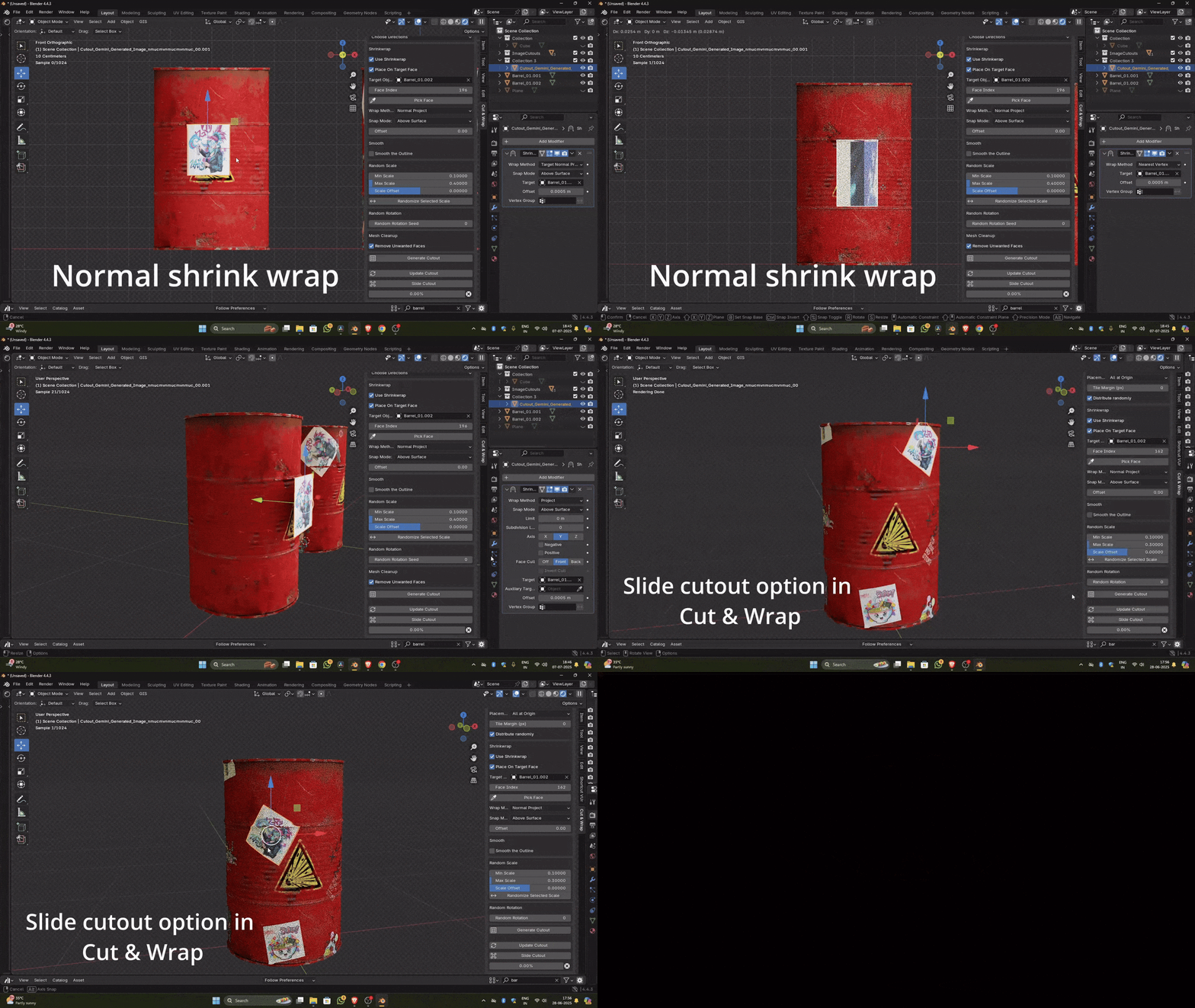
With the normal shrink-wrap, moving the cutout can stretch it; the Slide Cutout option eliminates stretching and makes it much easier to position the cutout precisely.