Universal Baker
 Picto Filmo
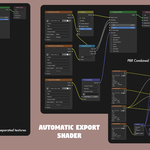
Bake to Textures
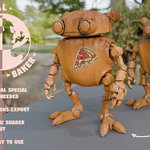
An extremely simple and effective exporter: point it at some objects, and it bakes a full texture set to disk.
Exports list
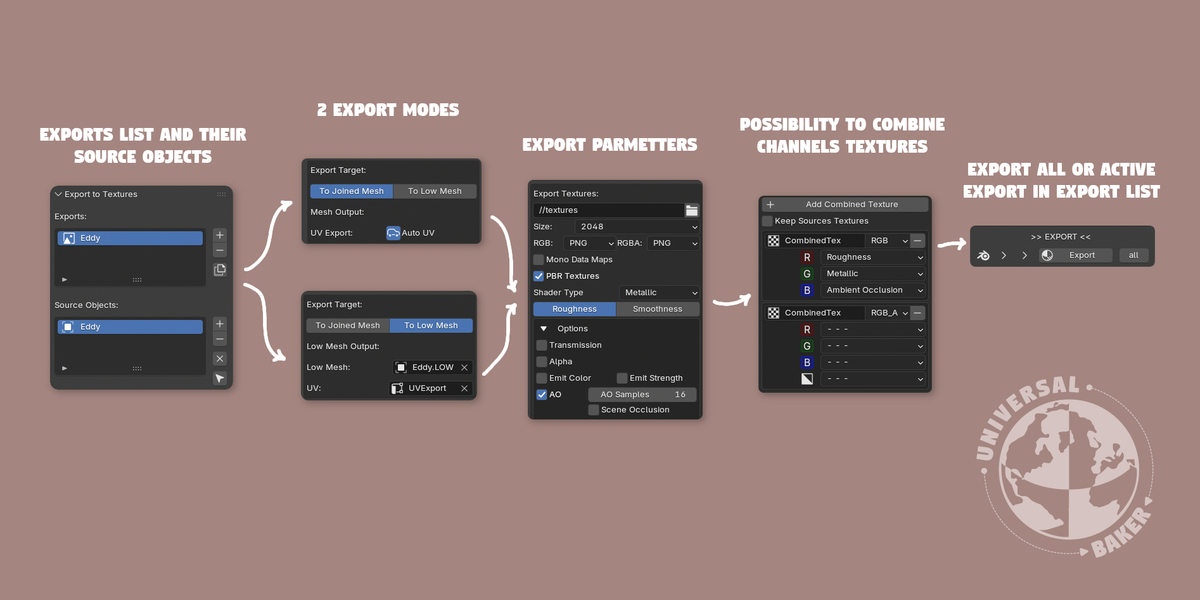
A scene can hold several exports at once. The list at the top of the panel manages them, and each item is a fully independent setup: its own source objects, target, UVs, output path, texture size, PBR options and combined textures.
The name of the list item is the name of the export. It names the generated object, the material, and the texture files on disk — give each export a distinct name to keep their outputs separate.
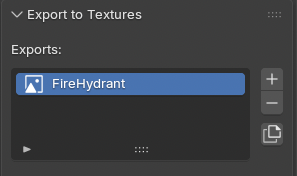
- + Add — create a new export
- - Remove — delete the active export
- ⧉ Duplicate — copy the active export with all its settings and its sub-lists (source objects and combined textures)
Selecting an item in the list shows and edits that export's setup below.
Export All
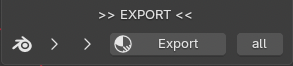
Next to the Export button, the small all button bakes every export in the list, one after another. Each produces its own object and its own textures, named after its own export, so they never overwrite each other.
UI & modes
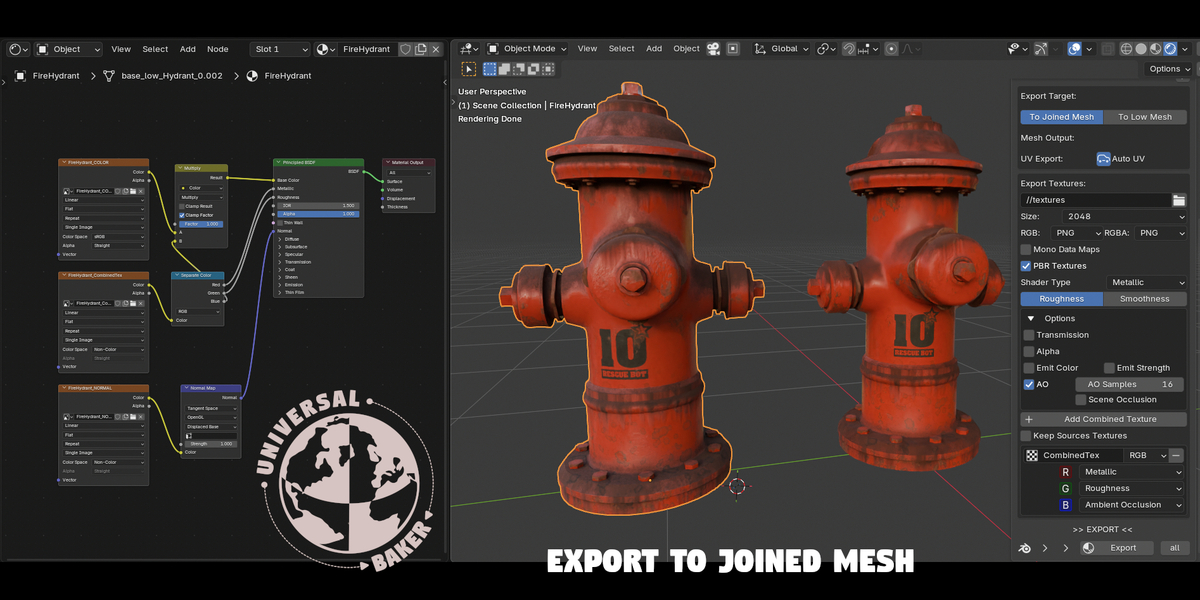
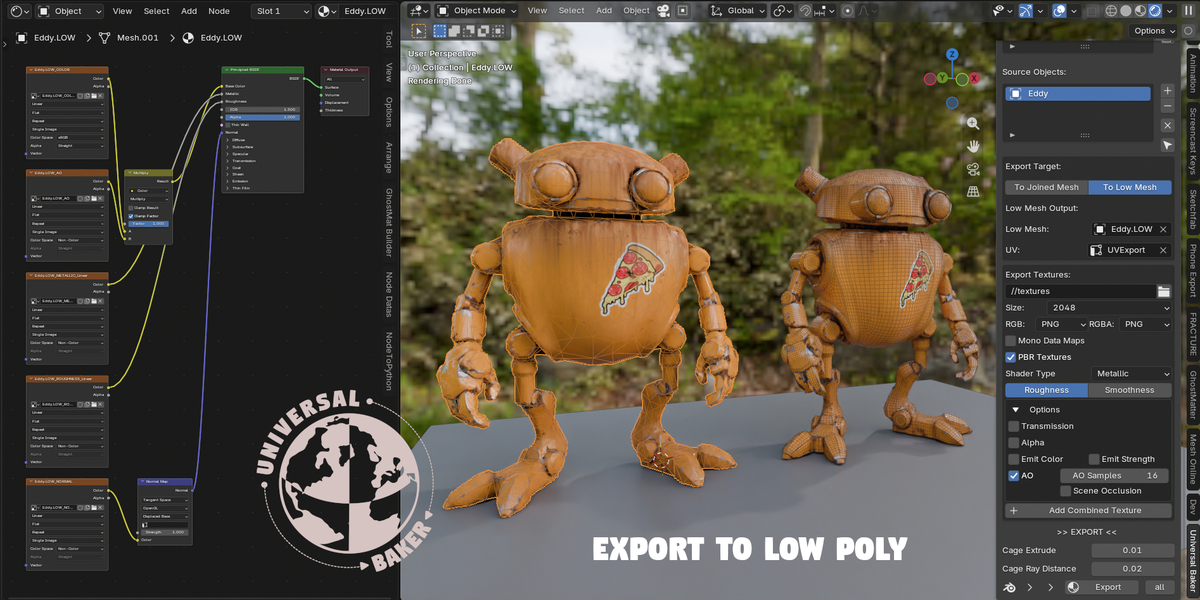
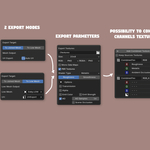
Two export modes: textures are baked on the joined mesh of the source list, or on a separate target mesh.
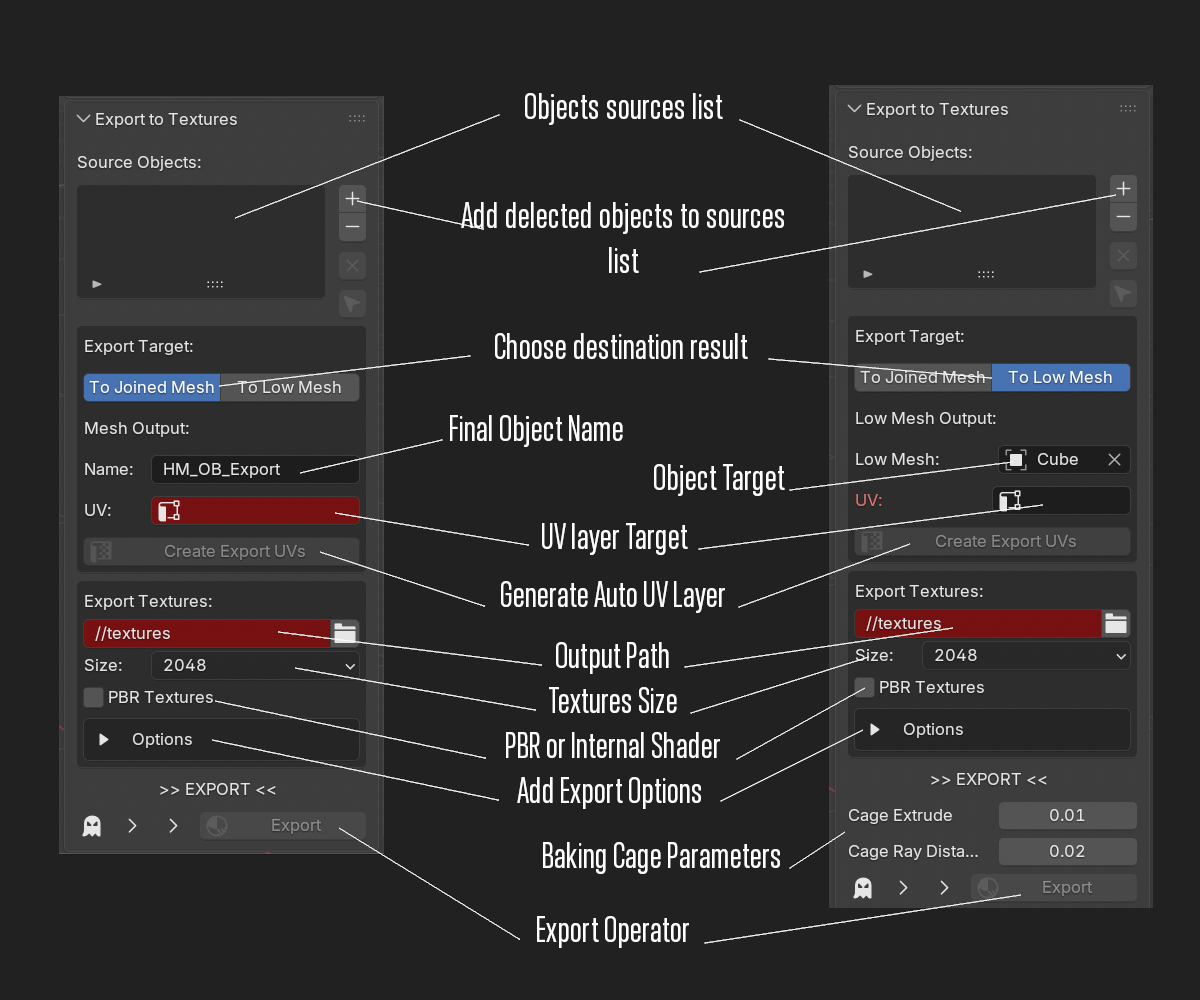
Options
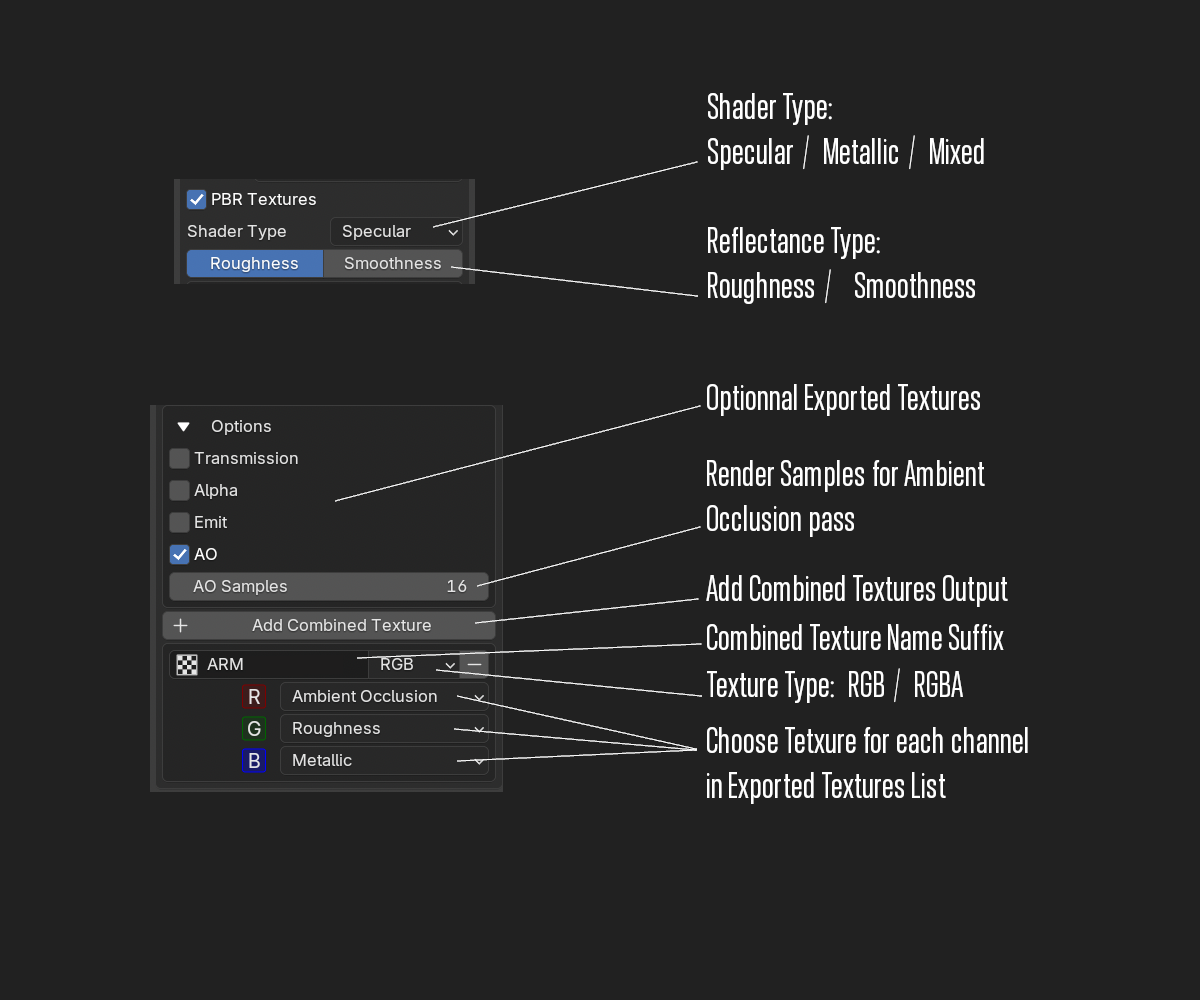
Parameters
Generates a fresh UV layer for the export instead of reusing an existing one.
Runs Smart UV Project's island packing on the generated UVs.
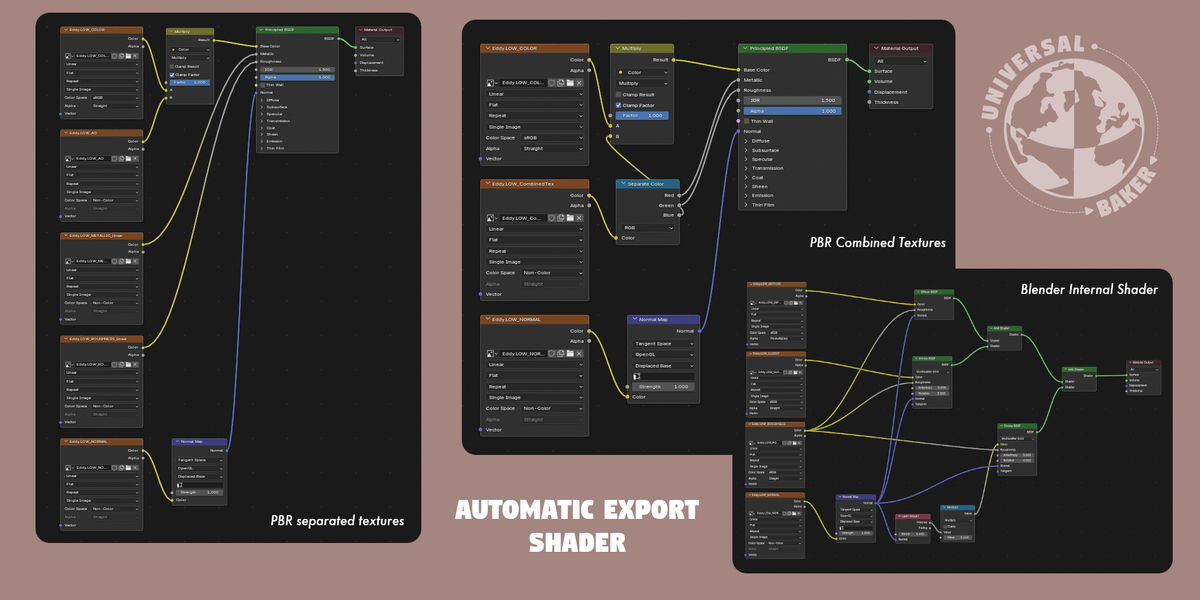
Bakes the internal-shader channels (Diffuse, Glossy, Roughness…) as Blender would render them.
Bakes a standard metallic/roughness PBR set instead of Blender's internal channels.
Includes an alpha channel in the relevant baked maps.
Bakes an ambient occlusion map.
- AO Samples — ray samples for the occlusion; higher is cleaner but slower.
- Scene Occlusion — when on, other visible scene objects contribute contact shadows; when off, only the exported object occludes itself. Objects in a hidden or excluded collection are ignored even if renderable.
Bakes the material's emission as its own map.
Procedures
Three common setups — each one a full pass from source objects to baked object plus textures.
Internal shader
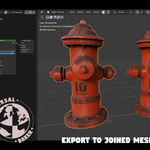
Joins the source objects into one mesh and bakes Blender's own shading channels.
PBR shader
Joins the source objects into one mesh and bakes a metallic/roughness PBR set.
Internal shader
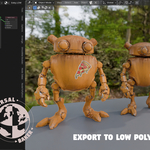
Bakes the source objects' detail down onto a separate low-poly target mesh.
Video walkthroughs
The recorded procedures and the full tutorial:
 Included
Includes 12 months of
- Support from Picto Filmo
- Product updates
Extend this product’s Support Period +12 months: 75% of product price
Have questions before purchasing?
Login to message
| Published | 1 day ago |
| Blender Version | 5.2 |
| Extension Type | N/A |
| Render Engine Used | Cycles, Eevee |
| License | GPL |
Discover more products like this
textures procedural lowpoly Shader AUTO-BAKE-TEXTURE PBR Export bake Game