Universal Search for Blender - Spotlight-Style Search for Commands, Data, Nodes & Settings
 blenderustad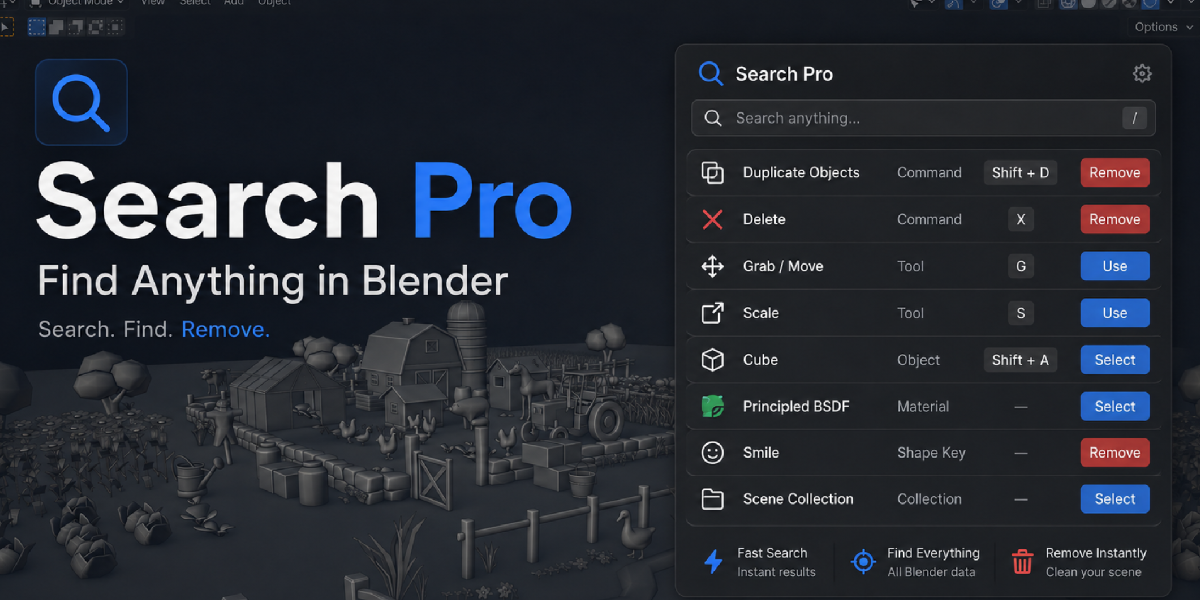
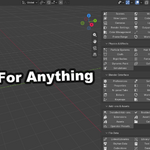
How do I open it?
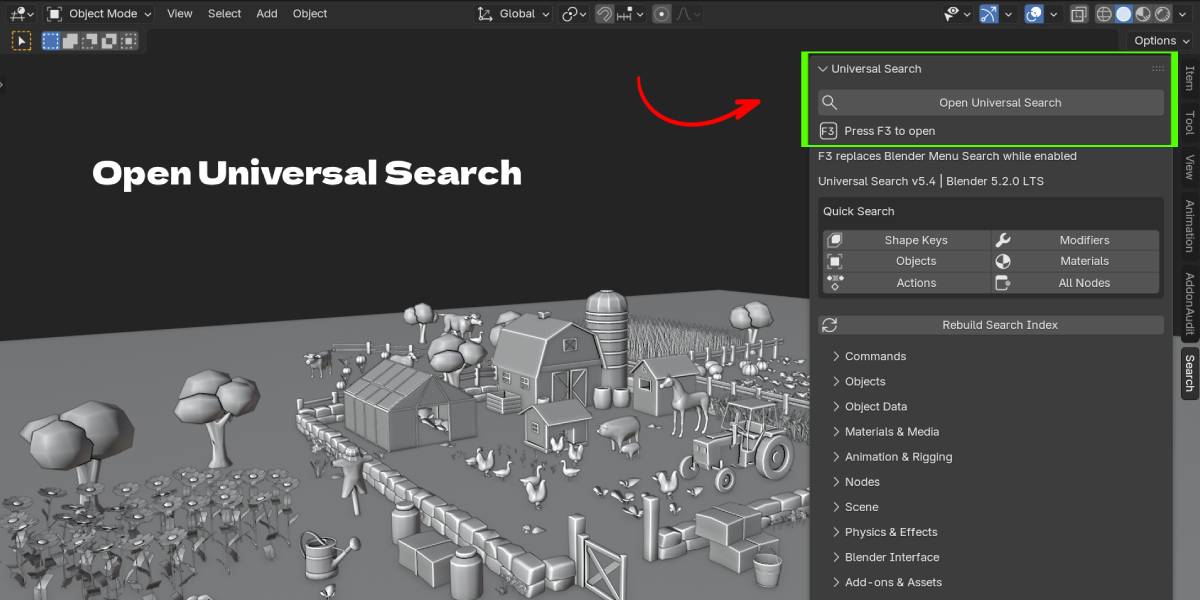
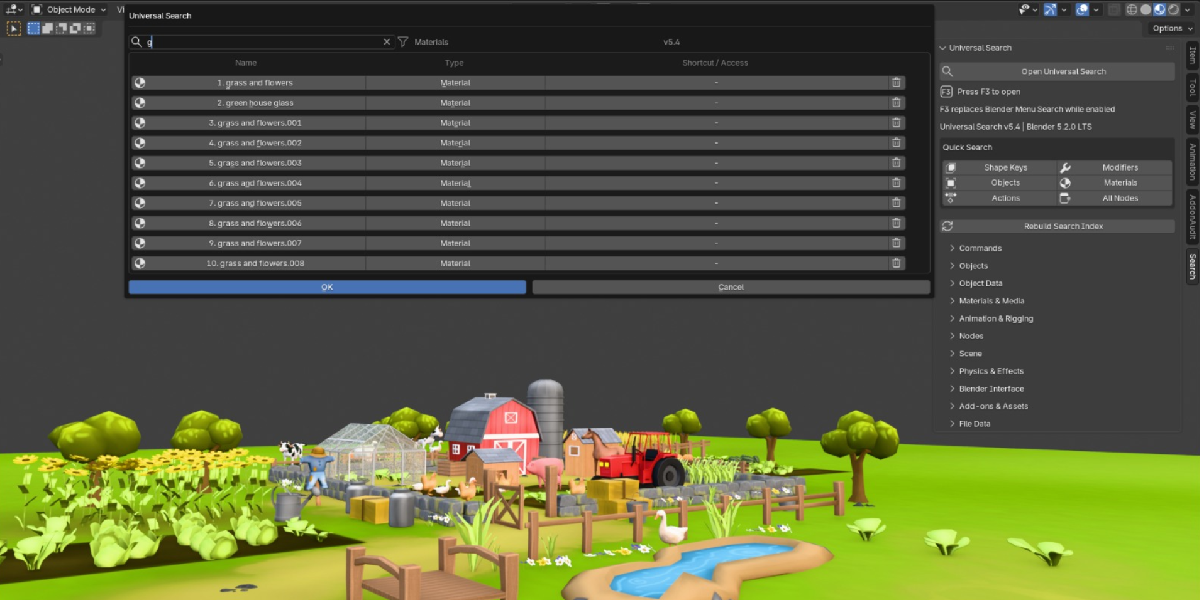
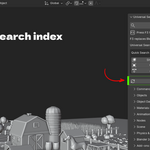
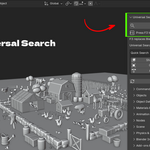
Press F3, or open the Search tab in the 3D View sidebar (N-panel) and click "Open Universal Search."
What happens if I disable the add-on?
F3 goes back to Blender's normal menu search. No keymap changes are left behind.
Does it search inside my current .blend file, or only Blender's built-in commands?
Both. It searches static Blender commands and settings, and it separately indexes the actual data in your open file, such as your objects, modifiers, and materials.
Can it find geometry nodes and shader nodes?
Yes. Nodes are indexed and filterable by family: Geometry Nodes, Shader Nodes, Compositor Nodes, Texture Nodes, and their node groups.
Does it show keyboard shortcuts?
Yes, and the shortcut shown comes from your actual current keymap, so it stays correct even if you have remapped keys.
What if a result doesn't have a keyboard shortcut?
Universal Search shows the manual path instead, for example "Add > Mesh > Cube," so you always know how to reach it by hand.
Can I delete things directly from search results?
Yes, for real file data like modifiers, materials, vertex groups, and node groups. You get a confirmation prompt first. Static commands, menu items, and settings do not have a delete option since removing them wouldn't make sense.
Does clicking an object result select it?
Yes. Selecting an object result selects it, makes it active, and frames it in the viewport.
Will search slow down on large or complex files?
The add-on normalizes and caches its searchable text once, then reuses that cache on each keystroke, and warms heavy caches shortly after the add-on loads rather than on your first search.
Does it support fuzzy or typo-tolerant search?
Yes. Beyond exact, prefix, and substring matching, it includes token matching (matching each word separately) and fuzzy subsequence matching for abbreviations and minor typos.
Can I filter results by category?
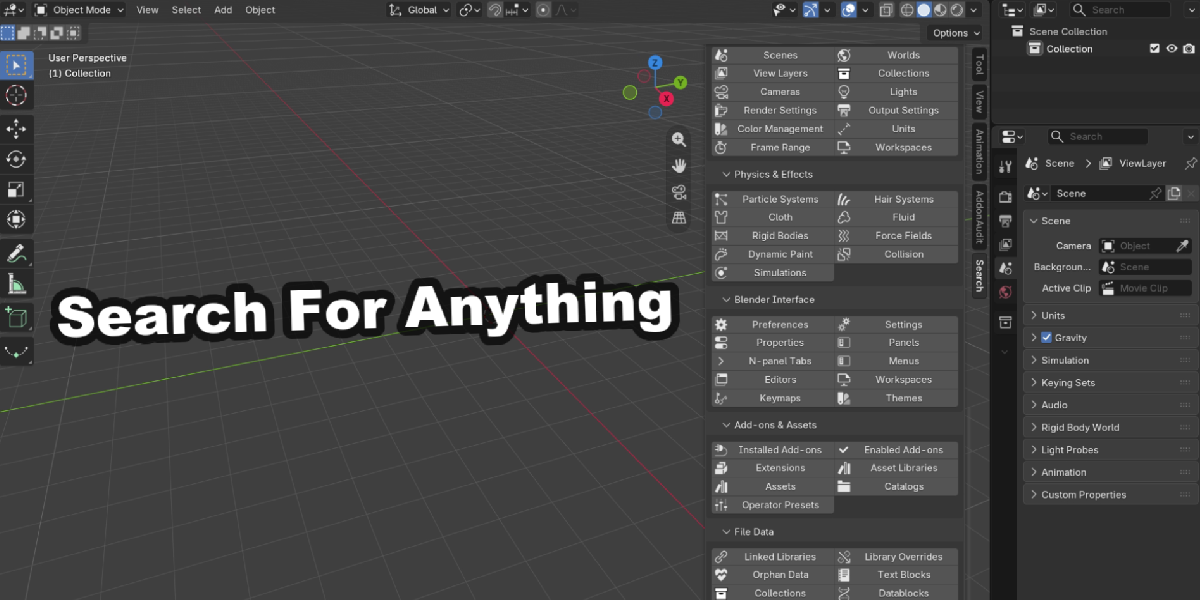
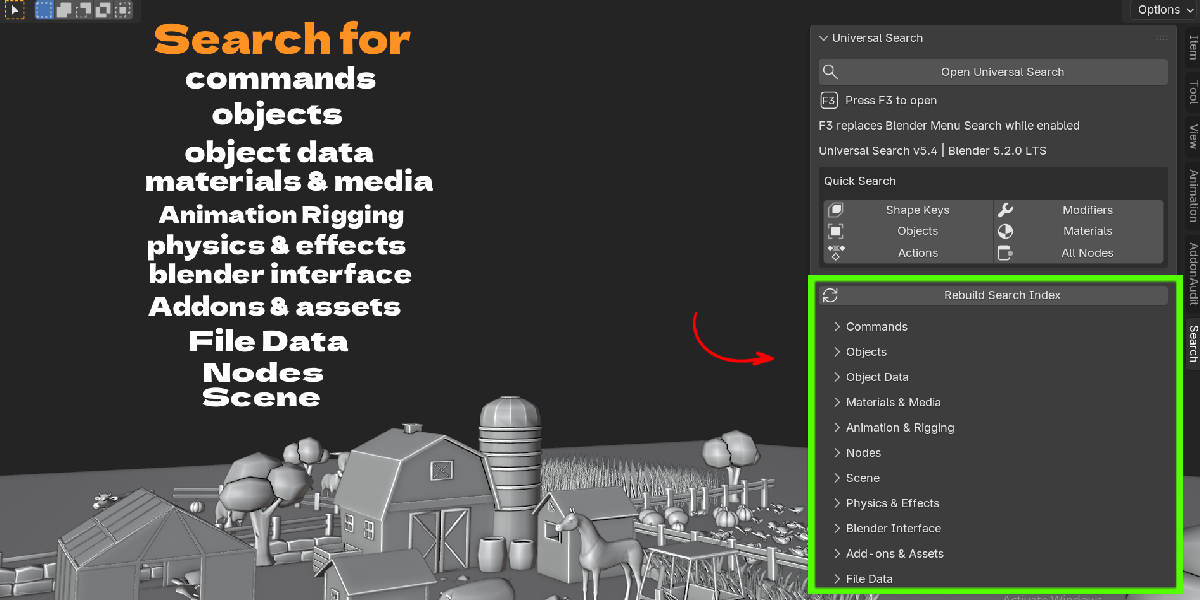
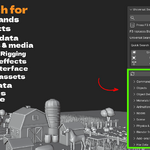
Yes. There are more than 90 category filters grouped into 11 sections (Commands, Objects, Object Data, Materials & Media, Animation & Rigging, Nodes, Scene, Physics & Effects, Interface, Add-ons & Assets, File Data), accessible from the N-panel or by narrowing your search.
Does it search add-ons and extensions?
Yes, including whether they're installed or currently enabled.
Does it modify my file permanently just by searching?
No. Searching is read-only. The only actions that change your file are the optional select/frame action and the optional remove action, and remove always asks for confirmation first.
Can I rebuild the search index manually?
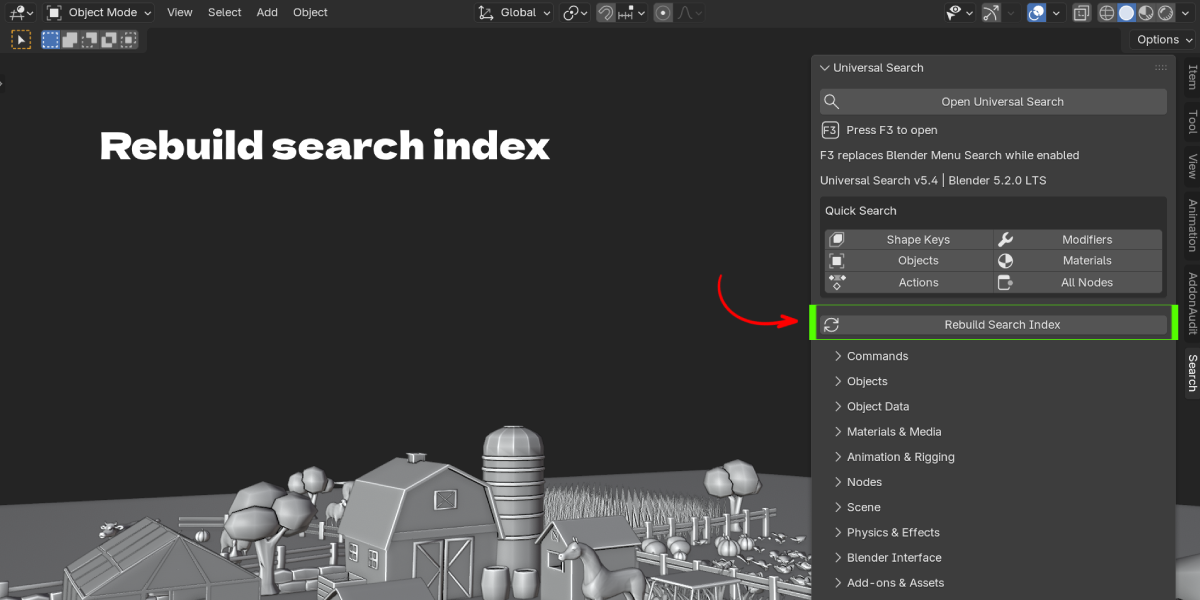
Yes, there's a "Rebuild Search Index" button in the N-panel Search tab if you want to force a refresh after major scene changes.
Is there a quick way to search common categories without typing?
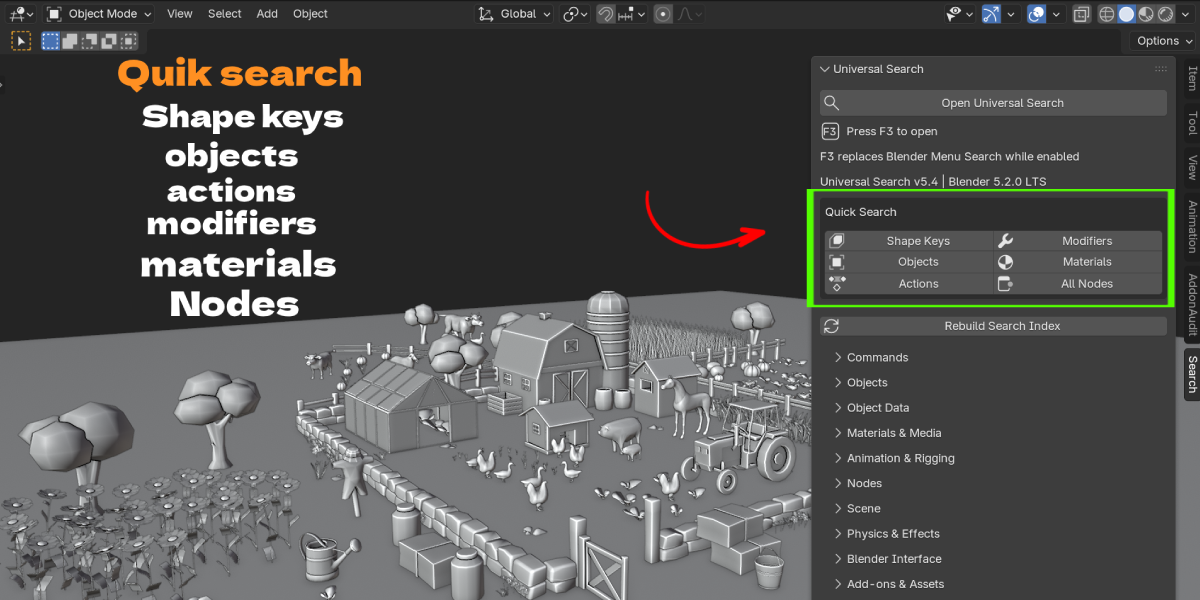
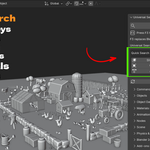
Yes, the N-panel Search tab includes Quick Search buttons for common categories like Shape Keys, Modifiers, Objects, Materials, Actions, and All Nodes.
$9
Have questions about this product?
Login to message
| Blender Extension Compatible | Yes |
| Published | about 2 months ago |
| Blender Version | 3.2 - 5.2 |
| Extension Type | Add-on |
| Render Engine Used | Cycles, Eevee |
| License | GPL |

Discover more products like this
interface navigation Command Palette Data Management modifiers nodes Workflow search shortcuts productivity