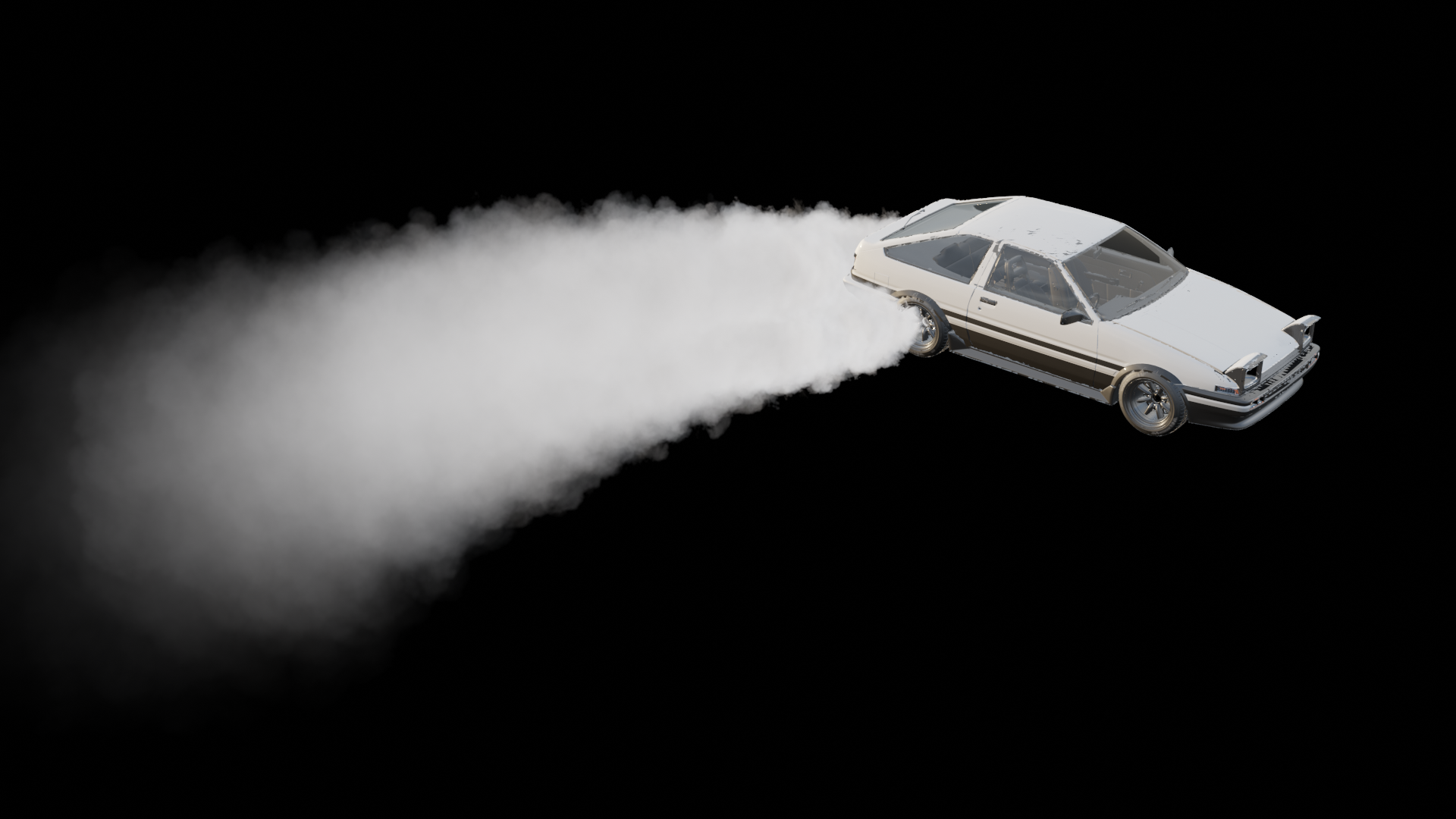
Universal Steam VFX Simulator [Update 1.2]
 Lazy3D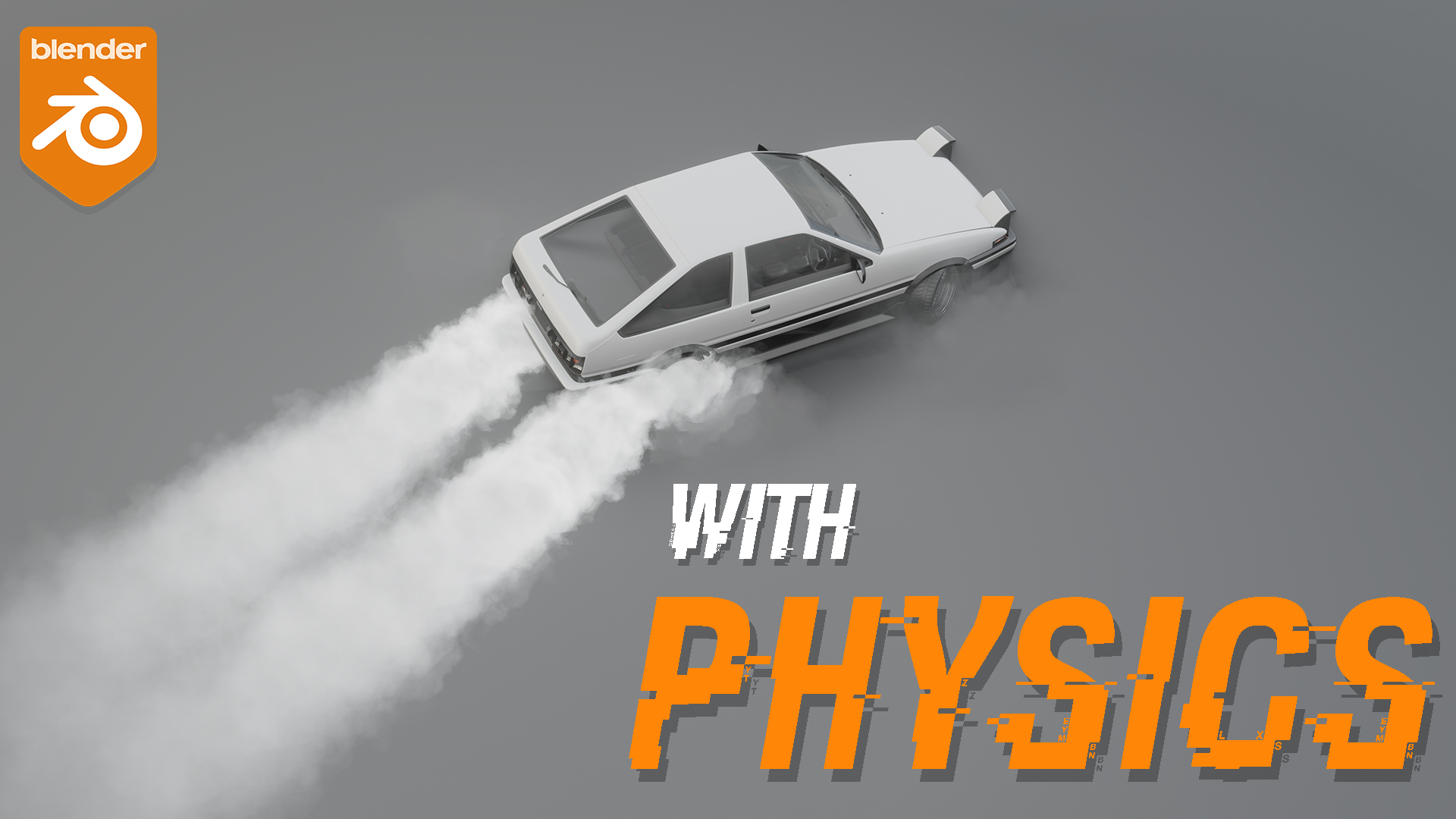
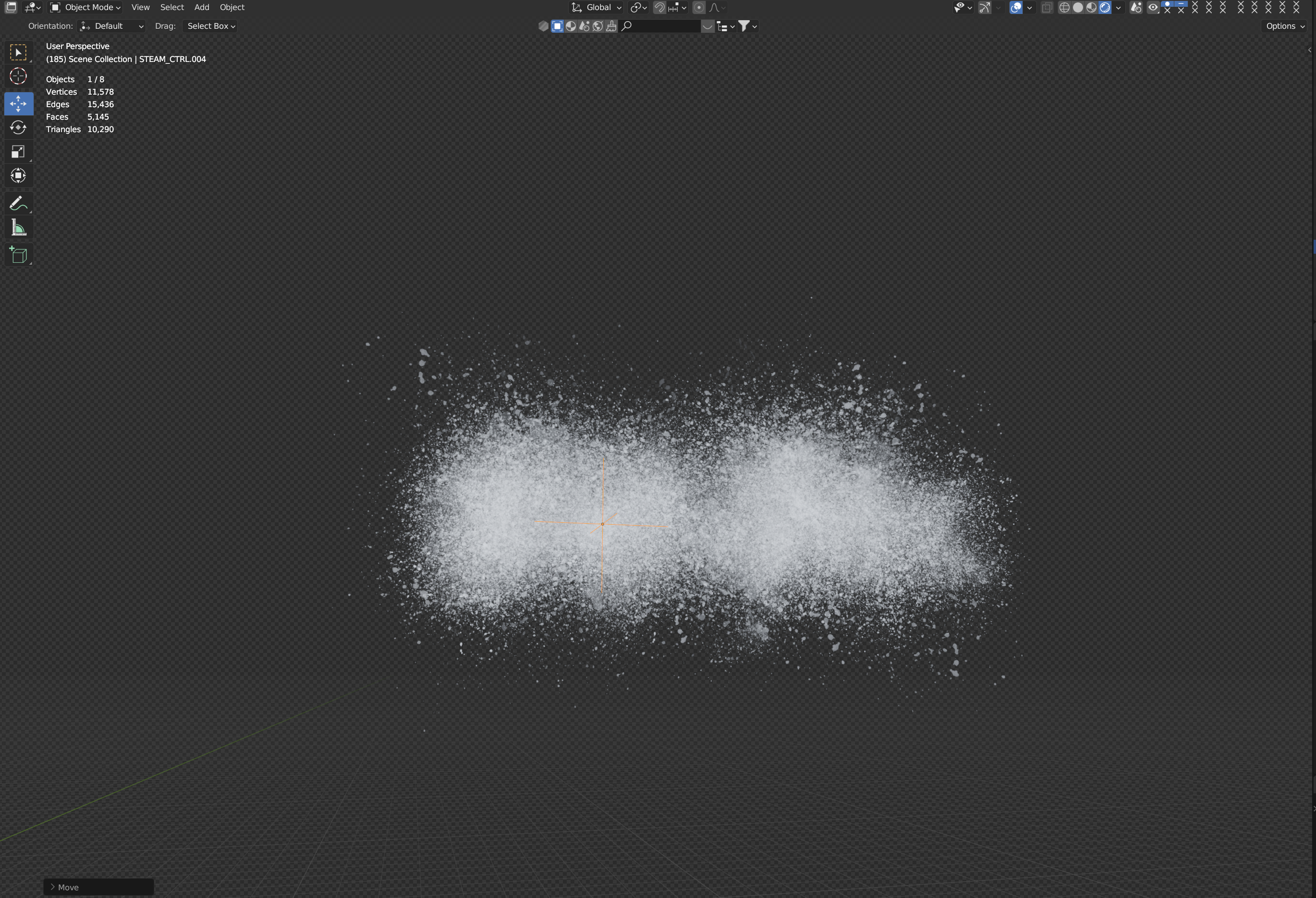
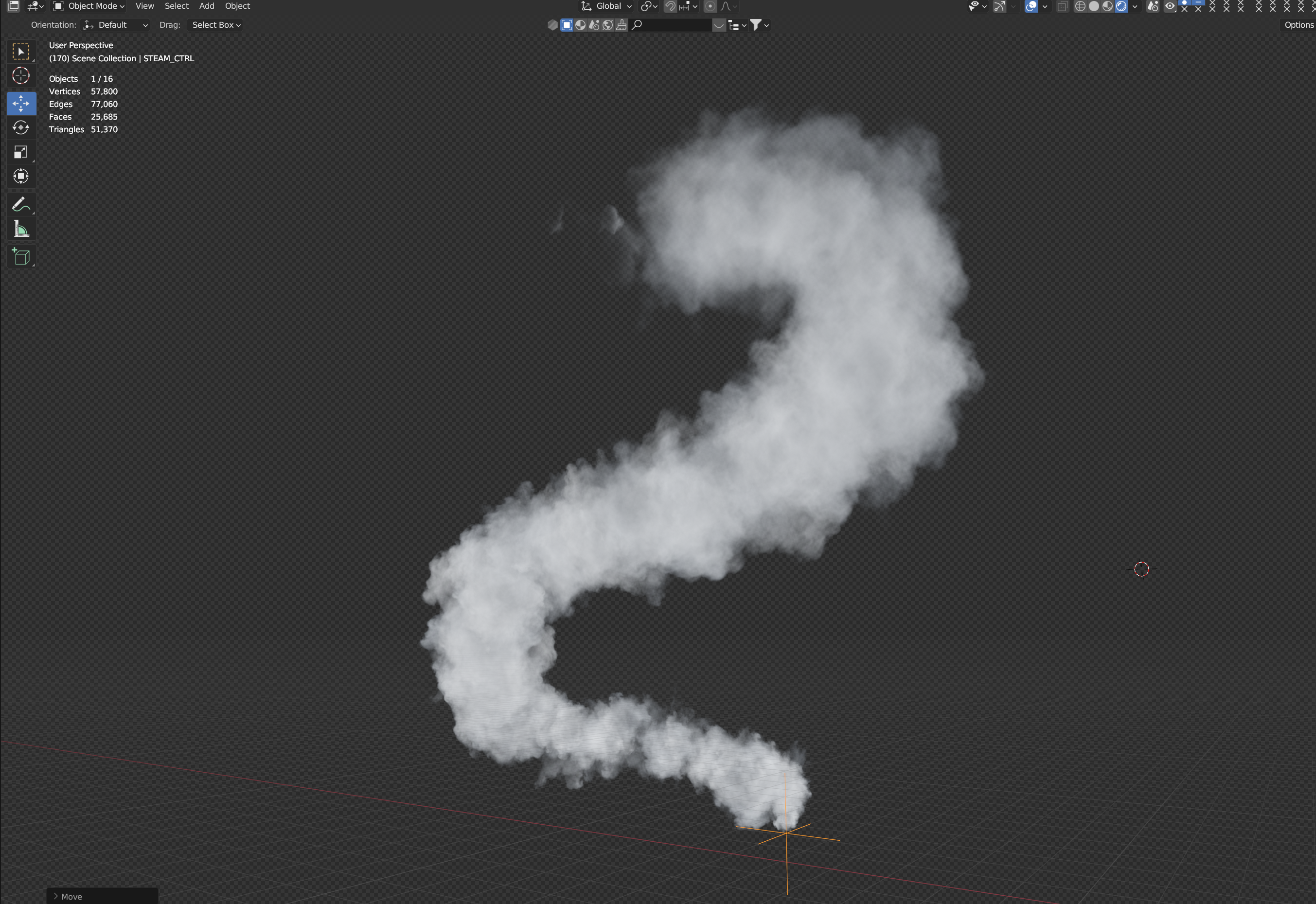
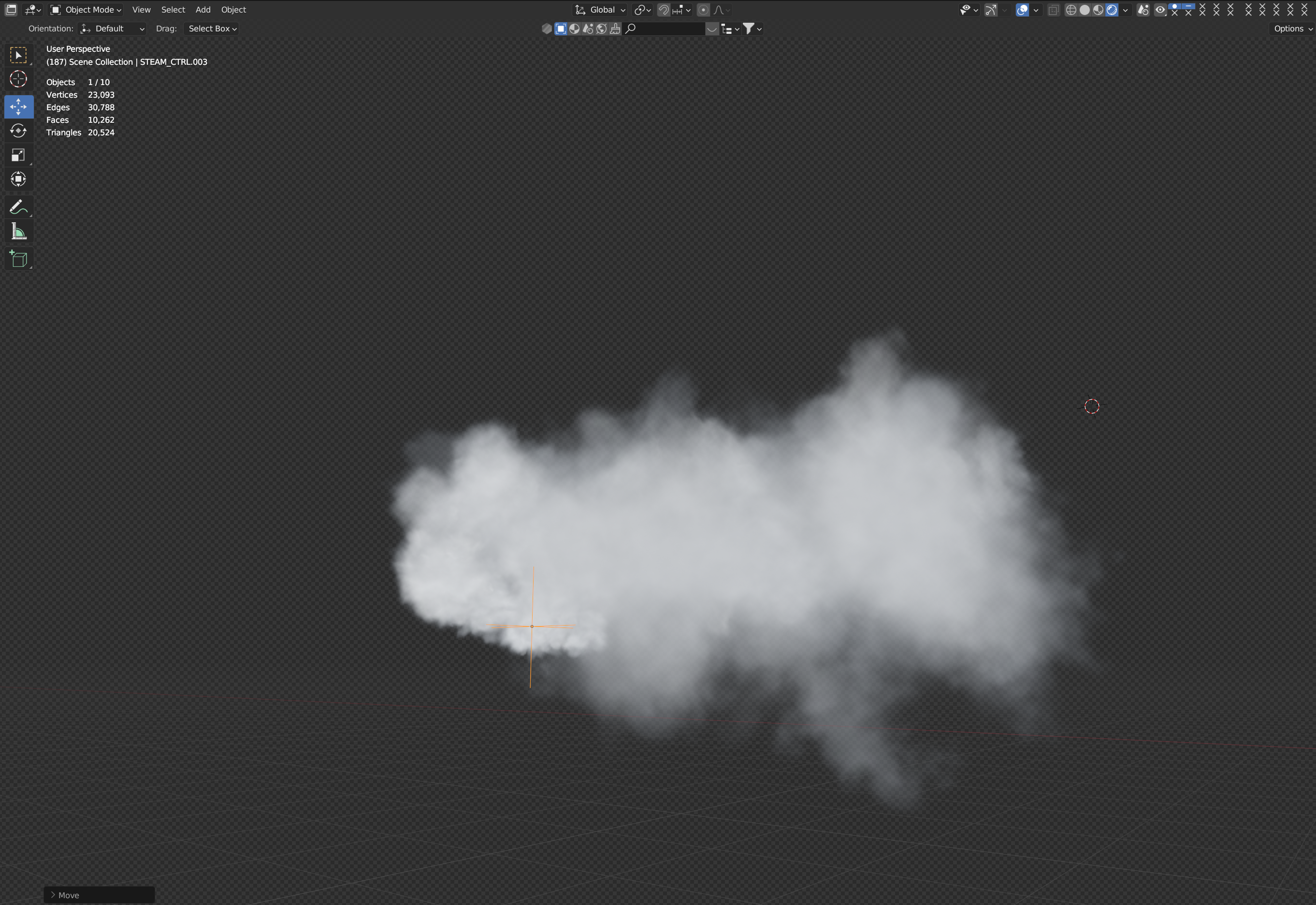
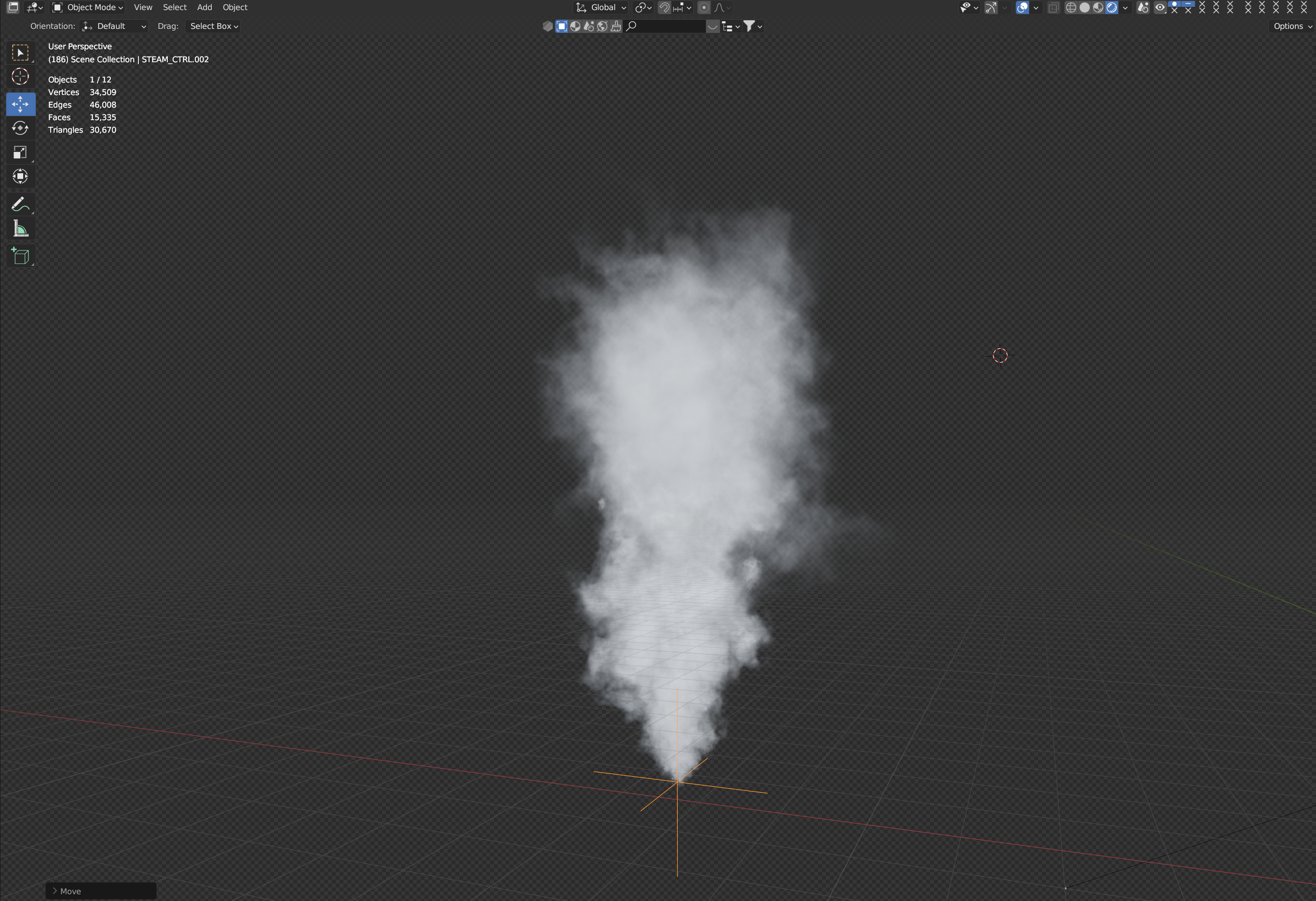
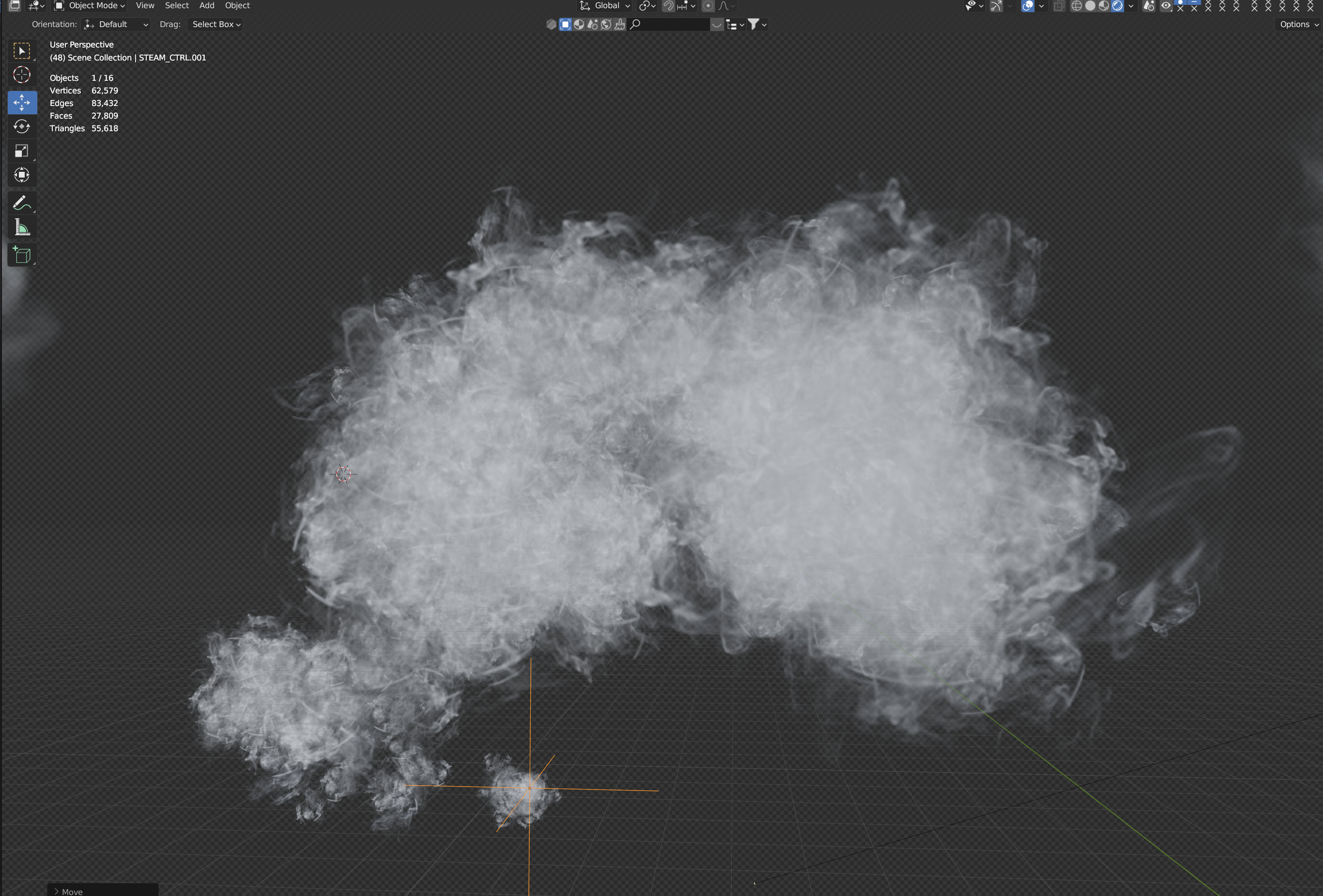
Move Downloaded Blend file into your assets folder. Then open that file and create new folder for your assets and move vfx into it

Use effects from the asset browser - just drag and drop desired effect.

Select imported collection and reset its location (Alt+G)
Select Collection and Make instances Real
If effect black in cycles - rise up transparent light paths 
Use CTRL object for moving the effect
Universal steam object has modifier settings
To change material select instance object 

You can also find some comments in material editor 
Dont Forget To bake this effect 
Have questions about this product?
Login to message
| Sales | 200+ |
| Rating | 5 ratings |
| Dev Fund Contributor | |
| Published | over 2 years ago |
| Blender Version | 5.2 |
| License | Creative Commons |
Discover more products like this
VFX smoke steam game vfx geo nodes procedural simulation sprites spring24 real-time lazy-vfx 3d asset for visual effects