 ZEG
ZEG
Installation
In Blender open Edit, Preferences, Get Extensions, then use Install from Disk and pick the zip.
Usage
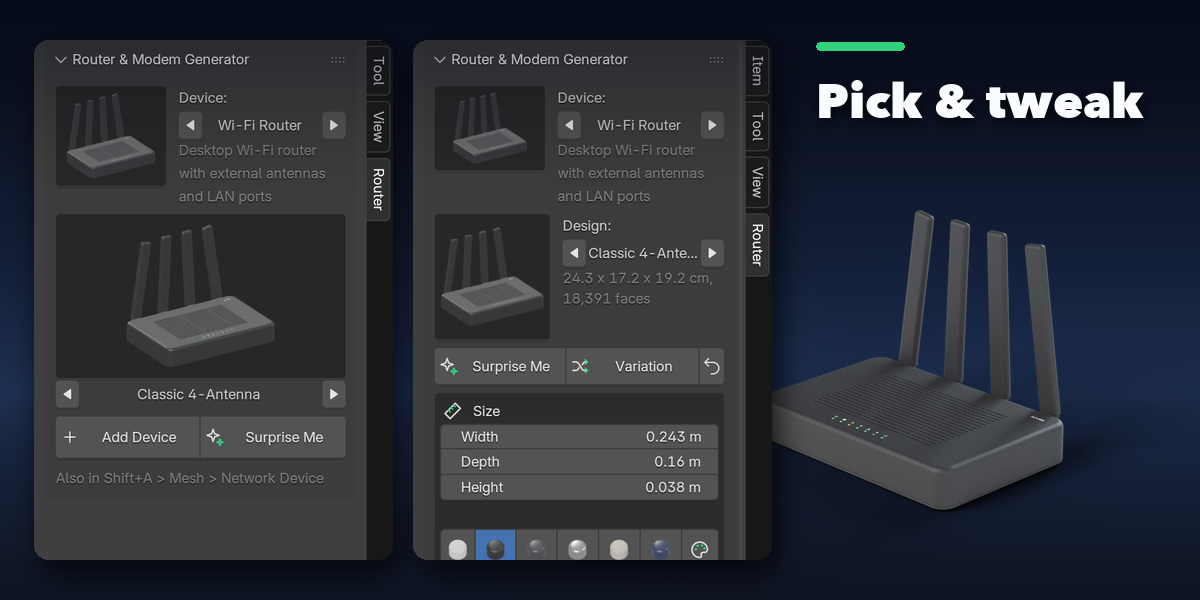
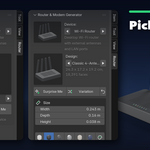
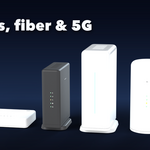
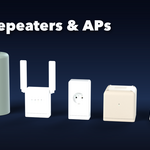
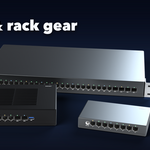
- Open the sidebar (N) and the Router tab, or use Shift+A, Mesh, Network Device.
- Pick a device kind and a design picture, then press Add Device.
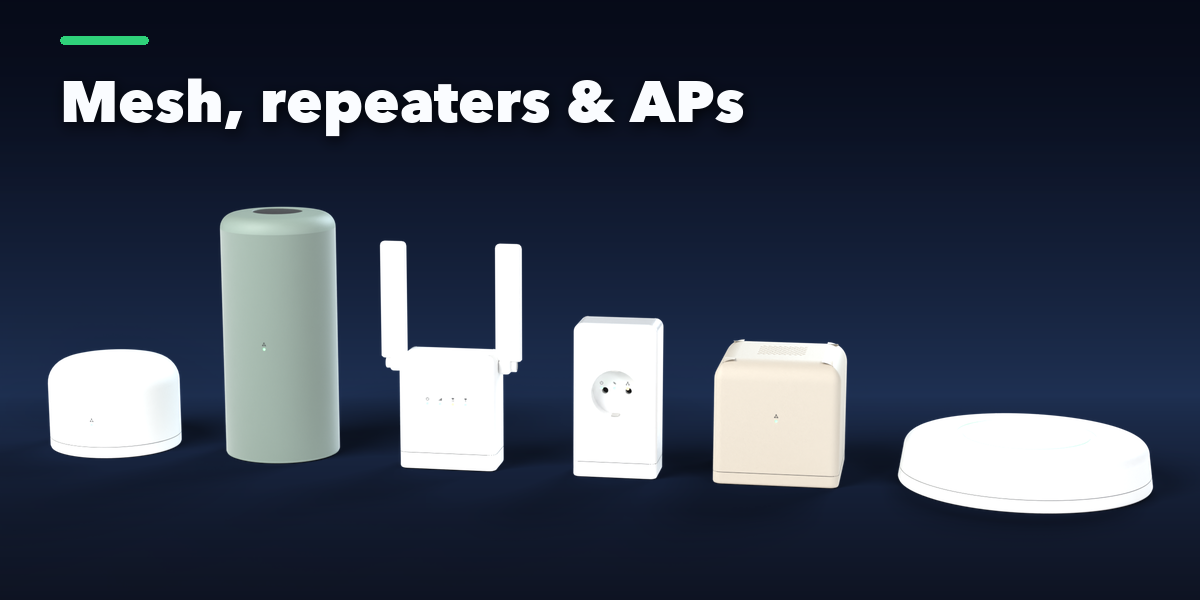
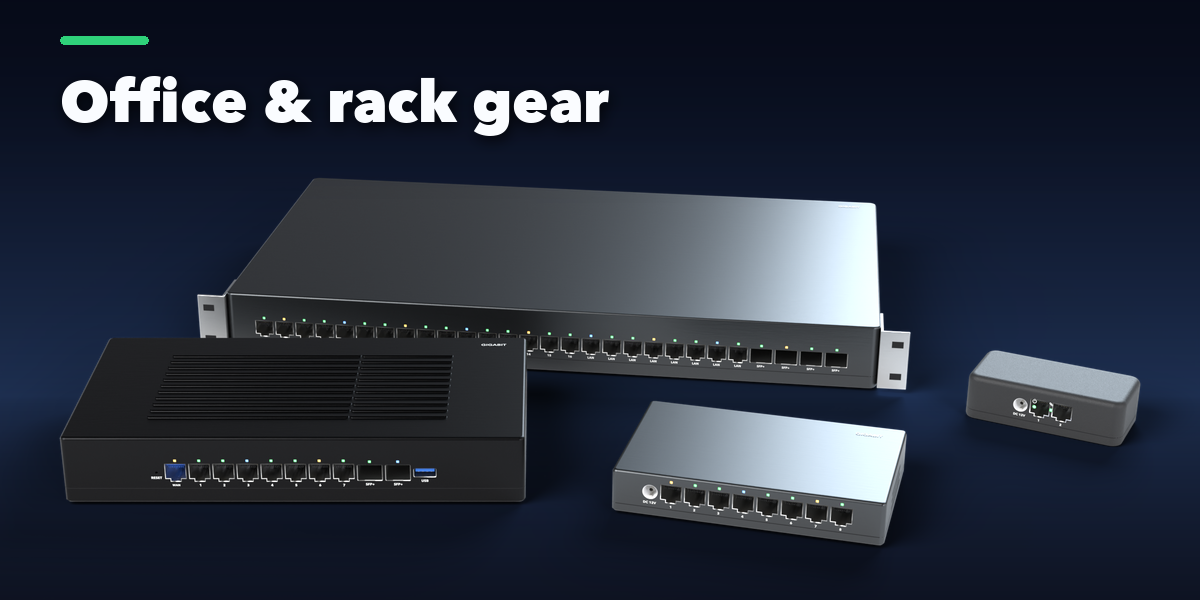
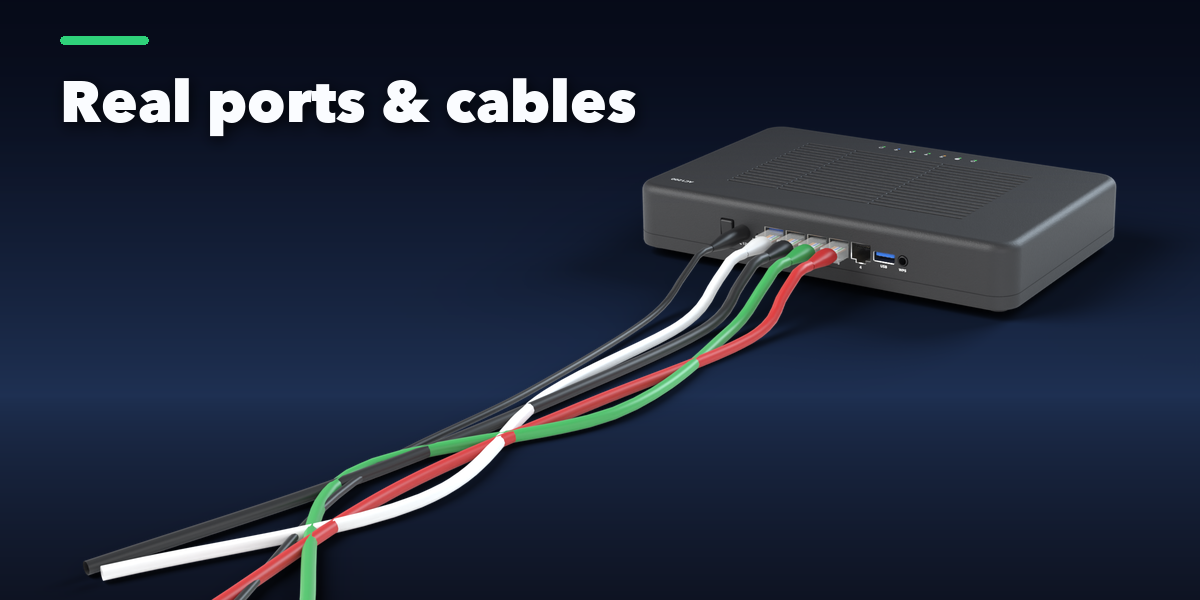
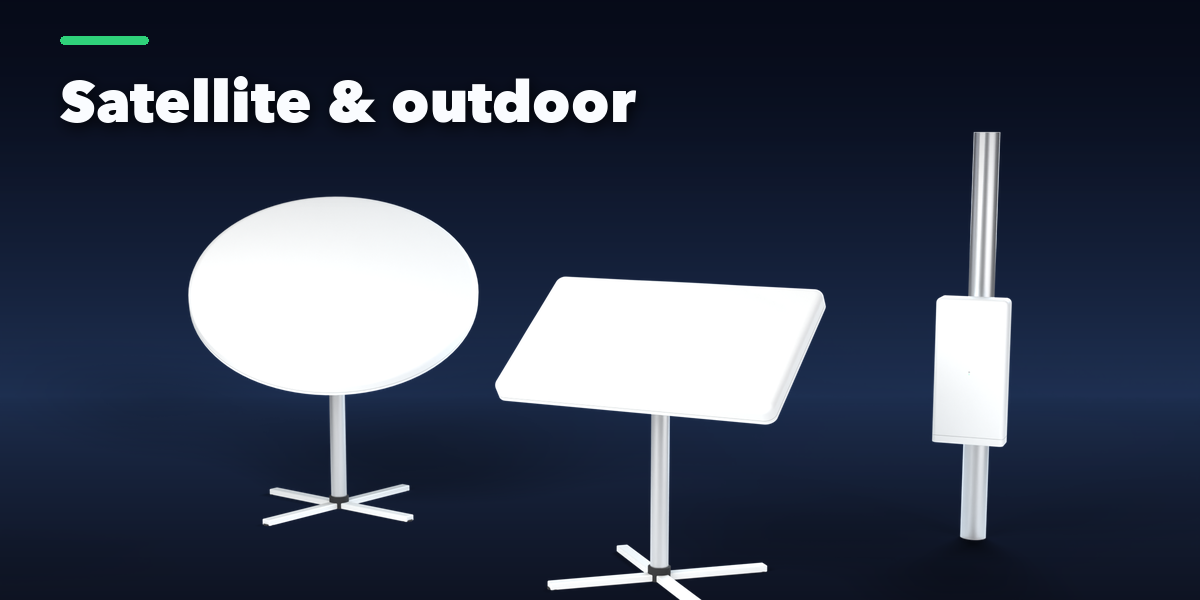
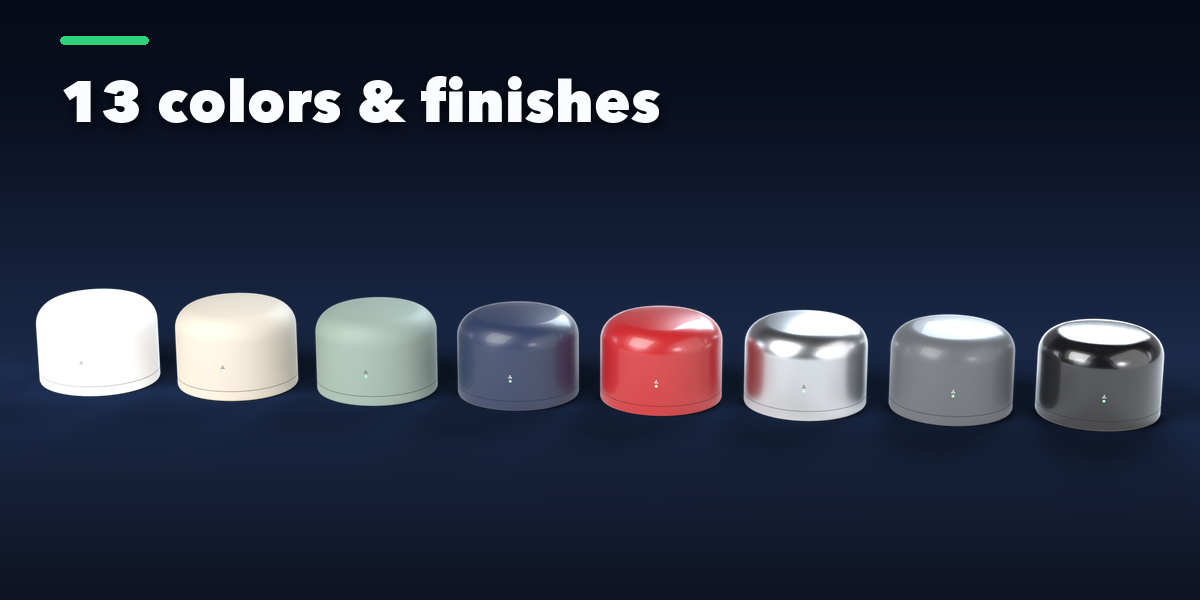
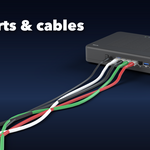
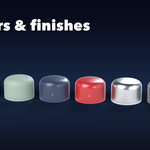
- Change the size, color, antennas, lights, wear and cables on the first page; the Shape, Ports, Lights & Antennas and Finish tabs hold the rest.
- Surprise and Variation make new designs in one click. Apply as Mesh turns the device into a plain mesh.
Have questions about this product?
Login to message
| Blender Extension Compatible | Yes |
| Published | about 20 hours ago |
| Blender Version | 4.2 - 5.2 |
| Extension Type | Add-on |
| Render Engine Used | Cycles, Eevee |
| License | GPL |

Discover more products like this
network router Modem Interior WiFi Generator mesh access-point repeater props procedural Electronics