US Road Signs - Urban Essentials
 Michel's add-ons & more


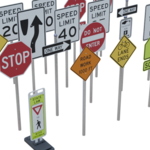
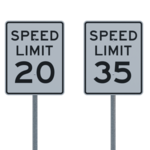
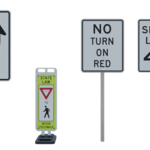
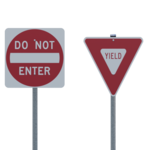
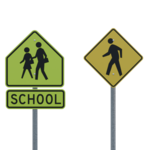
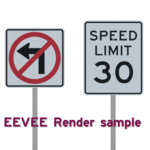
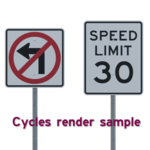
All the signs inside the .blend are bunched up at the origin. Why?
That is by design. That way when you drag an asset into the scene it will be placed near the cursor.
Can the reflective coating be disabled?
Yes, in fact it is disabled by default.
Each sign's material refers to a shader node group called Plain.
This node group has an input called Coating which can have a value between 0 (no coating) and 1 (coating).
With coating on, a distinctive hexagonal reflective pattern can be seen if a bright light hits the sign close to the viewing angle.
To enable the coating, select your sign and open the Shader Editor. Then simply adjust the input of the Coating socket.
Note that just as in real life you need to have a light behind the camera close to the viewing angle to see the effect.
Have questions about this product?
Login to message
| Published | 5 months ago |
| Blender Version | 5.0 - 5.2 |
| Render Engine Used | Cycles, Eevee |
| Misc Data | Uvs-Unwrapped, Textured |
| License | Royalty Free |
Discover more products like this
architecture traffic Visualization road Neighborhood urban street-sign us-traffic-signs street city intersection signs