ArtOf_Nobody


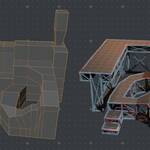
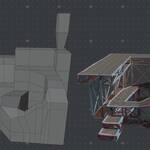
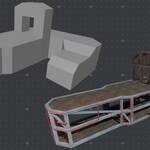
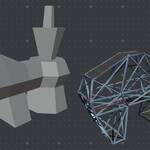
STRUCTURE GENERATOR
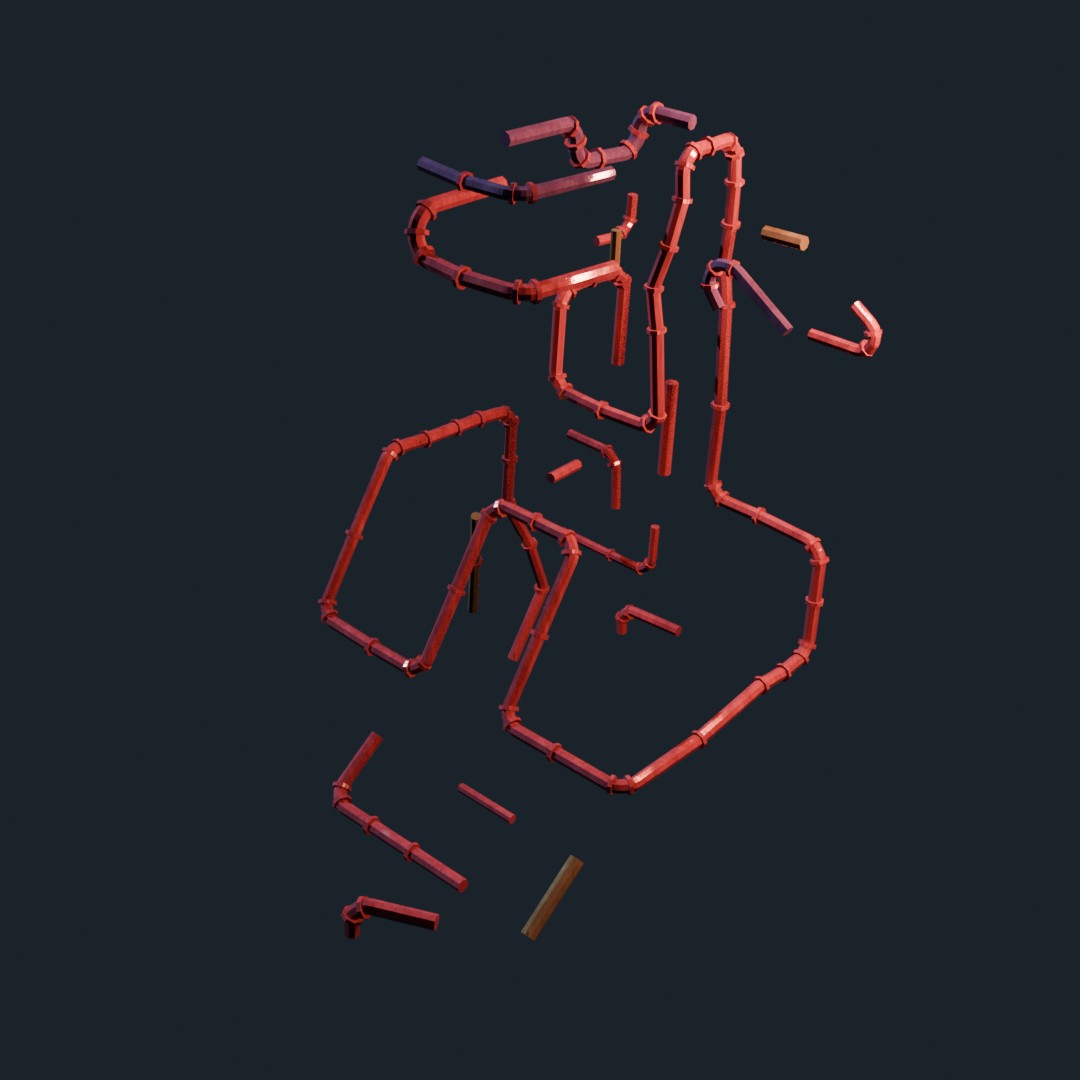
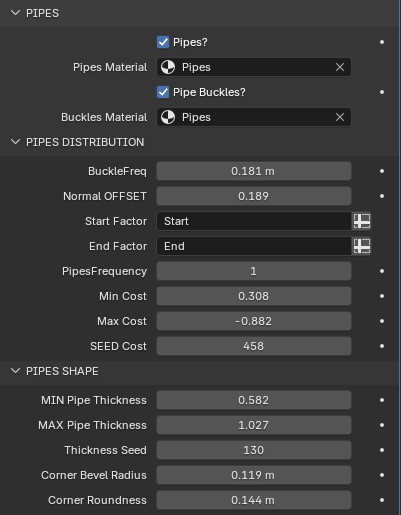
This geometry nodes modifier converts a base mesh into a complex looking structure. The modifier gives access to multiple parameters that alter various things in the generator. It's great for adding background detail to existing building models, or to fill out industrial type spaces. The structure consists of instances aligned to every edge, and support instances that connect opposite corners of each face. The modifier also converts upwards facing faces into wooden platforms and can generate a pipe network that sprawls over the structure for an added layer of detail. Any combination of the following components can be enabled making it a more versatile tool for different types and layers of detail.

Base Mesh

The modifier works on any kind of mesh and updates in real time (this mesh depicted above takes 8.3ms to evaluate with all components activated). Just be sure to keep the poly count relatively low at first so you don't blow up your pc but you will be able to edit in edit mode, in real time and face little to no performance hits.
These structures can be created on their own but work best as a complement to other building geometry. You can extract faces from a separate model, separate them and use that as the starting point of the base mesh, or you can retopo/trace over another mesh to place these structures in key areas and along key edges.
Platforms

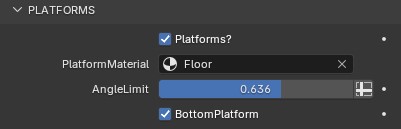
Platforms can be enabled, and there is a separate toggle for downward facing platforms. The angle limit value grows the selection of faces for the platforms, but you can also input your own vertex group to have more specific control over where they are.
Structure Beams


The edges of the base mesh for the basis of the structure. And a model is aligned and scaled to each edge. There are thickness and width controls, and a random rotation slider.
Support Beams
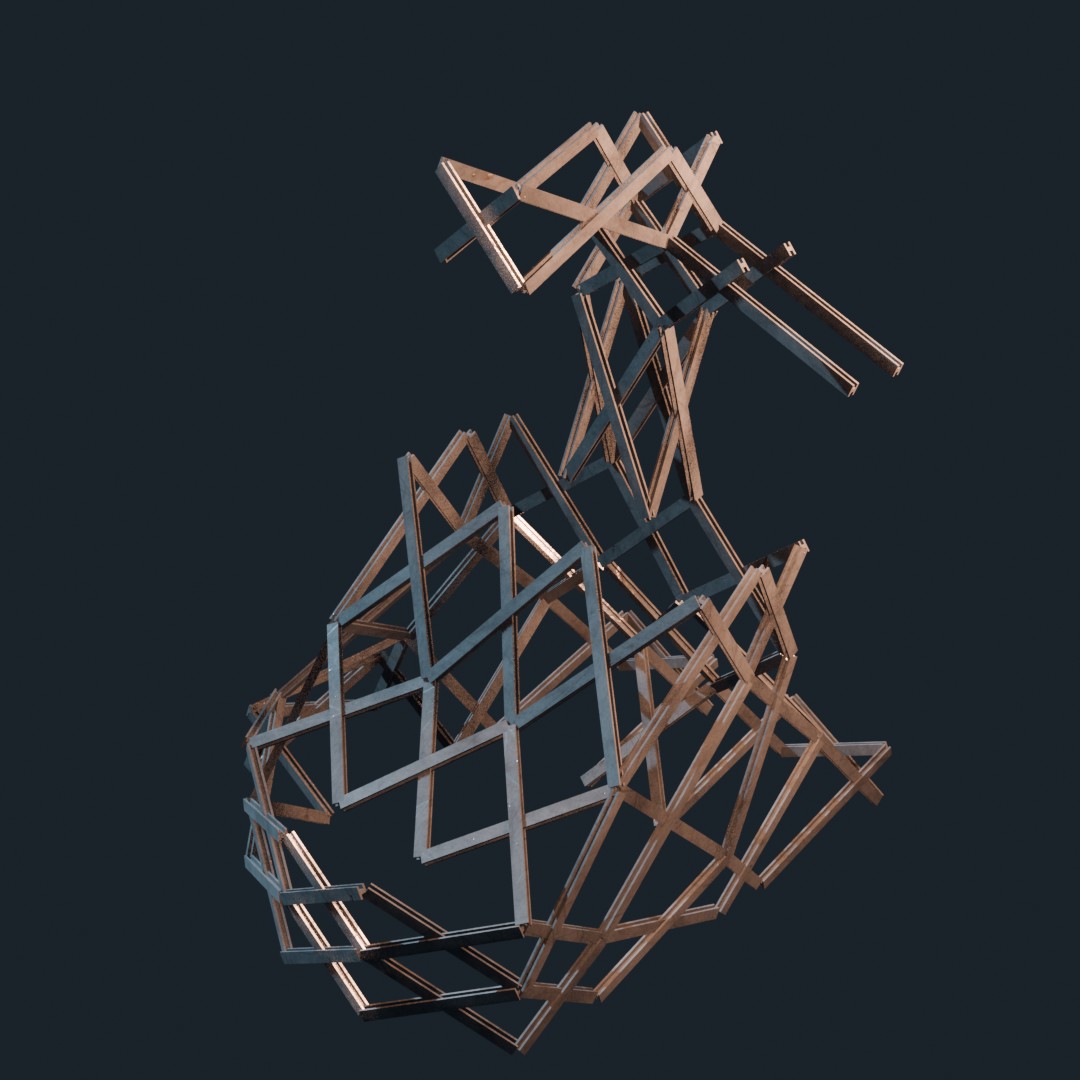
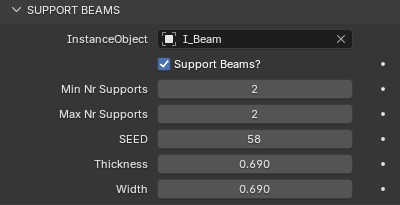
This second layer of detail instances two beams crossing each face in the base mesh. They also scale and align, dynamically, to the opposite corners of each face. The number of these support beams can be randomized between 0 and 2 and there are thickness and width controls too.