 Skava
Skava
UV Autoflow — Documentation
v1.2.0 · Blender 4.2 LTS and later · Windows / macOS / Linux
1. Install
- Download the zip and leave it zipped — install it through Add-ons preferences.
- Press N in the 3D Viewport → UV Autoflow tab.
2. Quick start
- Select one or more mesh objects.
- Open the UV Autoflow tab.
- Click Autoflow UVs.
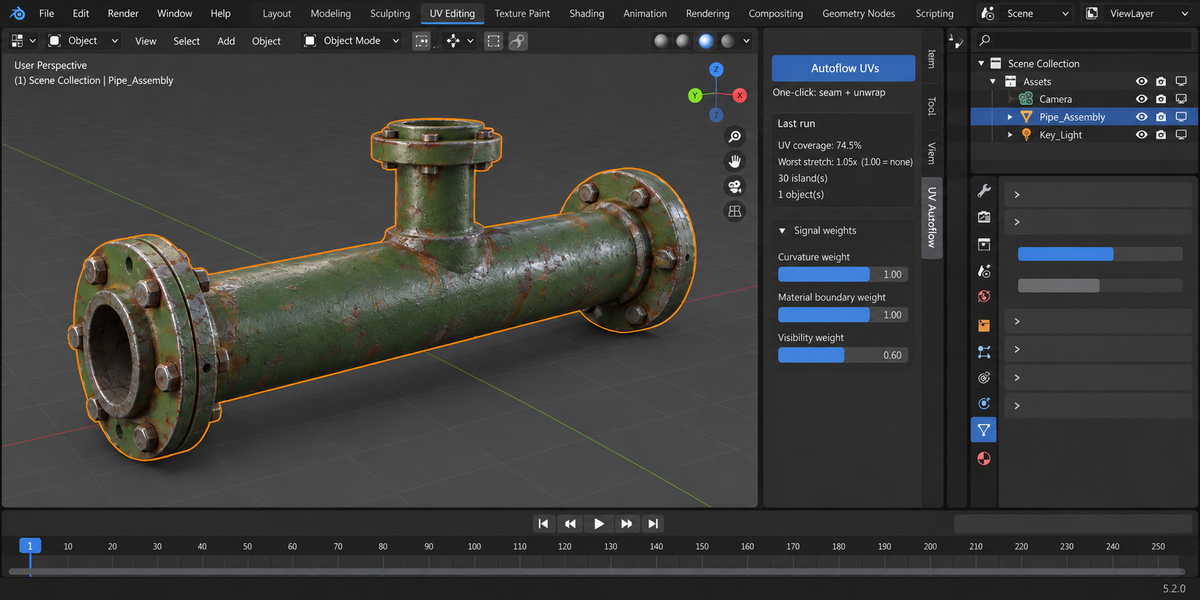
Behind the scenes: every edge is scored on three signals, seams are marked, angle-based unwrap runs, then all islands are packed into the 0-1 tile. The status bar reports exactly what happened: seams placed, island count, and UV coverage percentage — per object and as a batch summary.
3. The three signals
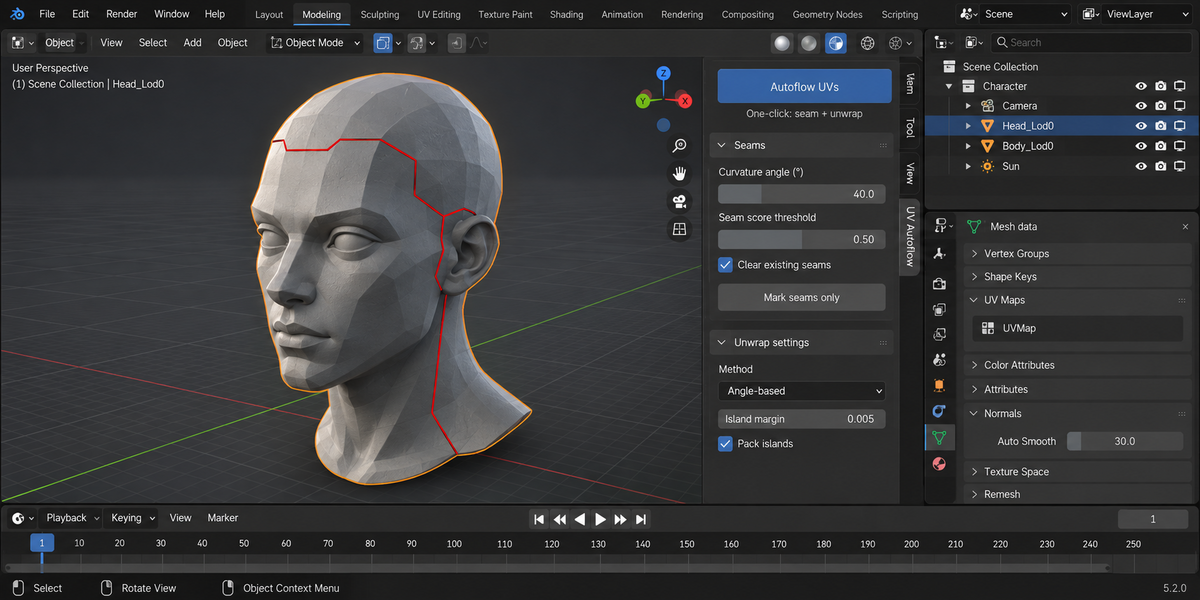
- Curvature — dihedral angle between the two faces sharing an edge. Above Curvature angle (default 40°) the edge scores 1.0. Smooth surfaces score 0.
- Material boundary — edges between two faces with different material slot indexes get a flat 1.0.
- Visibility — proxy for "would this face ever be seen?" Computed as the average Z component of the two adjacent faces' world-space normals (object rotation and scale are respected). Downward-facing → 1.0, level → 0.5, upward-facing → 0.0. Cheap and surprisingly effective for game-prop work.
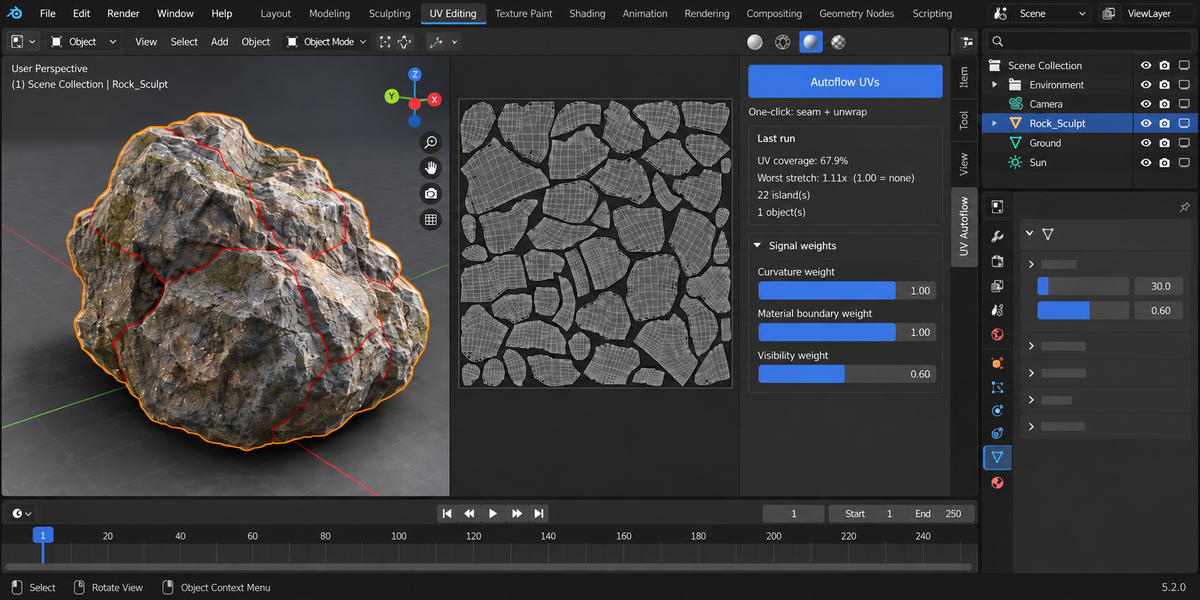
Each signal is multiplied by its user weight; the three are summed; edges scoring above Seam score threshold become seams.
4. Tuning
Too few seams — lower the threshold, or raise the curvature weight.
Too many seams — raise the threshold, or lower the visibility weight (it adds extra seams to downward faces).
Want fewer seams on flat areas — raise the curvature angle to 50-60°.
Want seams strictly on material boundaries — set curvature weight = 0, material weight = 1, visibility = 0.
5. Mark seams only
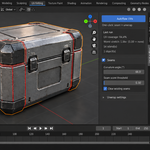
Use Mark seams in the Seams panel to run the scoring without unwrapping. Useful when you want to review the result in Edit Mode and tweak by hand before committing to an unwrap.
6. Straighten islands
After unwrapping you may want every island rotated so its long axis is horizontal (cleaner UV layout, better packing). Click Straighten islands:
- Each connected UV island is found via bmesh walk.
- Its principal axis is computed via 2D PCA on the UV coordinates.
- The island is rotated around its centroid to align with U.
- If Snap to 45° is on, the angle is snapped to the nearest 45° step for orthogonal-friendly packing.
7. UV symmetry mirror
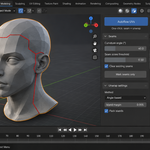
For symmetric meshes (characters, vehicles, mirrored kits), you only need to unwrap half. Then click Mirror UVs:
- Pick the symmetry axis (X / Y / Z).
- UV Autoflow builds a KD-tree of vertex positions and a vertex→mirror-vertex map within Match tolerance.
- It then matches whole faces: a positive-side face is paired with the negative-side face whose vertices are the mirror of the source face's vertices.
- For each matched face pair, UVs are copied loop-by-loop (matched by corresponding vertex) with the U coordinate flipped (1.0 − U).
Face-level matching (rather than naive per-vertex copying) is what makes the mirror correct — a vertex belongs to many loops on different faces, so copying per-vertex would be ambiguous.
Result: both halves of your model share UV space with mirrored coordinates — texture details automatically symmetric, half the texture memory.
8. Unwrap settings
- Angle-based — the standard Blender unwrap. Best general-purpose, handles organic and hard-surface.
- Conformal — minimises angular distortion at the cost of area distortion. Better on hard-surface meshes where you care about right angles staying right.
- Island margin — padding between islands in the final pack. 0.005 (default) leaves room for bake bleed.
- Pack islands — after unwrapping, pack all islands into the 0-1 UV tile using the island margin. On by default; turn off if you want to arrange islands manually.
9. Troubleshooting
"Autoflow produced no seams" — your mesh might have all-soft normals (subdivision surface output, sculpts). Raise the curvature weight or lower the threshold. Or check that the mesh has multiple material slots if you want material boundary seams.
"Result has too many islands" — too many high-score edges. Either raise the seam score threshold or reduce one signal's weight (commonly the visibility one).
"Straighten rotated my island the wrong way" — the PCA axis is undirected; an L-shaped island can be rotated 180° from what you expected. Toggle Snap to 45° on/off to find the orientation you want.
"Mirror UVs reports many unmatched" — either the mesh isn't symmetric within tolerance, or its faces don't have an exact mirrored counterpart. Fix the topology (Mesh → Symmetrise in Edit Mode) or raise the tolerance from 0.001 → 0.01. "Unmatched" counts faces whose mirror face couldn't be found, which is expected for the center-line faces straddling the axis.
10. Limitations
- Visibility is a cheap downward-facing heuristic, not a true AO-based occlusion test. The latter is planned for a future release.
- Straighten works on the PCA dominant axis only; doesn't snap to a target grid yet.
- Mirror UVs assumes one paired UV island per side. Multi-island per side gives unpredictable results.
- The unwrap step uses Blender's built-in operators, so any limitation of Blender's unwrap (concave seams, very long islands) applies here too.
11. Changelog
v1.2.0
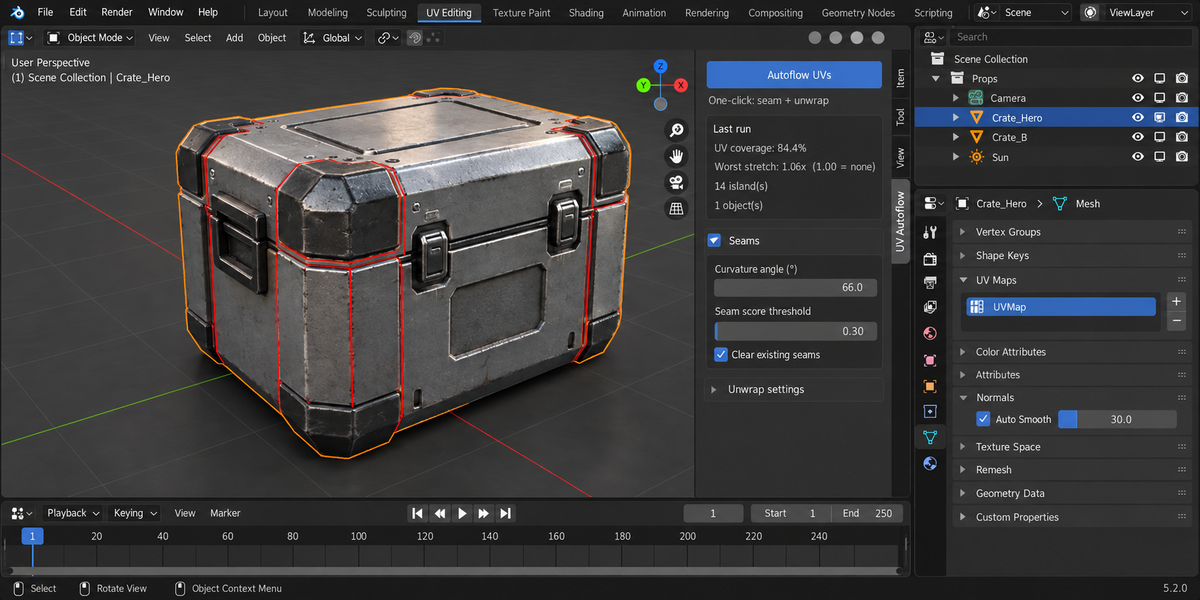
- Every unwrap is measured, and the best one is kept. The add-on builds several candidates — seams from its own curvature/material/visibility scoring, seams from an island split, that split unwrapped by angle, and the plain built-in projection — packs each one several ways, and keeps whichever covered the most sheet without distorting. Blender's own result is one of the candidates, so the outcome is never worse than the tool you already have. Measured on seven models: beveled prop 84.4% coverage against 72.1% for Smart UV Project, sculpt 67.9% against 47.9%, machined part with holes 76.4% against 66.5%, open shell 59.2% against 46.9%, heavy four-material prop 88.1% against 81.7% at 1.01x stretch against 1.24x, dense scan 52.5% against 50.4%, pipe run level. Worst-case stretch is never above the built-in's on any of them. The panel reports coverage and worst-case stretch after every run, so a tight pack can no longer hide a distorted one.
- The visibility signal no longer cuts seams on its own. It is meant to prefer a seam where it will be hidden, but at its default weight it cleared the seam threshold unaided, so every edge on the underside of a model became a seam — 216 of 715 on that prop, all of them for no other reason. It can still tip a borderline edge, never cut a flat one.
- Mirror UVs now works at any model scale. The match distance was a fixed 0.001 m, which is nothing on a building-sized model — mirroring simply found no pairs and did nothing. It is now derived from the size of the mesh, and Match tolerance at 0 means "work it out for me".
- The panel keeps the result of the last run: UV coverage, island count and seam count stay on screen instead of vanishing from the status bar a second after the unwrap.
v1.1.0
- New: Pack islands step — after unwrapping, islands are packed into the 0-1 tile with the chosen margin (toggleable in Unwrap settings).
- New: honest result stats — Autoflow now reports seams placed, island count, and UV coverage percentage per object plus a batch summary, and shows a progress indicator while batching.
- Fixed: processing multiple selected objects no longer re-unwraps every selected mesh once per object — each object is now isolated, so batches are much faster and other objects' UVs are never touched mid-run.
- Fixed: the visibility signal now uses world-space normals — rotated or scaled objects get seams on the faces that actually point down in the scene.
- Fixed: running Autoflow from Edit Mode now returns you to Edit Mode; selection and active object are restored after batch runs.
- Fixed: a crash (KeyError) when the addon's preferences could not be found in some install configurations.
- Fixed: meshes with no faces are skipped with a clear message instead of being silently "unwrapped".
12. Support & License
Through marketplace messaging. GPL-3.0.
Have questions about this product?
Login to message
| Published | 1 day ago |
| Blender Version | 4.2 - 5.2 |
| Extension Type | N/A |
| License | GPL |
Discover more products like this
character seams mirror symmetry uv mapping unwrap hard surface uv curvature asset straighten Game