 Skava
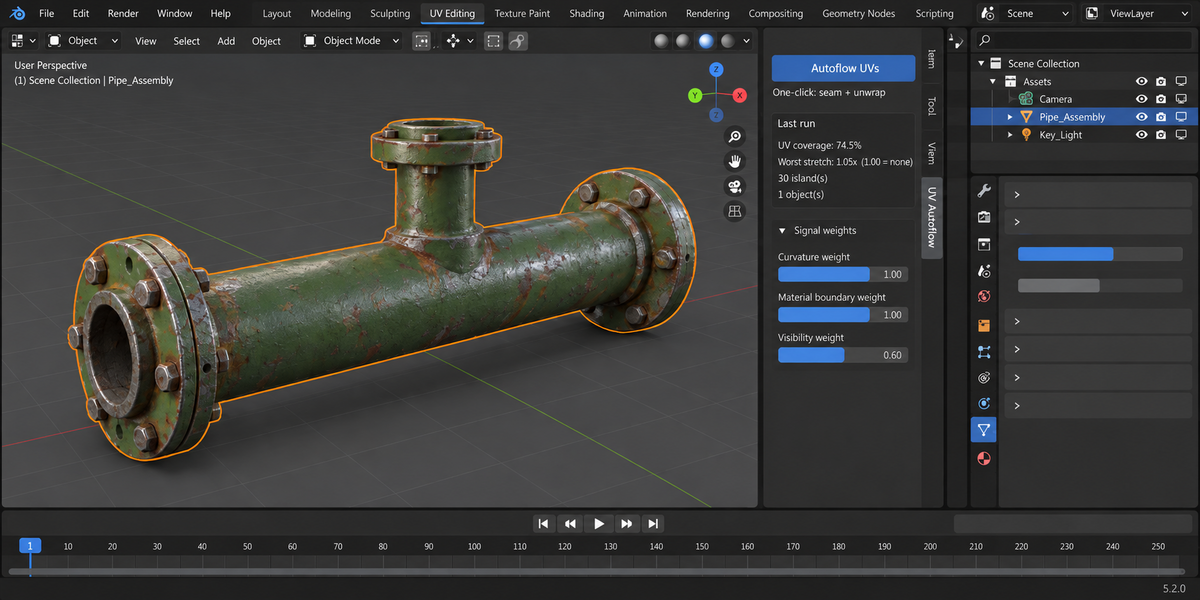
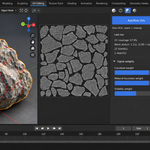
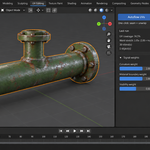
Download the zip and do not unpack it. In Blender open Edit > Preferences > Add-ons, click the drop-down arrow in the top-right corner and choose Install from Disk, then pick the zip. Tick the checkbox next to UV Autoflow. Press N in the 3D Viewport and open the UV Autoflow tab in the sidebar.
The full documentation is in the Documentation & FAQ tab on this product page, and a README.txt with install, first run and uninstall steps is inside the zip.
Blender 4.2 LTS and newer. Tested live on 4.2.9 and 5.2.0.
The add-on is pure Python: no compiled parts, and it downloads or installs no extra packages.
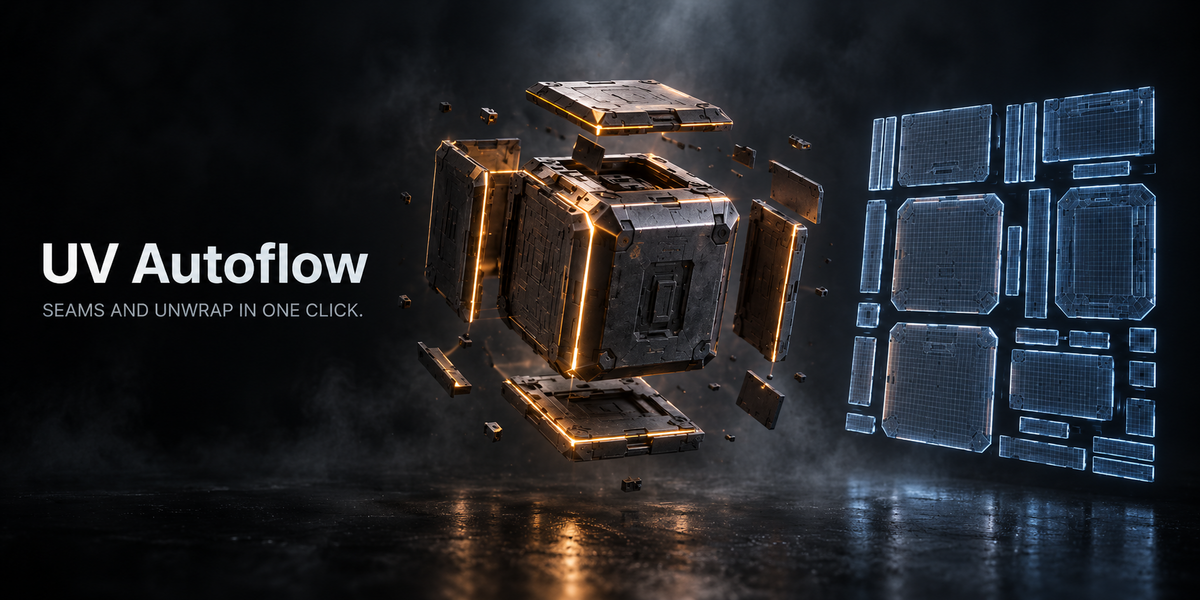
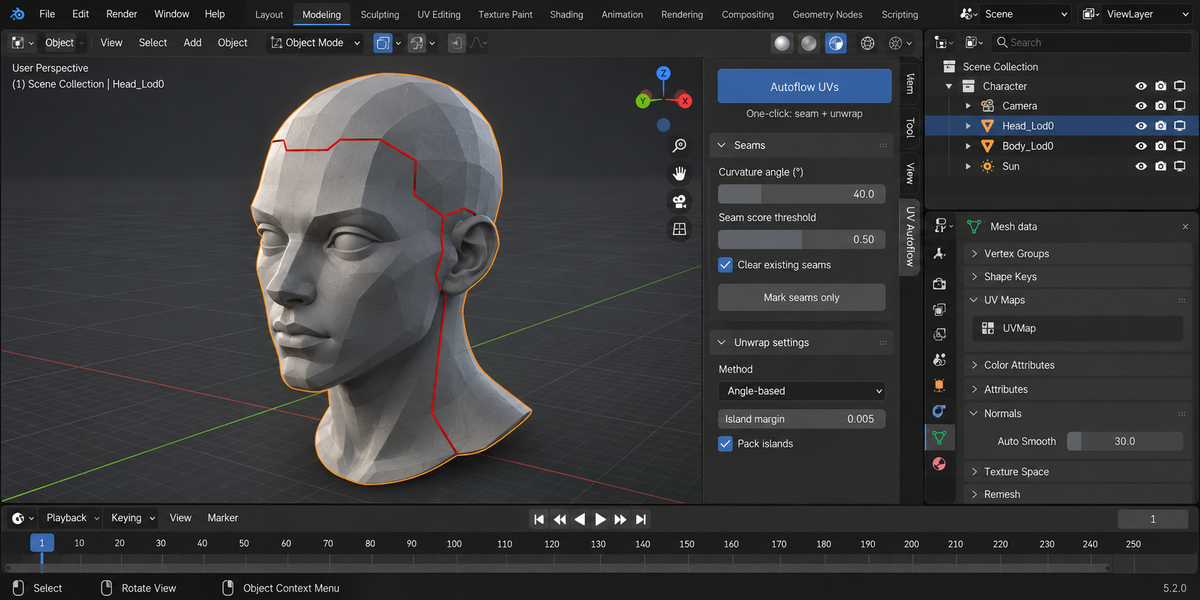
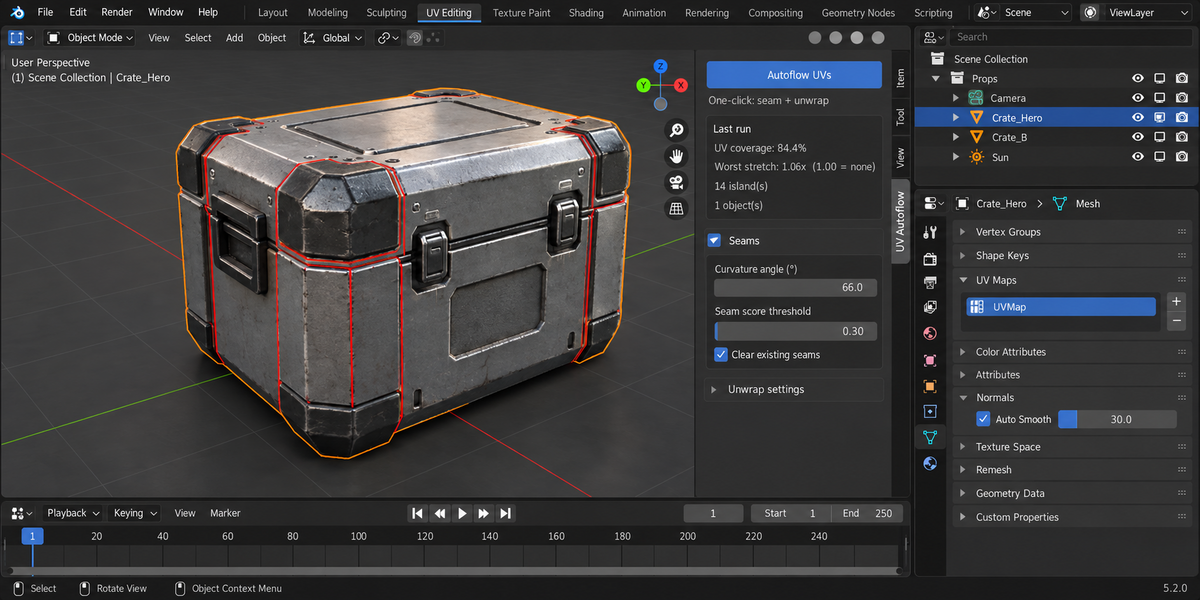
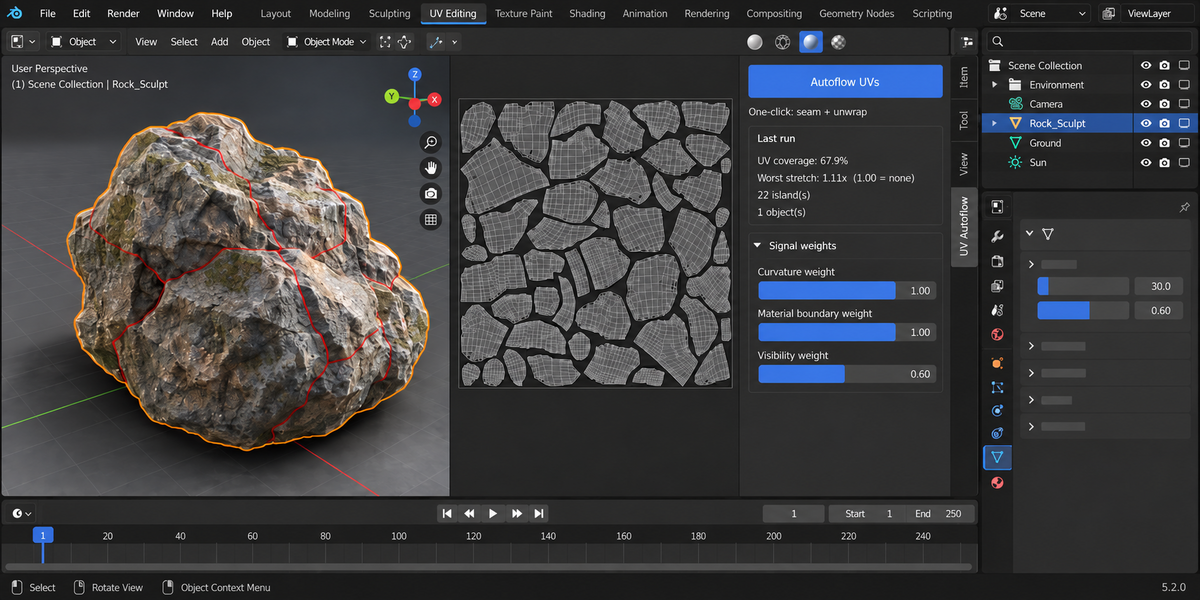
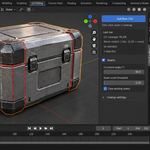
Every edge is scored on three signals: curvature (the angle between its two faces, against Curvature angle (°)), material boundary (the faces use different material slots) and visibility (how much the faces point downward). Each signal is multiplied by its weight in the Seams panel, and edges whose total is above Seam score threshold become seams. Then the mesh is unwrapped with Blender's own unwrapper, using the Method in Unwrap settings (Angle-based by default, or Conformal), and with Pack islands on the islands are packed into the 0–1 tile.
Objects in Edit Mode are fine: Autoflow UVs and Mark seams only switch to Object Mode for the work and return each object to the mode it was in.
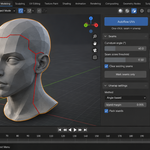
Smart UV Project splits the mesh by face angle alone. UV Autoflow also cuts between material slots and favours seams on faces that point down, and you can weight each of those signals yourself. It marks real seams on the mesh, so you can see and edit them before or after unwrapping, and Mark seams only stops before the unwrap.
Yes. Mirror UVs (symmetry) finds mirrored vertex pairs along the chosen Axis and copies the UVs of the positive side to the other side, flipped. It needs symmetric topology: vertices on both sides must match within Match tolerance.
No. The add-on contains no network code, sends no telemetry and writes nothing to disk.
Yes. The add-on is licensed under GPL-3.0-or-later; the full text is in LICENSE inside the zip. The license covers the add-on code; what you create with it is yours.
Have questions about this product?
Login to message
| Published | about 2 months ago |
| Blender Version | 4.2 - 5.2 |
| Extension Type | N/A |
| License | GPL |
Discover more products like this
uv mapping Game straighten asset curvature hard surface mirror uv symmetry seams unwrap character