 Vladimir Tarasenko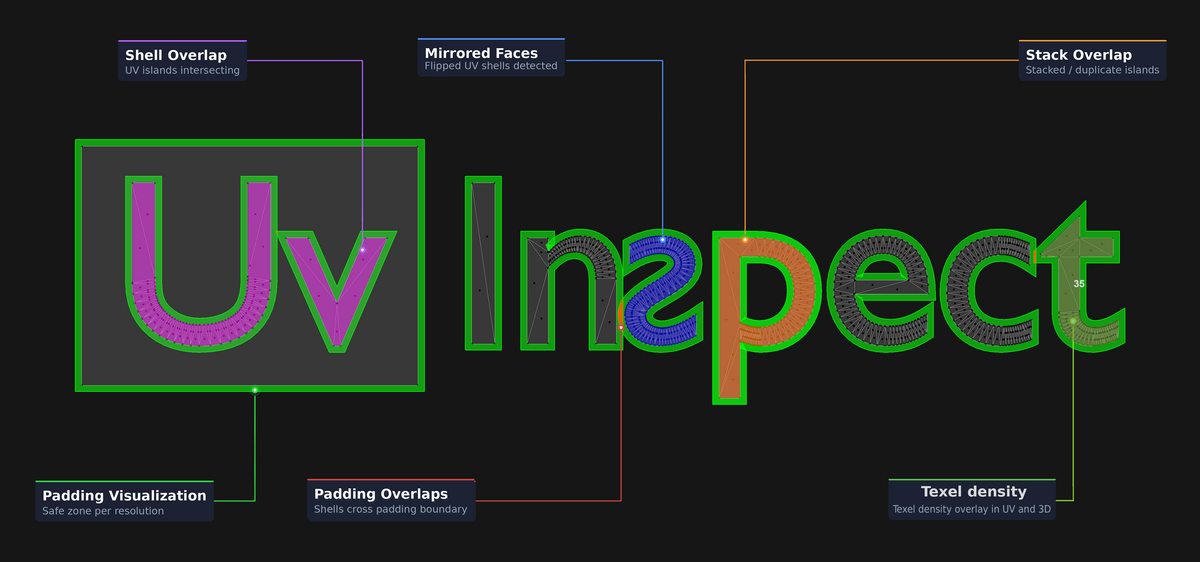
Inspect your UVs before baking. Find padding collisions, overlapping shells and flipped faces, check texel density, and select affected faces directly in Blender. Built for game-asset workflows. Blender 5.0+.
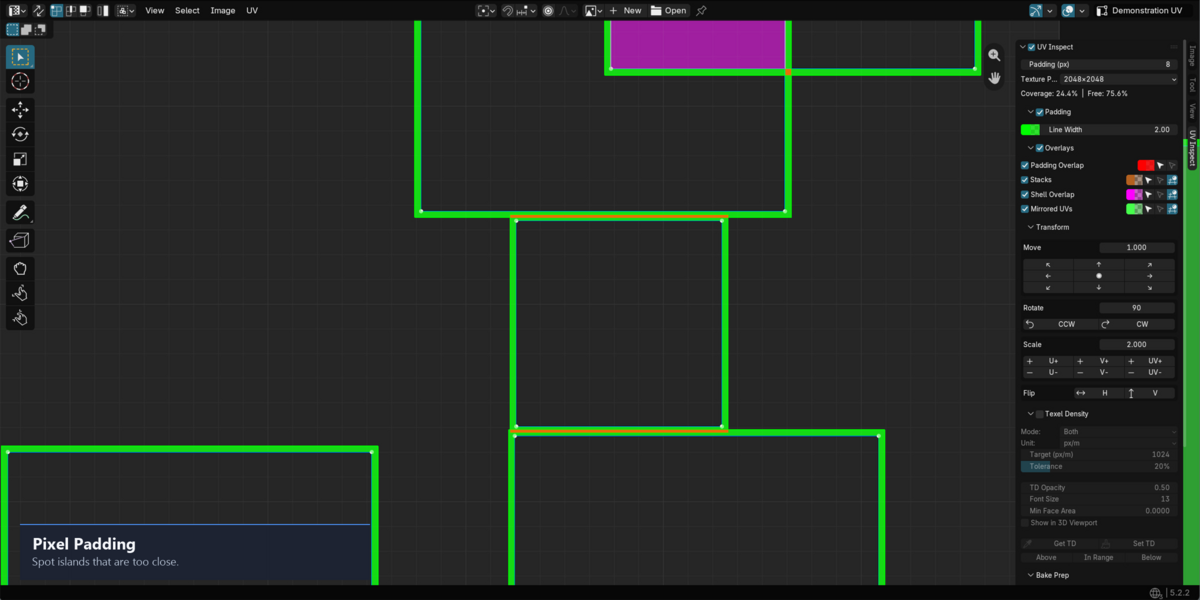
Padding
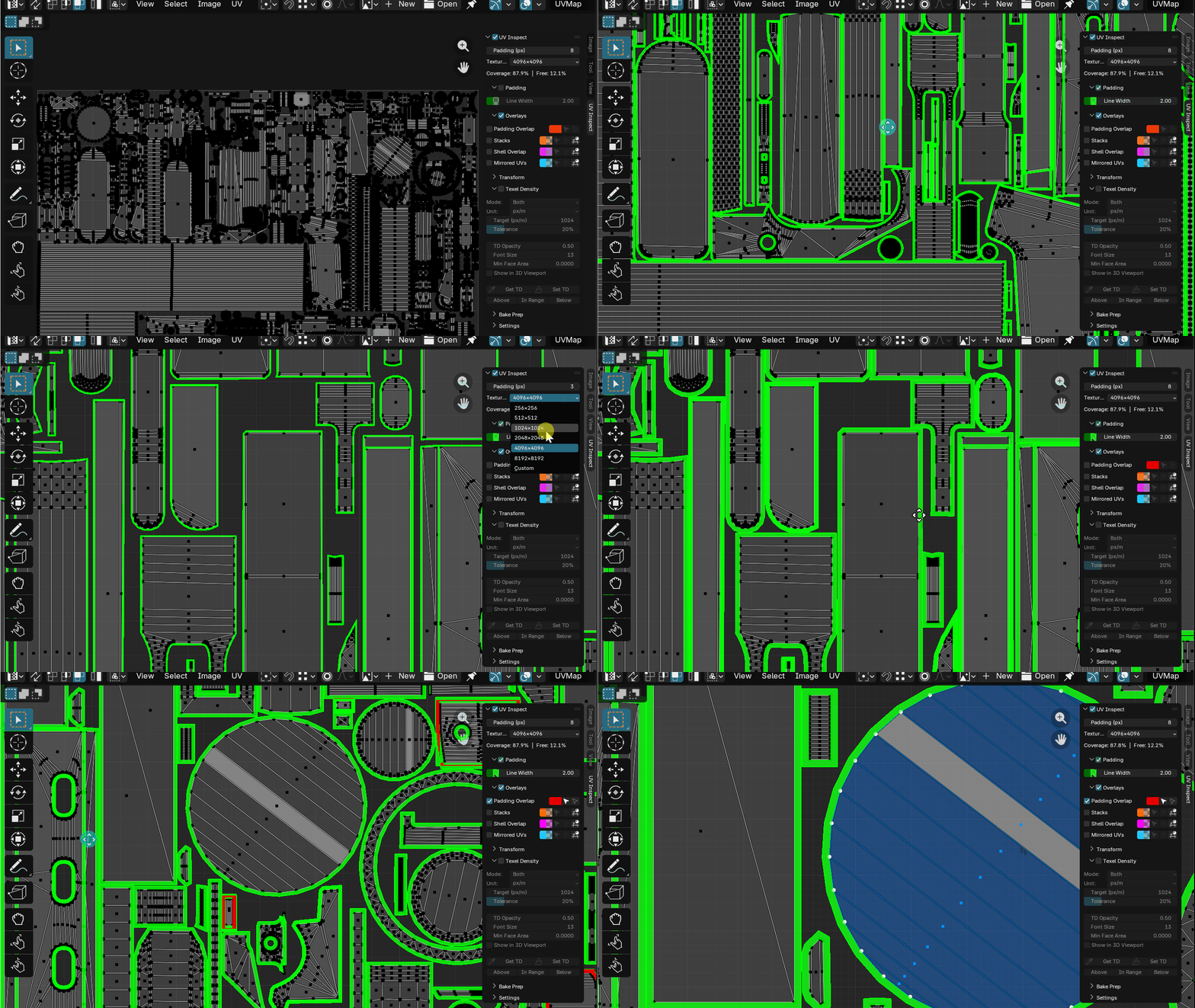
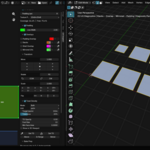
Every UV shell requires a minimum pixel clearance to prevent texture bleeding between islands during mip-map filtering.
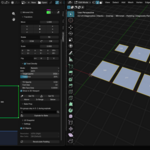
UV Inspect calculates the exact padding threshold for your target resolution and renders it as a real-time overlay in the UV editor. Define your pixel value and texture size — the offset updates instantly. Violations are flagged before you bake.
Works with any texture resolution from 256 to 8192 — or set a custom size.
Overlap Detection
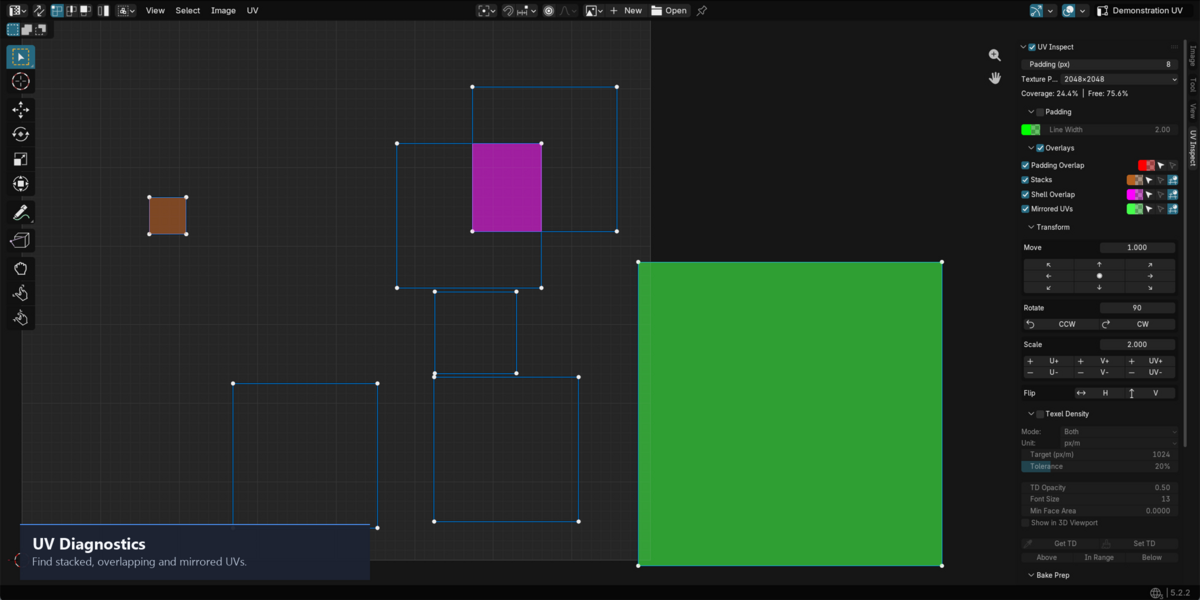
Four types of UV data, instant visual feedback — use it as a problem detector or a layout decision tool.
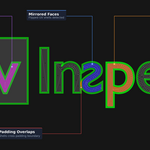
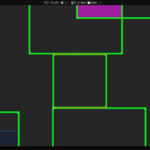
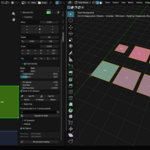
Padding Overlap — islands whose padding zones are colliding, even if the shells themselves don't touch yet.
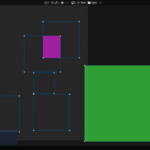
Stacks — identical shells placed on top of each other intentionally (mirrored geometry, repeated parts). UV Inspect finds them so you can verify they're supposed to be there.
Shell Overlap — two different islands actually intersecting in UV space. This will always cause bake artifacts.
Mirrored — faces with flipped UV winding. Common when mirroring geometry without flipping the UVs.
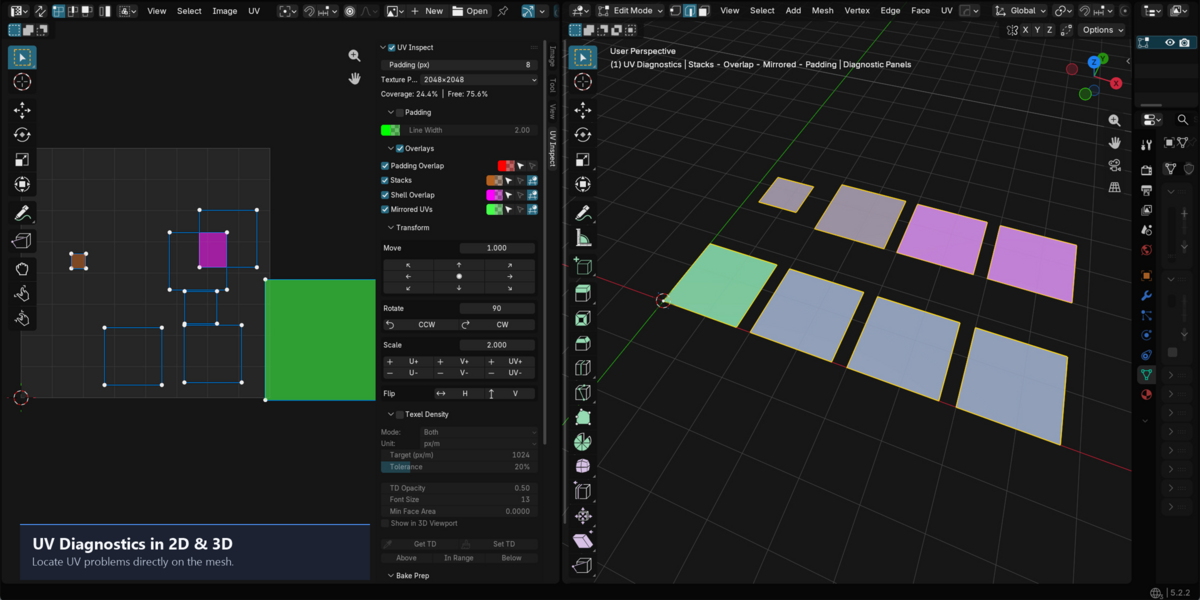
Each type has its own color and toggle. Hit Select to jump straight to the problem faces in the UV Editor. Hit Deselect to remove them from your selection without touching anything else.
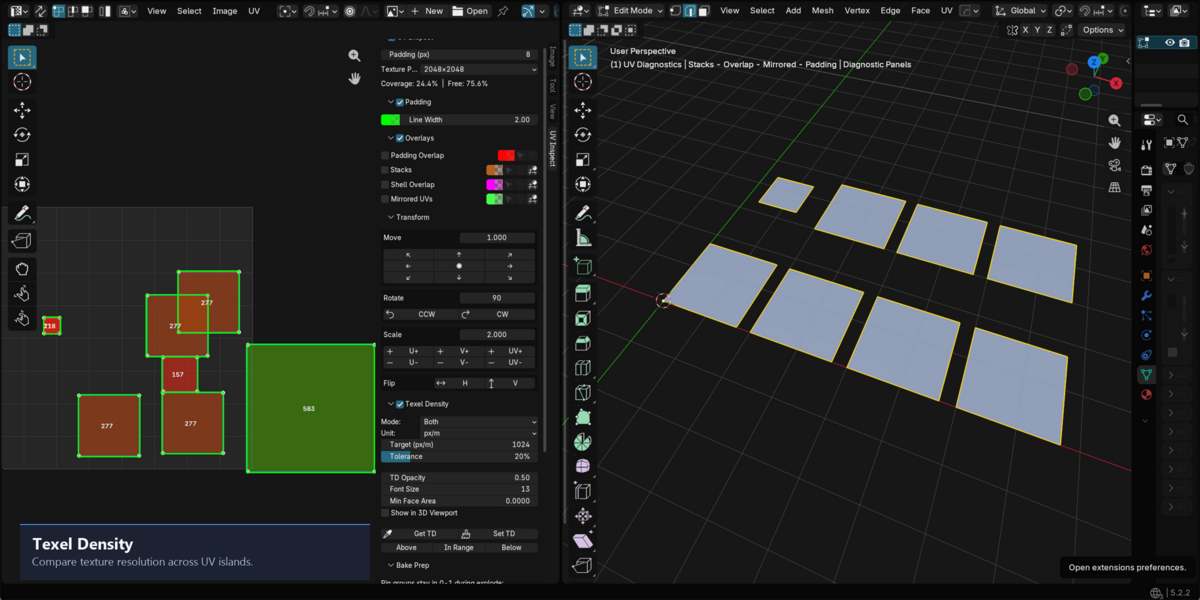
Texel Density
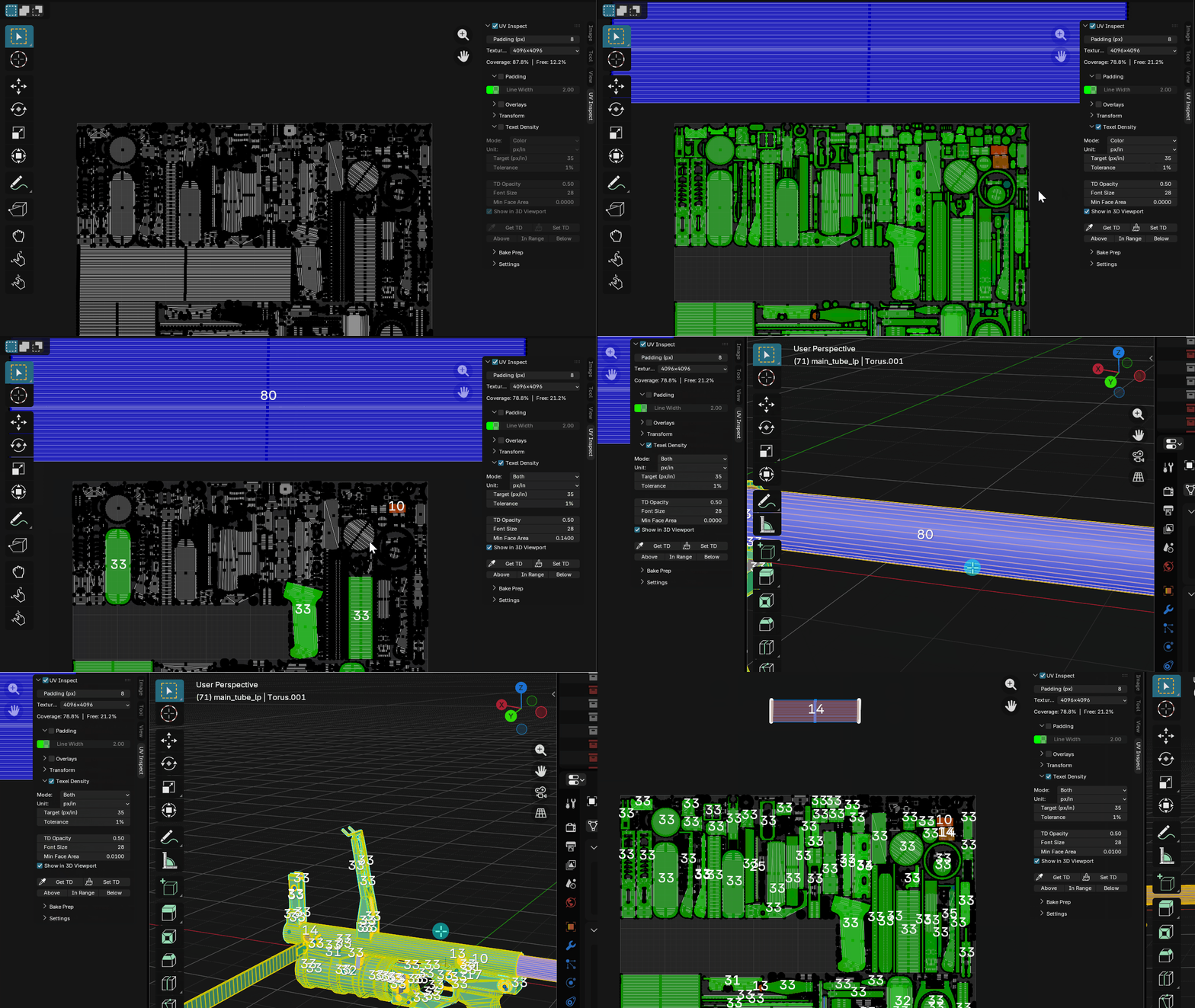
Inconsistent texel density means some parts of your mesh look sharp and others look blurry — even with the same texture. It's one of those problems that's easy to miss until texturing
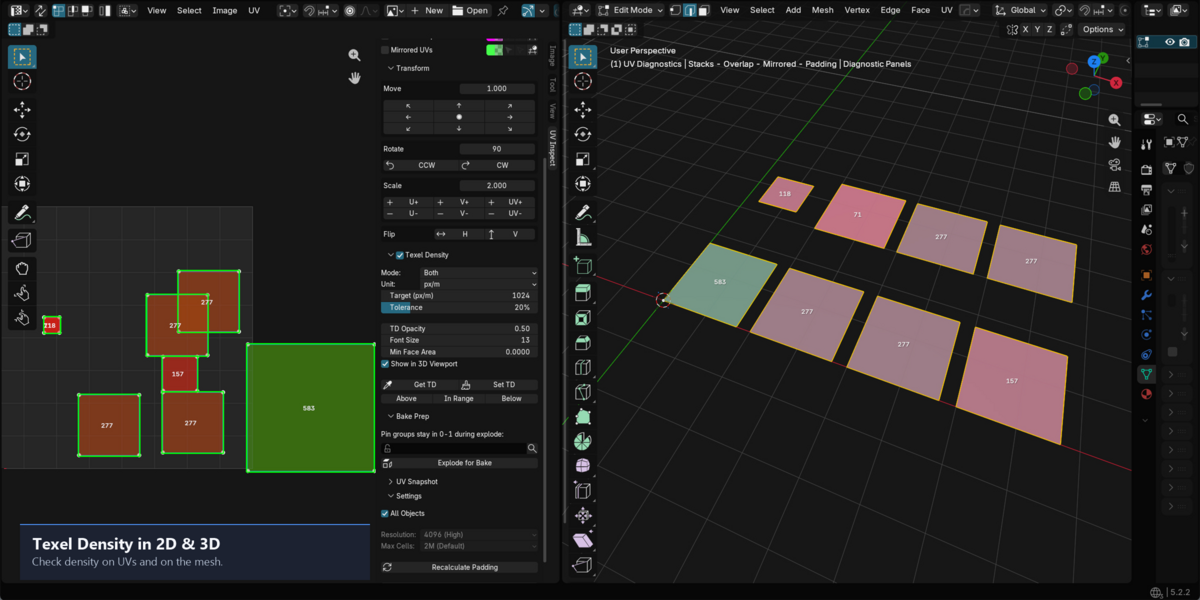
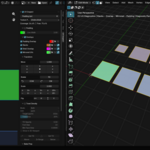
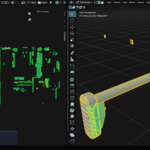
UV Inspect calculates the texel density of every face and colors the mesh accordingly. Green means you're on target. Red means too low. Blue means too high.
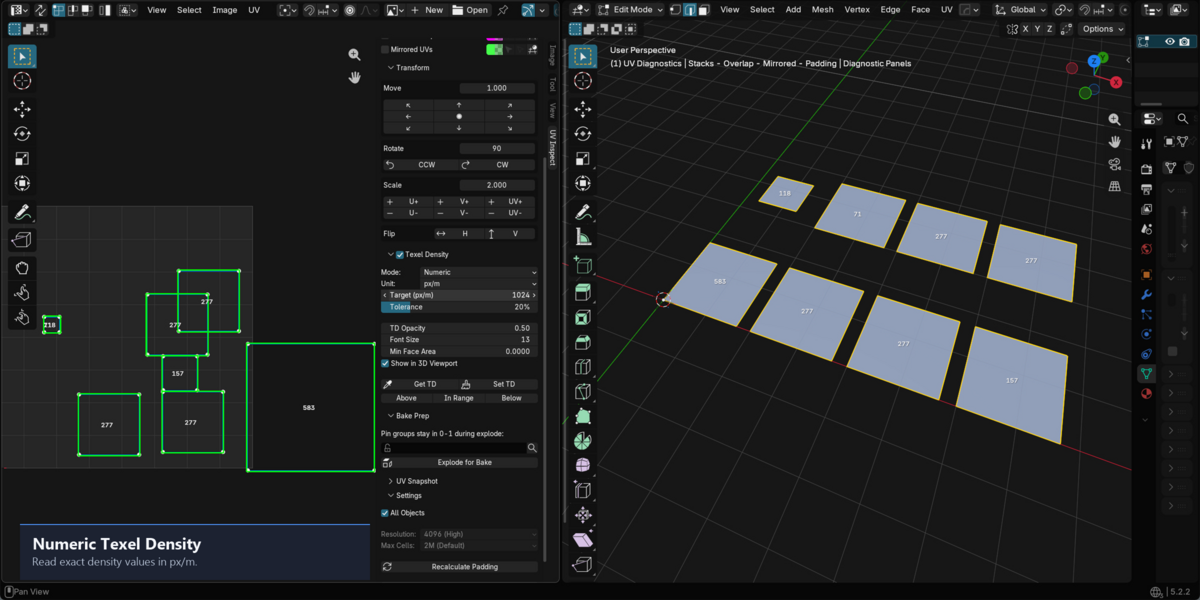
Set your target density in px/m, px/cm or any unit that matches your pipeline. Adjust the tolerance to define how strict the check is. The overlay works both in the UV Editor and in the 3D Viewport — so you can see problem areas directly on the model without switching views.
Bake Preparation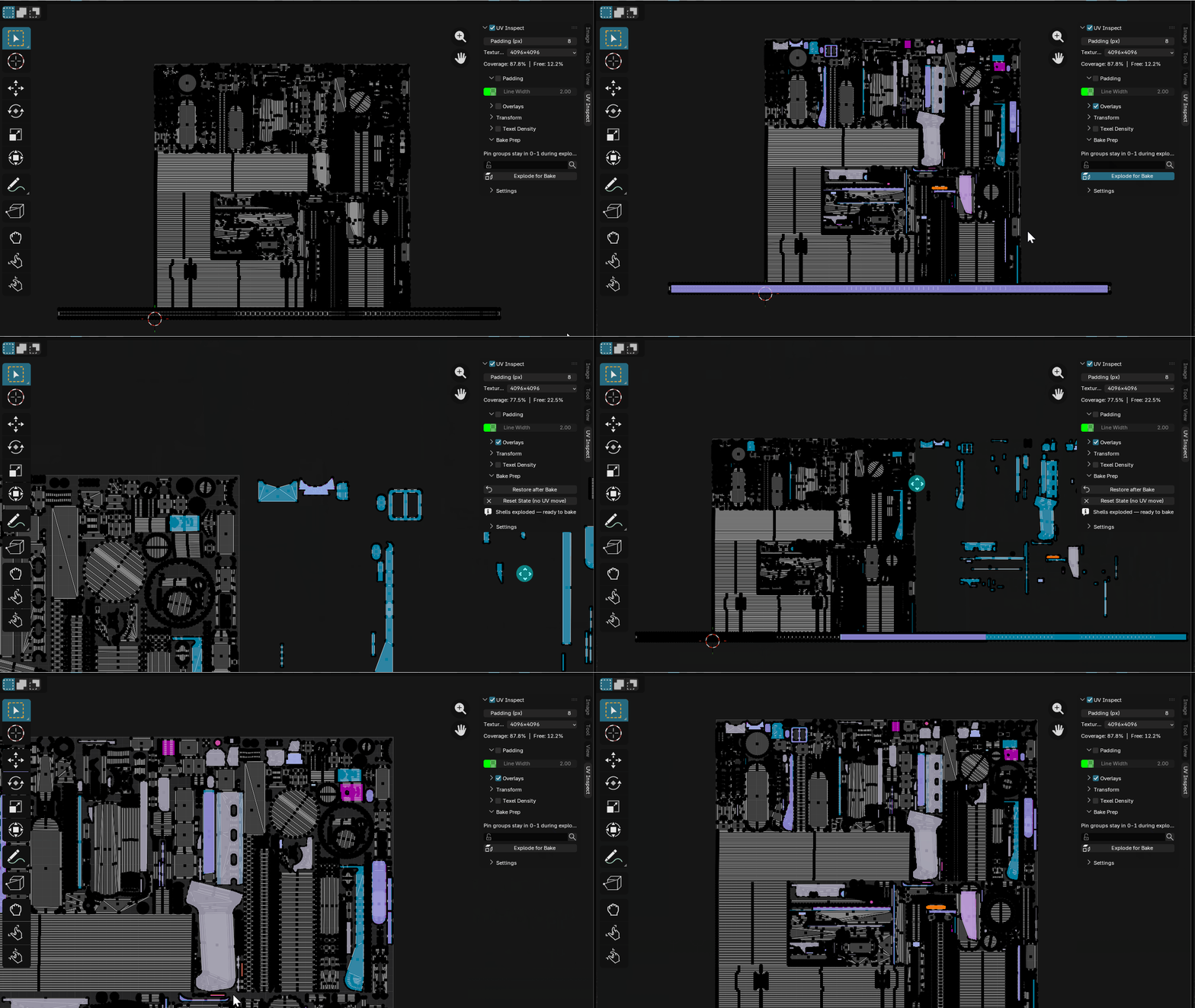
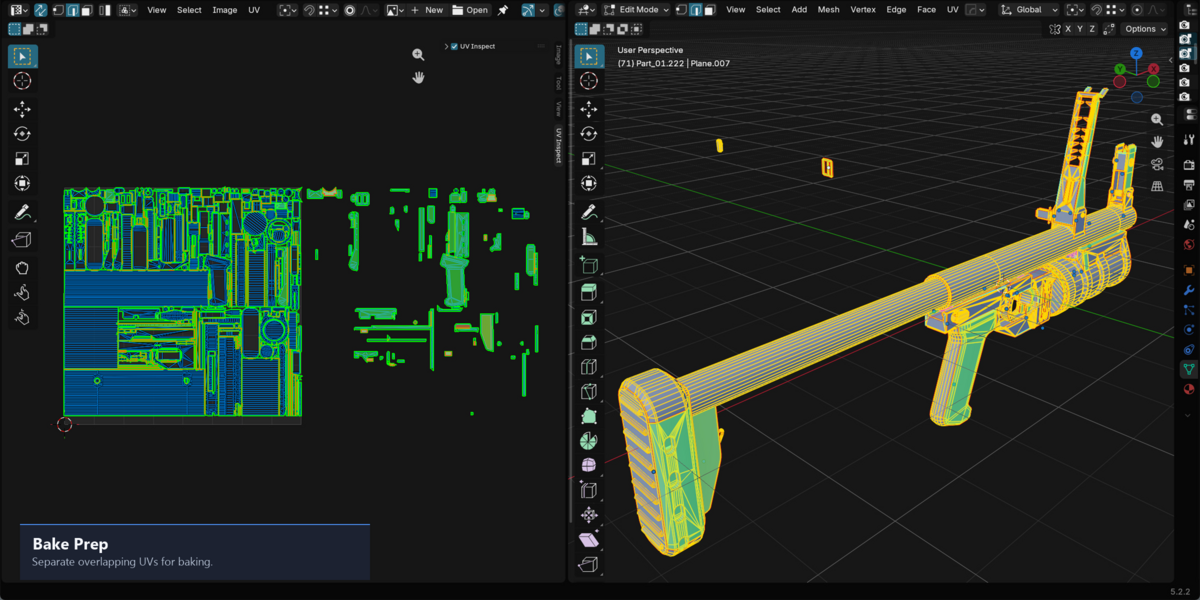
Baking overlapping shells is a common workflow — mirrored objects, tiling parts, repeated props. But most bakers need each shell to occupy a unique UV space during the bake itself.
Explode for Bake detects all stacked and overlapping shells, keeps one instance in the 0–1 tile, and moves the duplicates just outside — automatically. No manual shuffling.
When the bake is done, hit Restore and everything snaps back to its original position. The mesh is unchanged, the UVs are back where they were.
If you have parts that should always stay in 0–1 (pinned geometry, hero assets), mark them with a vertex group and they'll be skipped during explode.
UV Inspect is $12. One-time purchase, free updates.
