UV Inspect
 Vladimir Tarasenko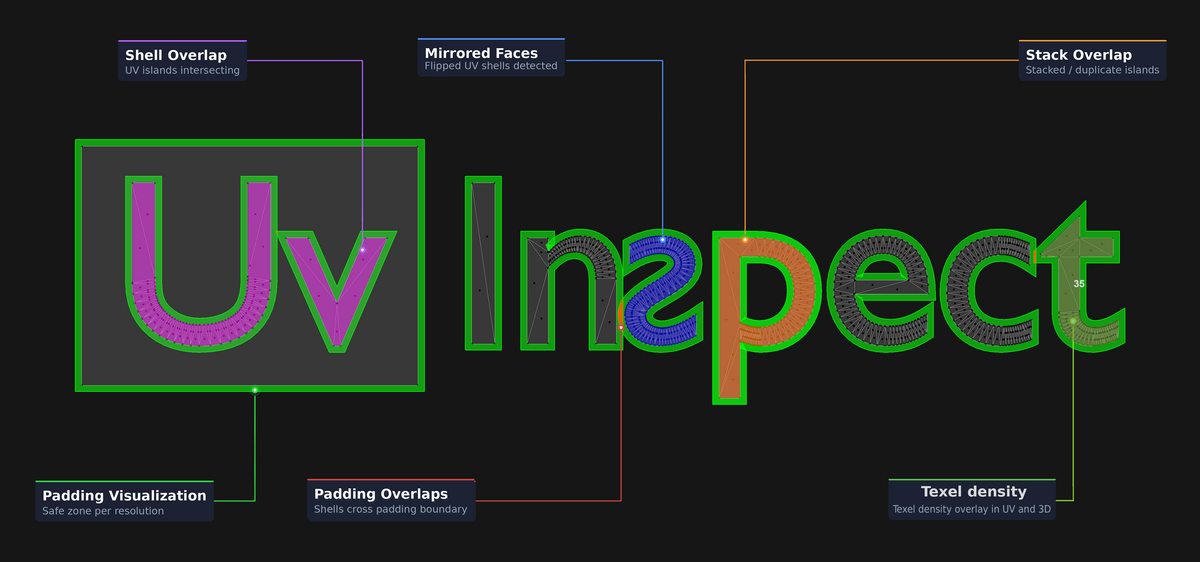
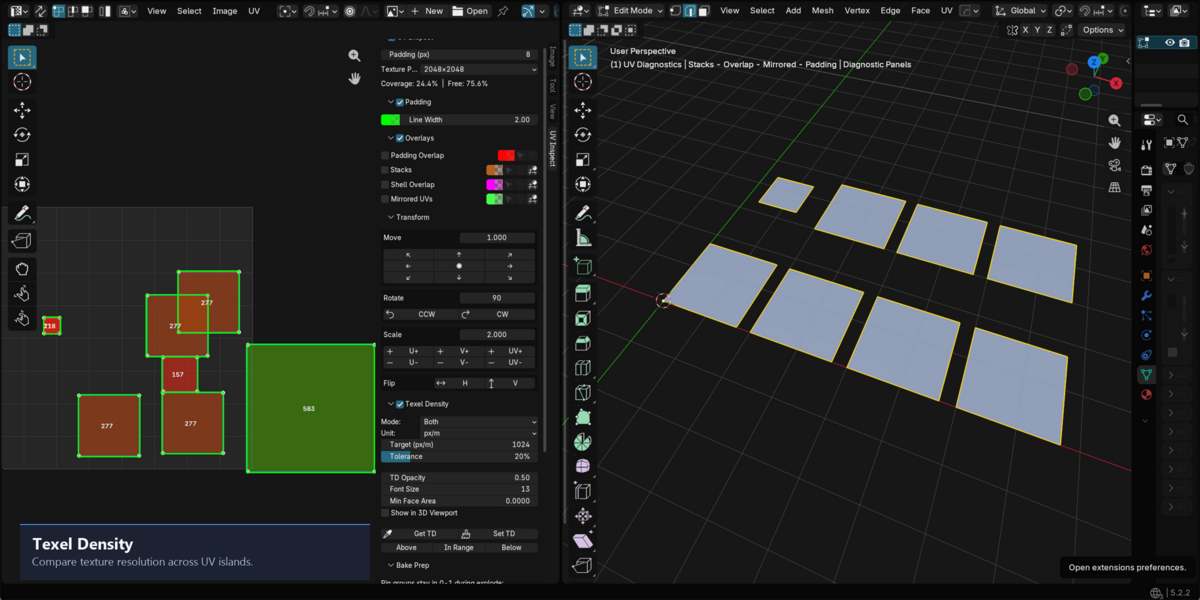
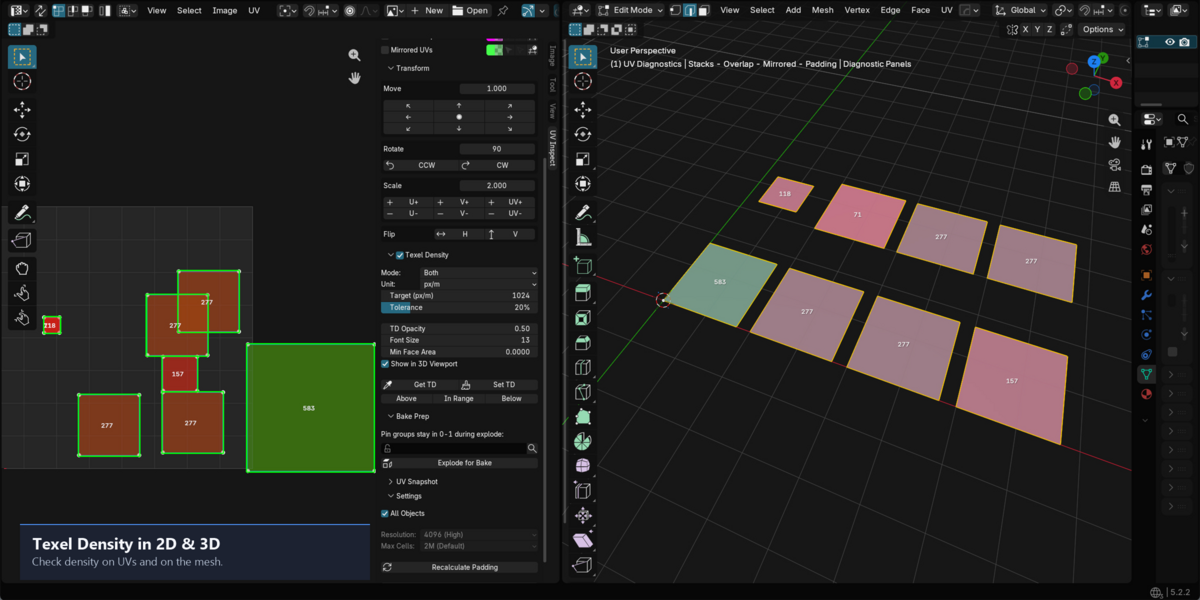
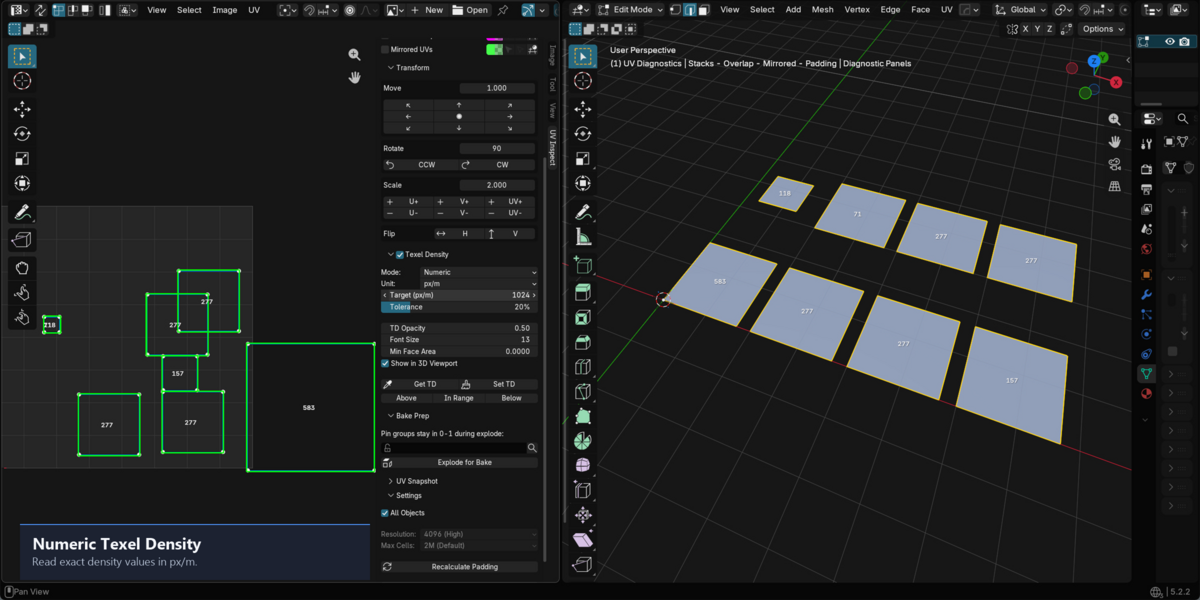
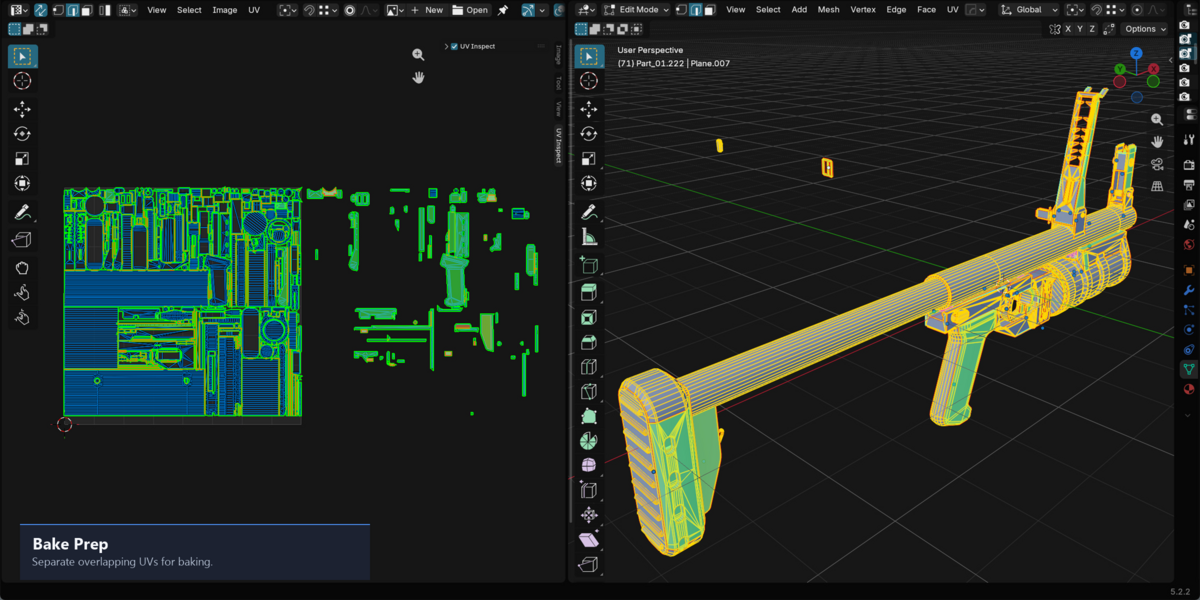
UV Inspect Pro 1.0.1 — Installation
===================================
This package contains UV Inspect Pro for Blender 5.0 or newer.
INSTALL
-------
1. Download UV_Inspect_Pro_Blender5x_v1.0.1.zip from your Superhive purchase.
2. Open Blender > Edit > Preferences > Get Extensions.
3. Open the menu at the top right and choose Install from Disk.
4. Select the downloaded ZIP and confirm installation.
5. In Preferences > Add-ons, ensure UV Inspect Pro is enabled.
6. Open the UV Editor and press N to show the sidebar, then select UV Inspect.
Select a mesh with an active UV map and enter Edit Mode to use the panel.
UPDATE
------
1. Save your work and disable UV Inspect Pro in Preferences > Add-ons.
2. Open Preferences > Get Extensions and find UV Inspect Pro.
Open the drop-down menu on its row and choose Uninstall.
3. Restart Blender, then install the new ZIP as described above.
REMOVE
------
Open Edit > Preferences > Get Extensions and find UV Inspect Pro.
Open the drop-down menu on its row, choose Uninstall, and confirm.
The Add-ons checkbox only disables the extension; it does not remove it.
The add-on does not delete its own folder. Blender manages extension removal.
FIRST USE
---------
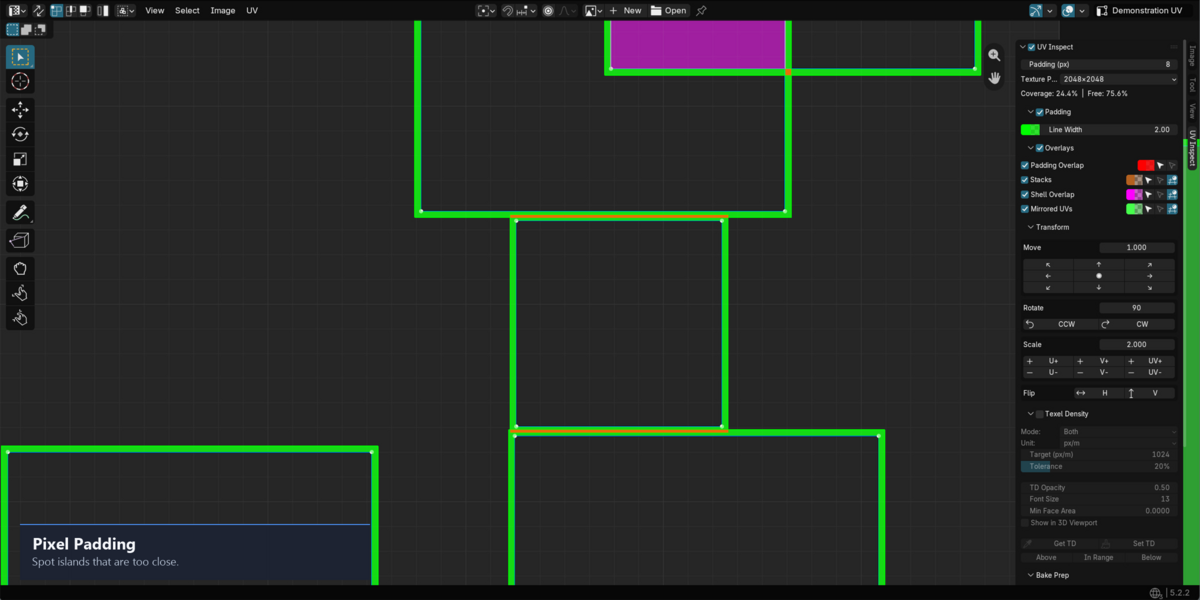
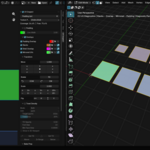
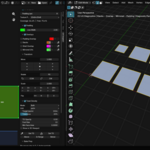
Enable the main UV Inspect toggle. Set texture dimensions and padding in pixels.
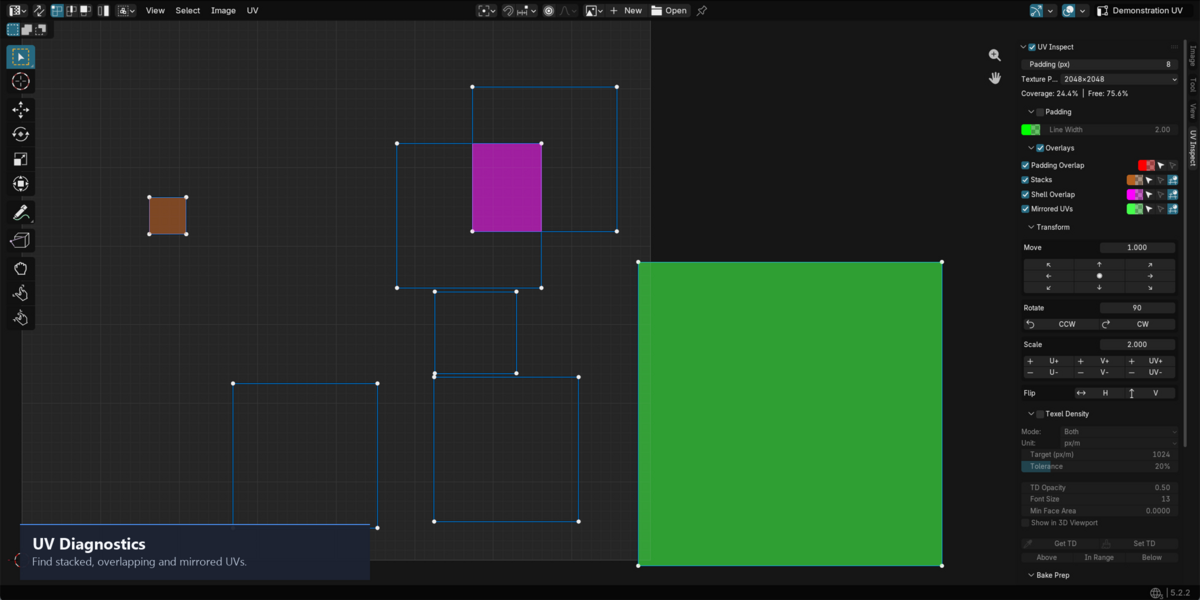
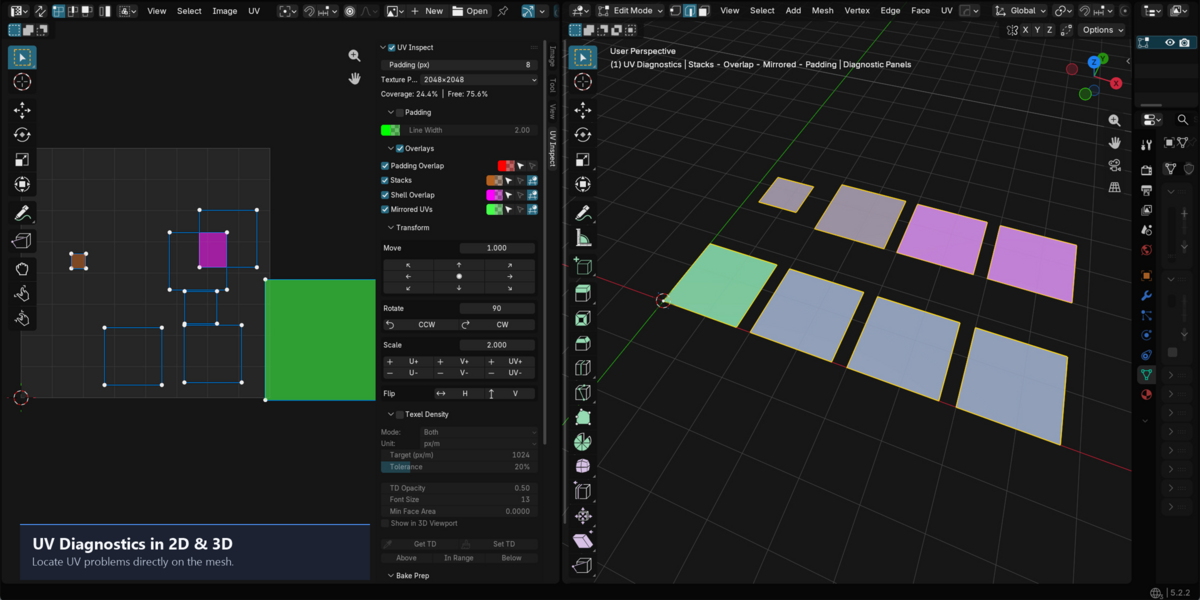
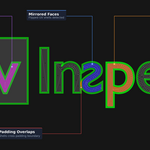
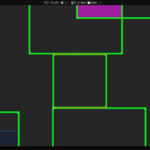
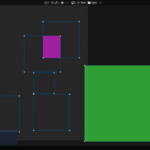
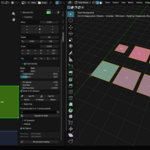
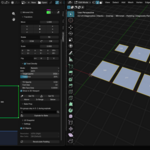
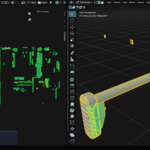
Enable Padding Overlap, Stacks, Shell Overlap or Mirrored UVs as needed.
Use the adjacent Select / Deselect buttons to inspect affected faces.
See DOCUMENTATION_PRO.txt for the other tools.
TROUBLESHOOTING
---------------
- Confirm Blender is version 5.0 or newer and restart after updating.
- If the panel is absent, check Edit Mode, the active UV map and the UV Editor.
- If updates are slow, lower the overlap resolution or enable fewer overlays.
- Diagnostic file logging is disabled by default, including at add-on startup.
SUPPORT
-------
For questions or issues, contact the creator through the UV Inspect Pro
product page on Superhive where you purchased this add-on.
Include your Blender version, operating system, steps to reproduce, and
a screenshot or a small sample file if relevant.
Have questions about this product?
Login to message
| Blender Extension Compatible | Yes |
| Published | 2 days ago |
| Blender Version | 5.0 - 5.2 |
| Extension Type | Add-on |
| Render Engine Used | Cycles |
| License | Mit |

Discover more products like this
bake-prep texel density flipped faces overlap uv baking stack UV layout hard surface padding uv-overlay game-dev