 sandro



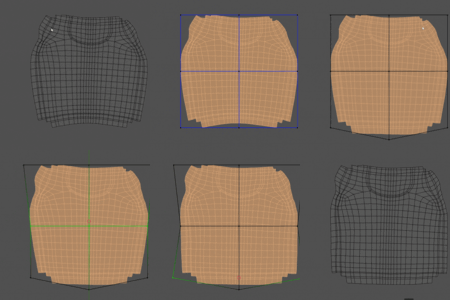
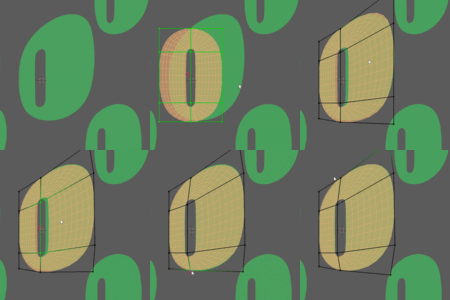
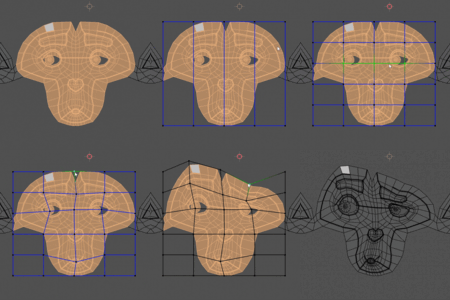
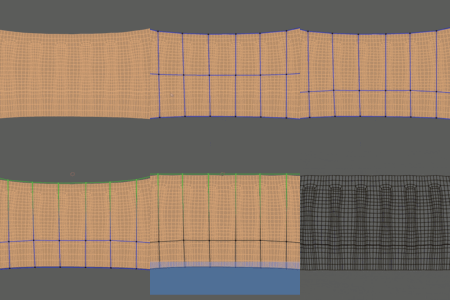
Installation
- Open Blender
- Go to Edit → Preferences → Addons.
- Click little arrow at top-right corner → Install from Disk
- Select downloaded zip file and install
- Addon is installed, enabled and ready to go.
- Optional: customize hotkeys and colors to your liking.
General Workflow
Addon can be found in UV Editor window → N-panel → UV Lattice.
Optional: right-click on button and add it to quick favourites for lightning-fast access.
- Select UV-s you wish to deform and hit ‘UV Lattice’ button.
- Lattice will be created around the selection.
- Hotkey list will be displayed at the left of the window. (customizable from addon settings)
- Add vertical and horizontal subdivisions.
- Reposition, rescale and tweak lattice as you wish.
- Bind
- Move, rotate, scale, transform and tweak control points.
- `Ctrl` for snapping (nearest uv vert when unbound, angle/increment when bound)
- `Ctrl+Z` to undo, `Enter/Return` to confirm, `Esc` to cancel.
Optional:
toggle interpolation modes between bilinear (fast, linear, predictable
deformations) and Catmull-Rom (softer but slower on dense meshes)
Changelog
1.0 – Initial release
1.1 – For blender 5.0
1.1.1 – hotfix (Blender 5.x). Fixes error with pivot mode switch
(bounding box/cursor). Adds error message when uvs are not selected
Have questions about this product?
Login to message

Discover more products like this
unwrap uv lattice lattice uv map deformation ffd freeform deformer uv