 yen
yen


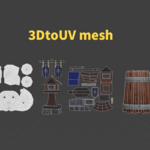
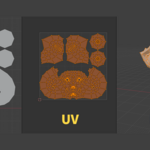
Installation
n- Go to Edit > Preferences > Add-ons > Install for disk > select uv_morpher.zip file and enable add-ons checkbox
- Search for "UV-Morpher" and enable it.
How to Use
Select your mesh object.
Open the "Partner" tab in the 3D Viewport sidebar (N-panel).
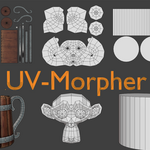
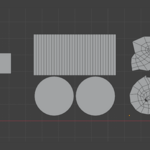
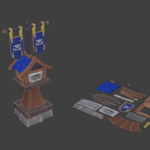
Click "Apply UV Morph" to flatten your mesh.
Click "Cancel UV Morph" to instantly revert to the original 3D shape.
$5
Have questions about this product?
Login to message
| Sales | 10+ |
| Dev Fund Contributor | |
| Published | 9 months ago |
| Blender Version | 4.0 - 5.1 |
| Extension Type | N/A |
| License | GPL |