UV Exporter

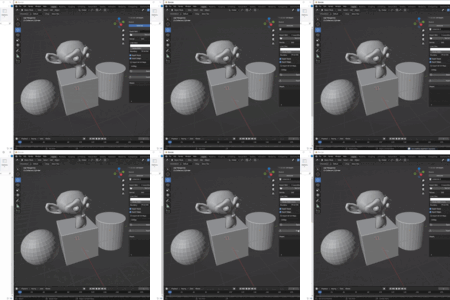
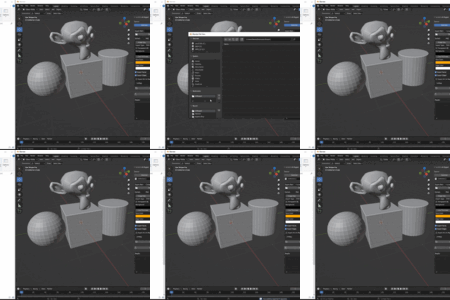
Stop wasting time with Blender's default UV export options. UV Exporter is the professional tool you need for fast, flexible, and reliable UV layout exporting. Designed for game developers, texture artists, and technical designers, this add-on streamlines your entire workflow with powerful presets, batch processing, and support for both raster and vector formats. Focus on your creative work, not on repetitive export tasks.

What's Included?

  • The UV Exporter Add-on (.zip file)
  • Detailed Documentation & Installation Guide
  • Dedicated Customer Support

Core Features

  • Workflow Presets

    Save, load, update, and delete unlimited presets. Perfect for managing different project requirements with a single click.

  • Flexible Export Source

    Choose to export UVs from only your Selected Objects or batch export all objects in a Collection.

  • Batch UV Map Export

    Export a specific UV map by name or enable "Export All" to automatically save every UV map from your target objects.

  • Advanced Vector & Raster Control

    Supports all major formats (PNG, SVG, DXF, etc.). For raster images, export in color or grayscale up to 8K resolution with a transparent background. For vector output, get layered files where you control the boundary (fit to UVs or 0-1 space) and set professional stroke widths that snap to standard CAD lineweights.

  • Full Layout & Color Control

    Customize colors for faces, edges, and background. Control line thickness for raster images, and choose to export only edges or faces for precise technical layouts.

  • Smart File Naming

    Files are automatically named as `ObjectName_UVMapName.format` for perfect organization.

  • One-Click Reset

    Instantly restore all settings to their default values without affecting your saved presets.

Supported Export Formats

PNG SVG DXF JPEG BMP TGA TIFF WEBP

How to Export

The add-on gives you multiple flexible ways to export your UVs:

1. Exporting from Selected Objects

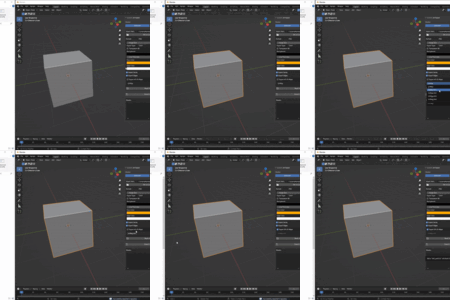
This is the default mode. Simply select the objects you want to export in the 3D View, and the add-on will process only those.
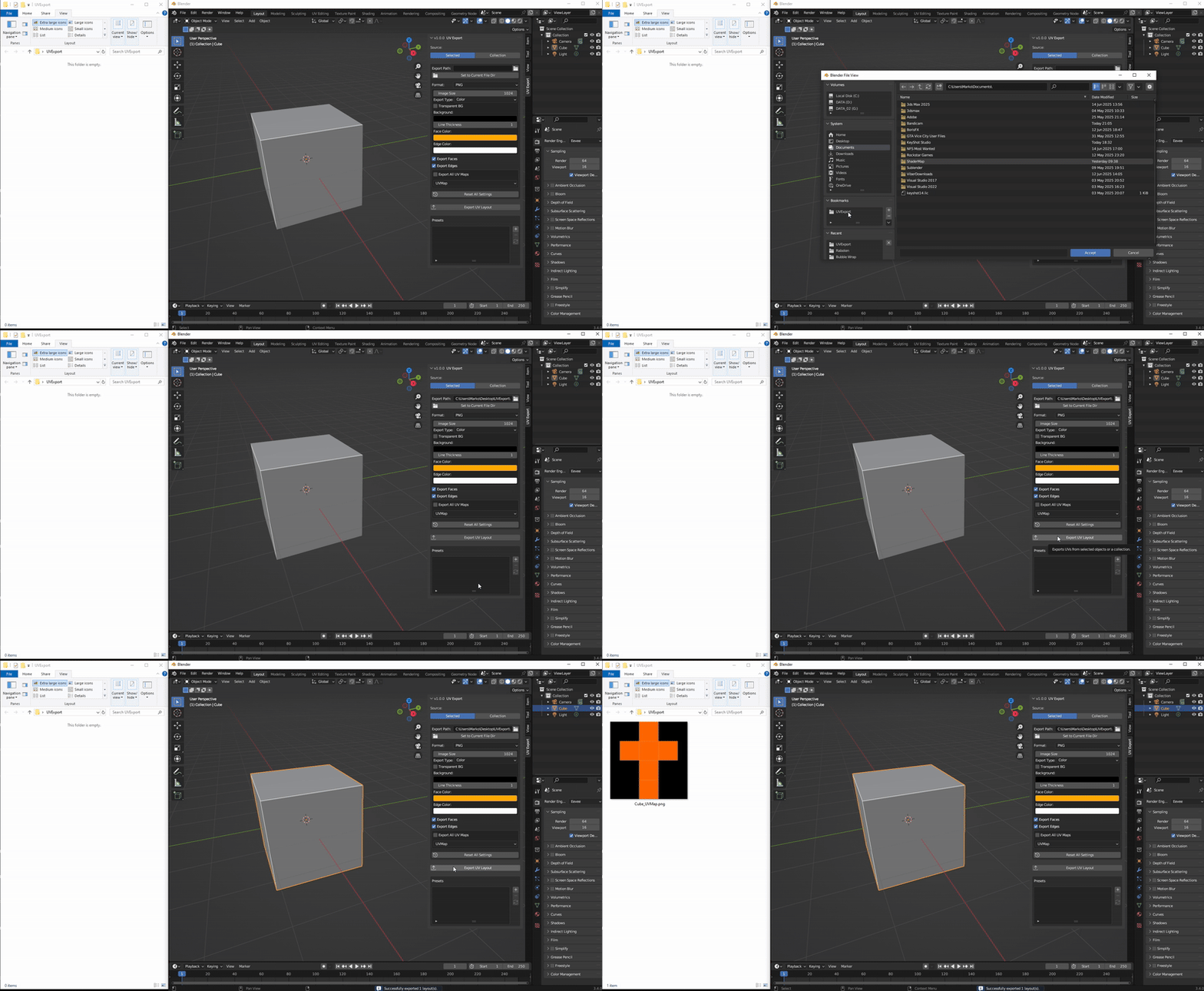
Selection

2. Batch Exporting from a Collection

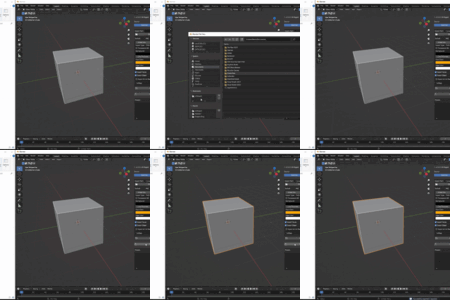
For larger scenes, switch the source to 'Collection'. This allows you to batch export UVs from every mesh object inside your chosen collection.
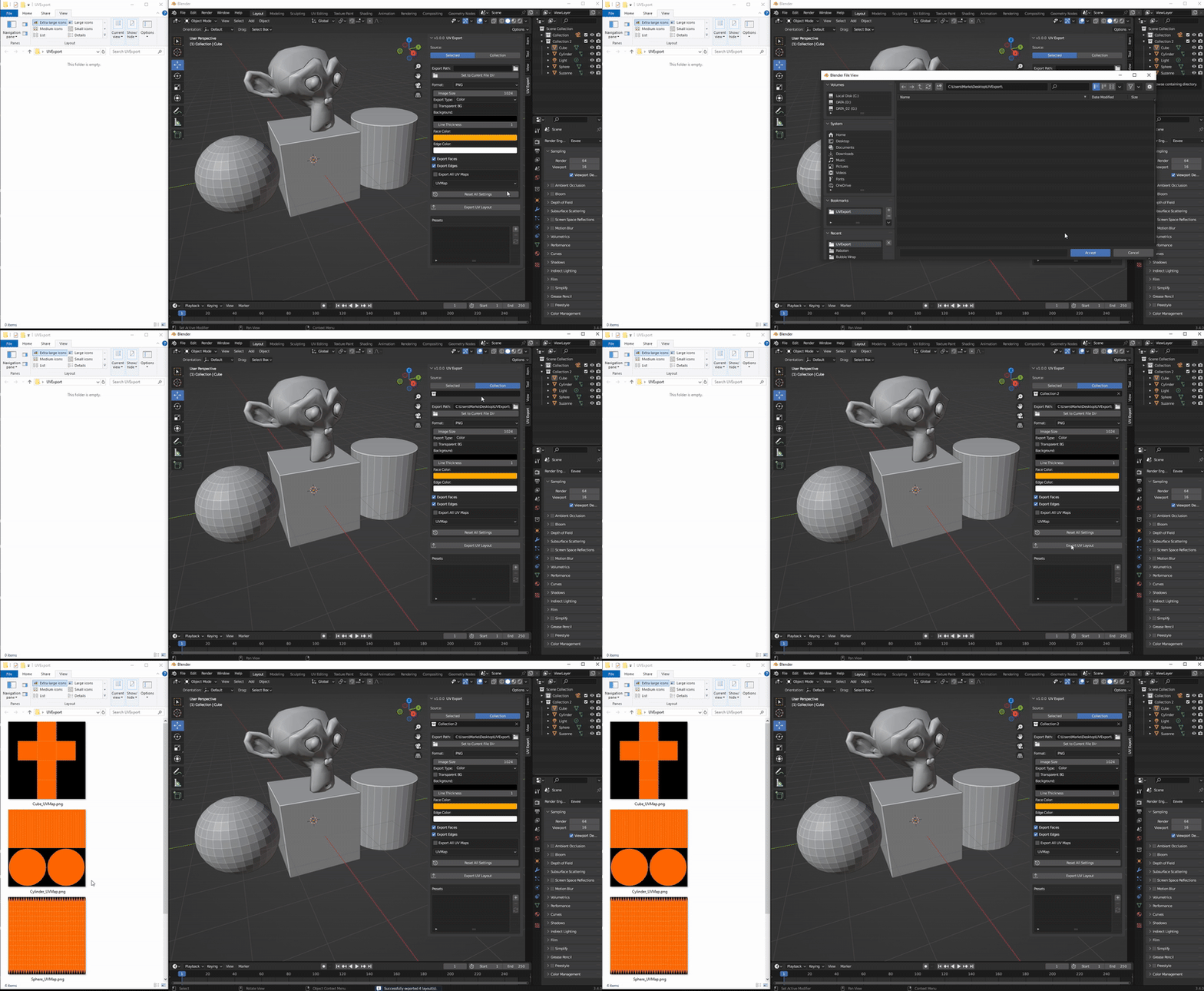
Collection

3. Exporting to Vector Formats (DXF & SVG)

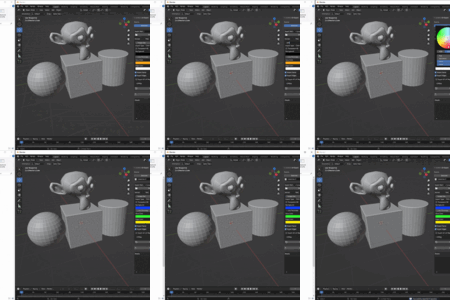
Take full control over your vector exports. Adjust line colors, stroke widths, and define the layout boundary for perfect results in CAD or design software.

Export-DXF-SVG


$7

Have questions about this product?
Login to message

Details
Published over 1 year ago
Blender Version 3.4 - 5.0
Extension Type N/A
License GPL