The Vat Man
 Nodes and noodles


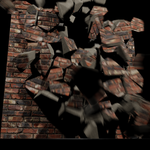
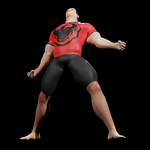
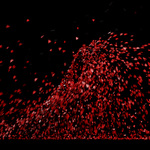
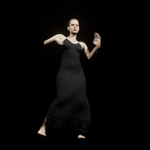
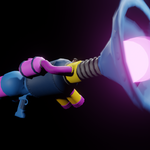
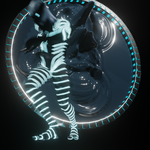
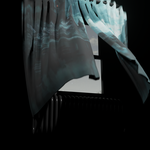
The VAT Man can Bake more than 10,000,000 points to VAT textures. Points are calculated as vertices * frames so this gives you lots of headroom for longer animations and for dense, complex meshes.
To Morph a VAT animation onto an existing mesh, the target and source meshes must have identical mesh data. They can be different in shape and size but must have matching vertex counts and polygon arrangements.
When Merging VAT objects into one, the meshes must be identical in shape and size and have identical mesh data.
When Exporting VAT Man objects and materials for use in Unity or Godot, the VAT UV map must be the second map in the list. For this purpose, The VAT Man has built-in tools for transferring UV coordinates for selected vertices from one UV map to another so you can have one "master" UV map as the first map, and the VAT UVs as the second.
The VAT Man tutorials playlist on YouTube:
Unity and Godot
The VAT Man animation systems for Unity and Godot feature simple and easy-to-use functions to control playback of VAT animations;
PlayAnimation( _index, _play_from_start, _freeze, _loops )
- _index is an integer value representing the animation to be played.
- _play_from_start is a boolean for choosing whether or not the animation should start from its first frame or pick up from its current relative frame.
- _freeze is a boolean which dictates whether or not the animation should be playing or paused upon selection.
- _loops sets how many times the animation should repeat before stopping. A value of 0 sets "infinite" repetitions.
PauseAnimation()
Freezes the animation at its current frame.
UnpauseAnimation()
Starts the animation playing again from its current frame.
---
Have questions about this product?
Login to message
| Sales | 10+ |
| Published | over 1 year ago |
| Blender Version | 3.6 - 5.2 |
| Extension Type | N/A |
| Render Engine Used | Cycles |
| License | GPL |
Discover more products like this
armature particles dynamic paint export animation physics vat uv softbody texture atlas cloth vertex animation texture