Vault
 Team Blender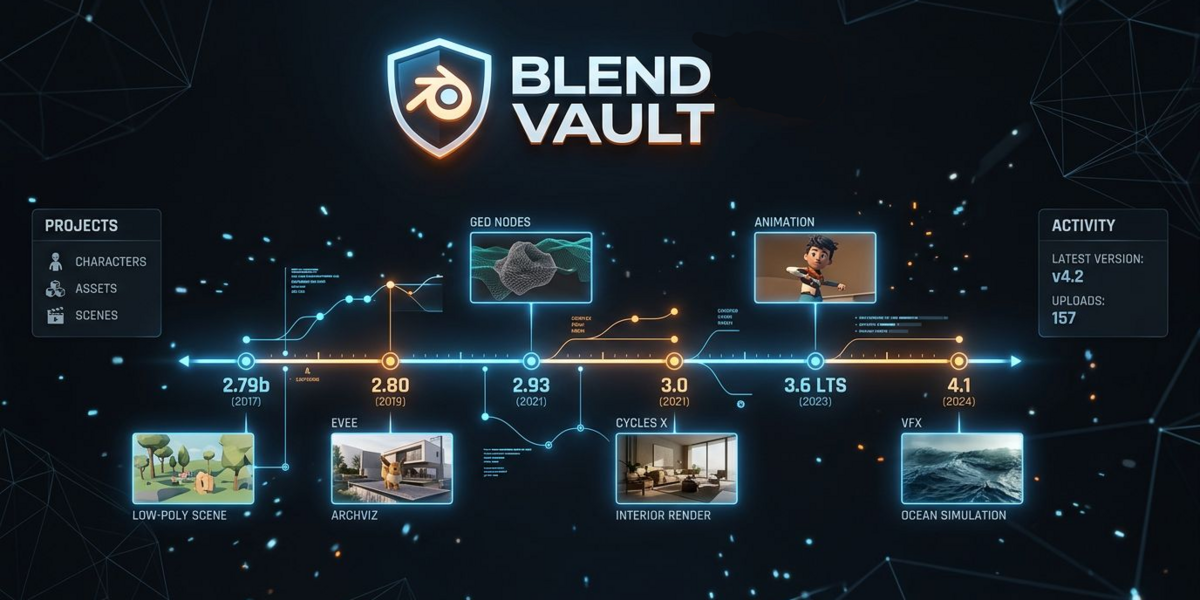



📘 Blend Vault — Documentation
Overview
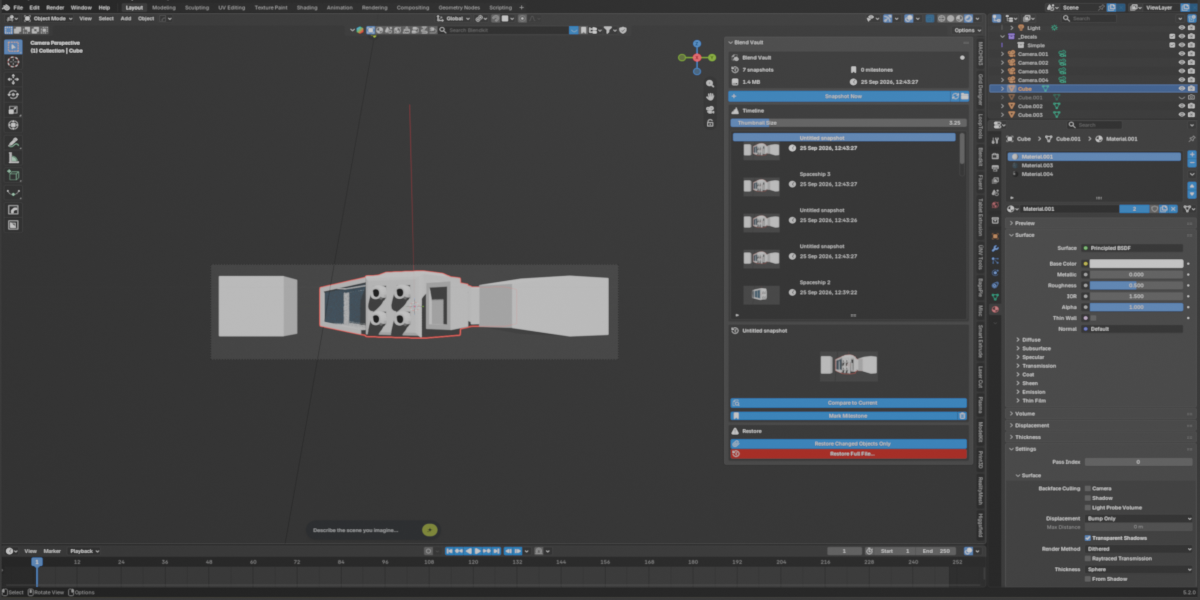
Blend Vault is a local version‑history system for Blender that automatically creates snapshots of your .blend file. Each snapshot stores a full copy of your project, optional thumbnails, and detailed object metadata. You can browse a visual timeline, compare changes, restore objects, or fully roll back your file — all without relying on cloud services.
Blend Vault is designed for artists who want reliability, safety, and full control over their project history.
Key Features
🔴 Automatic Snapshots
Blend Vault can automatically create a snapshot every time you save your file. You can configure a minimum time between snapshots to avoid unnecessary clutter.
⏱️ Periodic Auto‑Save
Optionally, Blend Vault can save your file and create snapshots on a timer (e.g., every 15 minutes). This is ideal for long sessions, simulations, or complex scenes.
🖼️ Thumbnail Capture
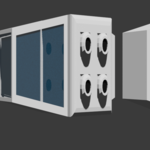
Each snapshot can include a small viewport thumbnail, giving you a visual timeline of your project’s evolution. Thumbnails are captured using Blender’s OpenGL viewport render.
📂 Local Storage
Snapshots are stored inside your project folder:
/your_project/.blend_vault/<filename>/
Each snapshot includes:
Full
.blendfileOptional thumbnail
Timestamp & label
Milestone flag
Object metadata (location, rotation, scale, modifiers, mesh stats)
🔍 Diff Viewer
Blend Vault can compare any snapshot with your current scene and show:
Added objects
Removed objects
Modified objects
This makes it easy to understand exactly what changed between versions.
🔁 Restore Tools
Blend Vault offers two restore modes:
Full File Restore
Replaces your current .blend file with the selected snapshot.
A safety snapshot of your current file is automatically created before restoring.
Restore Changed Objects Only
Appends only the objects that differ between the snapshot and your current scene. Perfect for recovering lost geometry or restoring specific edits without replacing the entire file.
🧭 Timeline UI
Blend Vault adds a dedicated panel to:
3D Viewport > Sidebar (N) > Vault
The interface includes:
Snapshot timeline
Thumbnails
Milestone toggle
Delete snapshot
Diff viewer
Restore tools
Open vault folder
Thumbnail size slider
Everything is designed to be fast, intuitive, and Blender‑native.
Preferences
Blend Vault includes a full preferences section where you can configure:
Maximum number of snapshots
Snapshot on save
Minimum seconds between auto‑snapshots
Periodic auto‑save interval
Thumbnail capture toggle
These settings give you complete control over how Blend Vault manages your project history.
Use Cases
Blend Vault is ideal for:
Modeling workflows
Hard‑surface design
Animation passes
Environment building
Technical art
Any project where version safety matters
If you’ve ever overwritten a file, lost progress, or wished you could “go back in time,” Blend Vault is the solution.
Privacy & Storage
Blend Vault is fully local. No cloud. No accounts. No external dependencies. Your snapshots stay on your machine, inside your project folder.
Summary
Blend Vault gives Blender artists a reliable, powerful, and intuitive way to manage project versions. With automatic snapshots, visual timelines, diff tools, and restore options, it becomes an essential part of any professional workflow.
Have questions about this product?
Login to message
| Published | 2 days ago |
| Blender Version | 3.0 - 5.2 |
| Extension Type | N/A |
| Render Engine Used | Cycles, Eevee |
| License | GPL |