 4DView


Here is the review of the Addon on the YouTube channel "CG Vortex"
In each tutorial you can see for yourself how easy it is to work with the „VDB Animator“ Addon
(despite what some dissatisfied customers claim in the ratings :-)
Discount Code 40%: vdbanimator40
What can you do with VDB Animator?
-
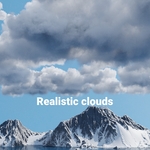
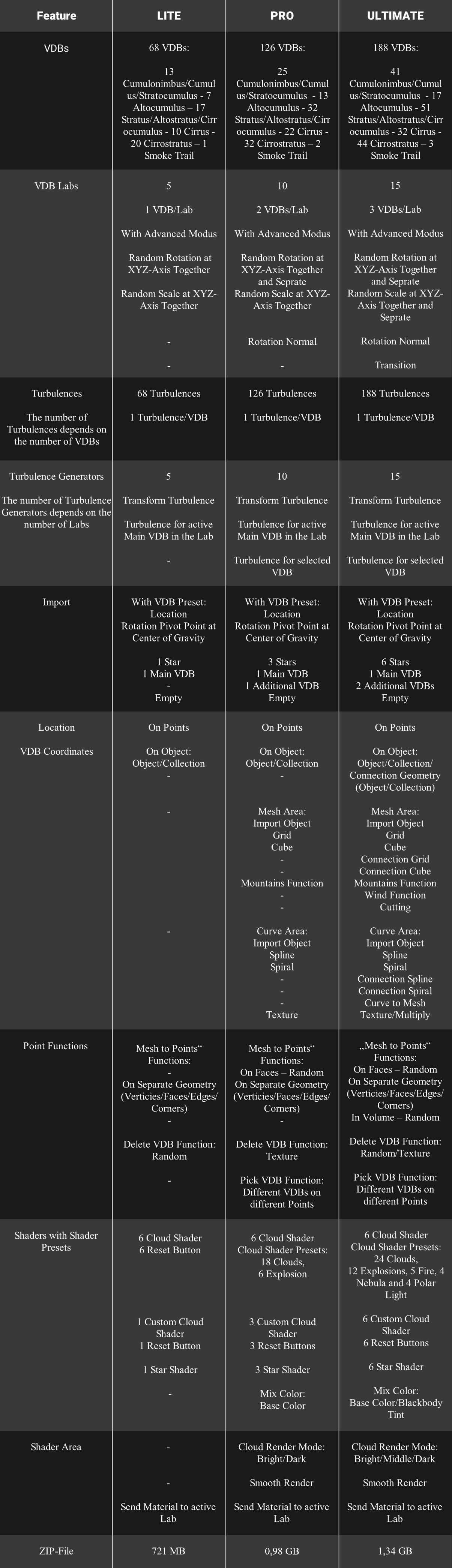
Use up to 188 different VDBs for many different VDB-Scenes with „VDB Animator“. Create your own content with a few clicks, with almost countless possible number of different clouds
-
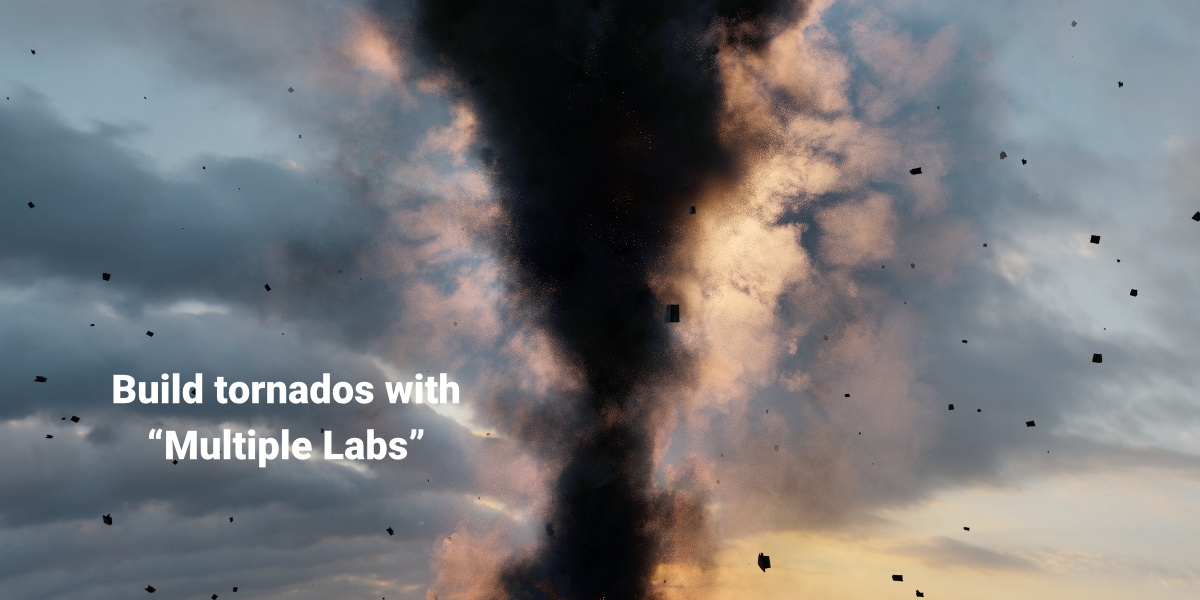
Different VDB types for different scenes (realistic cloud formations, animated storms and timelapses, fog, spline cloud formations, desert stroms, smoke paths, tornados, vulcanos, explosions, fire with smoke, polar lights, nebulas, galaxies, VDB titles, waterfalls, rivers...)
-
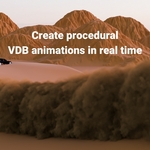
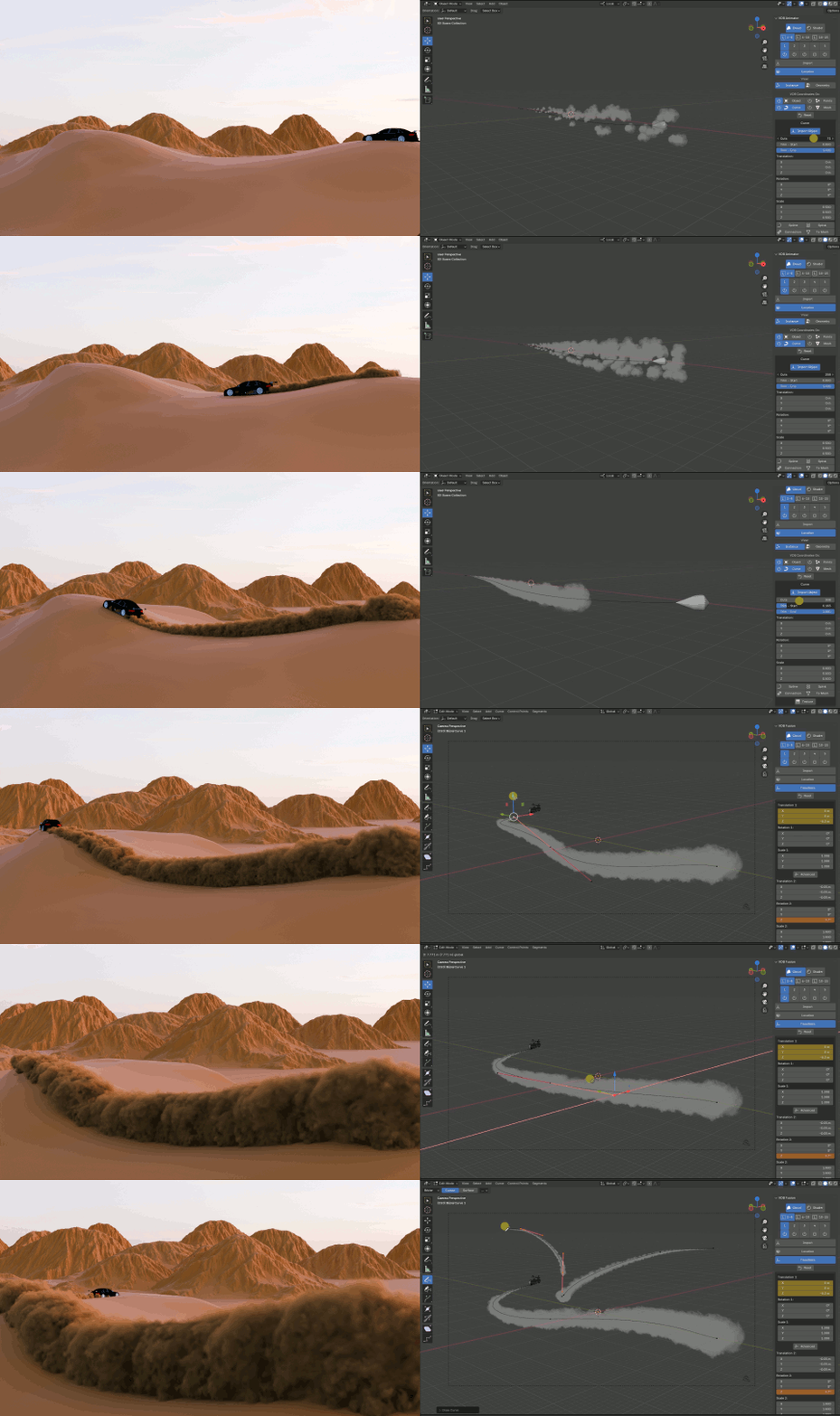
Working procedurally with VDB animations: you can work with VDB animations in real time and you can immediately see the new results in the Viewport without having to bake again and again before you can see your changes
-
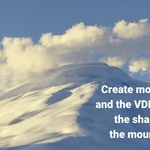
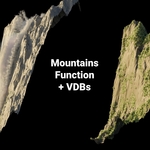
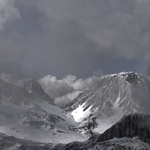
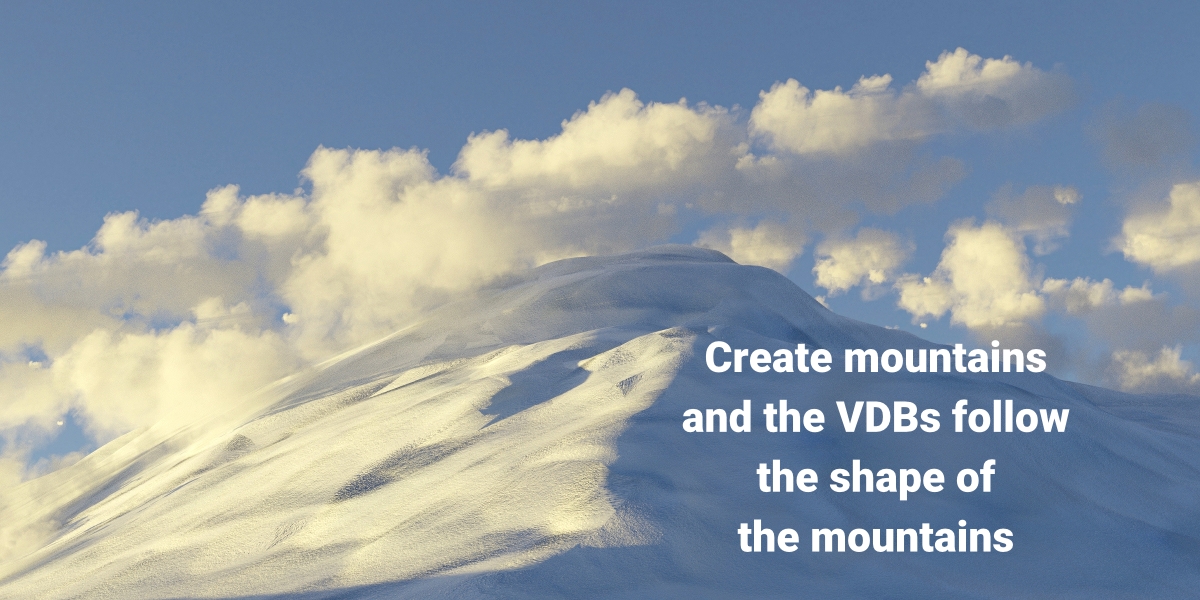
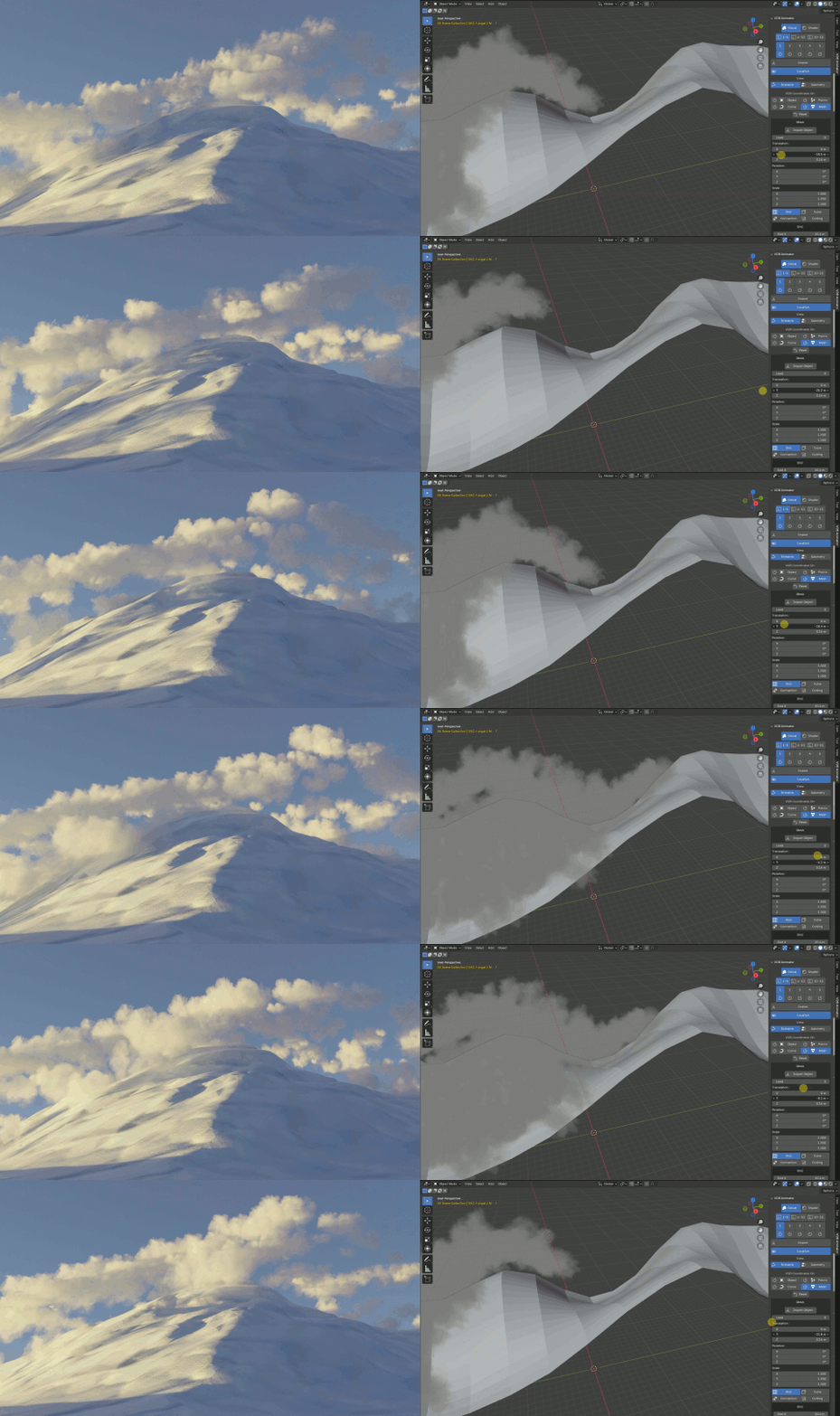
With the Mountains function you can let VDBs to slide along the shape of the mountains. You can also create mountains
-
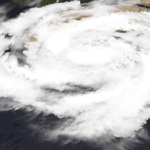
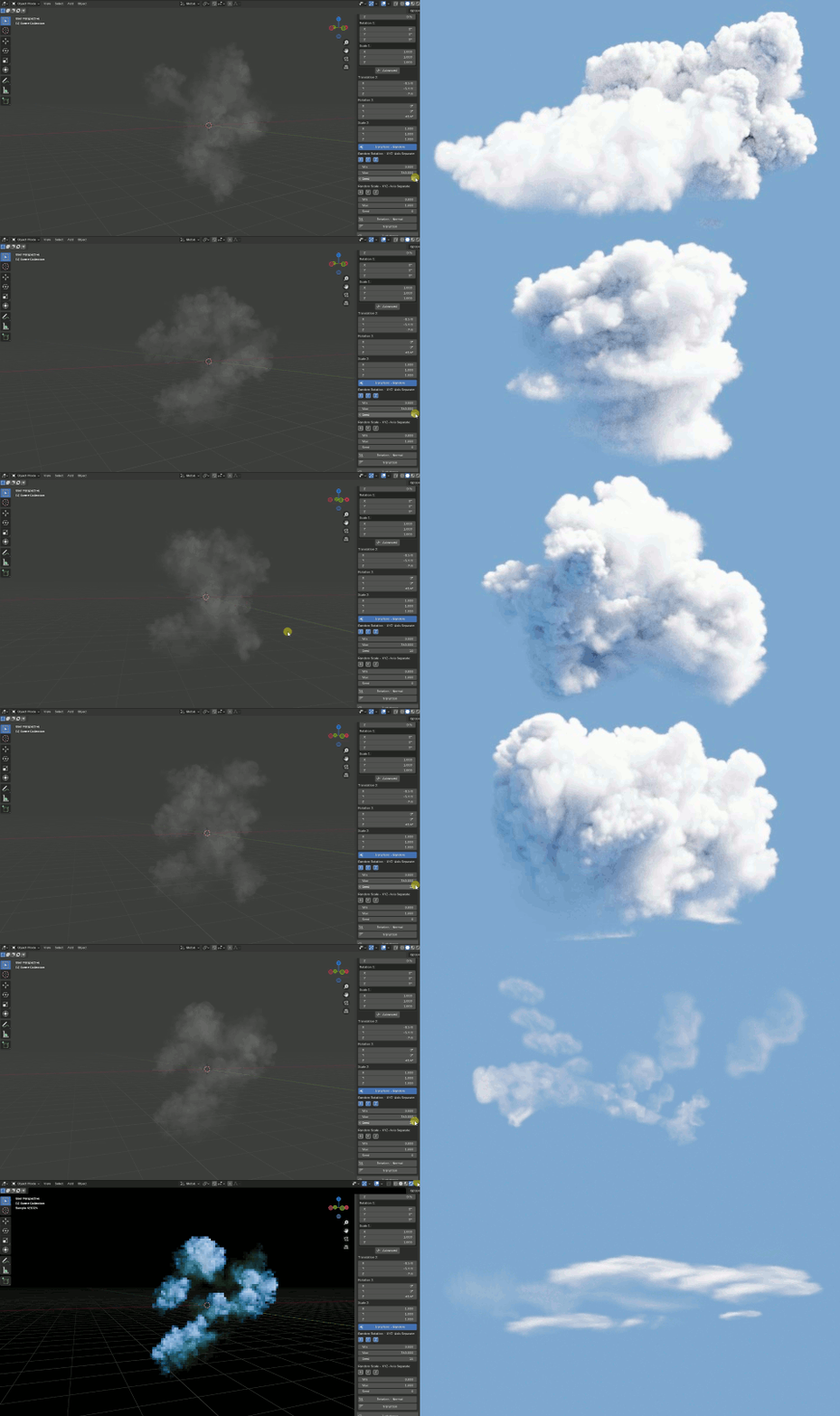
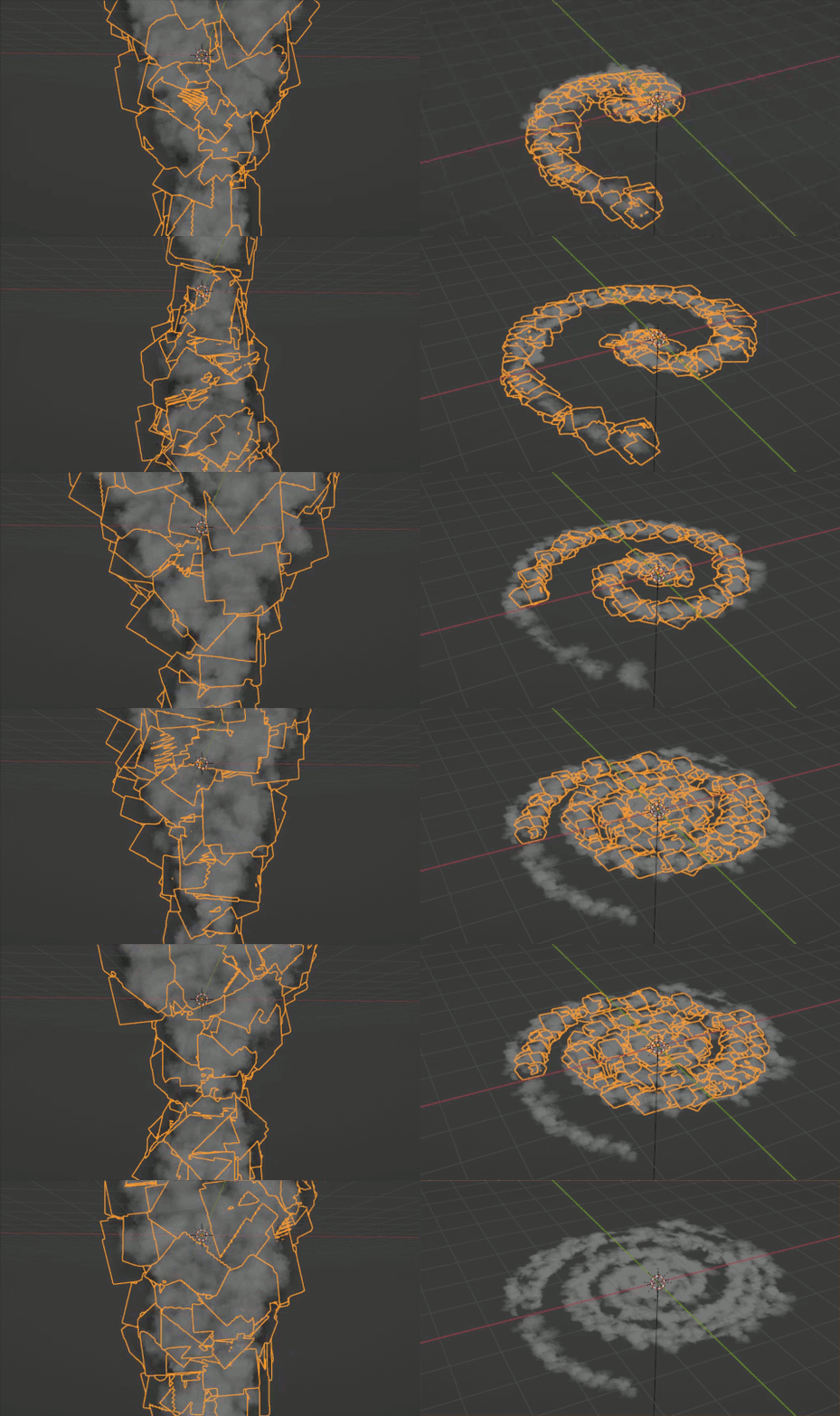
Create swirling cloud formations with ease
-
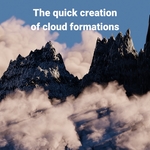
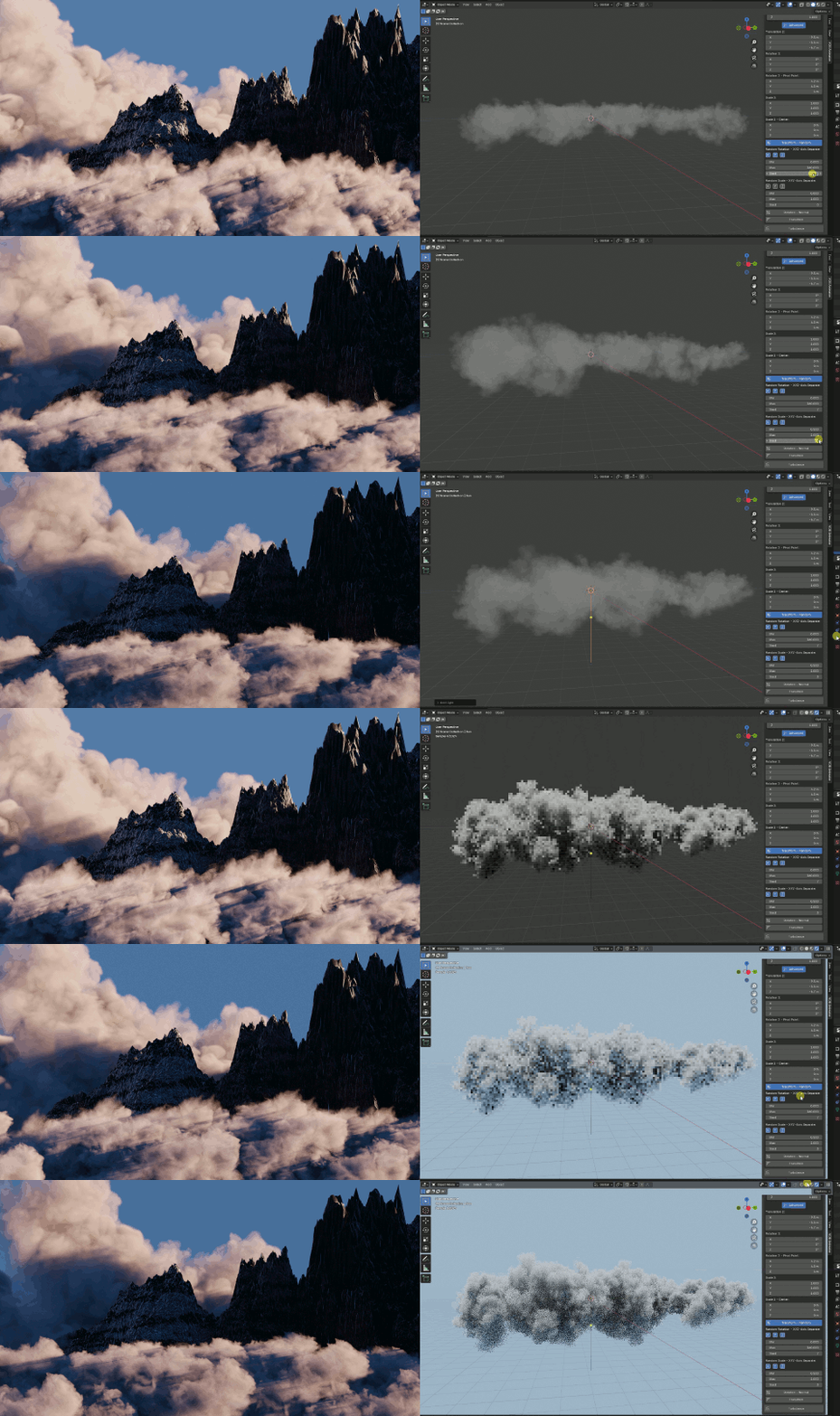
The quick creation of cloud formations even with just one VDB. The generators of „VDB Animator“ generate duplicates of a VDB and transform them
-
Turbulences for every VDB: The VDBs are constantly changing in their shape and clouds are transformed into realistic timelapses, explosions, fire, smoke...
-
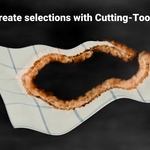
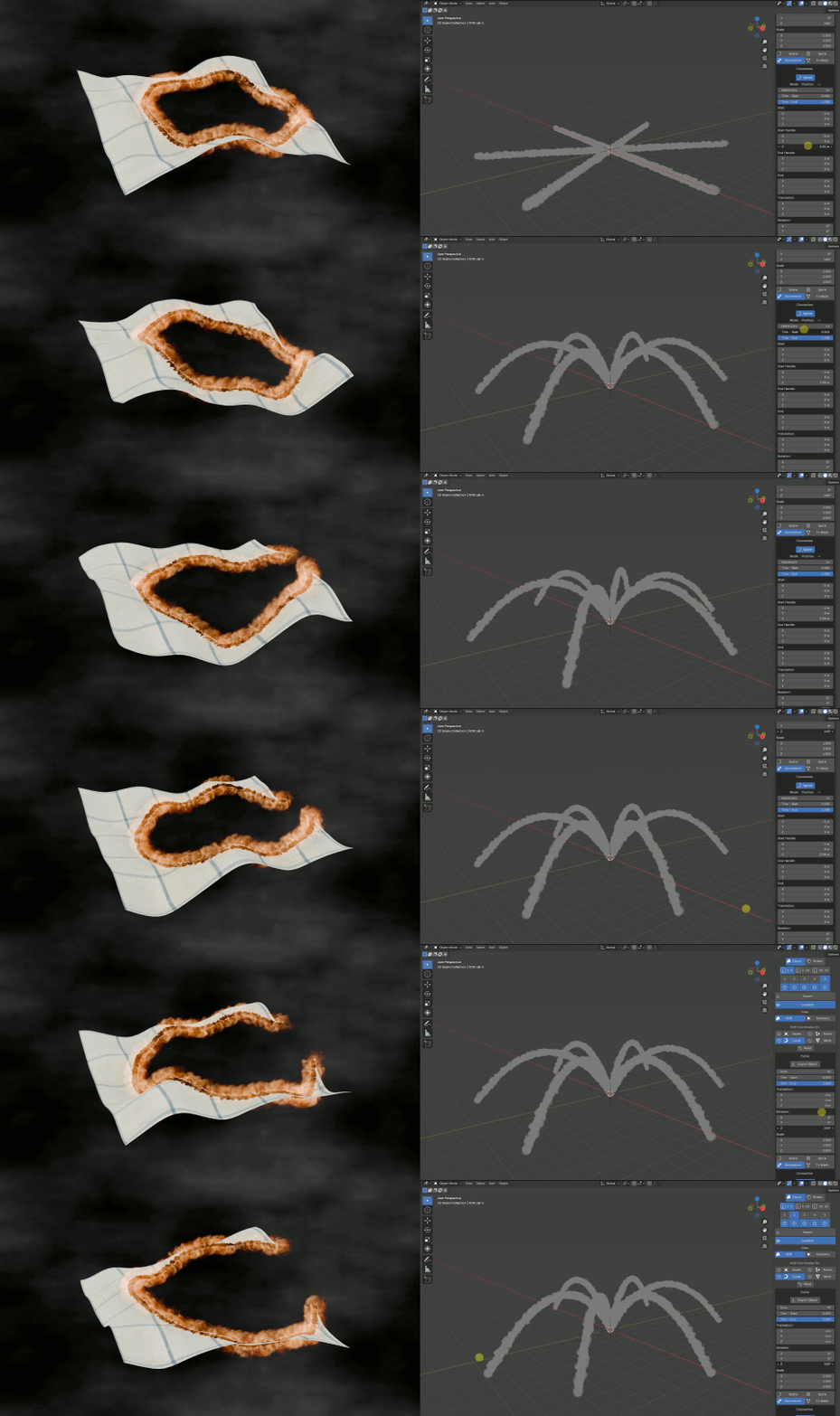
Using the Cutting functions, any Geometries determine the position of the VDBs on other Geometries. Multiple Labs allow multiple and different VDB formations to be linked and controlled simultaneously
-
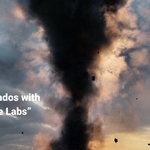
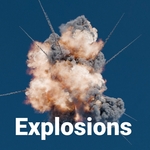
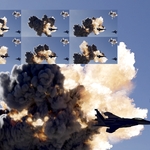
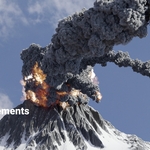
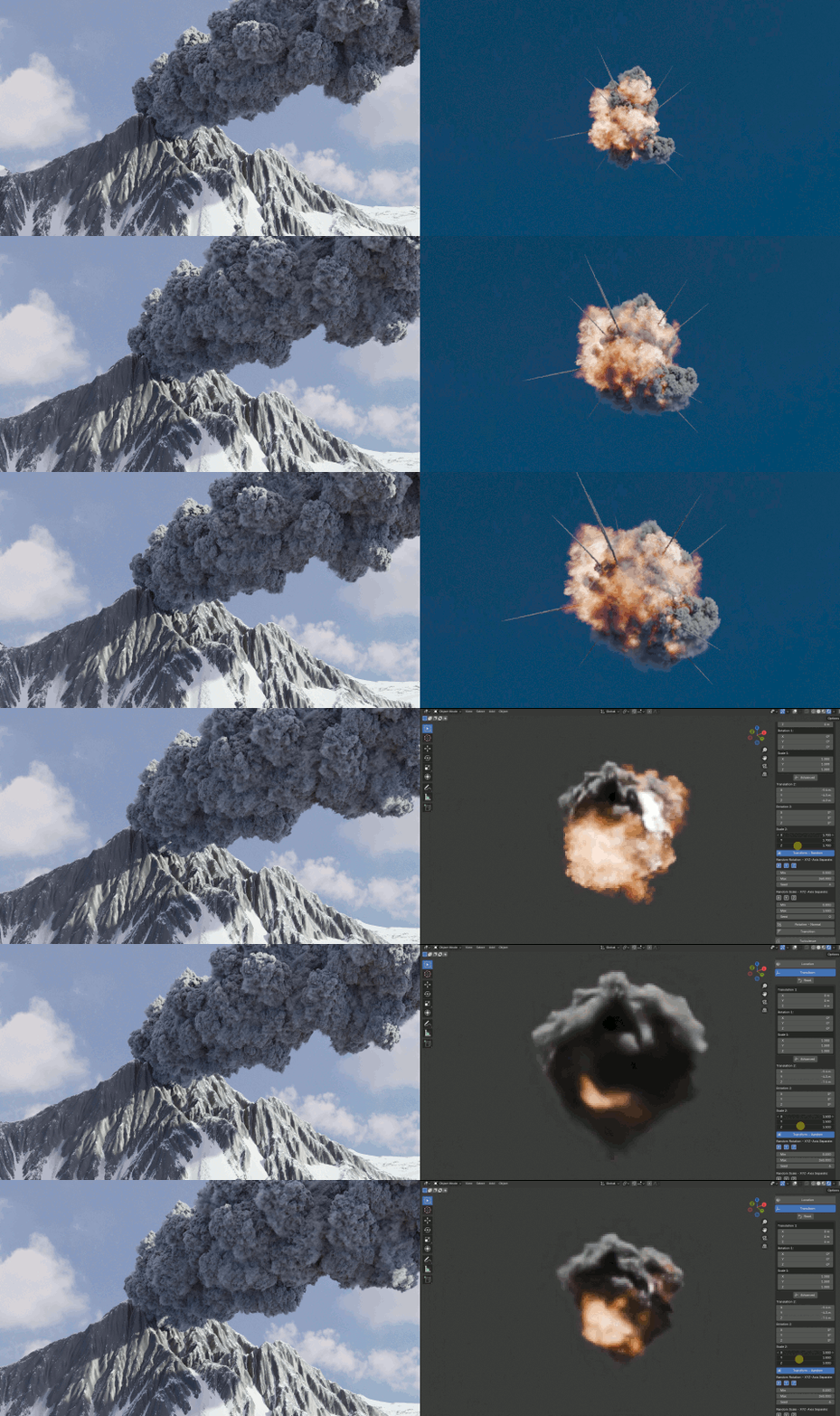
Create your procedural explosions. With multiple "VDB Labs" you can control the dark smoke and explosion flames separately with ease
-
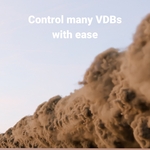
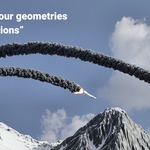
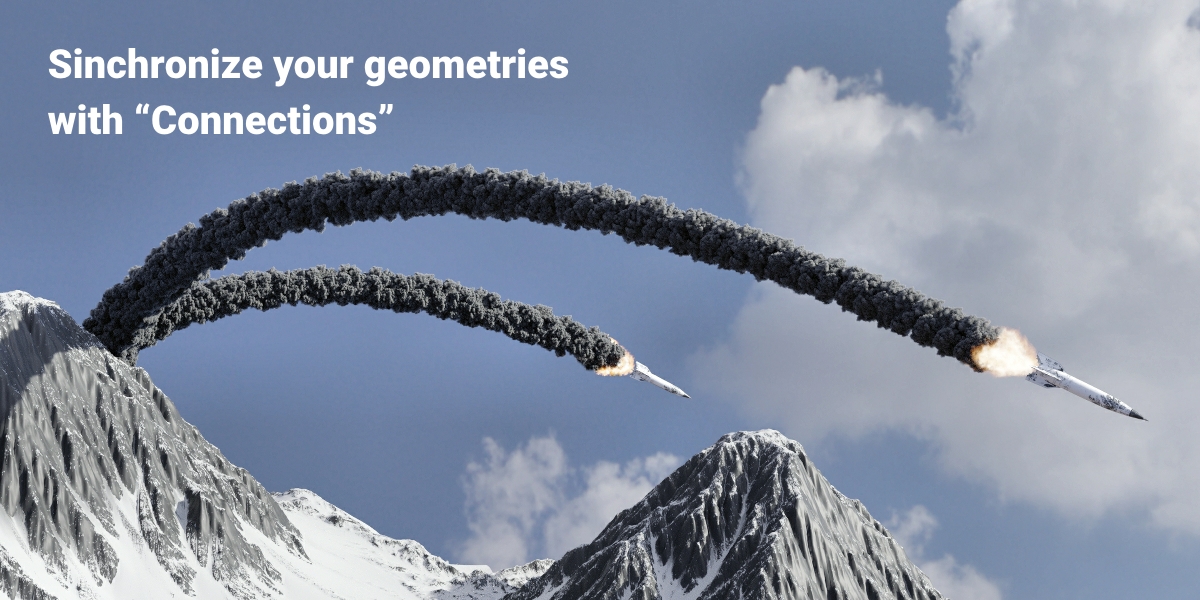
Bring VDBs to formations with complex movements in a simple way: connect VDBs with any Geometry in different ways, transform them in different ways, give to these formations Wind effects and control up to tousends of VDBs with ease
-
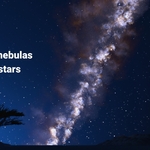
The quick creation of nebulas with stars: with this tool you can create Star formations exactly matched to your cloud formations and thus automatically have a Star generator for your VDB-Scenes
Use up to 188 different VDBs for many different VDB-Scenes with "VDB Animator"
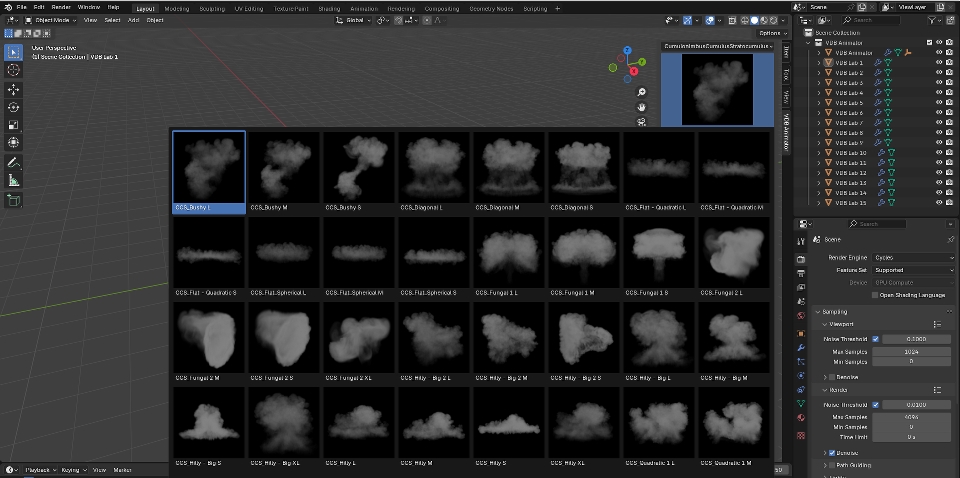
Create your own content with a few clicks, with almost countless possible number of different clouds
Mountains function
Working procedurally with VDB animations

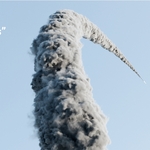
Create procedural smoke paths. Connect VDBs with any Geometry and work with VDB animations in real time
Swirling cloud formations with "Multiple Labs"
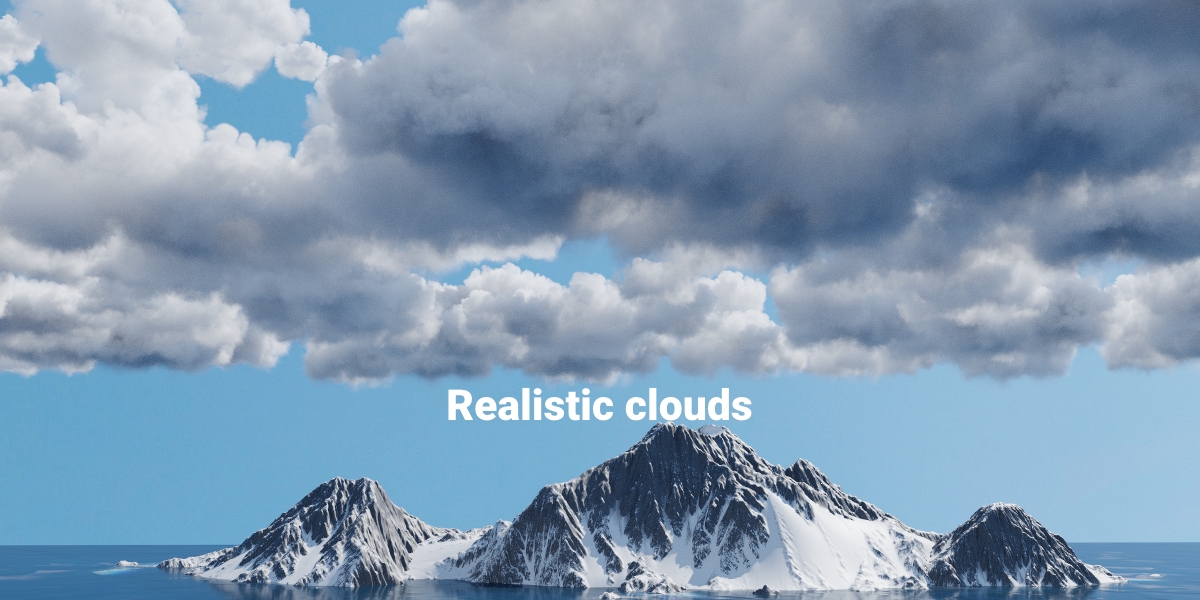
Cloud formations
The generators of "VDB Animator" generate duplicates of a VDB and transform them
Up to 188 Turbulences for every VDB in one place
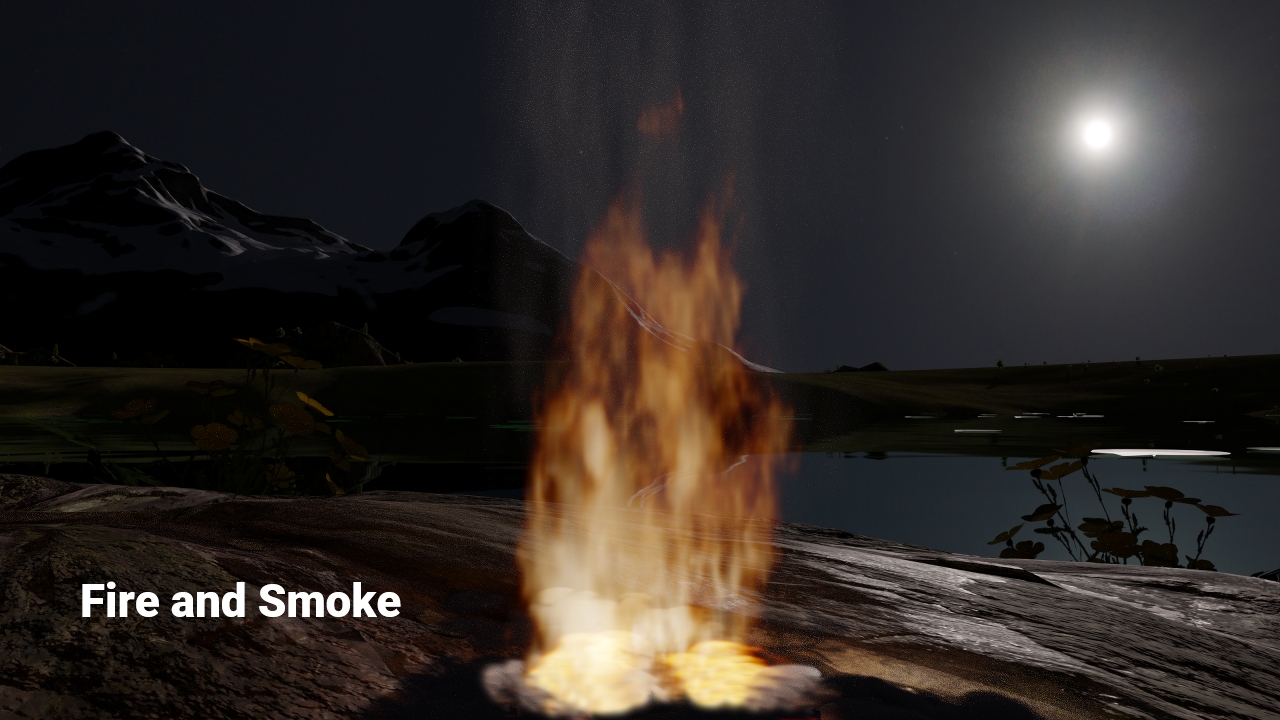
What is a turbulence?
Normally, VDBs are immutable in their form. The only way to change their appearance is with Shaders. However, due to the built-in turbulence, the VDBs are constantly changing in their shape and clouds are transformed into realistic timelapses, explosions, fire, smoke... These changes also allow you to create an unlimited number of different clouds using just one VDB. With the help of these turbulences, for example, you no longer have to create explosions in the traditional way to obtain realistic images
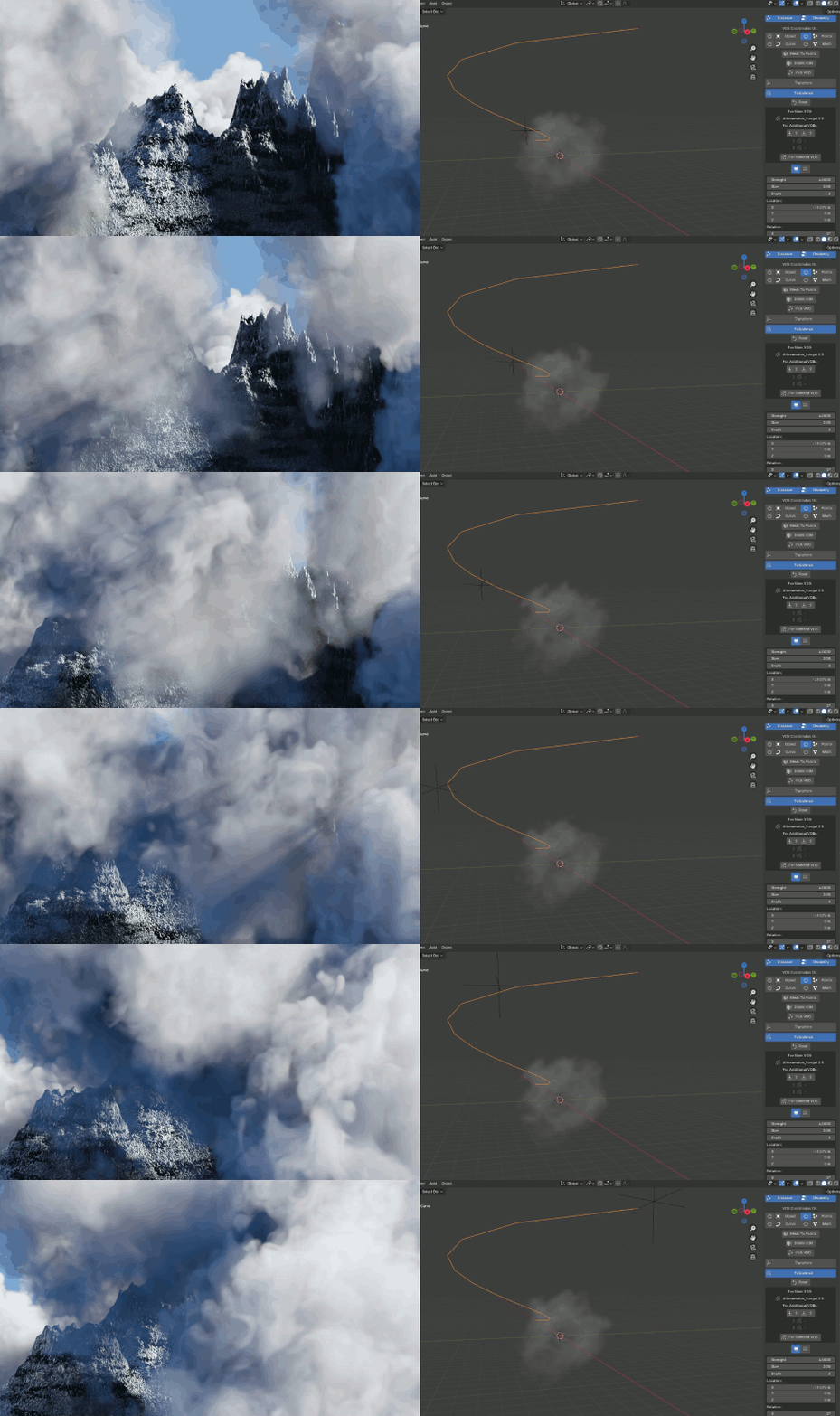
Control many Geometries with "Multiple Labs"
Create Selections with Cutting and Multiple Labs.
Any Geometries determine the position of the VDBs on other Geometries
Explosions
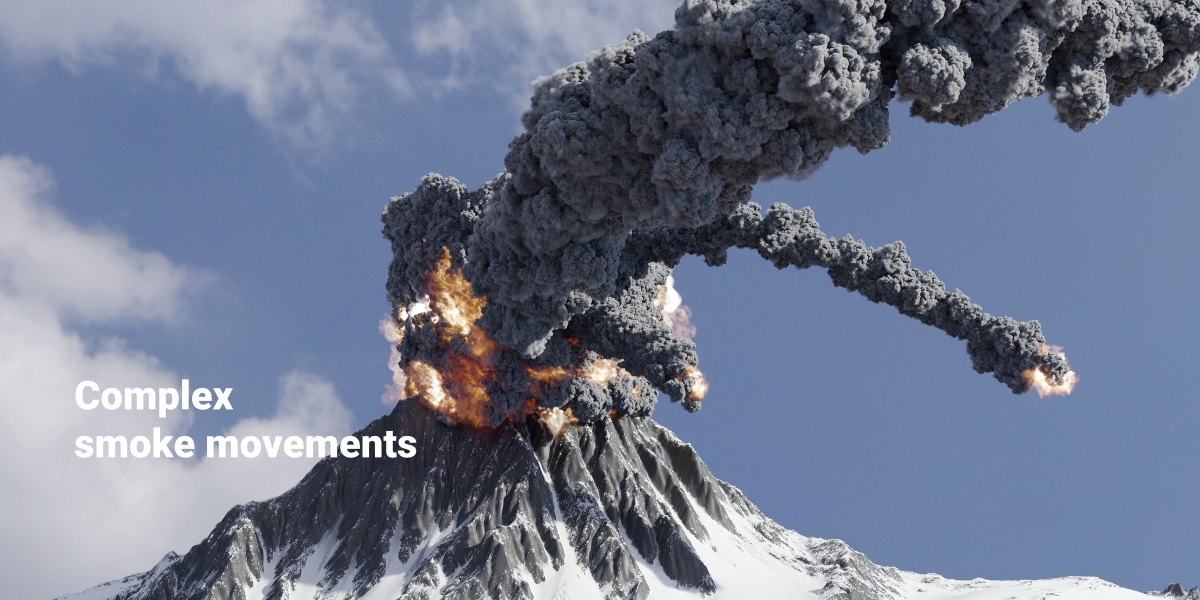
Control the dark smoke and explosion flames separately. You don't meed to bake again and again
before you can see your changes. Creat complex smoke movements in a simple way
Nebulas and Polarlights
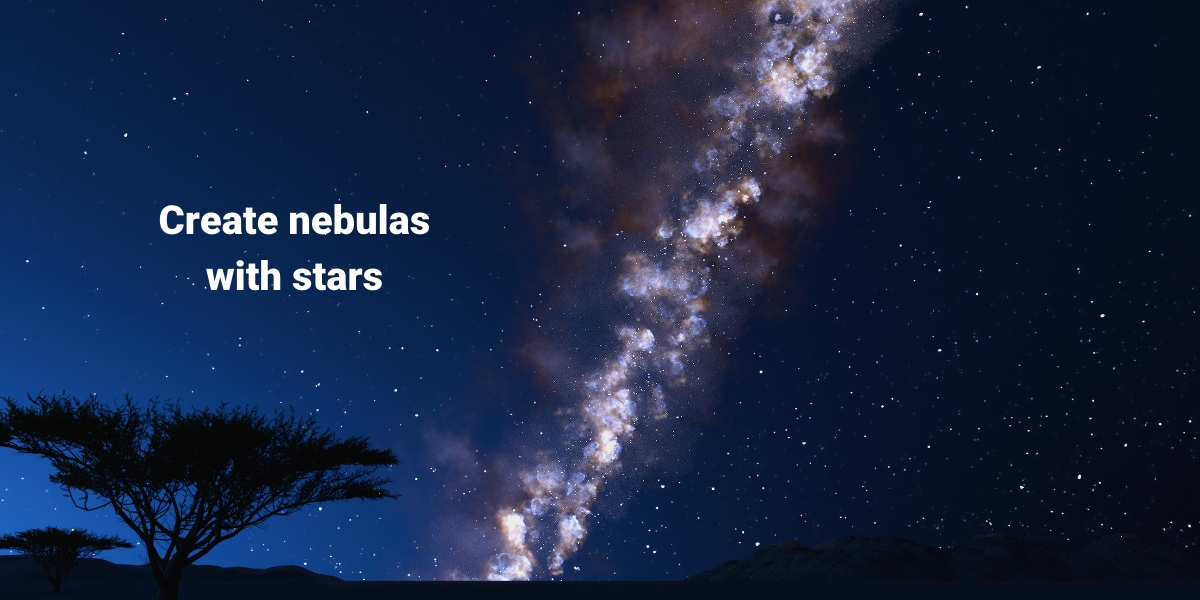
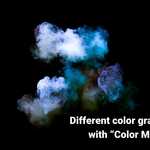
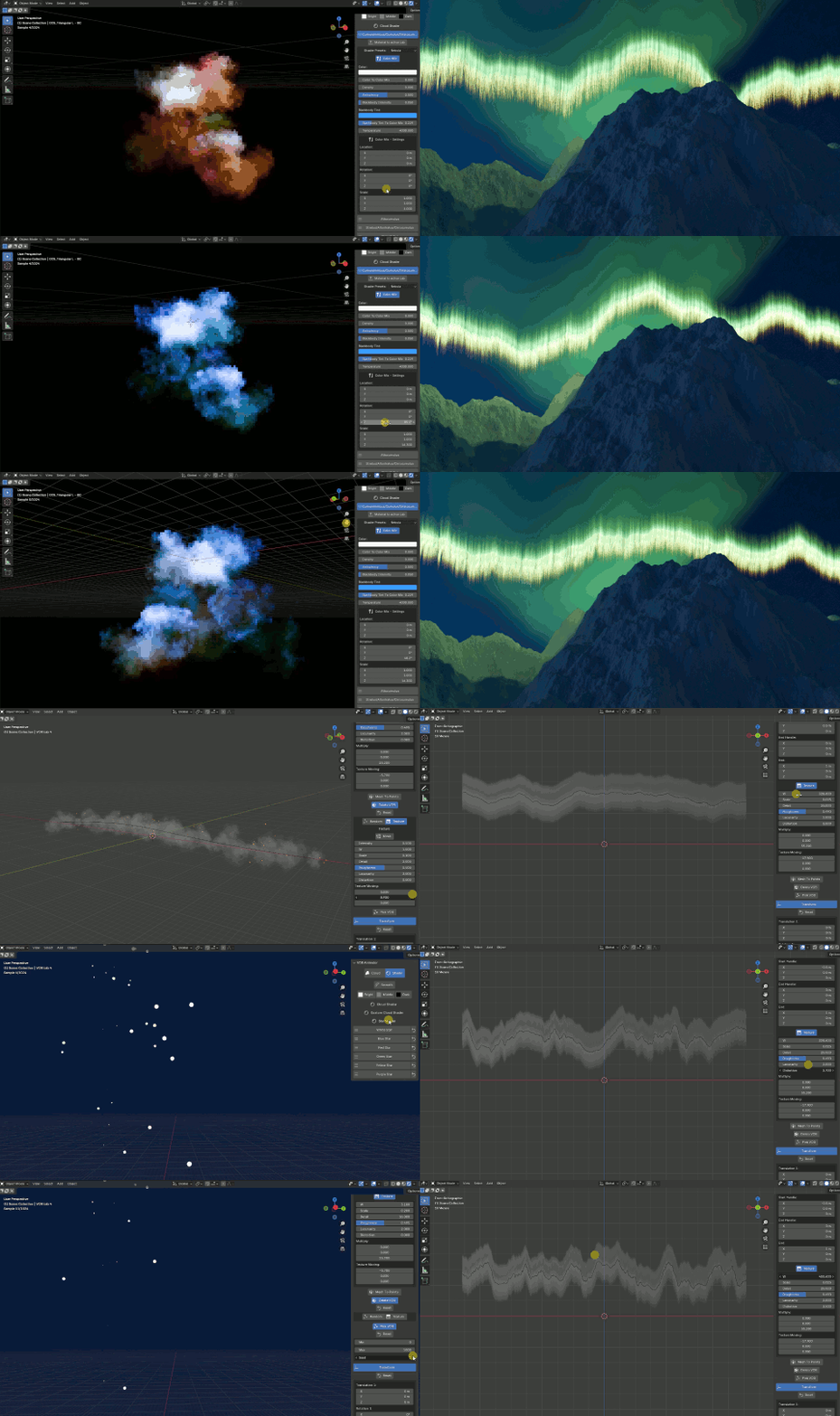
With "Color Mix" you can create different color gradients. The quick creation of nebulas with Stars.
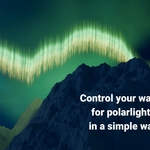
Control your waves for your polarlights with ease
Learn more in different tutorials
On the product download page, you can download all current and all future product updates