50 Animated Vdb Elements Pack
 Blender Procedural


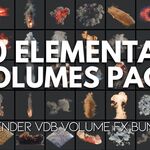
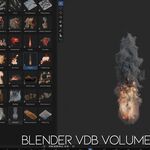
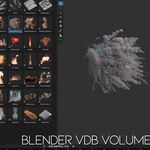
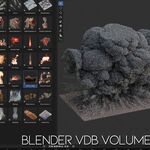
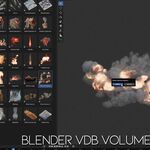
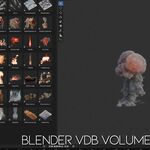
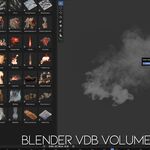
How To Install The Asset Library
After downloading the product, unzip the ZIP file first. You will get the main VDB Elements Pack folder that contains the Blender asset library files.
- Unzip the downloaded ZIP file.
- Open Blender.
- Go to Edit > Preferences.
- Open the File Paths tab.
- Find the Asset Libraries section.
- Click the + button to add a new asset library path.
- Select the unzipped VDB Elements Pack folder.
- Click Save Preferences.
- Open the Asset Browser in Blender.
- Select the VDB Elements Pack library from the Asset Browser library dropdown.
- Drag and drop any VDB element into your scene.
Important: Please add the unzipped folder to Blender’s Asset Library file path, not the ZIP file itself. Blender needs access to the extracted folder to display the assets correctly in the Asset Browser.
Have questions about this product?
Login to message
| Sales | 70+ |
| Dev Fund Contributor | |
| Published | 5 months ago |
| Blender Version | 4.0 - 5.1 |
| Render Engine Used | Cycles, Eevee |
| Misc Data | Animated |
| License | Royalty Free |
Discover more products like this
flames volumetric animation volume presets smoke vdb cloud vdb animated vdb explosion vdb fire vdb dust effects