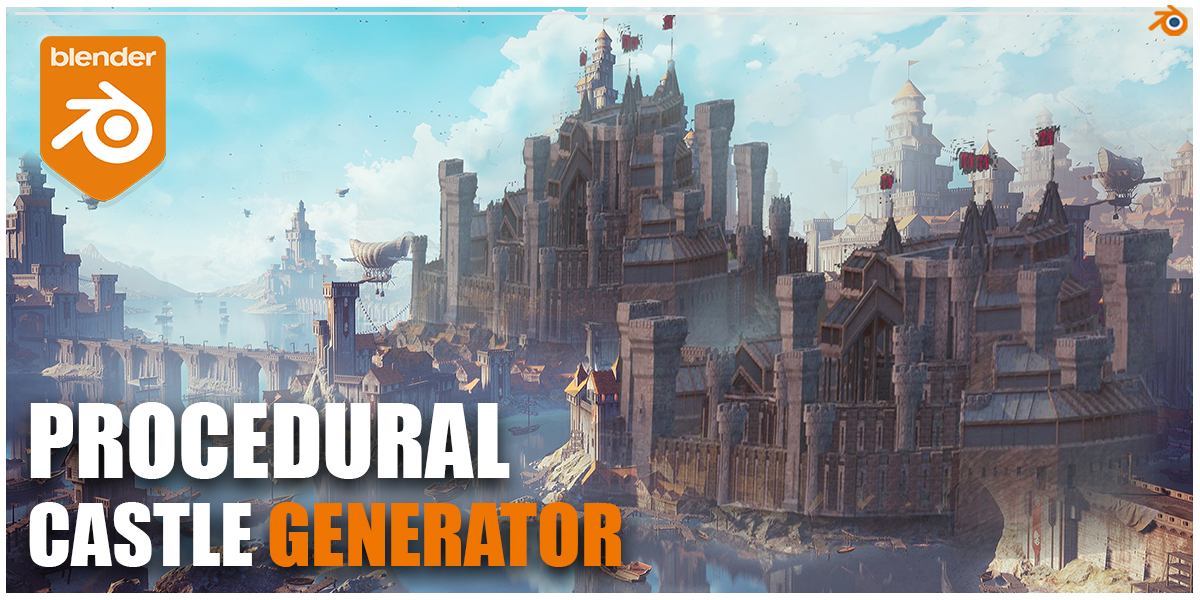
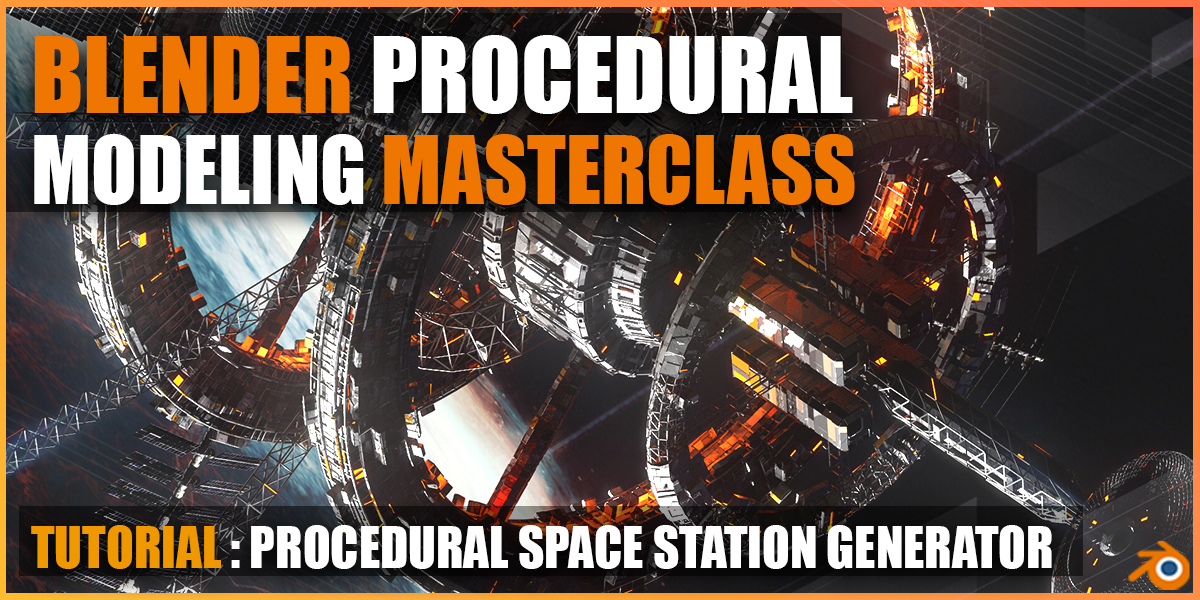
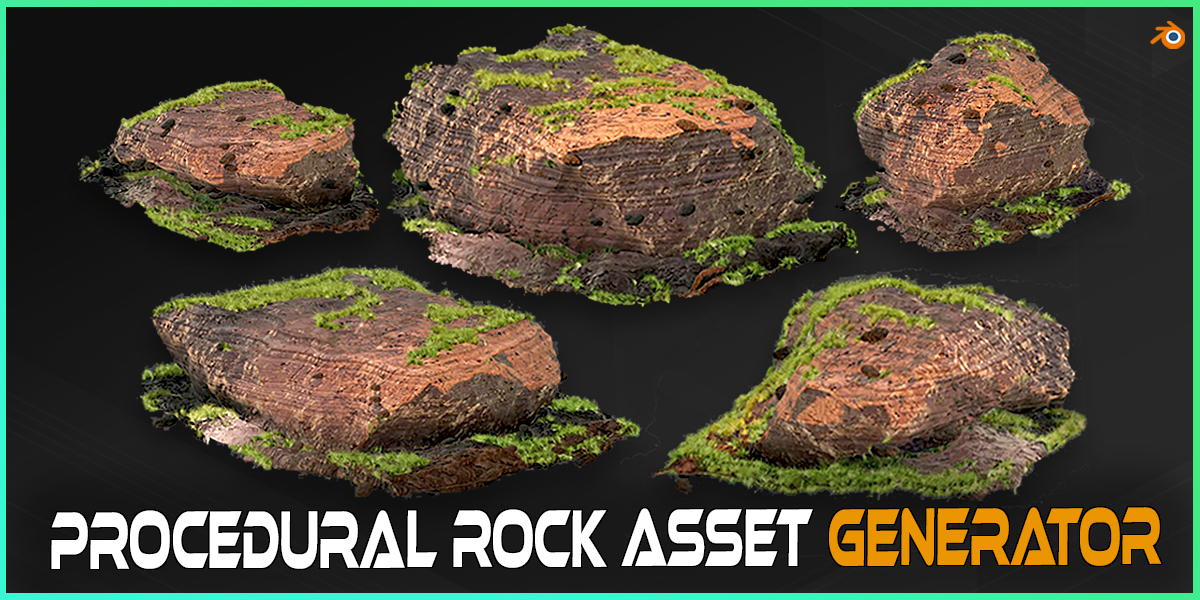
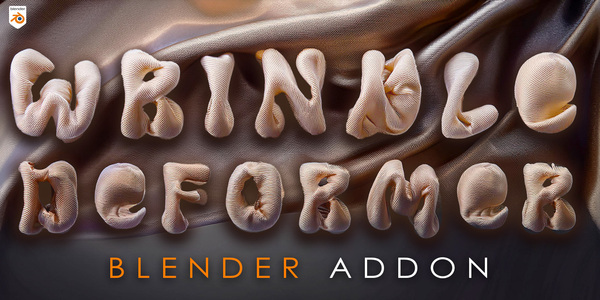
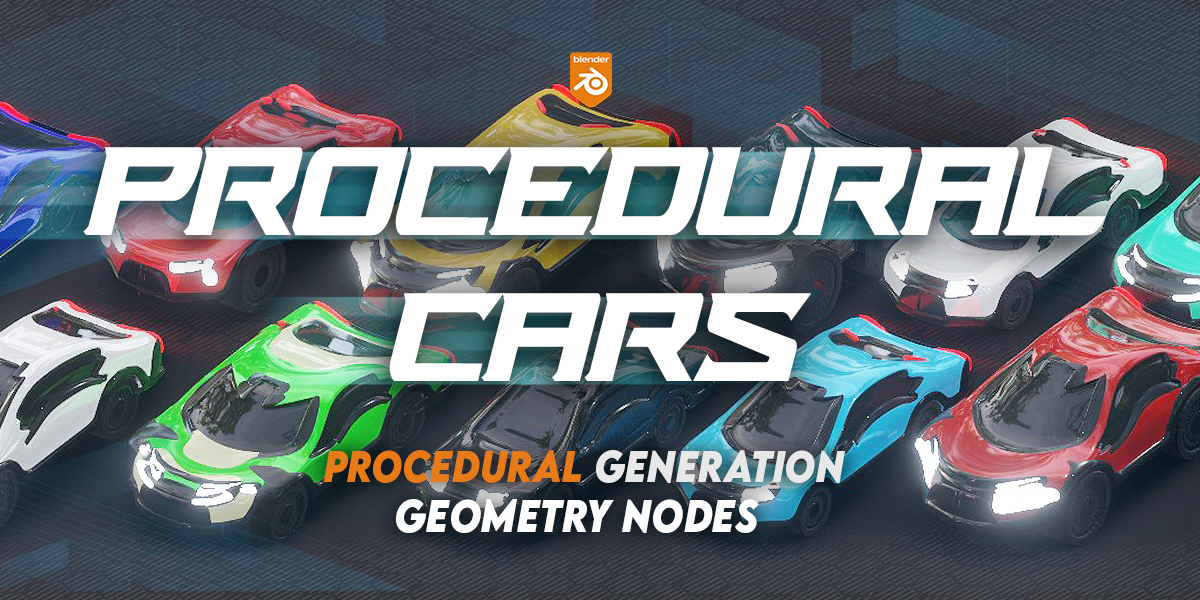
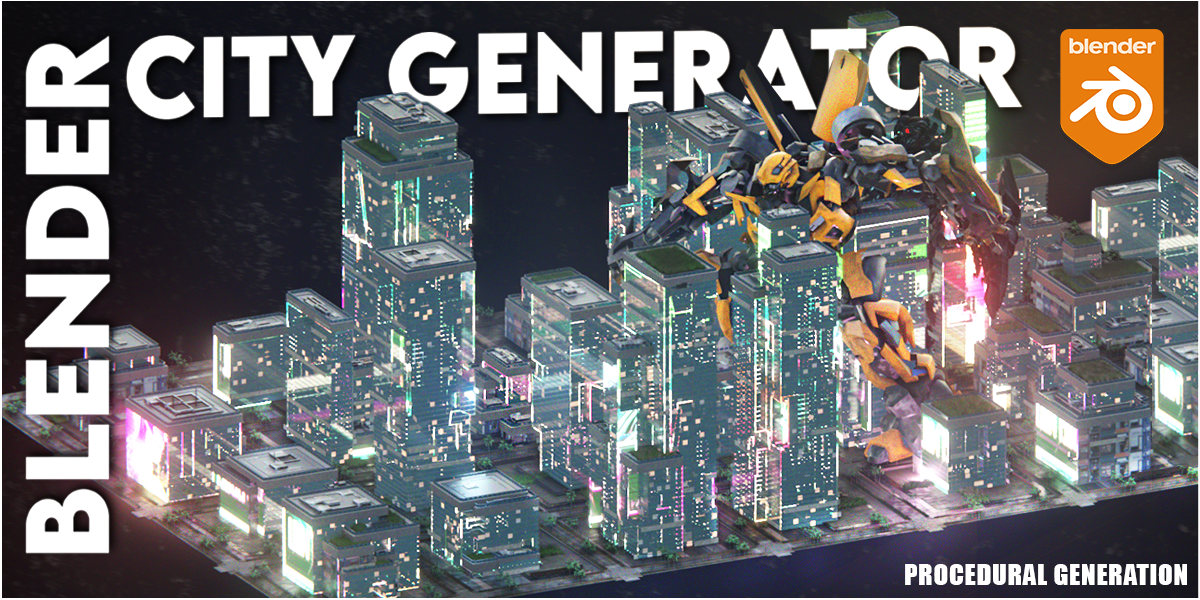
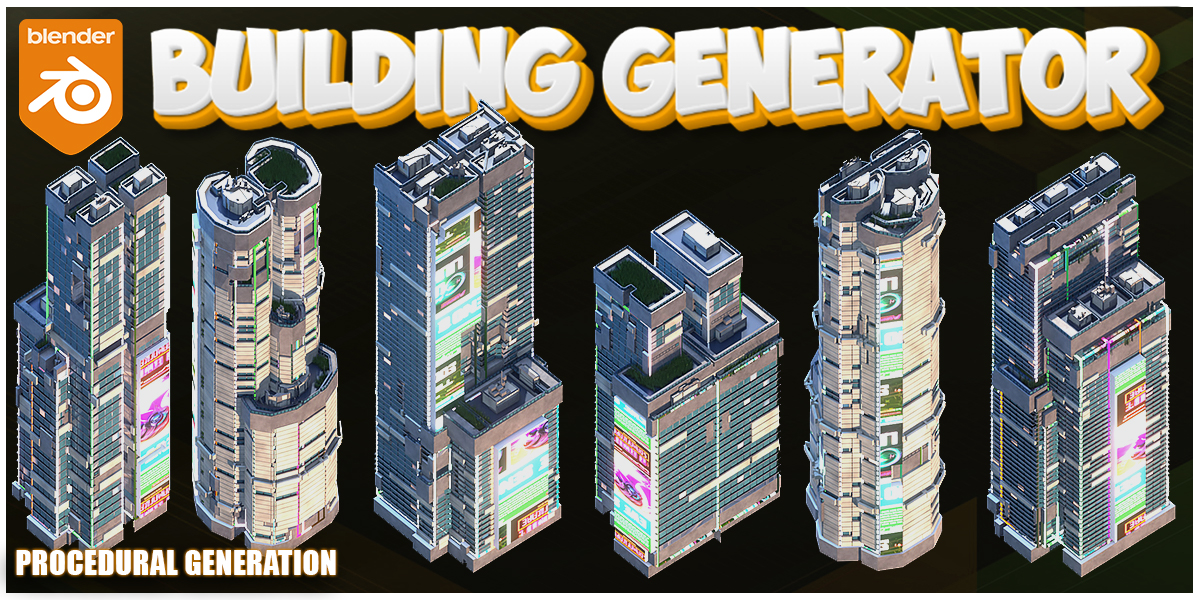
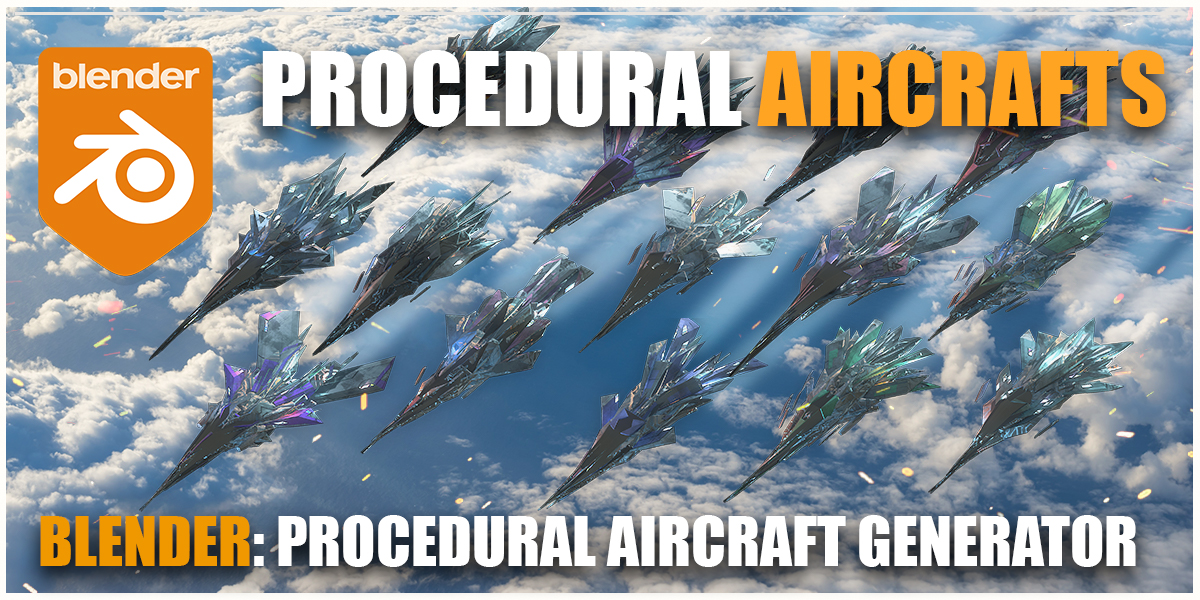
Blender Procedural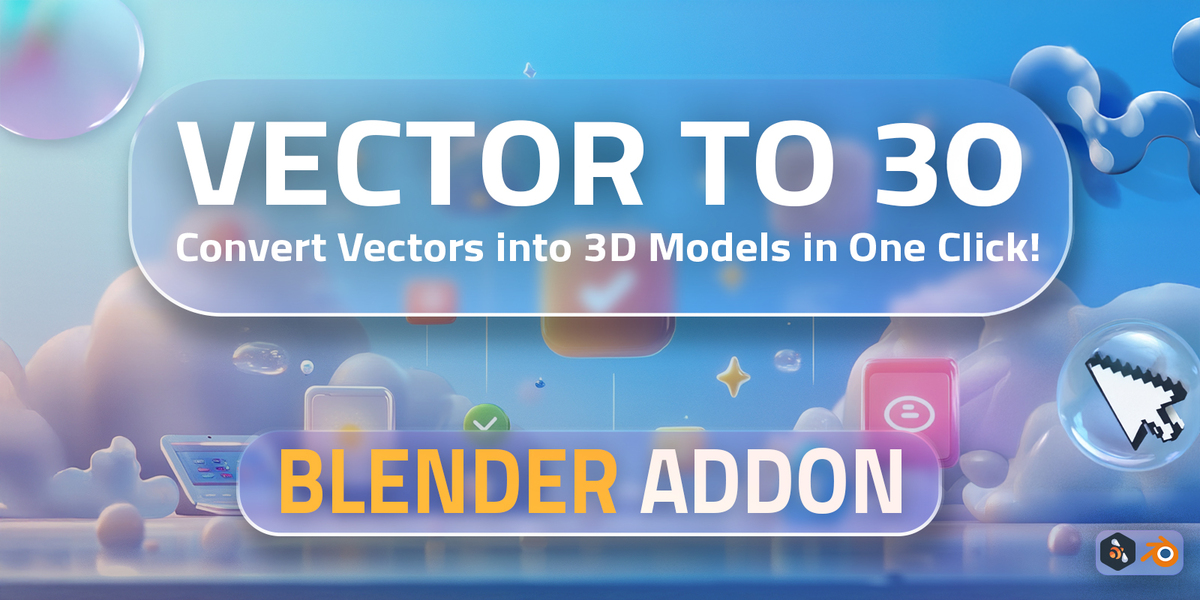
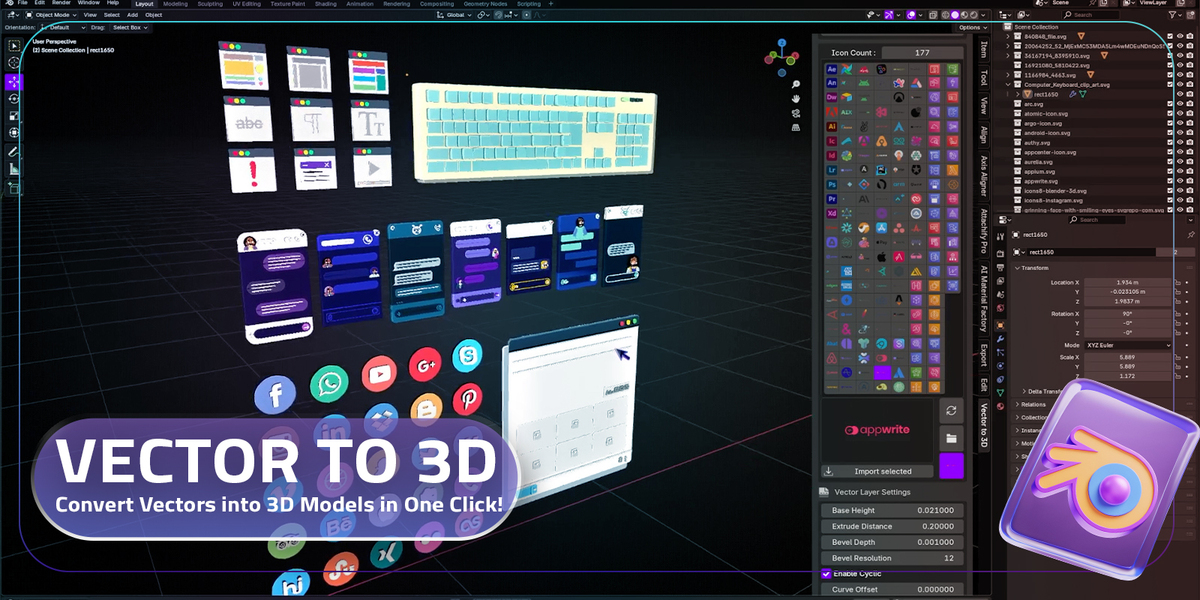
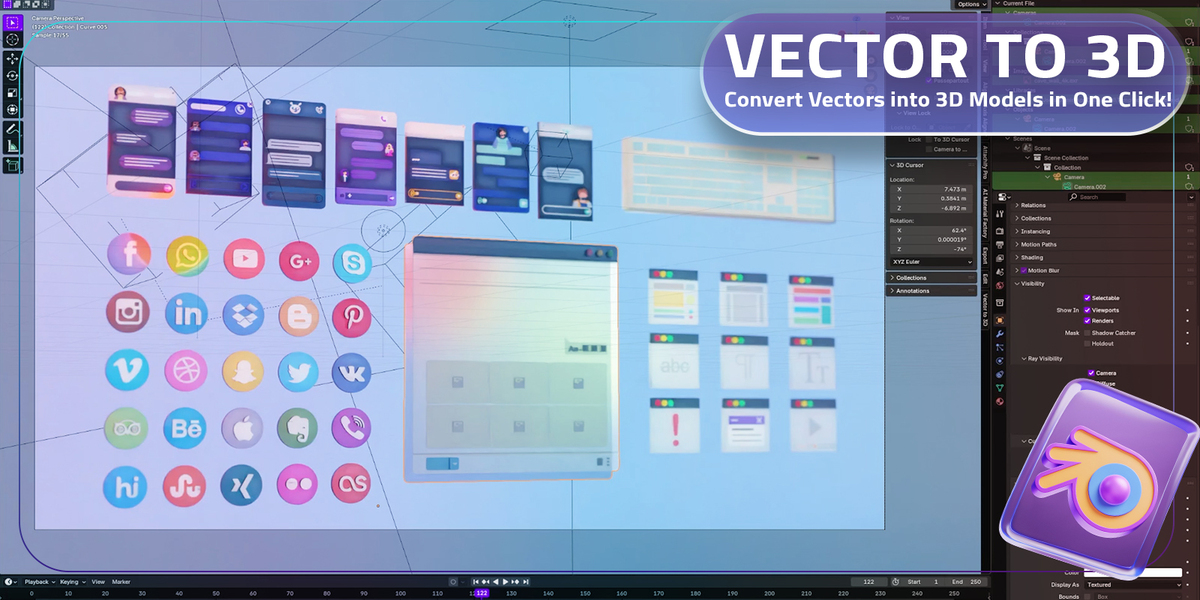
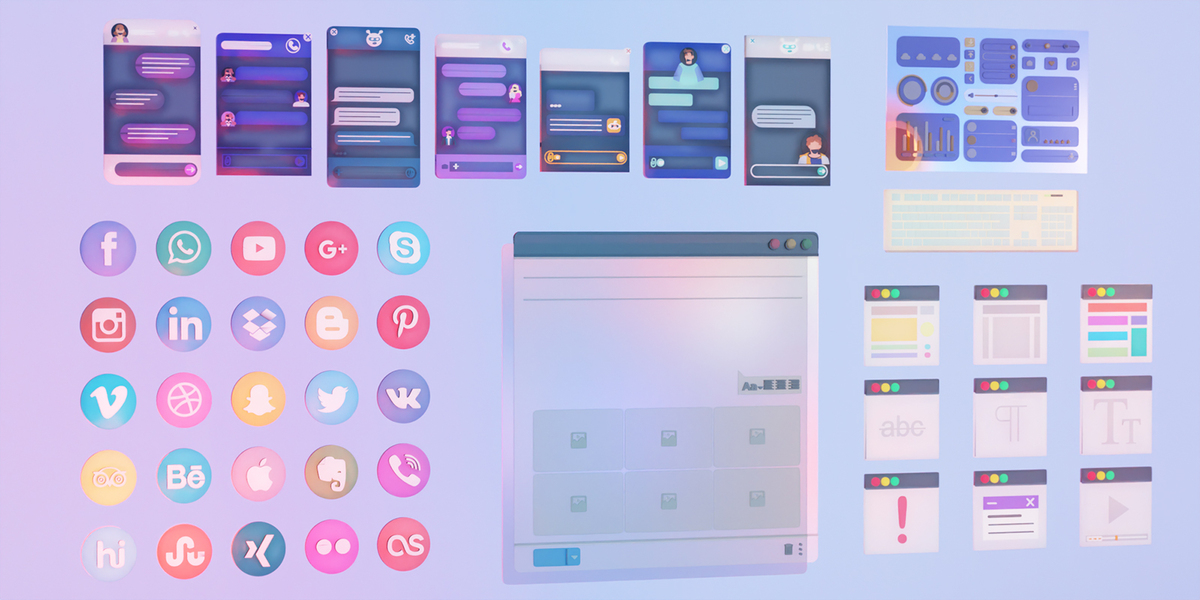
Vector to 3D – Convert SVG to 3D Models in One Click!
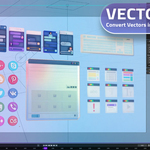
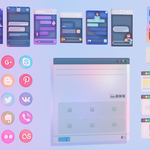
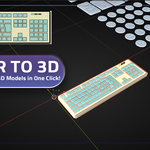
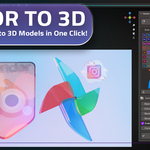
Bring your designs to life with the Vector to 3D Blender addon! With just one click, you can convert your files into stunning, high-quality 3D models. Perfect for creating 3D icons, banners, UI/UX mockups, logos, and much more without the need for complex workflows or manual modeling.
Key Features
- ✨ One-Click Conversion: Instantly transform any SVG file into a clean 3D model.
- 🎨 Customizable Settings: Adjust extrusion depth, bevels, and resolution for a polished look.
- 🖌️ Works with Any Vector Software: Compatible with Illustrator, Figma, Inkscape, CorelDRAW, and more.
- 🚀 Perfect for Designers: Create 3D icons, banners, and mockups for branding and UI/UX projects.
- 🔗 Seamless Integration: Works directly inside Blender with an intuitive interface.
How It Works
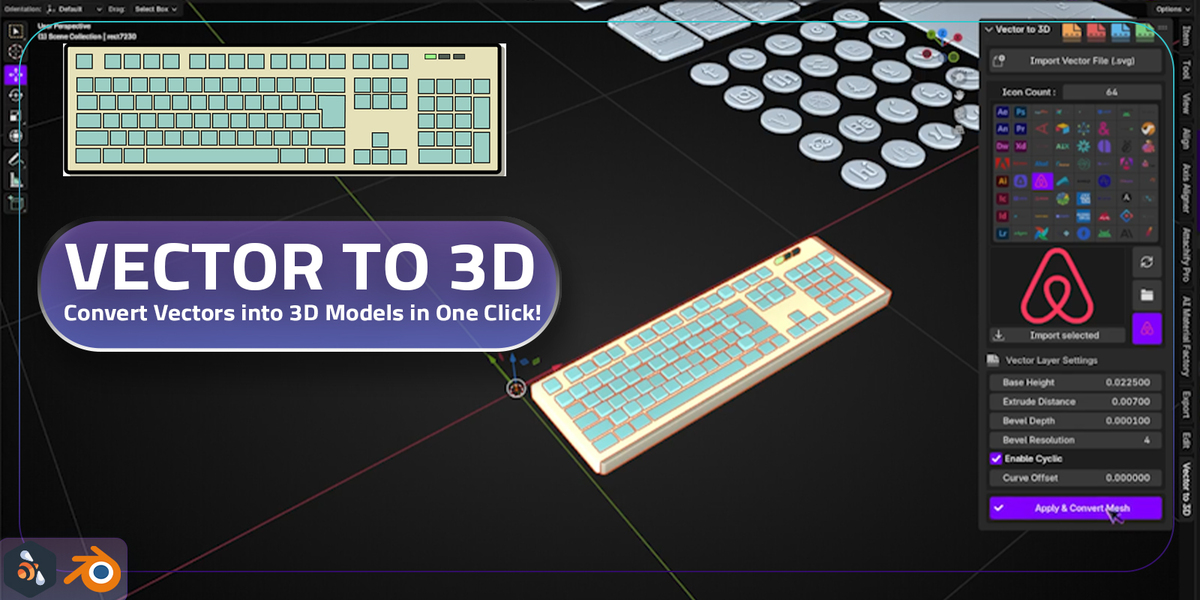
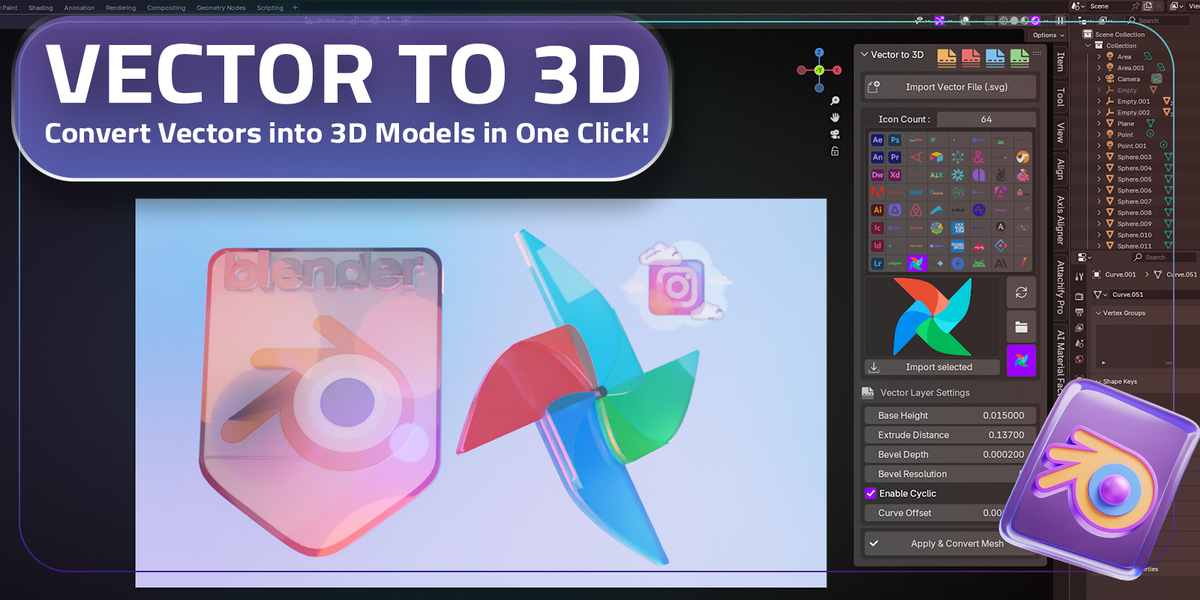
- 📂 Import your vector design using the Import Vector File (SVG) button.
- 🖼️ Browse and select your desired layer/icon in the Icon Selection Panel.
- ⚙️ Customize the settings, such as extrusion depth, bevels, and curve offsets.
- ✅ Click Apply & Convert Mesh to generate your 3D model!
Who Is This For?
Whether you're a 3D designer, game developer, UI/UX designer, or motion graphics artist, this addon is the perfect tool to bring your ideas to life in 3D.
Vector to 3D – Convert SVG to 3D Models in One Click!
Bring your designs to life with the Vector to 3D Blender addon! With just one click, you can convert your files into stunning, high-quality 3D models. Perfect for creating 3D icons, banners, UI/UX mockups, logos, and much more without the need for complex workflows or manual modeling.
Key Features
- ✨ One-Click Conversion: Instantly transform any SVG file into a clean 3D model.
- 🎨 Customizable Settings: Adjust extrusion depth, bevels, and resolution for a polished look.
- 🖌️ Works with Any Vector Software: Compatible with Illustrator, Figma, Inkscape, CorelDRAW, and more.
- 🚀 Perfect for Designers: Create 3D icons, banners, and mockups for branding and UI/UX projects.
- 🔗 Seamless Integration: Works directly inside Blender with an intuitive interface.
How It Works
- 📂 Import your vector design using the Import Vector File (SVG) button.
- 🖼️ Browse and select your desired layer/icon in the Icon Selection Panel.
- ⚙️ Customize the settings, such as extrusion depth, bevels, and curve offsets.
- ✅ Click Apply & Convert Mesh to generate your 3D model!
Who Is This For?
Whether you're a 3D designer, game developer, UI/UX designer, or motion graphics artist, this addon is the perfect tool to bring your ideas to life in 3D.
Vector to 3D – Convert SVG to 3D Models in One Click!
Bring your designs to life with the Vector to 3D Blender addon! With just one click, you can convert your files into stunning, high-quality 3D models. Perfect for creating 3D icons, banners, UI/UX mockups, logos, and much more without the need for complex workflows or manual modeling.
Key Features
- ✨ One-Click Conversion: Instantly transform any SVG file into a clean 3D model.
- 🎨 Customizable Settings: Adjust extrusion depth, bevels, and resolution for a polished look.
- 🖌️ Works with Any Vector Software: Compatible with Illustrator, Figma, Inkscape, CorelDRAW, and more.
- 🚀 Perfect for Designers: Create 3D icons, banners, and mockups for branding and UI/UX projects.
- 🔗 Seamless Integration: Works directly inside Blender with an intuitive interface.
How It Works
- 📂 Import your vector design using the Import Vector File (SVG) button.
- 🖼️ Browse and select your desired layer/icon in the Icon Selection Panel.
- ⚙️ Customize the settings, such as extrusion depth, bevels, and curve offsets.
- ✅ Click Apply & Convert Mesh to generate your 3D model!
Who Is This For?
Whether you're a 3D designer, game developer, UI/UX designer, or motion graphics artist, this addon is the perfect tool to bring your ideas to life in 3D.
Vector to 3D – Convert SVG to 3D Models in One Click!
Bring your designs to life with the Vector to 3D Blender addon! With just one click, you can convert your files into stunning, high-quality 3D models. Perfect for creating 3D icons, banners, UI/UX mockups, logos, and much more without the need for complex workflows or manual modeling.
Key Features
- ✨ One-Click Conversion: Instantly transform any SVG file into a clean 3D model.
- 🎨 Customizable Settings: Adjust extrusion depth, bevels, and resolution for a polished look.
- 🖌️ Works with Any Vector Software: Compatible with Illustrator, Figma, Inkscape, CorelDRAW, and more.
- 🚀 Perfect for Designers: Create 3D icons, banners, and mockups for branding and UI/UX projects.
- 🔗 Seamless Integration: Works directly inside Blender with an intuitive interface.
How It Works
- 📂 Import your vector design using the Import Vector File (SVG) button.
- 🖼️ Browse and select your desired layer/icon in the Icon Selection Panel.
- ⚙️ Customize the settings, such as extrusion depth, bevels, and curve offsets.
- ✅ Click Apply & Convert Mesh to generate your 3D model!
Who Is This For?
Whether you're a 3D designer, game developer, UI/UX designer, or motion graphics artist, this addon is the perfect tool to bring your ideas to life in 3D.

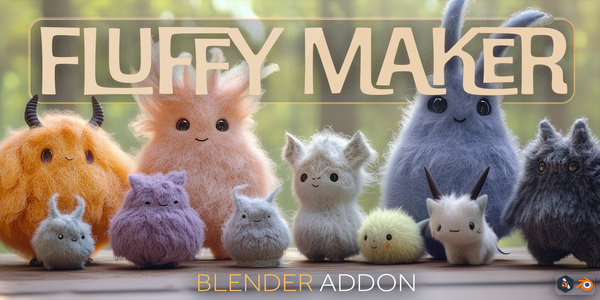
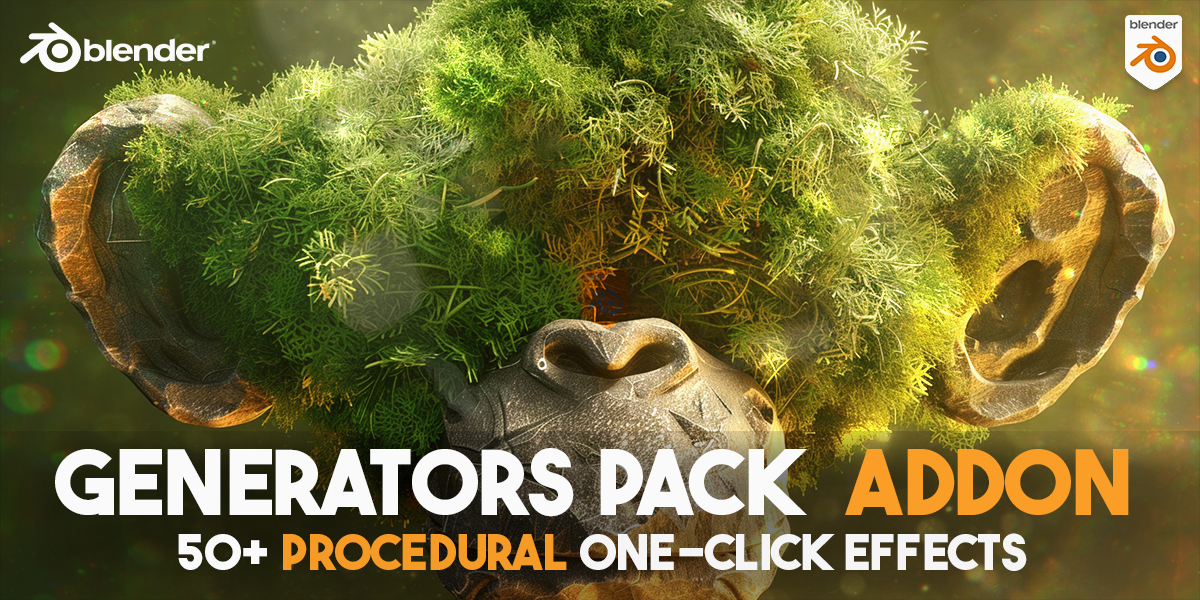
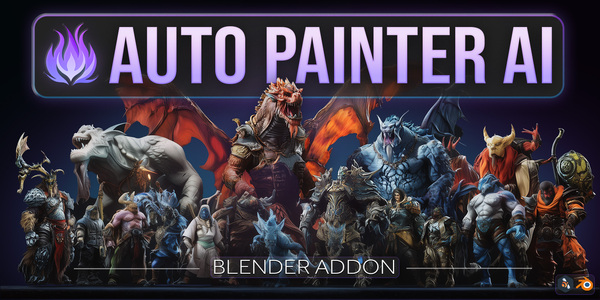
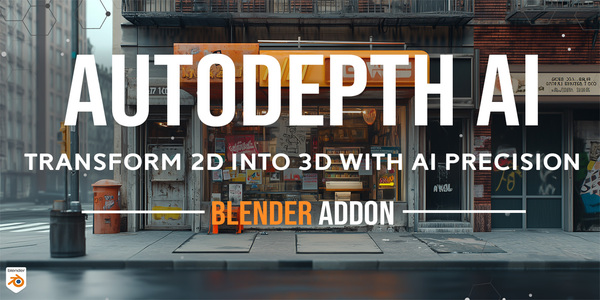
You Can Check My Other Blender Procedural Addons Below: