 Blender Procedural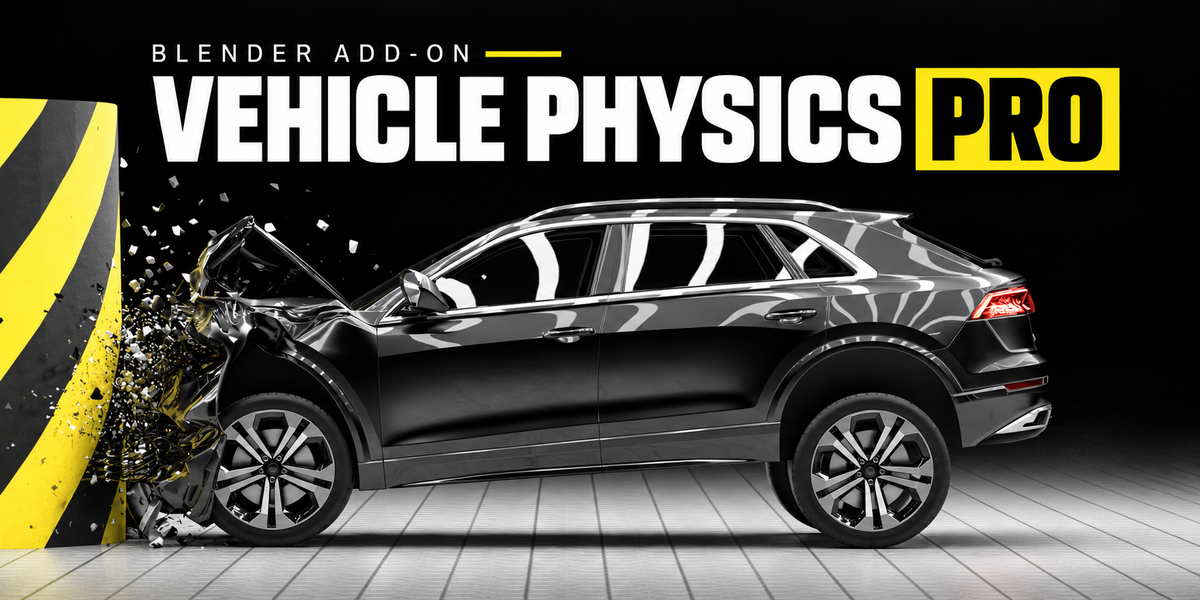
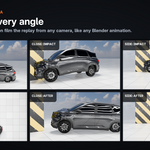
Drive · Crash · Record
Vehicle Physics Pro
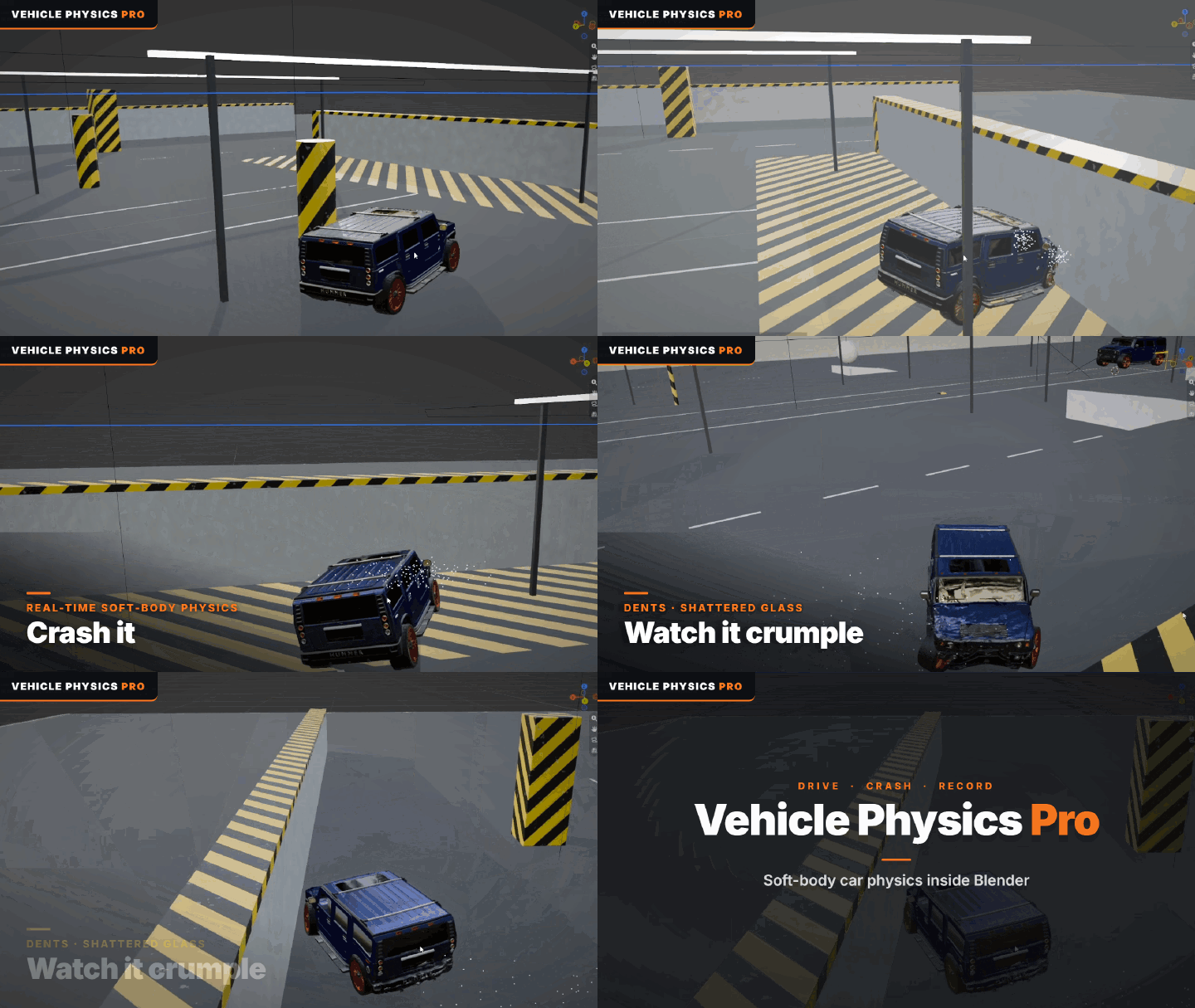
Drive any car in the 3D Viewport. Crash it, and watch it crumple.
A real-time node-and-beam vehicle simulator that runs inside Blender. Add a vehicle, press Start and drive with W A S D. Every hit is simulated: panels dent and stay dented, hoods and trunks pop open, bumpers come loose, glass shatters. No game engine, no export, no baking before you drive. Press Esc and your scene is exactly as it was.
16
ready-to-drive vehicles
1 click
setup for your own cars
2.4×
frame rate on many-object models
4.2+
Blender, tested on 4.5 and 5.2 LTS
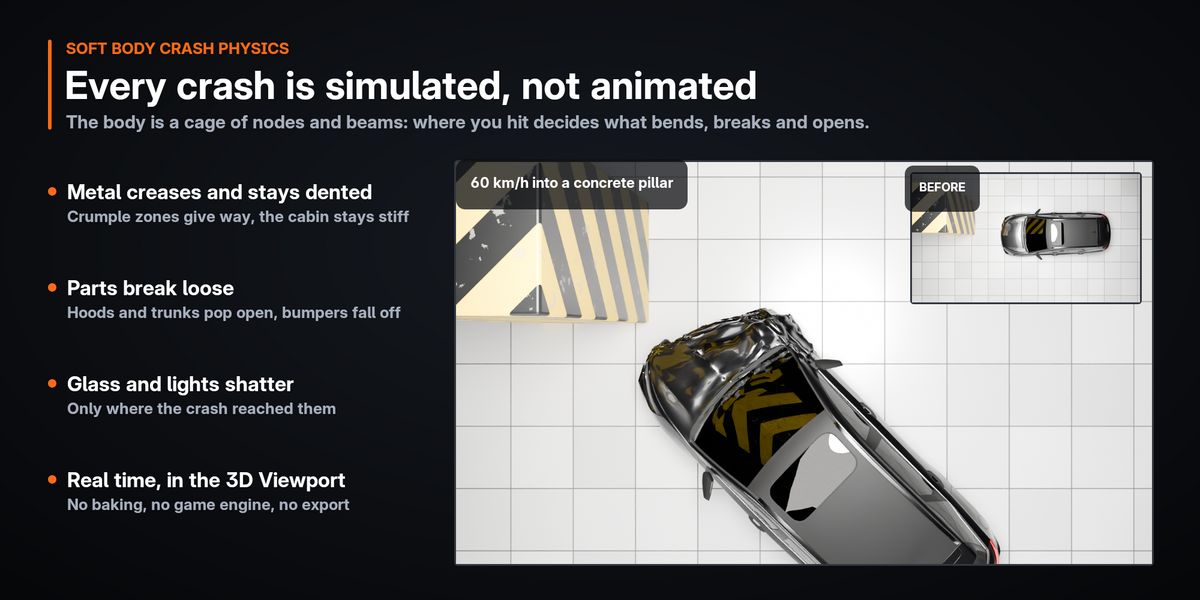
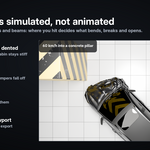
Every crash is simulated, not animated
The body is a cage of nodes and beams that bends, creases and breaks like a real shell. Where you hit decides what happens.
Permanent dents
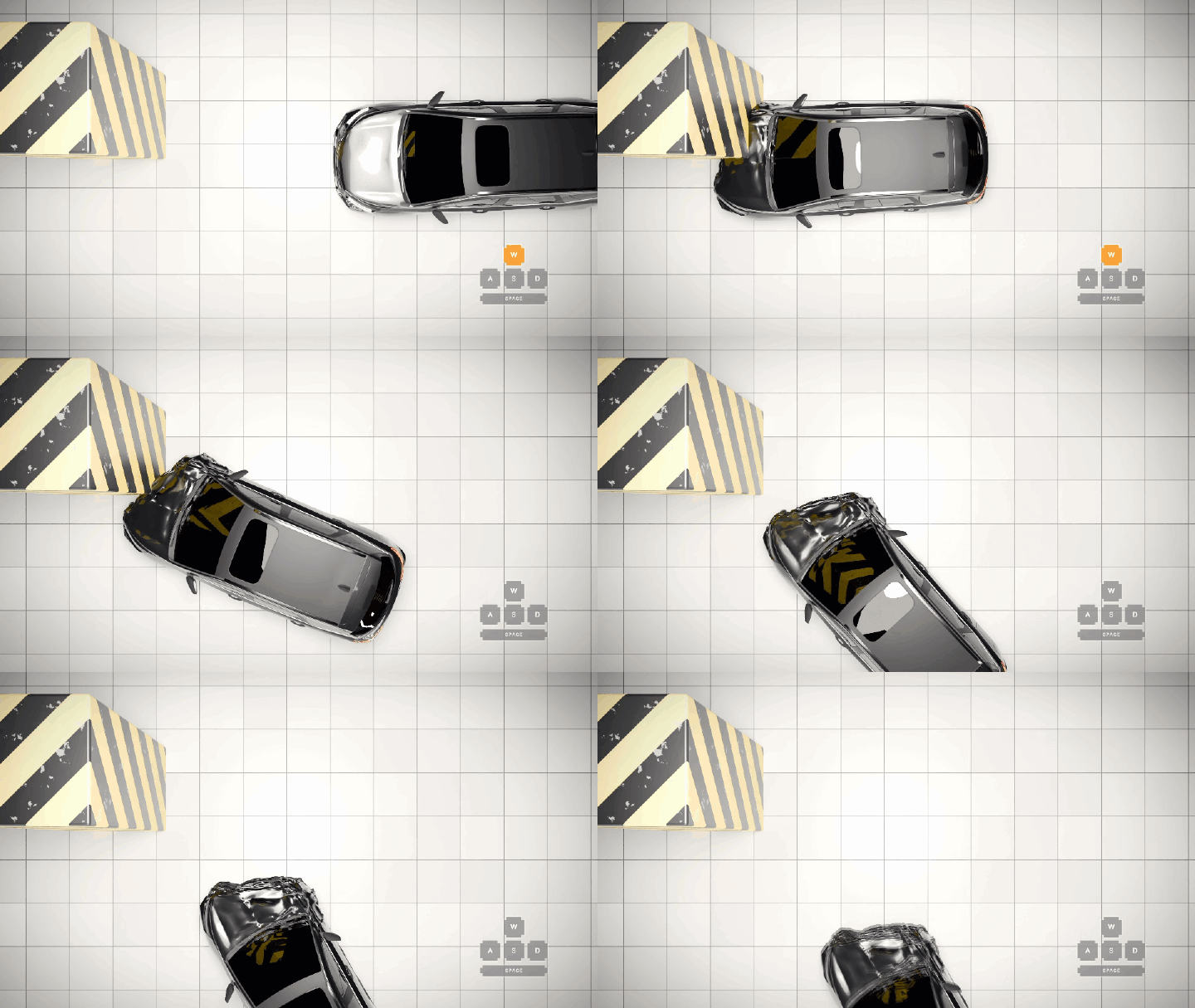
Crumple zones give way, the passenger cell stays stiffer, and the damage stays until you repair it.
Sheet-metal creases
Crushed panels fold like metal instead of bulging like rubber, while you drive and in the render.
Parts come off
Bumpers and mirrors break away, latches give and hoods and trunks pop open, only where the crash reached.
Glass and lights shatter
Windows and lights break into shards on impact.
Believable impacts
Cars rebound at 12–17 % of the impact speed, like real ones, and bent suspension straightens out so you can keep driving.
More damage on demand
Switch on wheels that tear off, tires that puncture, and an engine that loses power, stalls or breaks a drive shaft.
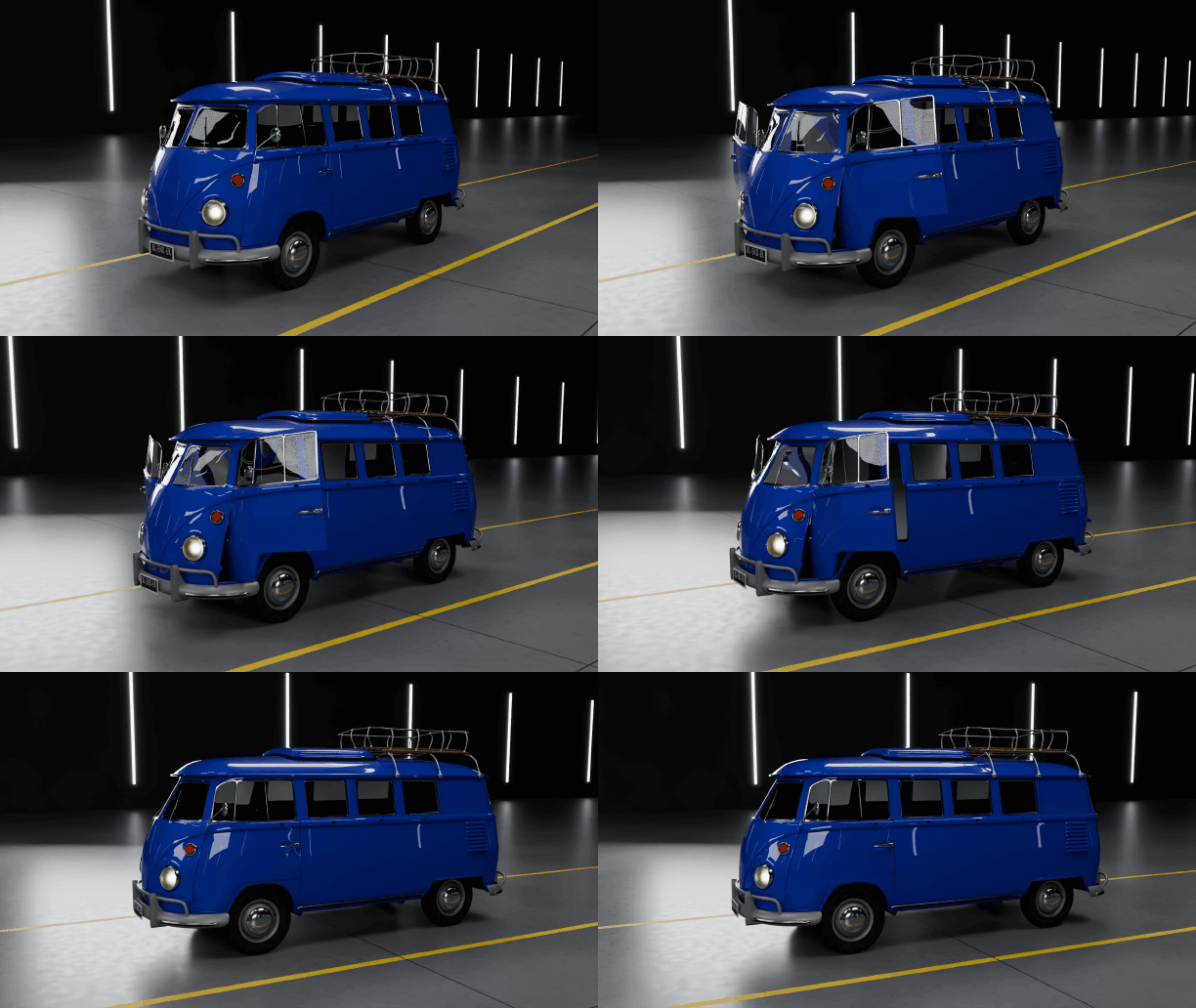
Doors, hood and trunk that really open
Left-click a door, the hood or the trunk while you drive. Press 1–9 for a single part, or O to open everything.
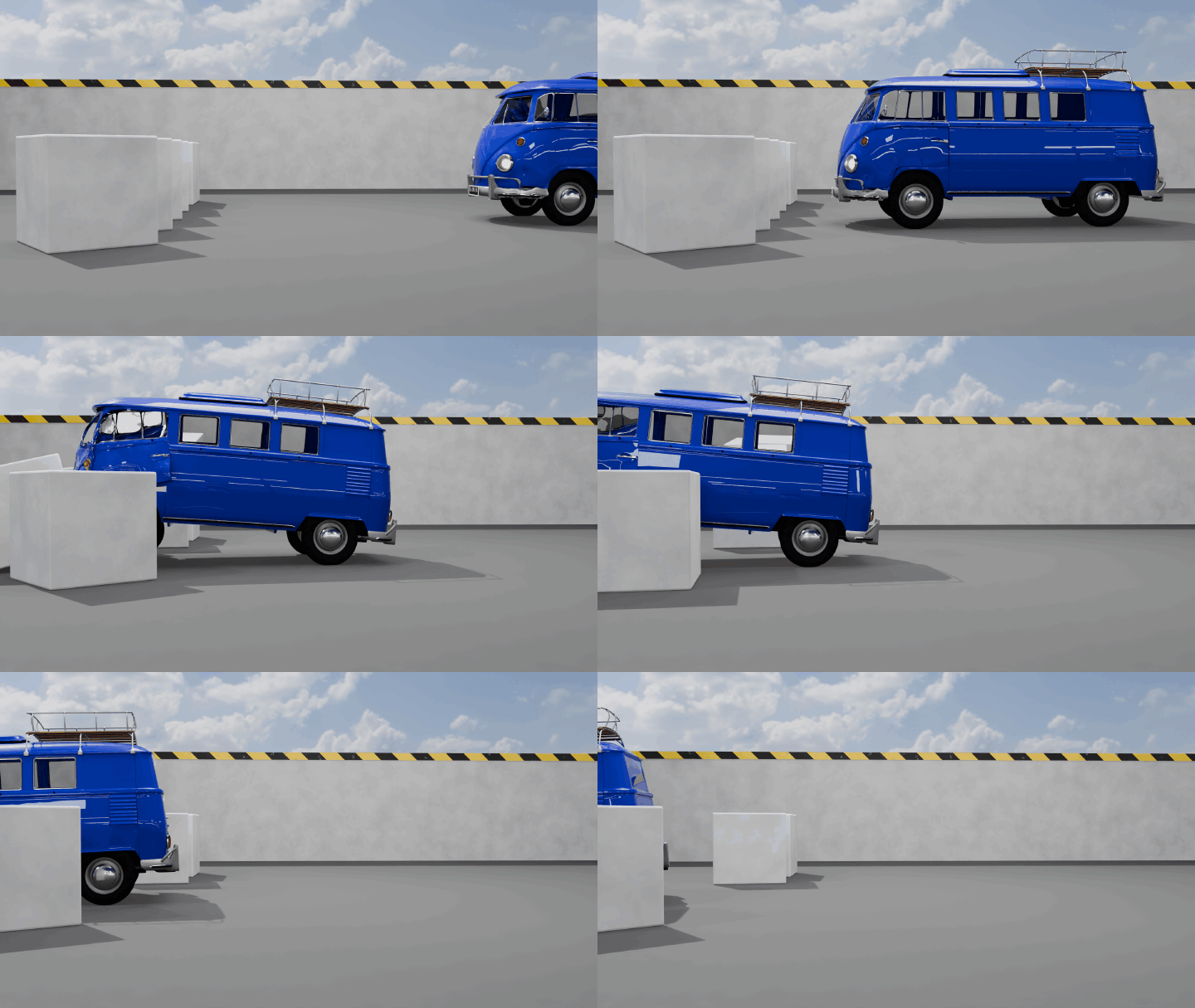
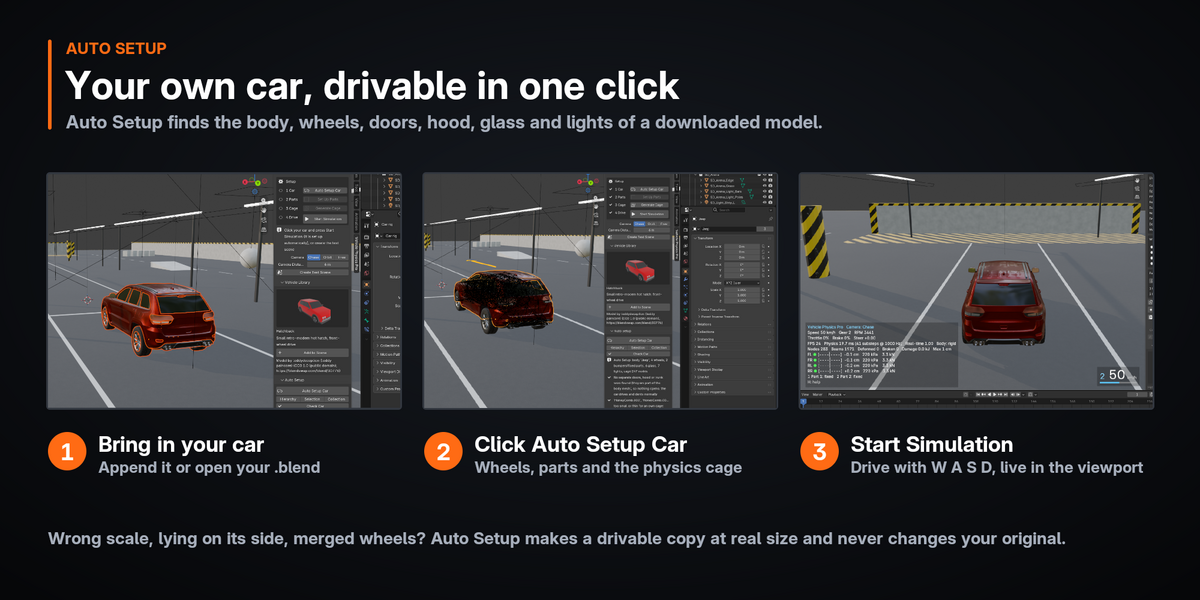
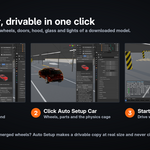
Your own cars, set up in one click
Download a car, select it and press Auto Setup Car. Vehicle Physics Pro finds the body, wheels, tires, doors, hood, trunk, bumpers, glass, lights and mirrors, works out the front, the wheel centers and the suspension, builds the physics cage and picks a matching preset.
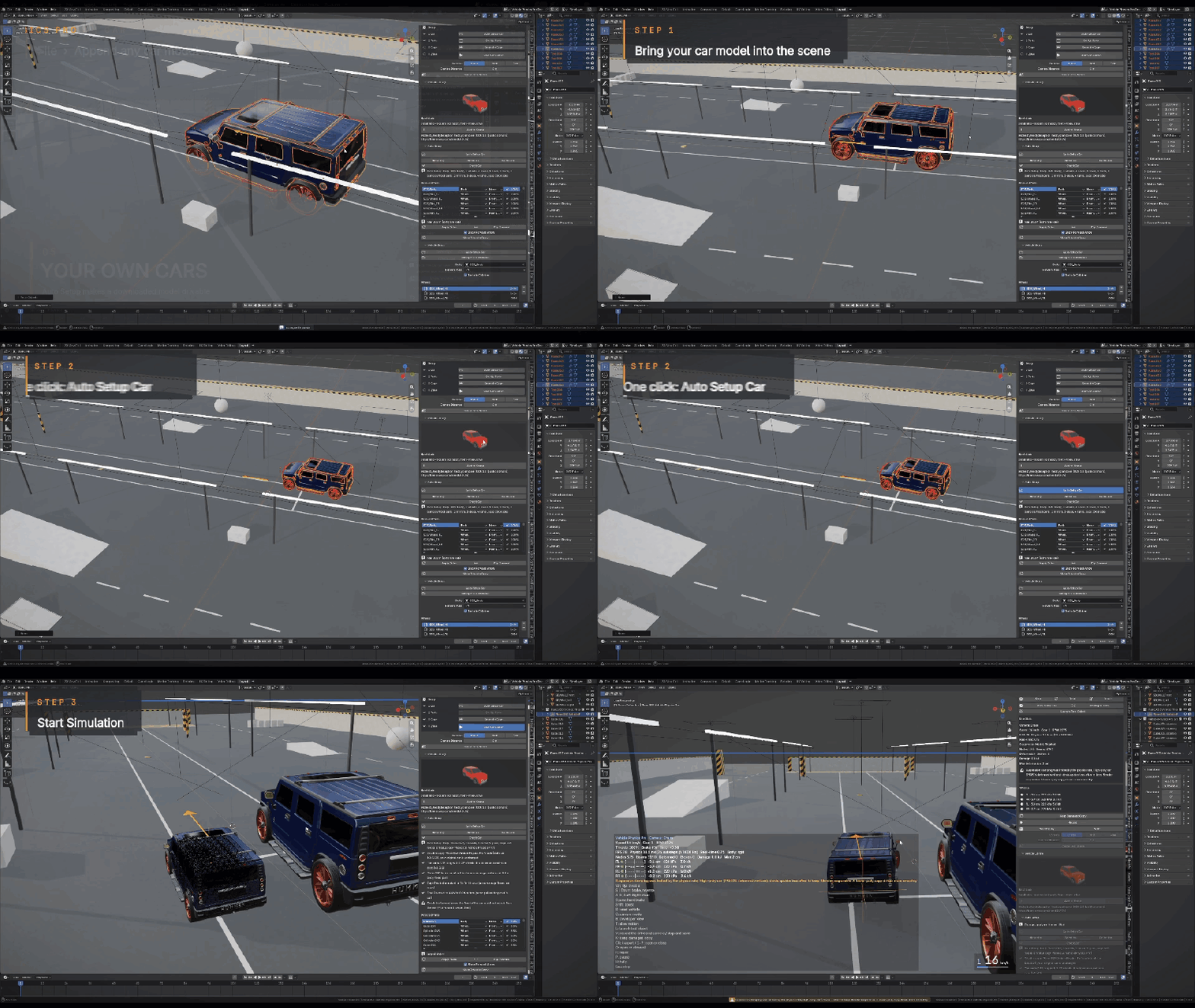
Select the car→Auto Setup Car→Start Simulation
Messy models welcome
Wrong scale, lying on its side, instanced or merged wheels: you get a drivable copy at real size, and your original stays untouched.
Merged rims and discs NEW IN 0.4.3
Both rims of an axle in one object, or discs inside the chassis? Start splits them by wheel: rims, hubs and bolts spin, calipers steer.
Check Car
Lists anything to fix before you drive. Every detected part shows its confidence, and you can change any role.
Fully editable
Wheel pivots, suspension hardpoints, hinge axes, physics presets and the cage itself, beam by beam. Modifiers are fine too.
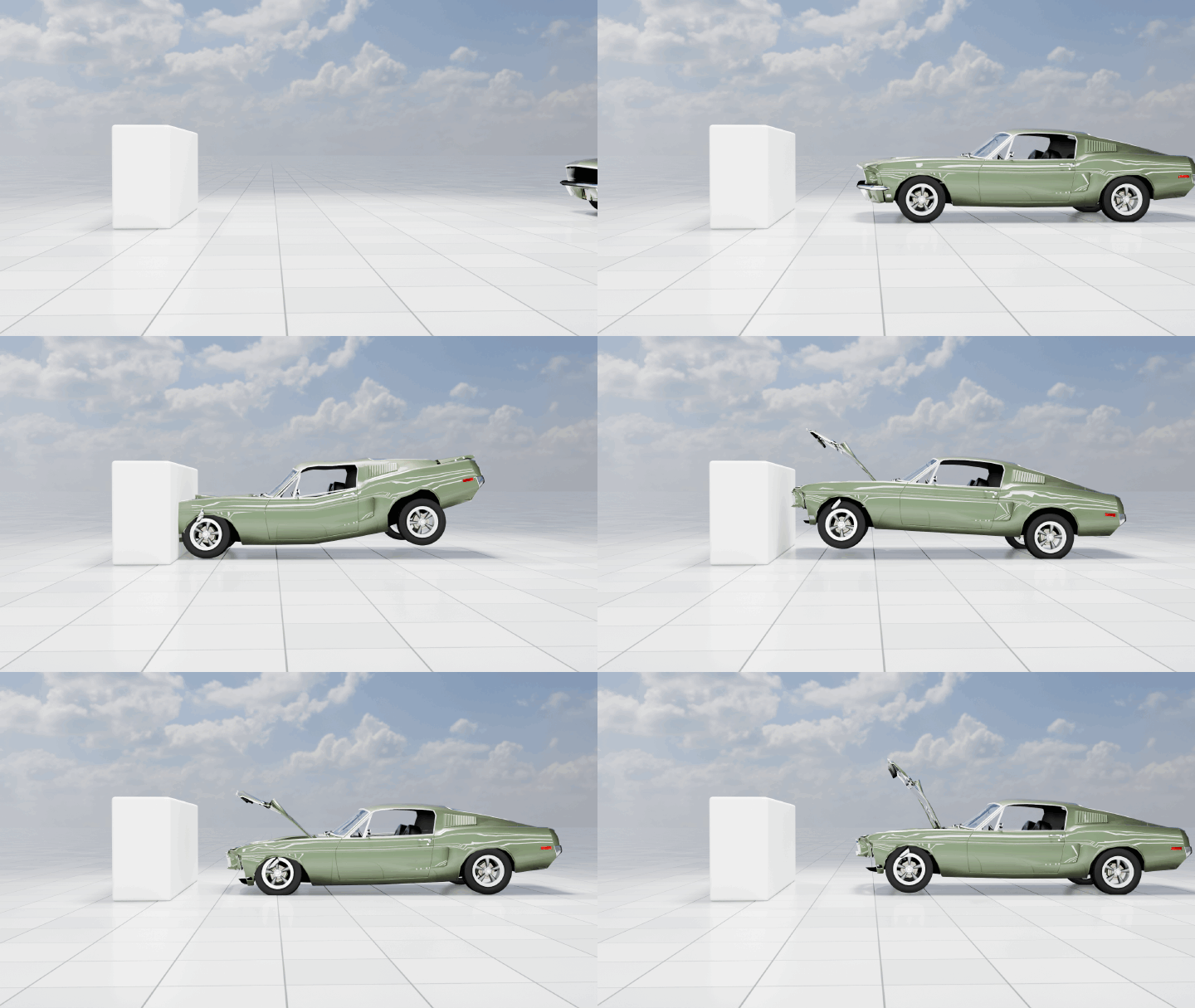
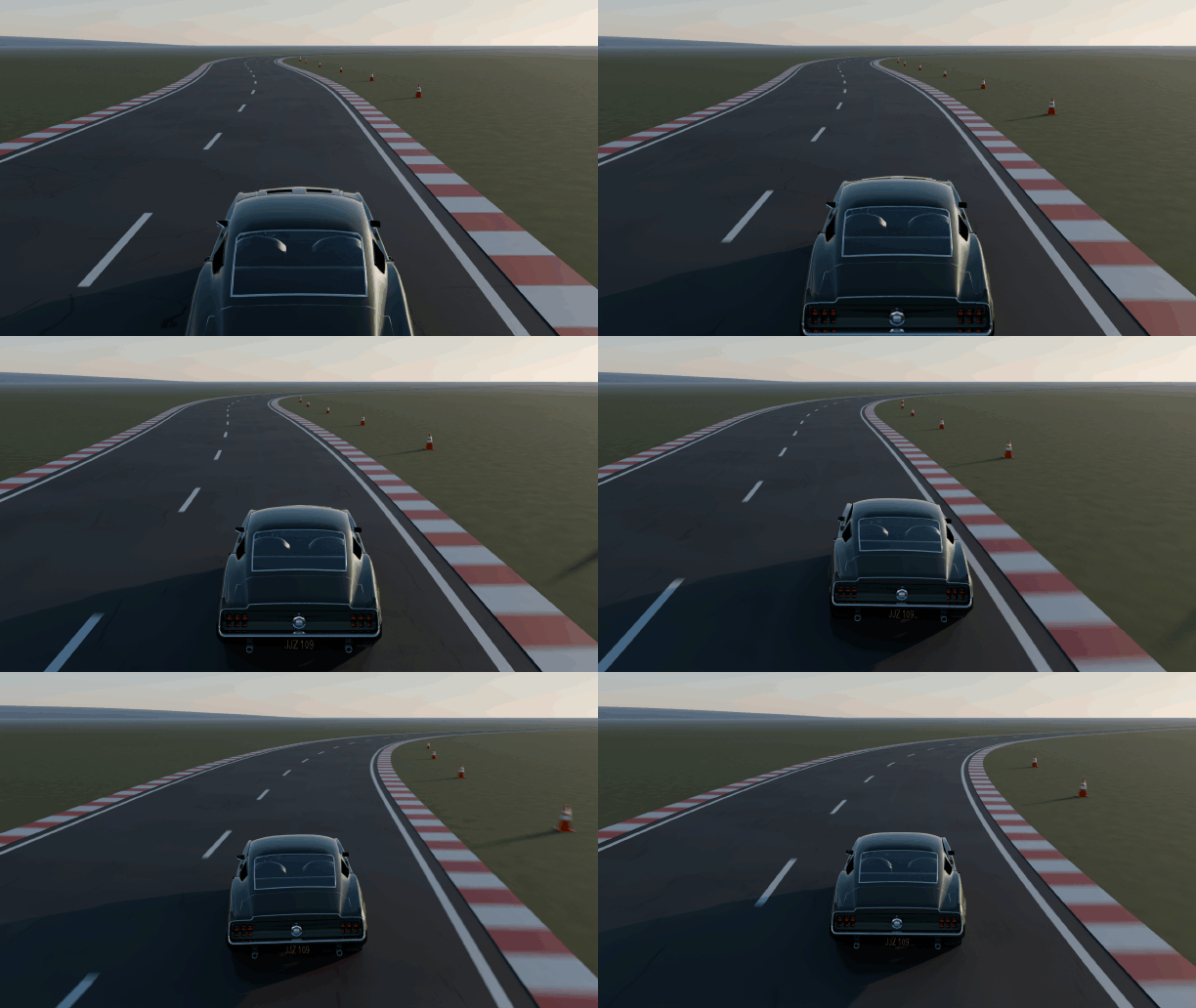
Works best with a closed body standing on its wheels. Doors, hood and trunk open when they are separate objects.
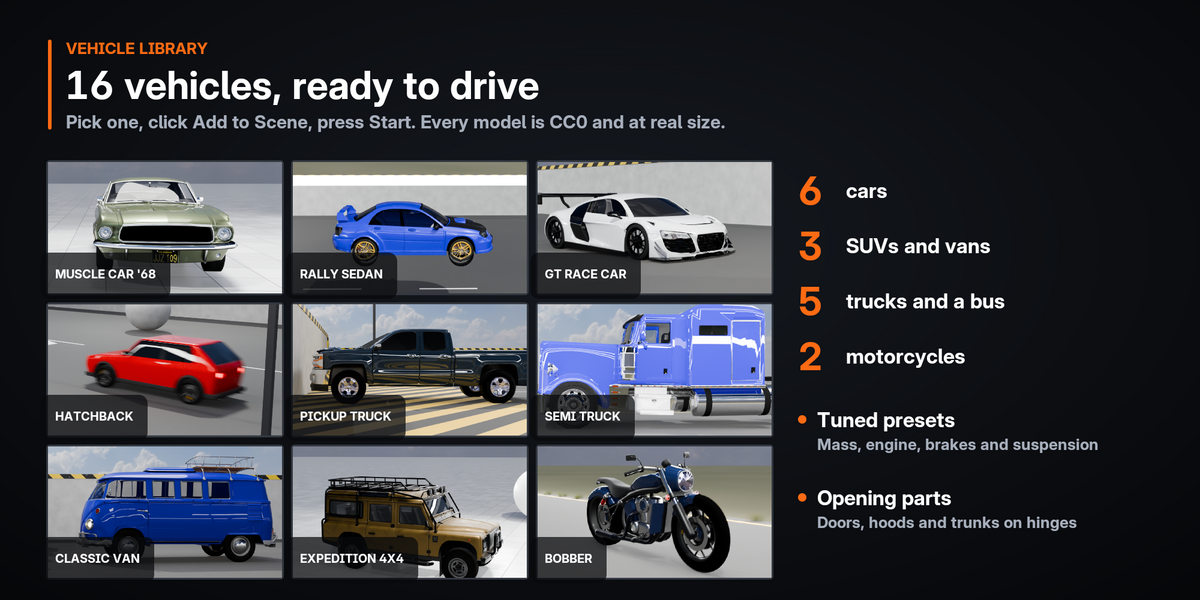
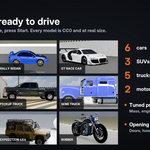
16 vehicles, ready to drive
Set up, tuned and at real-world size, all made from CC0 models. Pick a thumbnail and click Add to Scene, or use Shift+A › Vehicle Physics Pro.
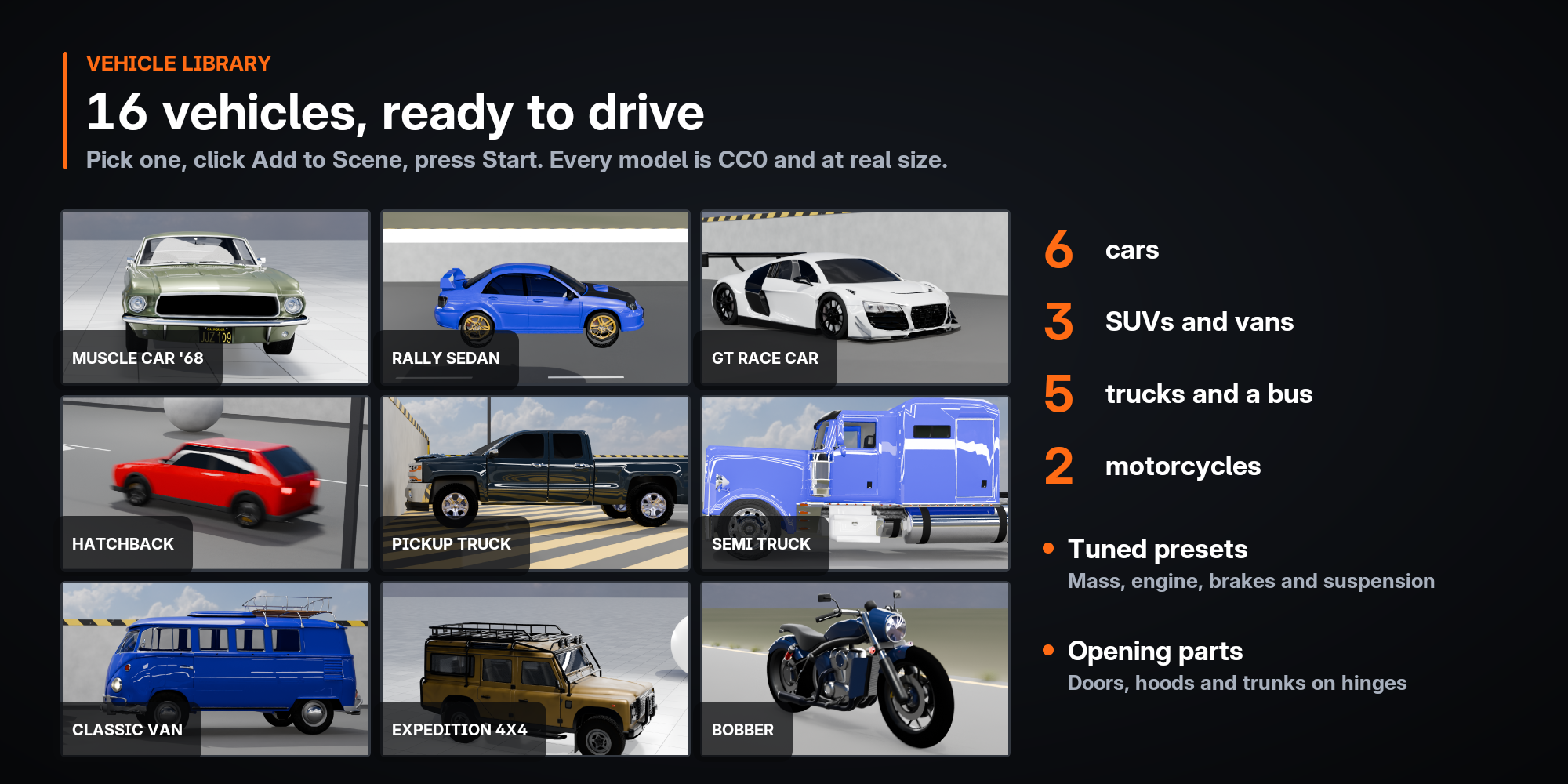
Cars
HatchbackMuscle Car '68City Taxi (low poly)SupercarRally SedanGT Race Car
SUVs and vans
Off-road SUVExpedition 4x4Classic Van
Trucks and buses
Pickup TruckSemi Truck 6×4Utility Bucket TruckFire TruckCity Bus
Motorcycles
Bobber MotorcycleTouring Motorcycle
They are normal objects in your scene: move them, recolor them, change their settings and save the file.
Motorcycles with a simulated rider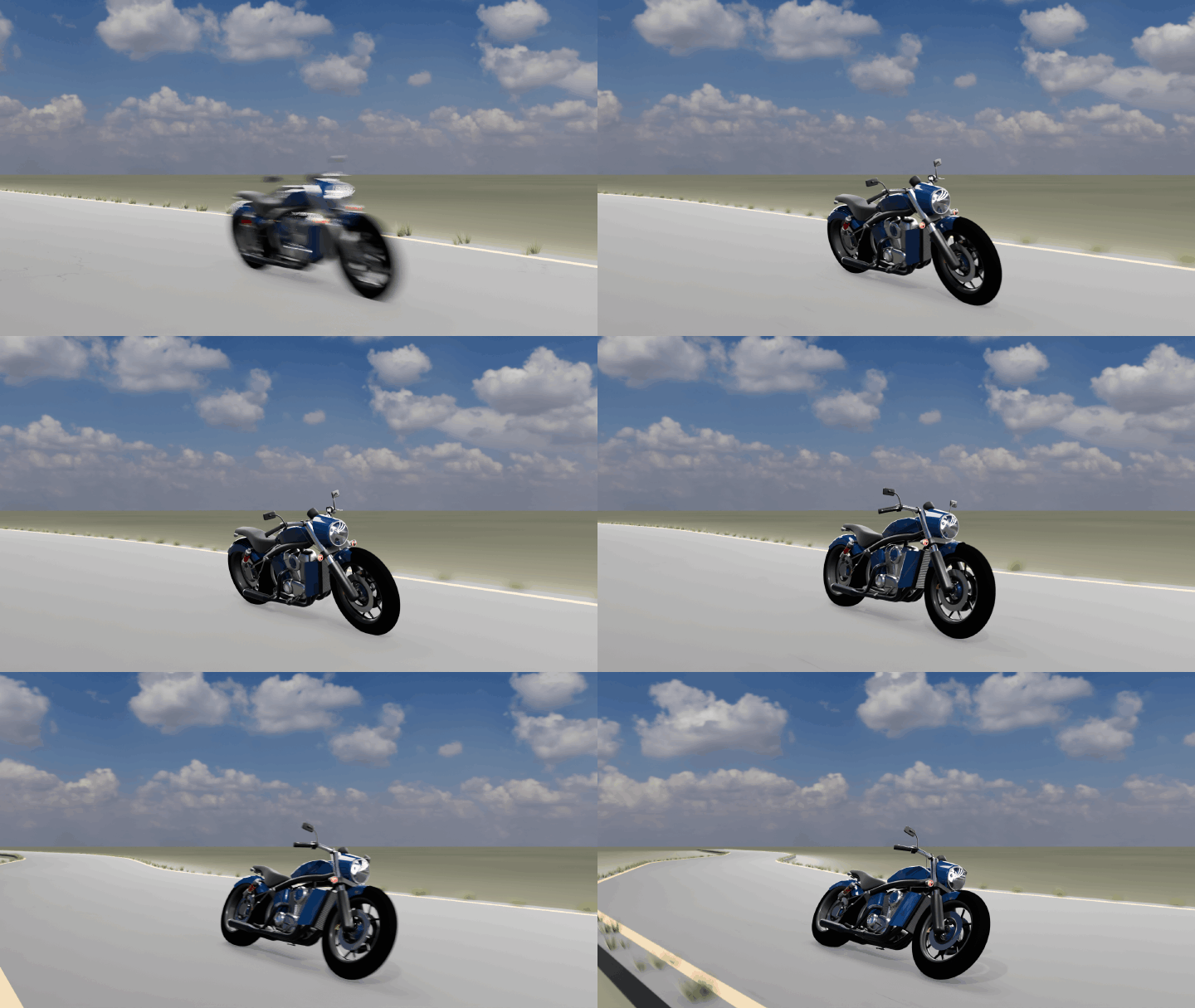
Two wheels in line are set up as a motorcycle automatically, for the two library bikes and for your own models.
Leans into turns
The rider holds the bike upright and leans it into the corners you steer, up to about 40°.
Wheelies and stoppies
The rider rolls off the throttle in a wheelie and eases the brake in a stoppie.
Crashes like a bike
After a hard hit the rider lets go and the bike goes down. Press F to put the rider back on.
Your own bikes too
Auto Setup recognizes a motorcycle by its wheels and applies the Motorcycle preset, 260 kg with the rider.
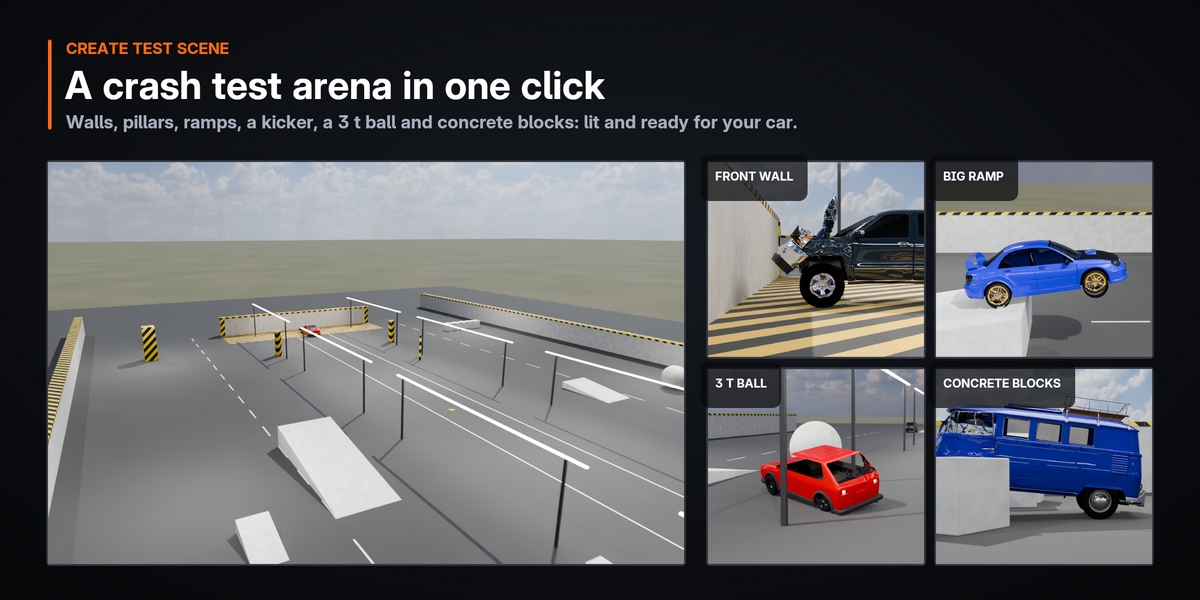
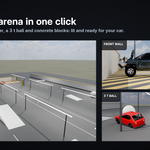
A crash test arena in one click
Create Test Scene builds a lit arena with a sedan that is set up and ready to drive.
Your own scenes work too: every visible mesh collides by default, and curbs and steps are driven over the way they should be.
Handles like a real vehicle
Physical suspension and a real drivetrain underneath, with assists tuned for W A S D on top.
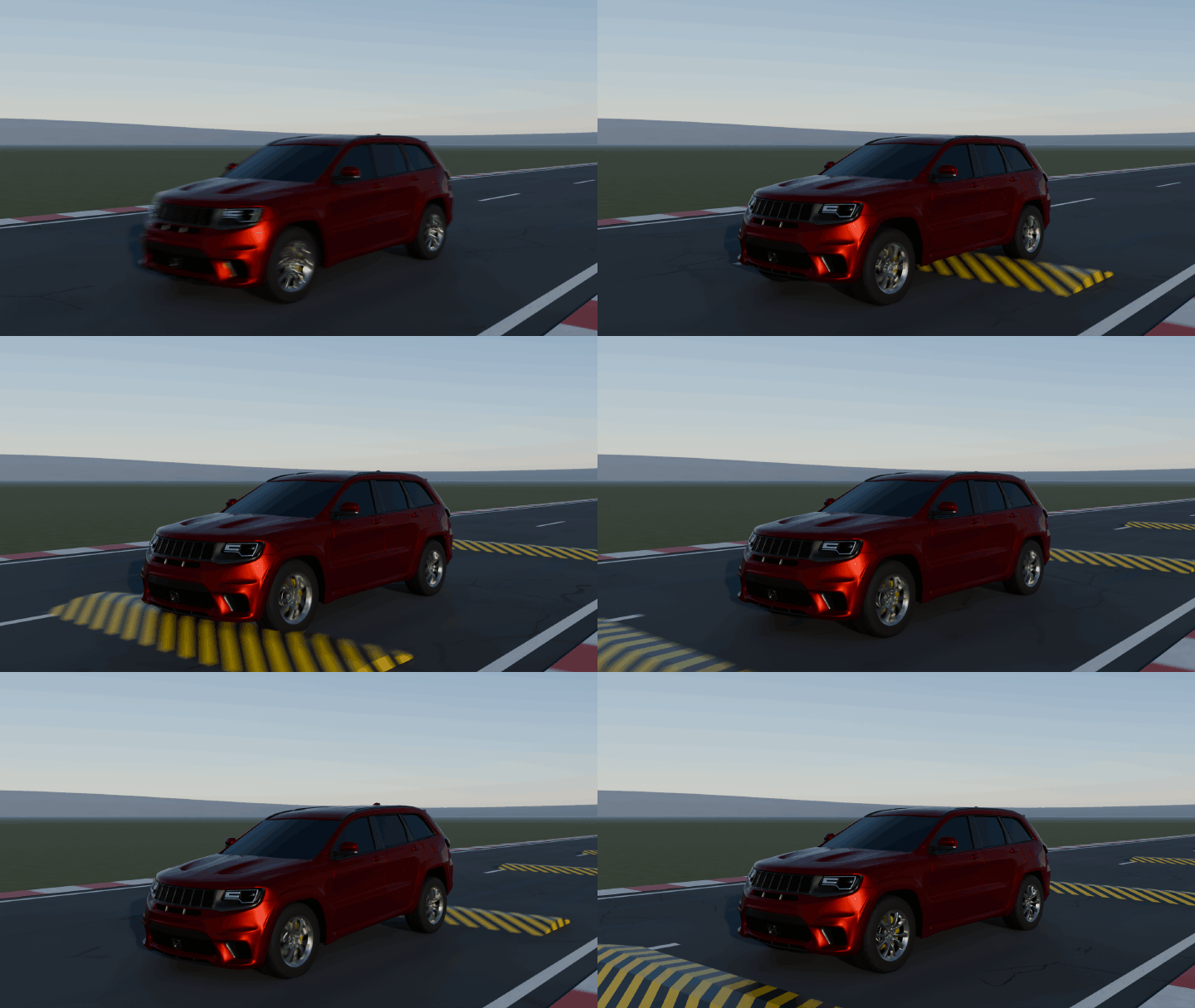
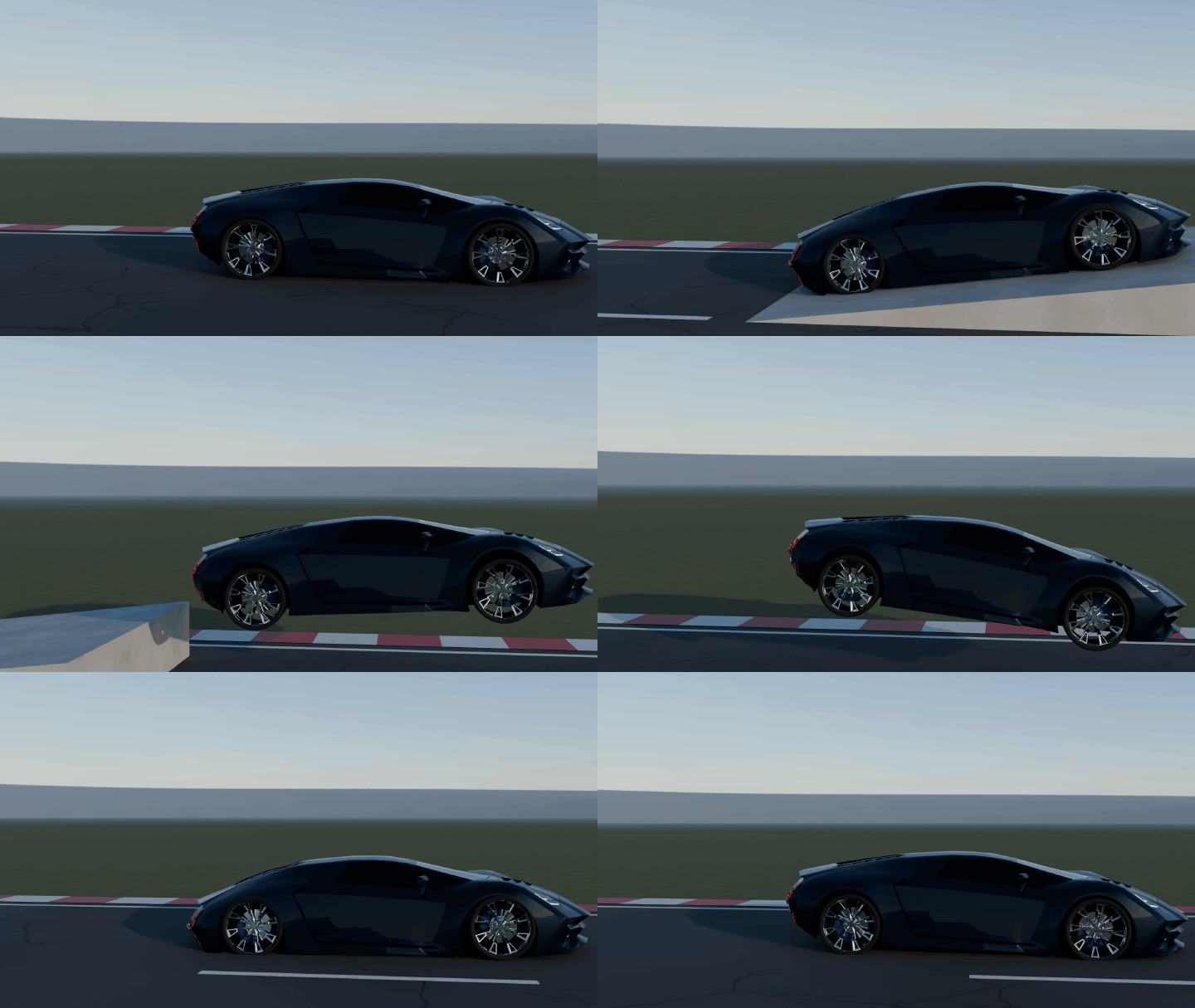
Physical suspension
Knuckles, arms, tie rods and struts that can bend in a crash, on a pressure tire model.
Real drivetrain
Engine, gearbox, and open or limited-slip differentials. FWD, RWD, AWD and 6×4 trucks.
Keyboard assists
Steering assist, ABS with brake force distribution, traction and stability control. Switch to Realistic to drive without them.
Made for testing
Handbrake, boost, one-key repair that puts the car back on its wheels, reset, pause and slow motion down to 0.1×.
Real time, even for big vehicles
Fast Driving keeps the car rigid while nothing touches it and solves only the suspension and tires. Where something hits, that area turns soft and dents; a second or two later the car is rigid and at full speed again.
NEW IN 0.4.3Models made of many objects are drawn as a few joined objects while you drive, with the same look.
City Bus, 338 objects · Material Preview
24 → 58 FPS
City Bus, 338 objects · Solid
42 → 100 FPS
Rally Sedan · Material Preview
33 → 55 FPS
Rally Sedan · Solid
43 → 94 FPS
Version 0.4.2 → 0.4.3, Blender 5.2, 12-second drive in a real Blender window on our test PC (AMD Ryzen 9 7950X). Your numbers depend on your CPU and the model.
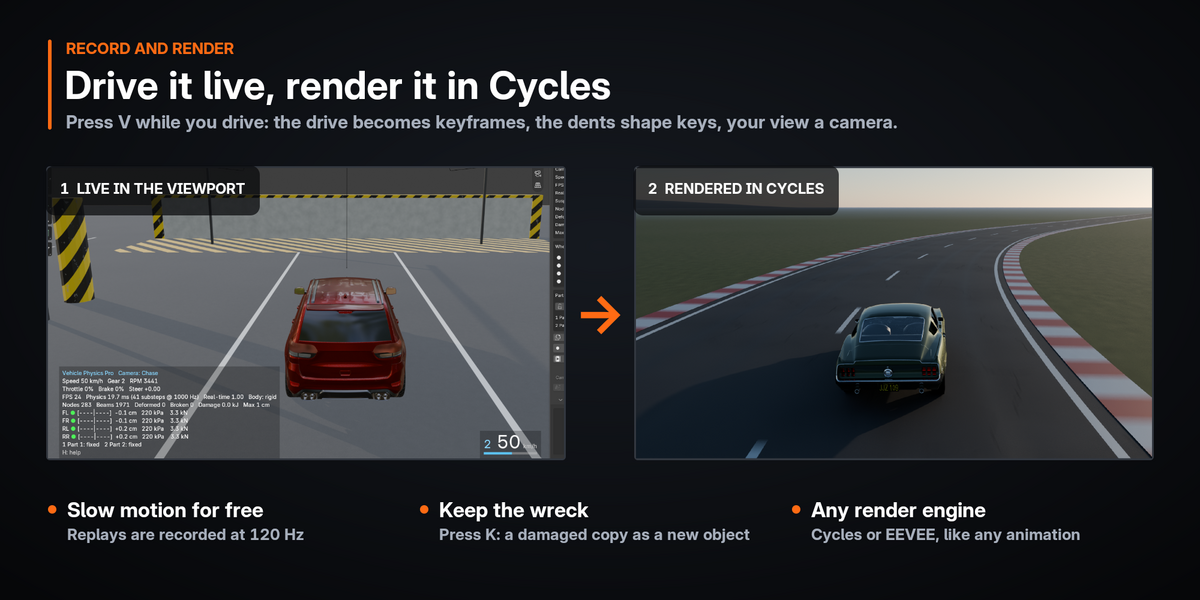
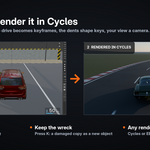
Record a drive, render it in Cycles or EEVEE
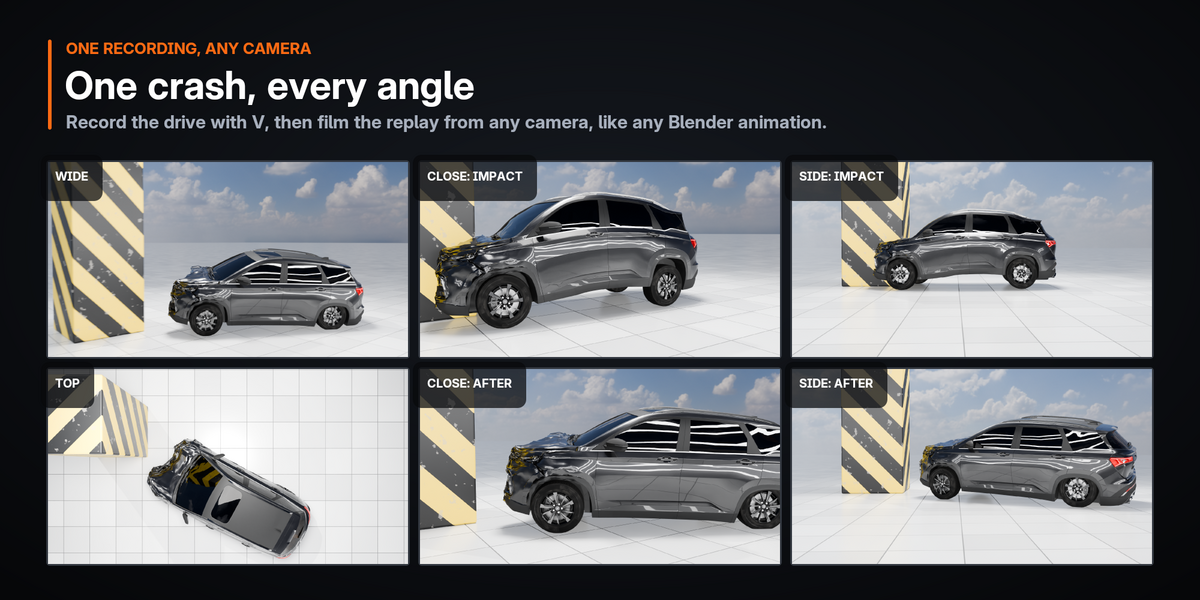
Recordings are ordinary Blender animation, so they render like anything else in your scene.
Press V to record
Up to 90 seconds, saved as keyframes for every part and shape keys for the dents.
Your view becomes a camera
The view you drove with is saved as a real camera with its focal length. Render Animation shows exactly what you saw.
Bake the last seconds
Missed the moment? Bake Replay saves the last 1–30 seconds of driving after the fact.
Keep the wreck
Press K to keep a damaged copy as a new object. Replays of several vehicles play together in one shot.
Every number, every angle
A live HUD in the viewport and cameras that keep the car in frame.
Live HUD
Speed, gear, RPM, inputs, frame rate, real-time factor, crash energy in kJ, deepest deformation, broken beams, suspension travel, tire load and the state of every door and panel.
Cameras
A smooth chase camera that pulls back with speed and frames long vehicles on its own; drag with the middle mouse to look around. Orbit, Free and a developer view of the physics cage.
Your scene stays untouched
Start works on temporary copies and hides your originals. Esc deletes the copies and shows the originals again, bit-for-bit identical, checked by an automated suite of over 200 tests on every release. Undo, saving, opening a file or disabling the add-on while you drive stop the simulation safely.
Controls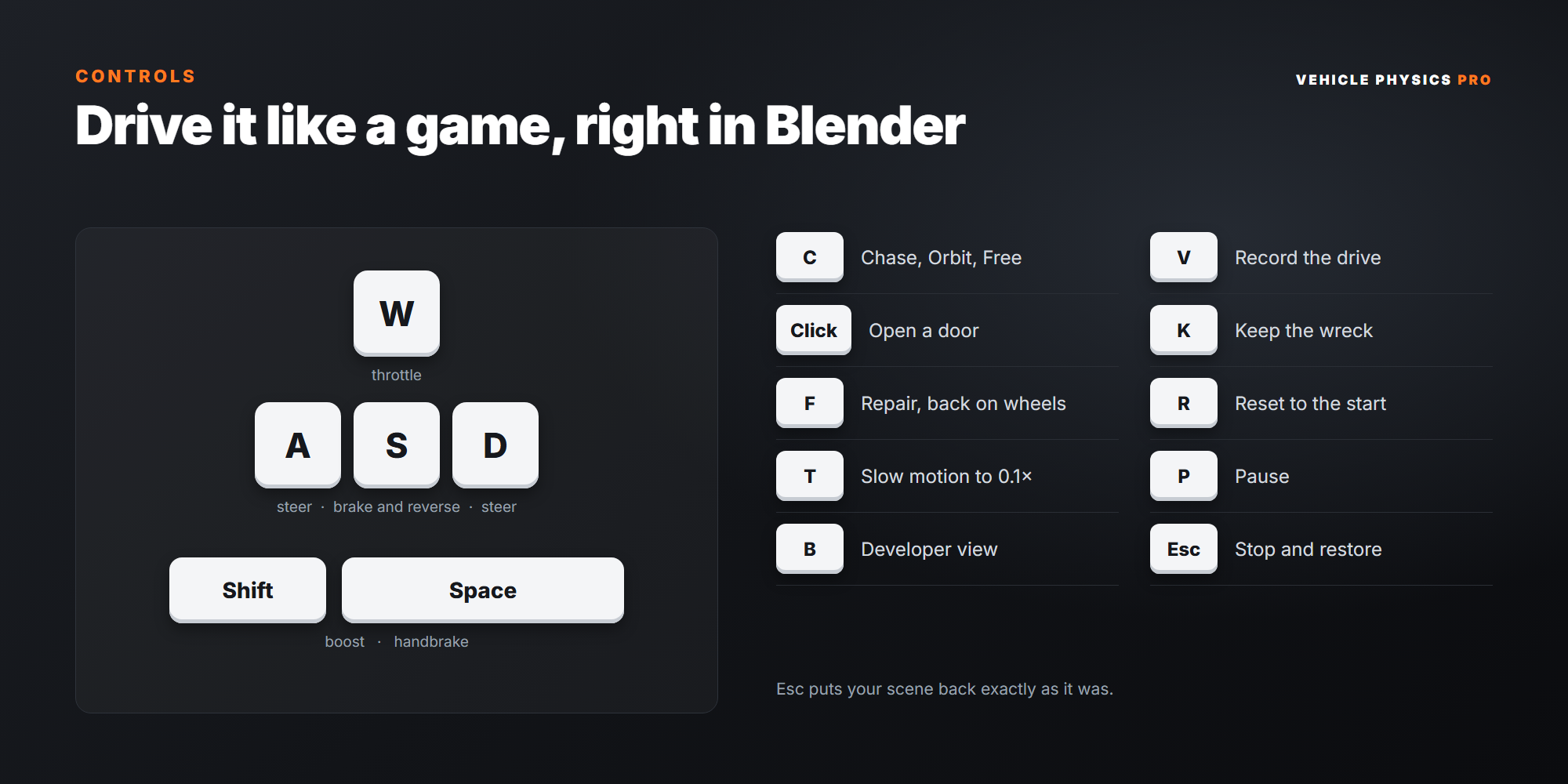
What's included
✓ vehicle_physics_pro-0.4.3.zip, a Blender extension
✓ 16 library vehicles with thumbnails and credits
✓ The crash test arena
✓ Full documentation on the Documentation tab
✓ English interface with a complete Turkish translation
Requirements
✓ Blender 4.2 or newer, tested on 4.5 LTS and 5.2 LTS
✓ Developed and tested on Windows
✓ Pure Python with Blender's own numpy: no compiled code, no extra installs, no internet access
✓ Physics runs on the CPU, so no special GPU is needed
Installation
- Download the zip. Do not unzip it.
- In Blender open Edit › Preferences › Get Extensions, click the drop-down arrow at the top right, choose Install from Disk… and select the zip. Dragging the zip into the Blender window works too.
- In the 3D Viewport press N and open the Vehicle Physics Pro tab. Click Create Test Scene, then Start Simulation, and drive.
To update, install the new zip the same way.
Good to know
- One vehicle is driven at a time, so two cars cannot crash into each other live. Recorded replays of several vehicles can play together.
- It is a node-and-beam model written in Python for Blender, in the spirit of BeamNG but not BeamNG. Tires use a pressure model, not deformable node-beam tires.
- Dent detail follows the physics cage, so very fine creases are not simulated. The body does not collide with itself.
- Glass shards do not hit the car, and rods thinner than about 15 cm can slip into the body.
- Recorded replays keep the dents but not the flying glass shards or the damage shading.
- The motorcycle rider is a balance controller, not a character: no rider figure is added.
- Trucks with more than three axle positions are not supported yet.
- No engine sound, fire or smoke effects. Material Preview and Rendered shading are slower than Solid while you drive.
Changelog
Credits and licences All 16 vehicle models were released under CC0 1.0 (public domain) on Blend Swap. Thank you to their authors: teddydeception, Tryder, sudeepsingh, Barzu, seraphim10, koumis, dj3dim, turnedcoat, ThePefDispenser, Artie61, ryanhaldy, Centurion_1705541 and colpolstudios. Each one is credited under its vehicle in the panel and in CREDITS.txt.
The vehicles are shown under generic names and their badges were removed. Any resemblance to a production vehicle or its trade dress belongs to its owner and implies no endorsement.
