 ZEG
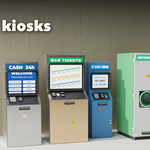
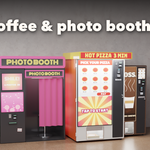
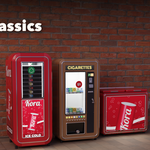
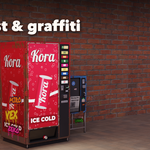
Installation
In Blender open Edit, Preferences, Get Extensions, then use Install from Disk and pick the vending_machine_generator zip.
Usage
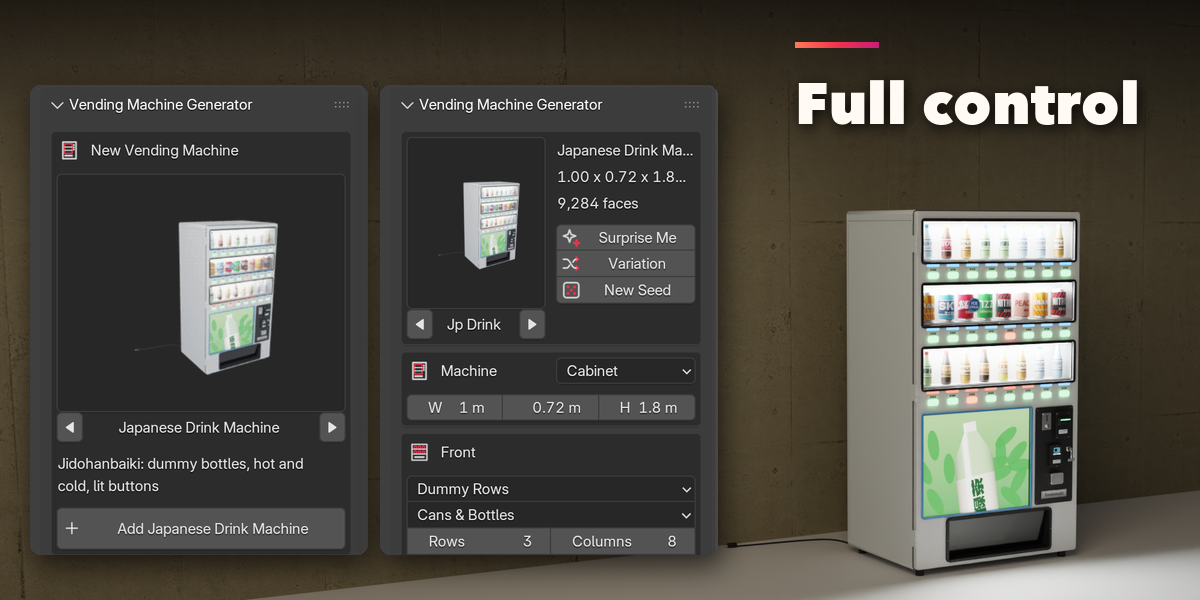
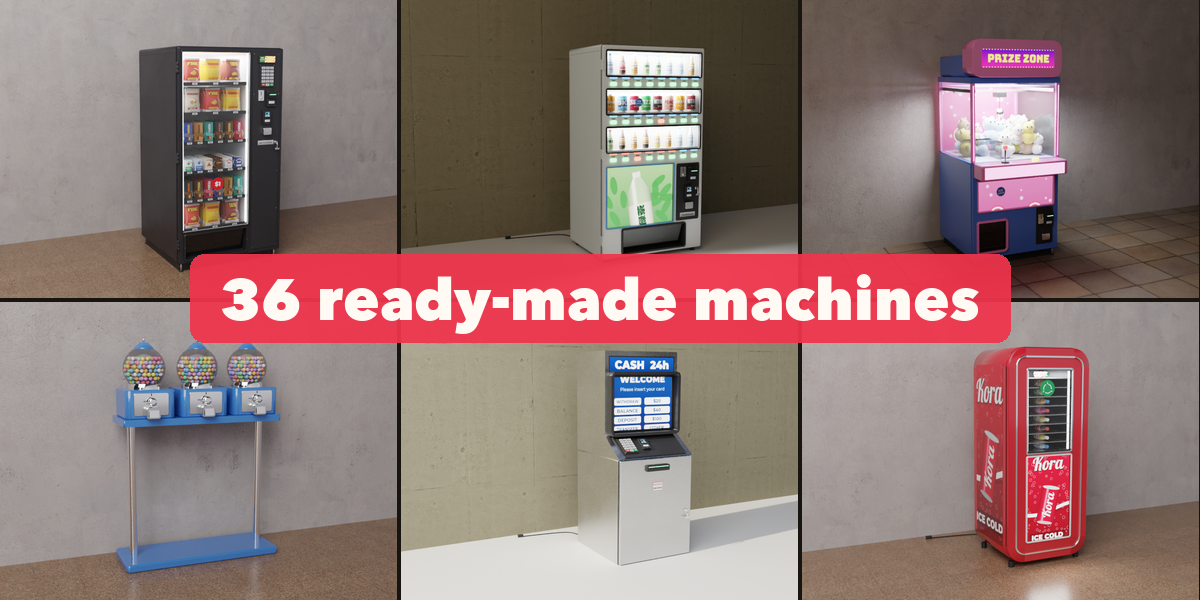
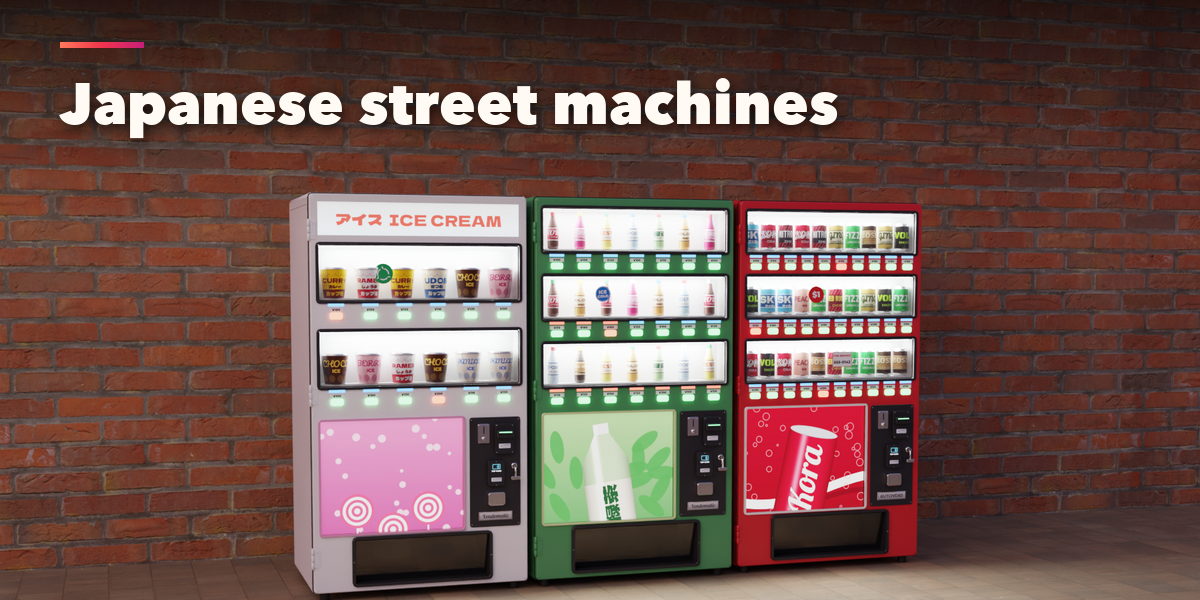
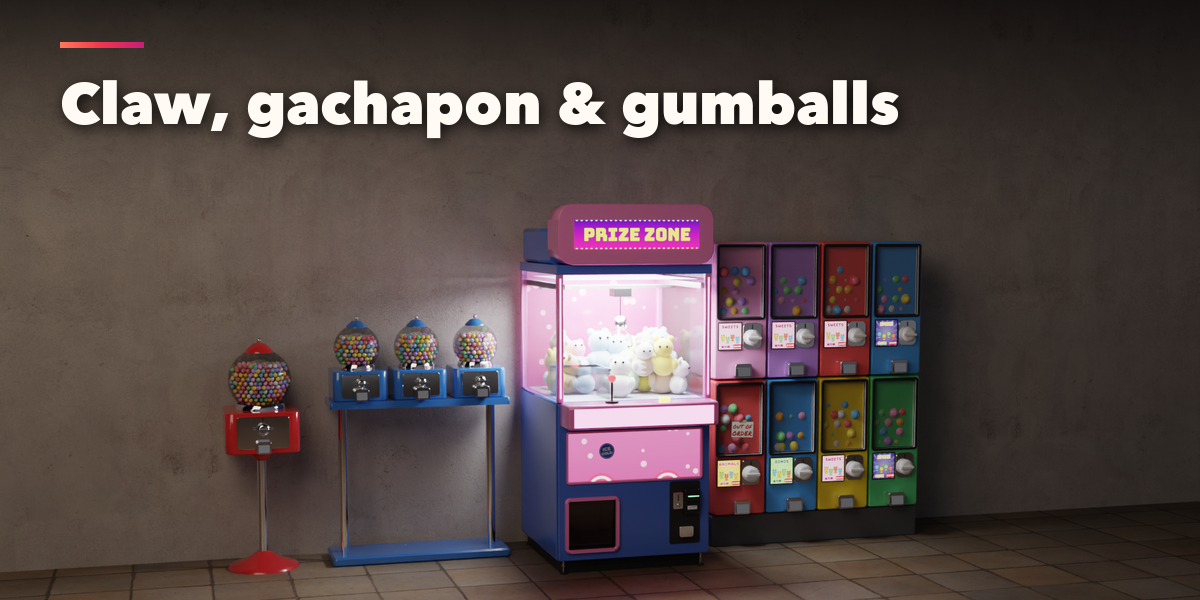
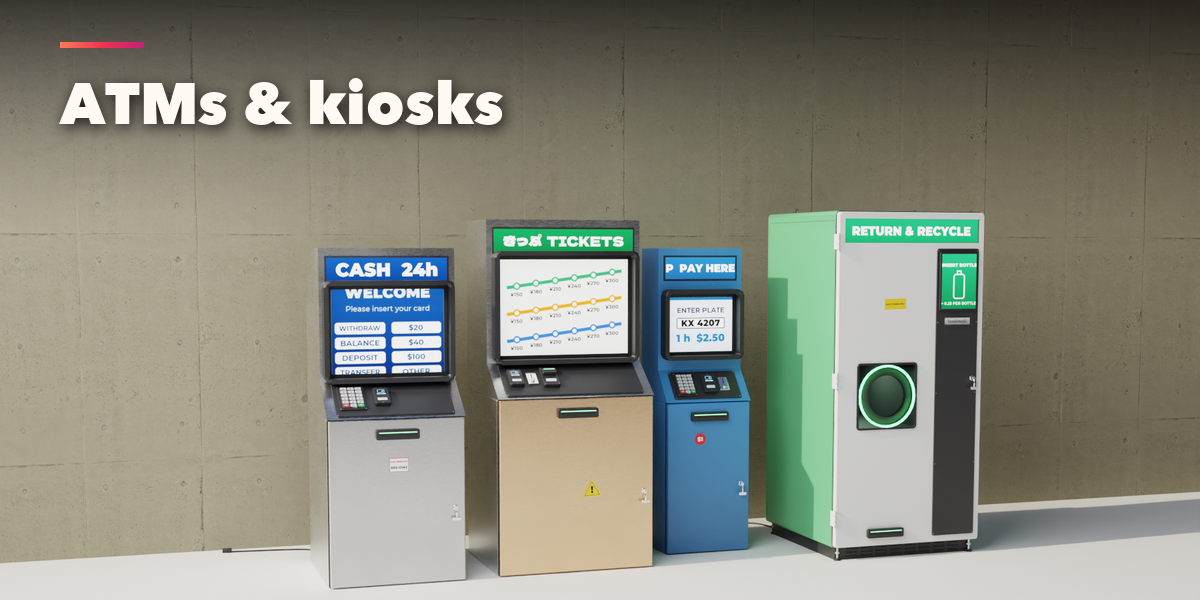
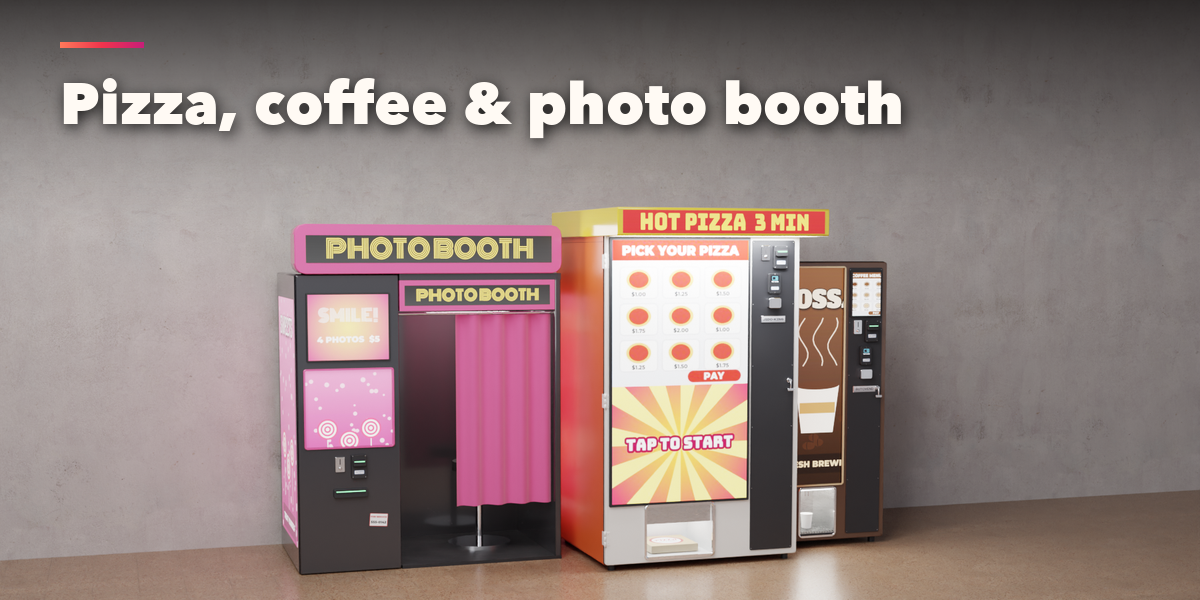
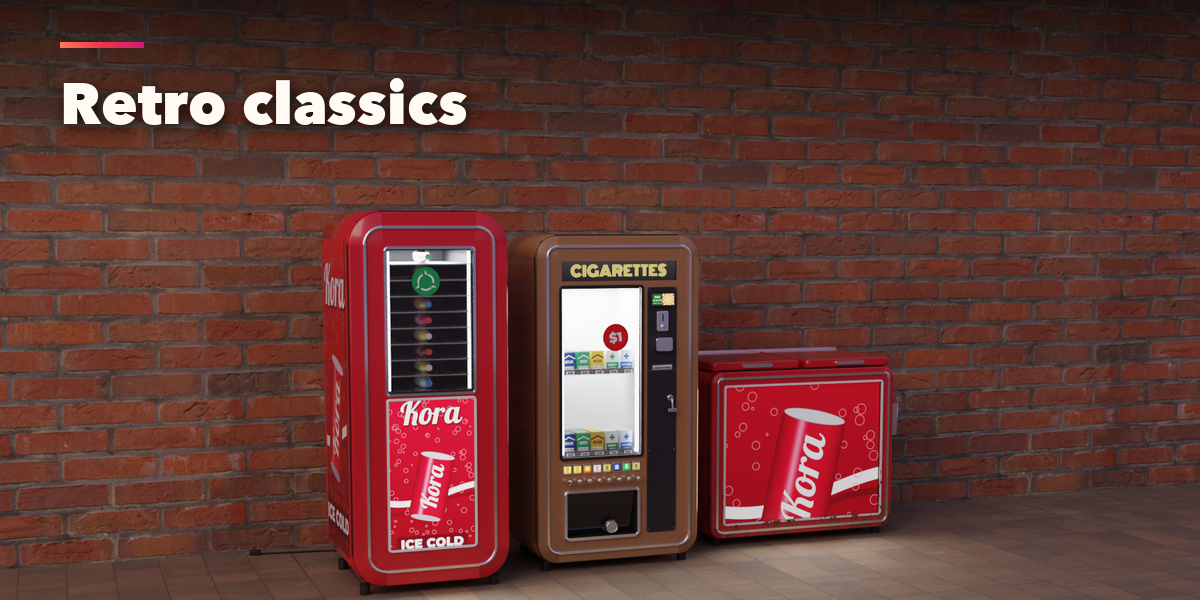
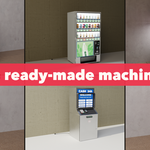
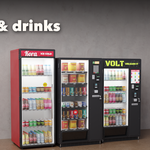
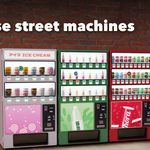
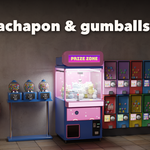
- Open the Vending tab in the 3D viewport sidebar (N). With nothing selected, click the picture to pick one of the 36 machines, then press Add. You can also use Shift+A, Mesh, Vending Machine.
- The card at the top shows the machine type. Click its picture to switch to another preset. Surprise Me makes a random machine, Variation changes the current one and New Seed reshuffles products, stock gaps and stickers.
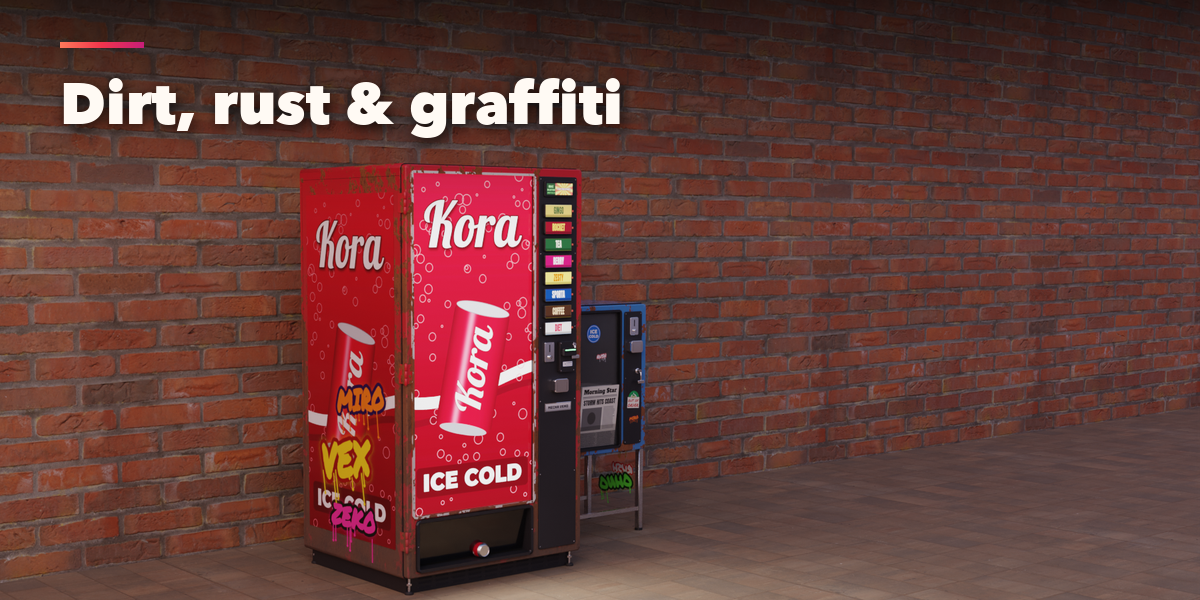
- Machine sets the body and the size. Front sets what the front shows, the products, rows, columns and stock, the control column and the delivery bin. Brand and Colors picks a brand with one click (Shift+click keeps your colors), the sign, the colors and the glow. Wear adds dirt, scratches, rust, stickers and graffiti.
- The closed sections below hold the details: layout, cabinet, payment, lights, a bank of several machines with recycling bins, and export.
- For game engines set Detail to Low and turn Real Lamps off; the glow stays in the emissive materials. Convert to Mesh copies the machine as plain meshes.
Have questions about this product?
Login to message
| Blender Extension Compatible | Yes |
| Published | about 3 hours ago |
| Blender Version | 4.2 - 5.2 |
| Extension Type | Add-on |
| Render Engine Used | Cycles, Eevee |
| License | GPL |

Discover more products like this
jidohanbaiki atm game ready procedural kiosk arcade vending machine street japan claw-machine props gachapon