 Vinter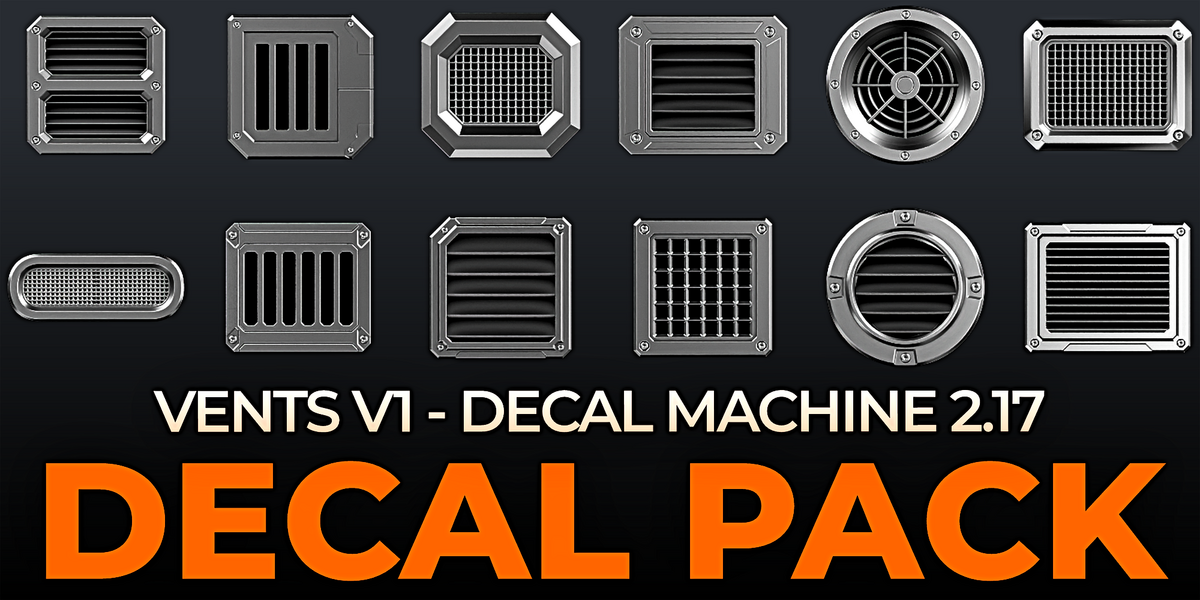
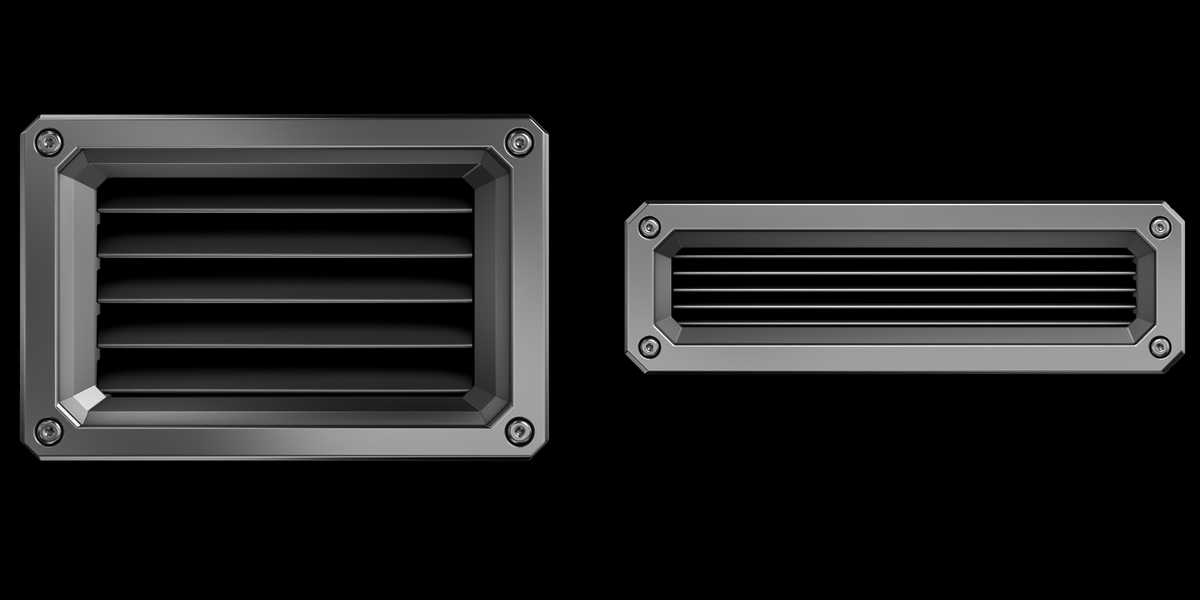
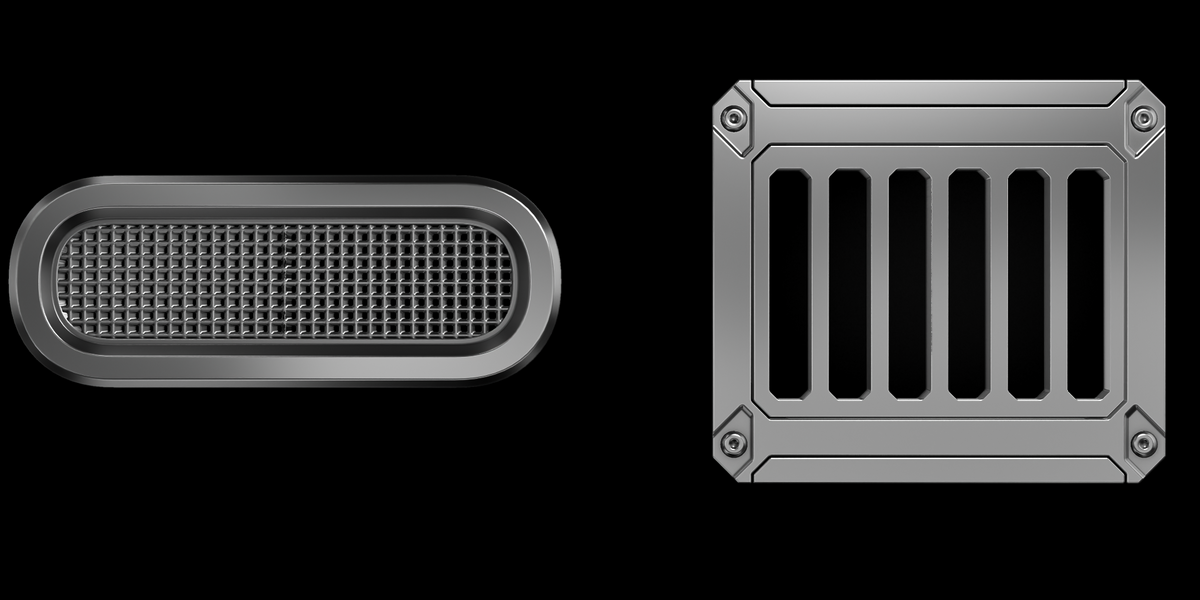
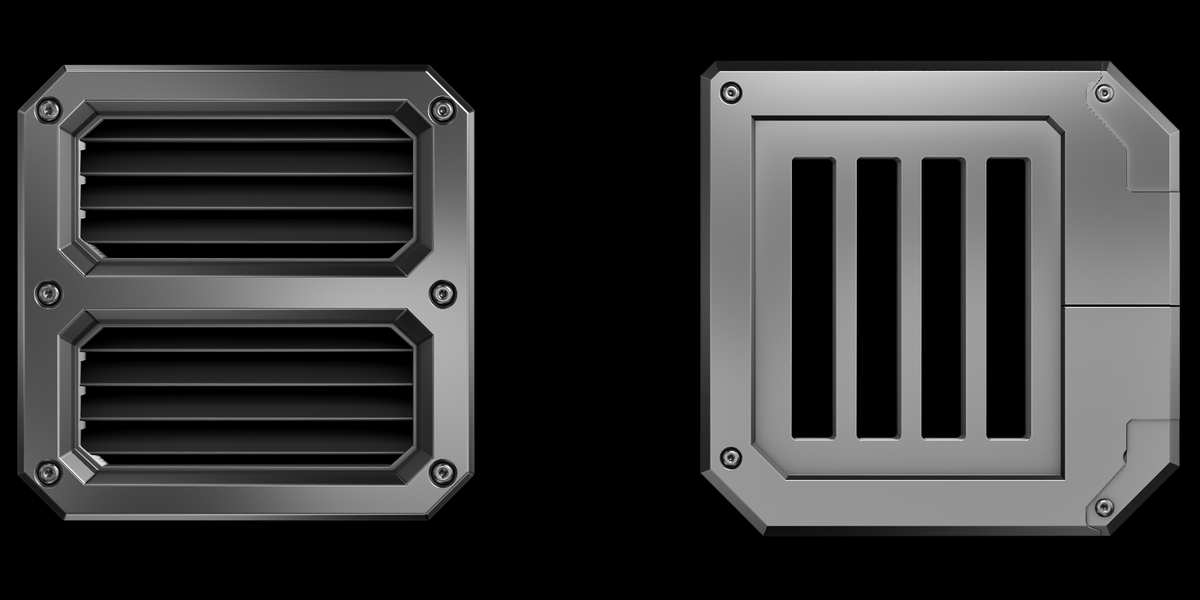
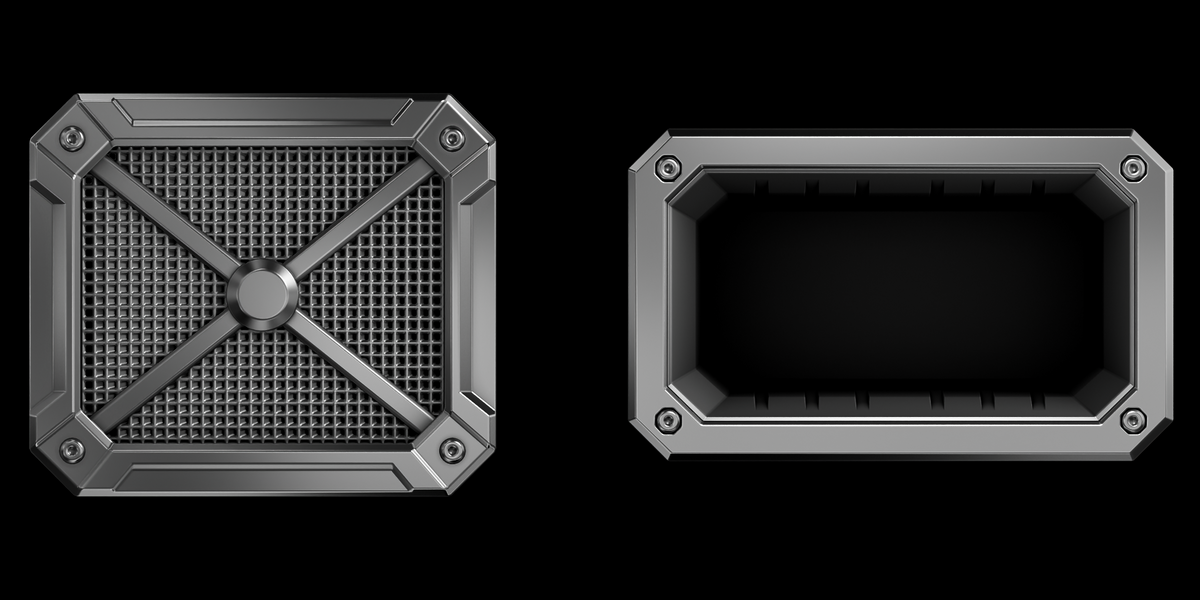
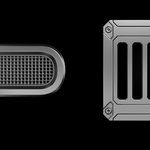
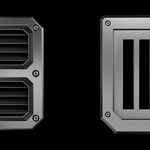
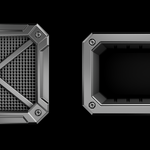
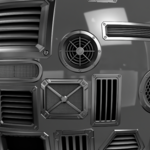
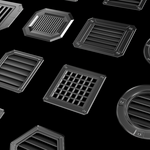
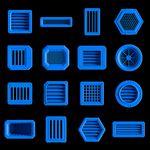
VENTS V1
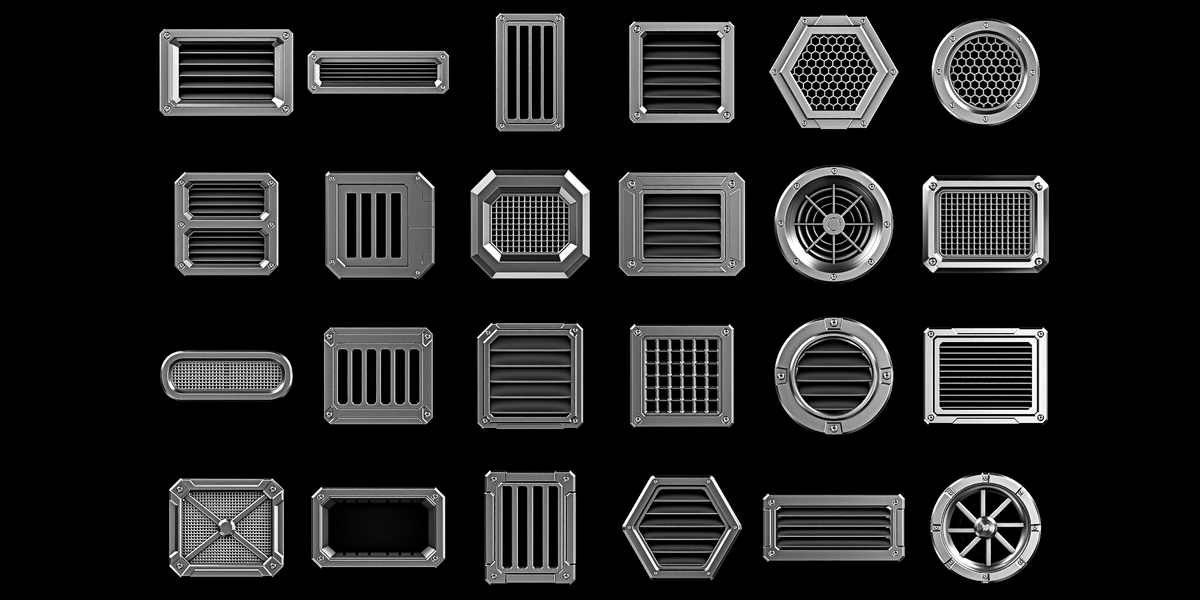
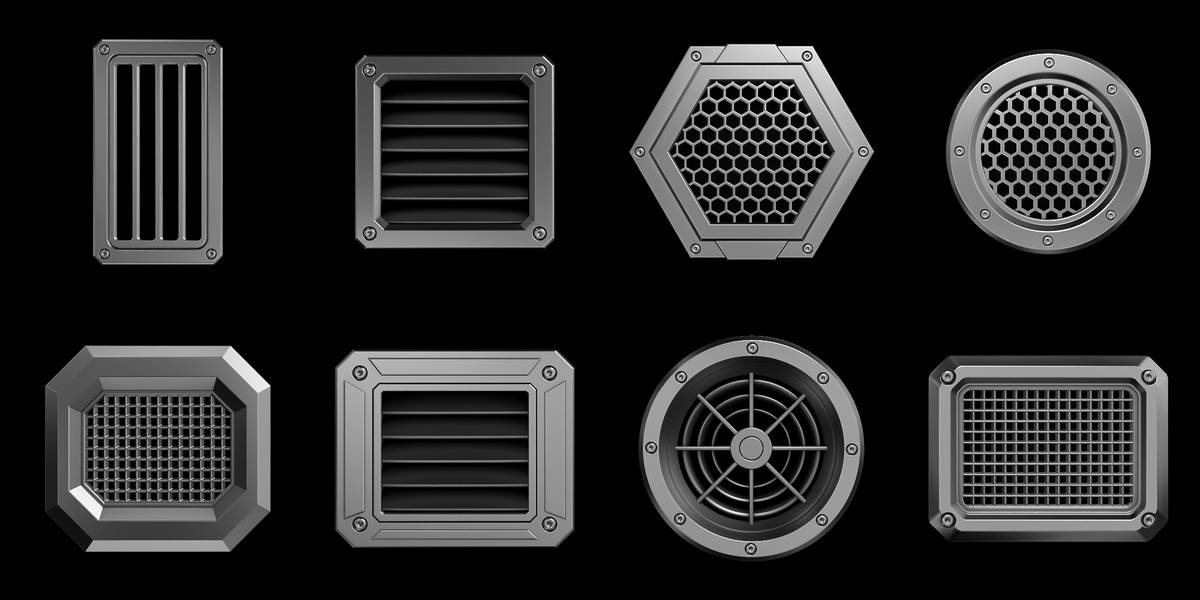
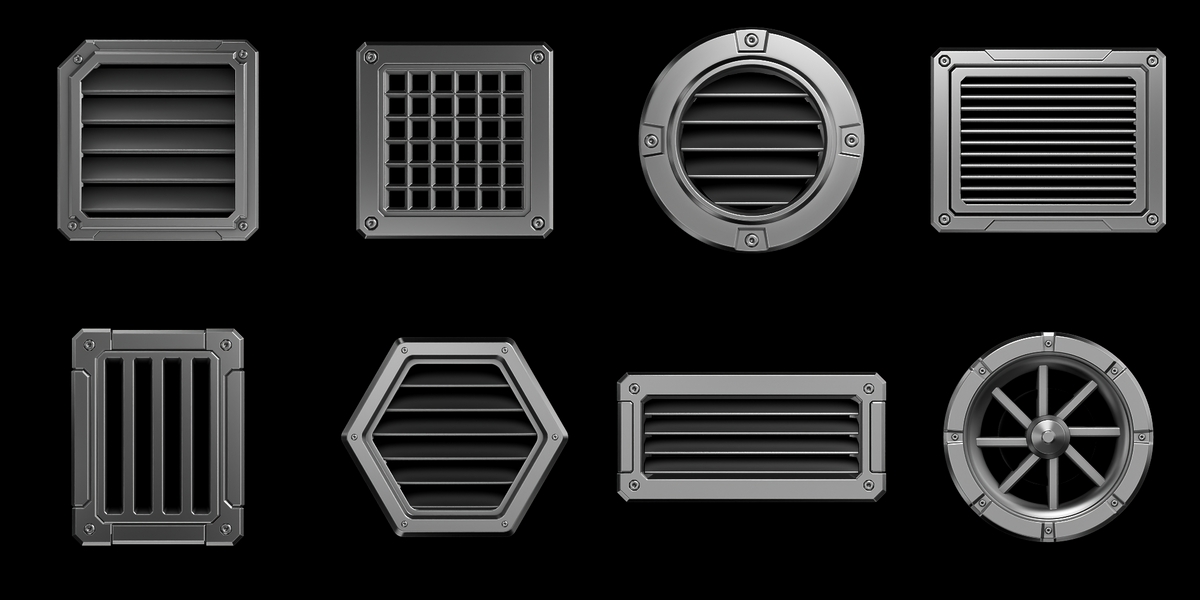
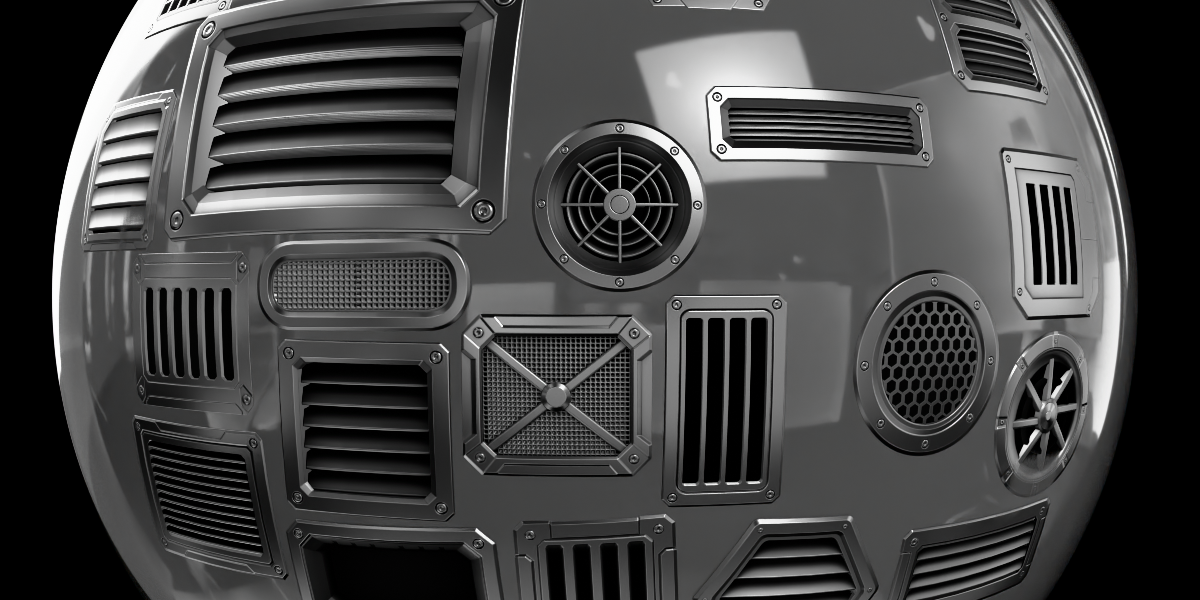
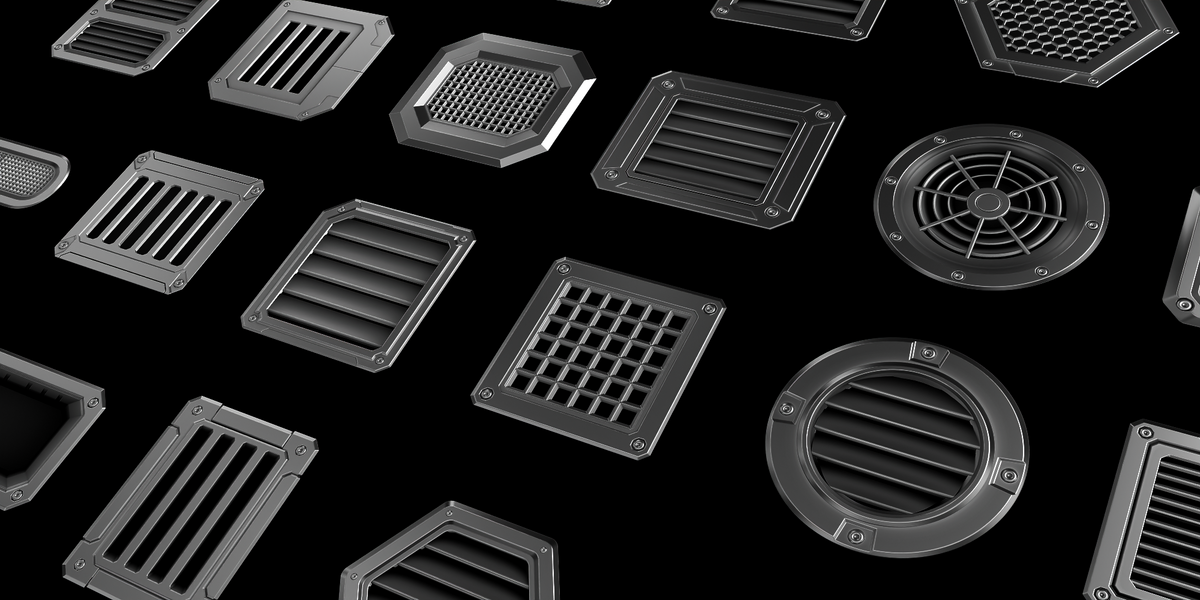
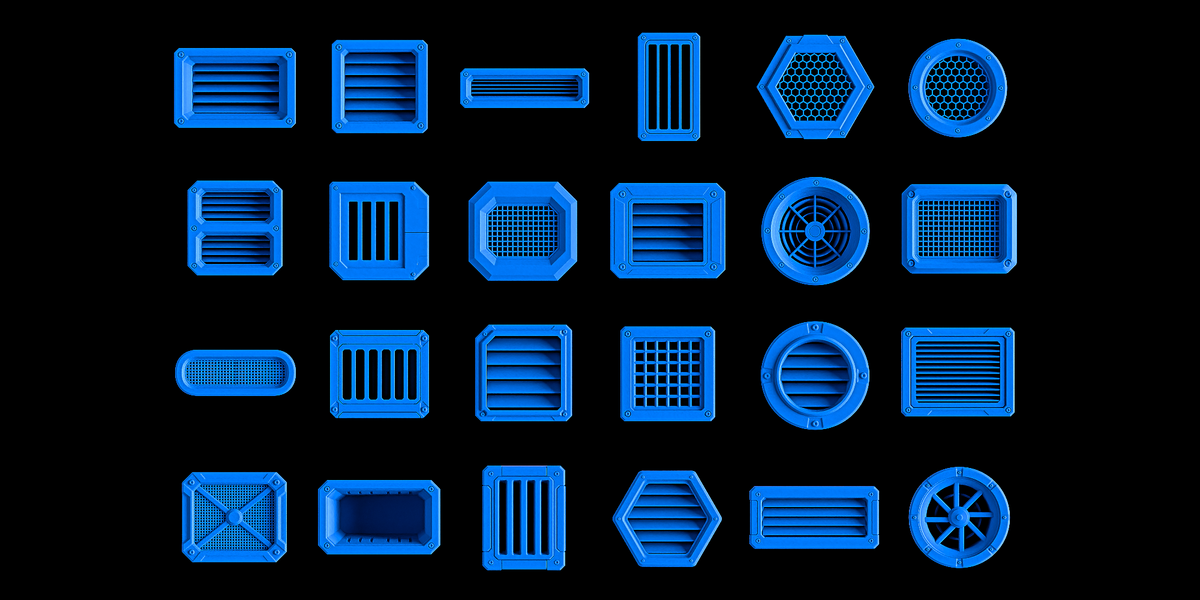
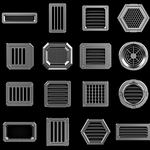
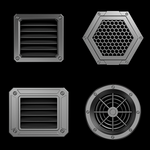
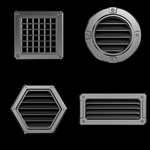
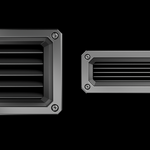
24 High-Quality Vent Decals for DECALmachine
Requires DECALmachine 2.17+.
------------------------------------------------------------
CONTENTS
------------------------------------------------------------
- 24 vent decals, each in its own folder
- Maps per decal: decal, normal, ao_curv_height, masks
- Baked at 1024 px, 512 AO samples, 2x anti-aliasing + alpha
Decal list:
01 Louvered Vent - Rectangular
02 Louvered Vent - Square
03 Linear Vent
04 Vertical Vent
05 Honeycomb Vent
06 Circular Vent
07 Double Vent
08 Angled Vent
09 Recessed Intake
10 Slat Vent
11 Fan Exhaust
12 Mesh Vent
13 Oval Vent
14 Slot Vent
15 Angled Louver
16 Grid Vent
17 Circular Intake
18 Industrial Vent
19 Reinforced Vent
20 Deep Vent
21 Multi-Slot Vent
22 Hex Vent
23 Service Vent
24 Turbine Vent
------------------------------------------------------------
INSTALLATION
------------------------------------------------------------
1. Extract the pack.
2. In Blender, open Edit > Preferences > Add-ons > DECALmachine
and check the Assets path (the folder that contains "Decals"
and "Trims").
3. Open that folder and go into the "Decals" folder.
4. Copy the 24 decal folders here. Each decal folder contains a
"uuid" file, decal.blend and the maps. Keep each decal in its
own folder.
5. Back in the DECALmachine preferences, click Reload (or restart
Blender) so the new decals get registered.
------------------------------------------------------------
HOW TO USE
------------------------------------------------------------
1. Select the object you want to detail.
2. Bring up DECALmachine's decal menú (D), pick a vent from the library
and place it on the surface.
3. Move, scale and rotate it like any other decal. Enable Parallax
for real depth.
4. Adjust the material or cut the decal into the mesh using the
standard DECALmachine workflow.
Decals are non-destructive: you can change or remove them at any
time before export.
Have questions about this product?
Login to message
| Published | 2 days ago |
| Blender Version | 5.0 - 5.2 |
| Render Engine Used | Cycles, Eevee |
| Misc Data | Uvs-Unwrapped, Normal-Mapped, Textured |
| License | Royalty Free |
Discover more products like this
decal industrial hard surface decals vent decal machine sci fi kitbash cooling decalmachine decal pack vents