 RUIDO VFX


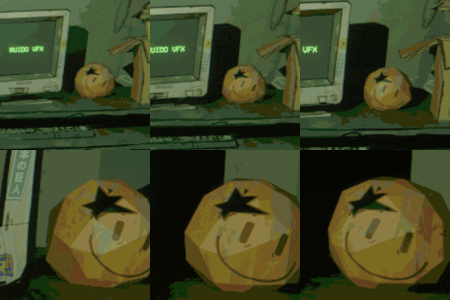
INSTALLATION:
1.Open Blender.
2.Go to Edit > Preferences.
3.In the Preferences window, open the Add-ons section and click "Install from Disk".
4.Locate and select the file " vertex_jitter.zip" and confirm installation.
5.The add-on will appear in the list as "Vertex Jitter"; enable it by checking the box.
6.It is recommended to close and reopen Blender, as this may refresh the add-ons.
7.Installation is complete.
INSTRUCTIONS:
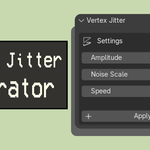
Open the Vertex Jitter Tab: In the 3D Viewport, press the N key on your keyboard or click the small arrow on the right side of the screen to open the sidebar. Look for the Vertex jitter tab.
How to Add Displacement (Vertex Jitter):
1. Select the object you want to apply the effect to.
2. From the tab, click Apply Jitter.
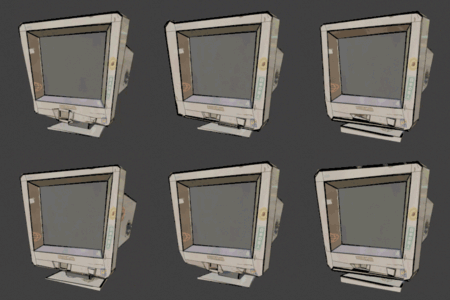
3. You can now adjust Amplitude, Noise Scale, and Speed. Small values usually create the classic old-game effect.
Each object will have its own unique sweet spot. This varies depending on its size, shape, and polygon count, so it’s recommended to experiment with the variables until you find the exact balance.
If you're aiming for an old-game-style effect, smaller values are recommended, and this works especially well with low-poly objects.
4. To preview the effect, press Space to play the scene. You will then see the effect in motion.
5. You can apply the effect to different objects individually, and you can always select them later to edit the values again.
6. Press Remove Jitter to remove the effect.
Discover more products like this
procedural ps1 VFX addon playstation1 jitter vertex retro animation jittering playstation