Vertex Magnet Pro - Snap Selected Vertices
 Shahzaib A.


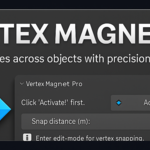
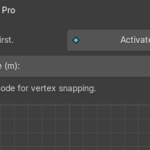
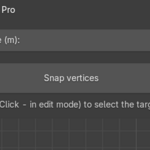
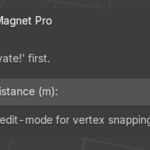
How to Use:
1. Press Activate! to prep the object
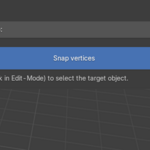
2. Select the object (in edit-mode:
· Selected object = reference (target)
3. In Edit Mode, select the vertices in the source object.
4. Go to Sidebar > VertMag Pro
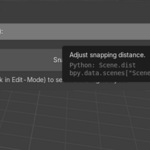
5. Adjust the Snap Distance if needed
6. Click Snap Vertices
Installation Instructions
· Open Blender.
· Go to Edit > Preferences > Add-ons > Install.
· Select the VertMag_Pro.zip file.
· Enable the checkbox next to Vertex Magnet Pro.
· Access it from the sidebar in 3D View > VertMag Pro.
Have questions about this product?
Login to message
| Blender Extension Compatible | Yes |
| Published | about 1 year ago |
| Blender Version | 4.0 - 5.1 |
| Extension Type | Add-on |
| Render Engine Used | Blender-Internal, Cycles, Eevee |
| License | GPL |
Discover more products like this
alignment retopology 3d modeling modeling precision tools vertex magnet technical artist tools precision vertex snapping