Vfx Scene Builder
 SerhatCGI


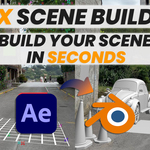
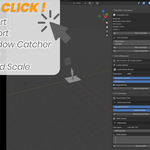
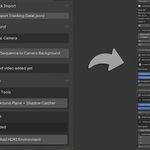
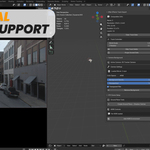
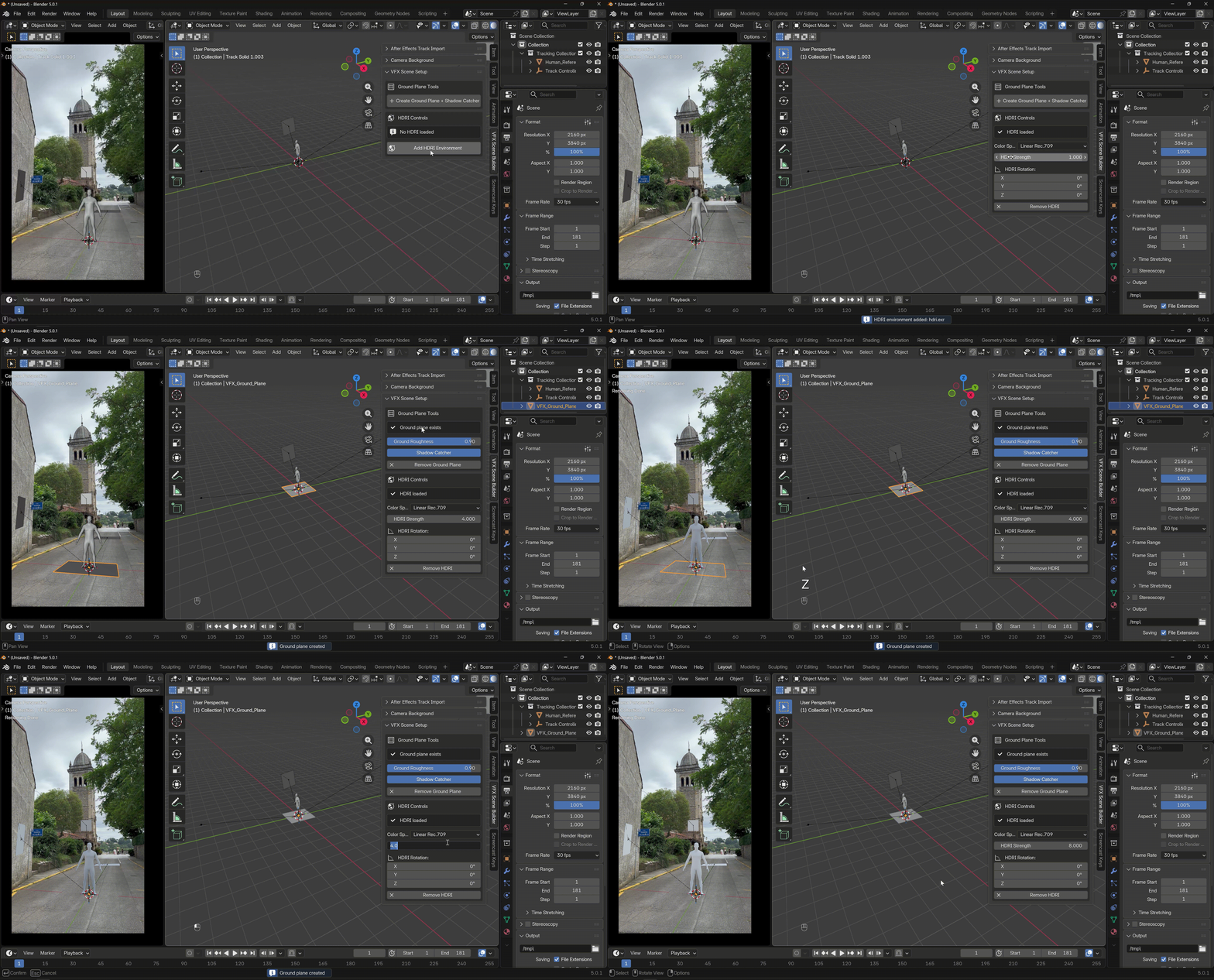
VFX Scene Builder is a Blender add-on designed to remove the tedious setup work that gets in the way of making a VFX shot.
Instead of spending time matching cameras, adjusting timelines, scaling the scene, and preparing the ground plane, you can focus directly on the creative part — placing 3D elements and making the shot work.
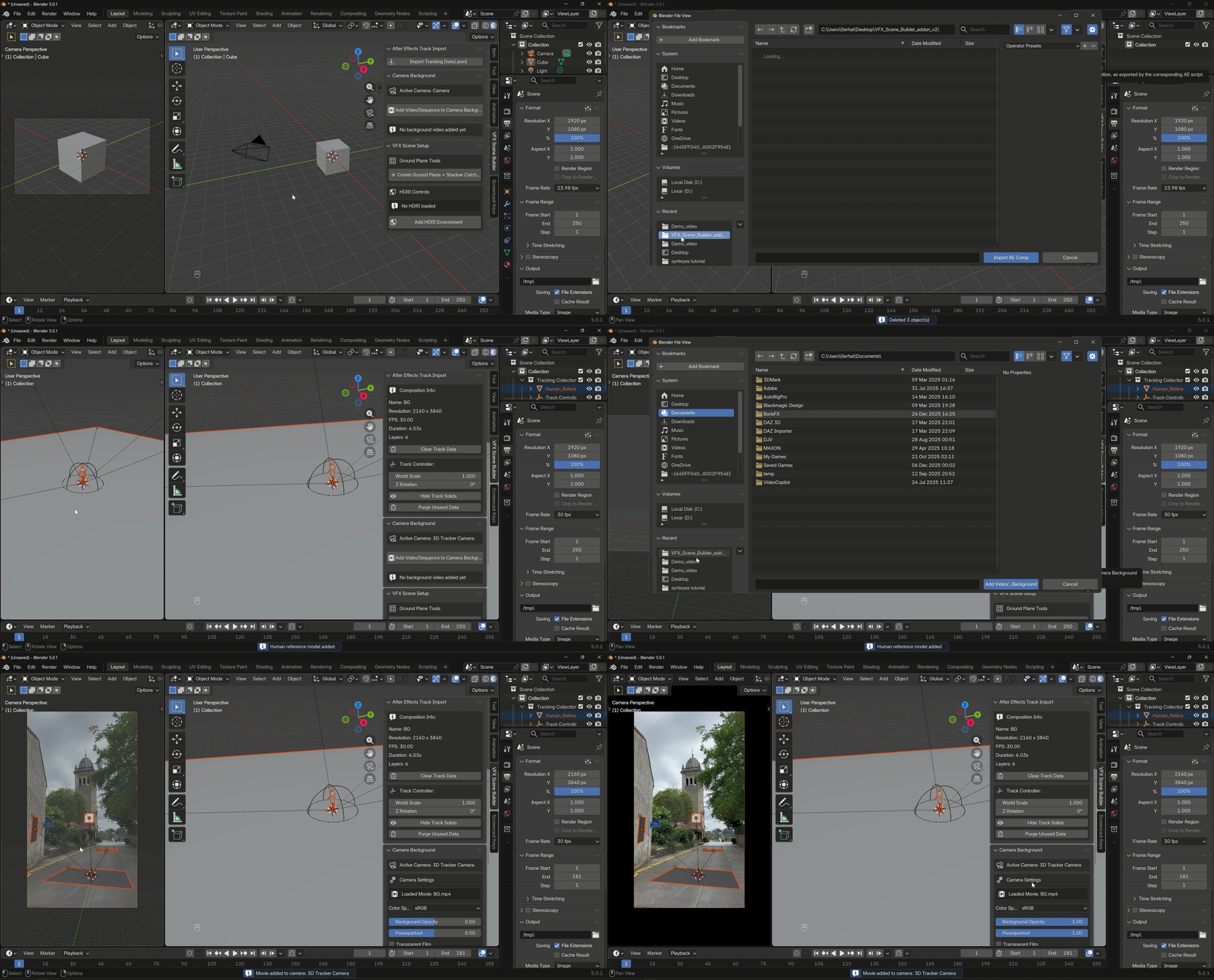
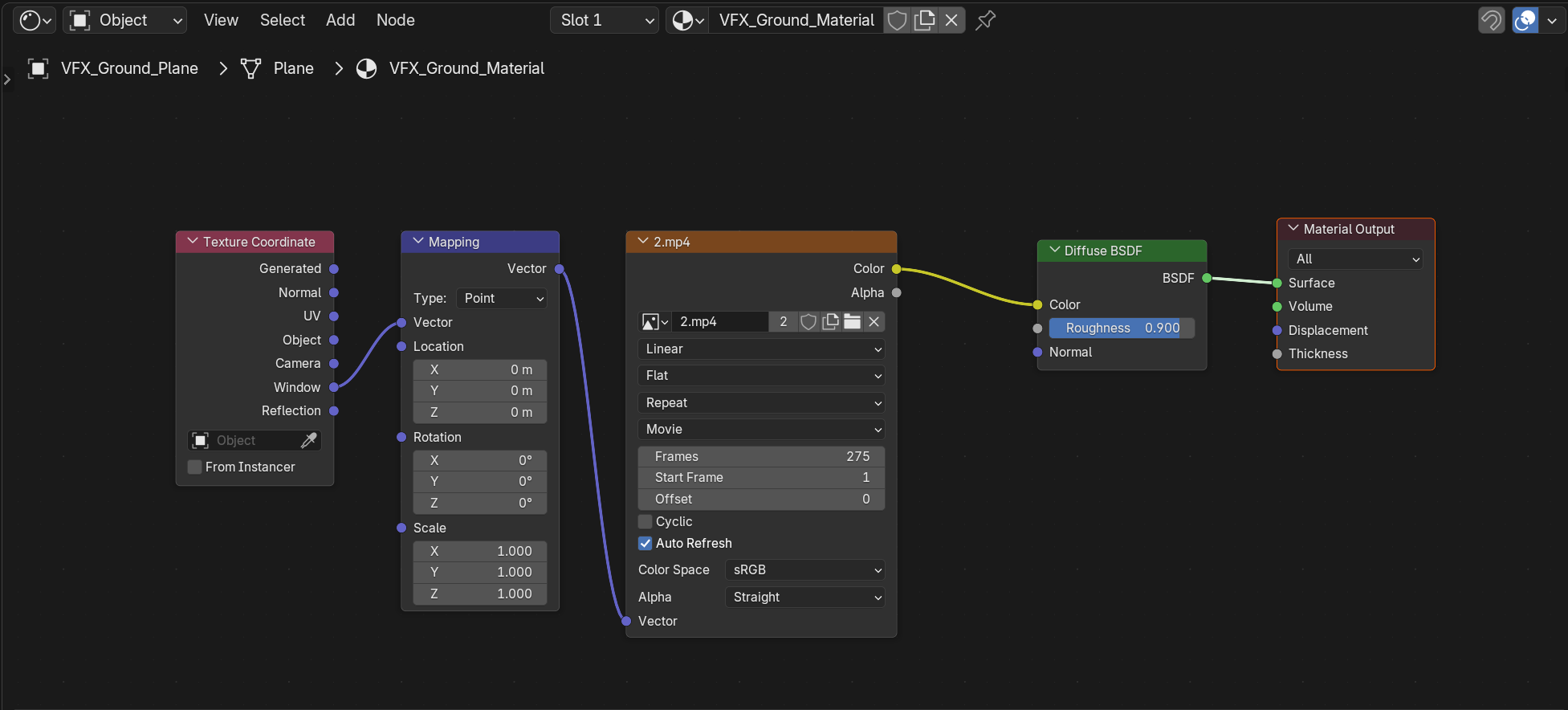
The add-on takes tracking data exported from After Effects and automatically builds a clean, camera-matched scene in Blender, complete with proper resolution, FPS, frame range, and shadow integration.
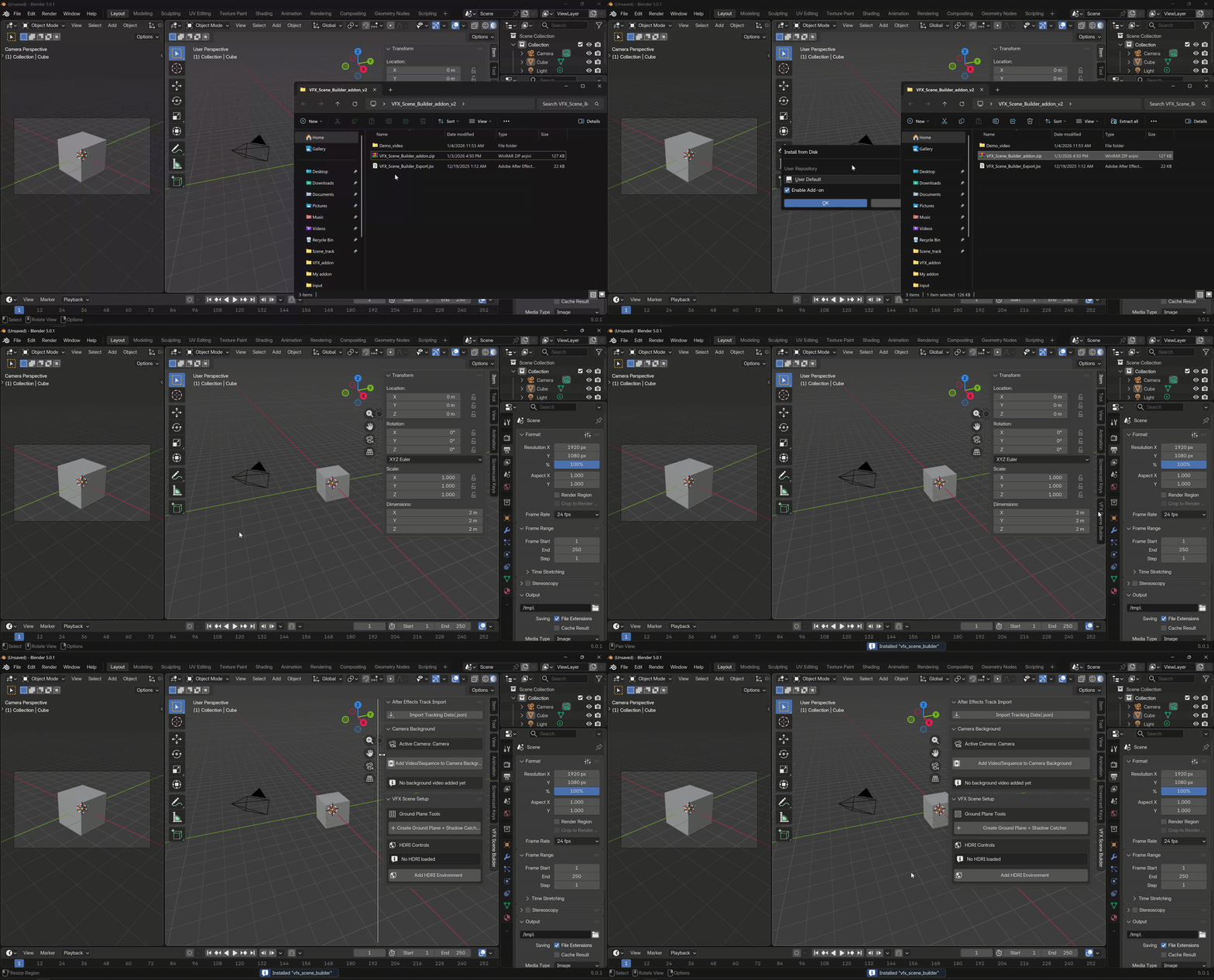

Import the exported data and automatically generate a clean, camera-matched Blender scene.
Discover more products like this
scene builder pipeline Camera Tracking Workflow addon scripts addon blender VFX after effects matchmove scene setup
$8.99
Have questions about this product?
Login to message
| Blender Extension Compatible | Yes |
| Published | 9 months ago |
| Blender Version | 4.5 - 5.0 |
| Extension Type | Add-on |
| Render Engine Used | Cycles |
| License | GPL |