 Creation Station Imagination



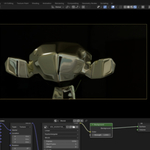
Video Based Environmental Lightning
“Turn any video into cinematic lighting instantly.”
Available on Gumroad and Superhive formerly known as (Blendermarket.com)
Video HDRI is essentially a Blender add-on that:
Takes standard video or 360° video
Wraps it onto an environment sphere
Drives the World shader so the video acts as image-based lighting
Optimized for speed + usability
Better framing:
“Video-Driven Environment Lighting”
“Cinematic Video Lighting”
“Plate-Matched Environment Lighting”
“Dynamic Video Lighting for VFX”
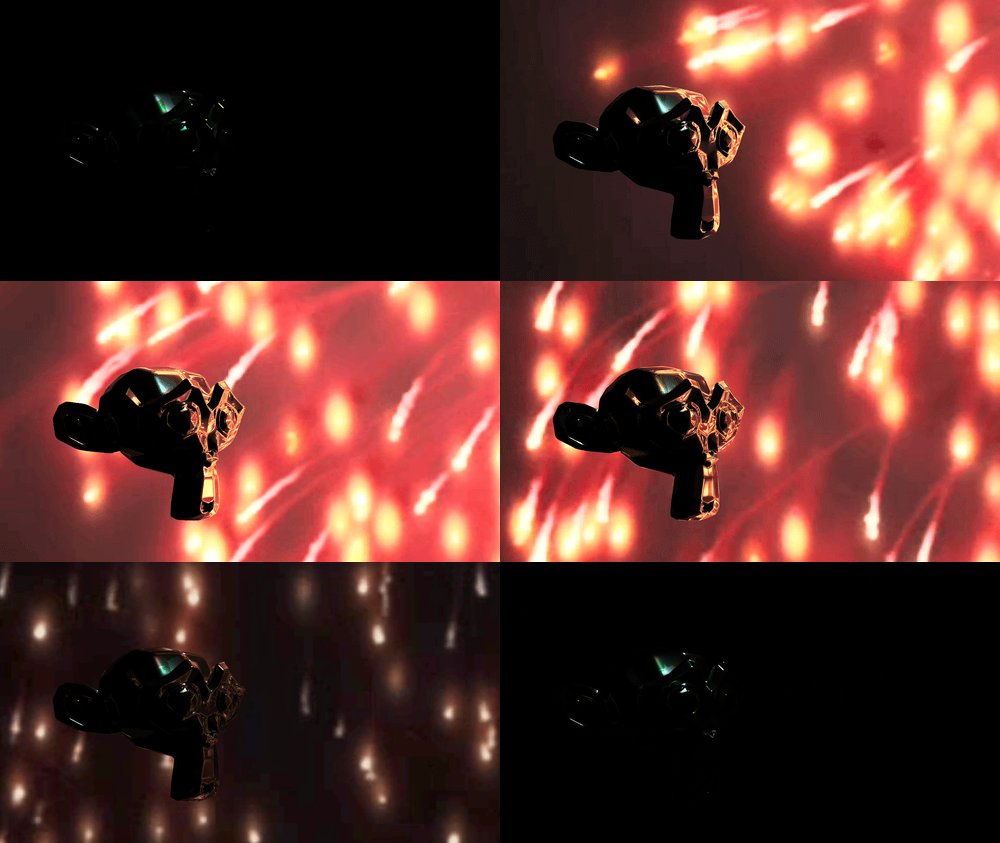
- Set up cinematic lighting super fast
-See what your creations would look like inside your film in real time after a fast render.
- Bypass setting up complicated lighting setups
- Bring out the creations of your imagination onto your screen in the click of a few buttons. (Like 2 clicks)
- Save yourself creation time &
- Save yourself render time!
Video HDRI Fast (WHY)
- The idea of dropping one of my Blender creations into a short film or video project and having its colors match the moving environment around it immediately was something I wanted to see for a long time.
- And now it's finally here. I've always loved using HDRI's for natural lighting on a character
But there would always eventually come a point where I'd wish to have that same natural environmental lighting be a moving image, (a video) not just a still photo.
Well, we have arrived!
Import any 360° Video or regular video from a stock footage site of your choice, or shoot your own video with your phone camera or 360 degree camera to be the dynamic surrounding of your 3d creations.
Video HDRI Fast (What is it?)
- It's the ability to use Video's as HDRI's.
- Specifically 360 degree videos shot on 360° cameras.
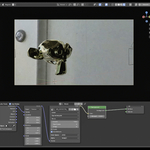
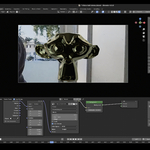
- But, the add-on will also wrap a regular video around a scene like a HDRI as well.
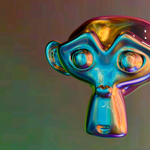
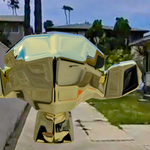
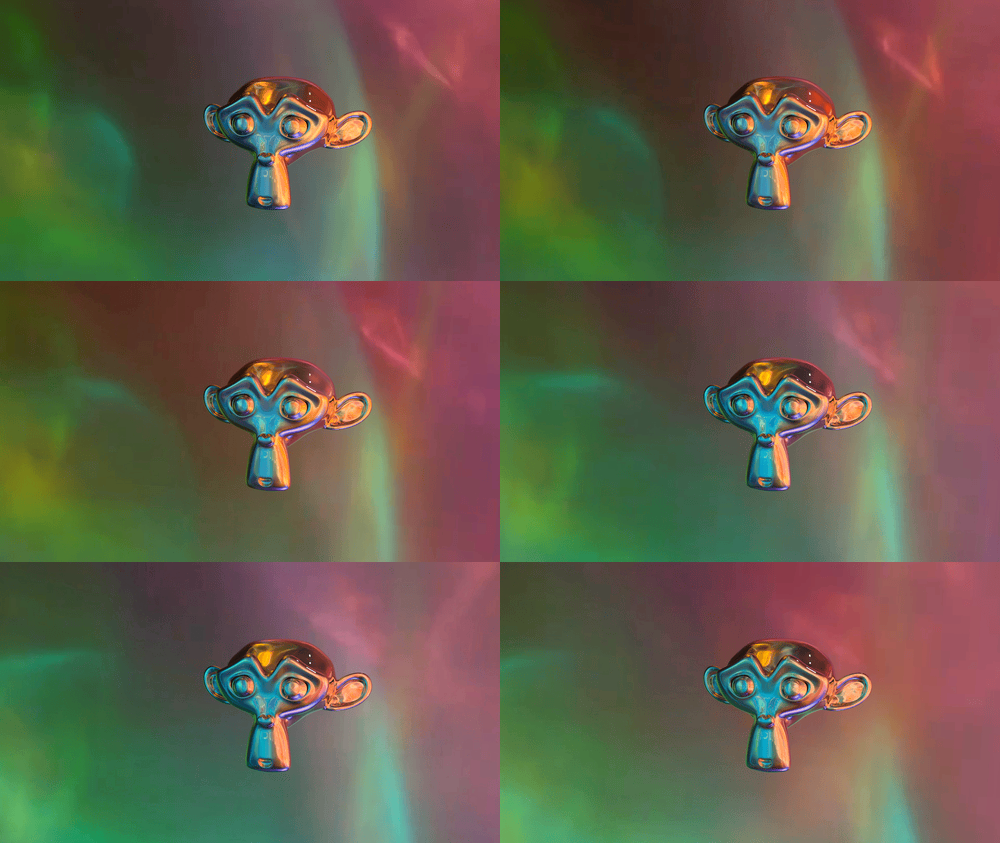
- And it also produces great results. Like this below.
This can be specifically useful in the case of using the changing lighting from a video onto your Blender creations.
This makes for ultra realistic integration of meshes and objects into your animations, special fx films, commercials, series and short film when the environment is recorded with an additional 360 degree camera.
So, if you were ever looking for a reason to buy a 360° camera to help your Productions, here it is.
No more messing with nodes and materials, trying to tweak the fresnel.
Video HDRI Fast (USE CASES)
Robots
- Reflecting people moving around it in populated spaces (360 video)
- Other moving reflections.
Vehicles
- like car commercials
- Going through Tunnel shots
- Moving city streets and Alleys
- Bridge crossing reflections
SCI FI
- Smooth skin alien moving down corridor
- Lighting changes on it as it passes rooms (360 video)
- Flying through clouds (drone captured video)
VFX
- All of the above +
- Movement of you creations through structures
-
Underwater shots (captured w/waterproof 360 cameras.)
-
Character in room Ceiling fan movement creating a repeated lighting effect on it.
- You could capture blue and red lights on video to place your creation in a crime scene.
And whatever else you're mine could imagine using video for to create a dynamic surrounding around your Blender creations.
Also
If you have access to a 360° camera you can create your own HDRI videos to produce your own dynamically lit environments for amazing cinematic immersions.
Video HDRI Fast (FEATURES)
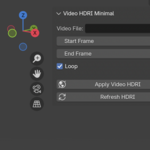
Loop Video HDRI
- You can loop the video HDRI so that it doesn't have to be a long one.
- It can play over and over again.
- For example if you have a video with a ceiling fan in it
- or something that continuously happens the same way. You only have to shoot it for a small amount of time,
- and then let the video loop on the timeline in Blender.
Frame Start Frame End
- Set the start and end frames of where you want your video to start on the Blender timeline.
Limitations.
Effectively wraps 360° videos but stretches regular videos.
MP4 videos and .MOV videos
Best suited for Cycles render engine but can be used in even. (see documentation)
