View Beacon
 Captain Pixel
Can I preview HDR with an SDR desktop monitor?
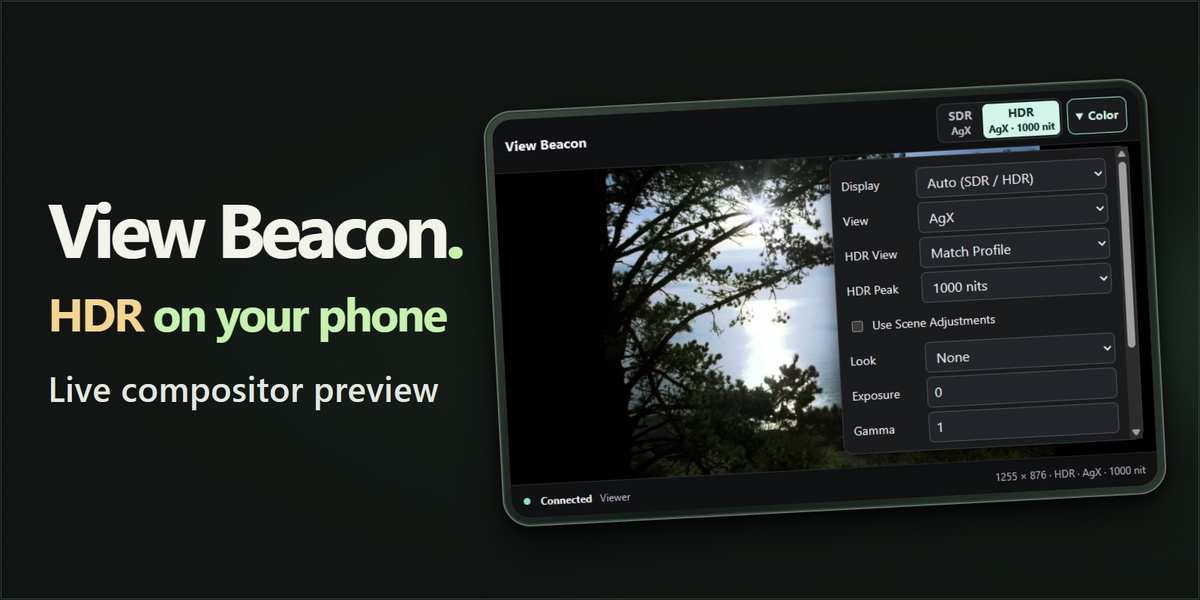
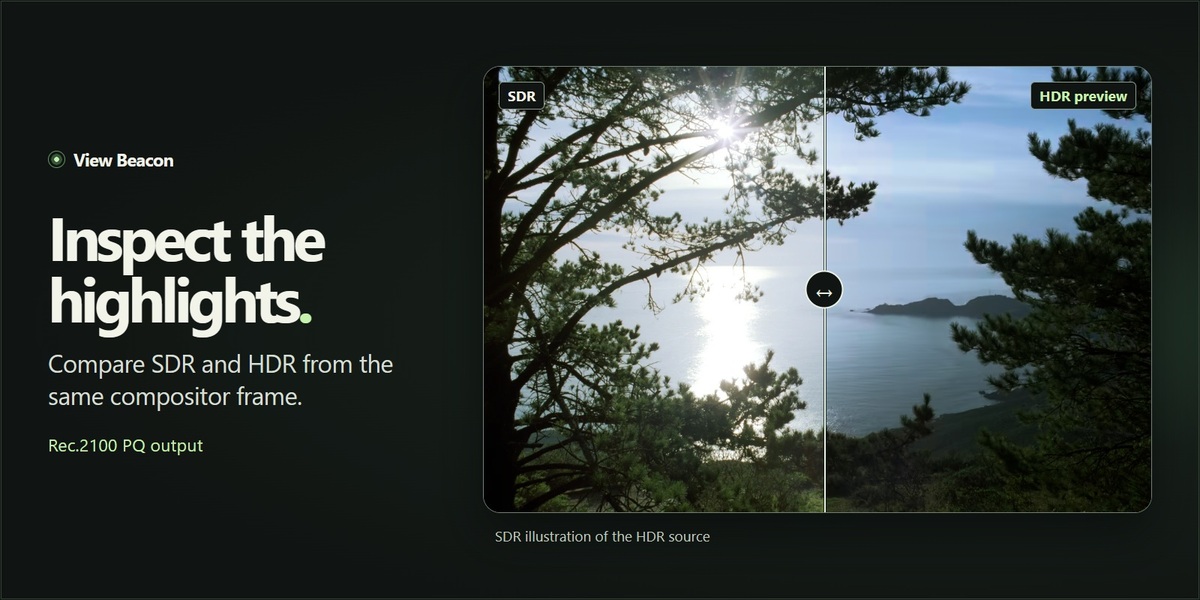
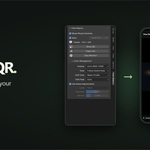
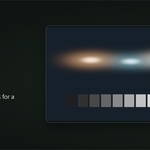
Yes. Your compatible phone and browser display the HDR frame sent from Blender. On iPhone, use Safari 26 or later on an HDR-capable display. HDR brightness depends on the phone and browser.
Do I need a phone app, Python or FFmpeg?
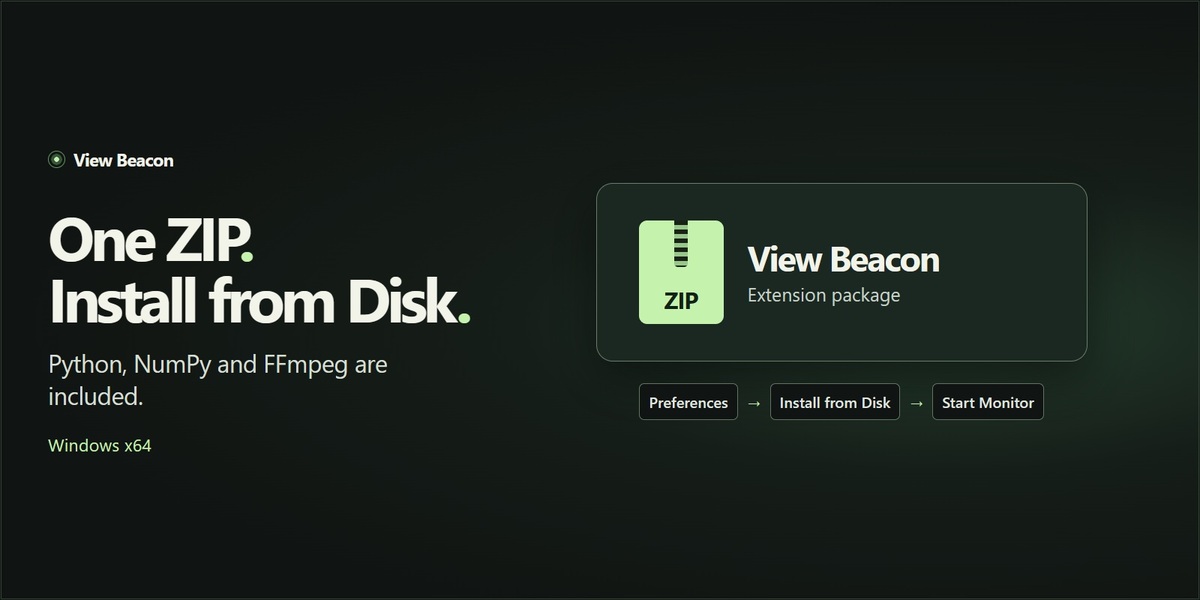
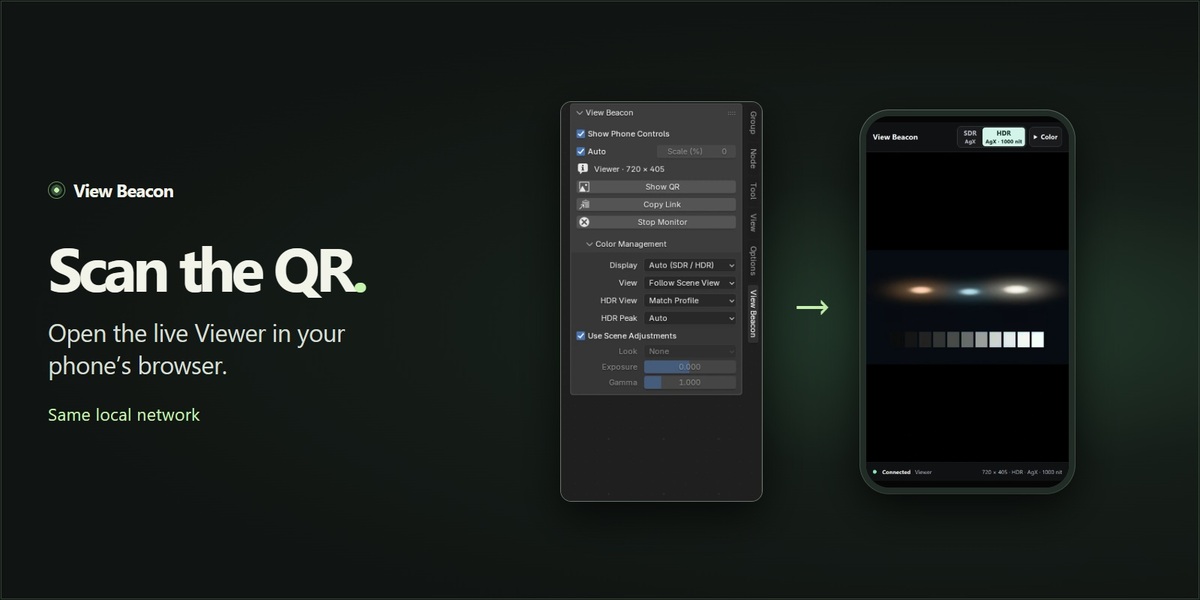
Open the preview in your phone’s browser using the QR code or session link. The Windows x64 ZIP includes the companion Python, NumPy, FFmpeg and QR generator. Install it directly through Install from Disk.
Does the preview use the cloud?
The computer and phone connect over your local network. View Beacon starts a local companion and chooses a port automatically. Use the current private session link and allow the bundled companion on Windows Private networks if prompted.
What changes in Blender 5.3?
Start the monitor in the active Scene Effect containing the Viewer. You can switch between Viewers within that effect during the session. If you switch to a different effect, stop and restart the monitor.
How can I show only the picture on my phone?
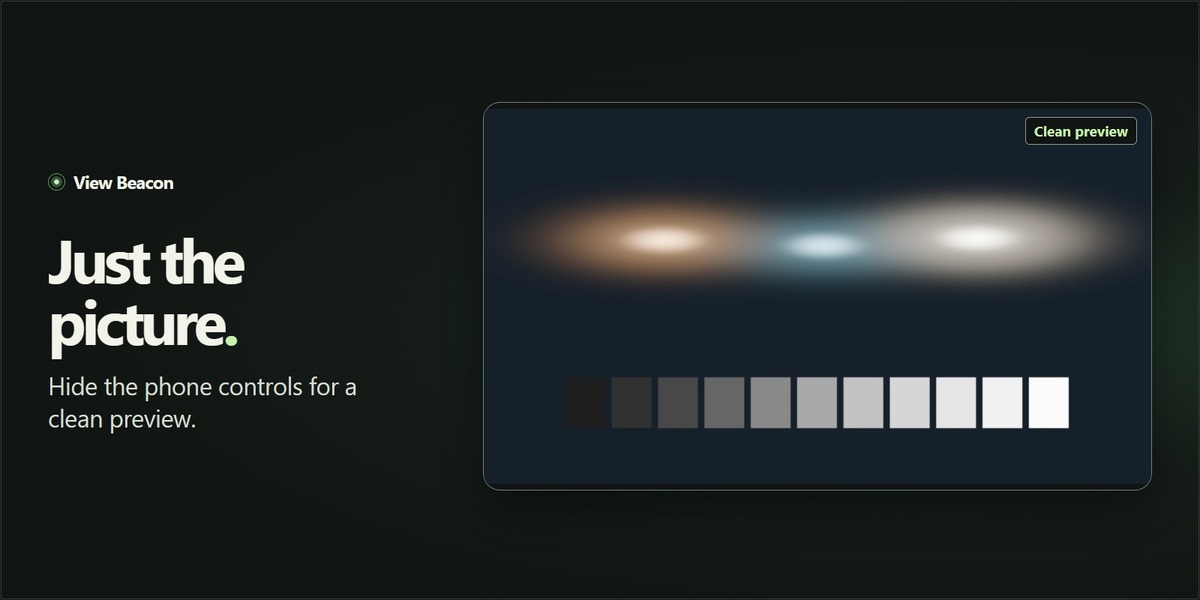
Turn off Show Phone Controls in Blender to hide the browser interface and prevent browser color edits. Use the Display setting in Blender to select SDR or HDR for the clean preview.
Have questions about this product?
Login to message
| Blender Extension Compatible | Yes |
| Published | about 3 hours ago |
| Blender Version | 5.0 - 5.3 |
| Extension Type | Add-on |
| License | GPL |
Discover more products like this
mobile preview color management hdr render-preview compositor Compositing