 Captain Pixel
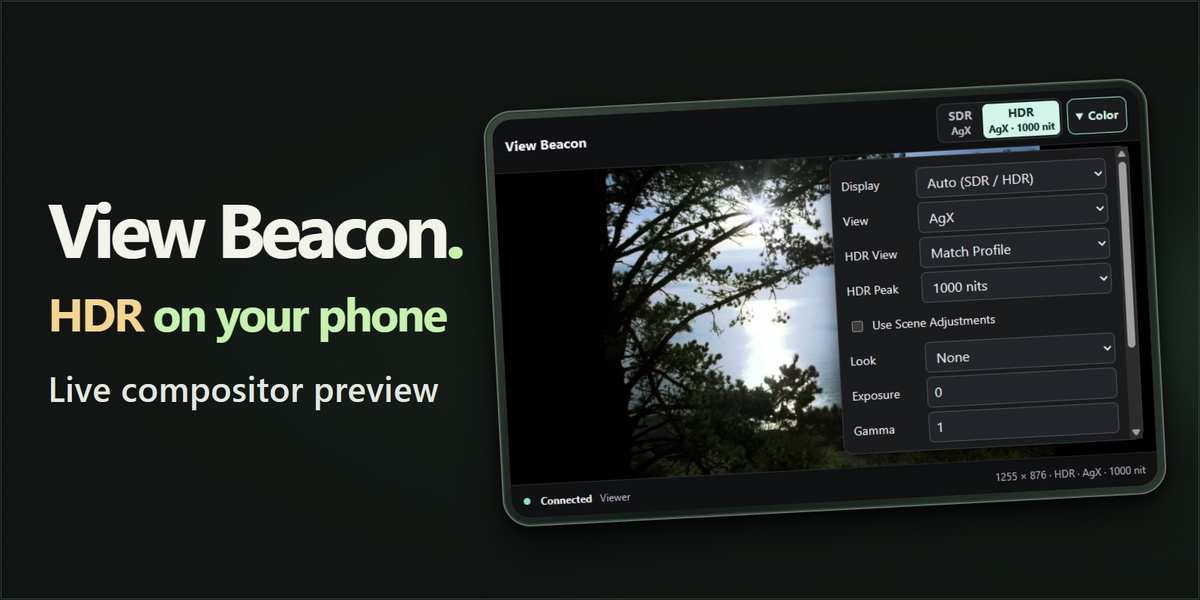
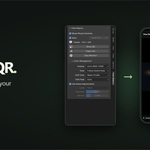
See Blender HDR on your phone
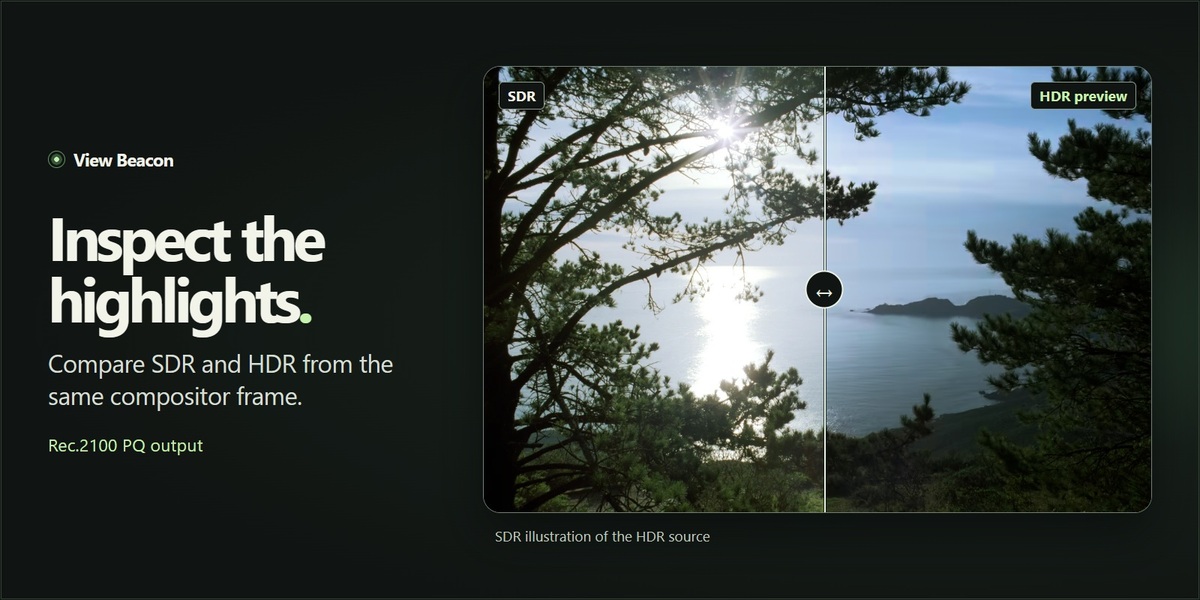
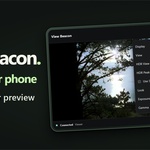
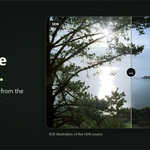
Check highlights from Blender’s Compositor on a compatible HDR phone while you work on an SDR desktop monitor. View Beacon sends the active Viewer frame to your phone’s browser over the local network. Switch between sRGB SDR and Rec.2100 PQ HDR as Blender updates the preview.
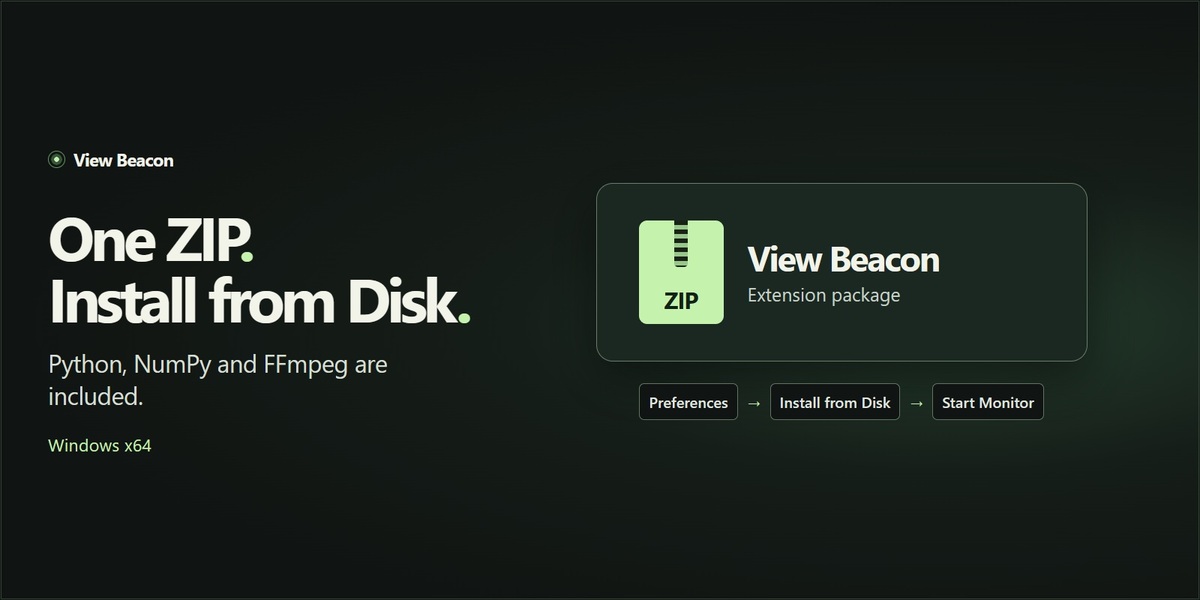
Install from one ZIP
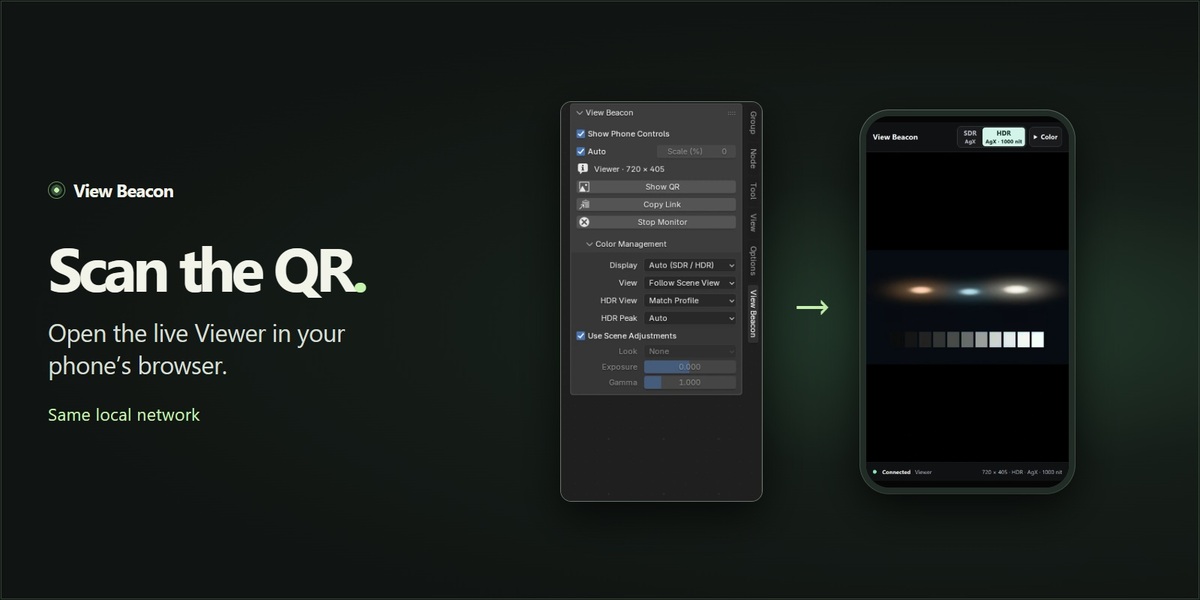
Choose Install from Disk in Blender and select the downloaded Windows x64 ZIP. Python, NumPy, FFmpeg and QR pairing are included. Open the Compositor, start View Beacon and scan the code with your phone.
What you can do
- Preview the active native Compositor Viewer and switch between SDR and HDR in your phone browser.
- Use managed AgX or ACES views, adjust exposure and gamma, and choose the target HDR peak and frame size.
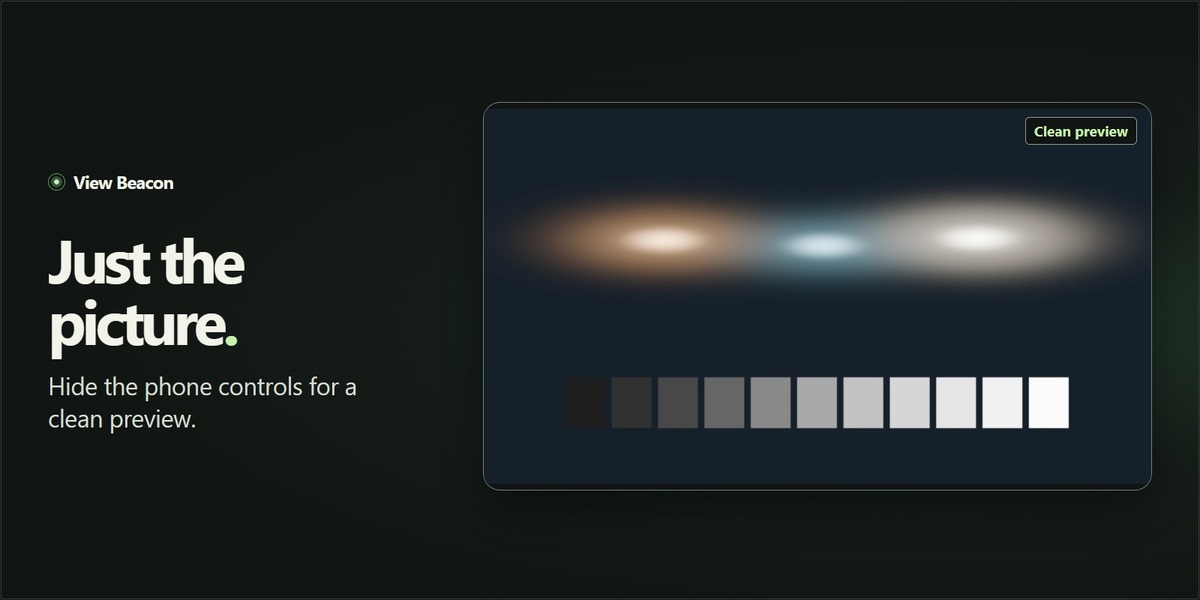
- Hide the phone controls for an image-only preview while you work in Blender.
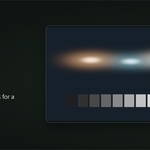
Compare SDR and HDR
Open the comparison in a new tab
Compatibility
Windows x64 host with Blender 5.0–5.3. Tested on 5.0.1, 5.1.2, 5.2.2 LTS and 5.3.0, and paired with iPhone and Samsung Galaxy A52. HDR requires a compatible phone display and browser. On iPhone, use Safari 26 or later for HDR.