View2Cam
 Milad_Kambari


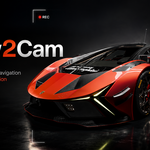
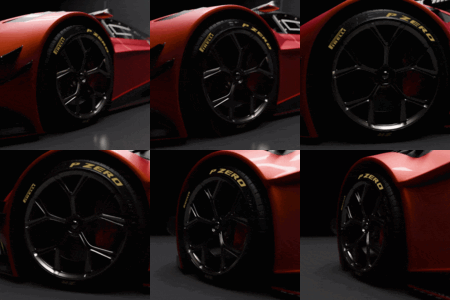
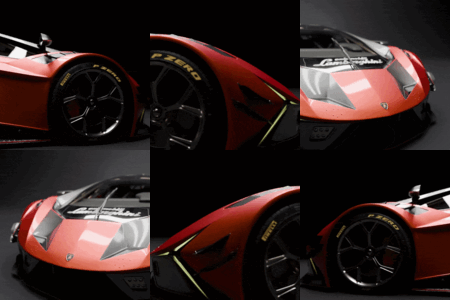
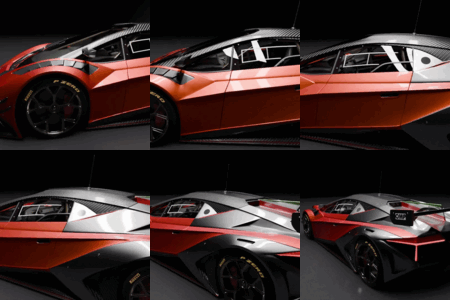
🎥 View2Cam — Turn Any Viewport Into a Camera (Record • Smooth • Retime)
Stop fighting with camera placement. View2Cam lets you frame your shot by simply navigating the viewport — then turns that exact view into a real camera in one click. Want motion? Just navigate while recording and your orbit/pan/zoom becomes clean, editable camera animation. Built-in smoothing and retiming tools turn shaky hand-navigation into professional, cinematic camera moves.
Perfect for product shots, turntables, beauty renders, and flythroughs — no keyframing skills required.
✨ Key Features
- 📸 Create Camera From View — One click creates a camera that matches your viewport exactly: position, rotation, and field of view.
- 🚫 No-Crop Matching — Reads the viewport's true projection and aligns render aspect to your viewport, so the camera captures exactly what you see — no zoomed-in crop.
- 🔴 Record Viewport → Animation — Press record, navigate freely (orbit, pan, zoom), and your movement becomes camera keyframes. Live "Recording" state with one-click Stop or ENTER to save.
- ⚡ Heavy-Scene Friendly — Recording samples to memory and bakes on stop, so there's no per-frame scene re-evaluation — smooth capture even in dense, high-poly scenes.
- 🎯 Keyframe Every N Frames — Drop one keyframe every N frames with averaged sampling for naturally smoother motion and lighter curves.
- 〰️ Smooth / Refine — Gaussian de-jitter, auto-clamped Bezier handles, and keyframe simplification. Smooth Location, Rotation, and Lens independently.
- ⏱️ Retime / Rhythm — Fix uneven hand-timing with Constant Speed (arc-length re-sampling of translation and rotation), Ease In/Out for cinematic acceleration, and a Set Duration control.
- 🎞️ Perspective & Orthographic — Full support for both projection types.
- 🔍 Optional Lens/Zoom Recording — Capture focal-length and ortho-scale changes too.
⚙️ How It Works
- Frame your shot by navigating the viewport.
- Hit Create Camera From View — or Start Record and move the view to capture motion.
- (Optional) Run Smooth / Refine to clean jitter.
- (Optional) Run Retime with Constant Speed + Ease for a polished, steady move.
- Hit play — your camera does exactly what you did.
🧩 Technical
- 🟢 Blender 4.2 → 5.x (Extension package with manifest + legacy add-on)
- 🟢 Slotted-Action compatible (works with the new 4.4+ animation system and legacy actions)
- 🟢 Exact FOV from the viewport projection matrix (no guesswork)
- 🟢 Quaternion-averaged buckets + Euler continuity (no 360° flips)
- 🟢 Clean N-panel UI under the View2Cam tab
💡 Ideal For
Product & automotive beauty shots • turntables • environment flythroughs • portfolio renders • quick previz.
🔗 Support & Community
💬 Join the 3DRedbox Studio Discord: https://discord.gg/EC8d7nPsYj
By 3DRedbox Studio — Milad Kambari
Discover more products like this
flythrough product render Retime cinematic camera camera animation blender addon animation tool keyframe viewport to camera camera smooth camera previz record camera camera motion turntable