 Milad_Kambari



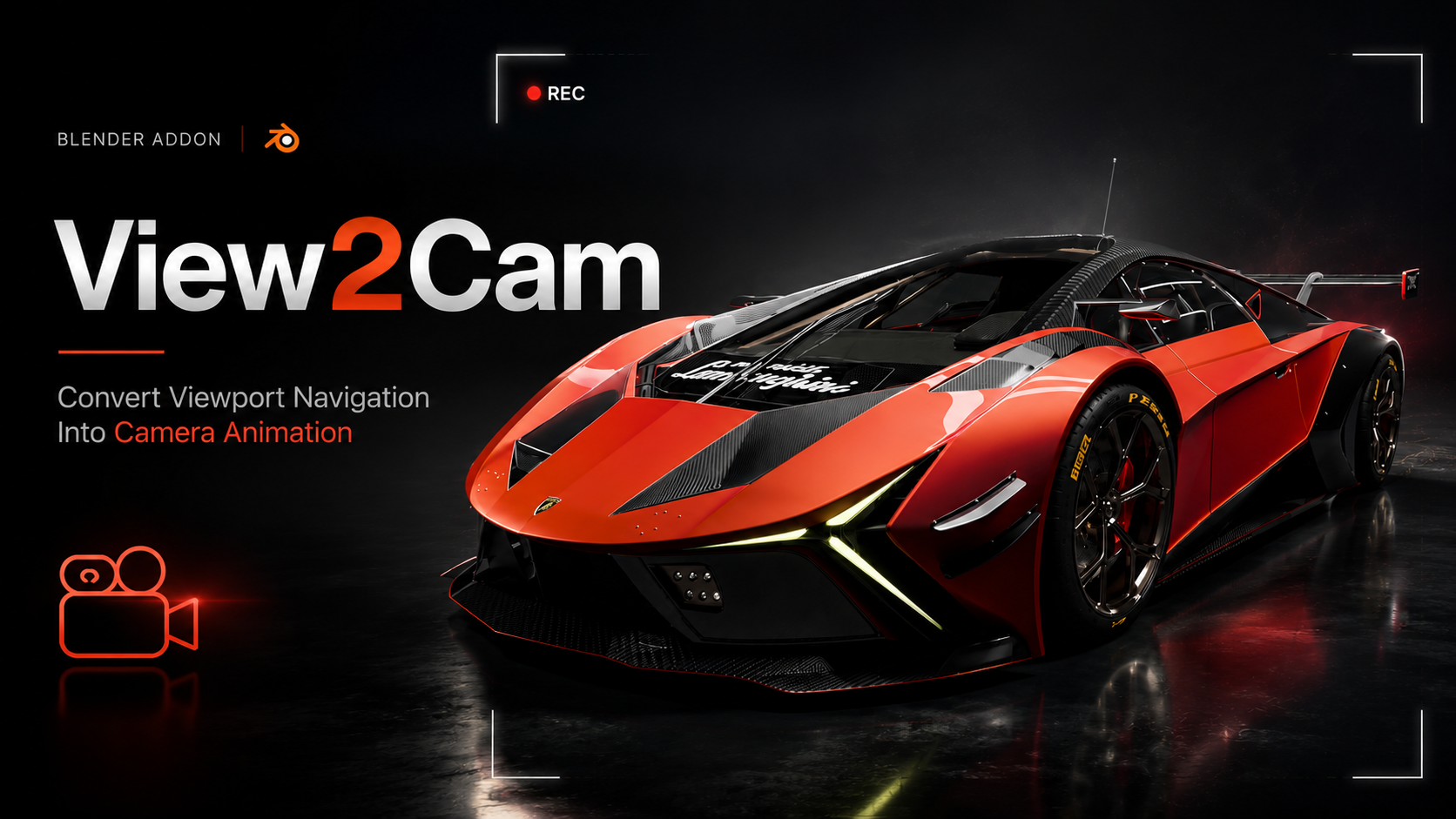
Turn your viewport into a camera.
Record your moves as animation.
Create a camera that matches your exact viewport angle with one click — then record your viewport navigation directly into a camera animation. Orbit, pan, and zoom the way you always do, and watch it become a finished camera move.
See it in action.
Three steps. Instant camera moves.
Frame your shot in the viewport, create a camera or start recording, then navigate naturally.
| 1 FRAME YOUR VIEWNavigate the viewport until you have the exact angle you want. | 2 CREATE OR RECORDMake a camera from view, or hit record to capture your navigation. | 3 NAVIGATEOrbit, pan, and zoom — your moves become camera keyframes live. |
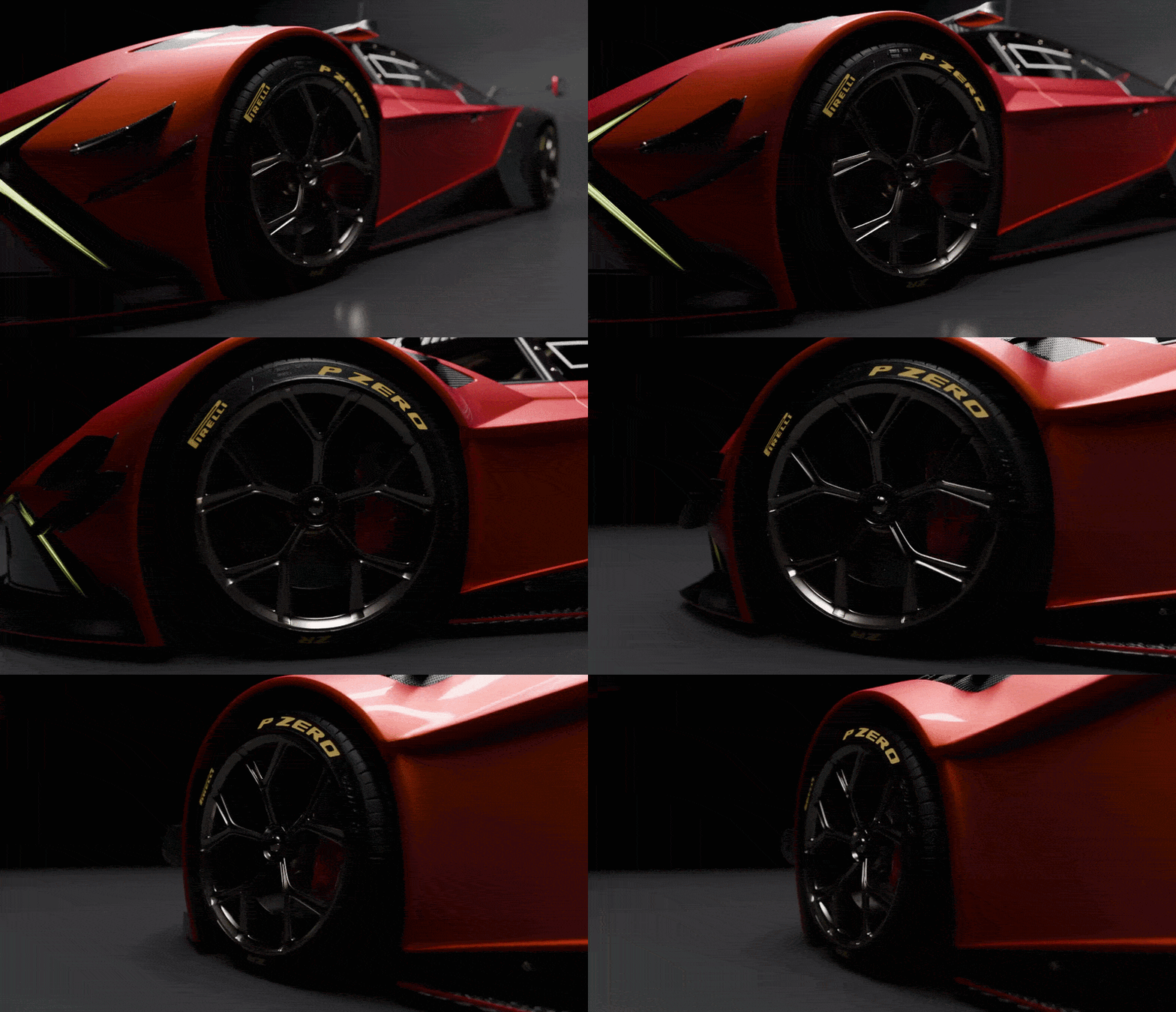 | CORE FEATURE Camera From ViewWith one click, create a camera that matches your exact viewport angle — position, rotation, and lens, in both perspective and orthographic. No more nudging a camera to match what you already see on screen. Exact position, rotation & lens. Perspective and ortho. |
| CORE FEATURE Record NavigationHit record and navigate freely — orbit, pan, and zoom the way you always do. Every move is captured as camera keyframes in real-time. Pan left to right, and your camera animates left to right. Exactly what you did, turned into a finished move. Orbit, pan, zoom — recorded live as keyframes. | 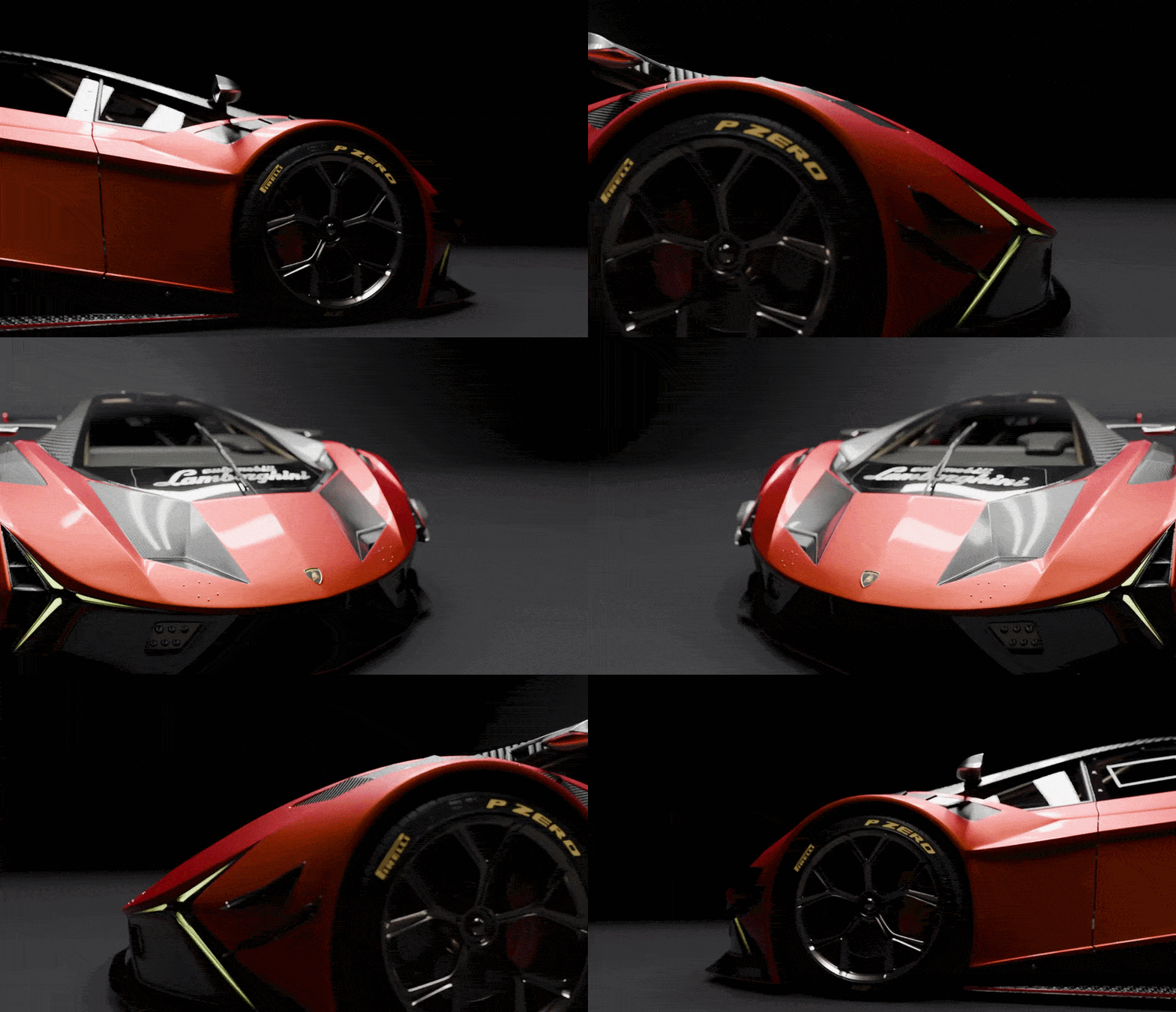 |
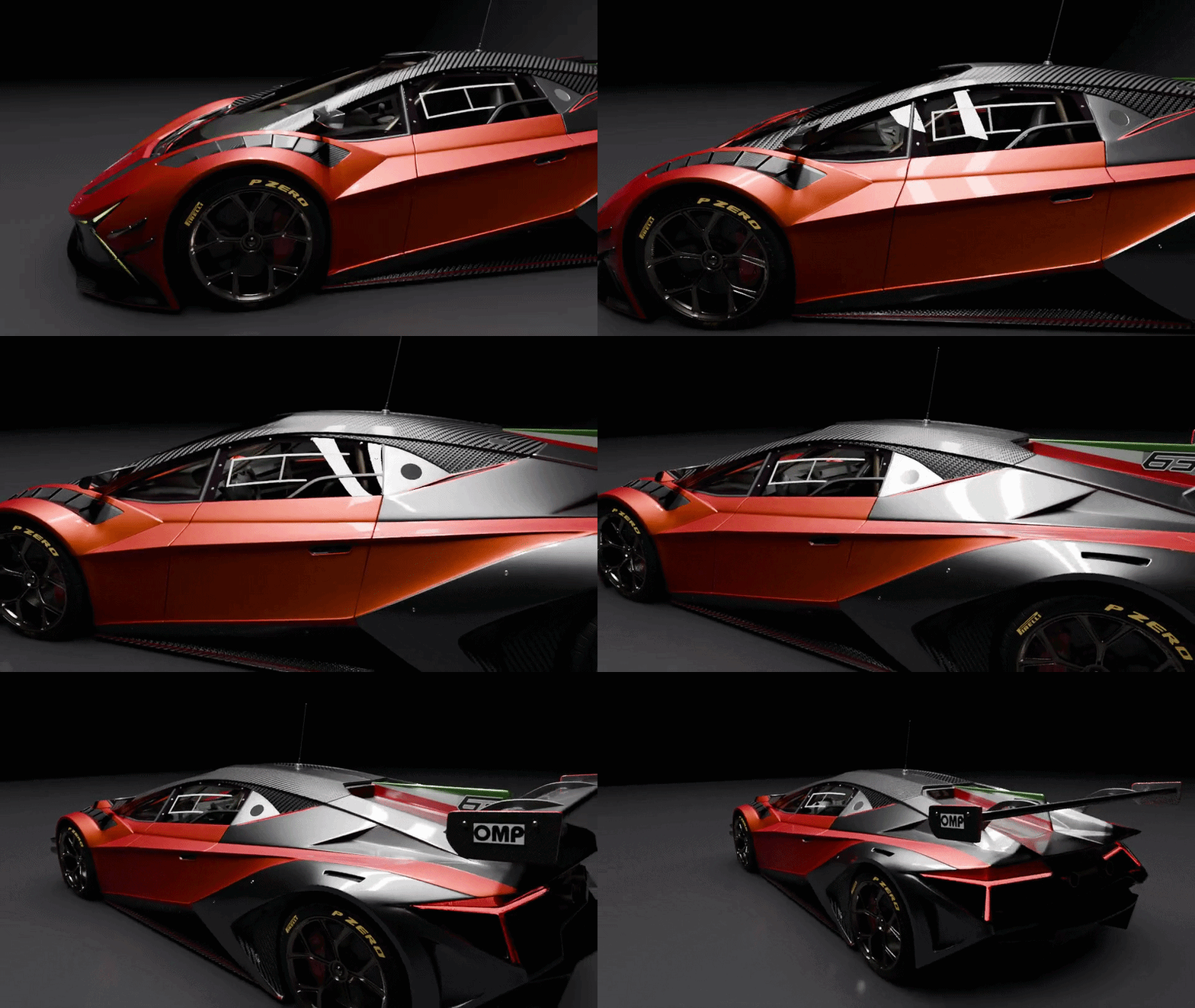 | CORE FEATURE Smooth Camera MovesThe recorded keyframes play back as a smooth, usable camera animation. Adjust the sample rate and frame step to control how dense the keyframes are, giving you full control over the final motion's feel and timing. Adjustable sample rate & frame step. Ready-to-render. |
| CORE FEATURE Composition Camera GuideOverlay professional composition guides right in your viewport — not just in the camera view. Choose from Rule of Thirds, Golden Triangle, Harmonious Triangle, Center, and Center Diagonal. The guides update live as you frame your shot, helping you nail strong composition every time. Thirds, Golden & Harmonious Triangles, Center — live on the viewport. | 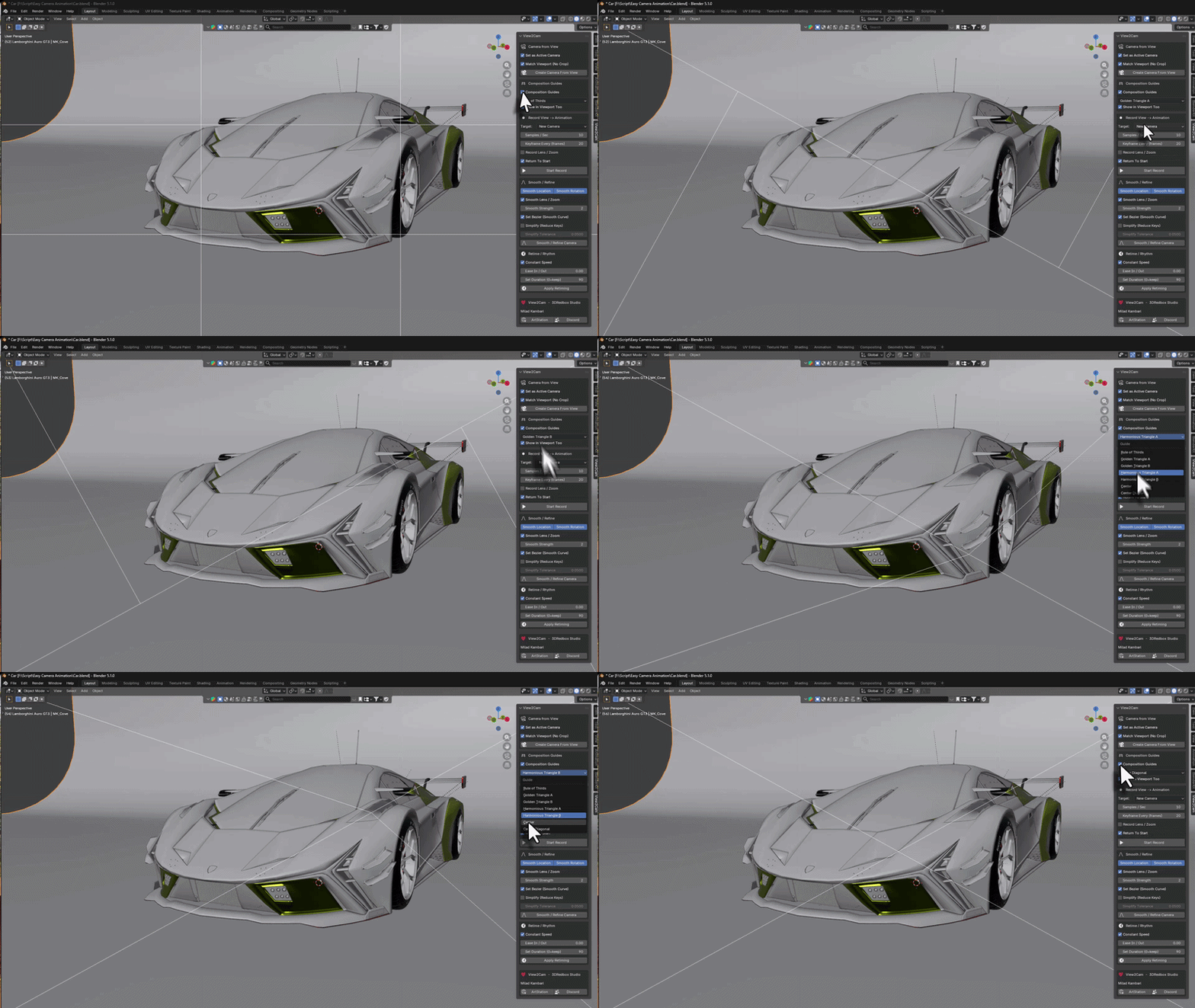 |
Everything included.
ONE-CLICK CAMERA FROM VIEWInstantly create a camera that matches your exact viewport — position, rotation, and lens. Works in both perspective and orthographic modes. | VIEWPORT RECORDINGRecord your orbit, pan, and zoom navigation directly into a camera animation. Your viewport moves become camera keyframes automatically. |
PERSPECTIVE & ORTHOFull support for both perspective and orthographic views. Lens and ortho scale are matched and can be animated during recording. | ADJUSTABLE SAMPLE RATEControl how many samples per second are recorded and the frame step between keyframes for the exact motion density you need. |
RECORD TO NEW OR EXISTINGRecord onto a freshly created camera or an existing one. Flexible workflow that fits how you already organize your scenes. | COMPOSITION GUIDESLive composition overlays on the viewport — Rule of Thirds, Golden Triangle, Harmonious Triangle, Center, and Center Diagonal. Frame stronger shots instantly. |
What you get
| 4.2+ BLENDER | REC VIEWPORT CAPTURE |
Install. Frame. Record.
Works with Blender 4.2+ including Blender 5.0. Perfect for quick camera setups, previs, turntables, and capturing natural handheld-style camera moves.
More from Milad Kambari
 |  |  |
 |  |  |
 |  |  |