ViewLink Pro: Smooth Mirrored Viewport for Timelapse and Tutorials
 Darksteady. Studio
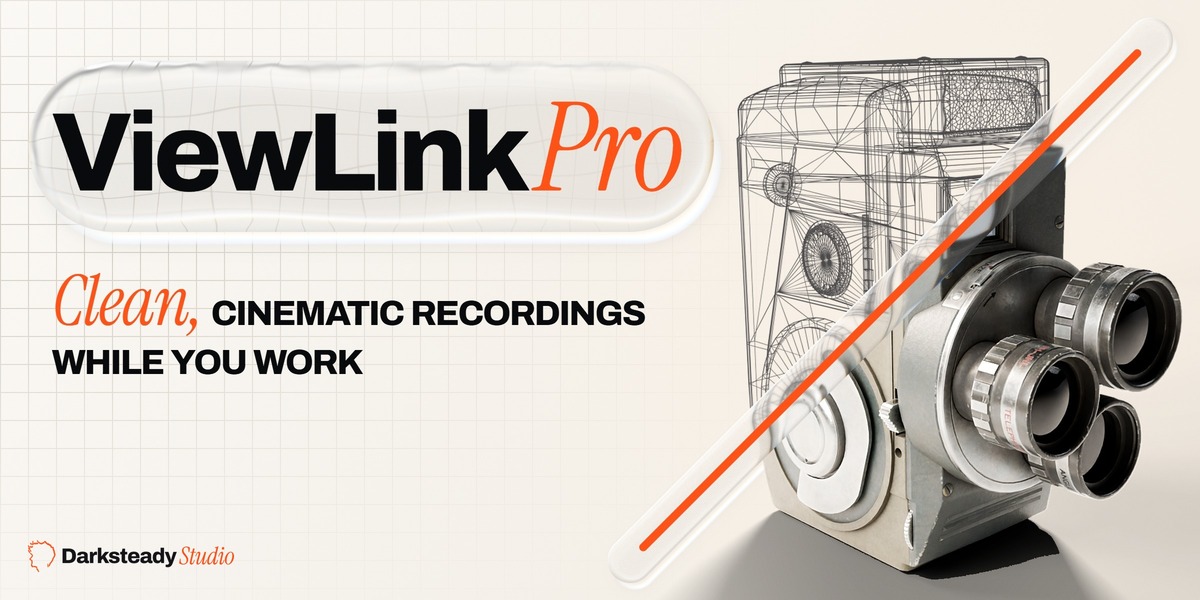
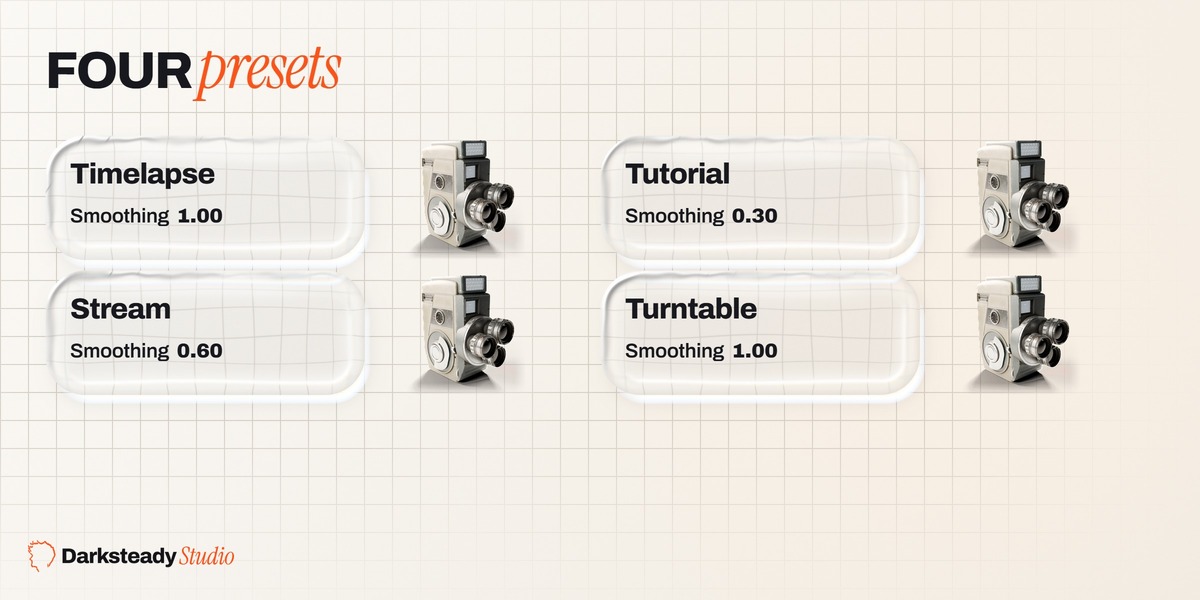
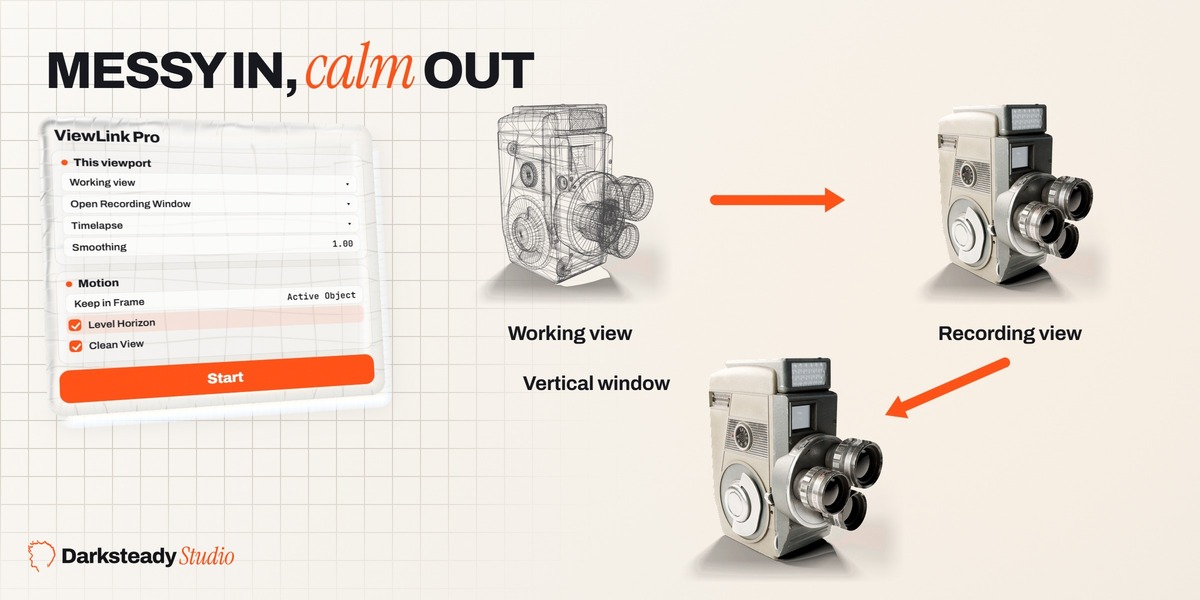

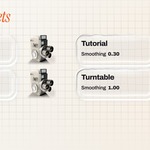
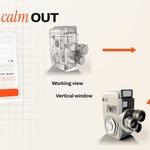
No. ViewLink makes the view you record: a smooth, clean viewport that follows the one you work in. OBS, or any screen recorder, captures it. Open Recording Window gives that viewport its own window at the exact size of your video, so a Window Capture in OBS fills the canvas.
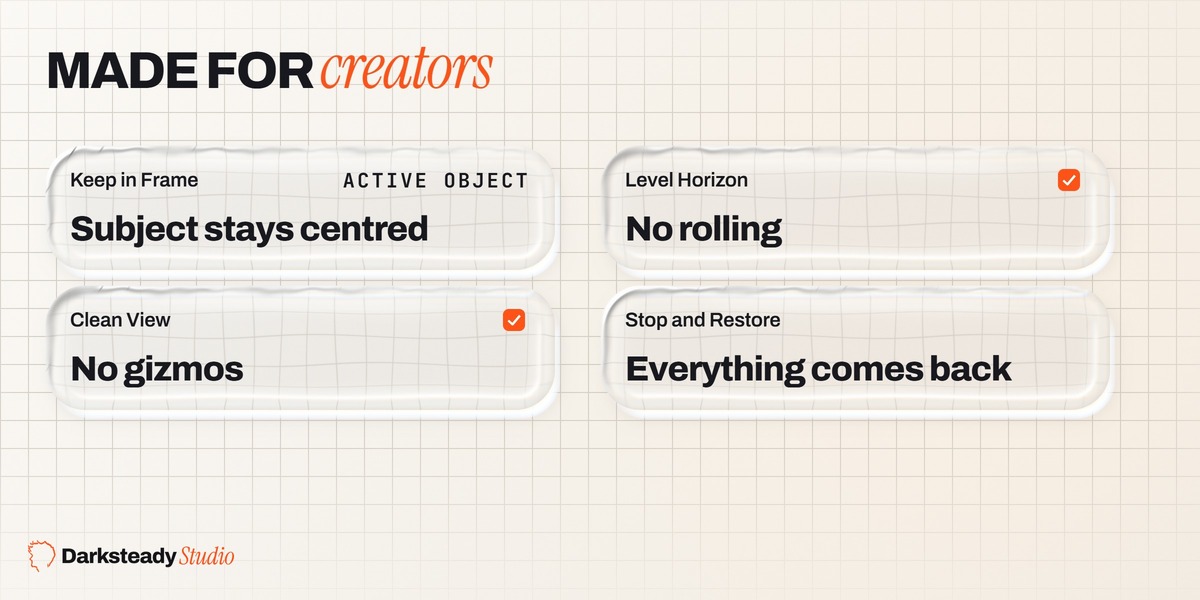
A plain copy shows every jerk of your mouse, every zoom into a detail and every wireframe toggle. ViewLink smooths turns, pans and zooms with real time based motion, holds zoom between a minimum and a maximum distance, keeps your subject in frame when you pan away, keeps the horizon level, and gives the Recording view its own clean look and shading. One click opens a capture-ready window, and one Stop restores everything.
Yes. Open Recording Window > Vertical 1080 × 1920. When your screen is shorter than 1920 pixels the window is scaled down with exactly the same 9:16 aspect, for example 756 × 1344 on a 2560 × 1440 screen, and OBS scales it to fill a 1080 × 1920 canvas without bars.
When nothing moves, Recording views do not redraw at all and ViewLink only checks for changes 30 times per second: 0.35 percent of one CPU core with three Recording views in our test. While you orbit, each Recording view redraws 60 times per second, like any extra viewport; ViewLink's own work for three Recording views was 1.5 percent of one core. Rendered shading in a Recording view costs as much as a second render preview.
No. Every move uses the real time that passed, so it looks the same at 30 or 144 frames per second and in heavy scenes. With Smoothing at 0.5 s, a 90 degree turn was 90 percent done 0.51 s after the turn in our tests, and 0.48 to 0.54 s with Blender slowed down to 17 frames per second.
Yes. Modes are shared by all viewports, so the Recording view shows the same model; with Clean View it shows it without the edit cage, brush overlays or grid.
The roles are saved with the file. A file saved while recording opens recording again, and Stop and Restore still gives every Recording view the look it had before.
Yes. Move the Recording Window to any screen. On Windows, Fit Recording Windows (Look sub-panel) sizes it to its format again on the new screen. A Recording view can also be an area in your main window.
Yes. Orbit or zoom it as usual. It continues smoothly from where you put it and follows your Working view again with the next move. A Turntable view keeps turning from the angle and distance you give it.
Local view isolates objects in one viewport only, the Working view. Recording views keep showing the scene. Turn on Keep in Frame and the isolated object stays centred in the recording.
No. It only changes viewport display settings of Recording views (overlays, gizmos, side regions, shading, clip range) and their view, and Stop restores them. Nothing in the scene, the render settings or the camera changes, and Ctrl+Z never changes which view records.
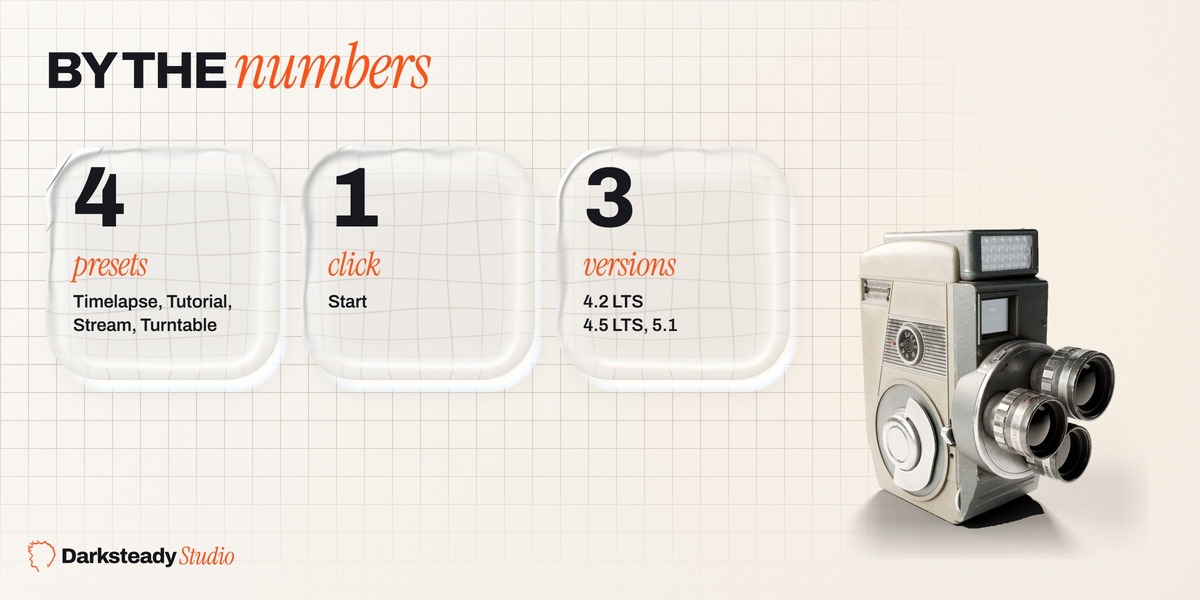
Blender 4.2 LTS, 4.5 LTS and 5.1, each tested on Windows. ViewLink uses only Blender's own features, so it runs on macOS and Linux too, but we have not tested those systems ourselves. There the Recording Window opens at Blender's default size and the panel shows its live size, so you can drag it to the size you want.
 Included
Includes 12 months of
- Support from Darksteady. Studio
- Product updates
Extend this product’s Support Period +12 months: 25% of product price
Have questions before purchasing?
Login to message
| Blender Extension Compatible | Yes |
| Dev Fund Contributor | |
| Published | about 6 hours ago |
| Blender Version | 4.2 - 5.1 |
| Extension Type | Add-on |
| Render Engine Used | Cycles, Eevee |
| License | GPL |
Discover more products like this
streaming viewport screen capture vertical video interface turntable timelapse smooth camera Workflow tutorial obs recording