Viewport Recall - Save Your Favorite Viewport Setup
 Stefano Bianchini


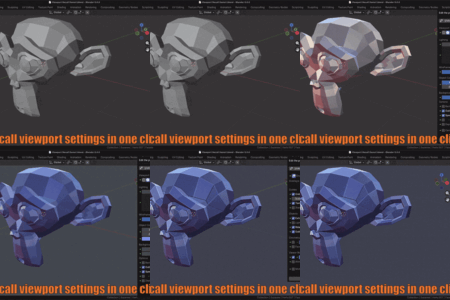
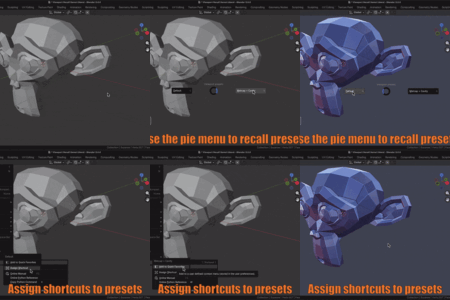
Viewport Recall is a Blender add-on that lets you save and instantly restore your 3D Viewport configurations as presets.
Instead of manually adjusting visibility, overlays, gizmos, and shading settings every time you switch between different viewport setups, you can save them once and recall them whenever you need them.
Viewport Recall can save settings related to:
- Object selection and visibility
- Gizmos, including visibility, type, and orientation
- Overlays, including mode-specific overlay settings
- Viewport shading, including Wireframe, Solid, Material Preview, and Rendered modes
- Shading options such as Look and background color
There are several ways to recall a preset:
- From the Sidebar
- From the View menu
- From the Pie menu (only up to 8 favorite presets)
And of course, you can also assign a keyboard shortcut to each preset.
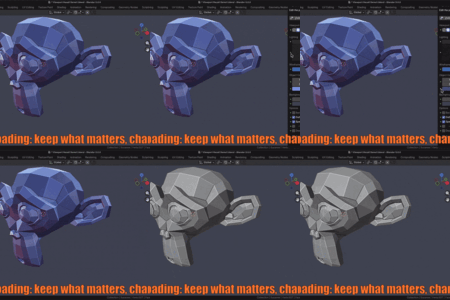
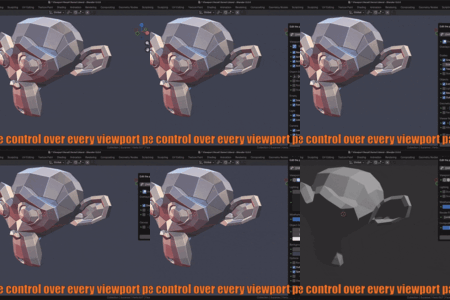
When editing a preset, each parameter can be set to either load or ignore.
Parameters set to ignore remain unchanged in your current viewport when the preset is applied.
For example, you can create a preset that changes only object visibility and gizmos while keeping all other current viewport settings untouched.
This means that presets created while working on one project are automatically available when you open another Blender file, as long as you are using the same Blender installation and user configuration.
You can also transfer your presets to another computer by copying the Viewport Recall preset folder.
See the manual for details.
 Included
Includes 12 months of
- Support from Stefano Bianchini
- Product updates
Extend this product’s Support Period +12 months: 50% of product price
Have questions before purchasing?
Login to message
| Blender Extension Compatible | Yes |
| Published | 8 months ago |
| Blender Version | 4.5 - 5.2 |
| Extension Type | Add-on |
| License | GPL |
Discover more products like this
3dview viewport preset viewport configuration quick setup quick viewport switch viewport settings layout view presets user interface 3dviewpport viewport manager clean view