 blenderVfxMaster
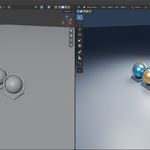
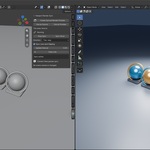
Keep your modeling view and render preview together
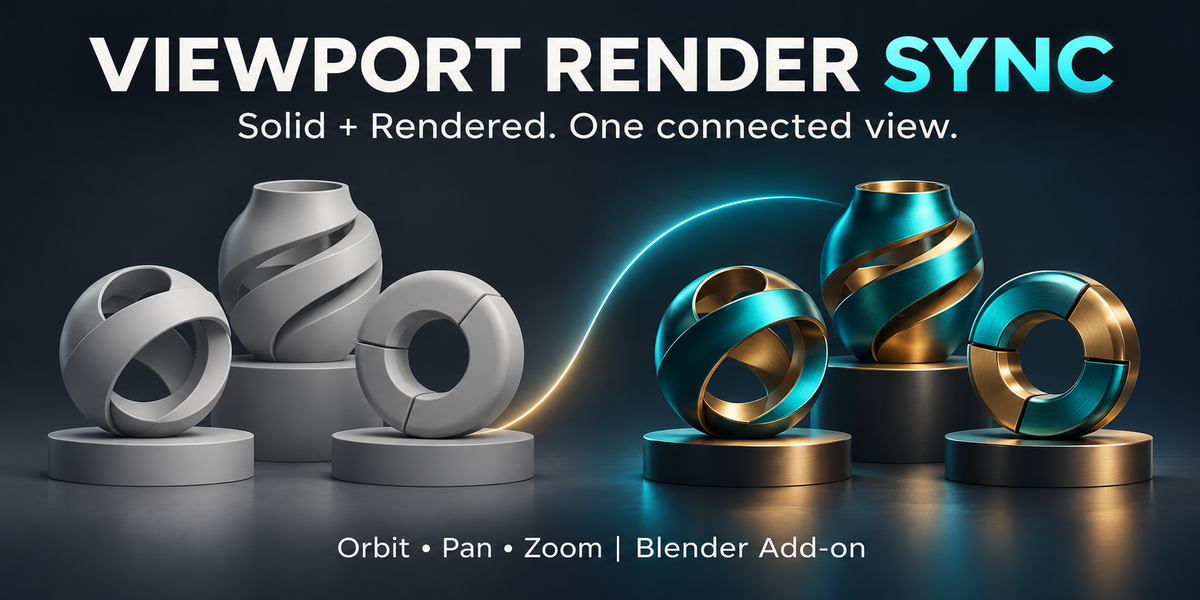
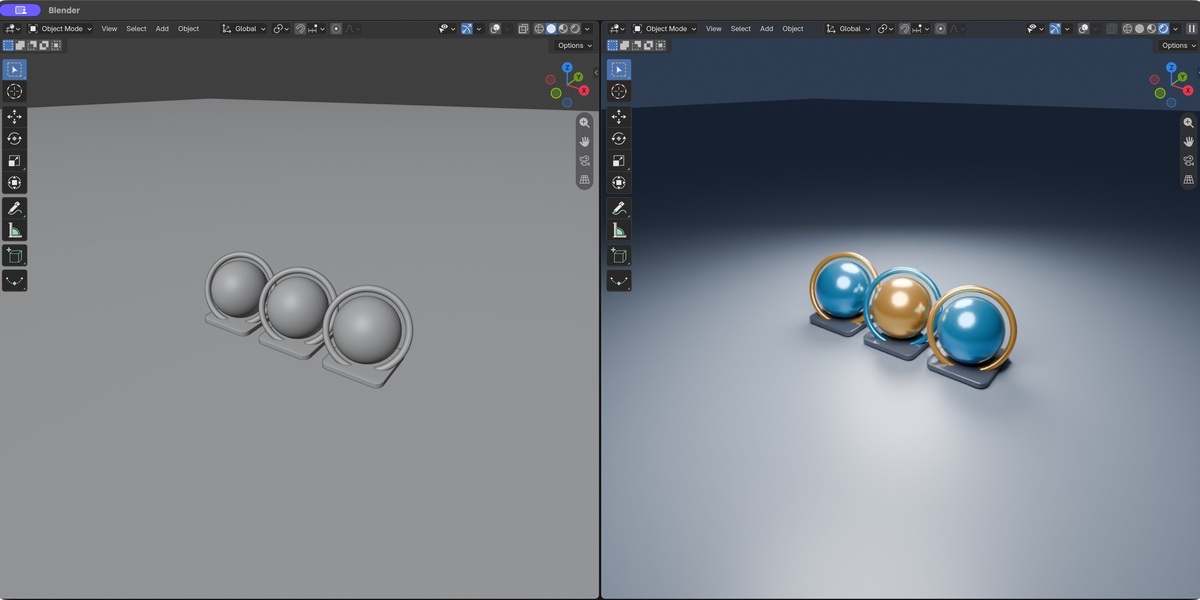
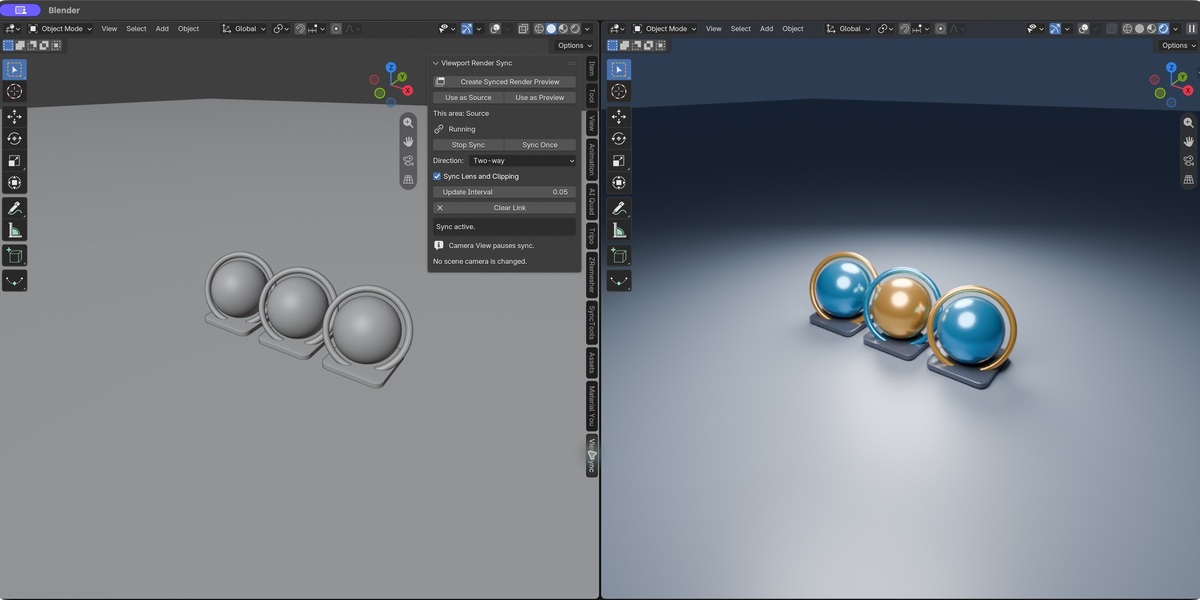
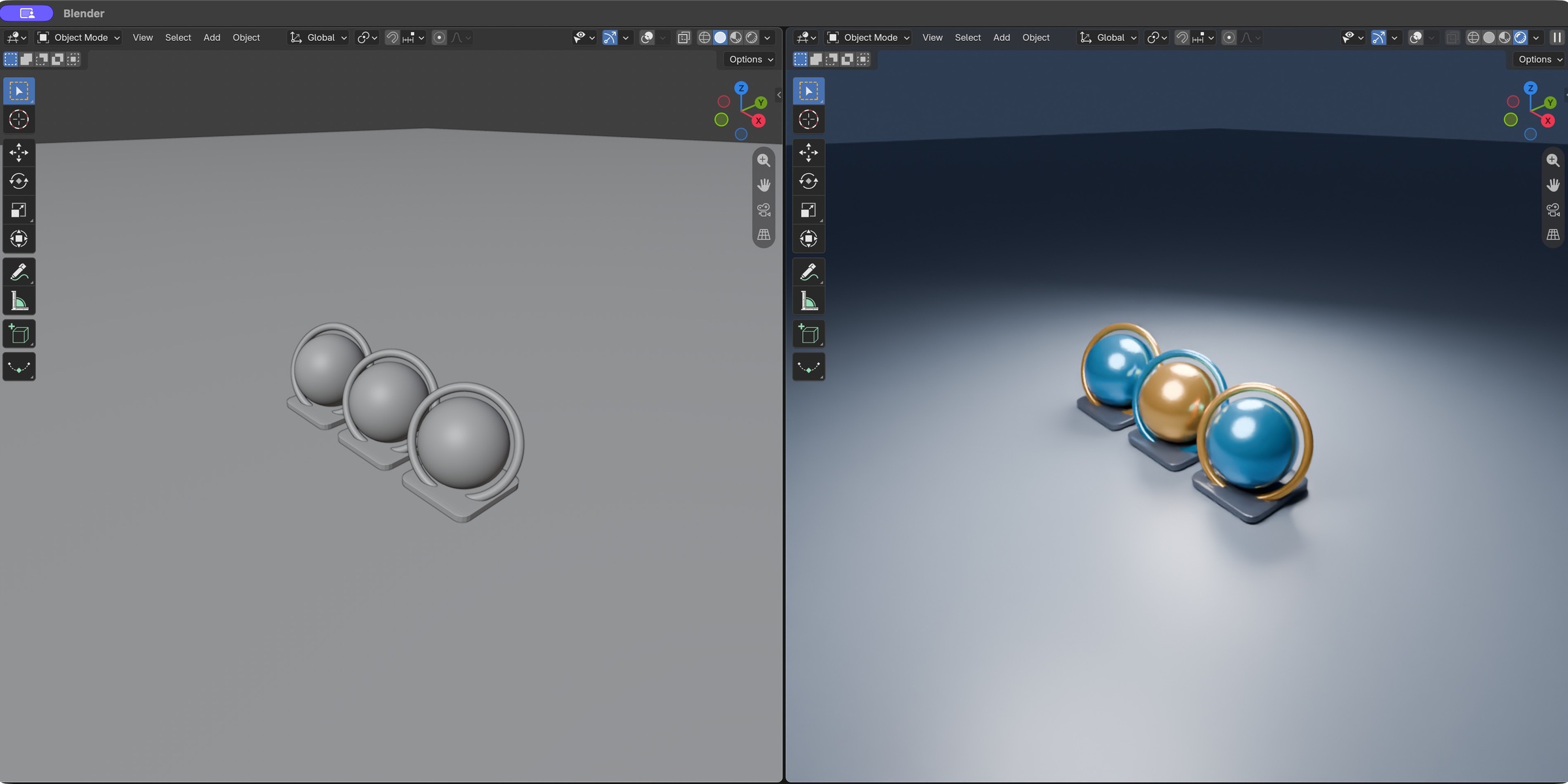
Stop lining up two views by hand. Orbit, pan and zoom in your working view while a second Blender viewport follows along. Keep one view in Solid and the other in Rendered shading, so you can check shape and materials side by side.
Watch both views move together
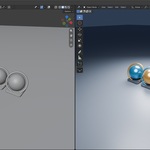
This short looping GIF is captured from the actual add-on in Blender. It shows linked orbit and zoom, shortened for the page; it is not a render-speed benchmark.
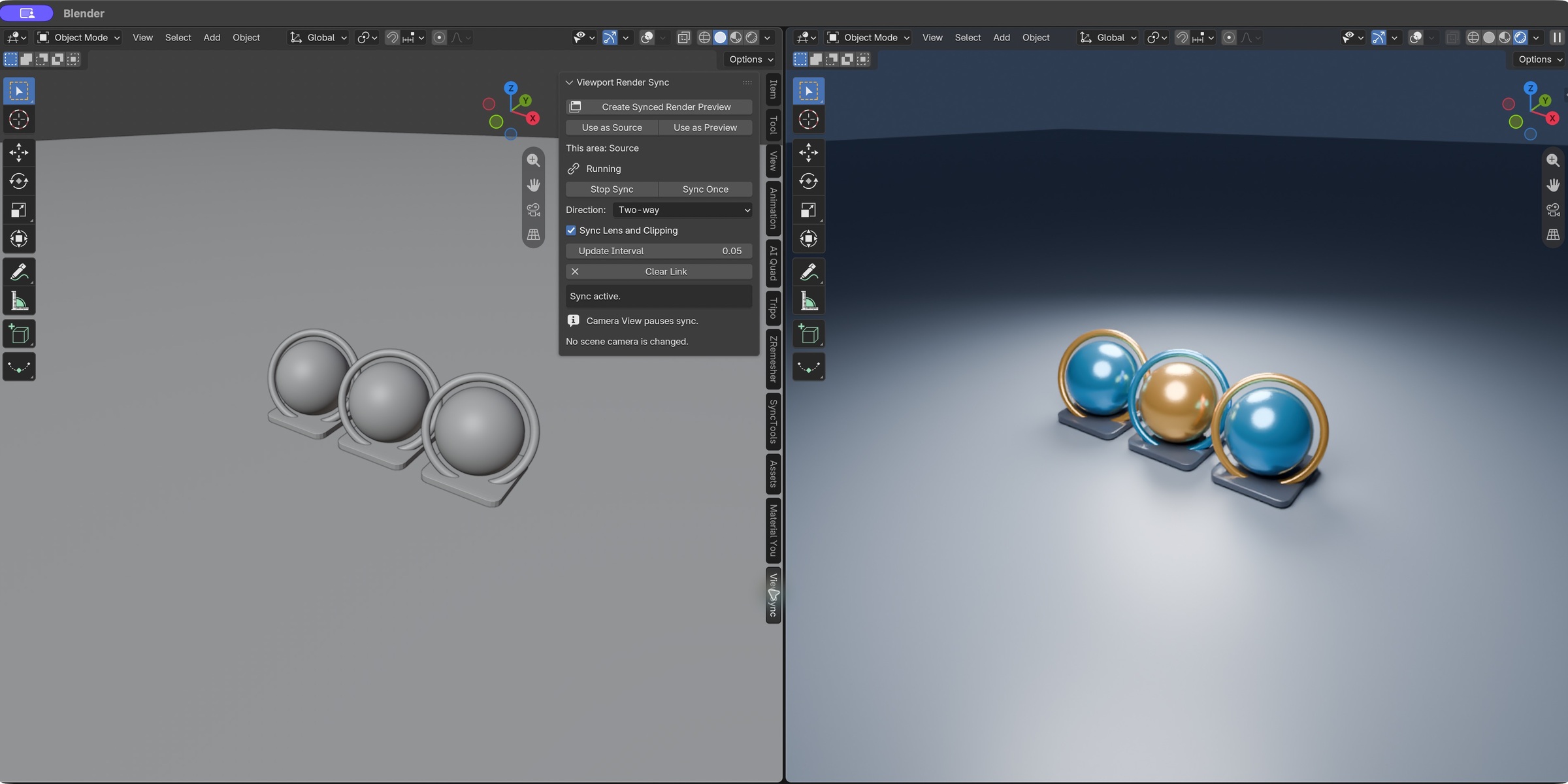
One click, or use your existing layout
Create a linked rendered preview with one click. Already have two viewports? Choose the source in one and the preview in the other. Stop the link whenever you want independent navigation.
Look around without losing your place
Keep your geometry view simple while the second viewport shows the materials and lighting. Shading modes remain independent.
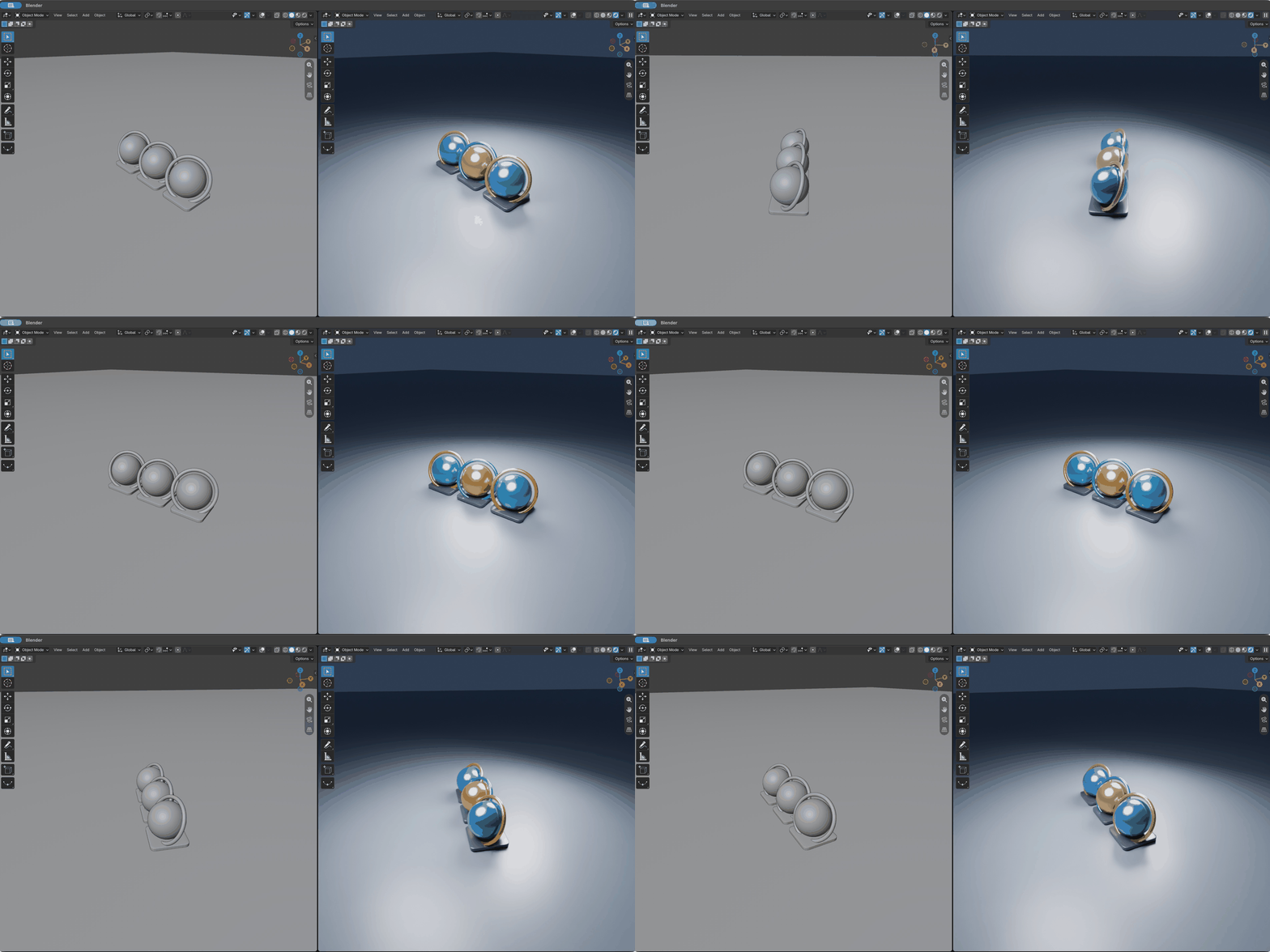
Zoom and pan stay linked, too
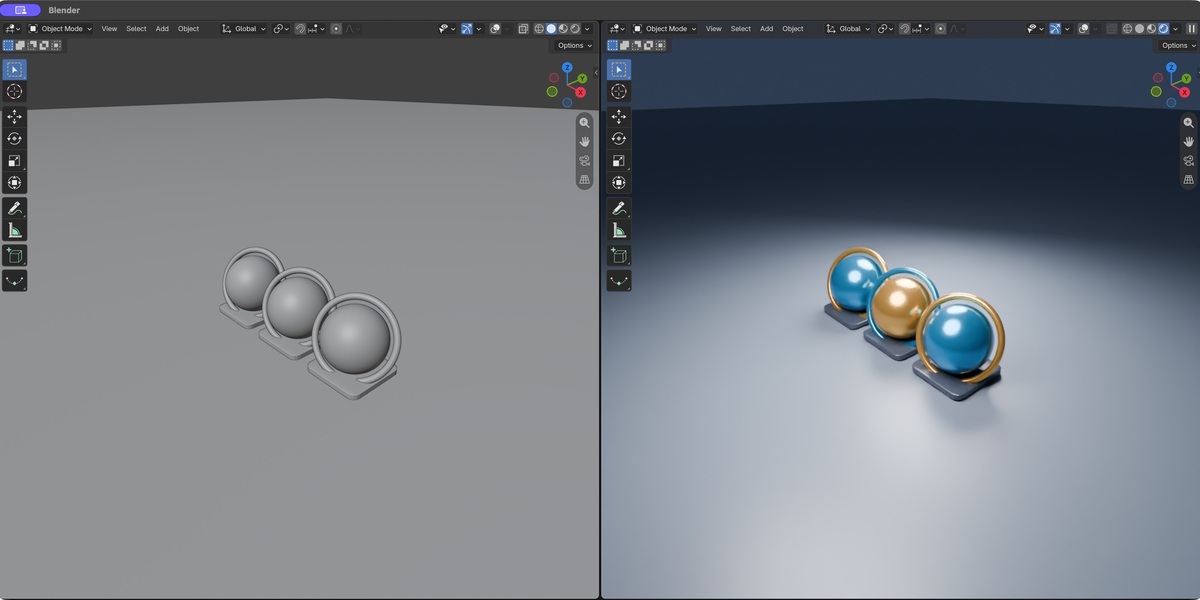
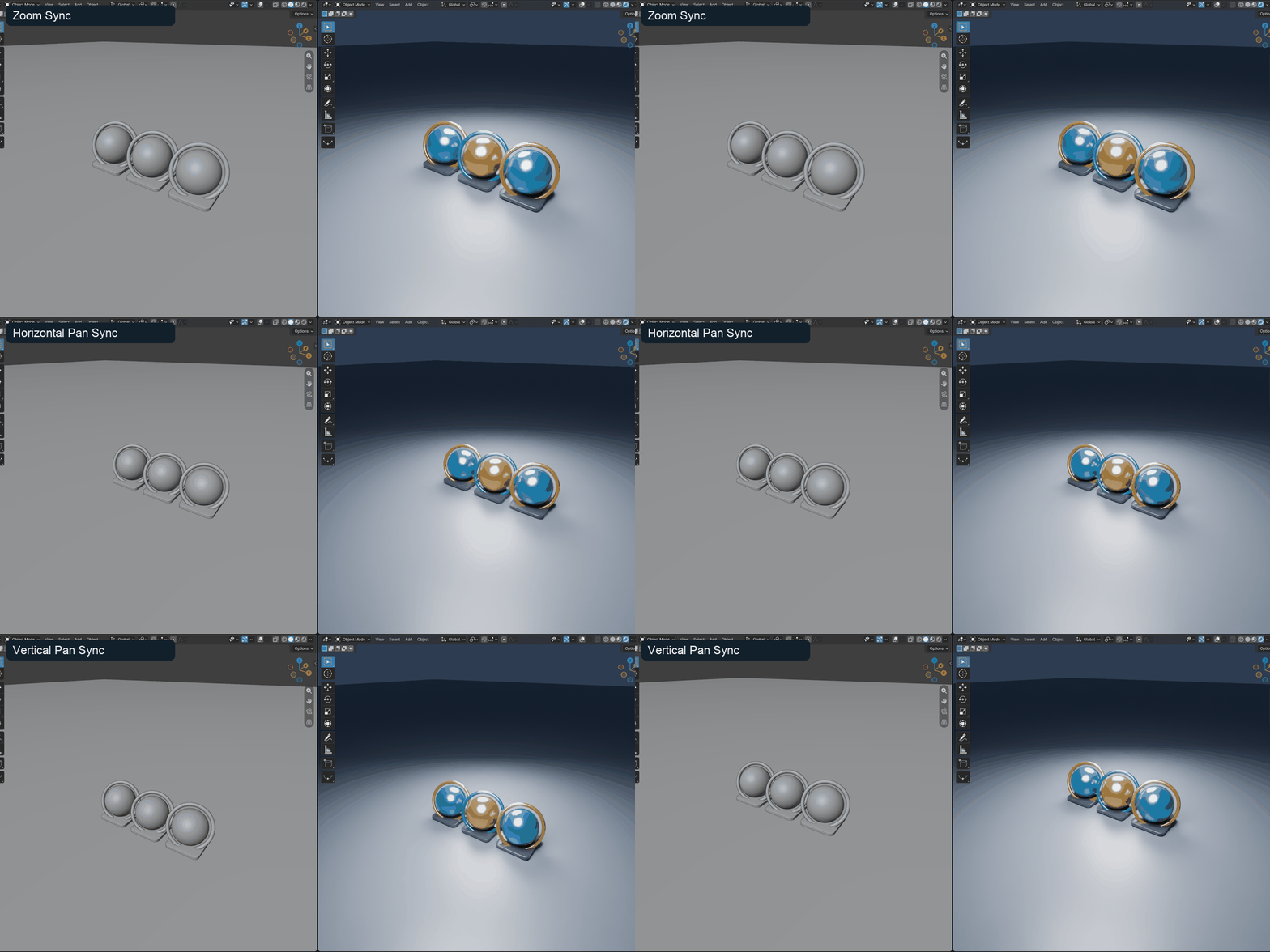
Mouse-wheel zoom and panning update the linked preview as well. This second clip focuses on zoom, horizontal pan and vertical pan in the actual Blender viewports. It is edited into a short loop, not a render-speed benchmark.
Get closer, together
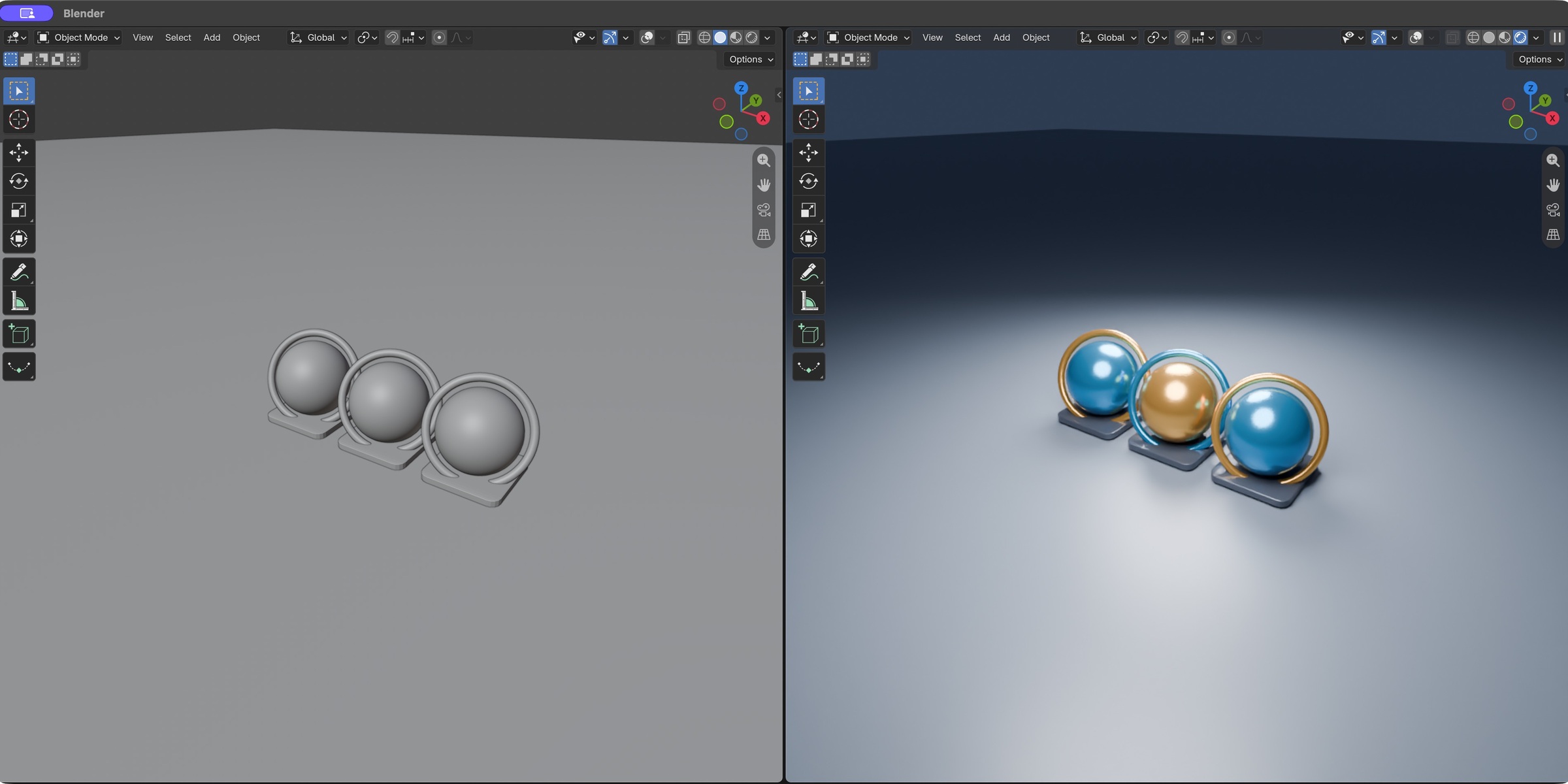
Zoom and reframe the working view without having to repeat the same navigation in the preview. Different viewport sizes can still show different framing.
Choose how the link behaves
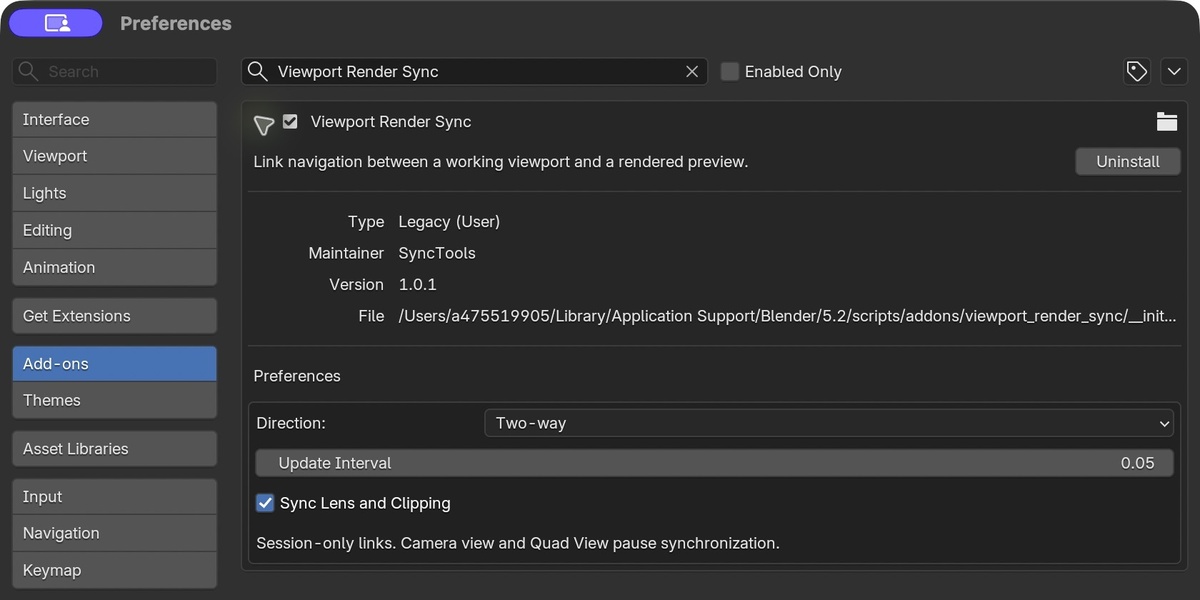
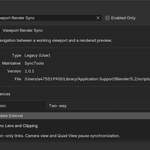
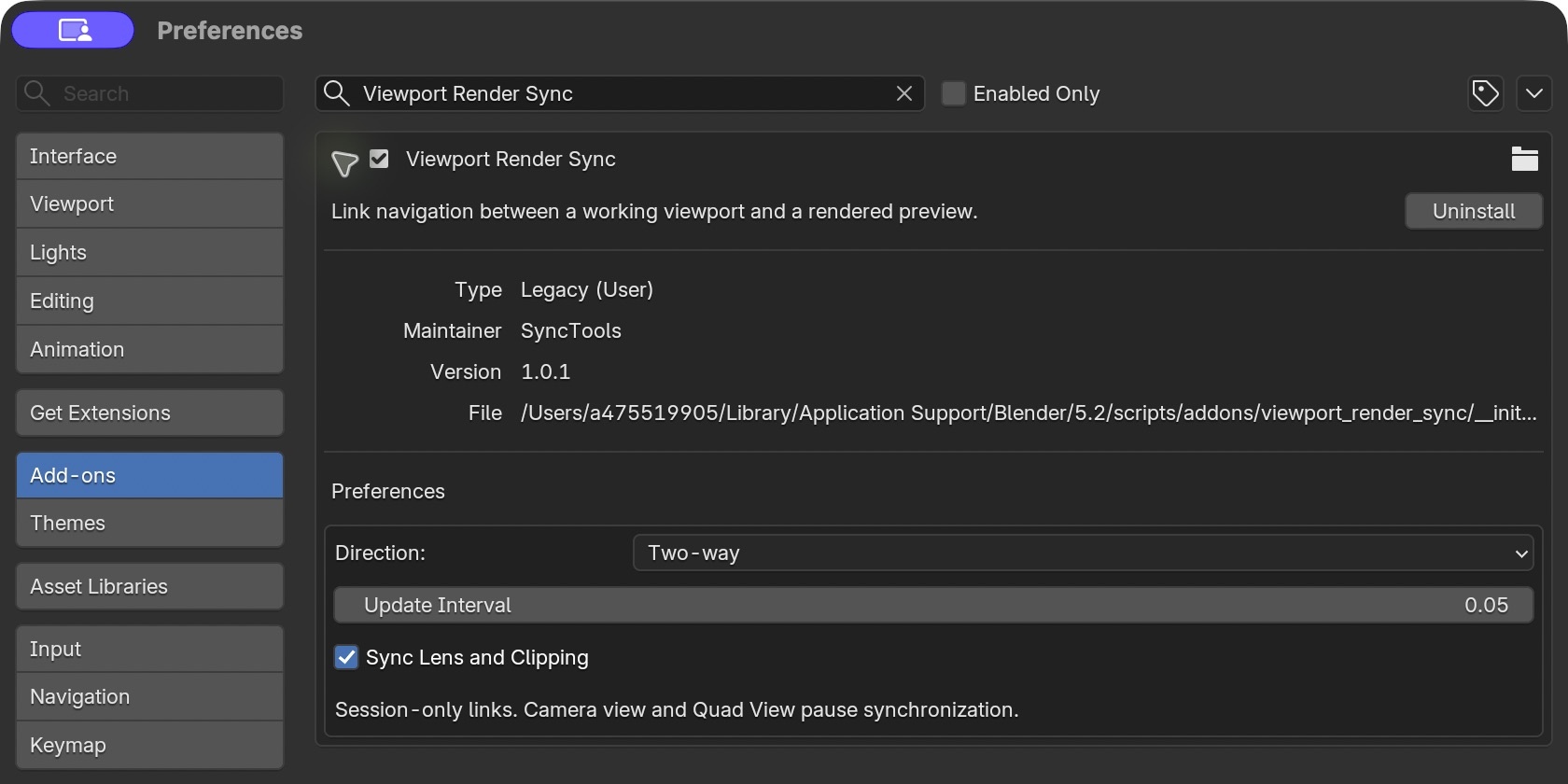
Use source-to-preview navigation, or let either view drive the pair in Two-way mode. You can also copy the source once, keep lens and clipping independent, and adjust how often navigation is checked.
Before you buy
- Links two 3D View areas in the same window and workspace, not the F12 Render Result.
- One linked pair per session. File loads reset the link; relevant workspace, window or editor changes end it.
- Camera View and Quad View pause sync. No scene camera is moved.
- A Local View mismatch pauses the pair. Different local-view object sets may show different content.
- Blender 4.2 minimum. Tested in Blender 5.2.2 LTS on macOS. Windows and Linux have not been tested.
- No external dependencies, account or network access required. Native Blender viewport rendering determines quality and speed.
- Download includes the add-on, user guide and GPL-3.0-or-later license. Demonstration scene assets are not included.