Viewport Render Sync — Linked Solid & Rendered Views for Blender
 blenderVfxMaster
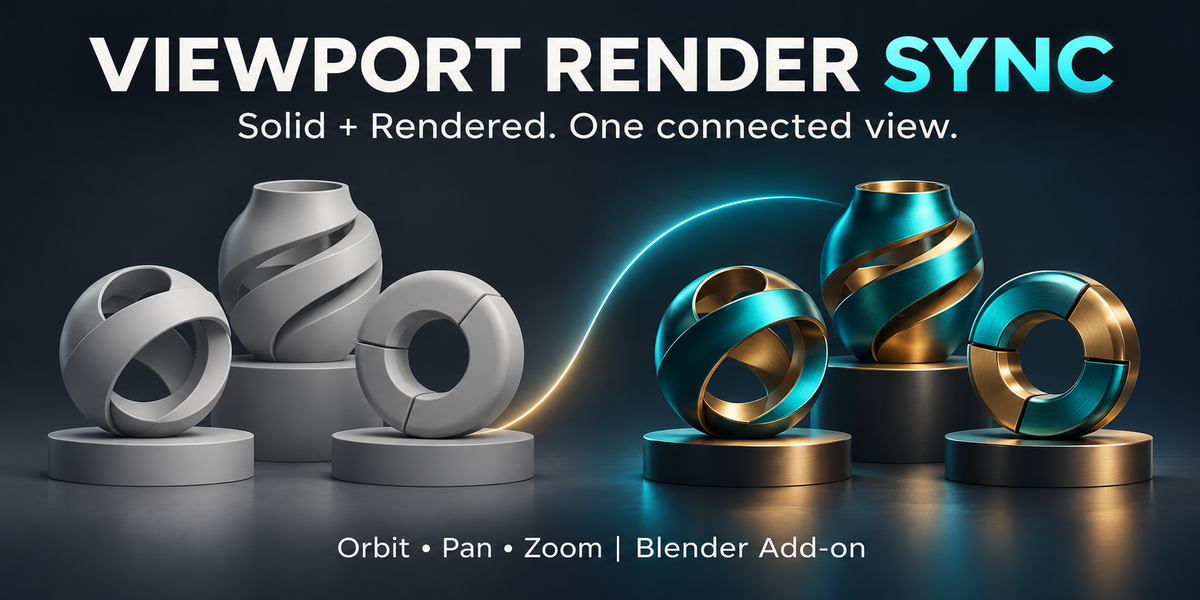
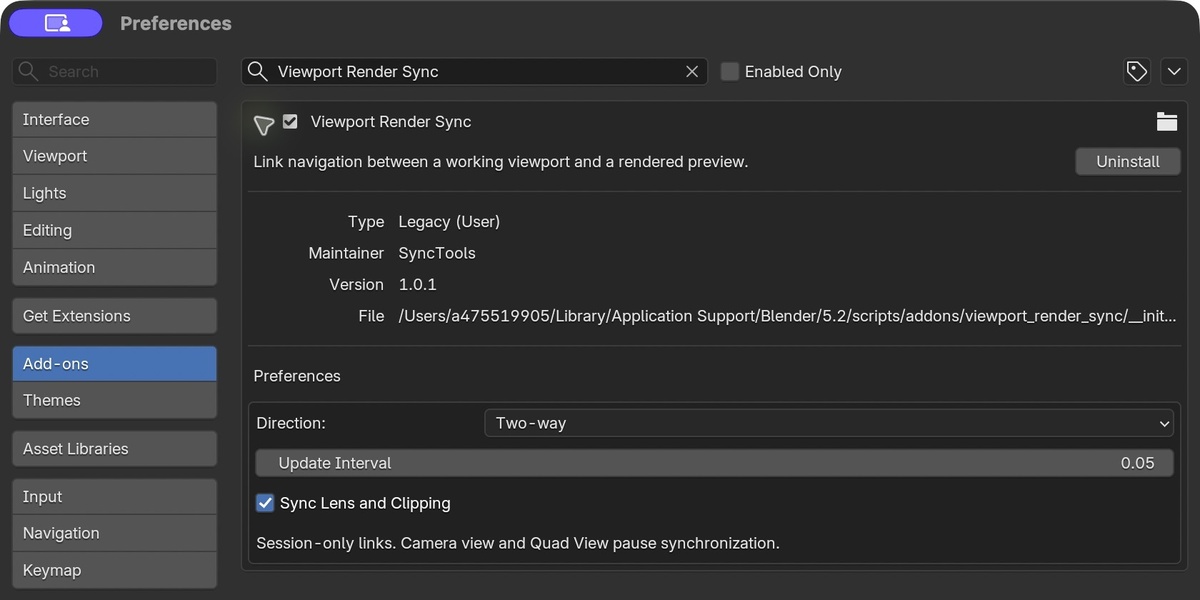
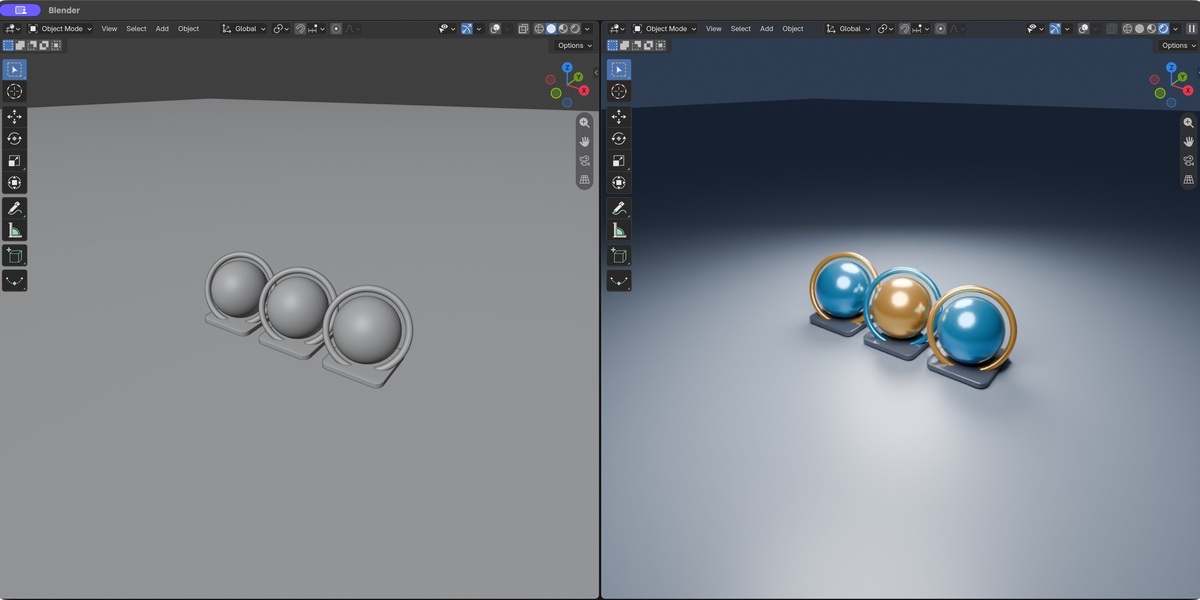
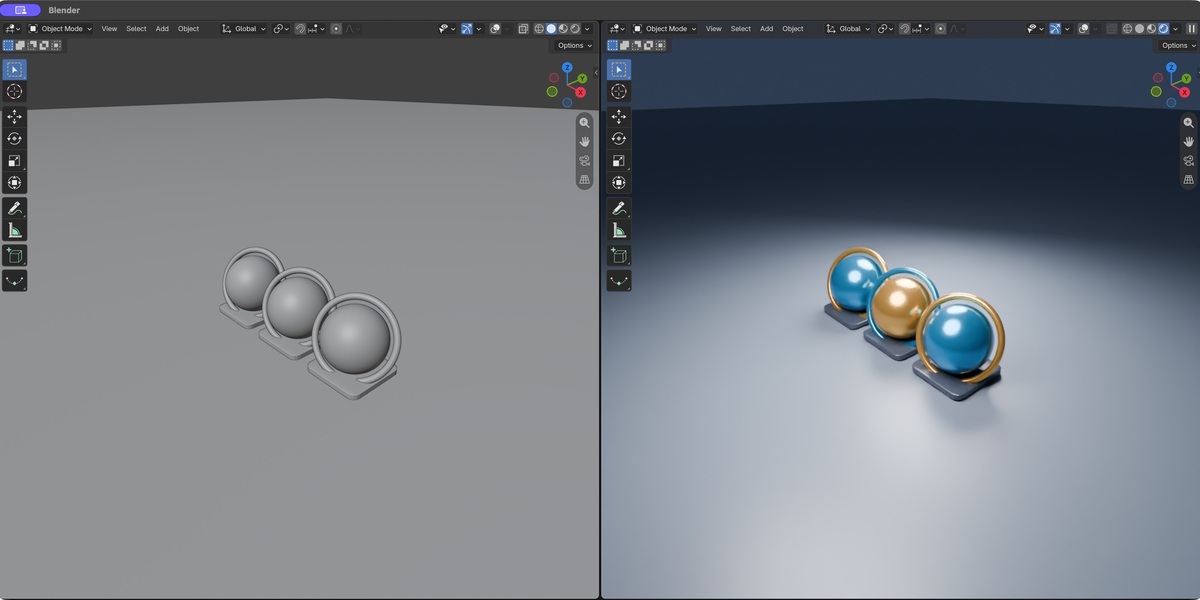
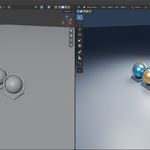
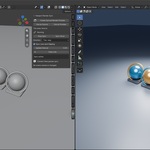
Viewport Render Sync 1.0.1
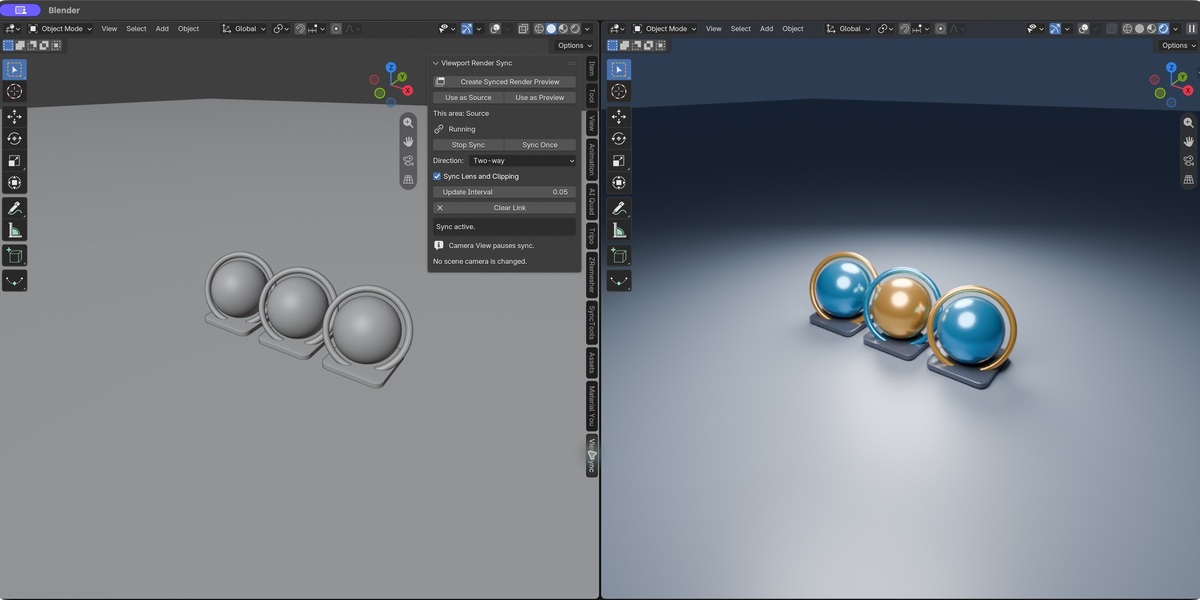
Install the ZIP through Preferences, Add-ons, Install from Disk, then enable Viewport Render Sync. In a 3D View, press N and open View Sync. Create Synced Render Preview splits the area and creates a linked rendered viewport. For existing layouts, Use as Source in one area and Use as Preview in the other.
Choose one-way or two-way navigation. In two-way mode, source wins if both change during the same update interval. Sync Once copies the source once; Stop Sync releases navigation; Clear Link forgets the pair without closing the areas.
One linked pair, in the same window and workspace. File loads reset links; workspace/editor/window changes end them. Camera View and Quad View pause synchronization. Different area sizes may show different framing. A Local View mismatch pauses the pair. No camera objects, scene content or shading settings are copied during navigation.
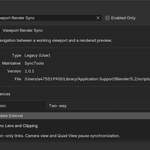
Blender 4.2 minimum; tested in Blender 5.2.2 LTS on macOS. Pure Python, no external dependencies or network access. Windows and Linux are untested. This links two 3D View areas, not F12 Render Result. Rendering quality and performance are controlled by Blender and hardware. GPL-3.0-or-later; full license and detailed user guide are in the ZIP.
Have questions about this product?
Login to message
| Blender Extension Compatible | Yes |
| Published | 38 minutes ago |
| Blender Version | 4.2 - 5.2 |
| Extension Type | Add-on |
| License | GPL |
Discover more products like this
eevee Cycles dual viewport render-preview viewport-sync blender addon Workflow view navigation