 Amandeep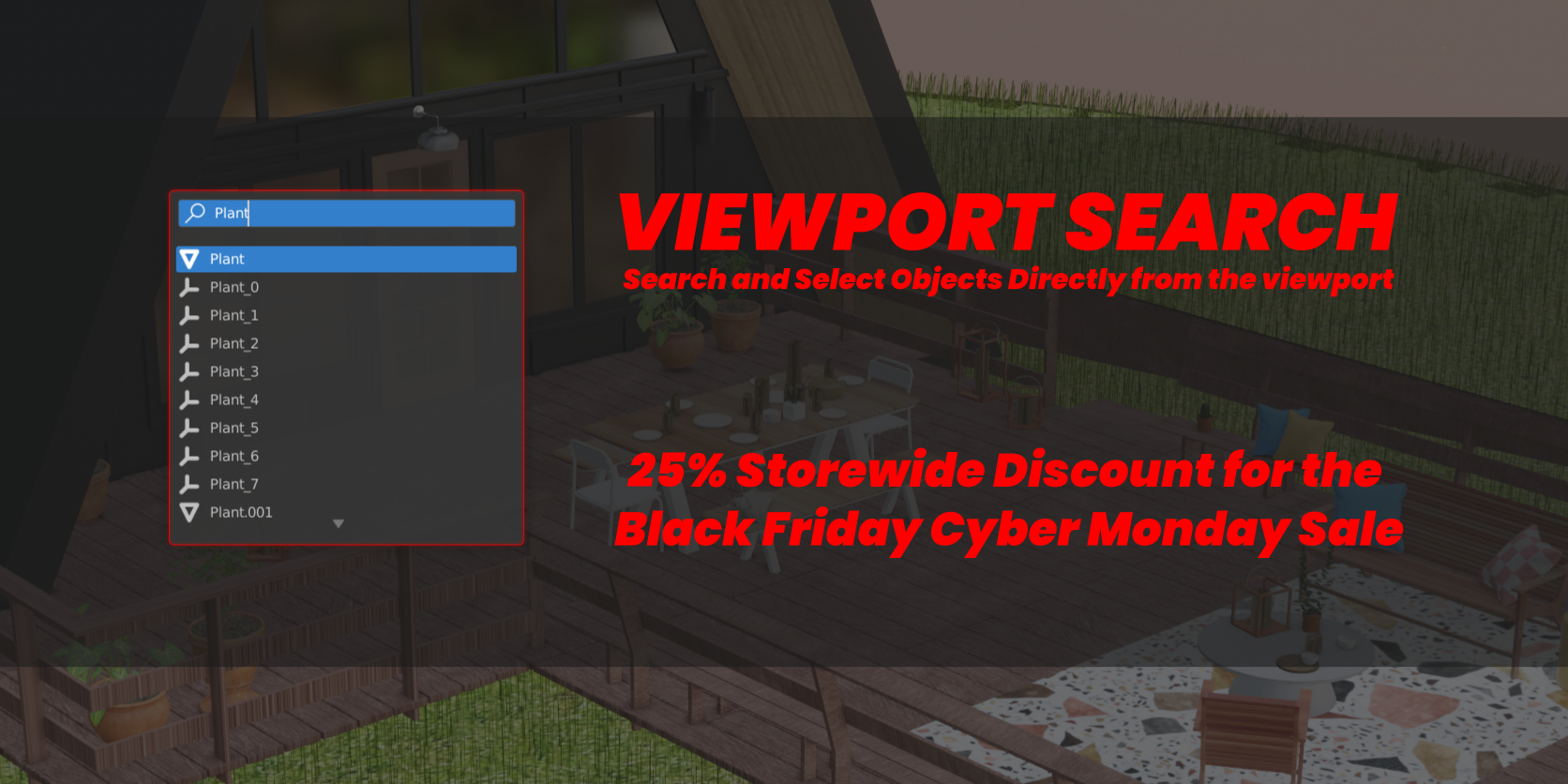

Usage:
Once you install the addon you are all set to go.
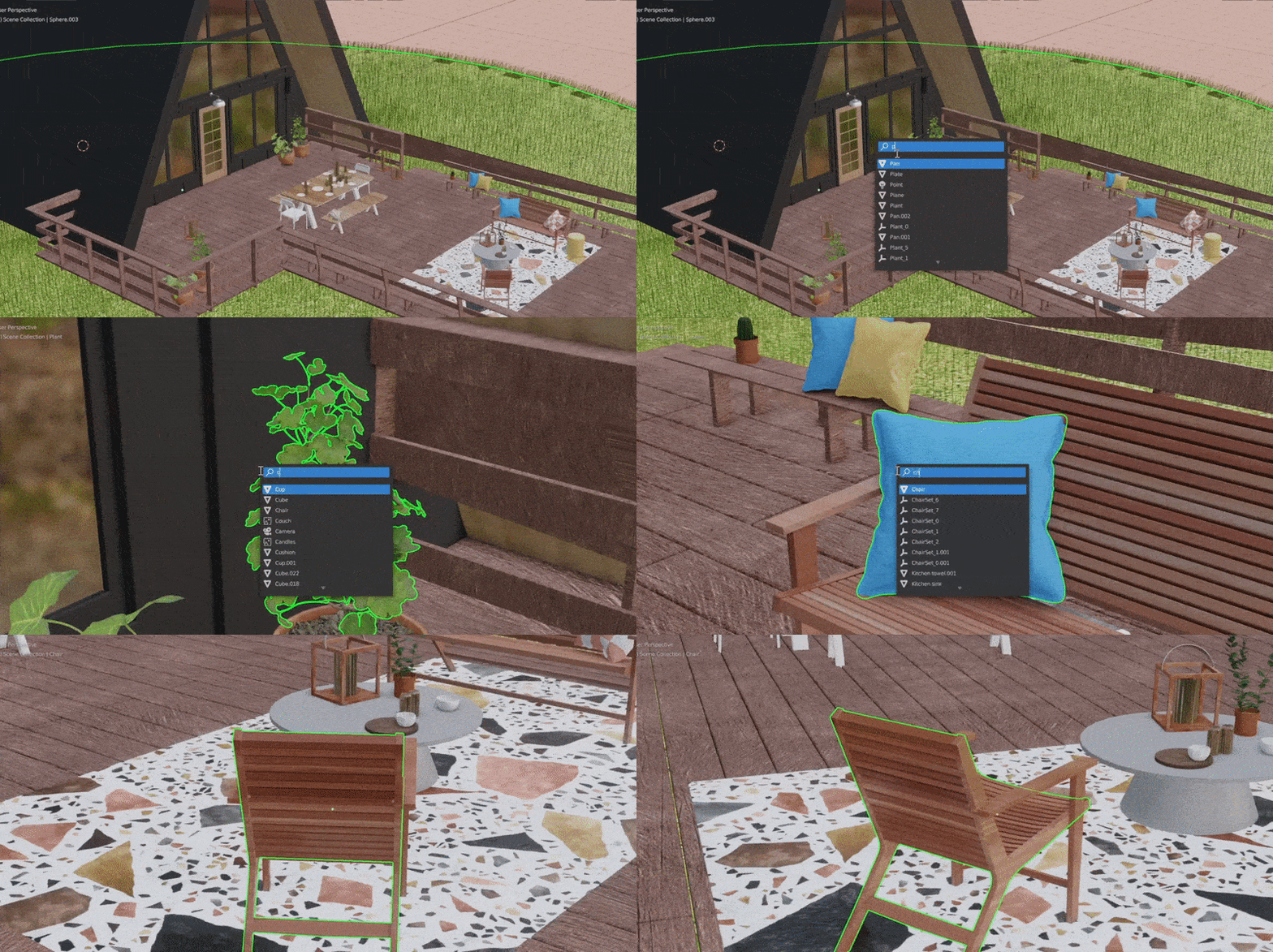
Press Ctrl+F (Which can be changed from the Addon preferences) to bring up the search panel and type the name of the object you are looking for. It will be automatically selected and focused. The addon will also expand the outliner to show the object (This behavior can be turned off in the preferences)

$3
Have questions about this product?
Login to message
