 KacaDev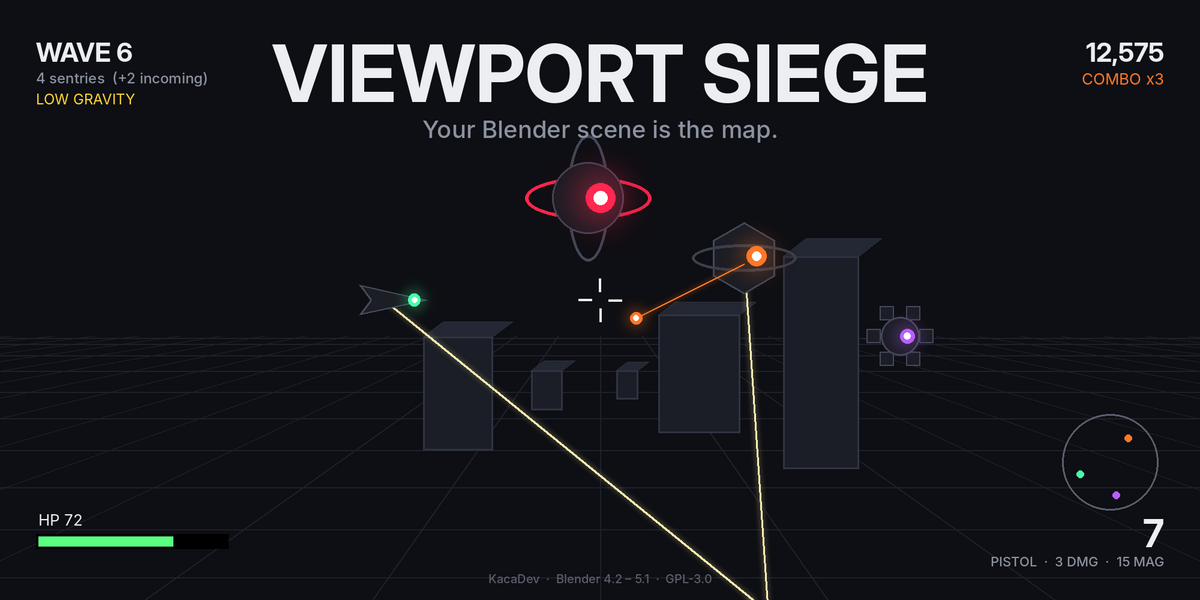
Install
Edit → Preferences → Get Extensions → the ⌄ menu (top-right) → Install from Disk… → choose viewport_siege-1.0.0.zip. The panel appears in the 3D Viewport N-panel under the Game tab. Requires Blender 4.2 or newer (Extensions format); developed and tested on 5.1.
Play
- Open any scene. Hover the mouse over a 3D Viewport.
- Check the units line in the Game tab. It reads your scene's Unit Scale; if your file is modelled at 1 unit = 1 cm with the unit settings left at metres, pick Centimetres or press Detect Units.
- Press PLAY. You start where the viewport camera is, dropped onto the nearest floor. Esc quits and restores your view.
| Input | Action |
|---|---|
| W A S D / arrows | move |
| Shift | sprint |
| Space | jump (mantles steps up to 45 cm) |
| Ctrl / E | dash — 5 m burst in your movement direction, invulnerable during it, 2.5 s cooldown (meter under the crosshair) |
| Mouse | aim |
| LMB | fire |
| R | reload |
| 1 / 2 / 3 | pick an upgrade after a wave clear |
| P | pause |
| Esc | quit (score is saved to the panel) |
Upgrades and weak points
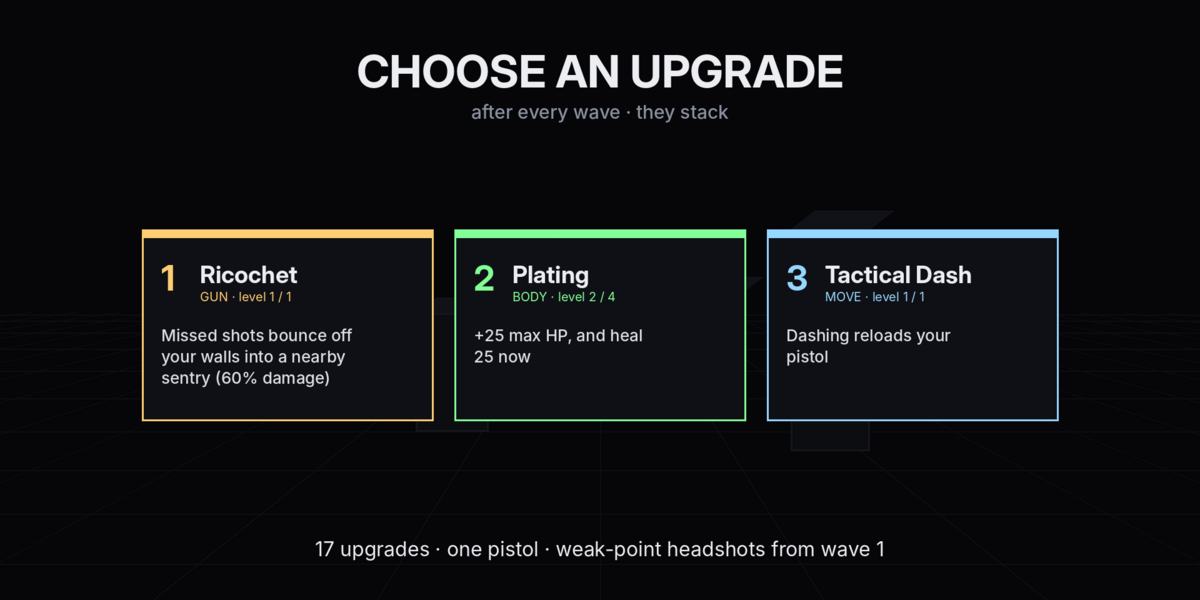
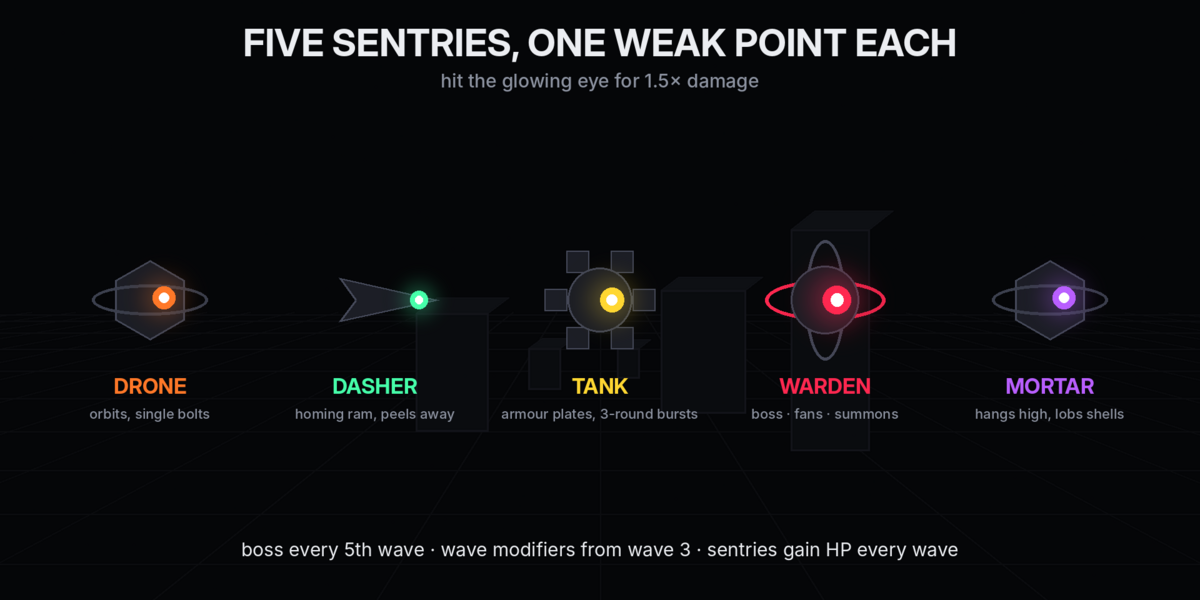
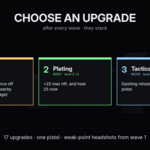
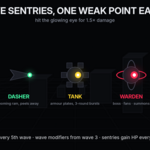
You have one pistol. After every wave clear the game pauses and offers three upgrades; press 1, 2 or 3. They stack. Sentry HP multiplies by 1.13 every wave to keep up. Every sentry has a weak point — the glowing eye on the side facing you — worth 1.5× damage (more with Marksman); hits on it flash white.
- Gun: Hollow Points (+1 dmg), Hair Trigger (+18% rate), Extended Mag (+5), Quick Hands (−30% reload), Marksman (+100% weak-point), Double Tap (two rounds per shot), Piercing, Ricochet (misses bounce off walls into a sentry), Arc Kill (kills arc damage to the nearest sentry; arcs don't chain).
- Body: Plating (+25 HP), Mender (faster regen), Siphon (kills heal), Magnet (pickups fly to you).
- Movement: Blink (−30% dash cooldown), Tactical Dash (dash reloads), Shockwave (dash knocks sentries back), Sprinter (+12% speed).
Sentries
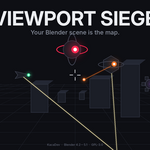
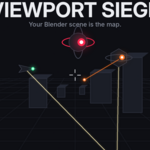
- Drone (orange) — orbits at mid range, single bolts.
- Dasher (green cone) — no gun. Homing: chases you and rams for 10, peels away, comes back around.
- Mortar (purple) — hangs back high up and lobs slow arcing shells.
- Tank (yellow) — armoured, 3-round bursts.
- Warden (red, every 5th wave) — boss. 5-bolt fans and summons Drones.
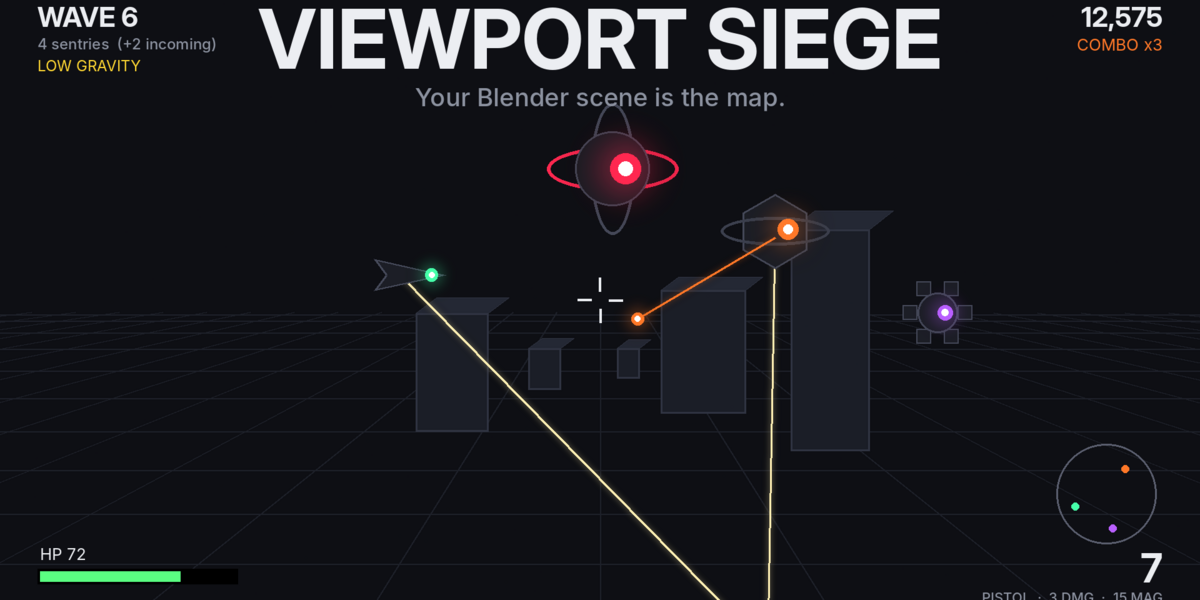
Sentries telegraph a shot with a faint beam toward you. Damaged ones show a health ring. Kills can drop a Repair Kit (+30 HP) or Overclock (9 s of near-double fire rate). From wave 3, waves may roll a modifier: Low Gravity, Swift, Volatile, Overclocked, Swarm. A sentry that loses sight of you for 5 s is moved back near you, so a wave can never soft-lock.
Walkthrough mode (level QA)
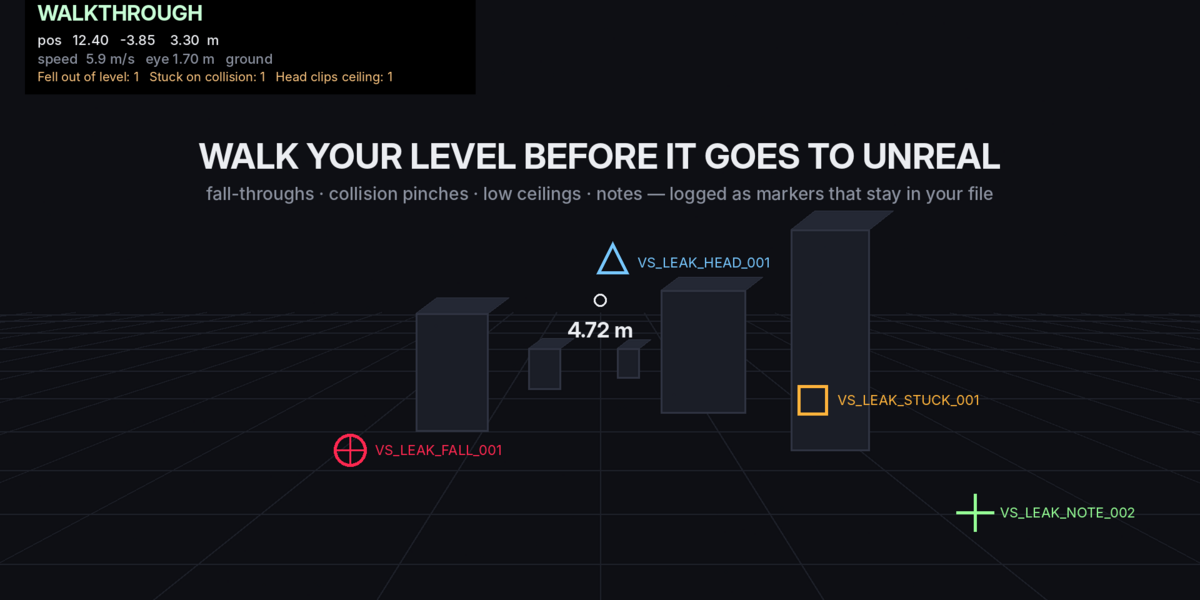
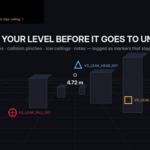
WALK THE LEVEL runs the same movement with no enemies and no weapons. The crosshair is a tape measure (distance to whatever you're aiming at, in metres and scene units). While you walk, the inspector drops marker empties into a VS_Leaks collection that survives quitting:
-
VS_LEAK_FALL(red sphere) — you fell out of the level here. You're put back on your last footing. -
VS_LEAK_STUCK(orange cube) — you held a movement key for ~1 s without moving: a collision pinch, a lip, a prop in the path. -
VS_LEAK_HEAD(blue cone) — a ceiling or doorway lower than eye height; the note records the clearance. -
VS_LEAK_NOTE(green axes) — a note you dropped with LMB at the aimed point.
Every marker is also logged to the VS_Leaks.txt text block (kind x y z note). The Level Design panel shows counts with Select (then View Selected to frame them) and Clear. Markers of the same kind within 1.5 m are merged.
Level design hooks
-
VS_START— the player spawns here, facing the empty's +Y. -
VS_SPAWN,VS_SPAWN.001, … — sentries spawn at these (only those on your storey are used).
Buttons under Level Design add either at the 3D cursor. Hidden objects are ignored for bounds. Objects much larger than everything else (sky domes, backdrops, huge ground planes) are ignored when measuring the arena so they don't define it.
Scale and units
The player is always 1.7 m tall in real terms. Auto reads the scene's Unit Scale (Scene Properties → Units): a scene with Unit Scale 0.01 is 1 unit = 1 cm, so the player becomes 170 units tall. For Unreal-bound scenes modelled at 1 unit = 1 cm while the unit settings still say metres, pick Centimetres explicitly, or press Detect Units to guess from the size of your props. Play Scale is an optional multiplier on top (0.1 to fight inside a single prop as an ant, 5+ for a huge terrain). The panel always shows the resolved value, e.g. "1 unit = 1 cm · player = 170 units tall".
Feel settings
Mouse Sensitivity, Invert Y, FOV, Eye Height, Body Radius, Move Speed, Gravity, Hide Overlays While Playing, Sound Effects, Radar, Wave Modifiers. Stored per scene.
Tuning
Every gameplay number lives in core/config.py: weapons, enemy archetypes, wave roster, difficulty multipliers, drops, upgrades, modifiers.
Known limits
- One 3D Viewport at a time; quad view is not supported.
- Collision is raycast against your geometry, so paper-thin single-sided walls can occasionally be clipped by a fast sentry.
- Sound is synthesized with Blender's
audmodule; builds without an audio device are silent. - Mouse look uses cursor warping. On Linux/Wayland you may need an X11 session.
- Scores and settings are stored per scene (in the .blend), not globally.
Support
[email protected] — include your Blender version and, if something broke mid-match, the System Console output. If Blender ever crashed mid-match, Level Design → Clean Up Leftovers removes any VS_ game data.
Have questions about this product?
Login to message
| Blender Extension Compatible | Yes |
| Published | 3 days ago |
| Blender Version | 4.2 - 5.1 |
| Extension Type | Add-on |
| License | GPL |
Discover more products like this
collision fps viewport walkthrough blockout unreal playtest Game Level Design