 MarkviciiStudio


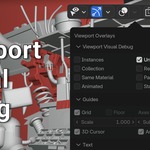
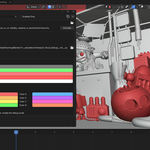
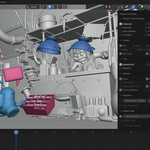
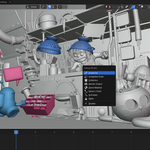
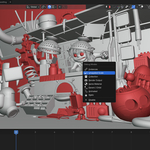
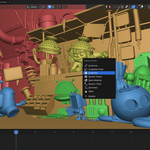
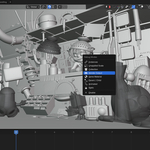
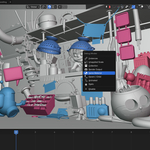
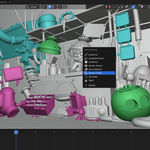
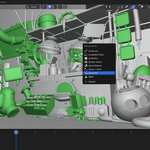
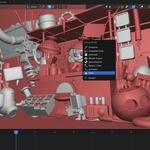
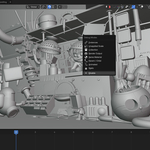
Viewport Visual Debug automatically colors viewport objects based on 8 different modes, letting you spot problems or patterns in complex scenes at a glance:
- Instances – objects sharing the same mesh/curve data
- Unapplied Scale – objects with scale not applied
- Collection – colored by collection color tag
- Render Output – objects with "Disable in Render" enabled
- Same Material – objects sharing the same material
- Parent/Child – each hierarchy gets its own color
- Animated / Static – which objects are animated and which aren't
Modes toggle from the Overlays popover or via Alt+1...Alt+8 shortcuts (Alt+M opens a quick menu). Updates automatically as you move, animate, or edit the scene, and cleanly restores everything when turned off.
Compatible with Blender 5.0 - 5.2
Compatible Blender 4.0 - 4.5 [ It will work, but I don't want to provide support for these versions. ]