 Arq. Gustavo Garcia ARCHS


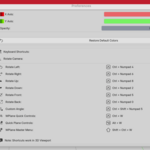
🚀Viewport Plane ✨
🎯 What is Viewport Plane?
Viewport Plane is an essential Blender add-on that revolutionizes your 3D modeling workflow. Designed specifically for architects, 3D modelers, and digital artists, this set of tools allows you to work with unprecedented precision and efficiency.
The Intelligent Workplane System That Will Revolutionize Your Blender Workflow
✨ - CAD accuracy in terms of views + Blender speed - ✨
🎬Forget about manual labor!🎬
Tired of manually adjusting views, aligning faces, and setting up symmetries?
Viewport Plane automates everything, so you can focus on creating.
Imagine:
✅ You select a face → the plane aligns automatically ✅
✅ You activate symmetry → you see the reflection in real time as you model ✅
✅ You rotate the camera → the plane rotates with you (if you want) ✅
✅ You create geometry → it's born perfectly aligned from the first vertex ✅
🎯 - T h a t e a s y . . . T h a t p o w e r f u l - 🎯
----------------------------------------------------------------
🔥 WHAT NO ONE ELSE OFFERS YOU 🔥
1️⃣ Intelligent Work Planes (WPlane)
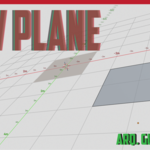
It's not just a grid: it's a dynamic coordinate system that adapts to your selection.
- Automatically aligns to faces, edges, or vertices
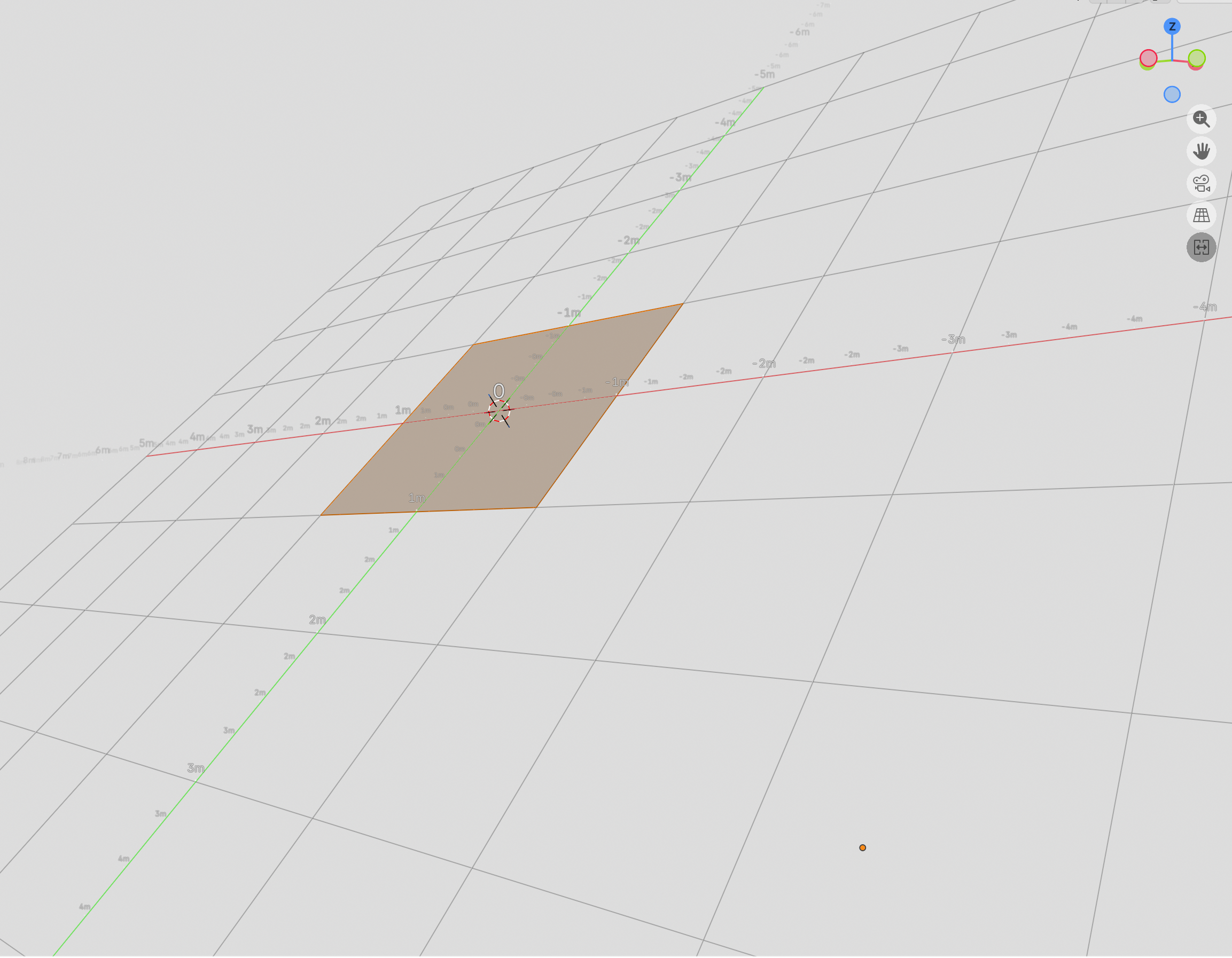
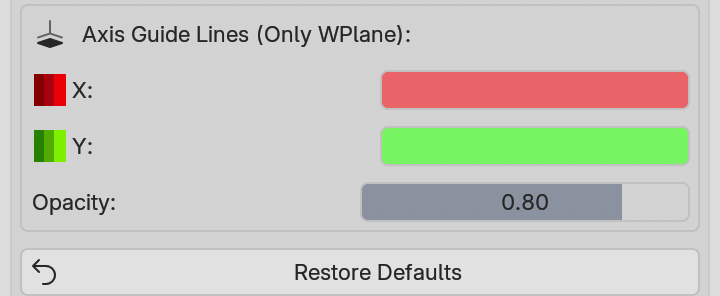
- Color-coded axis guides (Red=X, Green=Y)
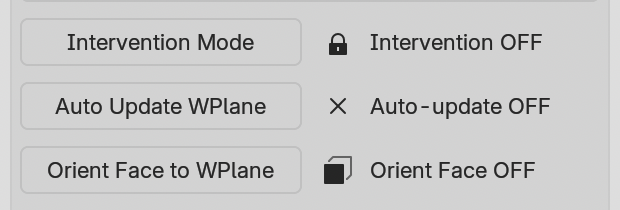
- Optional movement constraints (turn them on or off as needed)
----------------------------------------------------------------
2️⃣ Real - Time Symmetry (Impress your colleagues)
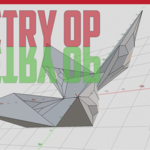
X, Y, or Z symmetry with respect to the work plane (yes, Z-axis symmetry too!)
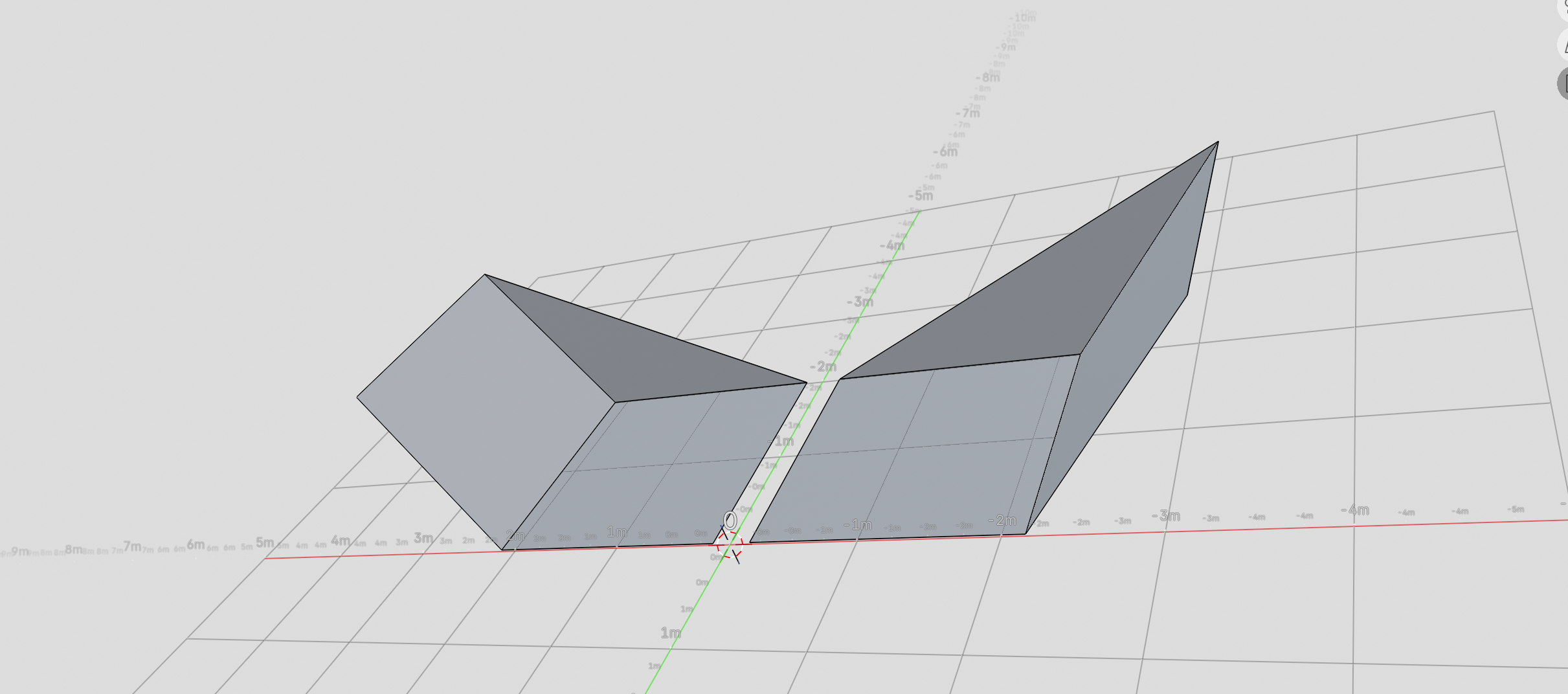
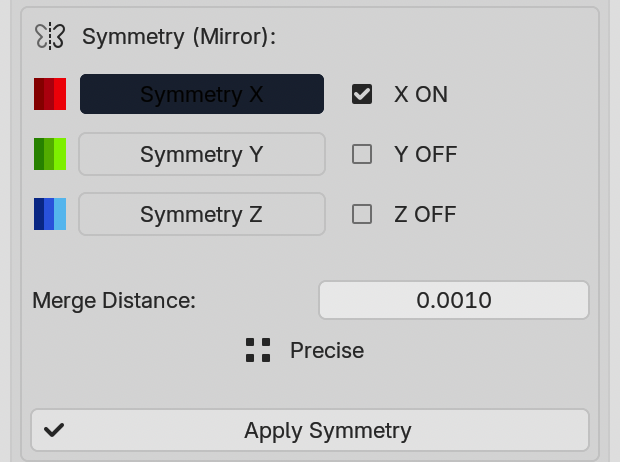
- Instantly mirrored geometry as you extrude, scale, or move
- Adjustable blending control: from precise joins to generous tolerances
- Apply symmetry with one click and convert it into a permanent mesh----------------------------------------------------------------
3️⃣Smart Views That Actually Work
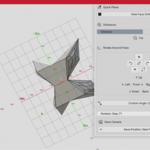
- Enhanced "View Face Ortho": Aligns the view orthogonally to any face, with distance control
- Rotate around the selection: Left, right, up, down, front, back
- Customizable rotation steps: 15°, 45°, 90°... you choose
----------------------------------------------------------------
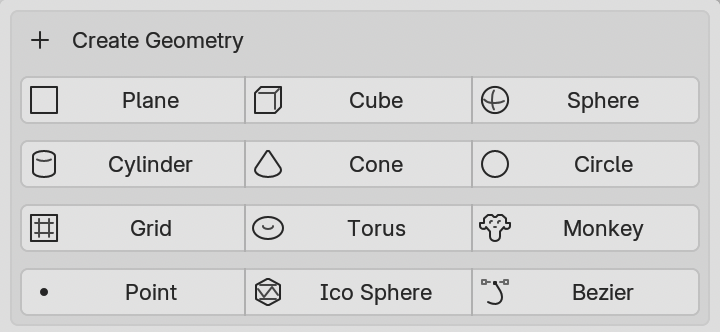
4️⃣Geometry Born Aligned
Create any primitive directly on your work plane:
----------------------------------------------------------------
⚡Shortcuts That Will Change the Way You Work⚡
| Action |
Shortcut |
Result |
| WPlane Controls |
Ctrl + W |
Workplane Quick Menu |
| Quick Controls Plane |
Alt + W |
Quick View Tools |
| WPlane Master Menu |
Shift + Ctrl + W |
All in one menu |
| Rotate Camera Left |
Ctrl + Numpad 4 |
Rotates view to the left |
| Rotate Camera right |
Ctrl + Numpad 6 |
Rotates view to the right |
| Rotate Camera up |
Ctrl + Numpad 8 |
Rotates view to the up |
| Rotate Camera down |
Ctrl + Numpad 2 |
Rotates view to the down |
| Front View | Ctrl + Numpad 5 |
Rotate to front view of the face |
| Rear View | Ctrl + Numpad 0 |
Turn to rear view of the face |
| Custom Angle |
Ctrl + Shift + Numpad 5 |
Custom Angle Dialog |
| BEFORE (Native Blender) |
NOW With (Viewport Plane) |
| 5+ clicks to align view to face |
1 click (or shortcut) |
| Mirror modifiers manuals |
Real-time symmetry |
| Off-plane geometry |
Everything perfectly aligned |
| Views saved in memory |
Organized library of views |
| Imprecise camera rotations |
Precisely controlled spin |
| Tiempo perdido en alineación |
Time spent creating |
----------------------------------------------------------------
🎯WHO IS THIS TOOL FOR?🎯
🏗️ Architects & Interior Designers
- Perfectly aligned floor plans without wasting time
- Elevation and section views with a single click
- Modeling of architectural details with instant symmetry
📐 Product & Industrial Designers
- Real-time symmetrical modeling (like in Fusion or SolidWorks)
- Technical components aligned to reference planes
- Manufacturing-ready export with no alignment surprises
🎮 3D Artists & Game Designers
- Modular kits that fit together perfectly
- Symmetrical props created in half the time
- Optimized assets with clean topology from the start
🖨️ 3D Printing & CAD Specialists
- Perfect flat geometry with no gaps or misalignments
- Models ready for slicing without subsequent corrections
- Millimeter precision maintained throughout the entire process

