 Pino Iulio


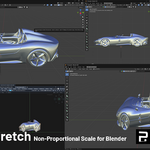
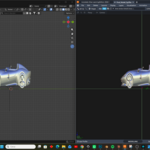
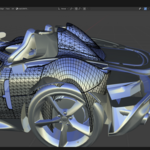
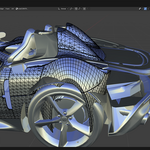
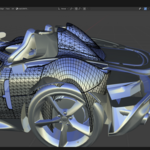
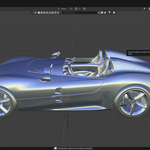
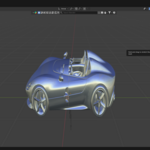
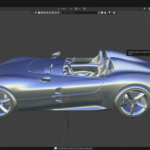
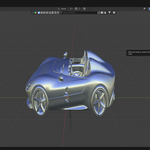
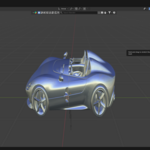
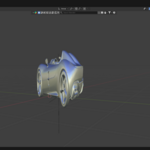
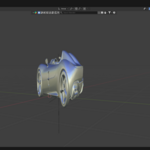
● Non-Proportional Scale · now in Blender
Squash & stretch your whole viewport in one gesture.
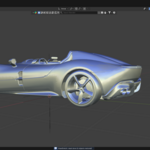
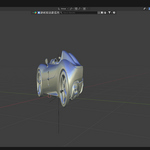
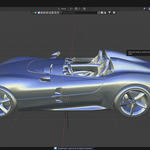
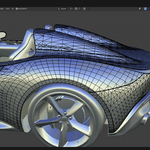
ViewStretch recreates Autodesk Alias' Non-Proportional Scale right inside the Blender 3D Viewport. Drag horizontally to scale along the view's X axis, vertically along the view's Y axis — rebalancing proportions while you block out a shape. Fully non-destructive: one click resets everything, exactly.
| 4.2+
Blender | 0
mesh edits | 1 click
exact reset |
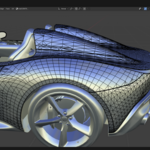
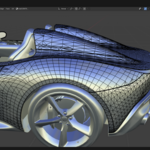
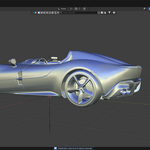
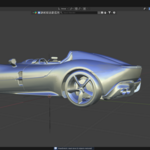
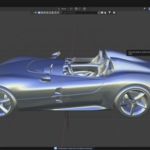
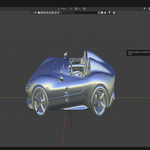
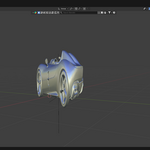
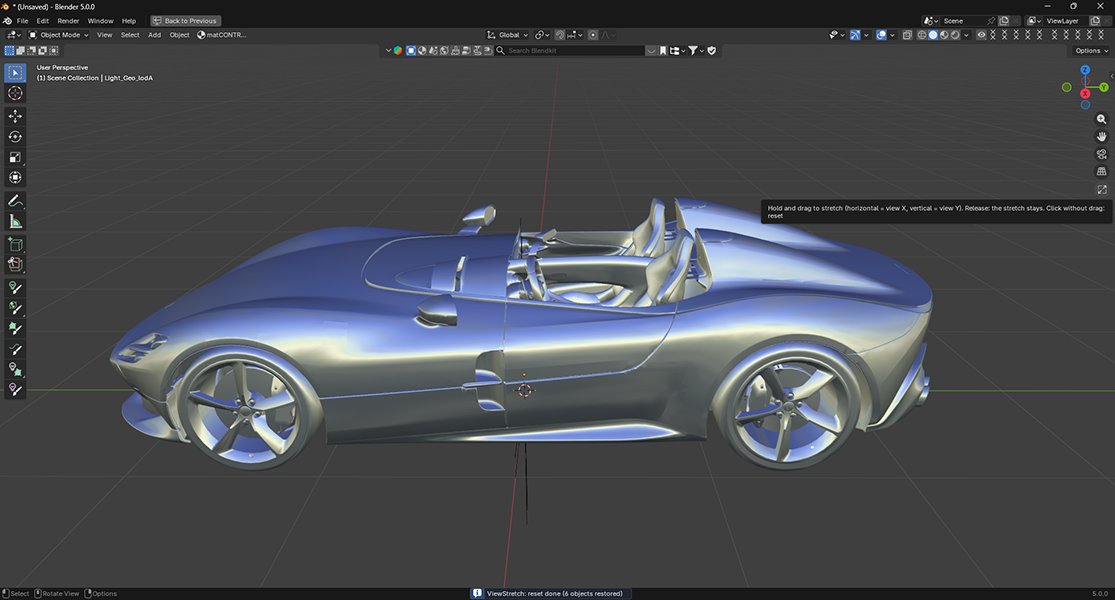 BEFORE | 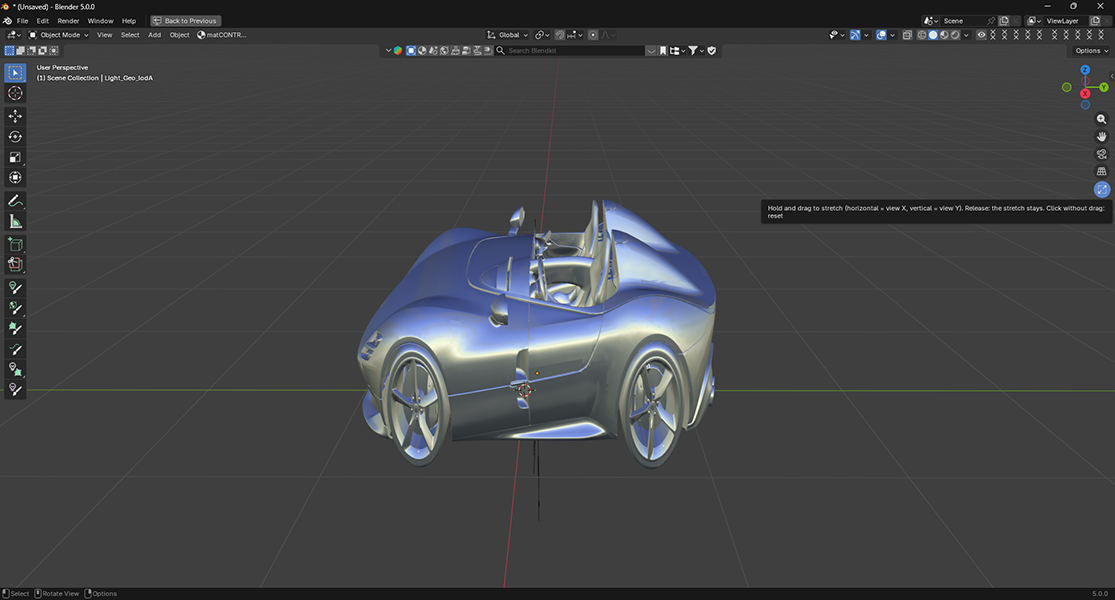 AFTER — stretched along the view axis |
Same mesh, untouched — only the viewport content is scaled along the view axes.
| Alias designers reach for Non-Proportional Scale to quickly re-block a shape. ViewStretch brings that exact muscle memory to Blender. | Autodesk Alias → Blender |
See it live
One drag. Whole viewport.
Hold, drag, release to keep it — click once to snap everything back. Watch the proportions rebalance in real time.
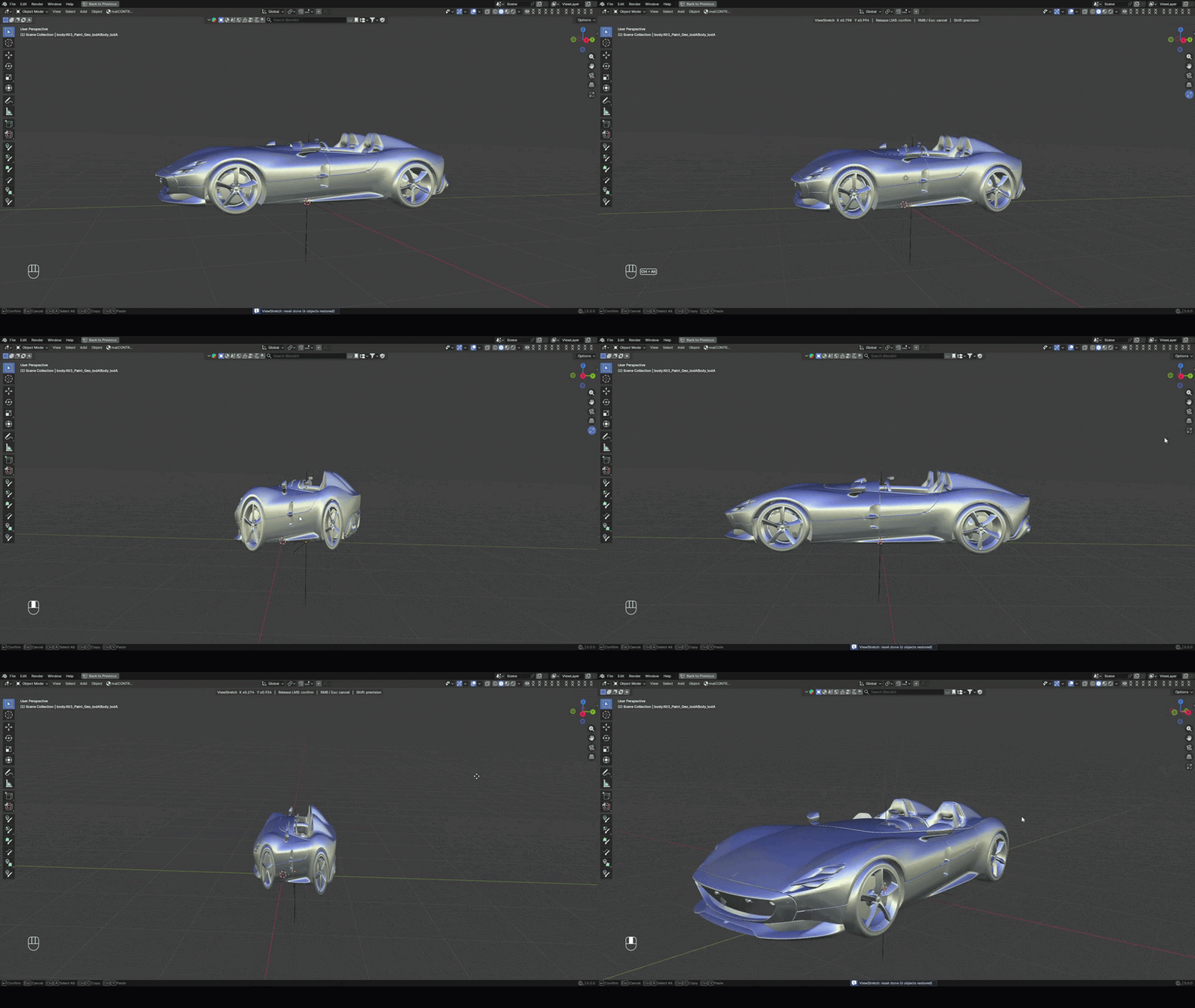
▶ Watch full tutorials on YouTube
What it does
Built for blocking, safe for your mesh
 One-gesture stretchDrag horizontally for view X, vertically for view Y. No gizmo hunting, no numeric fields. |  Zero mesh editsA hidden view-aligned Empty does all the scaling. Your vertices, edges and faces are never modified. |  Exact resetOne click restores original transforms and parenting precisely, then deletes the hidden rig. |
 Rig-safe hierarchiesEach visible object is walked up to its hierarchy root, so rigs and nested chains move as one piece. |  Live scale readoutThe viewport header shows the current X and Y scale factors while you drag. |  Precision modeHold Shift while dragging to fine-tune the stretch at one-tenth speed. |
Matched against Alias
The same stretch, side by side
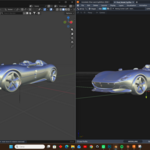
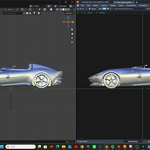
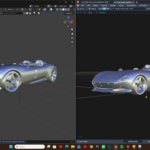
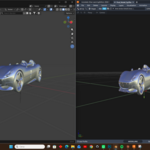
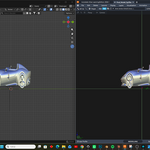
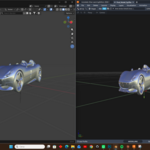
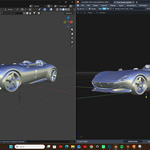
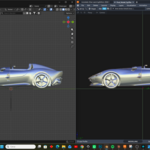
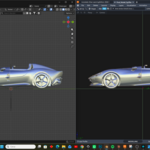
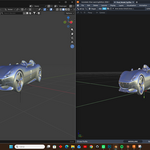
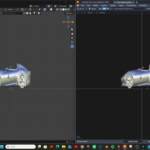
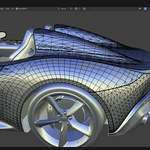
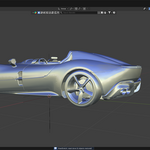
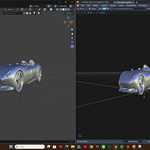
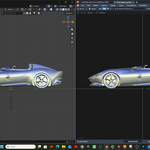
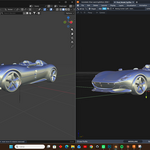
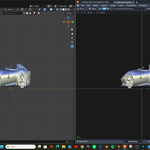
Blender (left of each pair) matched against Autodesk Alias (right) — same model, same camera, before and after.
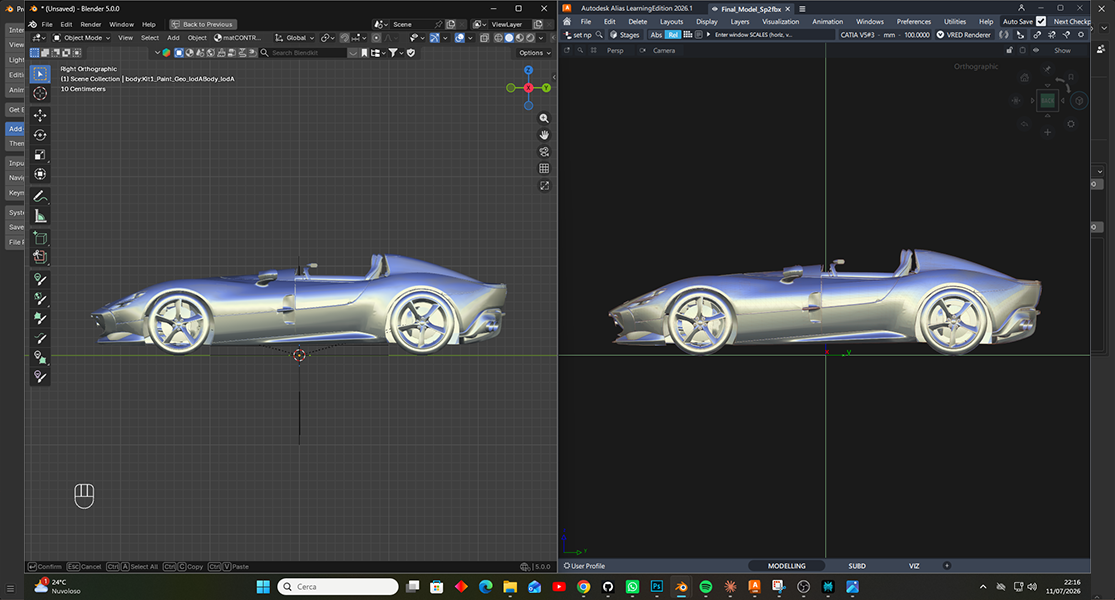 FRONT — ORIGINAL | 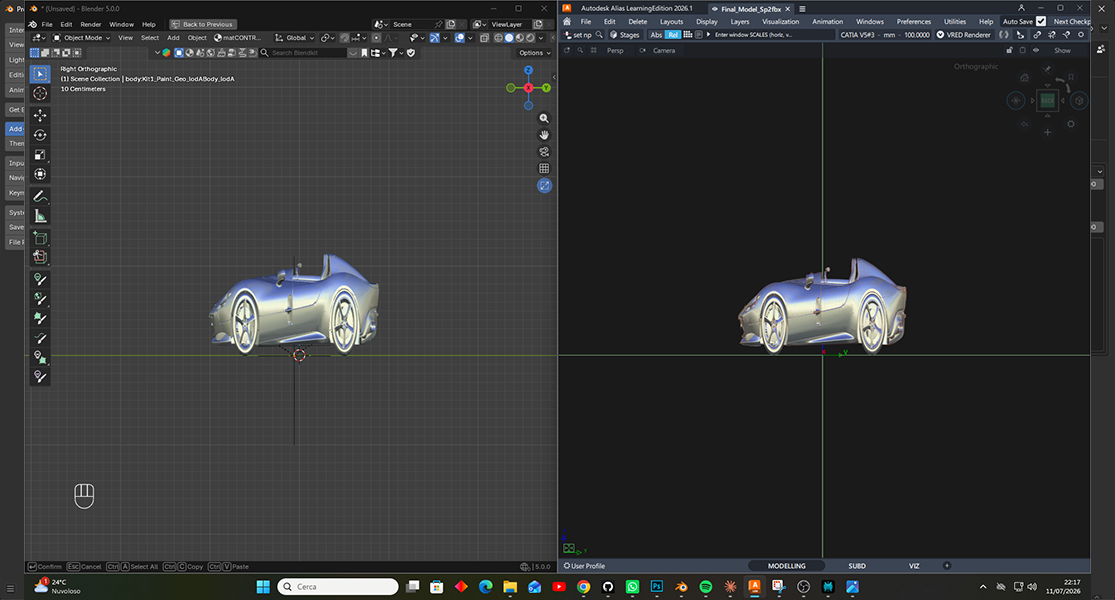 FRONT — STRETCHED |
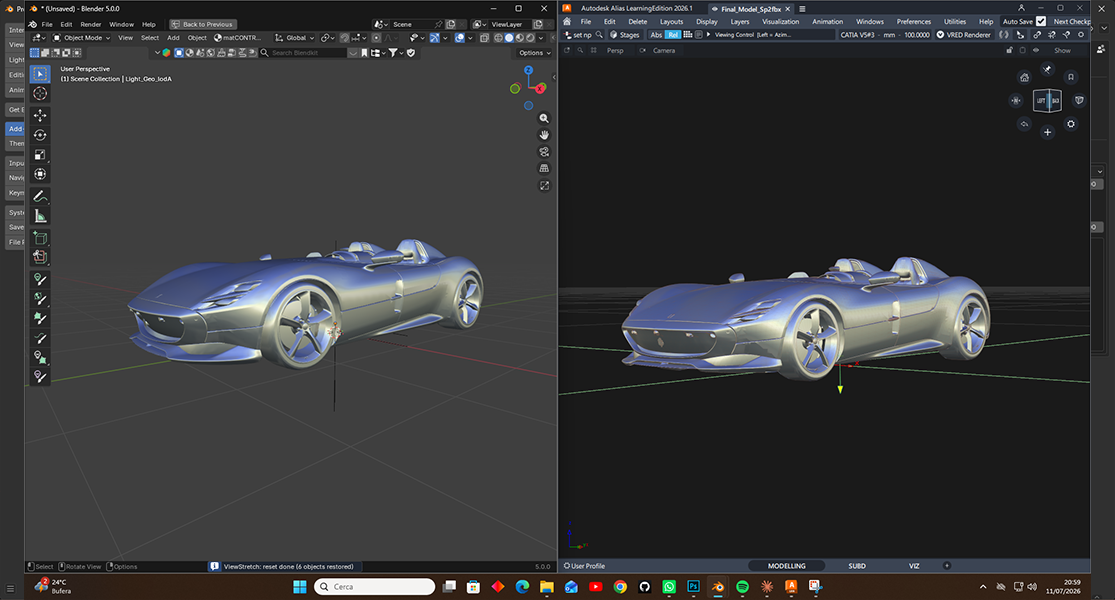 PERSPECTIVE — ORIGINAL | 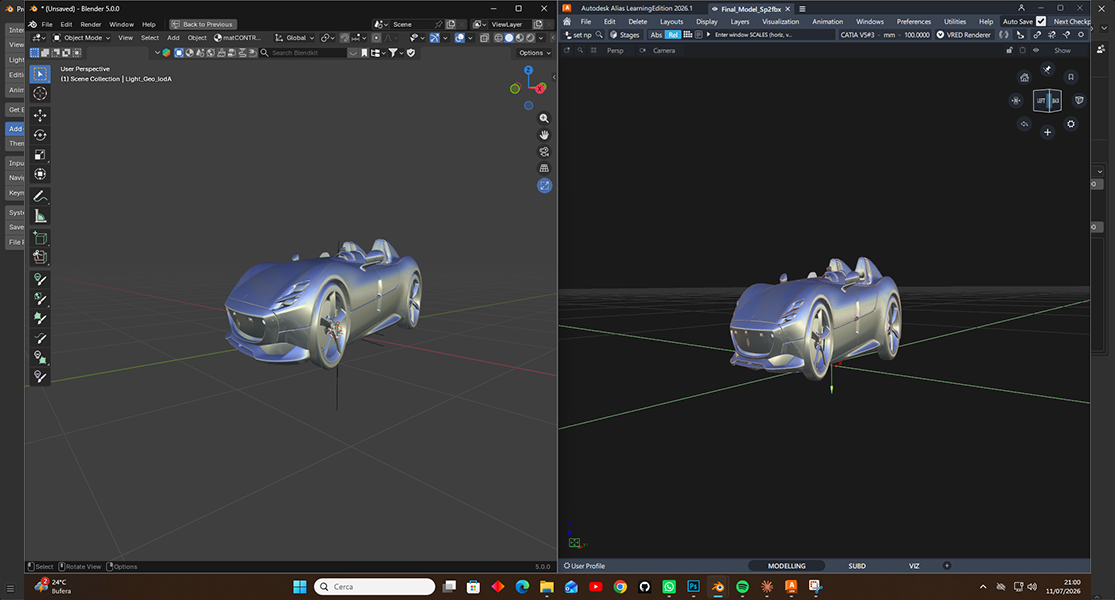 PERSPECTIVE — STRETCHED |
Non-destructive by design
It never touches your mesh data.
| 1A hidden, view-aligned Empty is created under your cursor. |
| 2Visible objects are parented to it — world transforms preserved (Keep Transform). |
| 3The Empty is scaled along the view axes as you drag. |
| 4On reset, original parenting and transforms are restored and the Empty is deleted. |
Two modes, one tool
Object Mode & Edit Mode
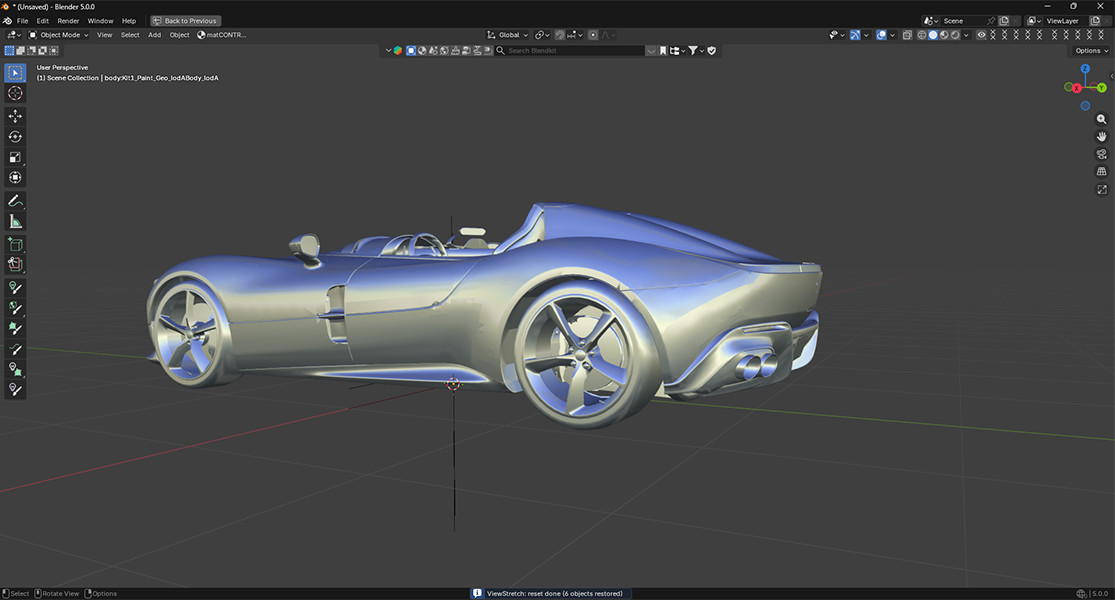
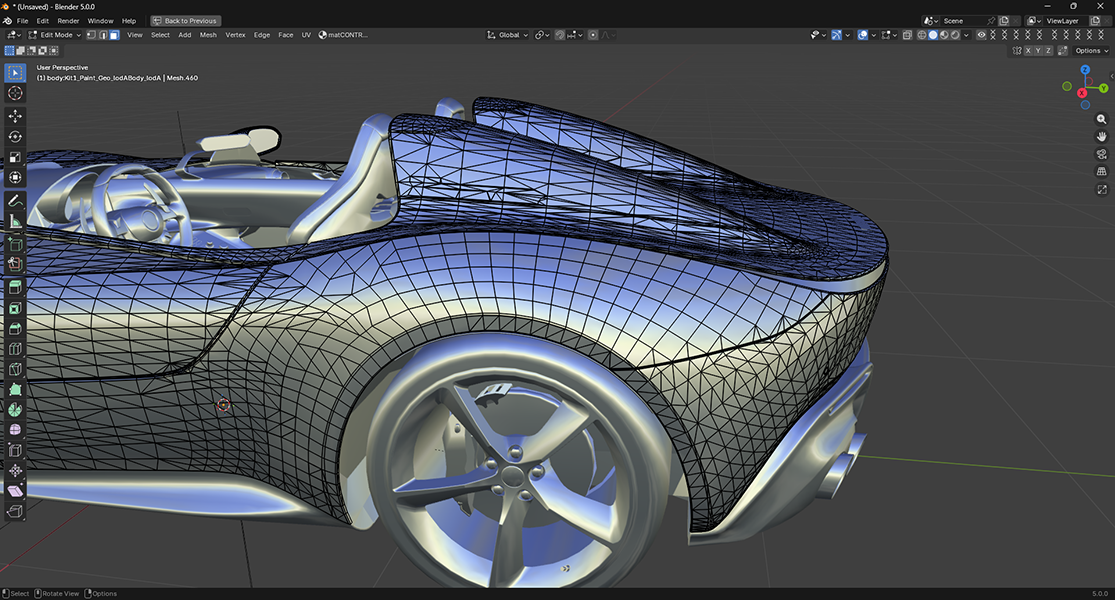
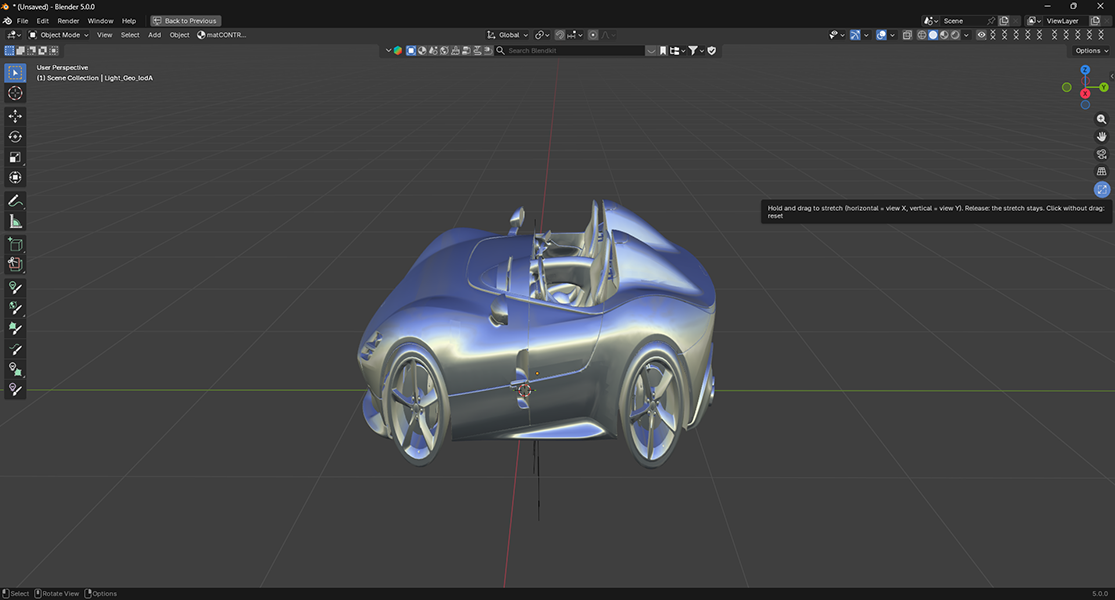 OBJECT MODE Stretch everything in viewWalks each visible object up to its hierarchy root and parents that root — so rigs and nested chains follow as one piece, no parenting broken. | 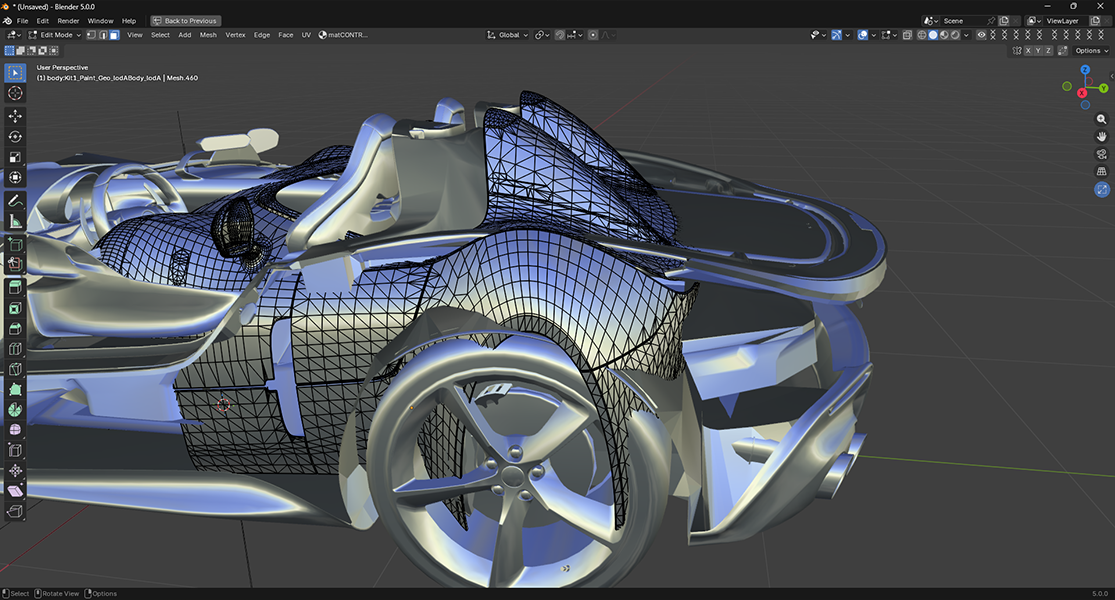 EDIT MODE Only the object you're editingMesh, Curve, Curves & Surface — through the viewport button only. Keyboard shortcuts pass through, so editing gestures are never stolen. |
 |  |
Controls
A button in the viewport, or the keys you know.
A small button sits below the navigation icons, top-right of the 3D Viewport — it turns Blender-blue while a stretch is live.
 | The viewport button glows blue while any stretch rig is active in the scene. |
| Ctrl + Alt + LMB drag — Stretch (horizontal = view X, vertical = view Y) |
| Ctrl + Alt + RMB — Reset everything to original |
| Shift — Hold while dragging for precision mode |
| Viewport button: hold + drag = stretch, release = stays, click = reset. |
Preferences
Tune it to how you work.
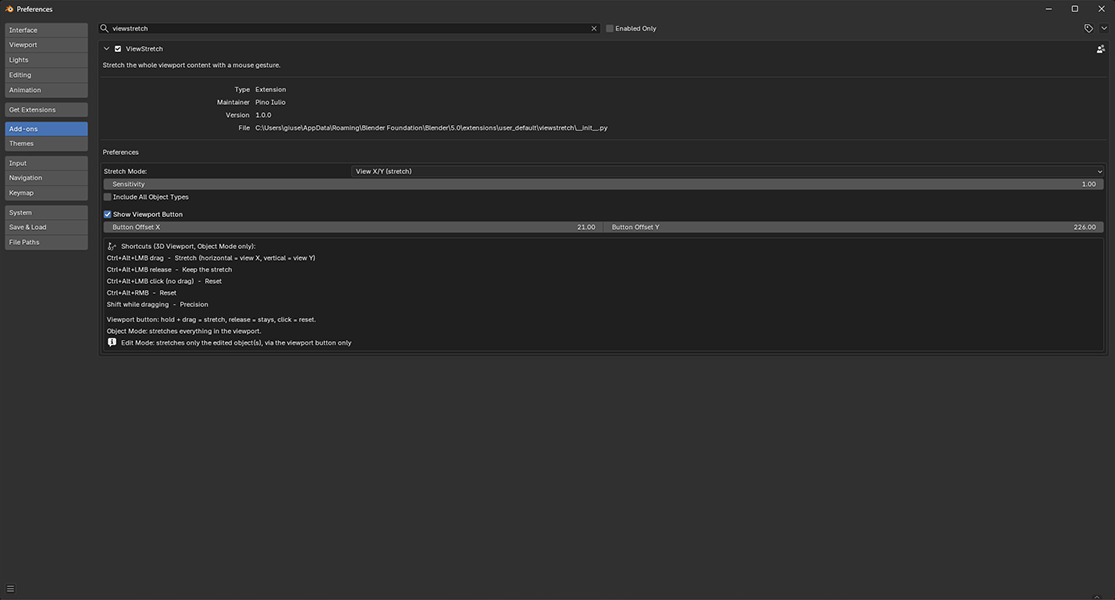
- Stretch Mode — View X/Y (non-proportional) or Uniform.
- Sensitivity — how fast the model scales as you drag.
- Include All Object Types — also stretch cameras, lights and other non-geometry objects (Object Mode).
- Show Viewport Button and Button Offset X / Y — show, hide, and position the button.
Licensing
Pick your license
1 seat For one individual artist. Use ViewStretch on your own machines. Includes all features, full documentation and future 1.x updates. |
up to 8 seats · ~$4.90/seat For teams: licensed for up to 8 users at your studio. Same download, covered for your whole crew. Includes all features, full documentation and future 1.x updates. |
Compatibility
Blender 4.2+ · Windows · macOS · Linux
Distributed as a modern Blender Extension — install from disk and it is enabled automatically. No external dependencies.
What's included
- ViewStretch extension (.zip), ready to install in Blender 4.2+.
- Full online documentation: installation, usage, preferences and FAQ.
- README, changelog and GPL v3 license.
- 12 months of support from Pino Iulio and free 1.x updates.
Reshape faster. Break nothing.A one-time purchase on SuperHive Market — free 1.x updates, full documentation, and 12 months of support from Pino Iulio. GPL-3.0-or-later · Read the docs · Tutorials |
Created by Pino Iulio · © 2026 · GNU GPL v3.0 or later
