 Zz





### Quick Start Guide
Installation: Go to
Edit > Preferences > Add-ons > Install, select the zip file, and enable Visibility Controller.Access: Open the Sidebar (N-panel) in the 3D Viewport and look for the Visibility Controller tab.
-
Basic Control:
Select a parent object or collection and toggle "Group Control".
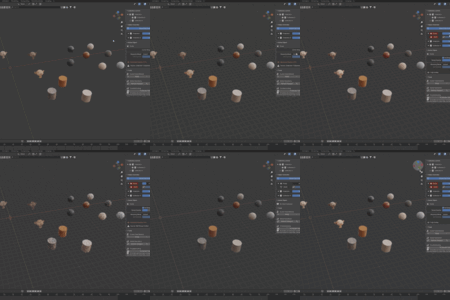
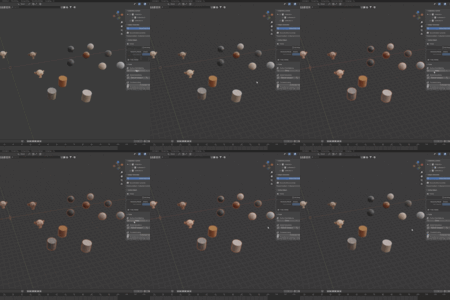
Adjust the Group Opacity slider to control all children simultaneously.
### Setting Up Animations (The Fade System)
Cycles Engine: Select your objects and click "Setup Cycles Fade" in the Tools panel. This automatically injects a custom node frame into your materials.
Octane Engine: The addon automatically detects Octane and links to the
general_visibilityproperty. No manual setup is required.Keyframing: Hover over the Opacity sliders and press
Ito insert keyframes for smooth fade-in/out animations.
### Advanced Features
Inherit Mode: By default, objects follow their parents.
Independent Show: Switch to this mode to keep an object visible even if its parent is faded out.
Fix Render Visibility: If objects appear hidden in your final render, use this tool to clear any residual
hide_renderflags.
Have questions about this product?
Login to message
| Blender Extension Compatible | Yes |
| Published | 6 months ago |
| Blender Version | 4.0 - 5.1 |
| Extension Type | Add-on |
| Render Engine Used | Cycles, Octane |
| License | GPL |
Discover more products like this
opacity hierarchy efficiency product rendering visibility fade octane Cycles ArchViz animation