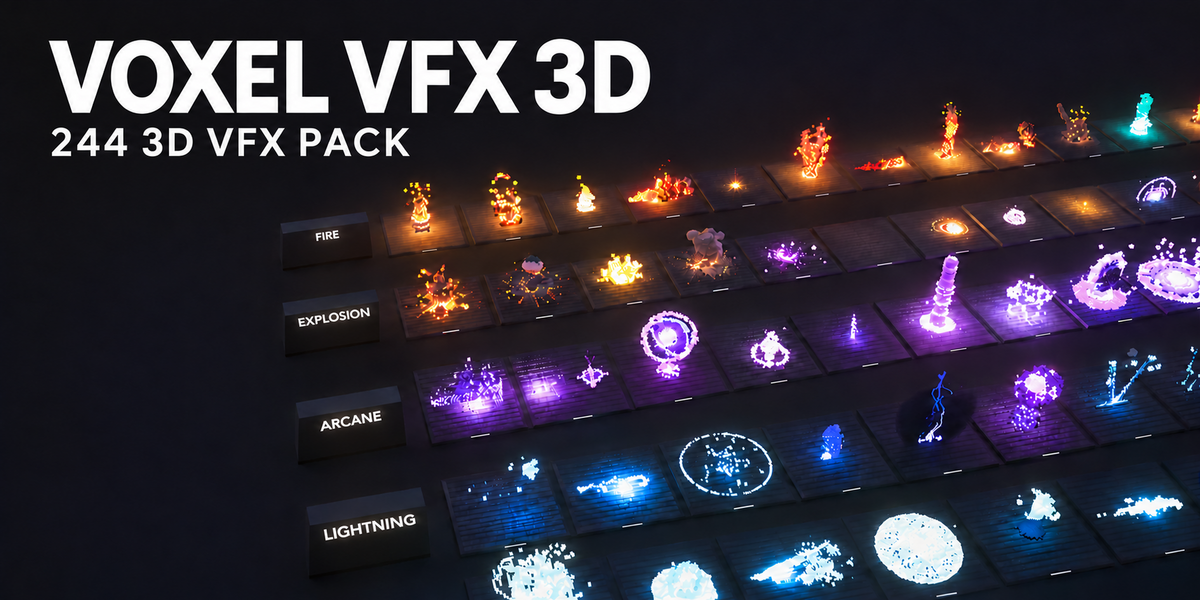
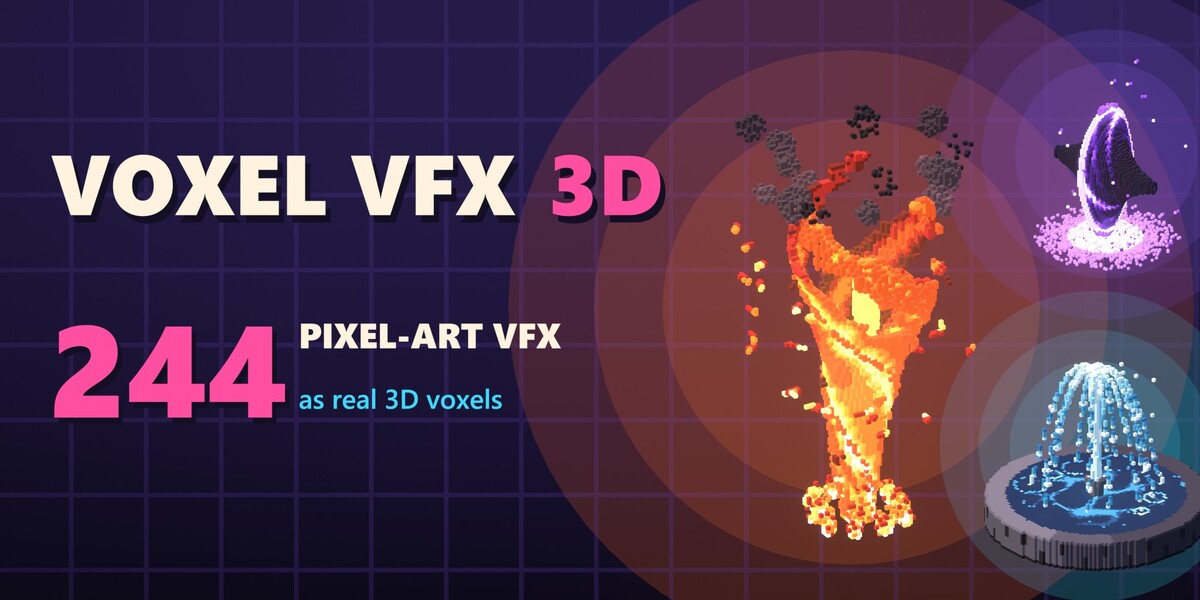
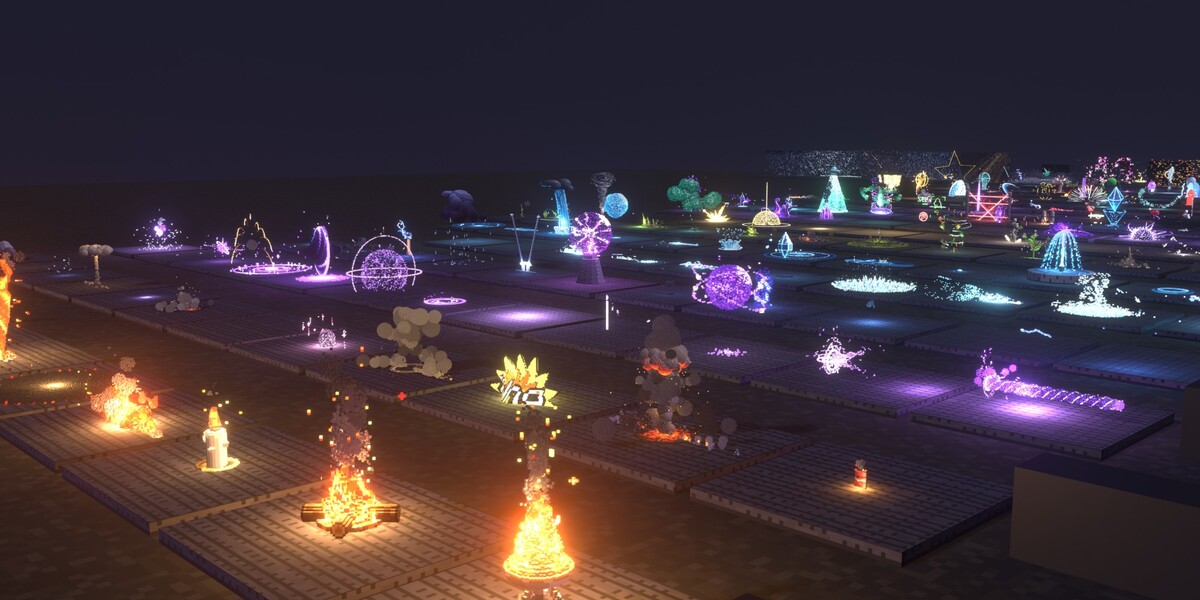
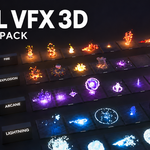
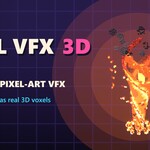
Voxel VFX 3D – 244 Pixel-Art Effects for Blender
 Blender Procedural
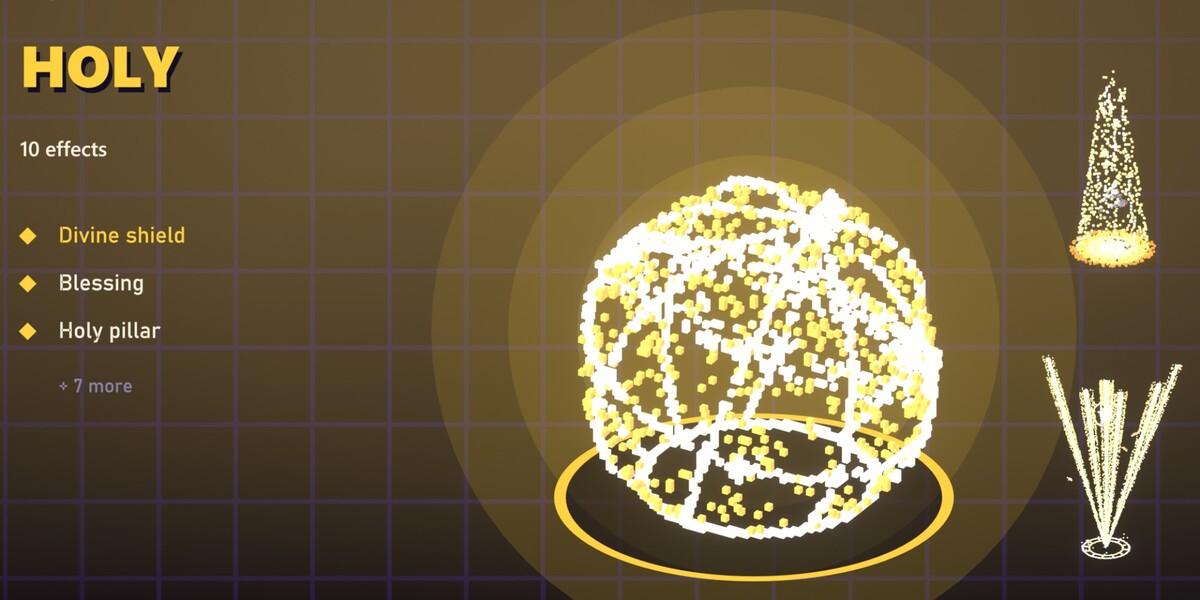
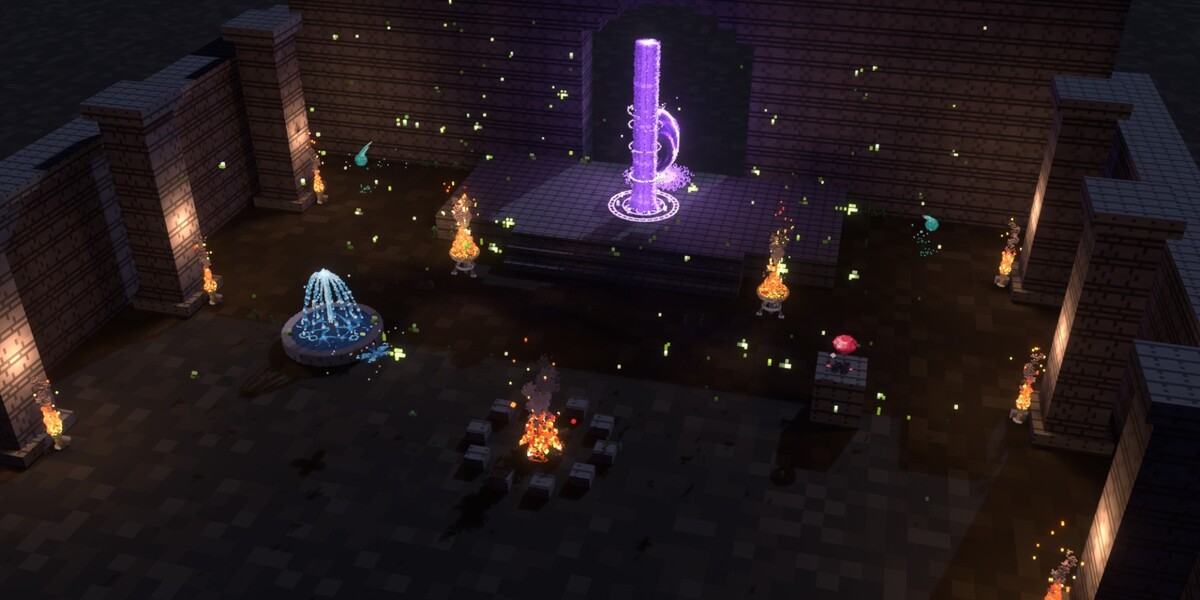





Quick start
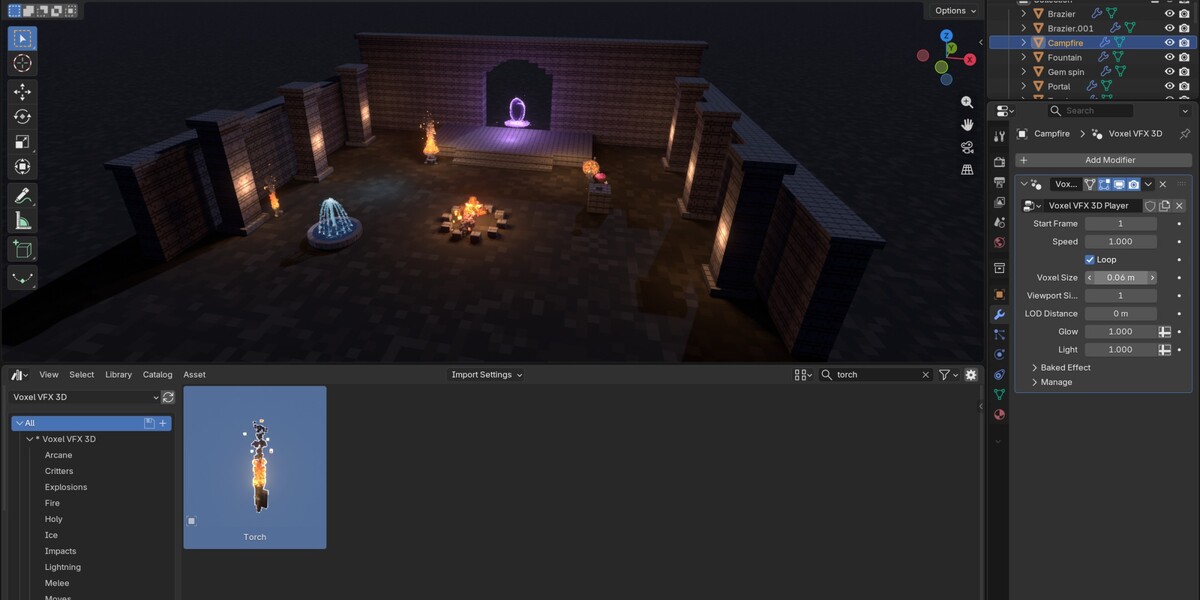
- Unzip VoxelVFX3D_Library anywhere it can stay, for example in your Documents.
- Edit › Preferences › File Paths › Asset Libraries, press + and pick that folder.
- Open an Asset Browser, choose Voxel VFX 3D, pick a category or search, and drag an effect into the viewport. It lands on the surface under the cursor.
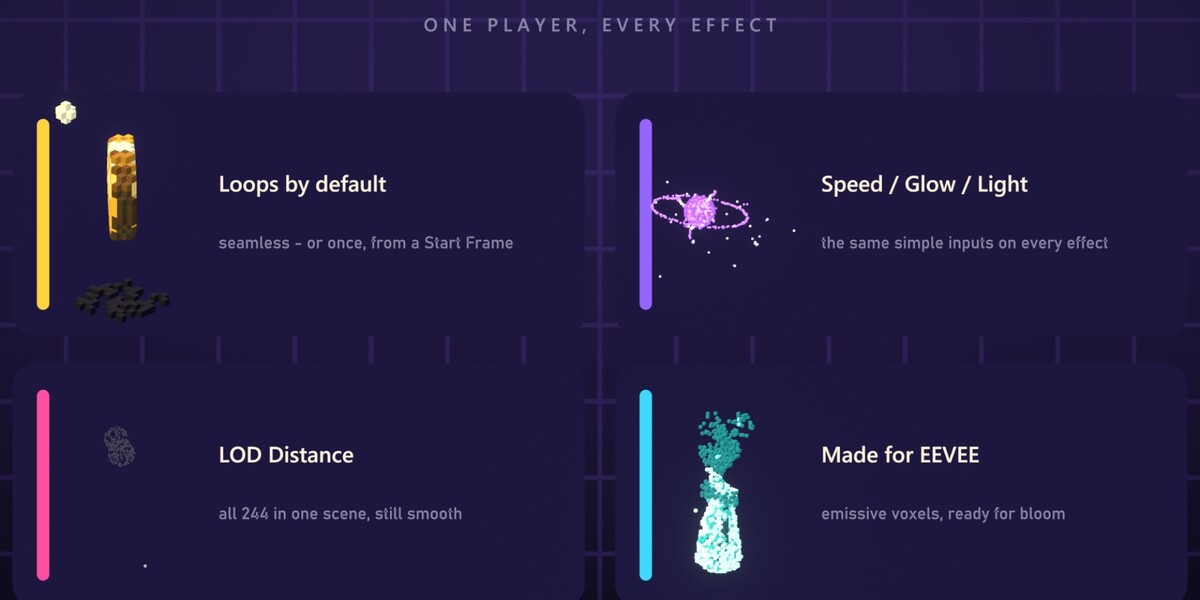
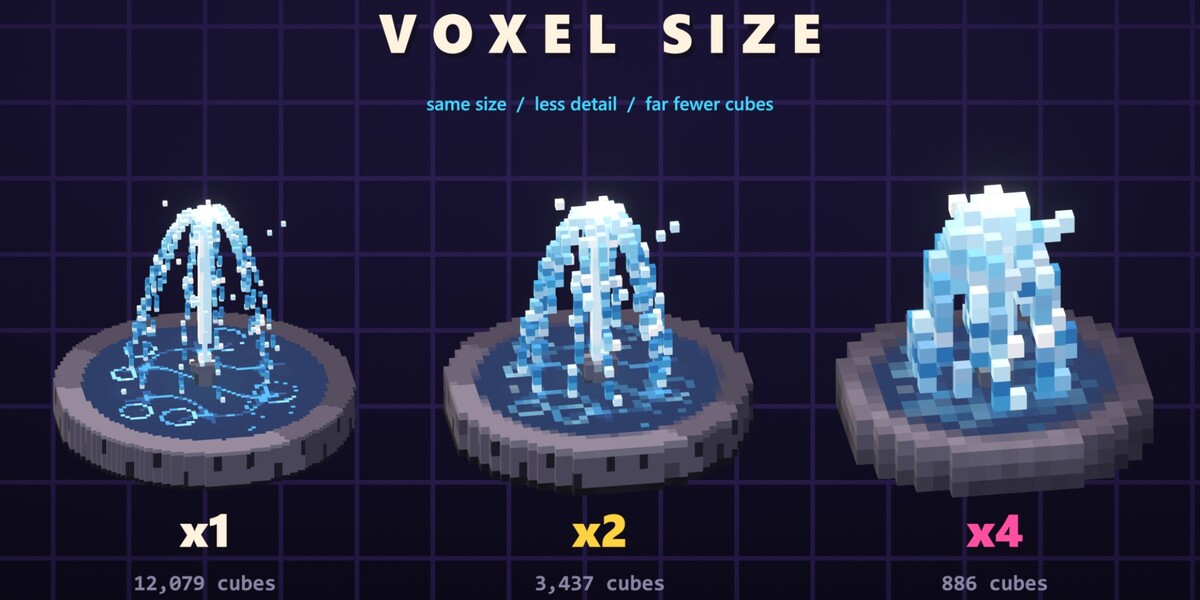
- Press play. Every effect loops; select it and use the Voxel VFX 3D modifier for Start Frame, Speed, Loop, Voxel Size, Viewport Simplify, LOD Distance, Glow and Light.
Blender 5.2 or newer. No add-on to install. For the glow in EEVEE add a Glare node set to Bloom in the compositor.
 Included
Includes 12 months of
- Support from Blender Procedural
- Product updates
Extend this product’s Support Period +12 months: 50% of product price
Have questions before purchasing?
Login to message
| Published | about 17 hours ago |
| Blender Version | 5.2 |
| Render Engine Used | Cycles, Eevee |
| Misc Data | Animated |
| License | Royalty Free |