 MeshMind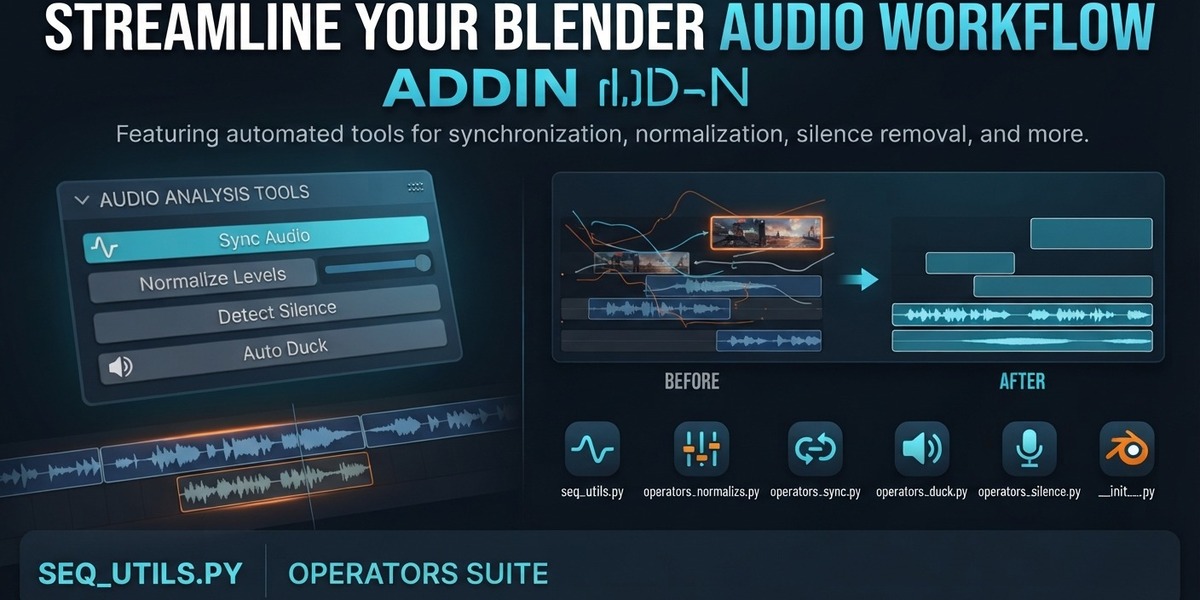
AUTOMATIC AUDIO CLEANUP FOR BLENDER
Turn raw recordings into a tight, leveled mix.
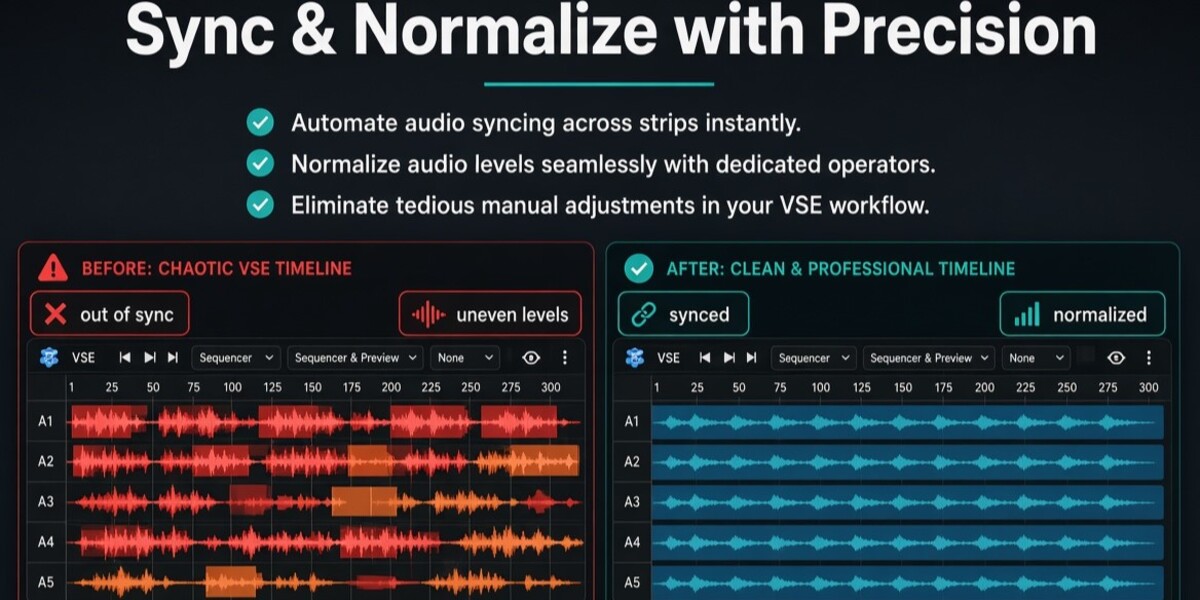
Detect silence, normalize levels, duck music under speech, and auto-sync separately recorded audio — without leaving the Video Sequence Editor.
SILENCE
NORMALIZE
DUCKING
SYNC
ONE PANEL, FOUR WORKFLOWS
A podcast, a voiceover, and a dual-mic interview don't have the same audio problem.
DEAD AIR
Silence Cleanup
Find pauses and room tone, then delete or attenuate.
LOUDNESS
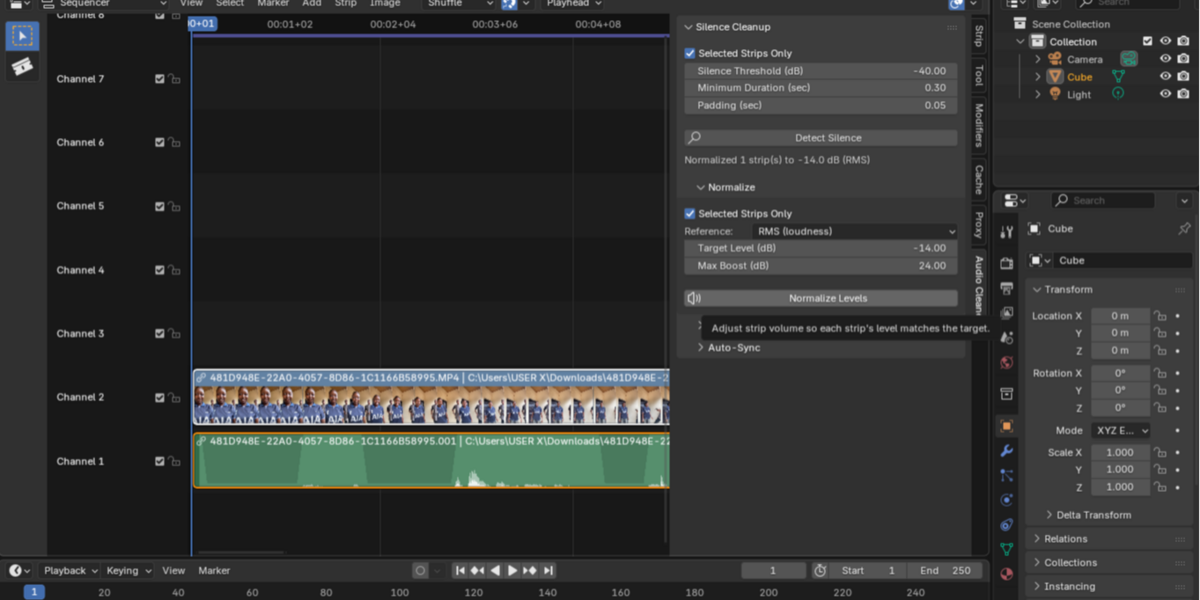
Normalize
Match levels across strips recorded on different gear.
DIALOGUE
Duck Music
Music drops under speech automatically, then recovers.
DUAL-MIC
Auto-Sync
Line up two separately recorded tracks by waveform.
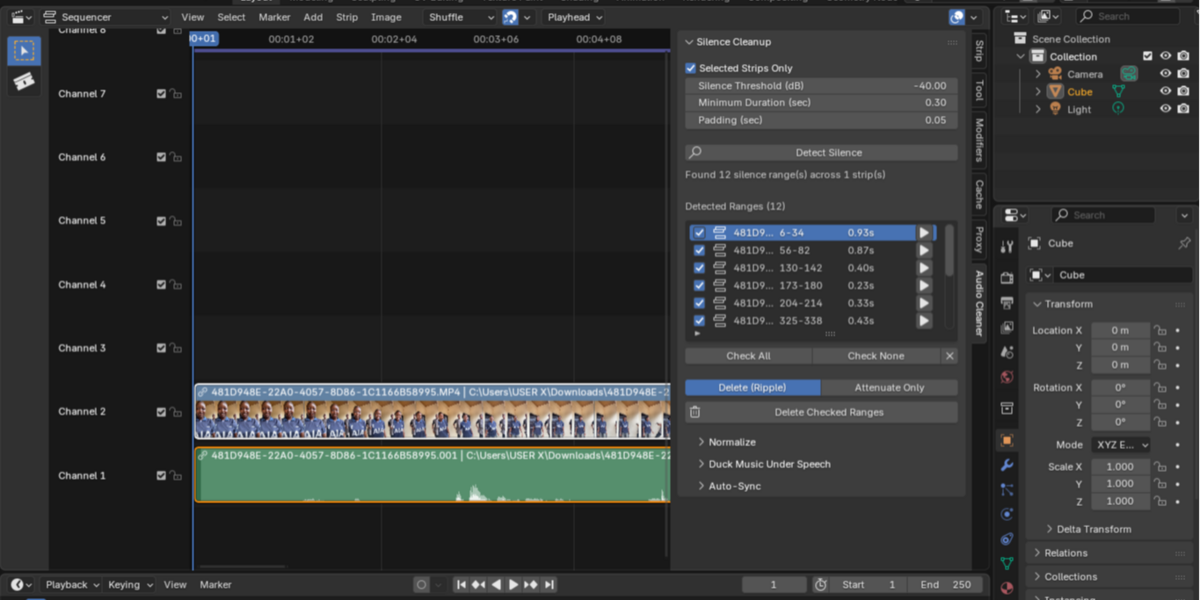
SILENCE CLEANUP
Find the dead air. Decide what happens to it.
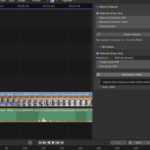
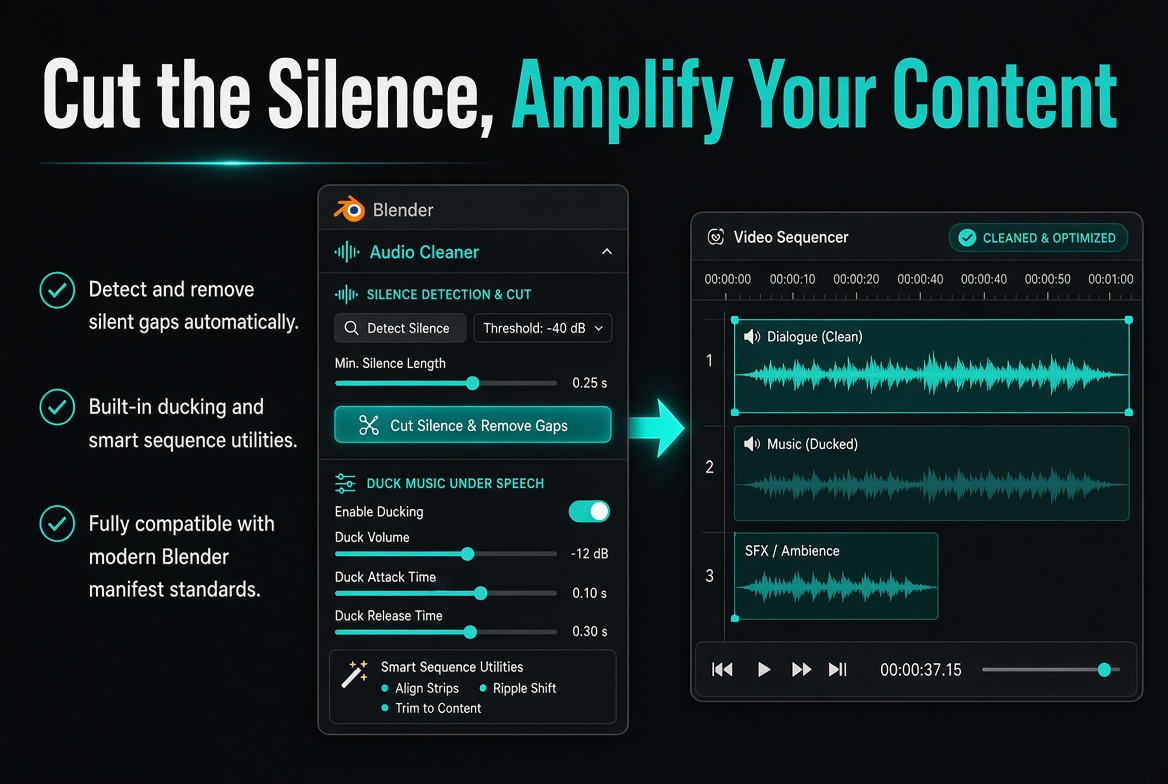
Every recording has pauses and breaths between lines. VSE Audio Cleaner scans your dialogue, flags every gap, and lists them for review — nothing is touched until you approve it.
Don't want to change your timing? Switch to Attenuate — it keeps every cut in place and just lowers the volume.
BEFORE / AFTER
Raw take — pauses included████░░░░████░░░░████░░████
Tight cut — gaps closed
████████████████
REFERENCE MODE
PEAK -> loudest sample hits targetRMS -> overall loudness matched
Max boost capped — never amplifies noise floor
NORMALIZE
Different mics. Different levels. One consistent mix.
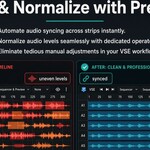
Recorded segments on different equipment? Normalize measures each strip's peak or RMS level and adjusts volume to hit a shared target automatically.
DUCK MUSIC UNDER SPEECH
Music that gets out of the way, automatically.
Select your music strip and run one operator. Every other sound strip is treated as dialogue — the music keys down and back up automatically, with a smooth fade.
VOLUME CURVE
____‾‾‾‾____‾‾‾‾Music full — speech active — music full
ALIGNMENT PROCESS
1 Analyze opening window of both strips2 Cross-correlate the waveforms
3 Find strongest alignment match
4 Move the later strip into place
AUTO-SYNC
Two recorders. One timeline. No clapperboard.
Camera mic and a separate voice recorder capturing the same take? Select both sound strips and let waveform cross-correlation find where they actually overlap.
SAFER ITERATION
01
Review
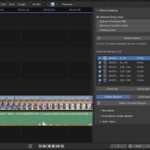
Every detected range shows in a checklist before anything changes.
02
Run
One click applies the checked action across the strip or timeline.
03
Undo
Every action is a single Ctrl+Z step, no matter how many ranges it touched.
BUILT FOR
Podcasters
Dead air and pacing across long dialogue tracks.
YouTubers & video essayists
Voiceover layered under background music.
Dual-recording creators
Camera mic and separate recorder, never quite in sync.
Talking-head editors
Interviews and vlogs full of pauses and breaths.
GOOD TO KNOW
Detection quality depends on your Threshold and Minimum Duration settings — tune them once and they hold for future takes.
Auto-Sync needs the two recordings to share an audio event somewhere in the analyzed window.
Duck and Attenuate both animate a strip's volume — running one after the other on the same strip replaces the first automation.
SYSTEM REQUIREMENTS
| Blender | 4.2 and newer |
| Operating System | Windows, macOS, Linux |
| Internet | Not required |
| Dependencies | None — built entirely on Blender's own audio engine |
Stop cleaning audio by hand.
Questions or support: [email protected]
A Meshmind add-on for Blender 4.2+
