 FTW3DForge


What It Does
VSE MarkIt adds shape overlays to your video timeline — rectangles, ellipses, arrows, lines, polygons, stars, speech bubbles, and fully custom Grease Pencil drawings. Everything happens inside the VSE. No compositing nodes, no extra software.
Select a strip, pick a shape, click Add. That's it. The shape appears as a scene strip on your timeline with a transparent background. Trim it, move it, duplicate it — it works like any other strip.
Shapes
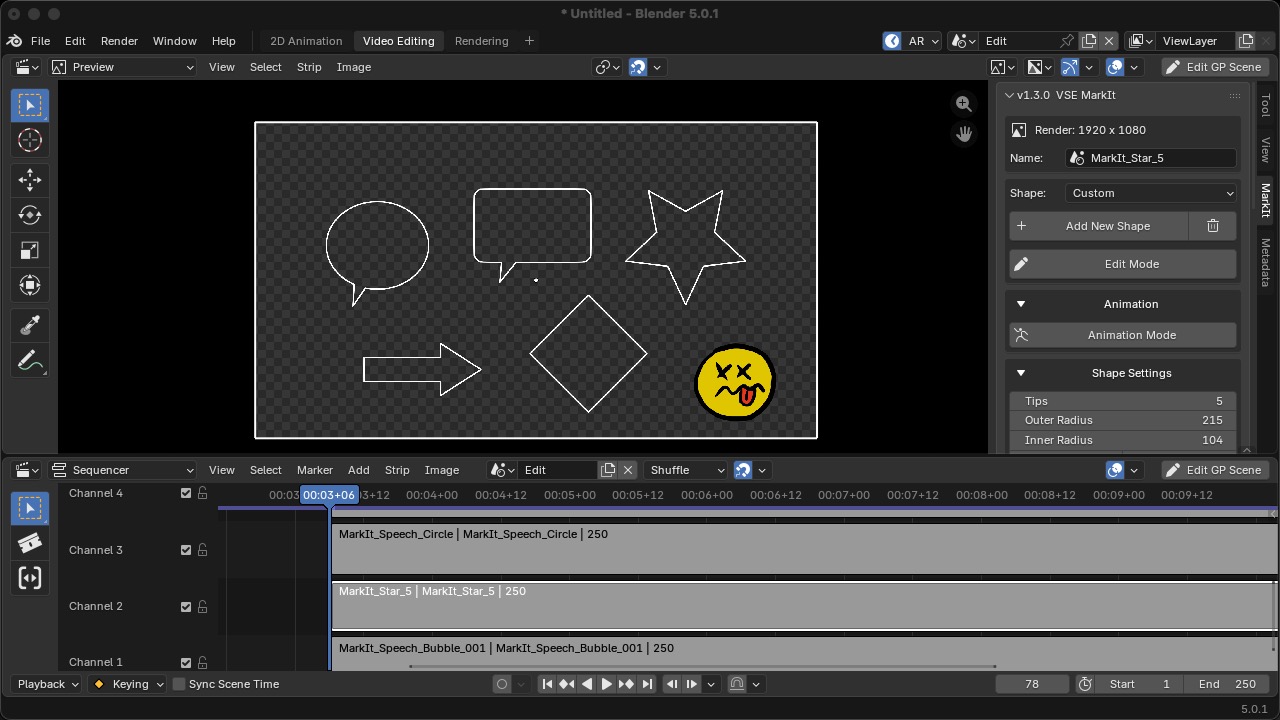
Seven parametric shape types with full control over size, position, rotation, stroke, and fill:
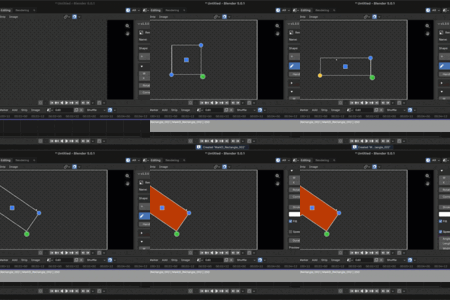
- **Rectangle** — with adjustable corner radius (sharp to fully rounded)
- **Ellipse** — circle or oval
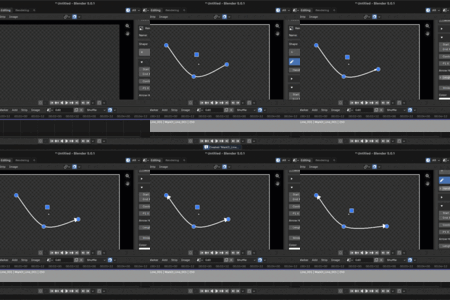
- **Line** — curved lines with up to 3 control points and optional arrowheads
- **Thick Arrow** — solid directional arrow
- **Polygon** — any regular polygon (triangle, pentagon, hexagon, etc.)
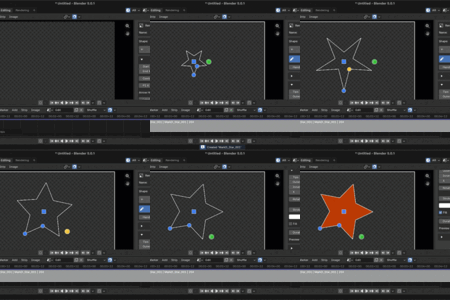
- **Star** — configurable tip count and inner/outer radius
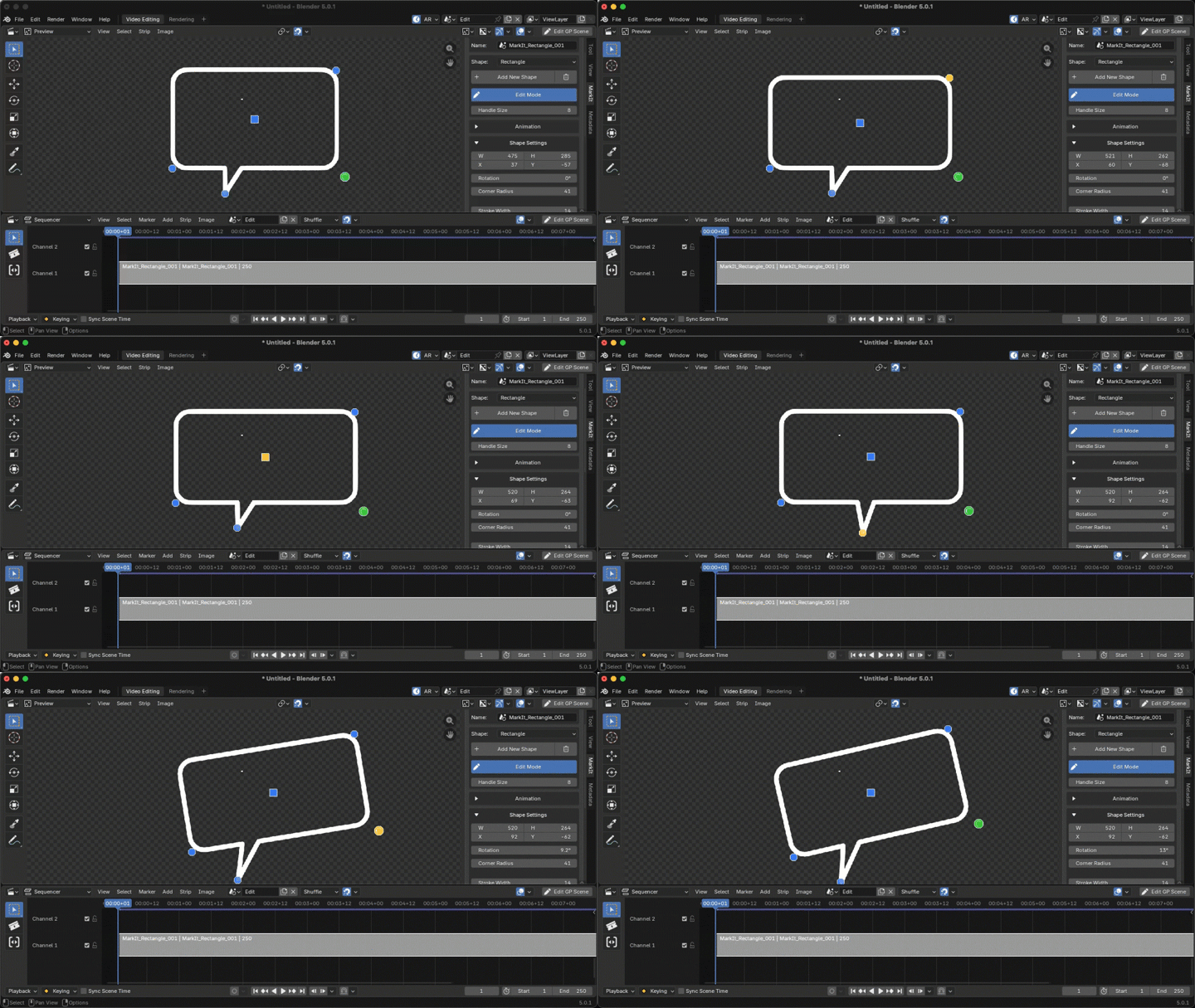
- **Speech Bubble** — available on rectangles and ellipses with adjustable tail angle, distance, and width
All shapes support stroke color, fill color, opacity, and rotation. Properties update in real time as you adjust them.
Adjust shapes with handles in Preview Window.
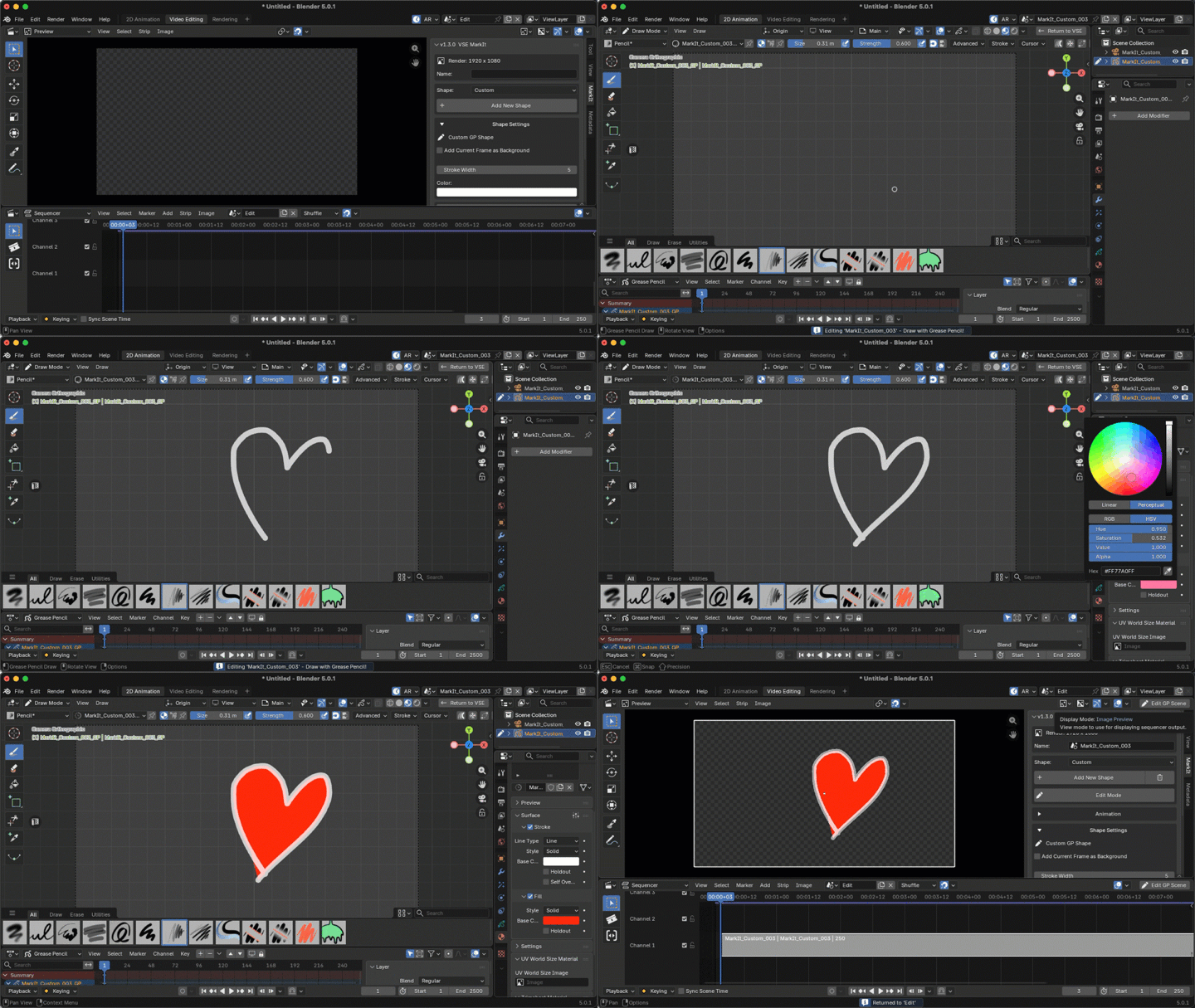
Custom Shapes (Grease Pencil)
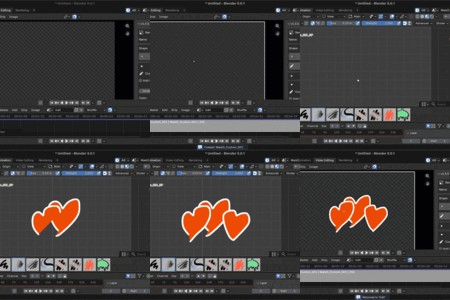
For anything beyond basic geometry, Custom mode gives you a full Grease Pencil workspace. Draw freehand, use fills with gradients, work with multiple layers — the complete GP toolset. Your custom drawing renders as a transparent overlay on the timeline.
Shape Library
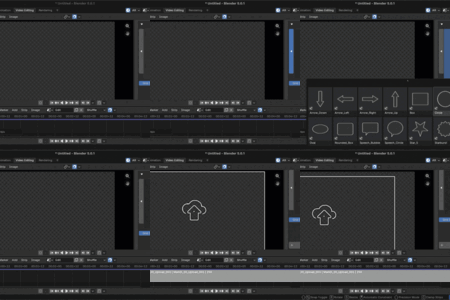
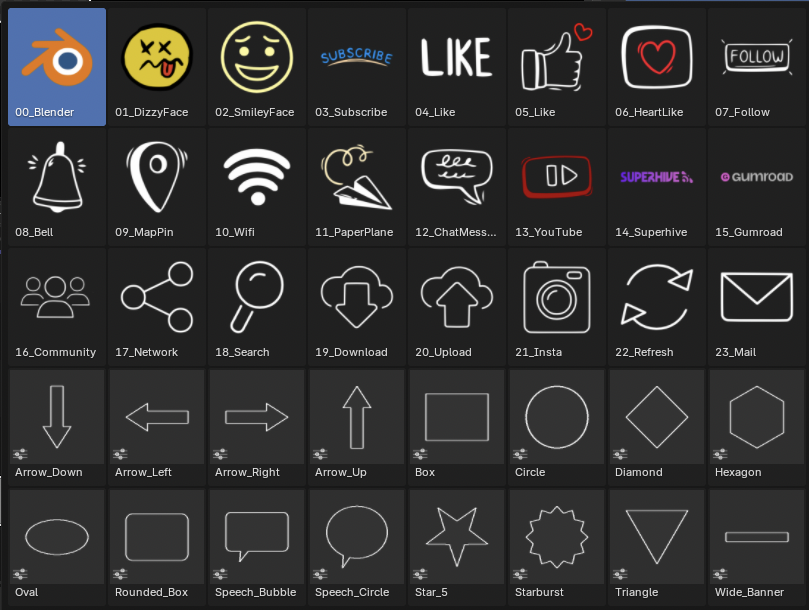
A visual library with 40 bundled presets — parametric shapes, social media icons (YouTube, Instagram, Subscribe, Like, Follow), emoji, utility icons (WiFi, Search, Download, Upload, Mail), and brand marks.
- Browse presets in a grid popup
- Save your own shapes to the library
- Rename, delete, and organize presets
- Export/Import for backup or sharing between machines
- Adjustable grid size for comfortable browsing
Animation
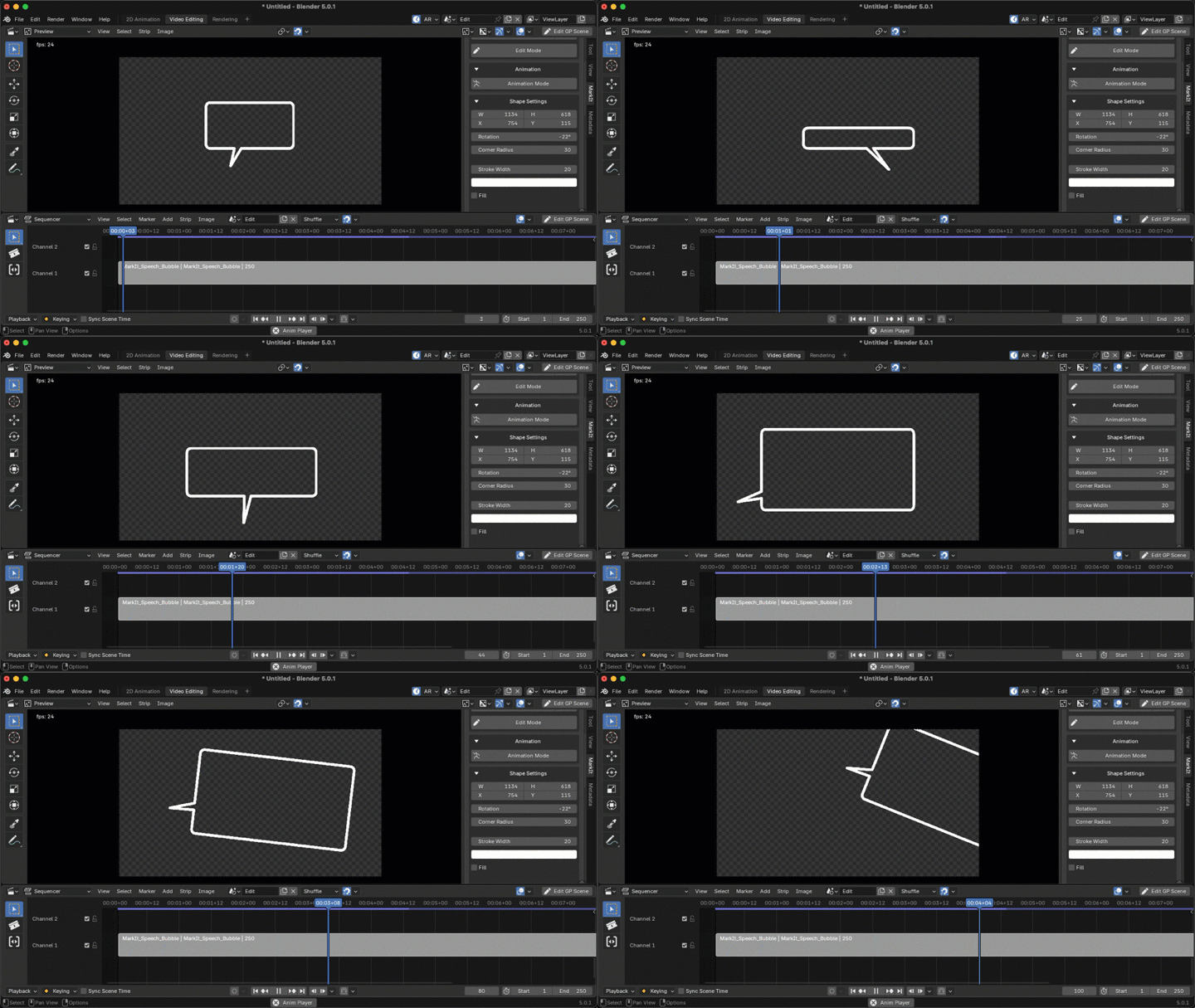
Built-in keyframe animation. Toggle Animation Mode, move the playhead, change properties — keyframes are created automatically. Animate position, size, rotation, color, opacity, and any other parameter. Includes keyframe navigation, interpolation, and clear animation tools.
Compatibility
- **Blender 5.0+**
- macOS, Windows, Linux
- GPL-3.0 license