 Teamah

VSE Pro
Short description (the one-liner under the title)
32 professional transitions with real easing curves, plus a speed controller that retimes video and audio together — with pitch preserved.
32 professional transitions with real easing curves, plus a speed controller that retimes video and audio together — with pitch preserved.
Full description
Blender's sequencer ships with three transitions and no easing control.
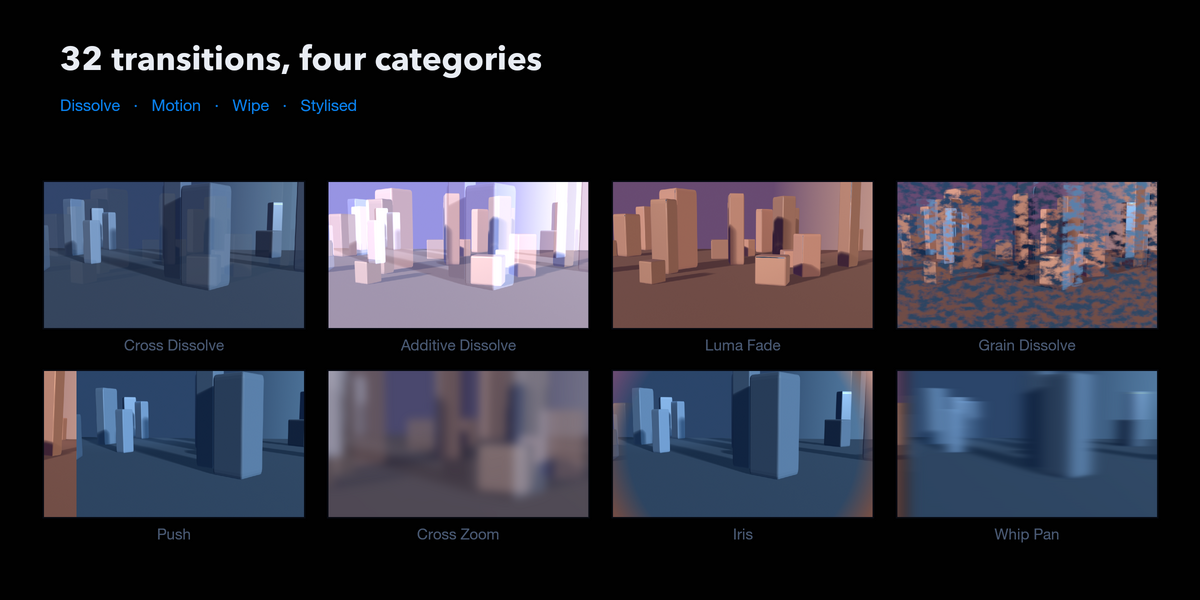
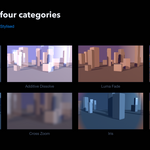
VSE Pro adds 32, across four categories, and gives every one of them a real acceleration curve. A push with an Expo ease-out reads nothing like the linear cross Blender gives you — and that difference is most of what makes a cut feel professional.
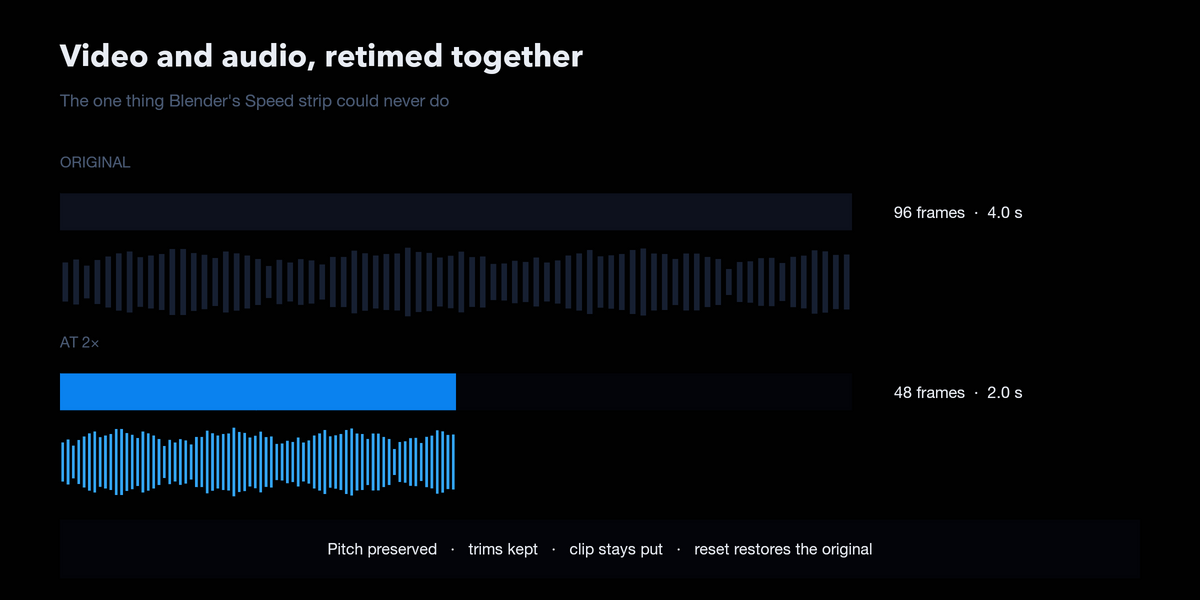
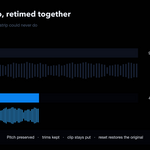
It also does the thing the VSE has never been able to do: change the speed of audio, with pitch preserved, in the same click that retimes the picture.
Transitions that stay editable
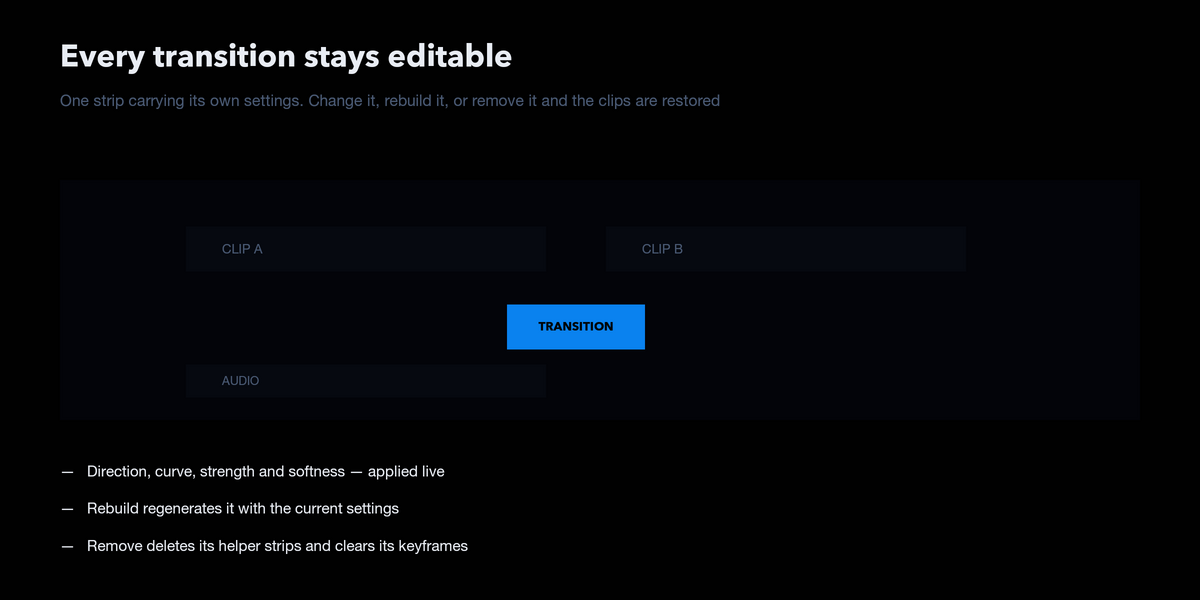
Every transition is a single strip carrying its own settings. Select it and change the direction, the curve, the strength or the softness — the change applies live. Rebuild it, or remove it and the clips it animated are restored exactly as they were.
Nothing is baked. Nothing is one-way.
Dissolve — Cross, Film, Dip to Colour, Blur, Bloom, Additive, Luma Fade, Grain, Halation Motion — Push, Slide Over, Slide Reveal, Zoom In, Zoom Out, Cross Zoom, Spin, Whip Pan Wipe — Linear, Barn Door, Iris, Clock, Soft Luma Stylised — Glitch, Zoom Blur, Spin Blur, Directional Blur, Warp, Displacement Map, Pixelate, Prism, Light Leak, Lens Dissolve
The ordered dissolves are the ones you will keep reaching for. Luma Fade hands the frame over in order of brightness, so highlights give way first. Grain Dissolve does the same ordered by noise, for an organic hand-over with no visible edge. Additive Dissolve lets the middle blow past full brightness the way film does. Light Leak sweeps a warm flare across the cut.
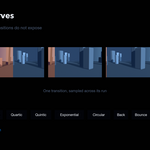
Eleven easing curves, on everything
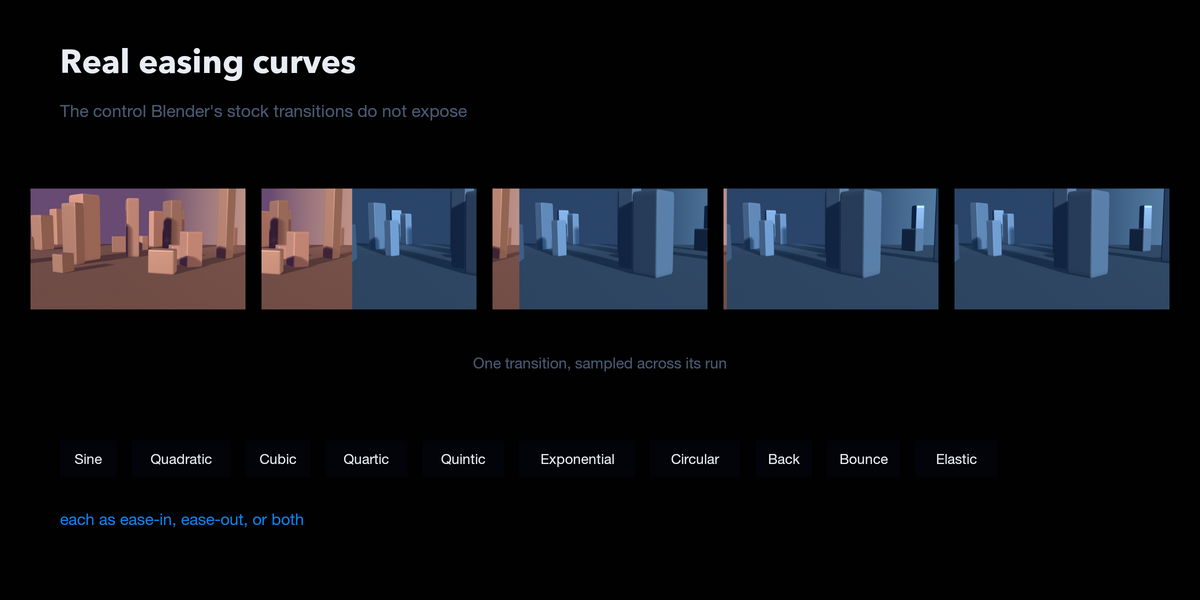
Sine, Quadratic, Cubic, Quartic, Quintic, Exponential, Circular, Back, Bounce, Elastic — each usable as ease-in, ease-out or both. This is the control Blender's stock transitions simply do not expose.
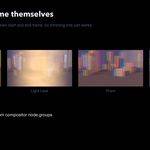
Transitions that retime themselves
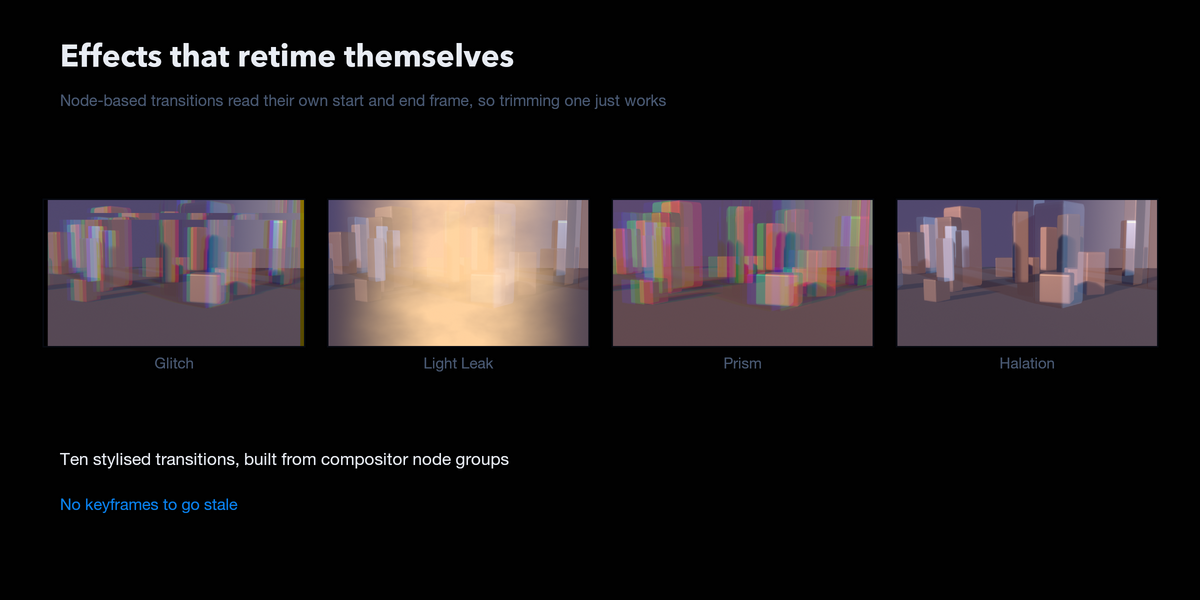
The stylised effects are built from compositor node groups that read their own start and end frame. Trim one, slide it, stretch it — it re-times itself. There are no keyframes to go stale.
A speed controller for picture and sound
Pick a rate, click apply. Video and audio are ticked independently, and connected strips are followed both ways: select a movie and its sound is retimed too; select the sound and the picture follows.
- Pitch preserved by default, so a clip at half speed still sounds like the same voice. Turn it off for a deliberate tape-style pitch shift.
- Trims survive. The section you chose still plays, at the new rate, and the clip keeps its position on the timeline.
- Repeated changes compound from the original — 2× then 4× gives a quarter length, not an eighth.
- Reset restores everything, including the original audio file and its in and out points. Your source files are never modified.
▶ See it in action
📖 Full documentation
Every transition is shown as a filmstrip, with a complete settings reference:
https://abdelfatahmteamah.github.io/vse-pro-docs/
What you get
-
vse_pro-2.1.0.zip — install through Blender's Add-ons preferences
- Pure Python. No compiled code, no platform builds, works anywhere Blender does
- Full illustrated documentation
vse_pro-2.1.0.zip — install through Blender's Add-ons preferences