 MST-9 Tools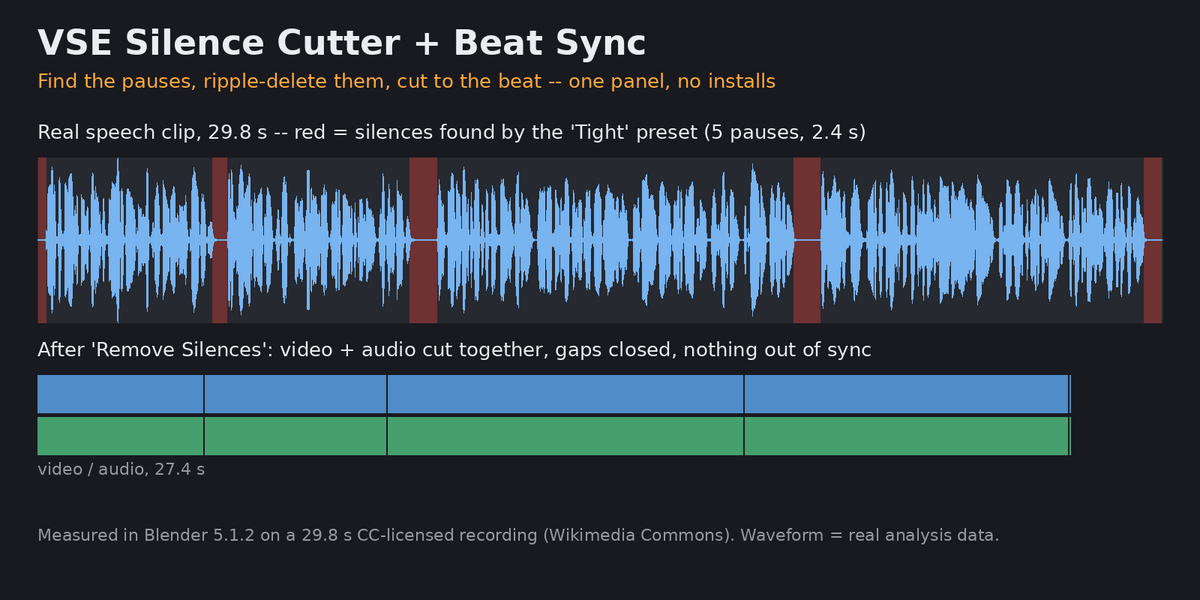
VSE Silence Cutter + Beat Sync + Punch-In (v0.2.0)
One panel, no installs (uses only Blender's bundled audio + numpy):
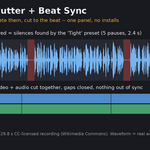
- Preview Silences: markers on every silent part, nothing cut yet (undo-safe).
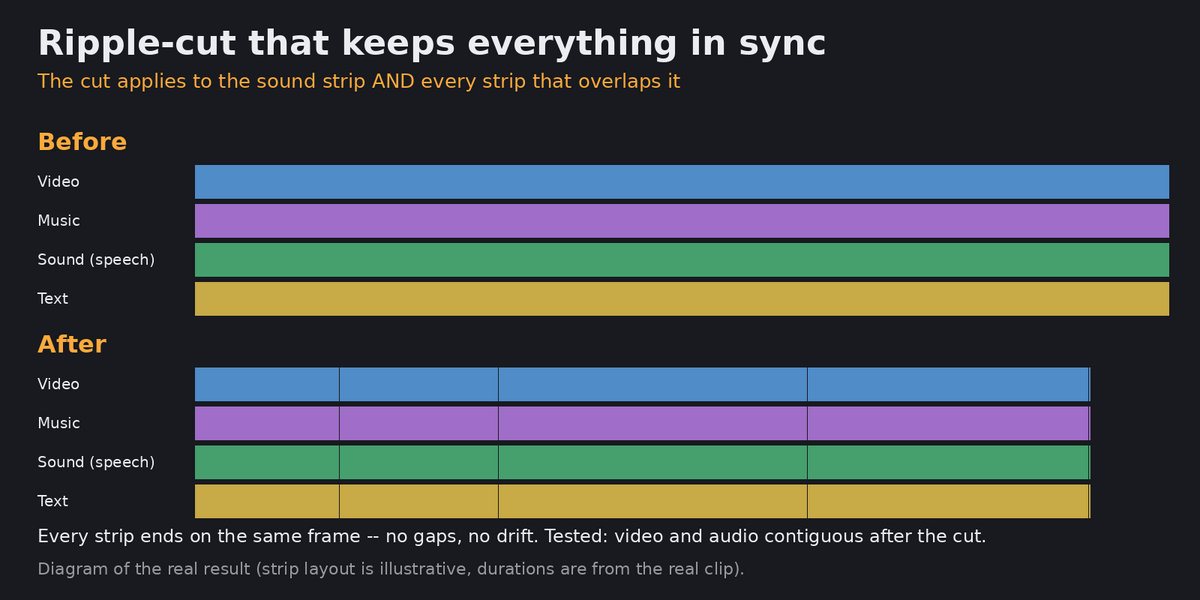
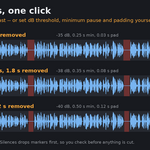
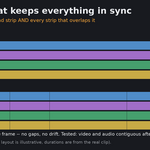
- Remove Silences: cuts the silence out of the selected sound strip AND every strip overlapping it (video, music, text), then closes the gaps so everything stays in sync.
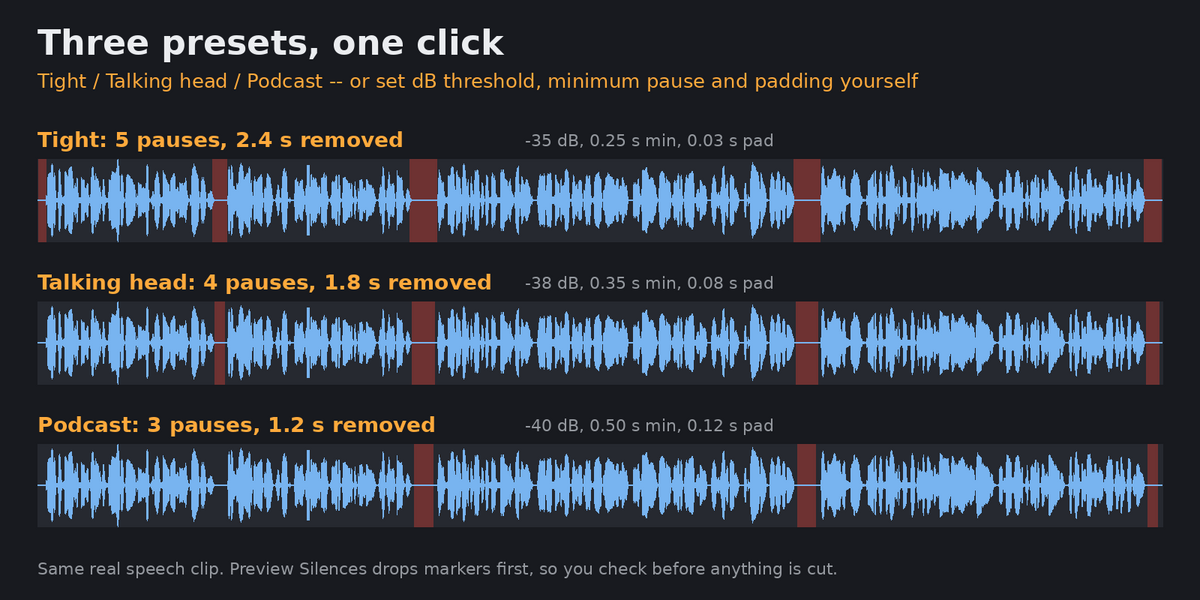
- Presets: Tight / Podcast / Talking head, or Custom (dB threshold, minimum silence, keep padding).
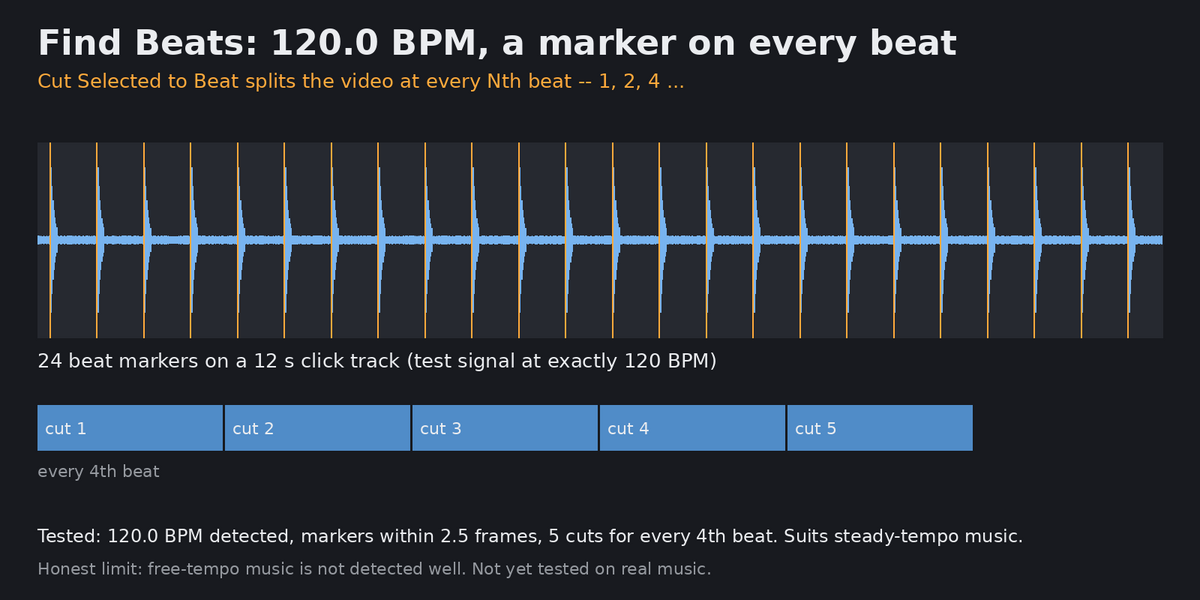
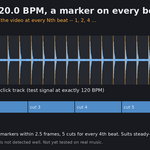
- Find Beats: tempo (BPM) + a marker on every beat. Cut Selected to Beat: split video at every Nth beat.
Versus free tools: Banging Cuts = beats only; Music-Markers = markers only; Clipit = Gumroad, silence only; Quick cut (Superhive) = see its page. This one combines silence ripple-cut + beat cuts in one panel with presets and preview.
Tested (Blender 5.1.2, headless): synthetic speech with known silences (found at 2.08-3.42 s and 5.58-6.02 s, 44 of 45 expected frames removed, video/audio contiguous), 120 BPM click track (120.0 BPM, 24 beats, beat markers within 2.5 frames, 5 cuts for every 4th beat).
Also tested on real recorded speech (29.8 s Wikipedia spoken-word clip, Blender 5.1.2): pauses between sentences found (Tight 5, Talking head 4, Podcast 3 silences), Remove Silences cut 46 frames with video and audio contiguous, no gaps.
Not yet verified (honest limits): noisy rooms / background music under speech, Blender 4.2-5.0 (manifest says 4.2+, split fallback via operator untested), packed audio (shows an error), multicam, speed-changed strips. Beat detection suits steady-tempo music, not free-tempo.
v0.2.0 addition: Rhythm panel
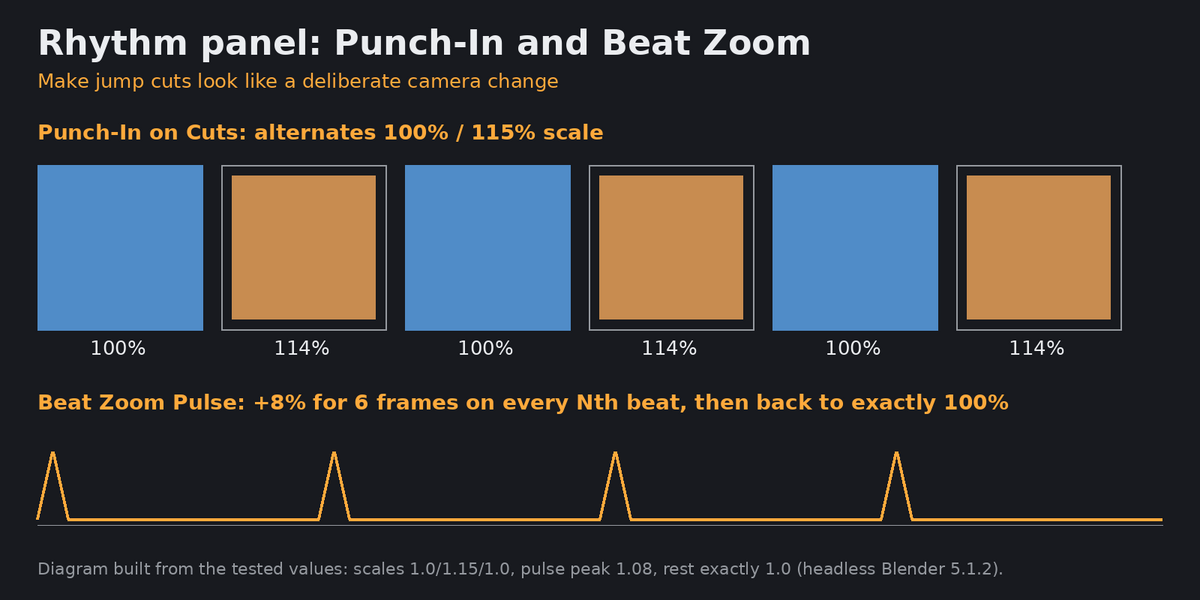
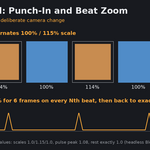
- Punch-In on Cuts: alternates 100% / punch-in scale (default 115%) over the selected consecutive strips, so jump cuts after Remove Silences look like a deliberate camera change. No keyframes, plain strip scale.
- Beat Zoom Pulse: keyframes a short zoom pulse (default +8%, 6 frames) on every Nth beat marker inside the selected strips; base scale is held between pulses.
- Honest comparison: Ken-Burns-style zoom/pan add-ons (Add Ken Burns, Slideshow Scripts, both free) cover slow image moves only; neither reacts to cuts or beats. Not included: ken-burns presets.
- Tested headless in Blender 5.1.2 (test_rhythm.py): scale 1.0/1.15/1.0 on three strips, pulse peak 1.08 on the beat and back to exactly 1.0 afterwards. Not tested on real music; not tested on Blender 4.2-5.0.
Installation
1. Download vse_silence_beat-0.2.0.zip (do not unzip).
2. Blender 4.2+: Edit > Preferences > Get Extensions > top-right menu > Install from Disk... > pick the zip. (4.2/4.3: Add-ons > Install from Disk.)
3. Enable it. The panel appears in Video Sequencer > Sidebar (N).
Licence: GPL-3.0-or-later. Support: message me here; answers within 72 hours.
Disclosure: this add-on was written with AI assistance (Claude) and tested by automated scripts; I stand behind it and answer support myself.
