 Domenas
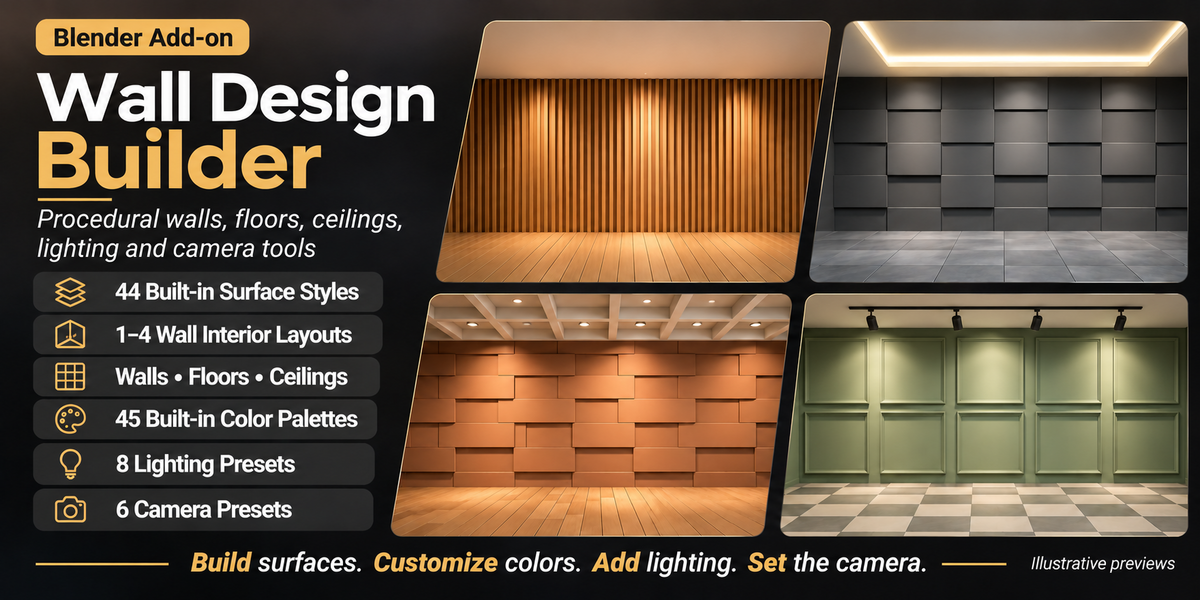
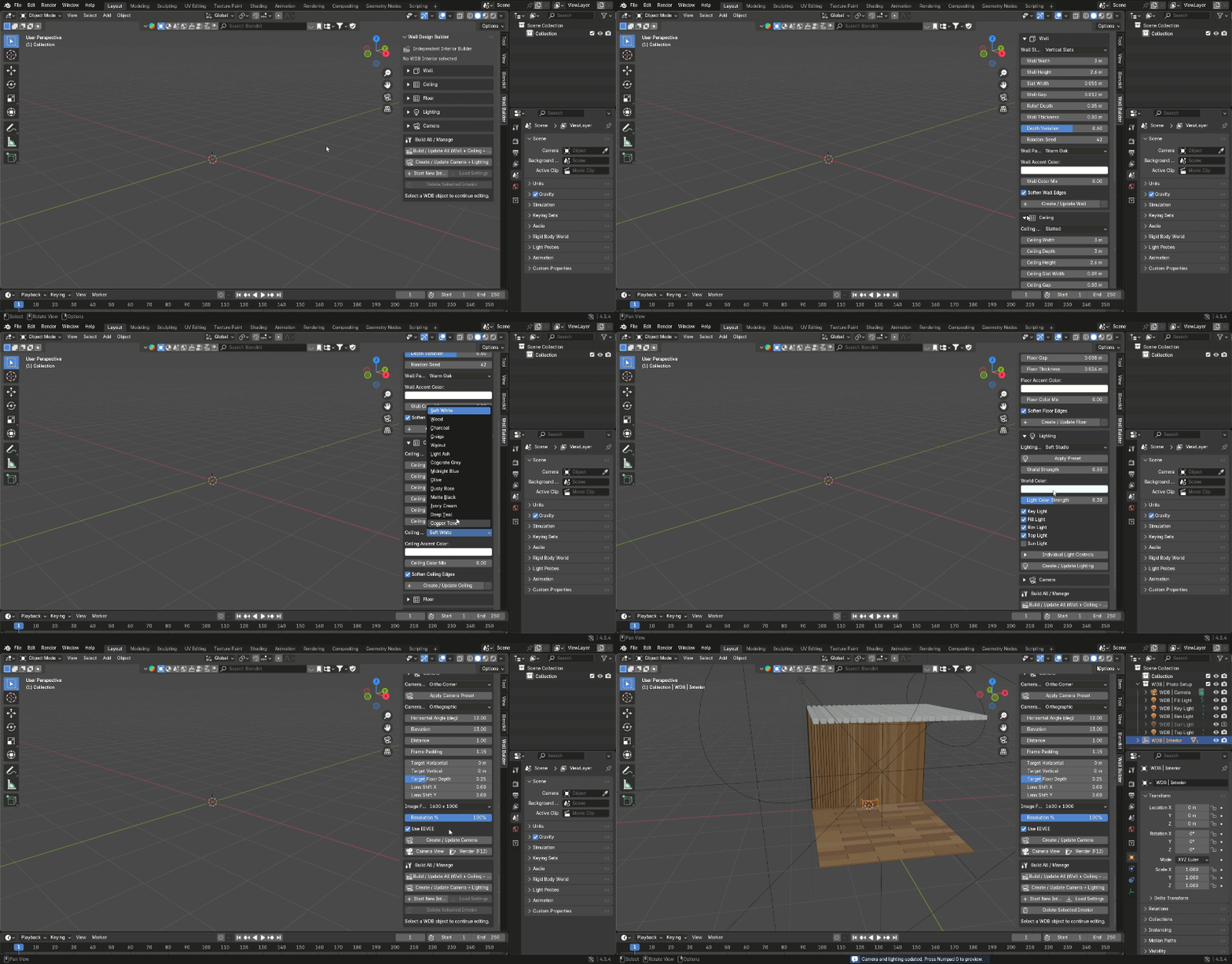
Wall Design Builder
Create More. Model Less.
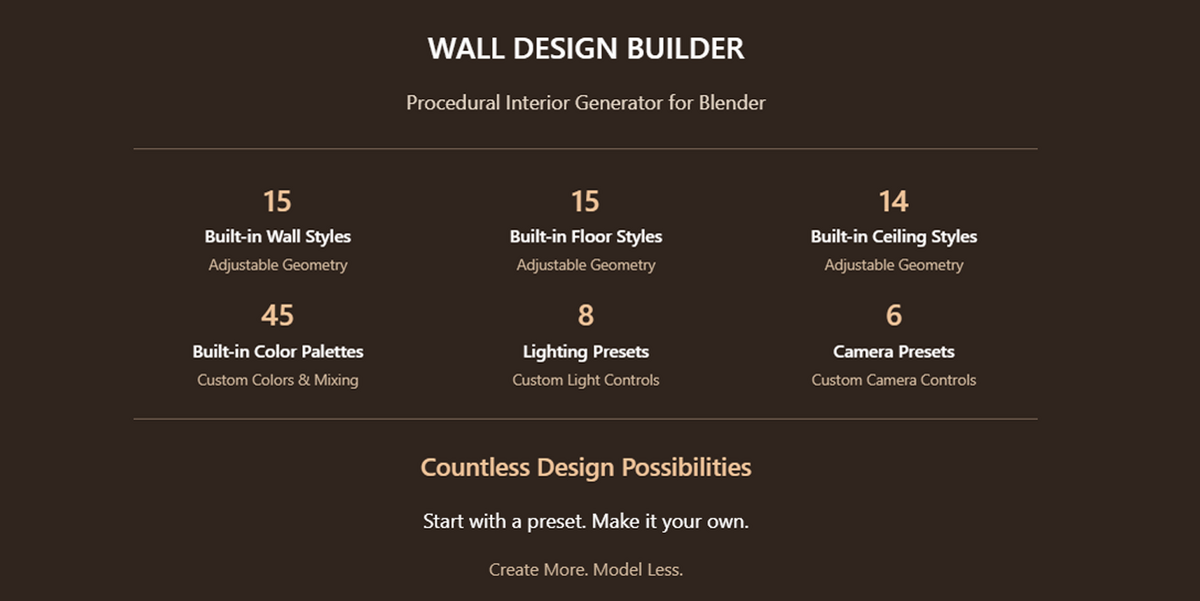
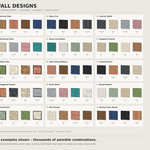
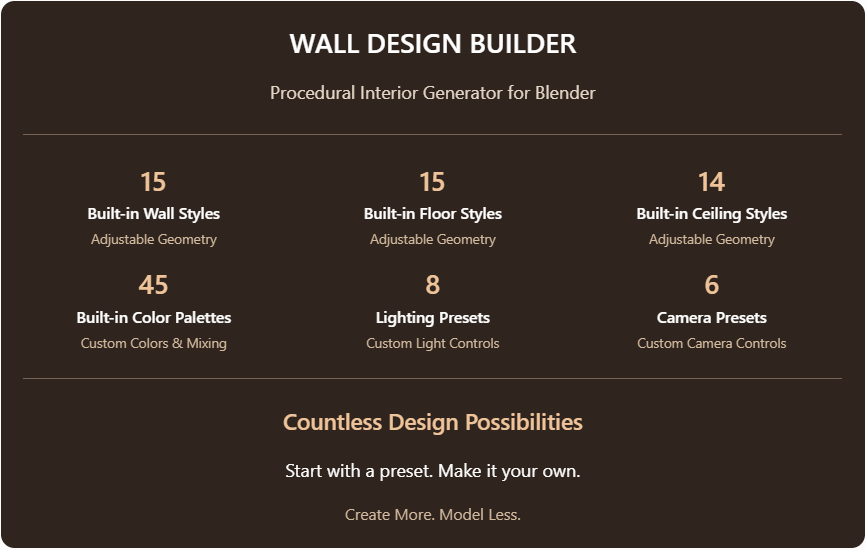
44 Procedural Geometry Styles | 45 Color Palettes | 8 Lighting Presets | 6 Camera Presets
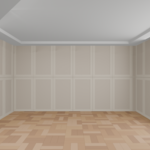
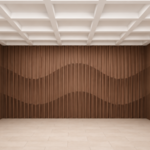
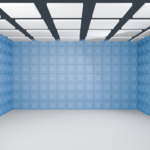
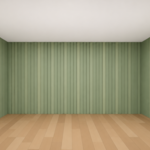
Turn an empty Blender scene into a custom architectural environment without manually modeling every slat, tile, panel or ceiling element.
Wall Design Builder brings procedural geometry creation, color customization, lighting and camera setup together in one easy-to-use Blender add-on.
Create individual architectural surfaces or combine them into a coordinated interior. Choose your style, adjust the parameters and let Wall Design Builder generate the geometry for you.
Build Your Interior in One Place
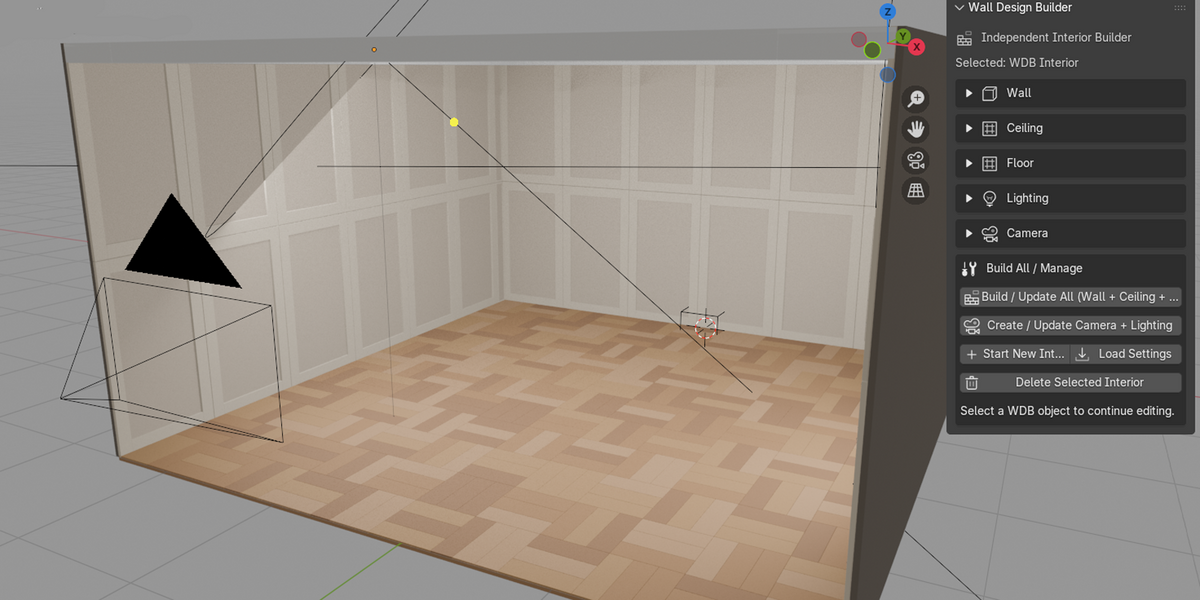
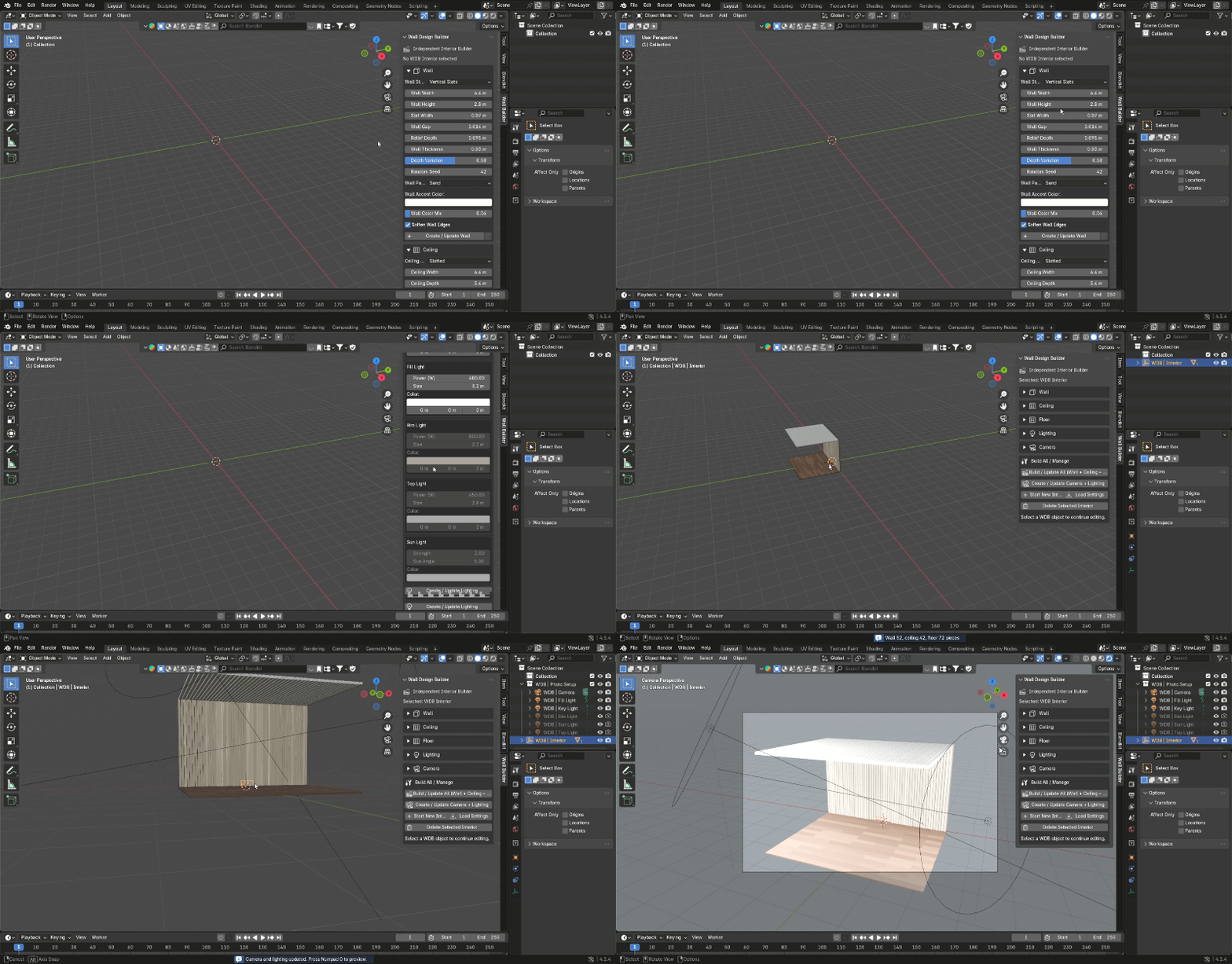
Create walls, floors and ceilings independently or generate all three surfaces using a single button.
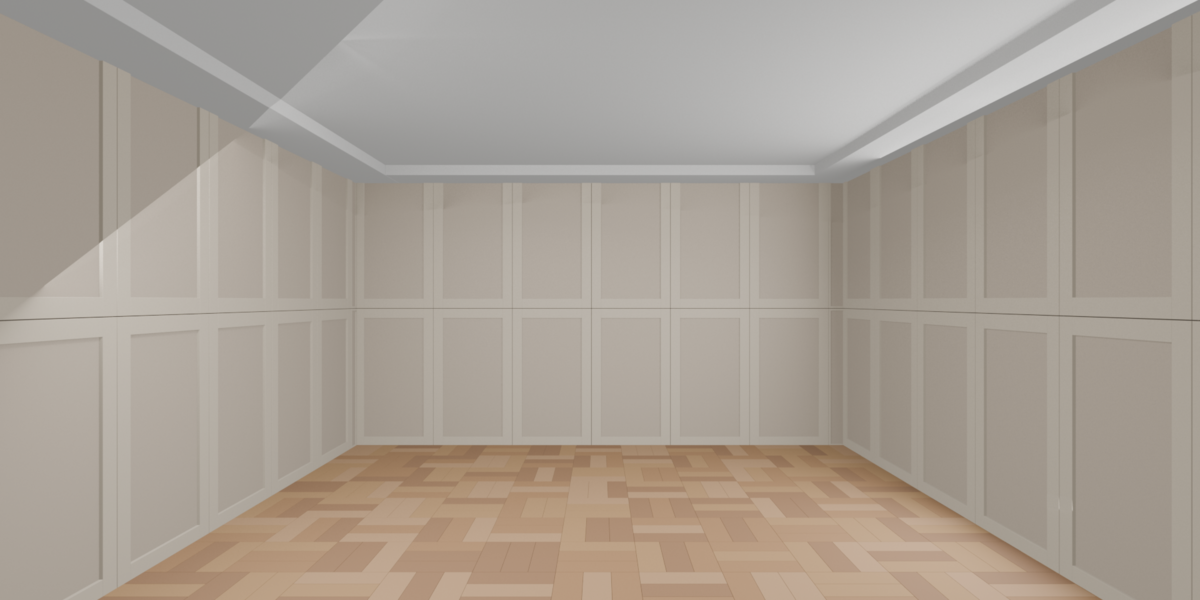
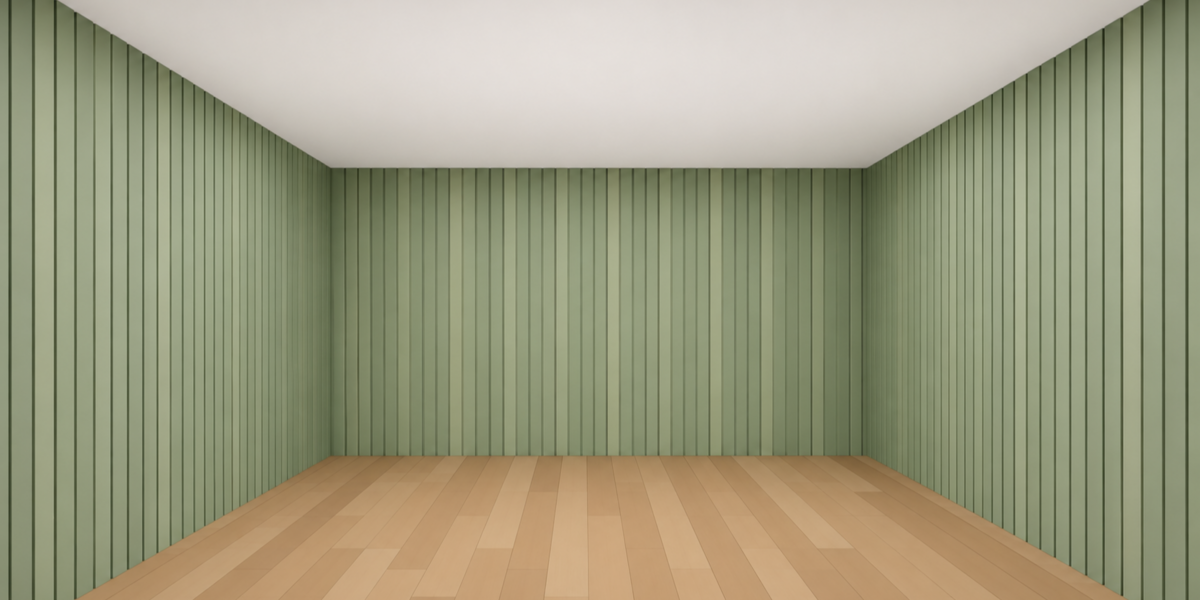
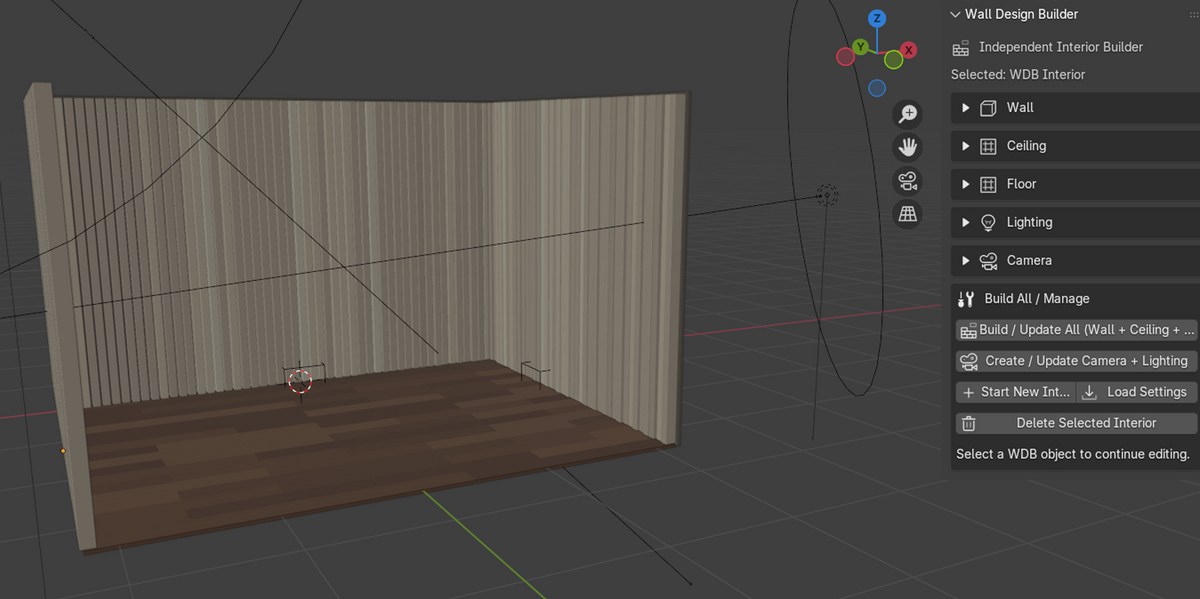
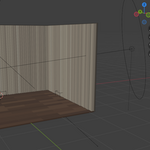
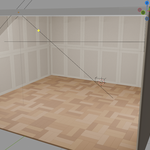
Build a standalone decorative wall, an open corner, a three-sided interior or a closed rectangular room.
Each surface can be customized to suit your project.
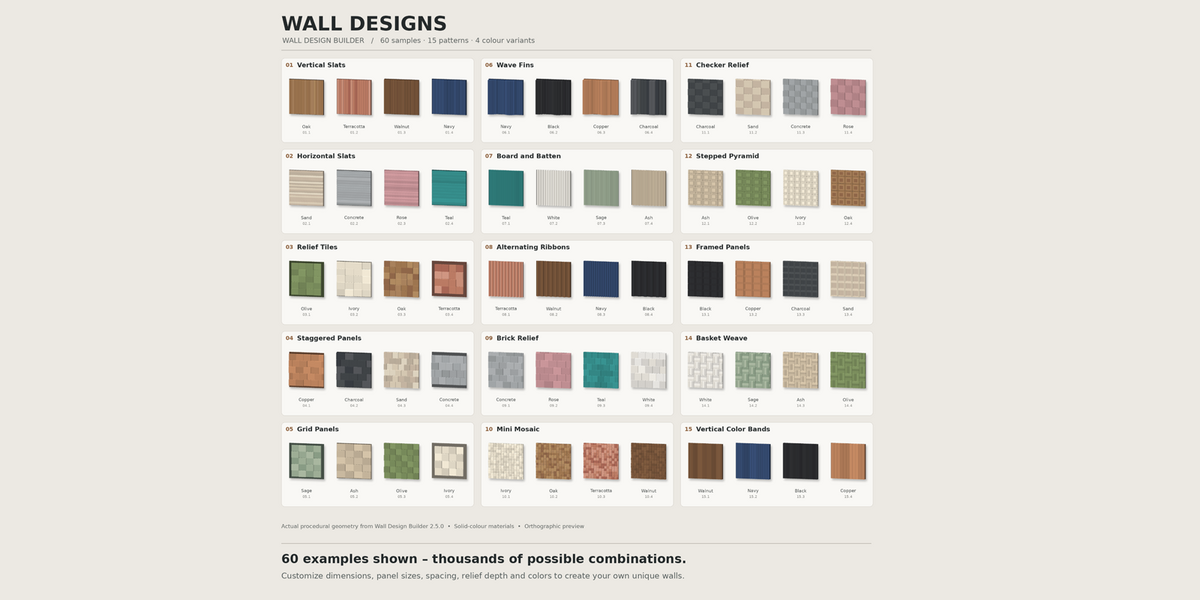
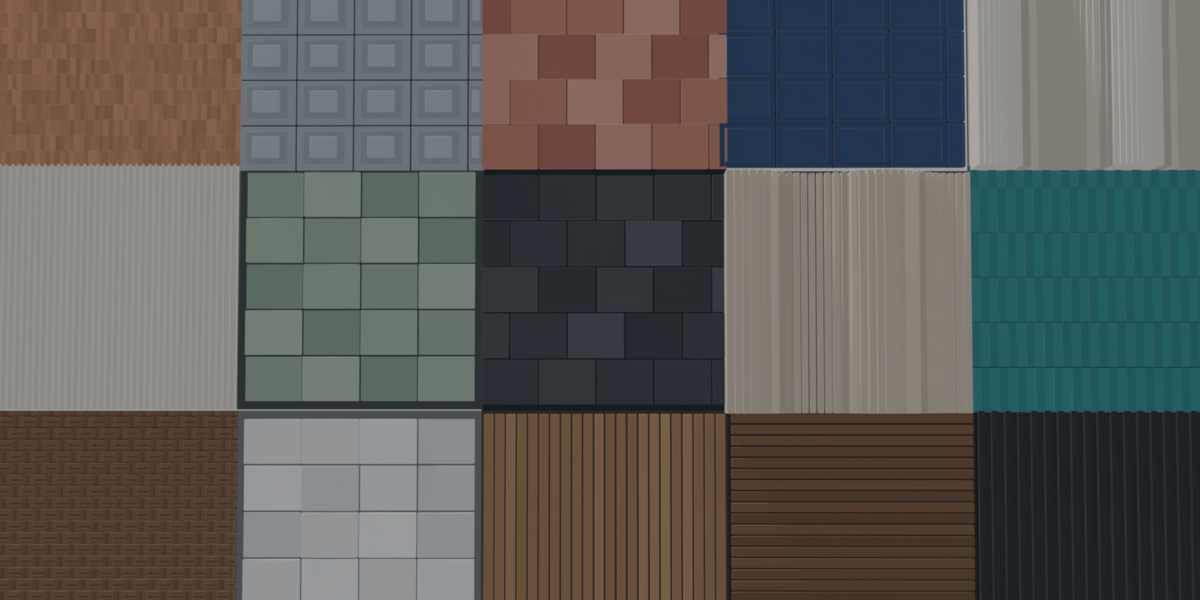
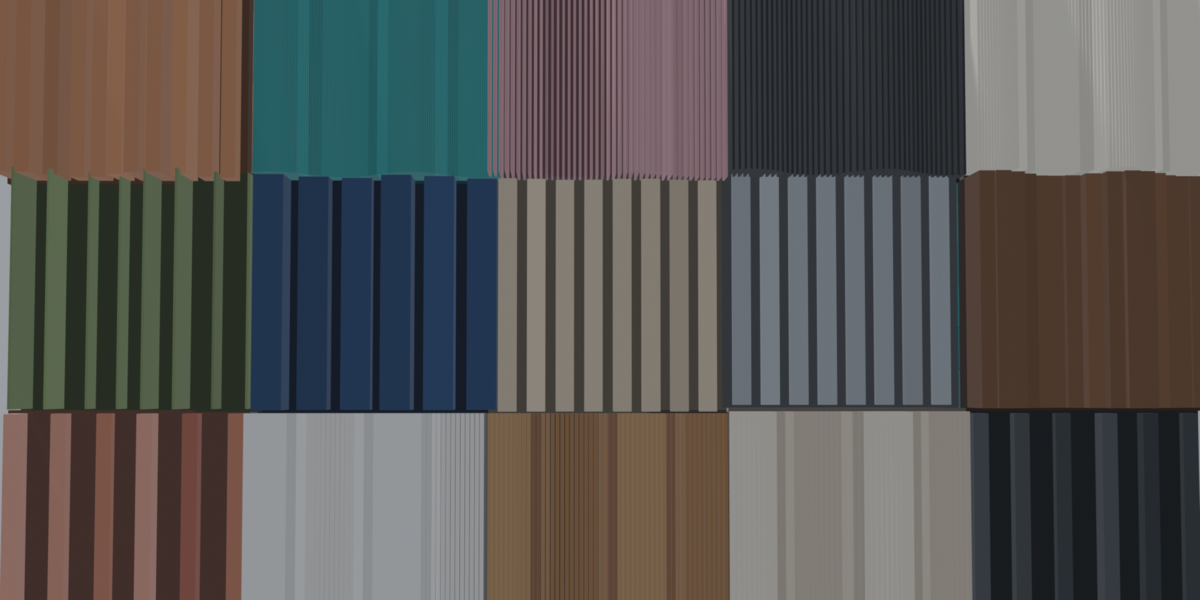
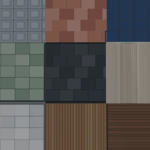
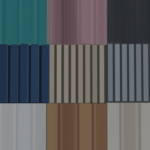
15 Procedural Wall Styles
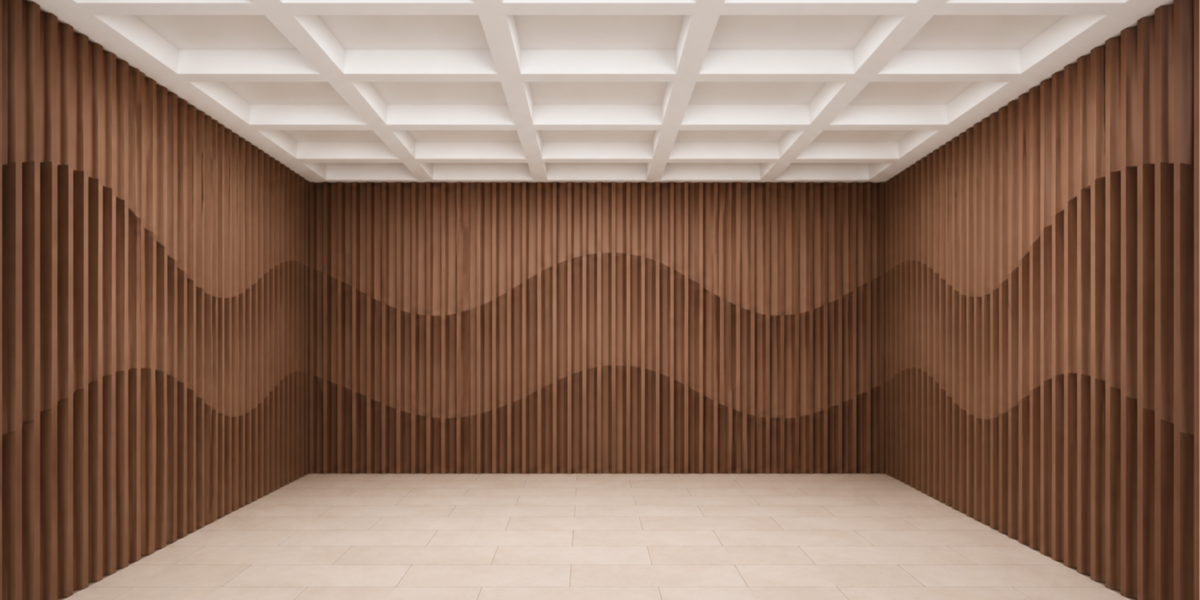
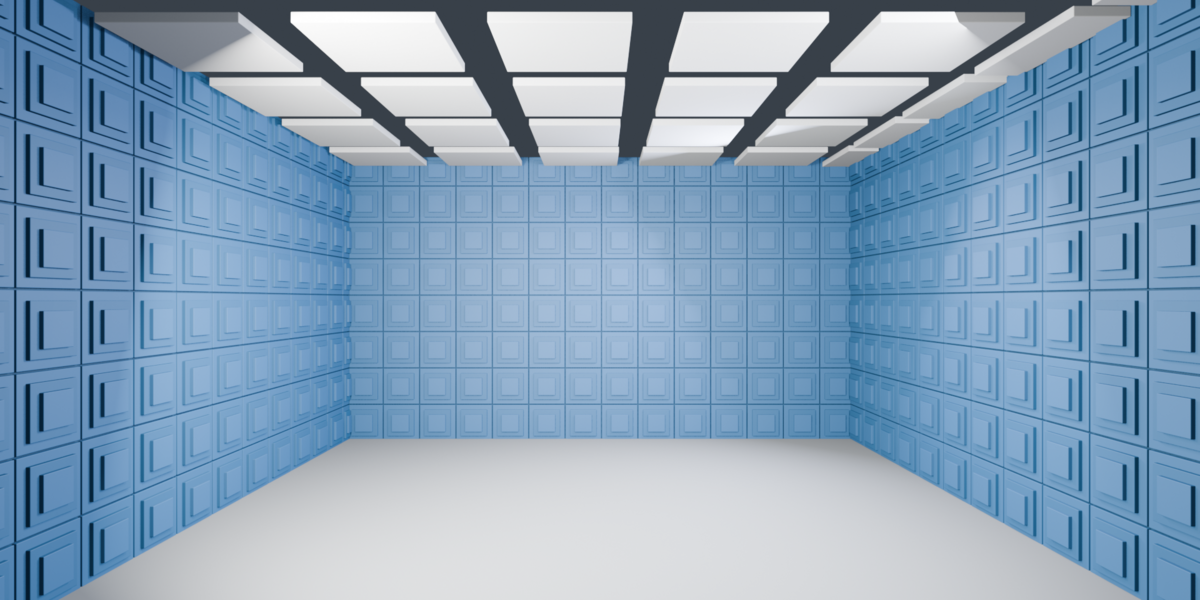
From modern vertical slats and wave fins to decorative relief tiles, geometric panels, brick patterns and basket-weave designs.
Take control of your wall design:
Wall width and height
Slat and panel dimensions
Spacing between elements
Relief depth and depth variation
Wall thickness
Random seed
Color palettes and custom accent colors
Softened edges
All geometry is generated directly in Blender based on your selected parameters.
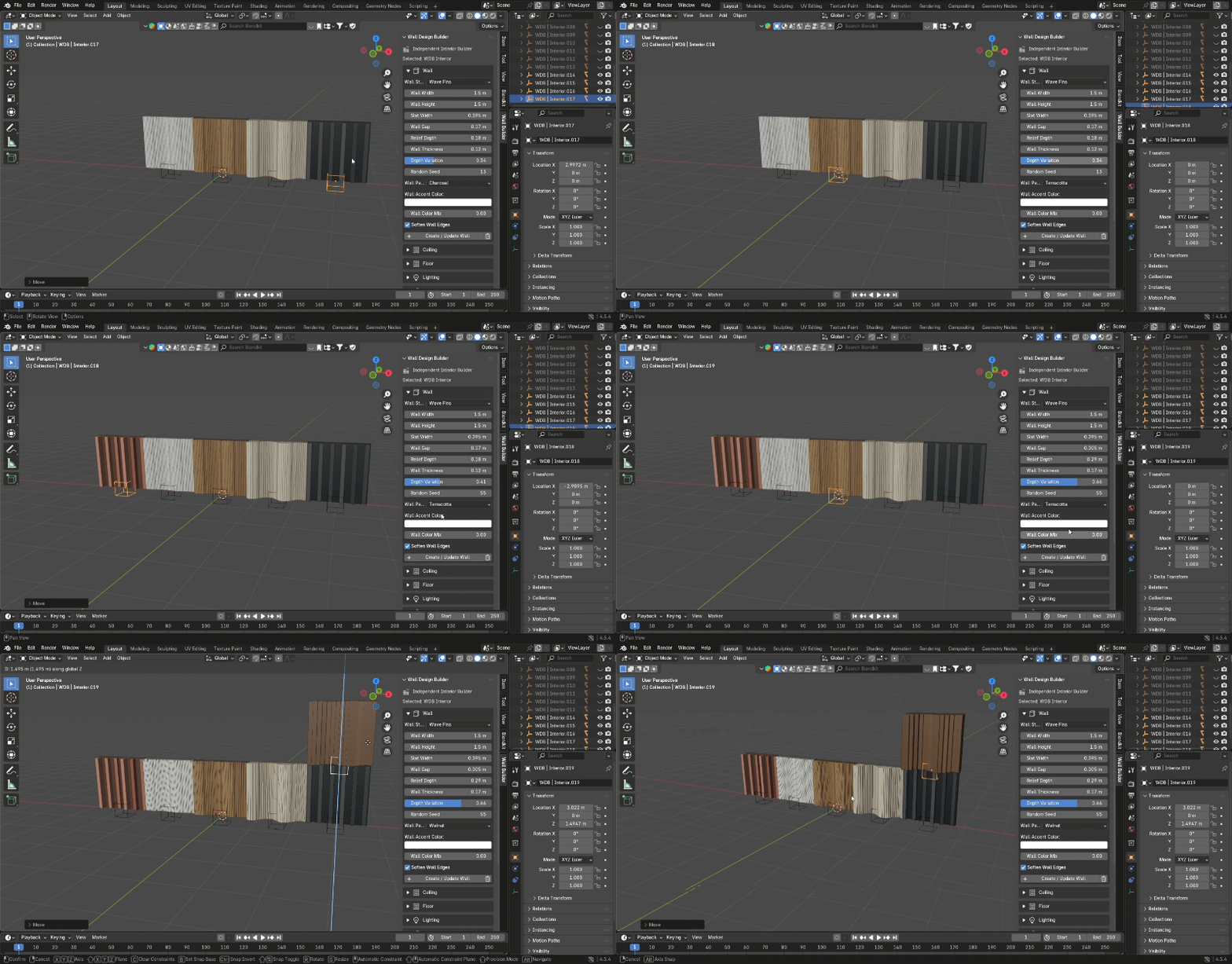
One Tool. Multiple Design Possibilities.
You are not limited to a collection of fixed wall models.
Change the pattern, dimensions, depth or colors to explore different design combinations. Create multiple independent designs within the same Blender scene and return to previously generated surfaces to modify their settings.
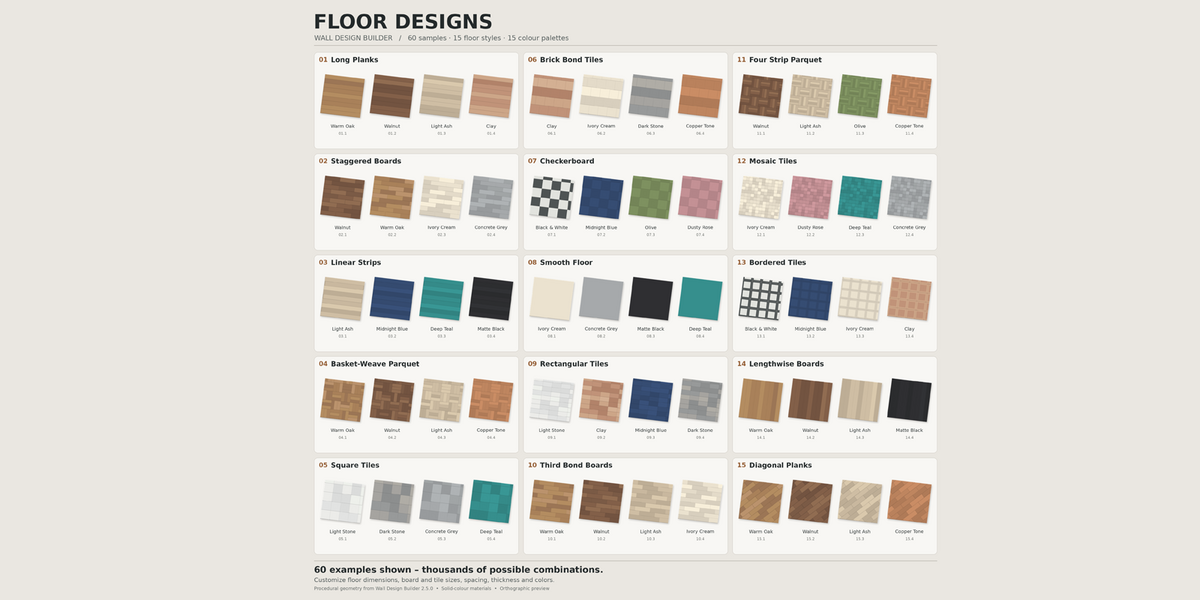
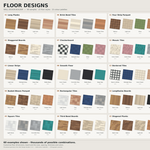
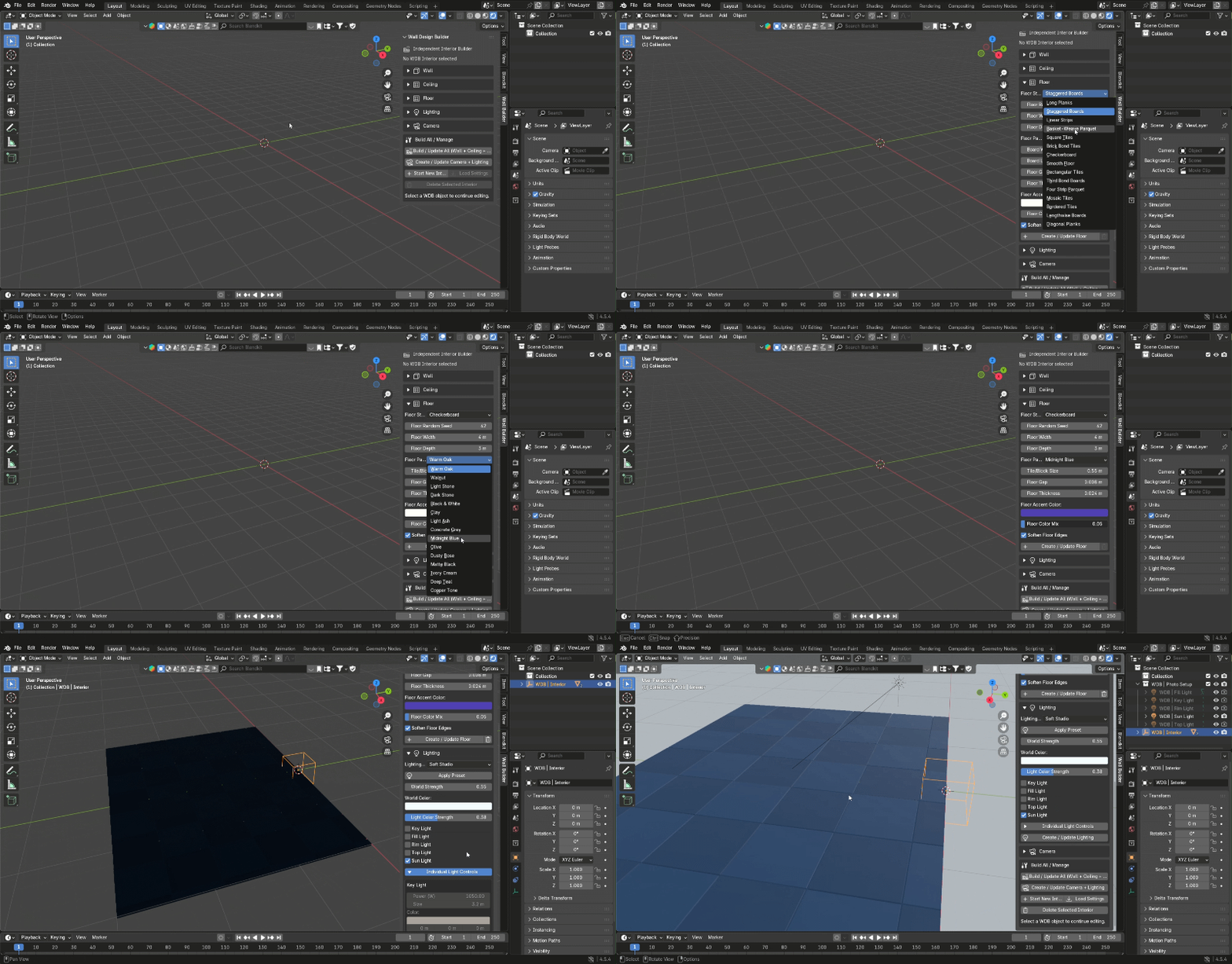
15 Procedural Floor Styles
Create floors that complement your architectural designs.
Choose from wooden plank layouts, parquet patterns, checkerboard tiles, mosaic tiles, diagonal planks, smooth surfaces and more.
Customize floor width, depth, board and tile dimensions, spacing, thickness and edge softening.
Generate a standalone floor or combine it with your walls and ceiling.
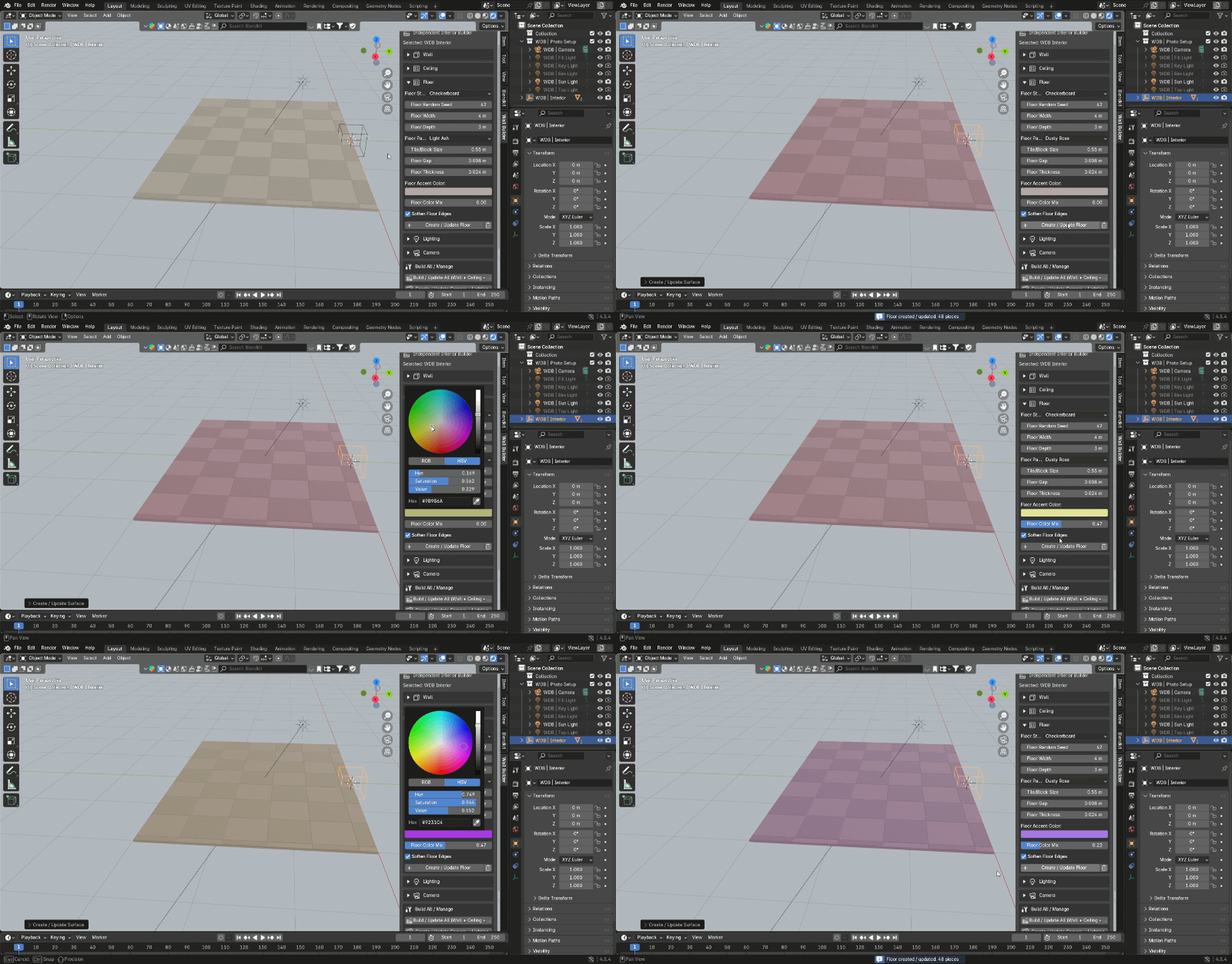
45 Built-in Color Palettes
Find the right color combination without manually creating every material.
16 wall color palettes
15 floor color palettes
14 ceiling color palettes
Choose from warm wood tones, modern neutrals, soft whites, dark colors, earthy tones and bold color combinations.
Each surface also includes an independent custom accent color and color-mixing slider, giving you additional control over its appearance.
Materials are generated automatically using Blender's Principled BSDF shader. No external texture files are required.
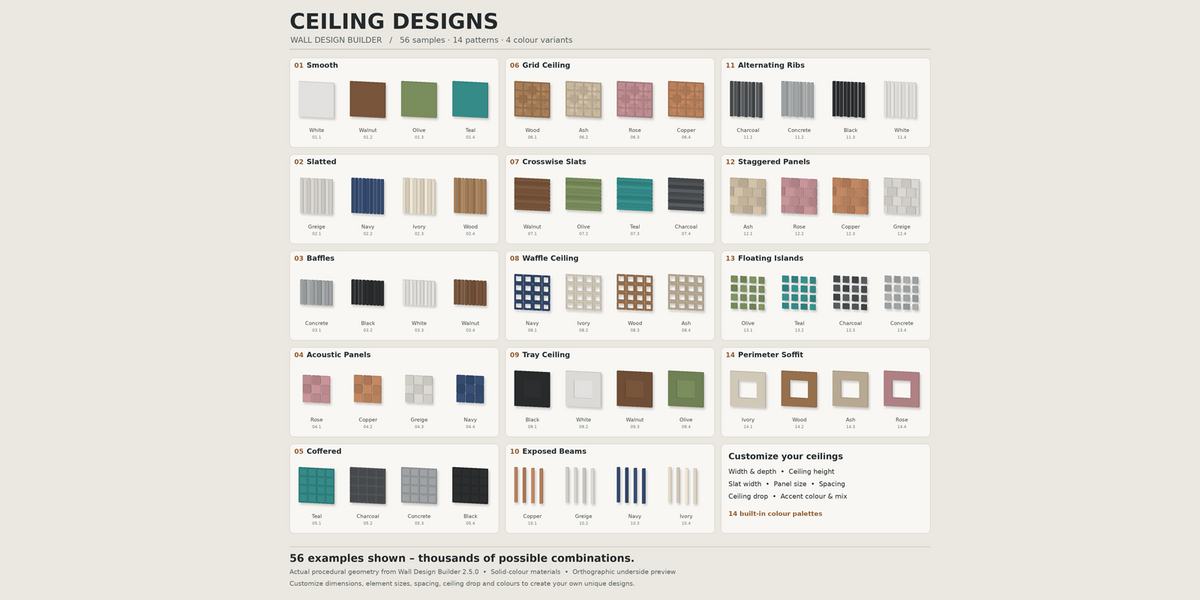
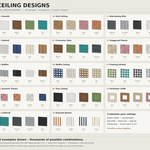
14 Procedural Ceiling Styles
Complete your architectural environment with customizable ceiling designs.
Explore slatted ceilings, acoustic panels, hanging baffles, coffered ceilings, waffle patterns, exposed beams, floating islands and more.
Control ceiling width, depth, height, element dimensions, spacing and drop depth.
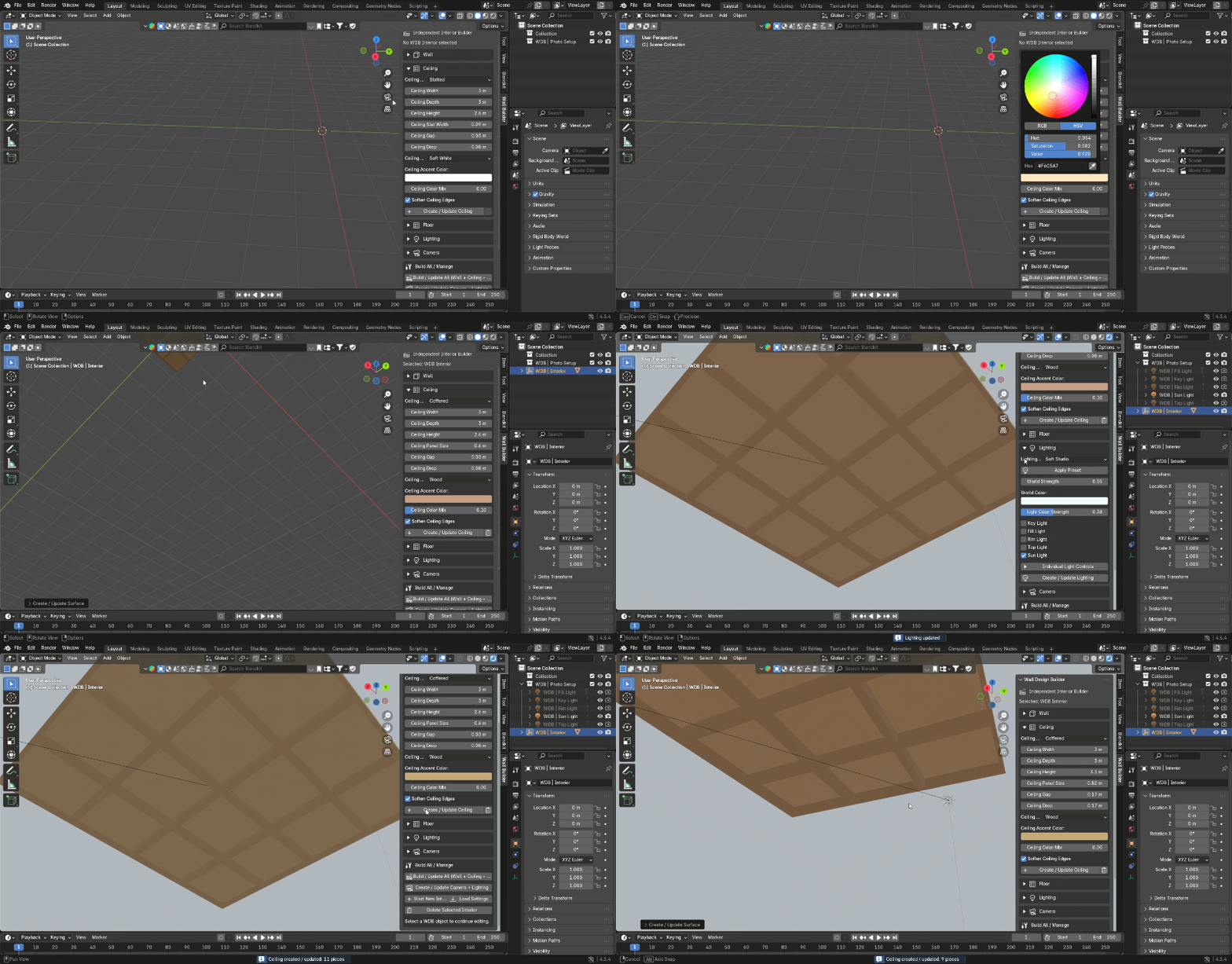
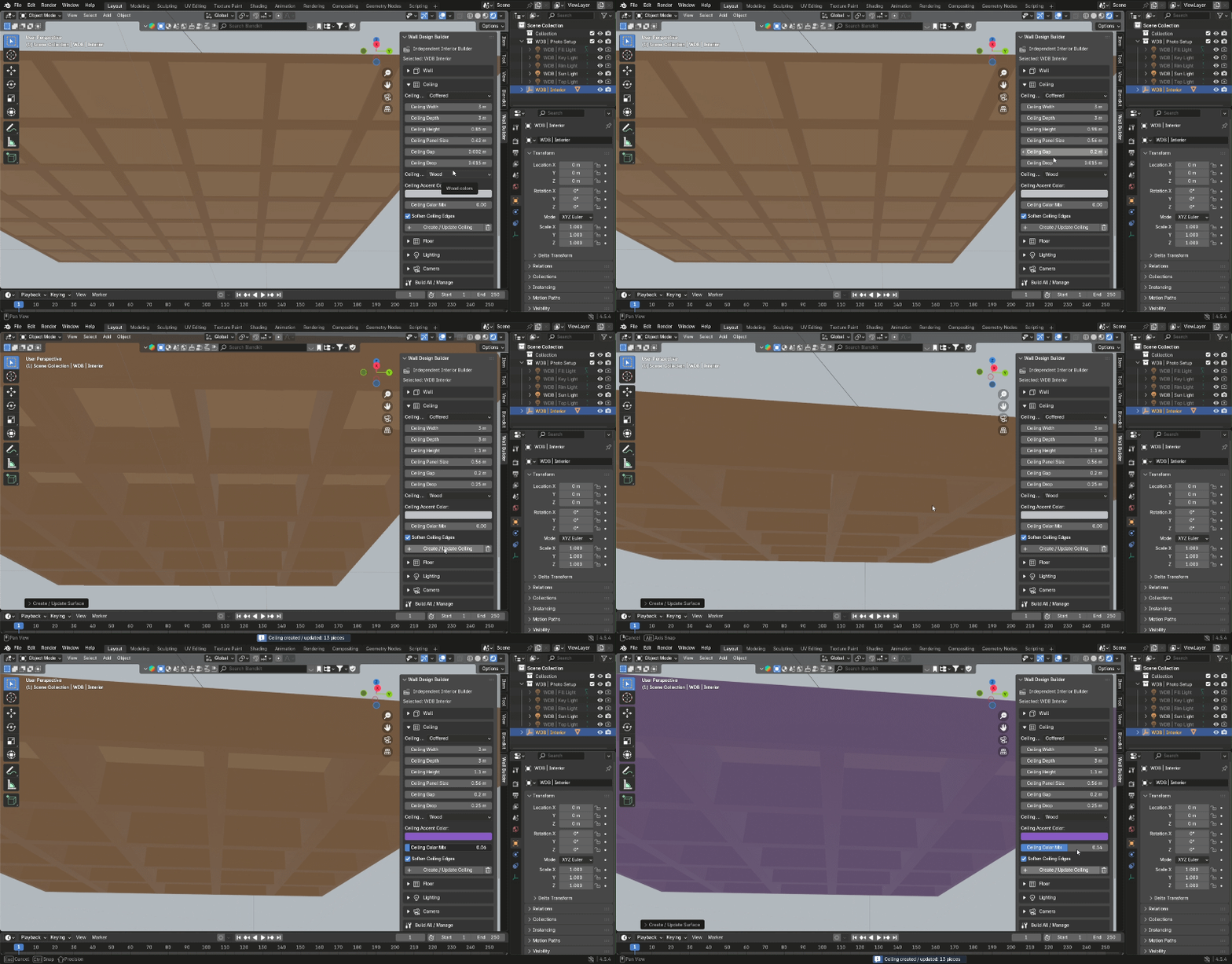
Customize Every Surface
Combine ceiling patterns with built-in color palettes or your own accent colors.
Adjust the geometry and appearance to create different design variations from the same procedural style.
Walls, floors and ceilings have their own customization controls, allowing you to develop a coordinated architectural design.
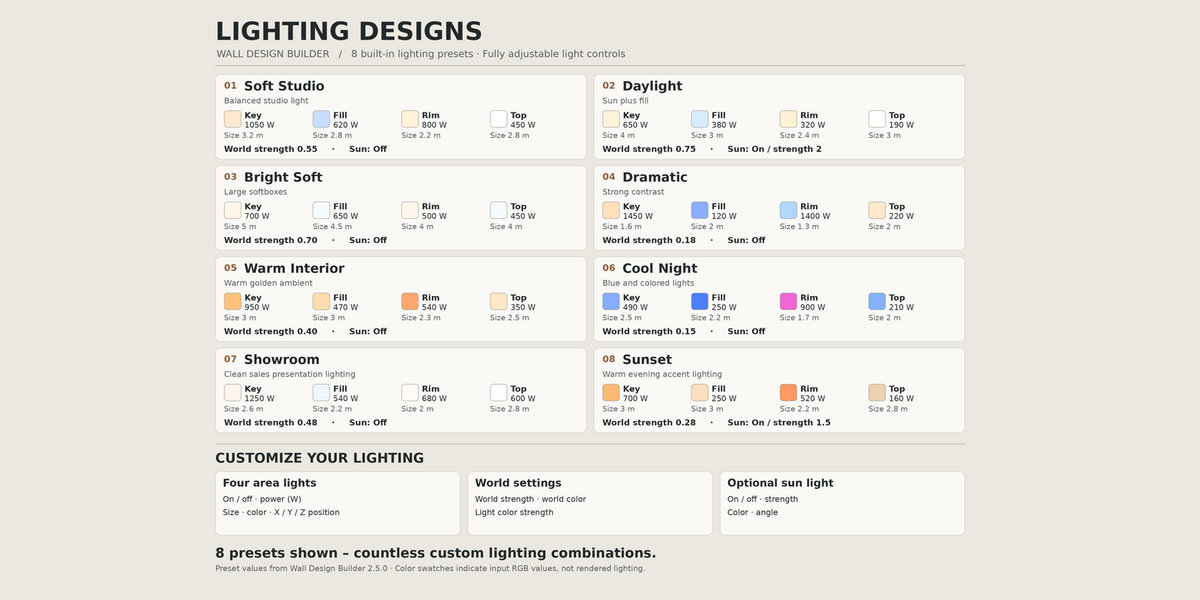
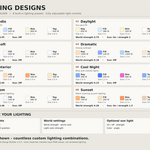
8 Lighting Presets
Give your designs a different atmosphere with eight built-in lighting presets:
Soft Studio
Daylight
Bright Soft
Dramatic
Warm Interior
Cool Night
Showroom
Sunset
Fine-tune your lighting with individual controls for key, fill, rim, top and sun lights.
Adjust light power, color, area-light size, position and world illumination directly from the add-on interface.
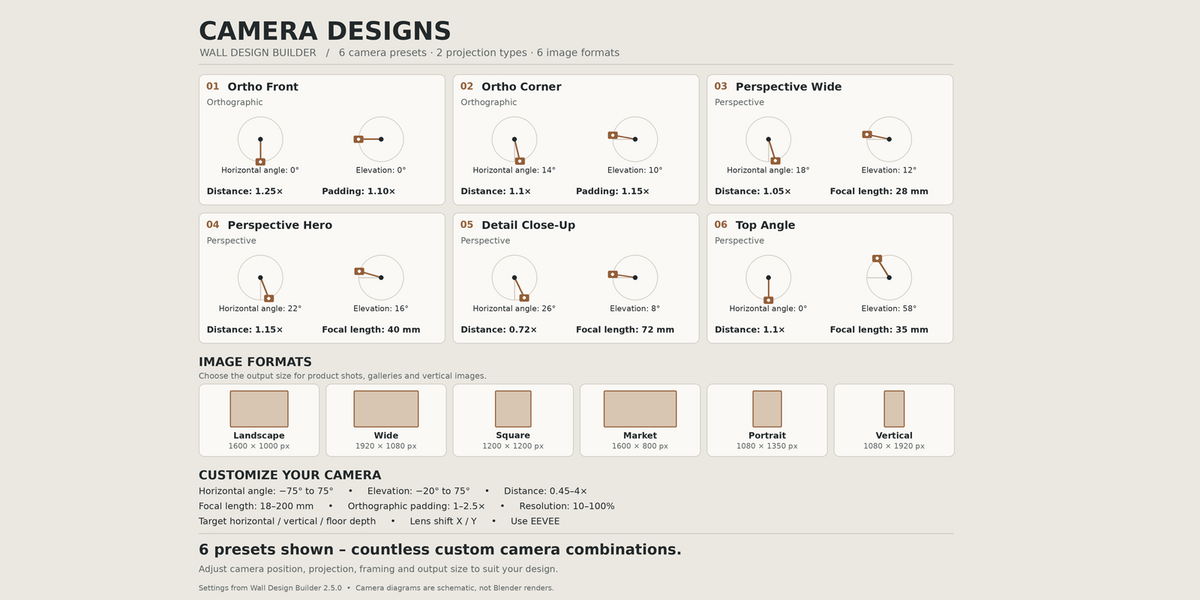
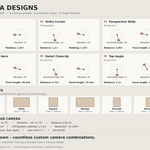
6 Camera Presets
Present your architectural designs from different viewpoints.
Choose from six camera presets:
Ortho Front
Ortho Corner
Perspective Wide
Perspective Hero
Detail Close-Up
Top Angle
Customize camera angles, distance, focal length, target position and lens shift.
Switch between orthographic and perspective cameras to achieve your preferred composition.
Ready for Your Next Render
Choose from six built-in image formats:
Landscape — 1600 × 1000
Widescreen — 1920 × 1080
Square — 1200 × 1200
Marketplace Gallery — 1600 × 800
Portrait — 1080 × 1350
Vertical — 1080 × 1920
Access the camera view, adjust render resolution and start a standard Blender render directly from the add-on panel.
An optional EEVEEsetting is available for faster previews.
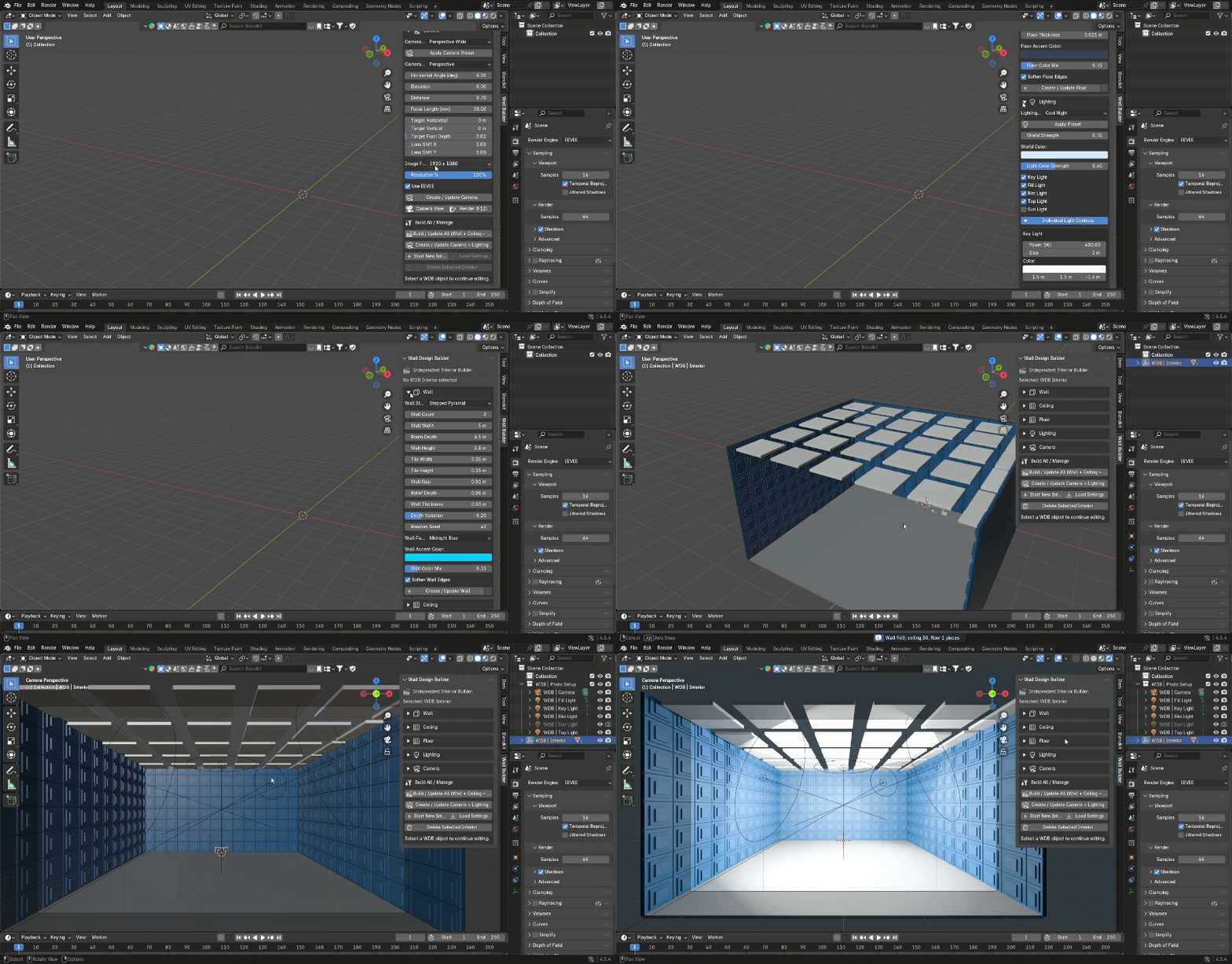
A Flexible Workflow
Wall Design Builder gives you the freedom to create only what you need.
Generate walls, floors and ceilings independently.
Build or update all three surfaces together.
Create multiple independent interiors in one scene.
Reload saved surface settings for further customization.
Delete individual surfaces or selected interiors.
Automatically coordinate surface dimensions in multi-wall layouts.
Work with standard Blender mesh geometry and materials.
Why Choose Wall Design Builder?
Save Time
Reduce repetitive modeling tasks and focus on your architectural ideas.
Real 3D Geometry
Generated slats, tiles, panels and decorative elements have physical depth and interact with scene lighting.
Creative Freedom
Combine different styles, dimensions, colors and geometric parameters instead of relying on fixed-size models.
More Than a Wall Generator
Create walls, floors, ceilings, lighting and cameras using one integrated interface.
No External Dependencies
No additional Python libraries, external texture files or online services are required.
Perfect For
Architectural visualization
Interior design concepts
Decorative feature walls
Product visualization backgrounds
Showroom concepts
Architectural pattern exploration
Creative portfolio projects
Compatibility
Minimum Blender version: 4.5
Add-on version: 2.4.0
Installation directly from the included ZIP file
Accessible from the Blender 3D Viewport sidebar (N panel)
What's Included
Wall Design Builder add-on
Installation and usage documentation
Version changelog
GPL-3.0-or-later license
This add-on generates architectural surfaces, materials, lights and cameras. Furniture, decorative props, doors, windows and external texture libraries are not included.
44 Styles. Countless Design Combinations. One Integrated Tool.
Spend less time modeling repetitive geometry and more time bringing your creative ideas to life.
