 Domenas
Wall Design Builder Documentation
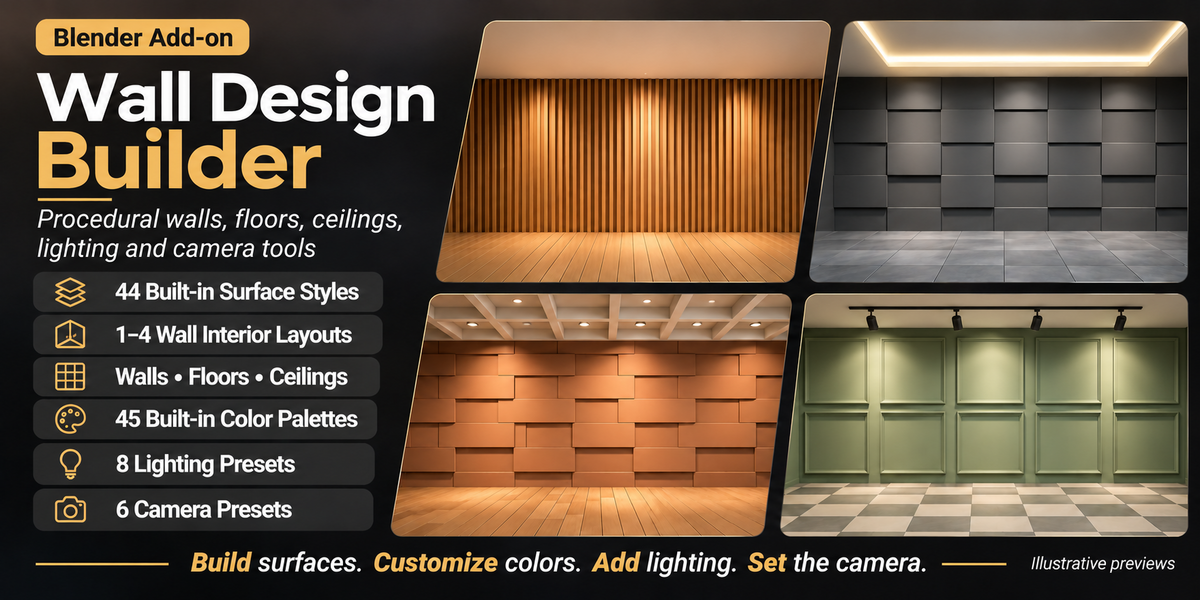
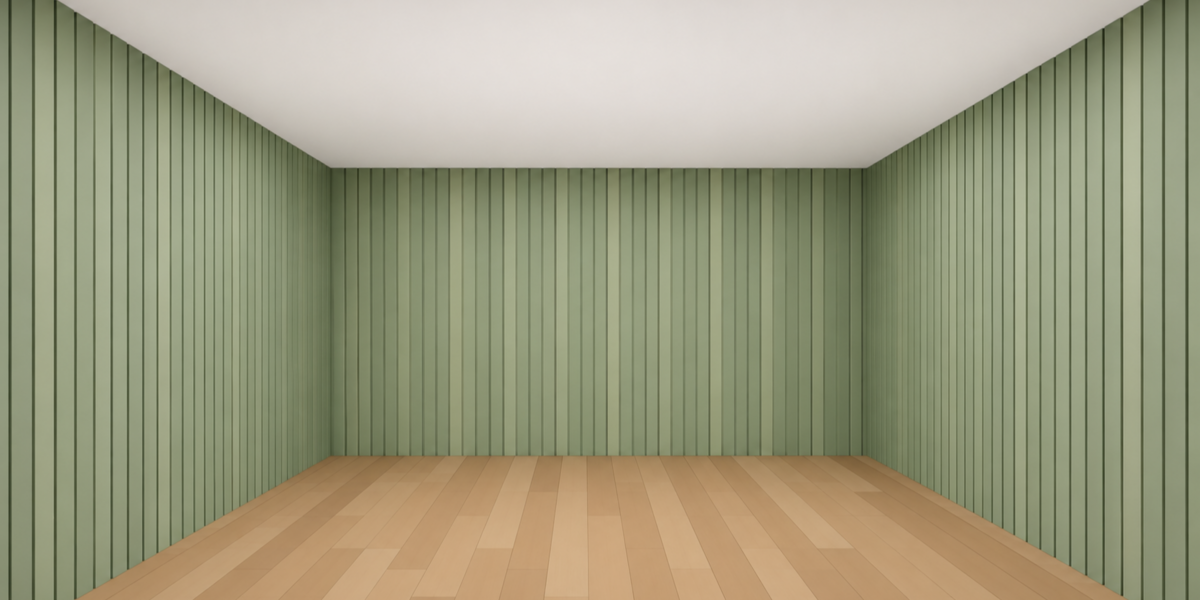
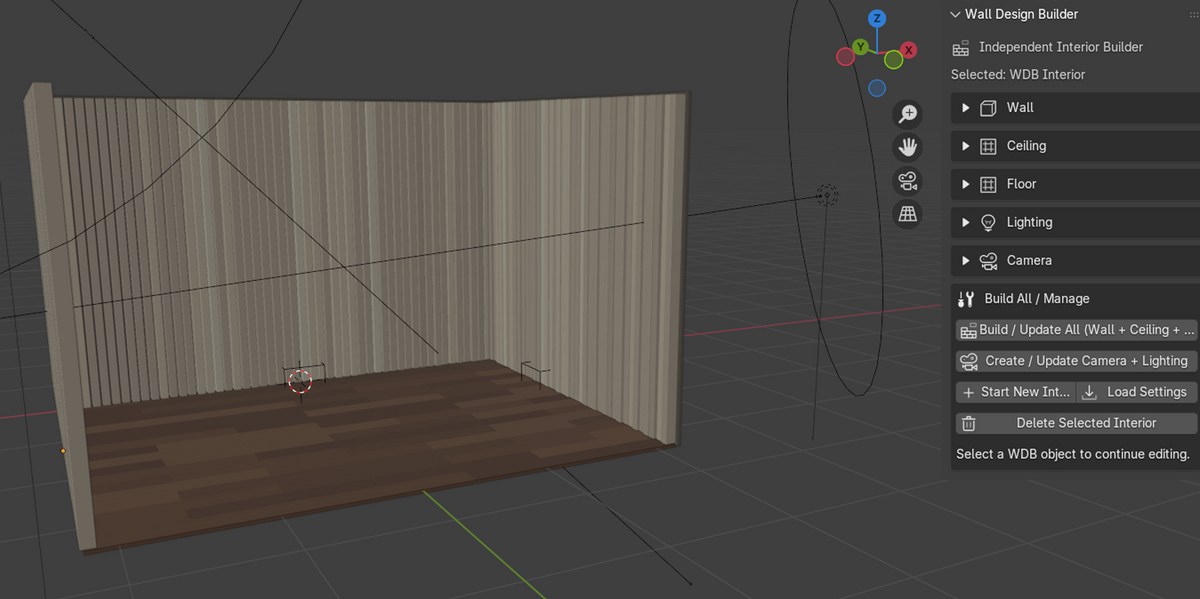
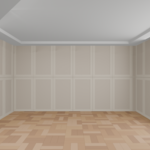
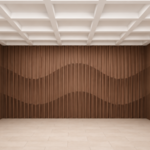
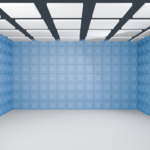
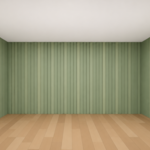
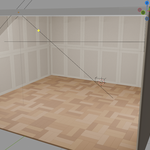
Wall Design Builder is a procedural Blender add-on for creating customizable interior surfaces and presentation setups from one interface.
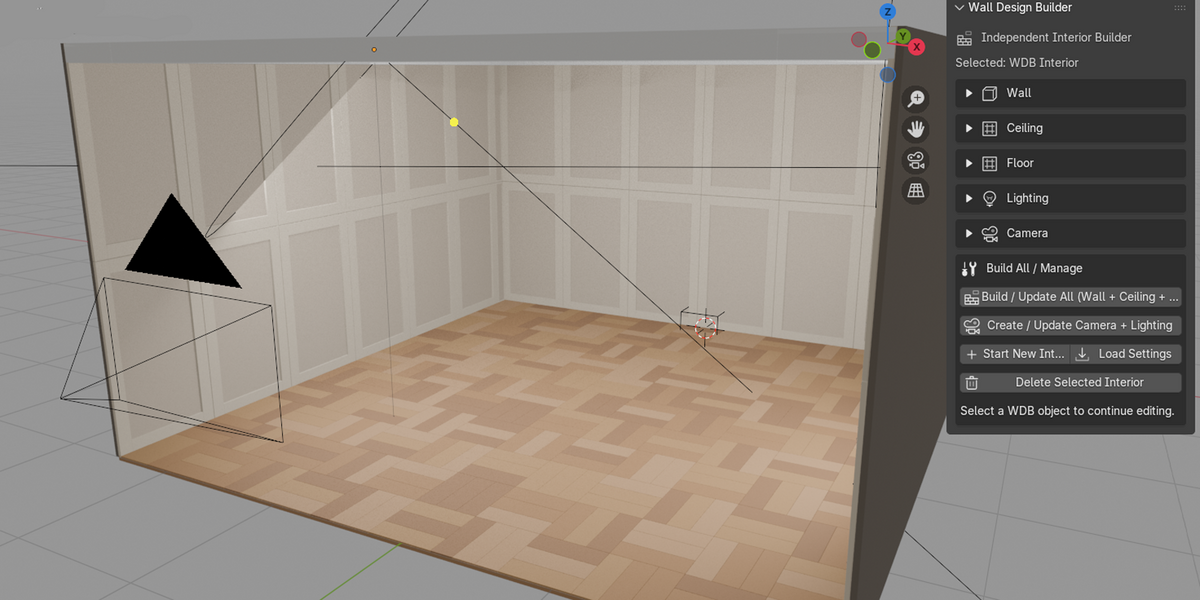
It allows you to generate walls, floors, ceilings, lighting and cameras inside Blender without manually modeling every panel, slat or tile.
This add-on is designed for users who want to create decorative interior scenes faster while still keeping control over geometry, colors, lighting and framing.
What the add-on includes
Wall Design Builder includes:
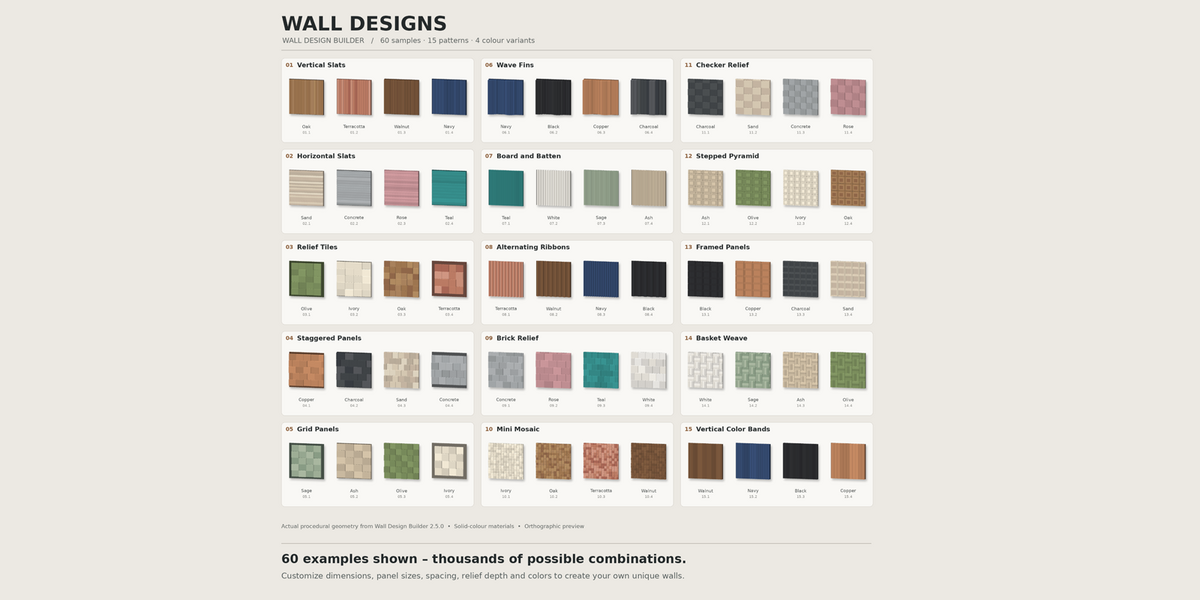
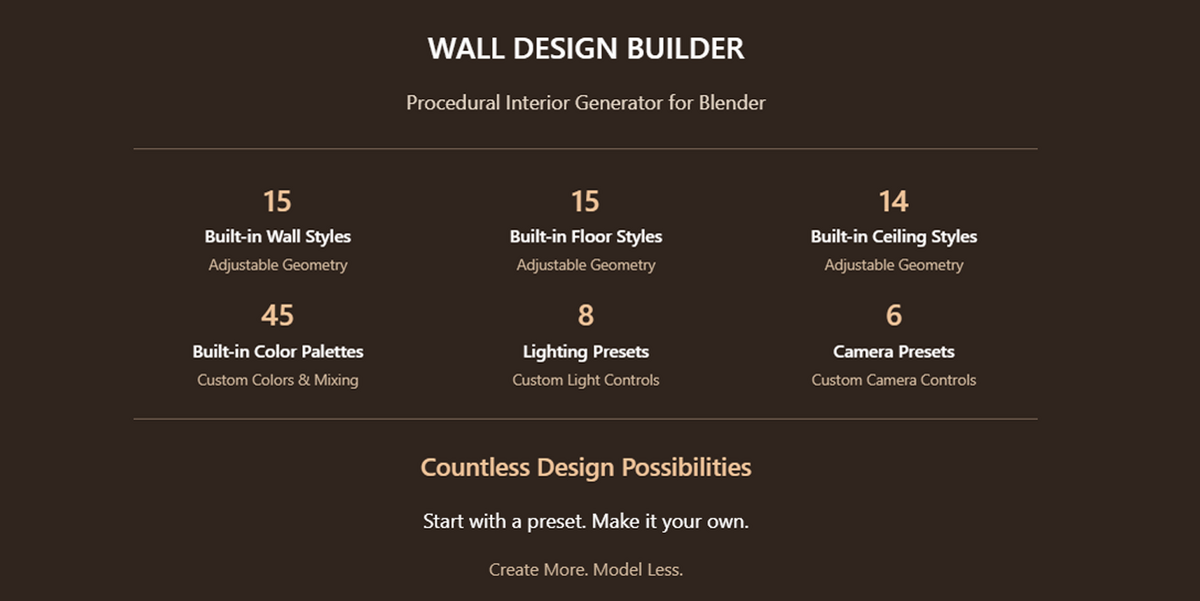
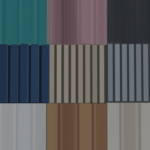
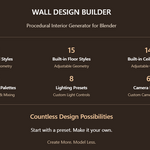
- 15 built-in wall styles
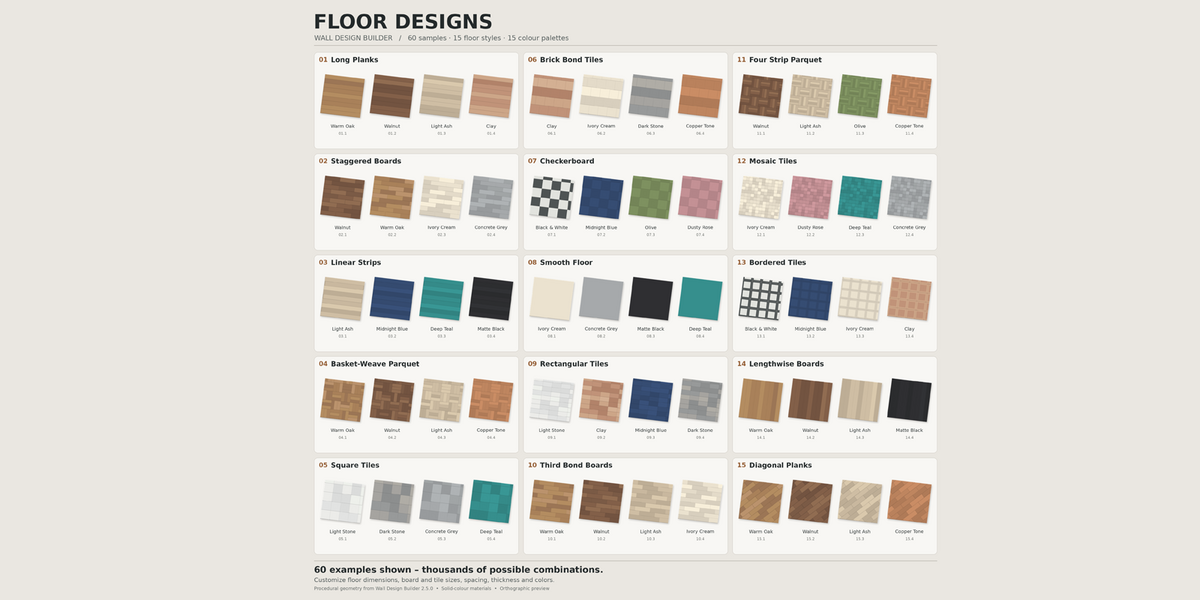
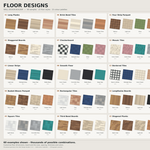
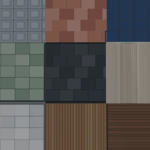
- 15 built-in floor styles
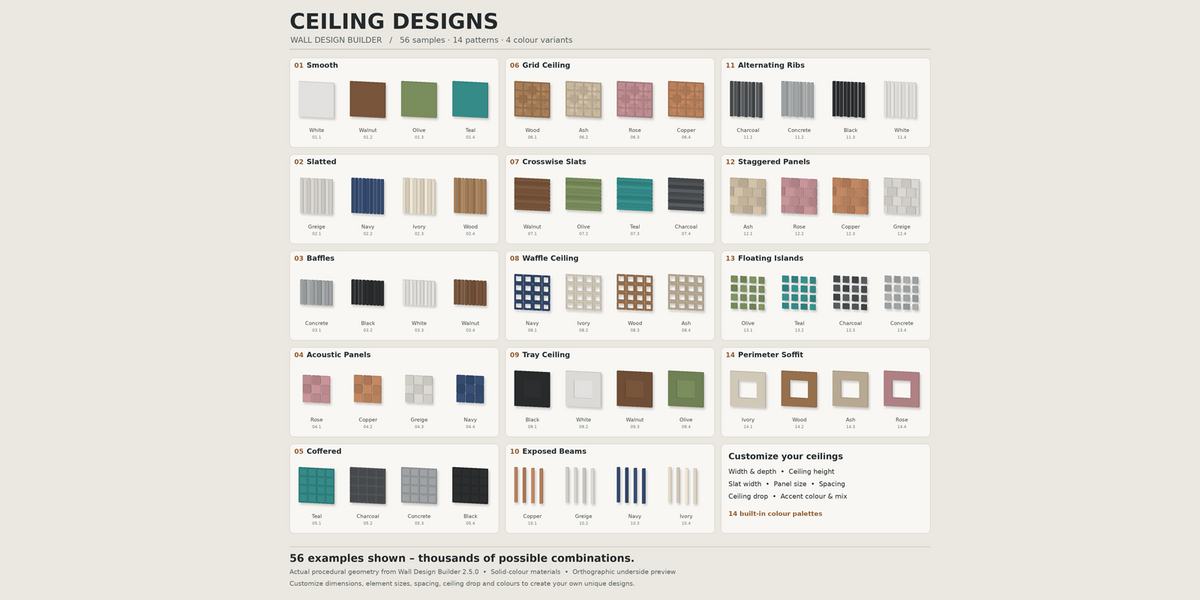
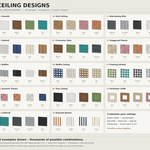
- 14 built-in ceiling styles
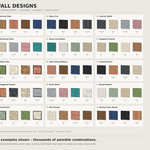
- 45 built-in color palettes
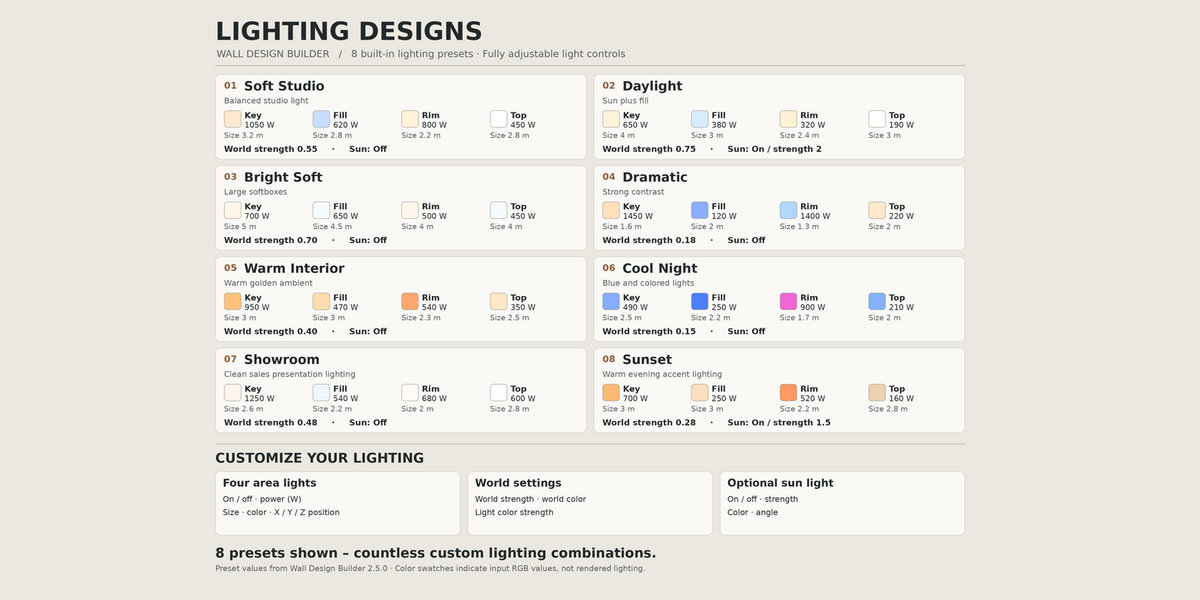
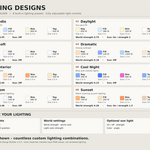
- 8 lighting presets
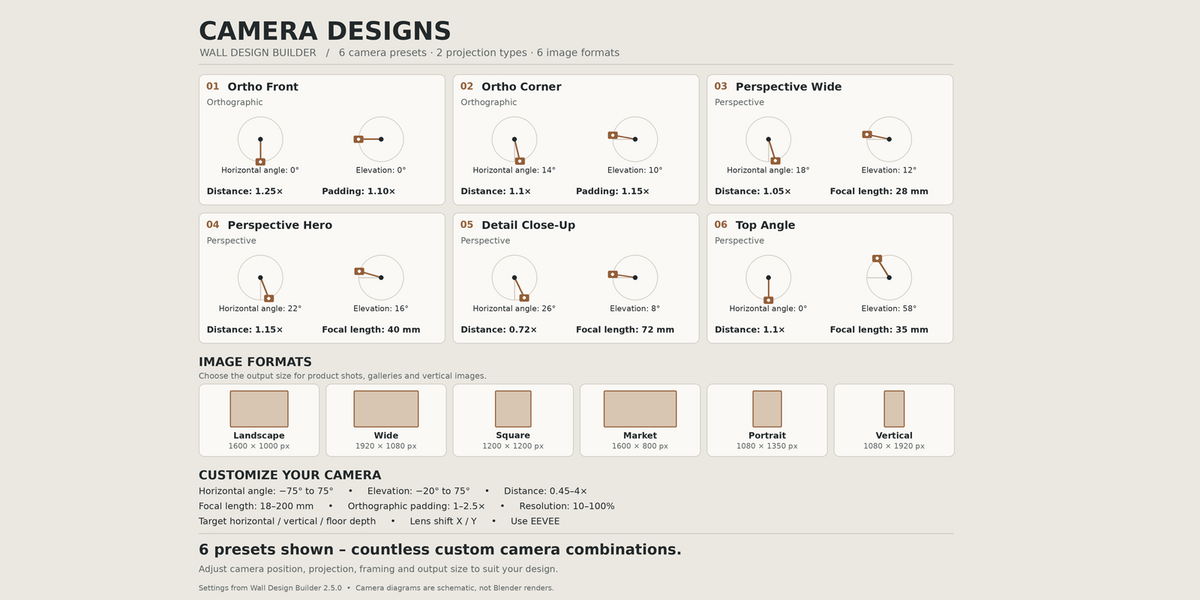
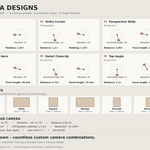
- 6 camera presets
In addition to the built-in presets, many parameters can be adjusted to create your own variations.
Main features
- Create walls, floors and ceilings independently
- Build or update all main surfaces at once
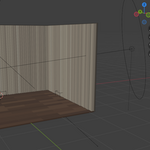
- Generate 1-wall, 2-wall, 3-wall or 4-wall interior layouts
- Adjust geometry settings such as size, spacing, depth, thickness and related style parameters
- Use built-in color palettes and custom accent color controls
- Create or update lighting and camera setups
- Choose from multiple render output formats
- Work directly from the Blender sidebar through one organized panel
- Create multiple interiors in the same scene and continue editing them later
Surface generation
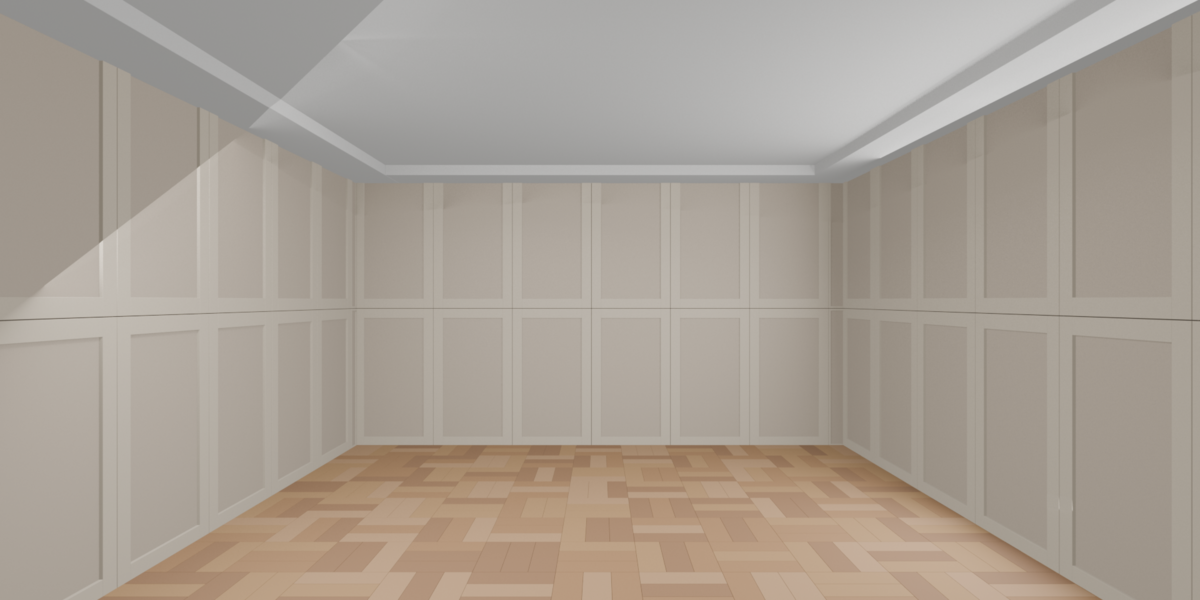
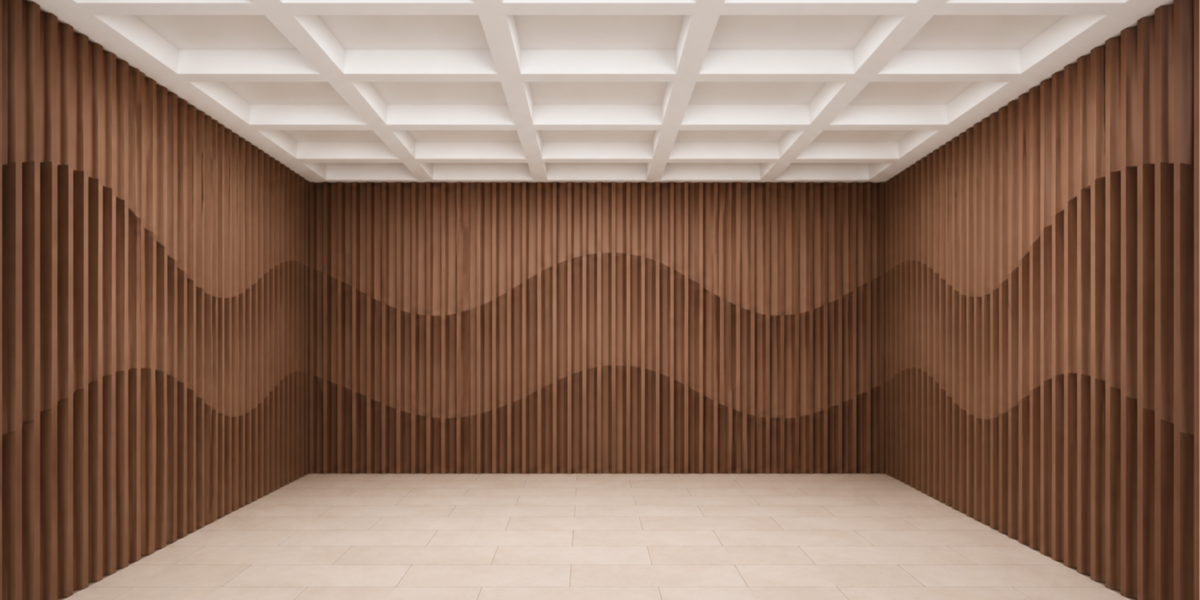
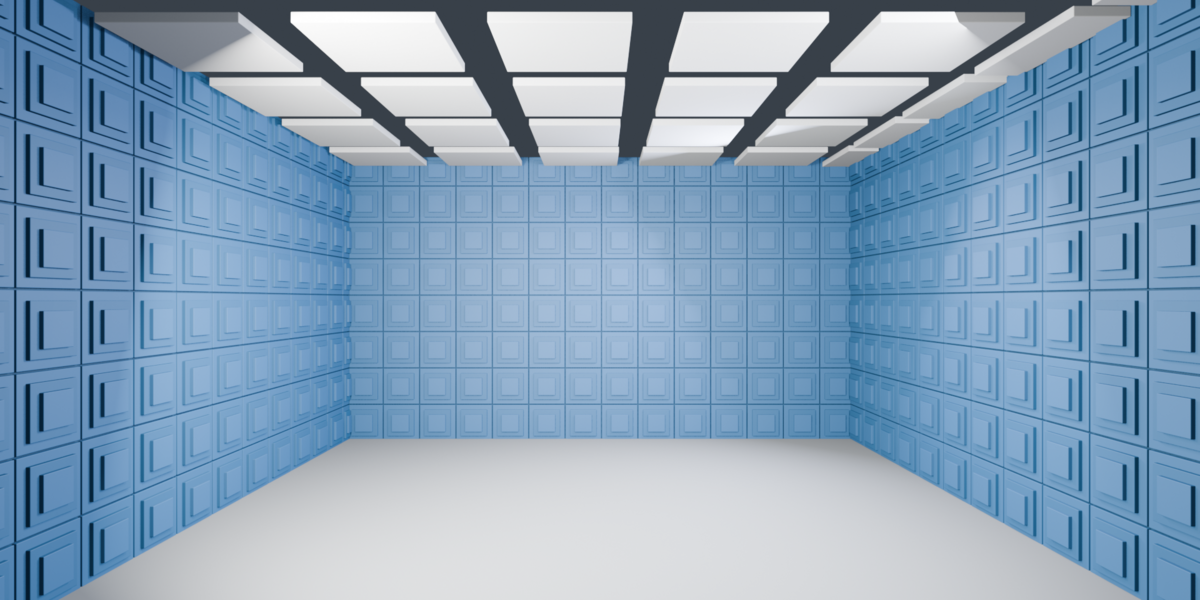
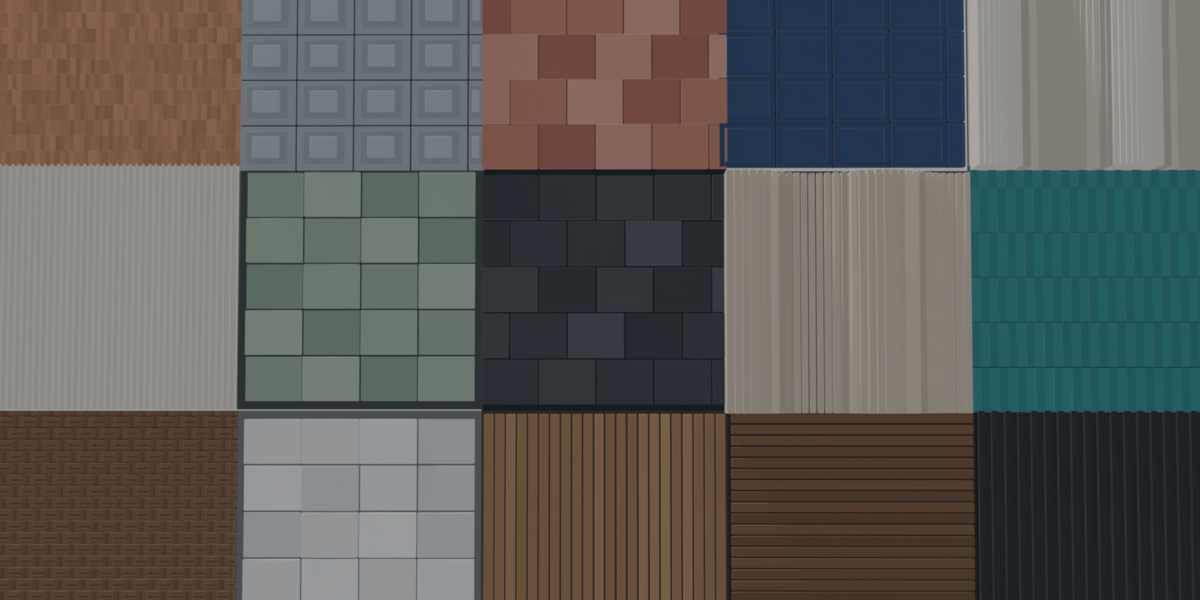
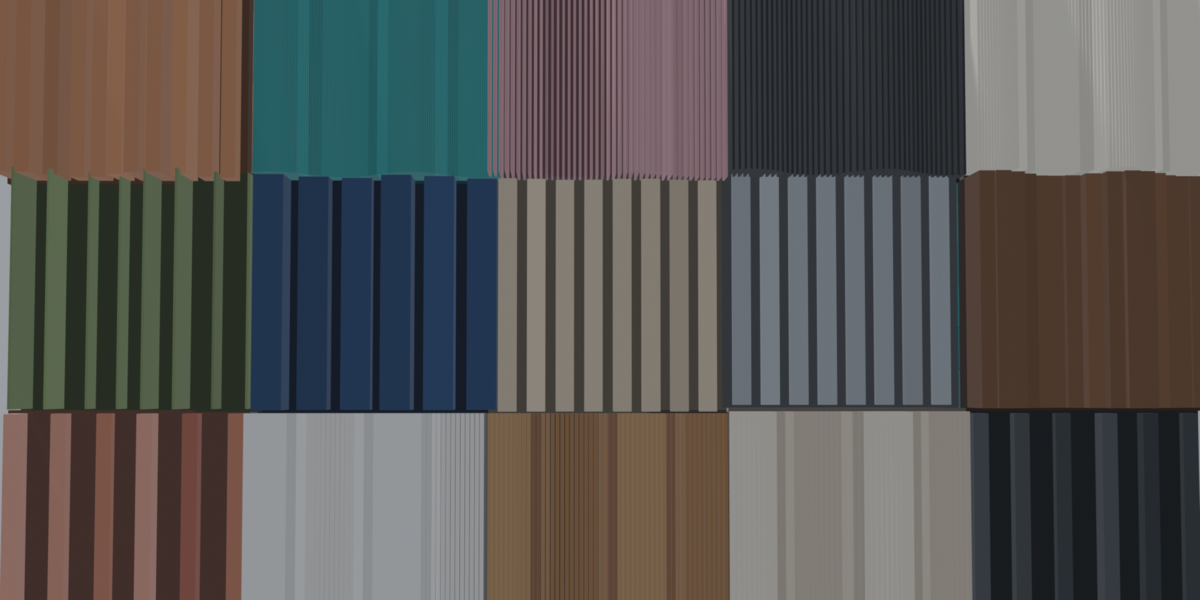
The add-on generates real mesh geometry for walls, floors and ceilings.
This means the created surfaces are not just flat preview images — they are editable Blender objects that can be rendered inside your scene.
The built-in styles can be customized through the available controls in the add-on.
Color controls
Wall Design Builder includes 45 built-in color palettes across walls, floors and ceilings.
These palettes are intended as starting points.
The add-on also provides custom accent color and color mix controls, allowing you to create more variations beyond the built-in palette list.
Lighting
The add-on includes 8 lighting presets for quickly setting up the mood of the scene.
You can also adjust lighting parameters through the available controls, making the presets a starting point rather than a final limit.
Camera
Wall Design Builder includes 6 camera presets.
These presets help create ready-to-use views for presentation and rendering, while still allowing adjustment of framing-related settings.
Render setup
The add-on includes built-in image format presets for different presentation needs, such as:
- landscape
- widescreen
- square
- marketplace gallery
- portrait
- vertical
This helps prepare images for product previews, galleries and social-media-style formats.
Installation
- Open Blender.
- Go to Edit > Preferences > Add-ons.
- Click Install...
- Select the supplied ZIP file.
- Enable Wall Design Builder.
- Open the 3D Viewport and press N to open the sidebar.
- Find the Wall Builder tab.
Basic workflow
A simple workflow is:
- Create a new interior.
- Choose a wall style and adjust its settings.
- Create a floor and ceiling if needed.
- Apply a color palette and custom color adjustments.
- Add lighting.
- Add a camera.
- Choose an output format and render.
Important notes
- This product is a procedural add-on, not a collection of static prebuilt scenes.
- The included presets are starting points that can be customized through the available controls.
- The add-on creates walls, floors, ceilings, lighting and cameras.
- Furniture, props, doors, windows and external texture libraries are not included.
- No external assets or additional Python libraries are required for normal use.
Compatibility
- Minimum Blender version: 4.5
- Add-on version should match the supplied ZIP file version
Have questions about this product?
Login to message
| Blender Extension Compatible | Yes |
| Published | about 22 hours ago |
| Blender Version | 4.5 |
| Extension Type | Add-on |
| Render Engine Used | Eevee |
| License | GPL |

Discover more products like this
product-visualization Lighting wall generator architecture Interior Design ceiling generator Room Builder wall panels floor generator parametric modeling ArchViz procedural modeling